

More AI Image Generators
Explore our collection of specialized AI image generators designed for different creative needs and styles










AI Blue Eye Filter for Natural Blue Eyes
Let AI Blue Eye Filter transform eye color to blue.
Use AI Blue Eye Filter to preview a polished blue-eye transformation from one uploaded photo. This AI Eye Color Changer is built for realistic portraits, helping each Eye Color Effect stay bright, balanced, and connected to the original image.

How to Use AI Blue Eye Filter
The workflow keeps AI Blue Eye Filter practical: upload a clear portrait, generate a blue-eye version, then compare the original and edited photo before saving your preferred Eye Color Effect.

Upload to AI Blue Eye Filter
Start with a clear selfie, profile photo, or portrait where both eyes are visible. AI Blue Eye Filter reads the face, gaze direction, iris area, and lighting so the blue transformation follows the original photo rather than covering it with a flat tint.

Generate with AI Blue Eye Filter
Run AI Blue Eye Filter and let the model create a natural blue-eye version of your image. The AI Eye Color Changer adjusts hue, saturation, shadow, and catchlights while keeping the same person, pose, background, makeup, and facial expression intact.

Compare AI Blue Eye Filter Results
Review the before-and-after portrait, check whether the Eye Color Effect fits your face, and save the result you prefer. AI Blue Eye Filter makes it easy to test a blue-eyed look for social posts, profile images, creative concepts, or personal style planning.
Best AI Image Tools for Creative Projects
Explore creative tools for image, learn tips and tricks, and see how AI can be your assistant in turning concepts into finished projects.















Features of AI Blue Eye Filter
AI Blue Eye Filter focuses on realistic iris color, identity preservation, and useful before-and-after comparison. It gives every blue-eye edit a clear purpose while keeping the uploaded portrait as the visual anchor.

Natural AI Blue Eye Filter Results
- AI Blue Eye Filter changes eye color to blue while keeping the original portrait recognizable.
- Use AI Blue Eye Filter when you want a blue-eyed preview that feels photographic, not painted on.
- The result gives you an Eye Color Effect that can look vivid in close-up portraits while still respecting the source image lighting, camera angle, and natural facial contrast.

AI Blue Eye Filter Identity Preservation
- A useful AI Eye Color Changer should not make the person look unfamiliar.
- AI Blue Eye Filter is guided to preserve facial structure, gaze, expression, skin texture, hair, clothing, and background while changing only the iris color direction.
- This makes AI Blue Eye Filter suitable for profile photos, creator images, and portrait experiments.

Balanced Blue-Eye Color
- AI Blue Eye Filter treats blue eyes as a lighting-aware edit, not a single color overlay.
- With AI Blue Eye Filter, shadows and highlights stay tied to the original scene.
- That helps the Eye Color Effect avoid harsh neon tones and gives the iris more believable depth, especially in portraits with side light, indoor light, or close facial framing.

AI Blue Eye Filter for Creative Portraits
- Use AI Blue Eye Filter to create a clear visual reference before changing a profile image, building a character concept, or testing a new portrait mood.
- AI Blue Eye Filter gives creators an AI Eye Color Changer workflow that starts from their own image instead of unrelated inspiration photos, so the final choice feels personal and easier to explain.
Why Choose AI Blue Eye Filter
AI Blue Eye Filter is made for people who want a believable blue-eye preview from their own uploaded image, with enough control to judge the finished result before sharing or planning.
Try Blue Eyes Before a New Look
Before committing to colored contacts, cosplay makeup, or a new portrait style, use AI Blue Eye Filter to see how blue eyes work with your face. The result gives you a quick personal reference, so the decision is based on your own image instead of someone else's eye color. You can compare the edit against your natural look and notice whether the change feels subtle, dramatic, warm, or too intense.

Refresh Profile Photos
Creators, students, and professionals can use AI Blue Eye Filter to test a sharper portrait mood without reshooting. The AI Eye Color Changer keeps the pose and expression familiar while the blue eyes add a clean visual change for profile photos, dating images, thumbnails, or personal branding. It is also useful when you want several style directions from one strong source image.

Build Character and Cosplay Concepts
For fantasy portraits, character sheets, and cosplay previews, AI Blue Eye Filter turns a normal photo into a stronger concept reference. The blue-eyed result can guide makeup, contact lens choices, lighting ideas, or wardrobe direction while keeping the original facial identity available for comparison. This makes planning easier when a character needs striking eyes but the finished portrait still needs human realism.

Create Social Portrait Edits
A blue-eyed edit can make a selfie feel more dramatic without changing the whole photo. AI Blue Eye Filter helps create a polished color change that fits social posts, story covers, and creator galleries while preserving the expression, framing, and everyday details people already recognize. The image can still feel casual, but the eyes carry a cleaner visual focus.

Compare Subtle and Vivid Blue
Different blue tones can change the mood of a portrait. AI Blue Eye Filter helps you evaluate a soft natural blue against a brighter editorial look, especially when skin tone, makeup, and lighting are important. The before-and-after comparison keeps the choice visual and grounded, so you can decide whether the blue should blend in or become the main feature.

Plan Editorial Photo Ideas
Photographers and art directors can use AI Blue Eye Filter as a fast concept reference before arranging wardrobe, lighting, or retouching notes. The AI Eye Color Changer result can clarify whether blue eyes support a clean beauty direction, a cinematic portrait, or a stylized character treatment. It gives collaborators a concrete image to discuss before production choices become expensive.
What Users Say About AI Blue Eye Filter
People use AI Blue Eye Filter for contact lens previews, profile images, cosplay planning, and creative portrait edits. Their feedback centers on realistic iris color, recognizable faces, and practical before-and-after comparison across everyday and creative uses.
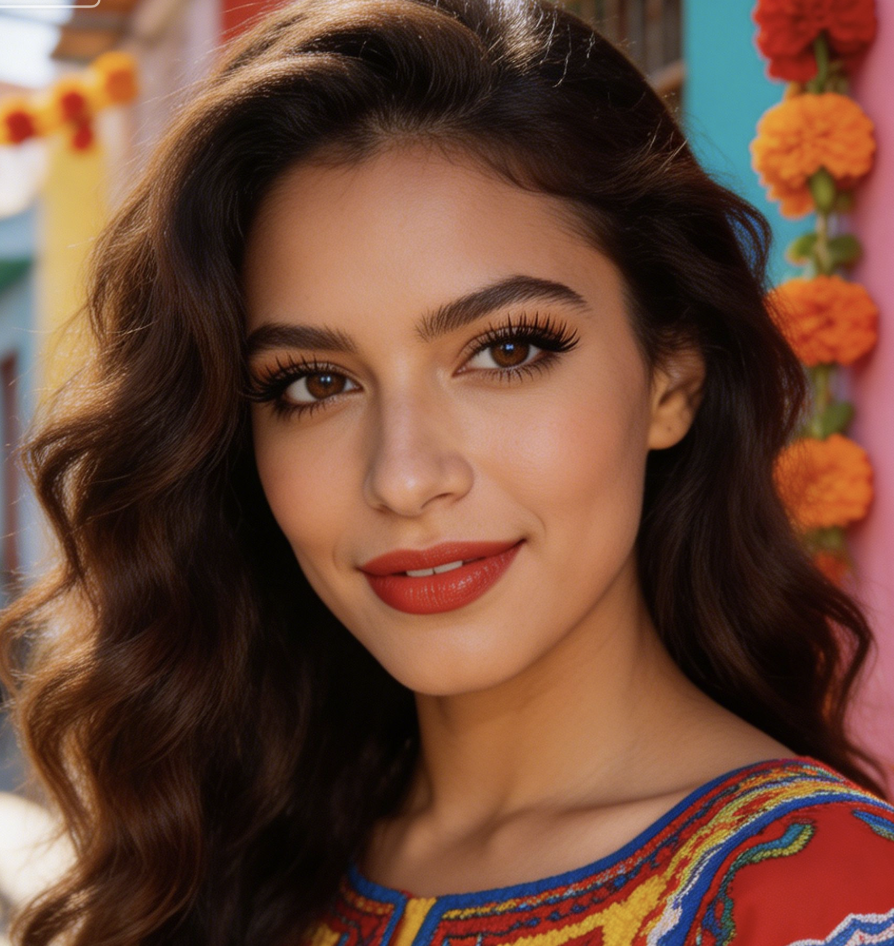
I wanted to see whether blue contacts would suit me before buying them. AI Blue Eye Filter made the preview feel like my actual portrait, not a random makeover, so I could compare the look without guessing.
The best part was that my face stayed the same. AI Blue Eye Filter changed the iris color while keeping my expression and lighting intact, which made the Eye Color Effect easy to judge.
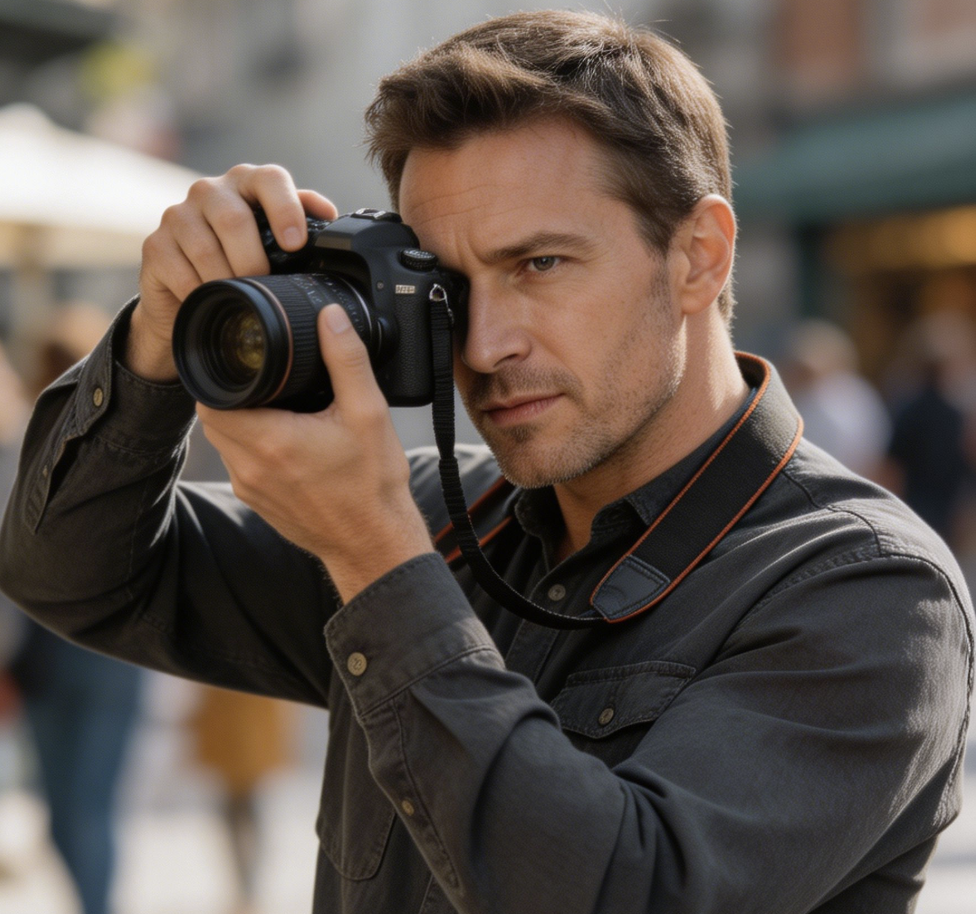
I used AI Blue Eye Filter for a character concept board. It helped me test a blue-eyed version of the actual model photo, so costume, makeup, and lighting decisions became much easier to explain.
A lot of eye color apps look too bright or fake. AI Blue Eye Filter gave me a softer result with iris detail and realistic shadows, which made the edit feel more natural.
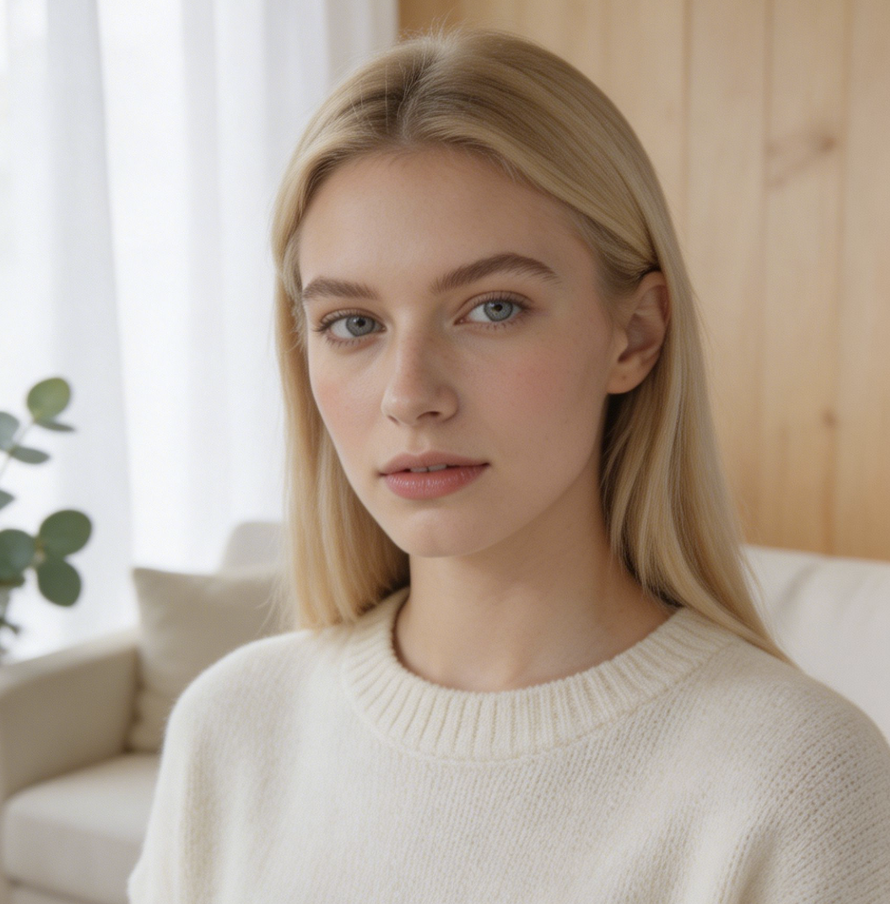
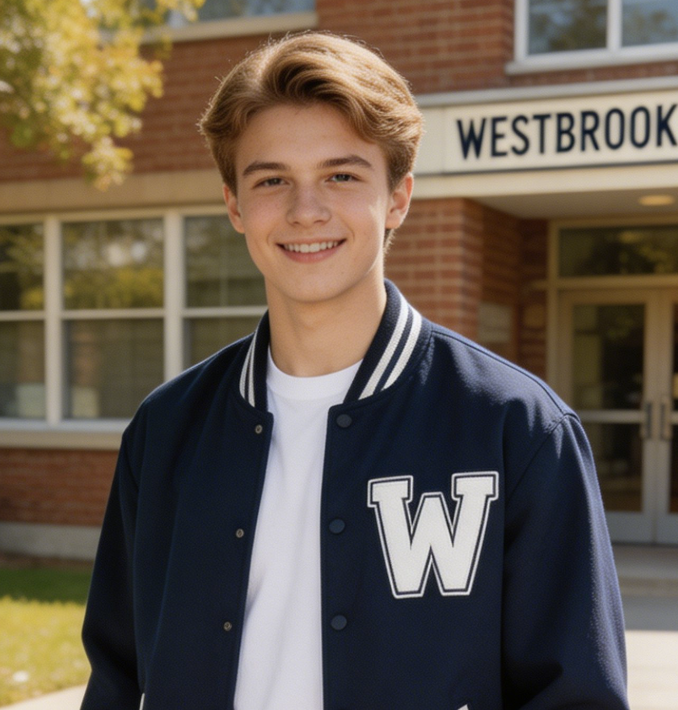
For profile photo planning, AI Blue Eye Filter was useful because I could keep the same headshot and only test the eye color. The comparison made the visual change clear in seconds.
I needed a quick reference for a fantasy portrait. AI Blue Eye Filter gave me a believable blue-eye version that still looked like the same person, so the final edit direction felt focused.
FAQs About AI Blue Eye Filter
These answers explain how AI Blue Eye Filter turns an uploaded portrait into a blue-eye preview, what photos work best, and how to use each generated result responsibly after editing.
AI Blue Eye Filter is an image editing tool that takes an uploaded portrait and generates a blue-eye version of the same photo. Instead of placing a simple blue overlay on the eyes, AI Blue Eye Filter should preserve iris texture, pupil shape, eyelids, catchlights, skin tone, expression, and lighting so the result looks like a believable portrait edit of one person.
The tool starts from your uploaded image, then the AI Eye Color Changer model identifies the eye area and creates a blue iris transformation. AI Blue Eye Filter should keep the face, gaze, pose, background, and clothing stable while adjusting color, shadow, and reflection inside the eyes. A strong result looks connected to the original lighting instead of pasted on.
AI Blue Eye Filter works best with a clear portrait where the eyes are visible, open, and not heavily hidden by hair, sunglasses, blur, or deep shadow. A front-facing selfie, clean headshot, or well-lit portrait can all work well. For a better Eye Color Effect, choose a source image with enough detail around the iris and eyelids before generation and review.
Yes. AI Blue Eye Filter is designed to preserve the person in the image while changing the eye color direction. It should keep facial features, expression, gaze, skin texture, hairstyle, clothing, and background as stable as possible. Any AI edit can vary with source quality, so use a clear image and review the result before publishing it publicly or professionally.
AI Blue Eye Filter can support a range of blue-eye looks depending on the uploaded photo and generation behavior. Some portraits work better with soft natural blue, while others can carry a brighter or more cinematic blue. Treat the result as a visual preview, then compare it with the original image to decide which blue tone feels most balanced overall.
A basic Eye Color Effect may only recolor the iris with a flat tint. AI Blue Eye Filter is positioned as a model-based transformation that considers iris structure, lighting, pupil shape, eyelid edges, and surrounding skin. That makes AI Blue Eye Filter more useful when you want the blue eyes to look integrated with the original portrait naturally in context.
Yes. You can use AI Blue Eye Filter as a visual planning tool before buying blue contacts, developing a cosplay look, or preparing a fantasy portrait. The generated image can show how blue eyes interact with your complexion, brows, makeup, and lighting. It should guide creative decisions, not replace professional fitting or safety advice for contact lenses or eye care.
You can use the generated result from AI Blue Eye Filter for personal previews, profile concepts, social posts, mood boards, and creative direction. For important public or commercial use, review the final image carefully and follow the terms of the platform or product you publish with. The result should be treated as an edited image, not an untouched photograph or identity document.
Try AI Blue Eye Filter Today
Upload a portrait and let AI Blue Eye Filter generate a realistic blue-eye version you can compare, save, and use as a clear reference for your next look today with confidence.
