
More AI Image Generators
Explore our collection of specialized AI image generators designed for different creative needs and styles








AI Pop Art Filter for Photo to Pop Art
Let AI Pop Art Filter remake the photo with the unmistakable energy of pop art.
Use AI Pop Art Filter when you want a recognizable subject, a bolder color story, and a clean pop art treatment that still feels connected to the source photo.

How to Turn Photo Into Pop Art
AI Pop Art Filter keeps the workflow simple: upload a photo, generate a stylized version, then review the artwork. AI Pop Art Filter focuses on source-photo continuity and bold graphic treatment.

Upload to AI Pop Art Filter
Start with a photo that clearly shows the subject, lighting, and overall composition. AI Pop Art Filter uses the upload as the visual foundation, so portraits, pet shots, product details, and city scenes all benefit from readable edges. The model can then interpret the image while keeping the main subject recognizable.

Generate a Pop Art Look
After upload, AI Pop Art Filter studies faces, contours, shadows, clothing, and background shapes before applying a Pop Art Effect. The AI Pop Art Generator can add high-contrast outlines, posterized color, comic-inspired shading, and halftone rhythm while preserving the source pose and composition.

Review and Use the Result
Compare the original with the transformed artwork and choose the version that best fits your project. AI Pop Art Filter is useful when you need to Turn Photo Into Pop Art for avatars, posters, profile images, editorial concepts, or playful campaign visuals without starting from a blank canvas.
Best AI Image Tools for Creative Projects
Explore creative tools for image, learn tips and tricks, and see how AI can be your assistant in turning concepts into finished projects.















Features of AI Pop Art Filter
AI Pop Art Filter combines source-photo preservation with graphic transformation. AI Pop Art Filter helps shape portraits, pets, products, and scenes into vivid artwork with outlines, color blocking, and halftone character.

AI Pop Art Filter for Iconic Portrait Energy
- AI Pop Art Filter can turn a selfie, headshot, or group portrait into a vivid graphic image while keeping the person recognizable.
- The AI Pop Art Generator should preserve expression, face structure, hair silhouette, clothing, and camera angle.
- Use the Pop Art Effect when you want bold outlines, punchy contrast, and poster-style color without losing the personality of the original photo.

AI Pop Art Filter for Halftone Texture and Color
- AI Pop Art Filter can add screen-print-inspired dots, flat color fields, sharp contour lines, and dramatic shadow shapes.
- The AI Pop Art Generator balances retro references with a polished digital finish, so the edit feels deliberate rather than noisy.
- Use this Pop Art Effect for profile images, playlist covers, event graphics, and visual concepts that need immediate color impact.

AI Pop Art Filter for Pets, Products, and Scenes
- AI Pop Art Filter is not limited to portraits. It can reinterpret pets, sneakers, food shots, cars, rooms, and landscapes with crisp graphic character.
- The AI Pop Art Generator should keep important object shapes and scene cues while simplifying clutter into strong design areas.
- Choose this Pop Art Effect when an ordinary photo needs a more collectible, poster-ready attitude.

AI Pop Art Filter for Social and Print Concepts
- AI Pop Art Filter gives creators a fast way to explore visual direction before designing posts, posters, thumbnails, mood boards, or merch ideas.
- The AI Pop Art Generator can help Turn Photo Into Pop Art while keeping the subject centered and usable across creative layouts.
- It is especially helpful when a campaign needs color, wit, and a graphic hook.
Why Choose AI Pop Art Filter
AI Pop Art Filter is practical for creators who need recognizable photo edits with a bold visual identity. AI Pop Art Filter supports personal, social, editorial, and campaign-style artwork.

Create Standout Profile Images
A profile image needs personality at a small size. AI Pop Art Filter can turn a clear selfie into a bolder avatar with readable facial features, simplified shadows, and bright color contrast. Use AI Pop Art Filter when a standard portrait feels too quiet for creator pages, social accounts, community profiles, or launch graphics.

Design Poster-Ready Photo Art
Posters need strong shapes before they need complexity. AI Pop Art Filter can help Turn Photo Into Pop Art with simplified forms, heavy outlines, and color blocks that read from a distance. The generator is useful for testing poster directions before adding typography or layout in a separate design tool.
Give Pet Photos a Playful Twist
Pet photos often have expressive faces, fur texture, and clear silhouettes that work well with a graphic style. AI Pop Art Filter can reinterpret a dog, cat, rabbit, or other pet as bright wall-art inspiration. The graphic treatment can make familiar snapshots feel more giftable, collectible, and ready for sharing.

Refresh Product and Lifestyle Shots
Product and lifestyle photos can feel more memorable when the subject has a sharper visual language. AI Pop Art Filter can turn shoes, accessories, food, drinks, or objects into stylized assets with bold edges and simplified color. Use the AI Pop Art Generator for campaign sketches, social teasers, and art-directed concept boards.

Explore Comic-Inspired Editorial Ideas
Editorial concepts often begin with a reference that captures mood quickly. AI Pop Art Filter can transform fashion images, music portraits, and culture-focused photography into comic-influenced art. Use the Pop Art Effect to explore louder color palettes, exaggerated shadows, and graphic rhythm before committing production time to a full shoot.

Build Themed Creative Sets
A series feels stronger when every image shares a visual system. AI Pop Art Filter can help transform multiple photos into artwork with related color, contrast, and line quality. Creators can use AI Pop Art Filter to build matching portraits, pet sets, campaign boards, or story visuals that feel intentionally connected.
What Users Say About AI Pop Art Filter
Creators use AI Pop Art Filter for portraits, pet art, campaign tests, and graphic social assets. AI Pop Art Filter gives them stylized results without abandoning the uploaded photo.
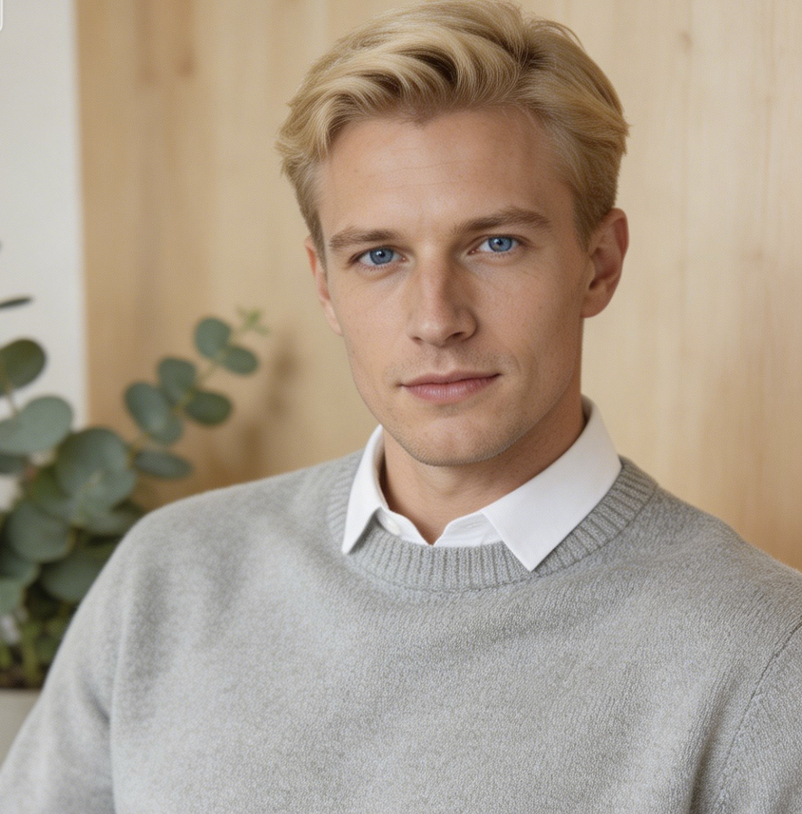
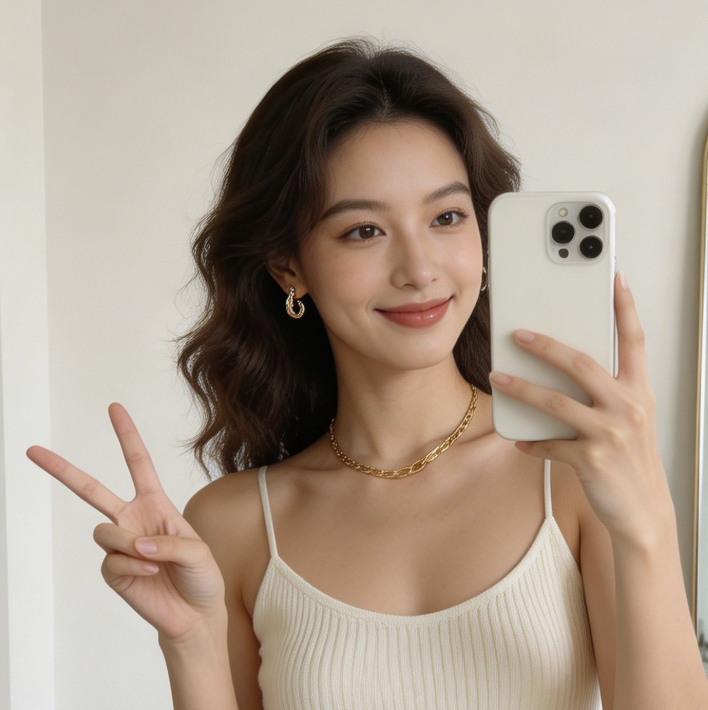
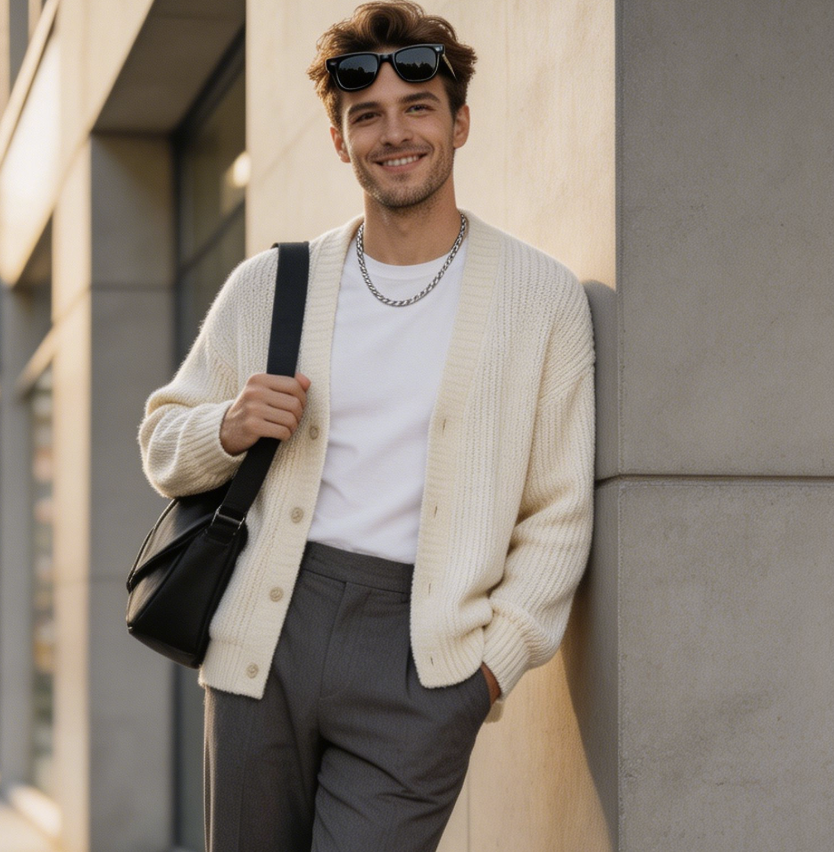
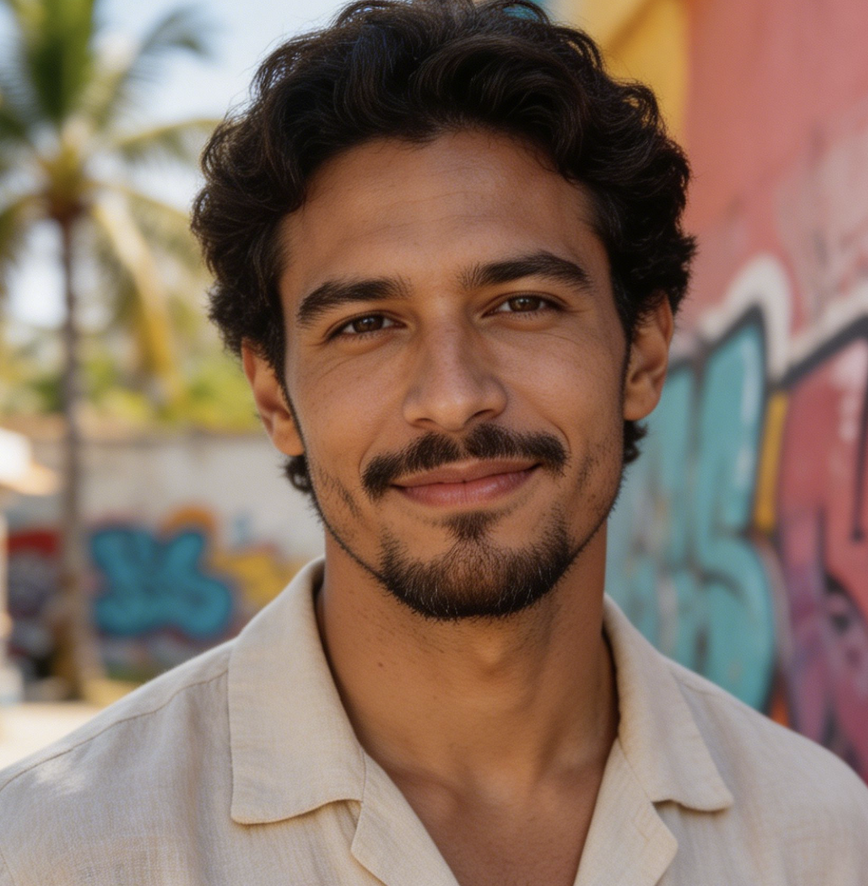
AI Pop Art Filter helped me turn a plain portrait set into colorful creator images without losing the people in the photos. The outlines and halftone feel gave each image a clear point of view, and the AI Pop Art Generator made it easier to compare several visual directions before posting.
I used AI Pop Art Filter for a small event poster concept. Being able to Turn Photo Into Pop Art gave the artwork a sharper hook than the original snapshot. The result kept the subject readable, but the Pop Art Effect made the colors and shapes feel much more intentional.
For pet portrait ideas, AI Pop Art Filter gave me a fast way to test bright, giftable looks from customer photos. The tool kept the animal expression recognizable while simplifying the background. That balance made the edits feel playful without turning the pet into a generic illustration.
AI Pop Art Filter is useful during early art direction because it changes the mood of a photo quickly. I can Turn Photo Into Pop Art, judge whether the color language works, then decide what deserves a more detailed design pass. It is especially helpful for pitch boards.
I wanted album teaser images that felt graphic but still connected to the original photography. AI Pop Art Filter gave us a strong direction with outlines, blocky color, and a clean Pop Art Effect. The edits were useful as references before we finalized the cover layout.
AI Pop Art Filter helped our team make lifestyle product photos feel more campaign-ready. The generator simplified background noise and made the subject stand out with brighter color. It gave us a compact visual system for testing social posts before moving into final production.
FAQs About AI Pop Art Filter
These answers explain how AI Pop Art Filter works, what photos suit it, and how AI Pop Art Filter can help creators produce bold pop art style images.
AI Pop Art Filter is an image editing tool that transforms an uploaded photo into pop art style. It keeps the source image as the base, then adds graphic linework, high-contrast color, halftone texture, and poster-like simplification. The goal is to make the result feel bold and designed while still preserving the subject, pose, and composition from the original photo.
AI Pop Art Filter works well with clear portraits, pet photos, product shots, fashion images, food photography, vehicles, rooms, and landscapes. Photos with readable subjects, visible edges, and balanced lighting usually produce stronger stylized results. Very dark, blurry, crowded, or heavily cropped images may still transform, but the final artwork can lose detail or make the overall style less controlled.
A classic Pop Art Effect usually emphasizes bold outlines, flat or posterized colors, comic-style shadows, and halftone patterns inspired by print culture. AI Pop Art Filter applies those ideas to your uploaded image instead of asking you to draw them manually. The result can look retro, playful, editorial, or modern depending on the source photo and chosen overall color direction.
Yes. You can Turn Photo Into Pop Art when you want a recognizable image with stronger visual attitude. AI Pop Art Filter should keep the subject, pose, and general scene intact while changing the styling language. For the best result, start with a photo where the person, animal, object, or landscape is easy to separate from background clutter visually and cleanly.
AI Pop Art Generator describes the system that creates the stylized result, while AI Pop Art Filter describes the user-facing editing experience. In practice, both refer to turning uploaded images into pop art style. The important distinction is that this workflow begins with your photo, so identity, composition, and source details matter more than they would in a pure text-to-image generator.
AI Pop Art Filter is especially useful for profile images because the style reads quickly at small sizes. Strong outlines, simplified shapes, and bright color fields can make a portrait or pet image stand out in feeds. For avatars, choose a close photo with visible eyes, face shape, and hair or fur boundaries so the stylized version remains clearly recognizable.
The AI Pop Art Generator should preserve the main subject, facial identity when present, important object shapes, pose, clothing, lighting direction, and overall composition. It should transform visual style rather than replacing the source with an unrelated image. Good results usually keep enough original structure to prove the artwork came from your upload, even after color and texture become more graphic.
To get a cleaner AI Pop Art Filter result, upload a photo with a clear subject, decent contrast, and minimal motion blur. Avoid images where key details are hidden behind heavy shadows, accessories, or clutter. If you want to Turn Photo Into Pop Art for a poster or social graphic, choose a source with a strong silhouette and simple background.
Create a Bold Pop Art Photo
Upload a favorite image and use AI Pop Art Filter to create a vivid pop art version. AI Pop Art Filter helps you Turn Photo Into Pop Art for social, creative, and campaign-ready visuals.
