
HappyHorse 1.0 Video GeneratorCreate Short AI Videos from Text or Images
Explore HappyHorse AI on BananaPro AI for text to video, image to video, and reference guided short-form video creation.
Use the HappyHorse 1.0 video generator to create trend ready clips from prompts, images, and visual references. HappyHorse AI is designed for short-form video workflows, including social media clips, ecommerce visuals, ad concepts, brand promos, character motion, and cinematic storyboards. On BananaPro AI, you can test HappyHorse 1.0 video generator online with a simpler creative workflow and turn your idea into motion faster.

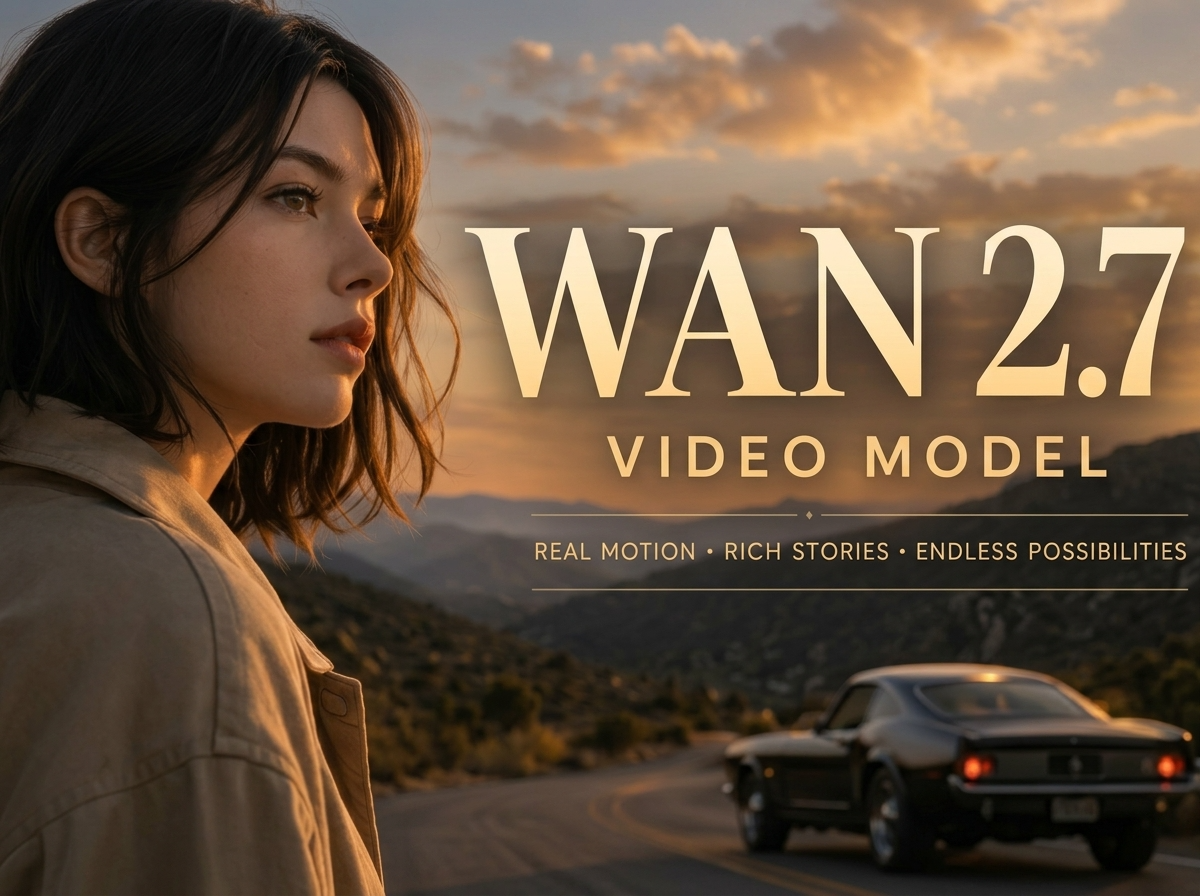
More AI Video Generators
Explore our collection of specialized AI video generators designed for different creative needs and styles
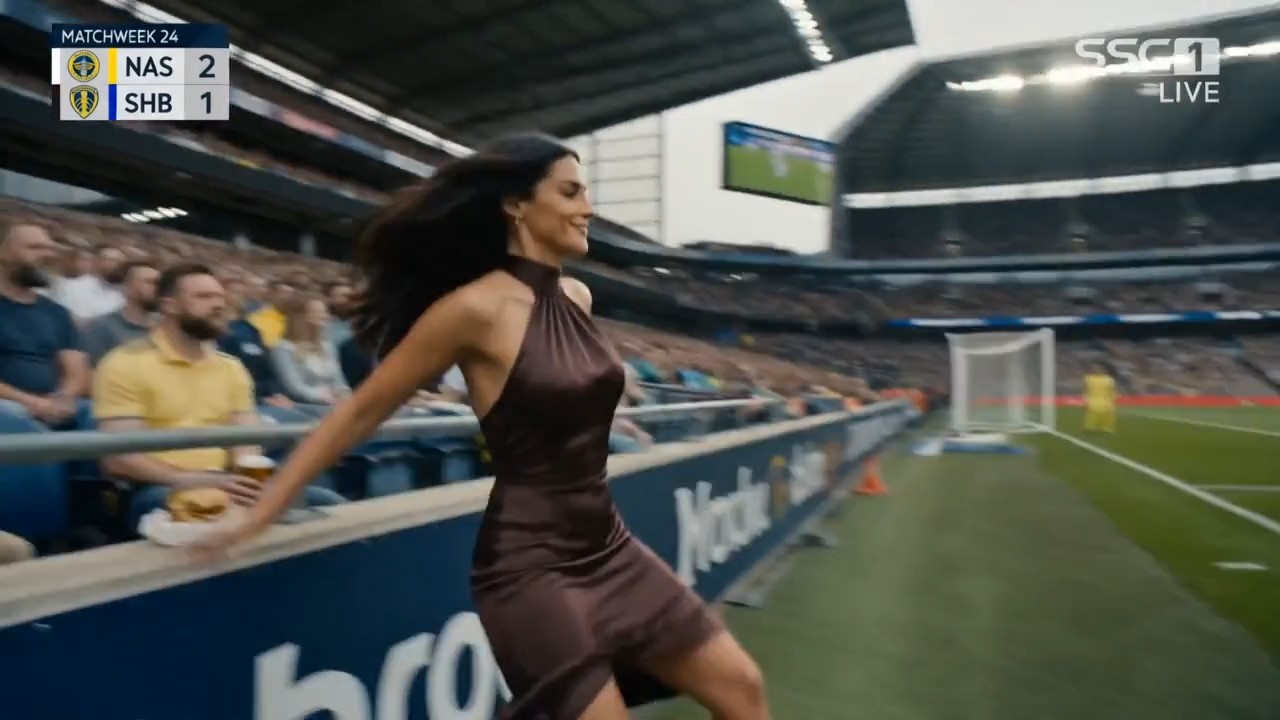
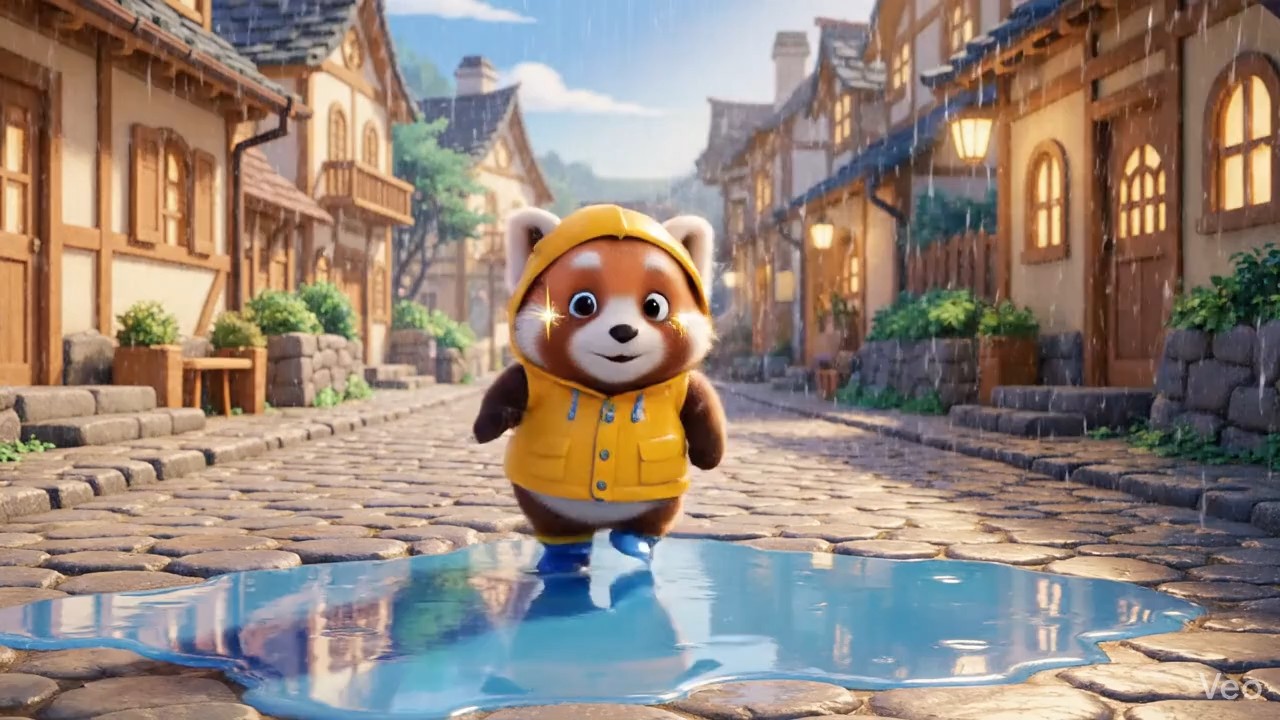
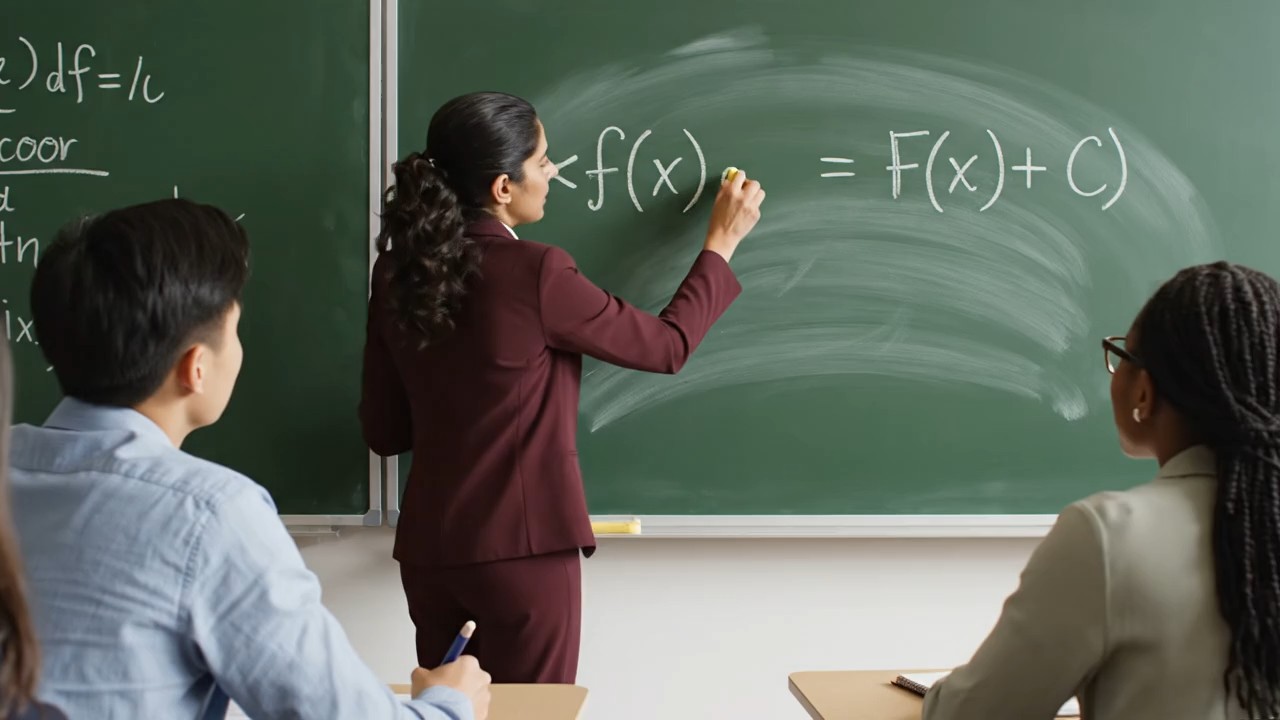
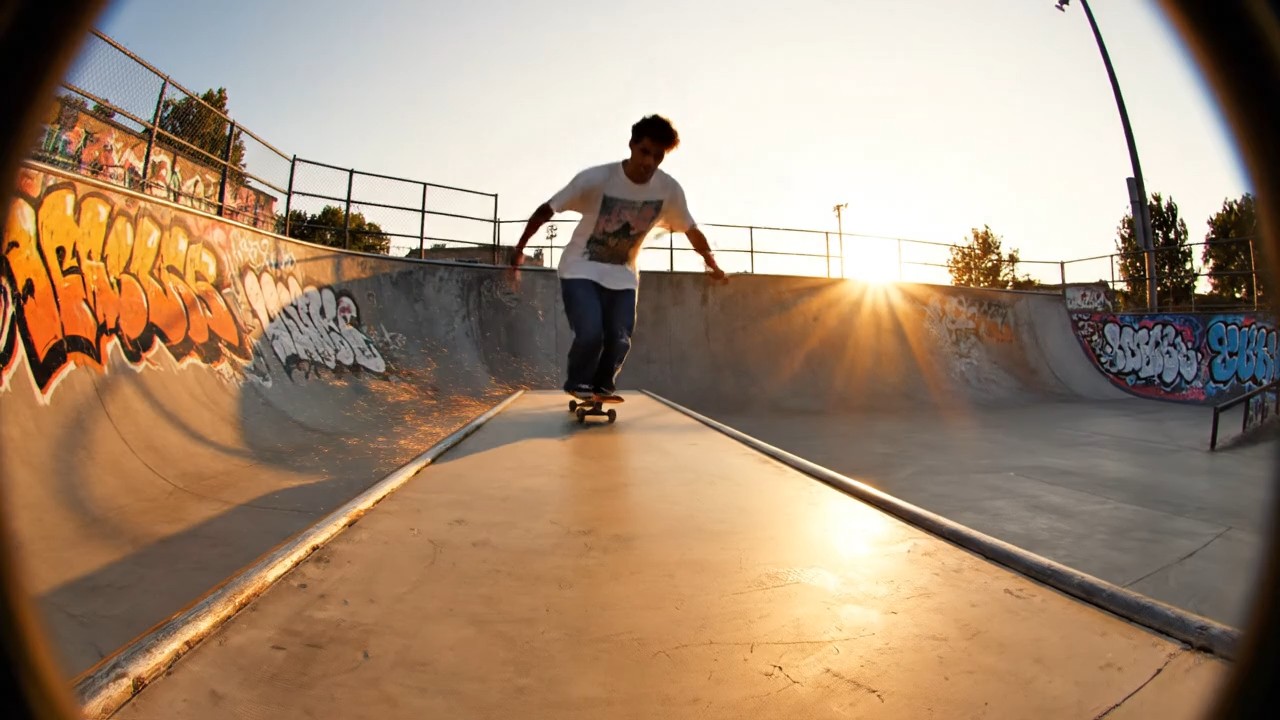
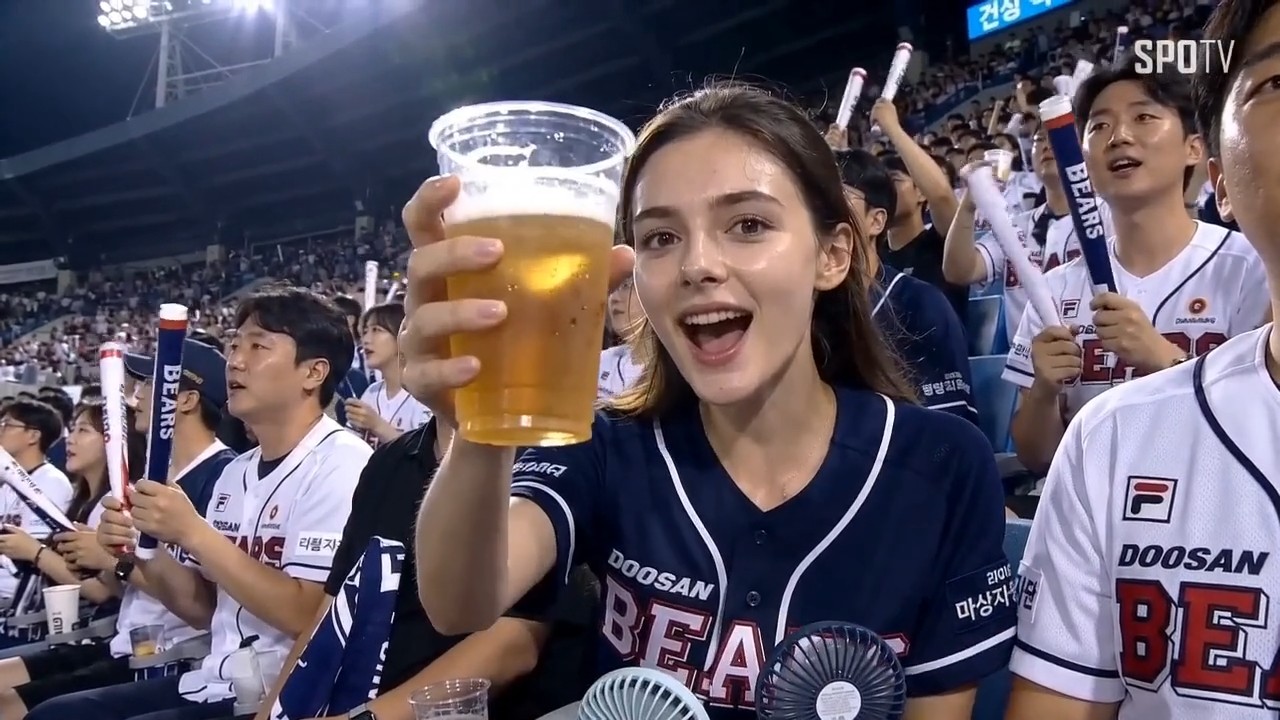
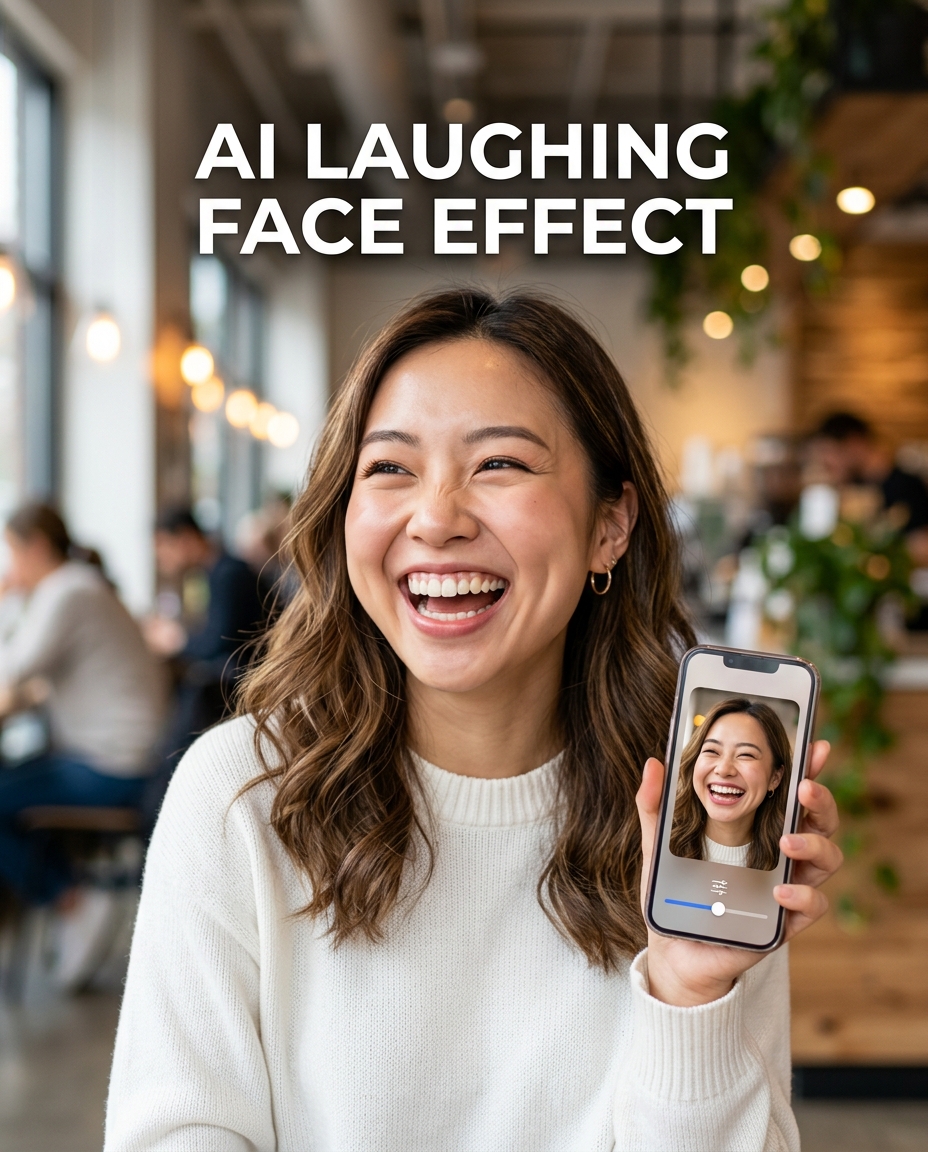

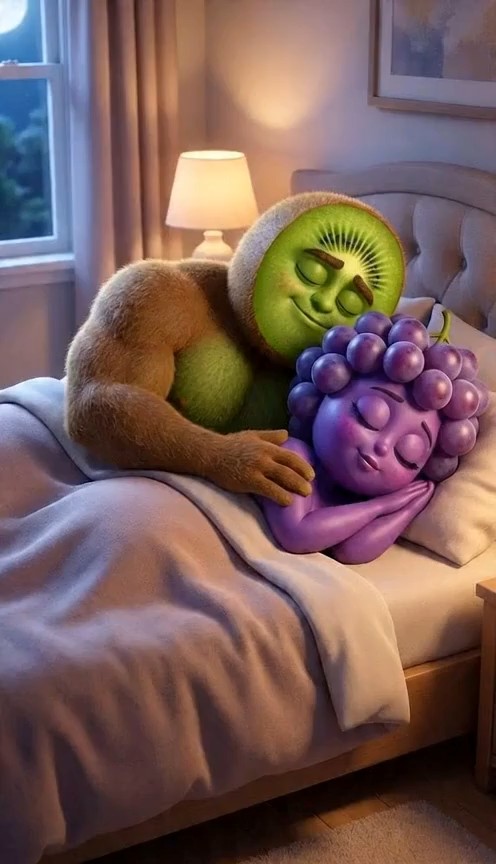

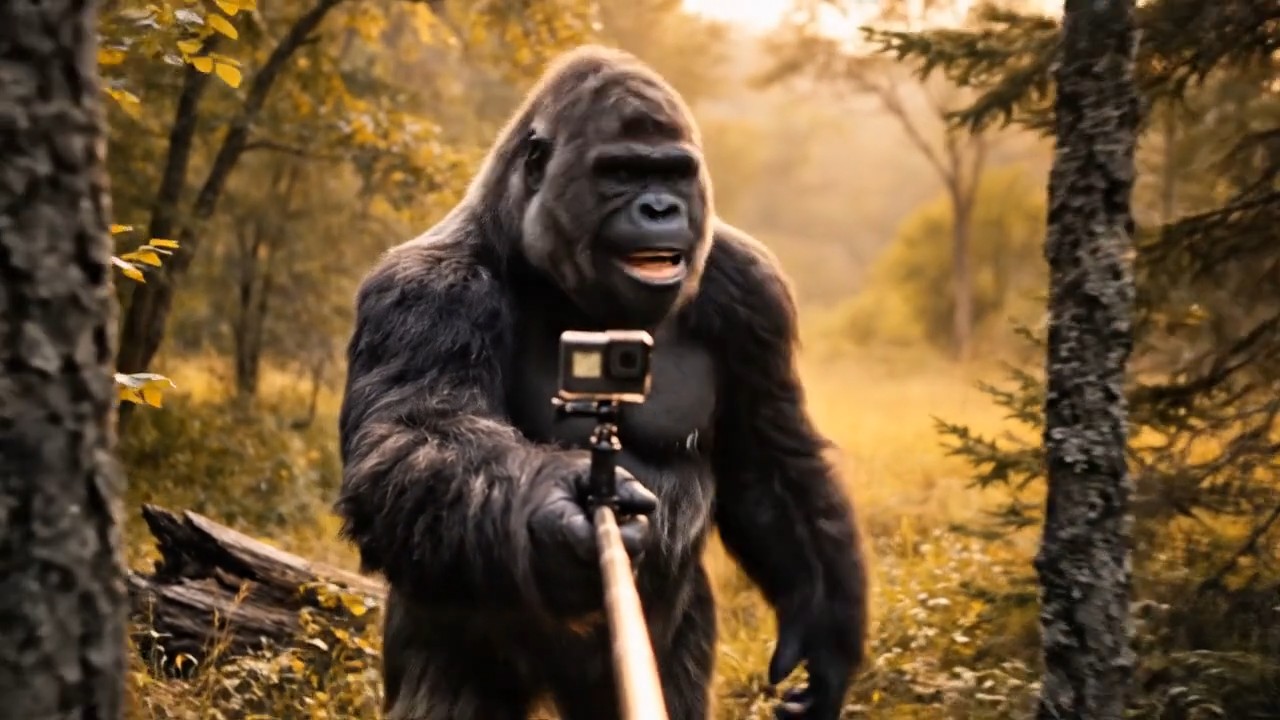




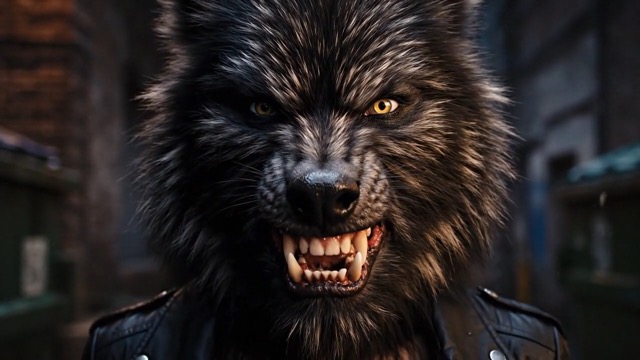


Create Viral Clips with HappyHorse 1.0 Video Generator
Use HappyHorse AI on BananaPro AI to turn prompts and images into stylish cinematic videos with fast creative control.
BananaPro AI makes it easy to explore the trending HappyHorse 1.0 video generator in one smooth online workflow. If you want a fresh way to create motion rich content, the HappyHorse 1.0 video generator gives creators a fast path from idea to video. From mood clips to social visuals, HappyHorse AI helps you build eye catching results without complicated editing. Start with HappyHorse 1.0 video generator today and discover why HappyHorse AI is becoming a hot name in AI video creation.
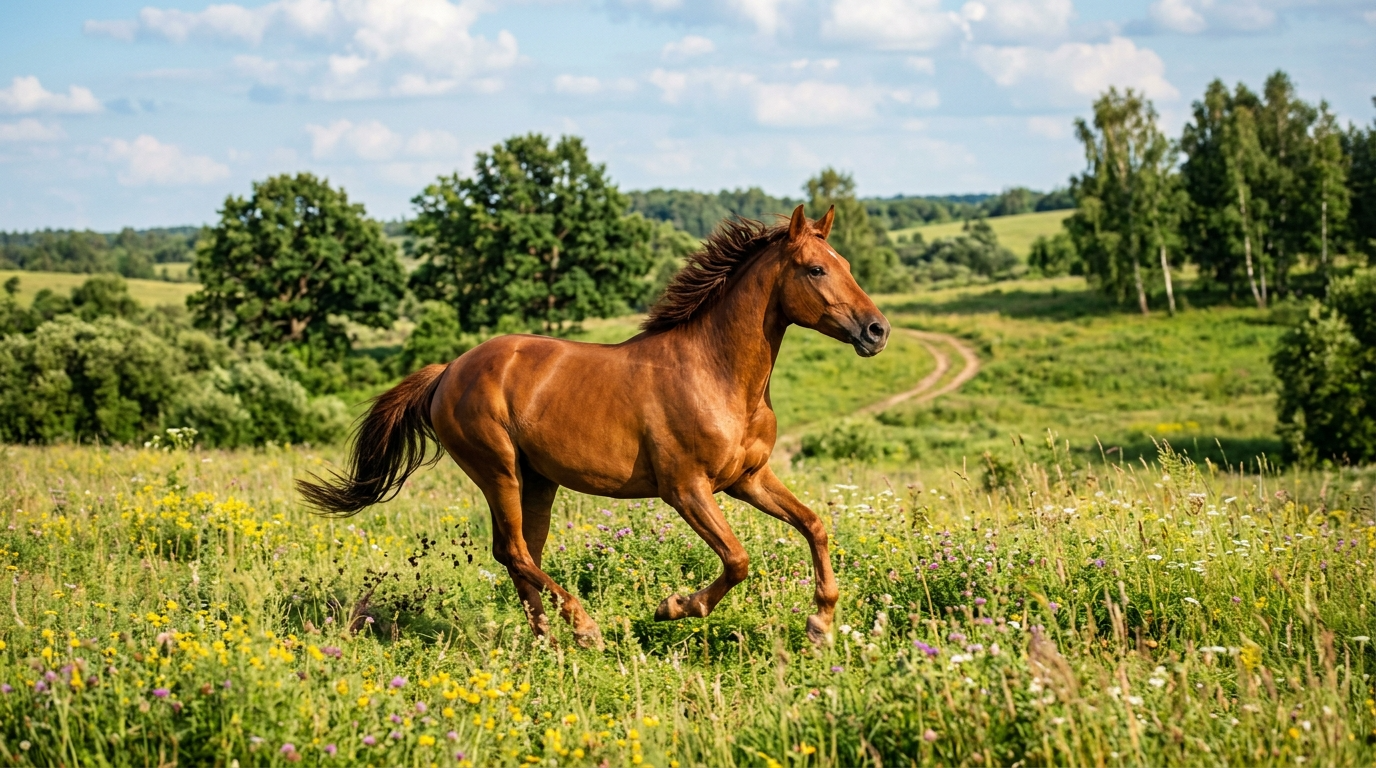
How to Use HappyHorse 1.0 Video Generator
BananaPro AI keeps the workflow simple so anyone can test the HappyHorse 1.0 video generator online. Whether you want text to video, image to video, or prompt guided short-form content, HappyHorse AI gives creators a practical way to explore modern AI video generation.

Choose Text to Video or Image to Video
Start with the HappyHorse 1.0 video generator by choosing how you want to create. Use text to video when you want to describe a scene from scratch, or use image to video when you want to animate an uploaded photo, product shot, portrait, poster, character design, or brand visual. HappyHorse AI is designed for short-form AI video creation, so BananaPro AI gives you a direct way to test ideas without API setup.

Describe Motion, Style, and Camera
Write a clear prompt for the HappyHorse 1.0 video generator. Describe the subject, action, scene, camera movement, lighting, mood, and intended style. HappyHorse AI works better when your prompt is specific, such as a cinematic close-up, gentle camera push-in, smooth slow motion, realistic product movement, or vertical social video style. For image to video, keep the uploaded image clear and tell the model how the scene should move.

Generate, Preview, and Create Variations
Click generate and let the HappyHorse 1.0 video generator turn your input into a short AI video. Preview the result, then refine your prompt, image, motion direction, or visual style to create more variations. HappyHorse AI is especially useful for short clips, social media ideas, ad concepts, product motion shots, and creative storyboards, so BananaPro AI helps you move from testing to shareable content faster.
Best AI Video Tools for Creative Projects
Explore creative tools for video, learn tips and tricks, and see how AI can be your assistant in turning concepts into finished projects.
Features of Our HappyHorse 1.0 Video Generator
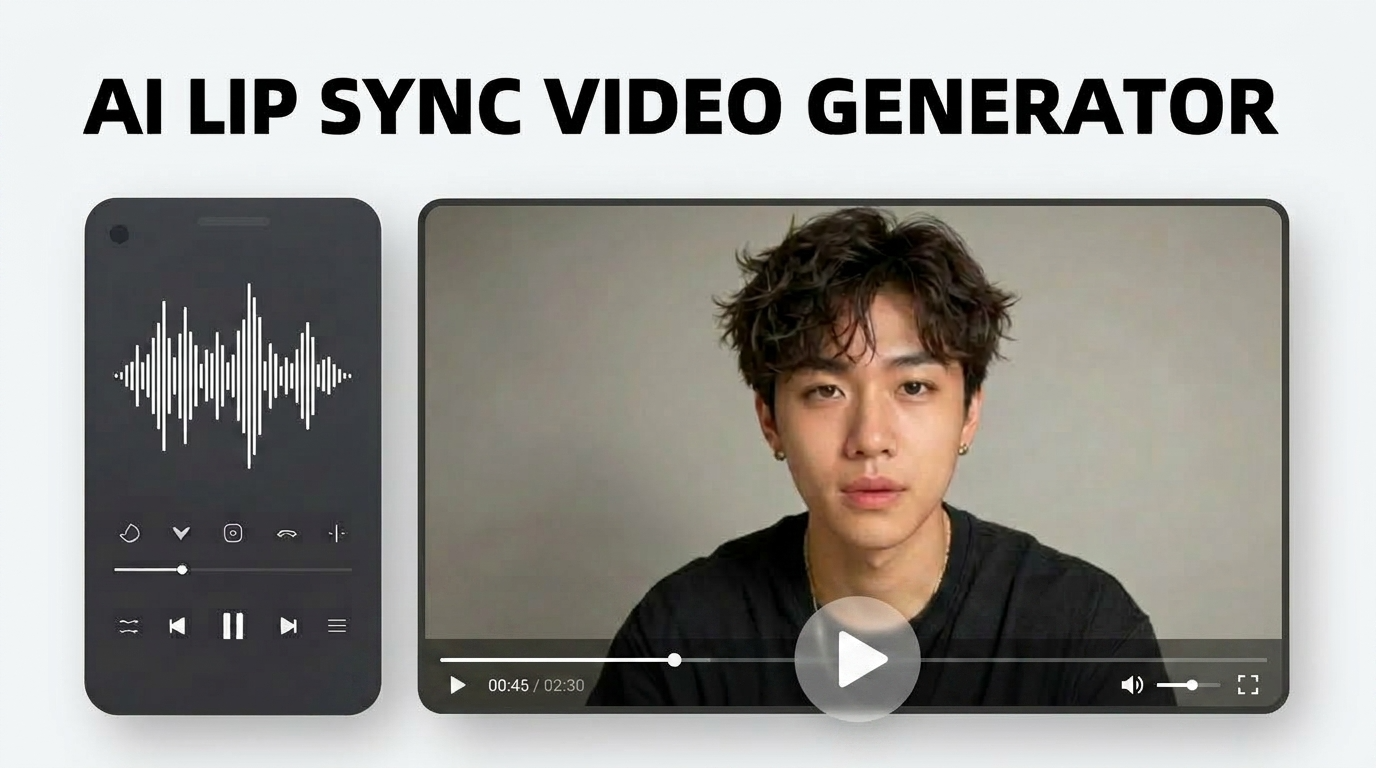
BananaPro AI is built for creators who want a practical way to explore the HappyHorse 1.0 video generator online. From text to video to image to video and reference guided creation, HappyHorse AI supports short-form video production, visual experiments, ecommerce content, social clips, and cinematic concept drafts.
Text to Video for Prompt Based Creation
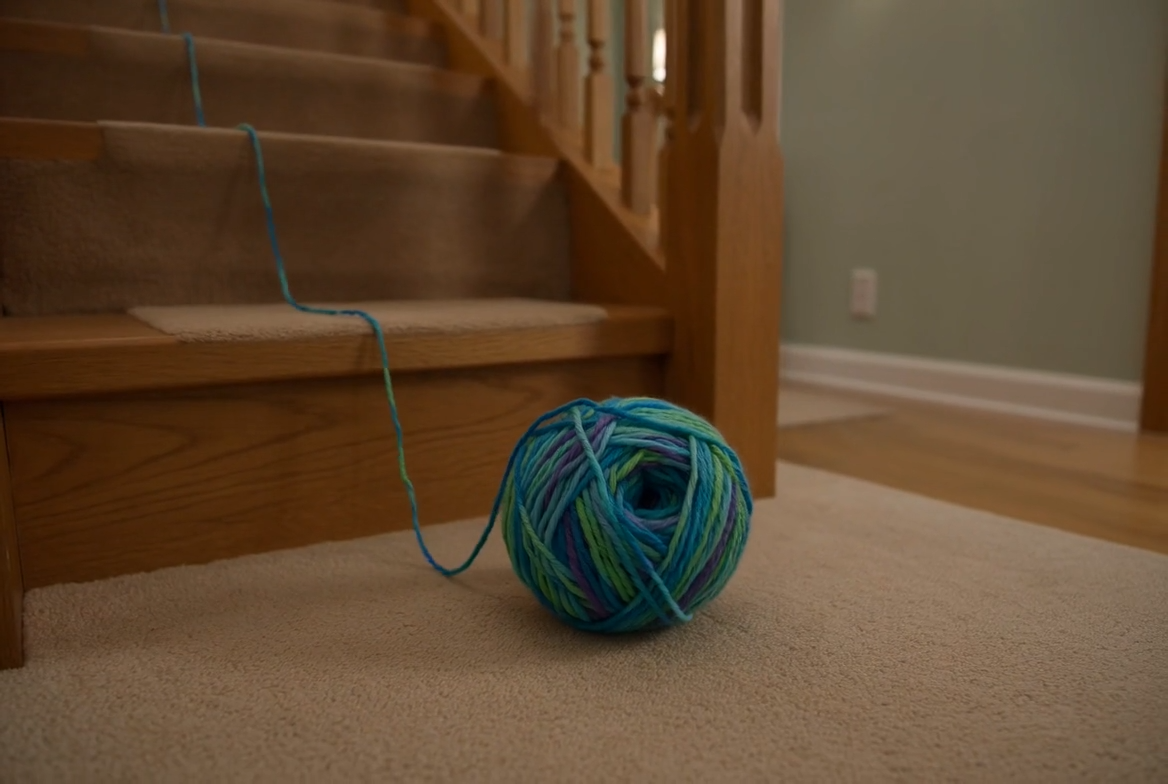
- The HappyHorse 1.0 video generator supports text to video creation, helping users turn written prompts into short AI-generated clips.
- With HappyHorse AI on BananaPro AI, you can describe the subject, action, scene, camera movement, lighting, mood, and visual style in one prompt.
- This makes the HappyHorse 1.0 video generator useful for concept trailers, social clips, ad tests, cinematic scenes, and quick visual storytelling.
- Instead of starting with editing software, HappyHorse AI gives creators a faster way to move from an idea to a motion rich video draft.

Image to Video for Animating Still Visuals
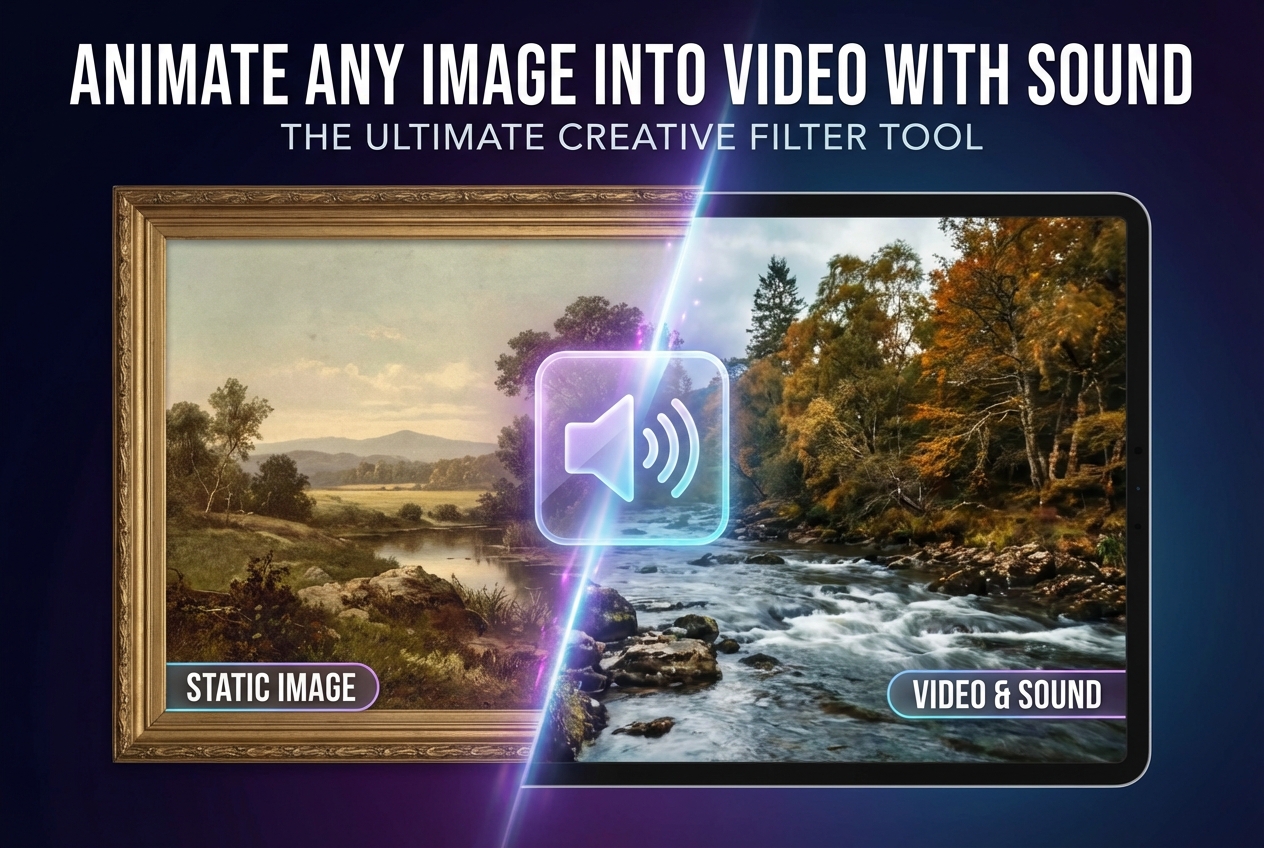
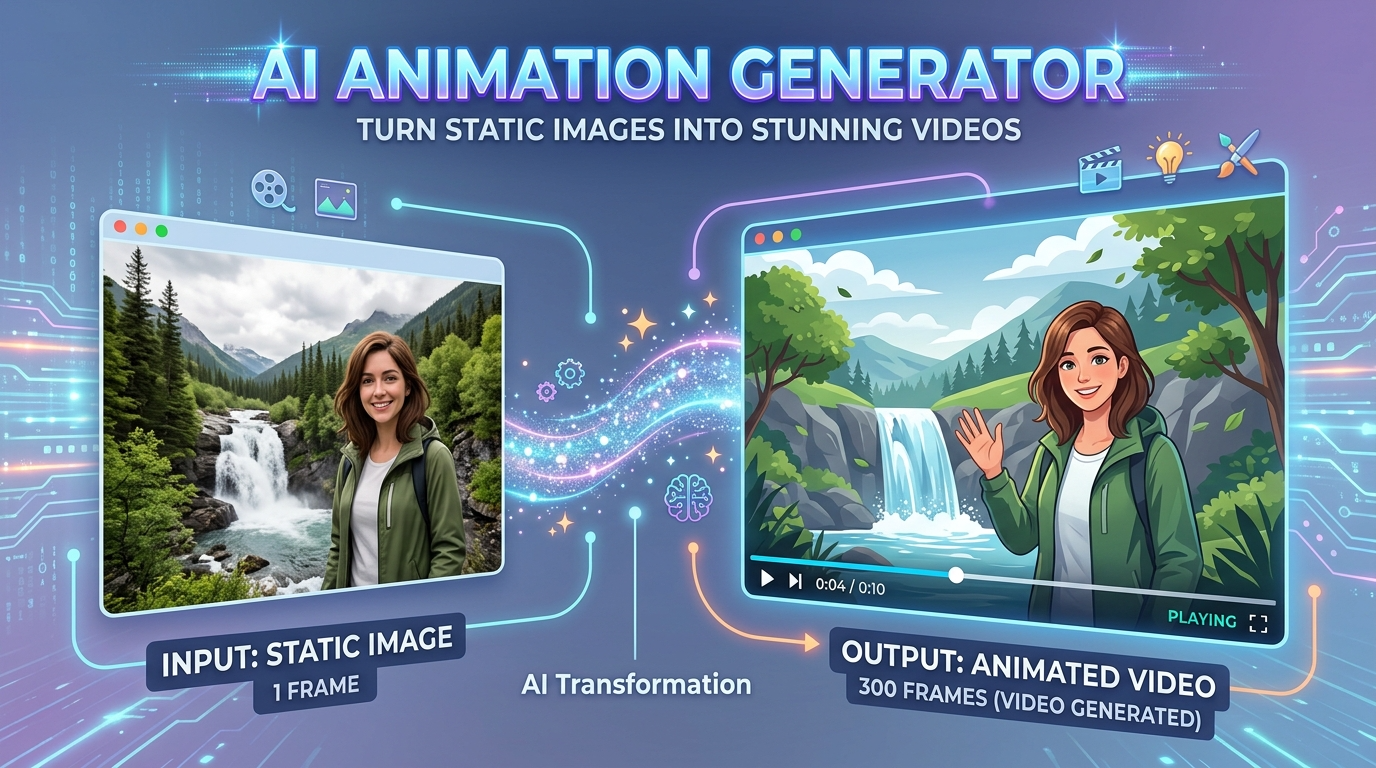
- The HappyHorse 1.0 video generator can animate a still image into a short video, making it useful for photos, product shots, portraits, food images, posters, fashion visuals, and character designs.
- In an image to video workflow, HappyHorse AI uses the uploaded image as the visual base and adds motion based on your prompt.
- You can guide the camera, subject movement, atmosphere, and style while keeping the original layout as the starting point.
- For better HappyHorse 1.0 video generator results, upload a clear image with a visible subject and avoid blurry, low-resolution, or overly crowded inputs.

Reference Guided Video for Consistent Subjects
- The HappyHorse 1.0 video generator is relevant for creators who need more control over a character, product, mascot, outfit, or brand visual.
- HappyHorse AI supports reference guided video workflows, so users can guide the look of a visual subject with uploaded reference materials.
- This is valuable for ecommerce content, character animation, product demos, branded motion assets, and campaign concepts.
- On BananaPro AI, the HappyHorse 1.0 video generator gives non-technical users a simpler way to explore reference based AI video without managing API tasks manually.

Short-Form 1080P Video for Social and Ads
- The HappyHorse 1.0 video generator is built around short-form video creation, with use cases such as TikTok clips, Instagram Reels, YouTube Shorts, ecommerce ads, app promos, and brand concept videos.
- HappyHorse AI is associated with 720P and 1080P video generation, making it useful for creators who need cleaner outputs for marketing and social publishing.
- It also supports common creative ratios such as 16:9, 9:16, 1:1, 4:3, and 3:4 depending on workflow.
- With BananaPro AI, creators can use the HappyHorse 1.0 video generator to test multiple short clips, compare directions, and build stronger visual content faster.
Why Choose HappyHorse 1.0 Video Generator
BananaPro AI helps users explore the HappyHorse 1.0 video generator in a direct and flexible way. If you want a trending AI video workflow with room for experimentation, HappyHorse AI is a strong option to test.

Social Media Video Creation
Use the HappyHorse 1.0 video generator to create short clips for trend content, channel growth, and visual storytelling. HappyHorse AI helps creators turn fresh ideas into scroll stopping motion assets.

Ad Concept and Campaign Mockups
The HappyHorse 1.0 video generator is useful for testing campaign directions before full production. Teams can use HappyHorse AI to visualize launch ideas, mood, and message faster.

Product and Brand Storytelling
Turn product visuals and creative prompts into motion driven content with the HappyHorse 1.0 video generator. HappyHorse AI gives product teams a quicker way to explore video presentation styles.

Character and Scene Experiments
Artists and concept creators can use the HappyHorse 1.0 video generator for character motion tests, scene previews, and visual experimentation. HappyHorse AI works well for creative iteration.

Image to Video Motion Tests
When you already have a still image, the HappyHorse 1.0 video generator helps add motion without starting from zero. HappyHorse AI is a natural fit for animating design drafts and photo based ideas.

Fast Trend Response for Creators
Creators who want to move early on new model trends can use the HappyHorse 1.0 video generator to test formats quickly. HappyHorse AI helps you stay current and produce more experimental content faster.
What Users Say About HappyHorse 1.0 Video Generator
Creators use the HappyHorse 1.0 video generator for everything from social experiments to branded storytelling. These experiences show how HappyHorse AI can support faster idea testing and more flexible video creation.
I used the HappyHorse 1.0 video generator to mock up short campaign visuals for a client pitch. It gave me a fast way to test motion ideas, and HappyHorse AI made the concept feel far more presentable.
What I like most about the HappyHorse 1.0 video generator is how easy it is to move from prompt to result. HappyHorse AI helps me create quick visual drafts for social content without overcomplicating the process.
As a freelance creative, I am always testing new tools early. The HappyHorse 1.0 video generator feels useful for trend led content experiments, and HappyHorse AI gives me another strong option for short form video work.
I uploaded a reference image and used the HappyHorse 1.0 video generator to explore motion concepts for a product reel. HappyHorse AI helped me test multiple directions before committing to a larger production plan.
The HappyHorse 1.0 video generator is one of the more interesting emerging tools I have tried recently. HappyHorse AI works well for quick visual storytelling and gives me a useful workflow for concept driven clips.
BananaPro AI made the HappyHorse 1.0 video generator easier to explore in one place. HappyHorse AI is now part of my early stage workflow whenever I need to visualize a scene, mood, or marketing idea fast.



Frequently Asked Questions About HappyHorse 1.0 Video Generator
Learn more about the HappyHorse 1.0 video generator, how HappyHorse AI fits into modern video workflows, and why creators are paying attention to this emerging AI video keyword.
HappyHorse 1.0 video generator is an emerging AI video model keyword that creators are using to explore new text to video and image to video workflows. On BananaPro AI, the HappyHorse 1.0 video generator page helps users discover and test this trend driven creative direction more easily. HappyHorse AI is especially interesting for creators who want fast visual experiments, cinematic motion, and new model discovery.
You can use the HappyHorse 1.0 video generator for prompt based video creation, image to video animation, social content ideas, branded concept clips, and visual storytelling tests. HappyHorse AI is useful when you want to turn a simple idea or image into a more dynamic short video workflow.
The HappyHorse 1.0 video generator is attractive because it represents a new and trending topic in AI video. Many creators want to test emerging tools early, compare results, and find new looks for their content. HappyHorse AI gives users another route for experimentation, which is why interest around the keyword keeps growing.
Yes. BananaPro AI makes it easier to explore the HappyHorse 1.0 video generator online with a simple workflow. Instead of treating HappyHorse AI as only a topic to read about, users can approach it as a practical creation page for testing ideas, prompts, and reference based videos.
If you want a flexible workflow for fast concept videos, trend based content, and creative scene exploration, the HappyHorse 1.0 video generator is worth testing. HappyHorse AI is not just about following a new keyword. It can also help creators discover different motion styles and accelerate content ideation.
BananaPro AI provides a cleaner way to discover and use the HappyHorse 1.0 video generator in one place. HappyHorse AI fits naturally into a broader creative environment where users want to test video ideas quickly, compare model options, and move from trend discovery to actual generation faster.
Start Creating with HappyHorse 1.0 Video Generator
Explore the trending HappyHorse 1.0 video generator on BananaPro AI and turn prompts or images into dynamic clips. Use HappyHorse AI now to test fresh ideas, create faster, and build standout video content online.
