4×6 Photo Size: What It Actually Means for Printing, Pixels & Digital Use
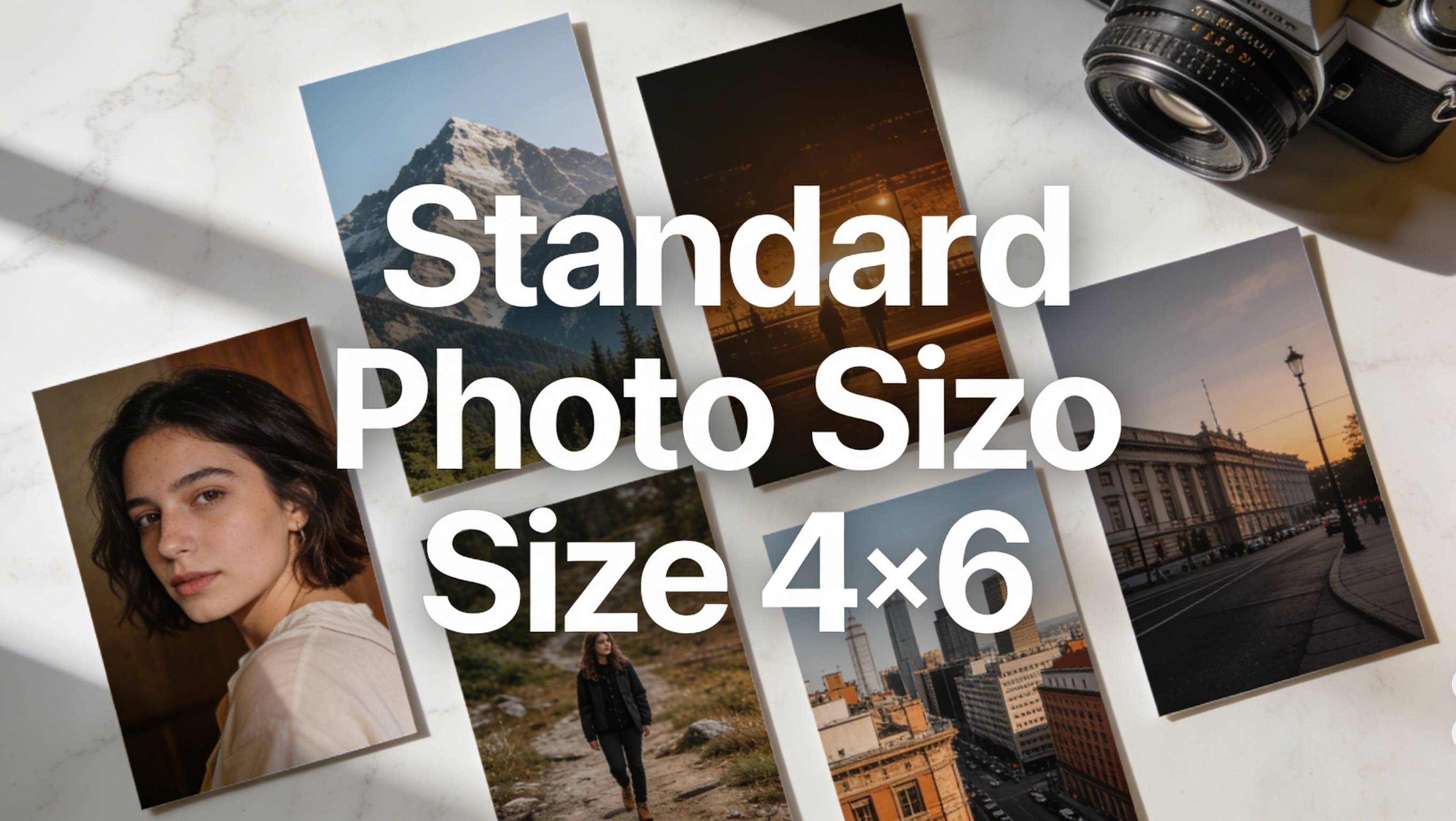
If you've ever ordered prints and ended up with awkward cropping or blurry results, the problem usually comes down to one thing: not understanding your photo size before you print. The 4×6 is the world's most common photo print size — and this guide covers everything you need to know to get it right every time.
What Is a Standard 4×6 Photo Size?
A 4×6 photo measures 4 inches wide by 6 inches tall (or 10.16 × 15.24 cm), with a 3:2 aspect ratio. It's the default print size at virtually every photo lab worldwide — from Walgreens to professional print services — and it directly matches the native sensor ratio of most DSLRs and modern smartphones, meaning your photos print without any cropping.
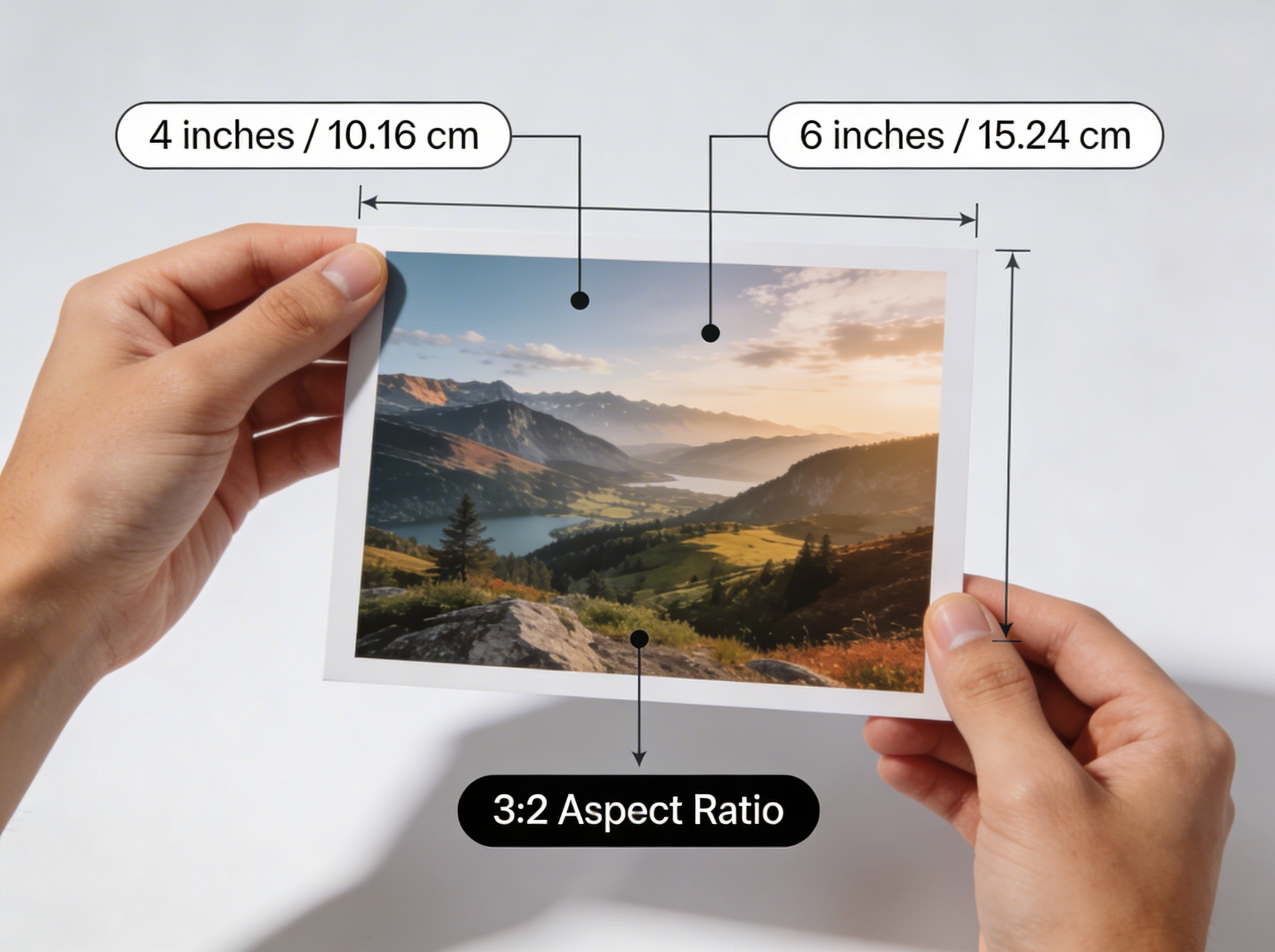
4×6 Dimensions at a Glance
| Unit | Width | Height |
|---|---|---|
| Inches | 4 in | 6 in |
| Centimeters | 10.16 cm | 15.24 cm |
| Pixels (300 DPI) | 1200 px | 1800 px |
| Pixels (240 DPI) | 960 px | 1440 px |
| Aspect Ratio | 3:2 | — |
Why 4×6 Became the Standard
The 4×6 size traces its roots to 35mm film photography — the dominant format for consumer cameras throughout the 20th century. The 35mm film frame has a natural 3:2 ratio, and the 4×6 print size was designed to match it perfectly. When digital cameras arrived, most manufacturers kept the same 3:2 sensor ratio to maintain compatibility with existing printing infrastructure. Today, the 4×6 remains the default because it's cost-efficient to produce, fits standard photo albums, and requires no cropping from most camera sources.
4×6 Resolution: How Many Pixels Do You Need?
Resolution is the most commonly misunderstood part of printing. The rule is simple: the higher the DPI (dots per inch), the sharper the print.
Resolution Guide by Print Quality
| Print Quality | DPI | Pixel Size | Best For |
|---|---|---|---|
| Professional | 300 DPI | 1200 × 1800 px | Photo labs, client prints, albums |
| Good | 240 DPI | 960 × 1440 px | Casual home printing |
| Basic | 150 DPI | 600 × 900 px | Draft or low-detail prints |
Rule of thumb: Always aim for 1200 × 1800 pixels at 300 DPI for any 4×6 print you plan to frame, gift, or use professionally.
What Happens If Your Resolution Is Too Low?
If you try to print a 600×400 pixel image at 4×6, the result will look visibly blurry or pixelated. This is especially common with:
- Screenshots taken on older phones
- Images downloaded from social media (compressed to 72 DPI)
- Heavily cropped photos
Fix: Before printing, check your image dimensions in any photo editor. If it's below 1200×1800 px, use Banana Pro AI's free AI Image Upscaler to enlarge it without losing quality — no software download required.
4×6 vs. Other Standard Photo Print Sizes
Not sure if 4×6 is the right size for your project? Here's how it compares:
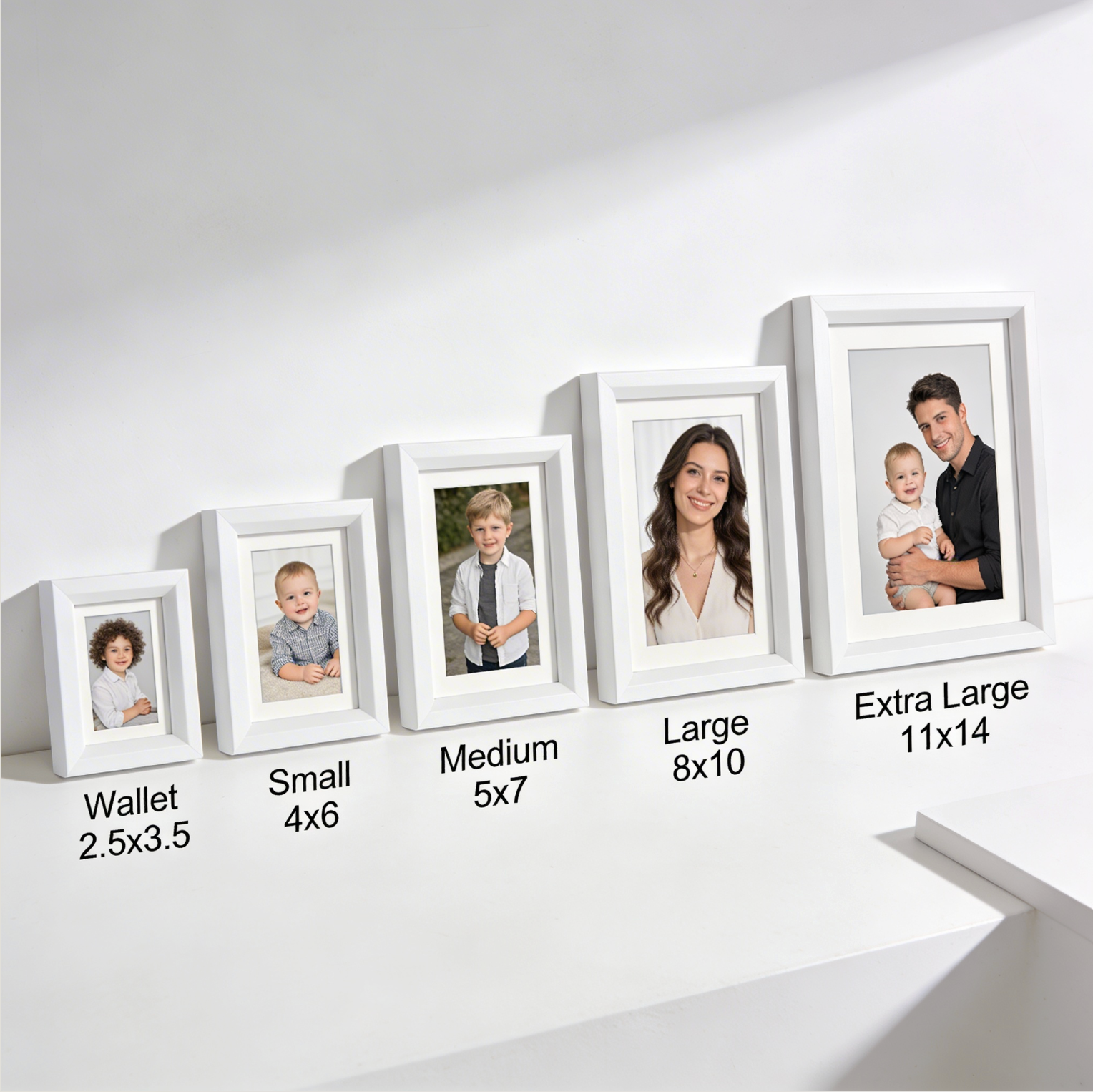
| Size | Aspect Ratio | Pixels (300 DPI) | Cropping from 3:2 | Best Use |
|---|---|---|---|---|
| 4×6 | 3:2 | 1200 × 1800 | None | Albums, everyday prints |
| 5×7 | 5:7 | 1500 × 2100 | Yes | Frames, gifts |
| 8×10 | 4:5 | 2400 × 3000 | Yes | Wall art, portraits |
| 8×12 | 3:2 | 2400 × 3600 | None | Landscape photography |
| 11×14 | ~4:5 | 3300 × 4200 | Yes | Large frames, galleries |
| Wallet (2.5×3.5) | 5:7 | 750 × 1050 | Yes | IDs, keychains |
The 4×6 and 8×12 are the only standard sizes that perfectly match the 3:2 camera ratio — making them the safest choices to avoid unwanted cropping.
How to Print a Perfect 4×6 Photo: Step-by-Step
At a Photo Lab (Recommended)
- Check your resolution — confirm your image is at least 1200 × 1800 px
- Verify the aspect ratio — crop to 3:2 if needed before uploading
- Choose your finish — glossy for vivid colors, matte to reduce glare
- Select borderless if you want edge-to-edge printing
- Review the crop preview before confirming your order
If your original photo doesn't meet the resolution requirement, run it through Banana Pro AI's Image Upscaler first to bring it up to print quality in seconds.
At Home
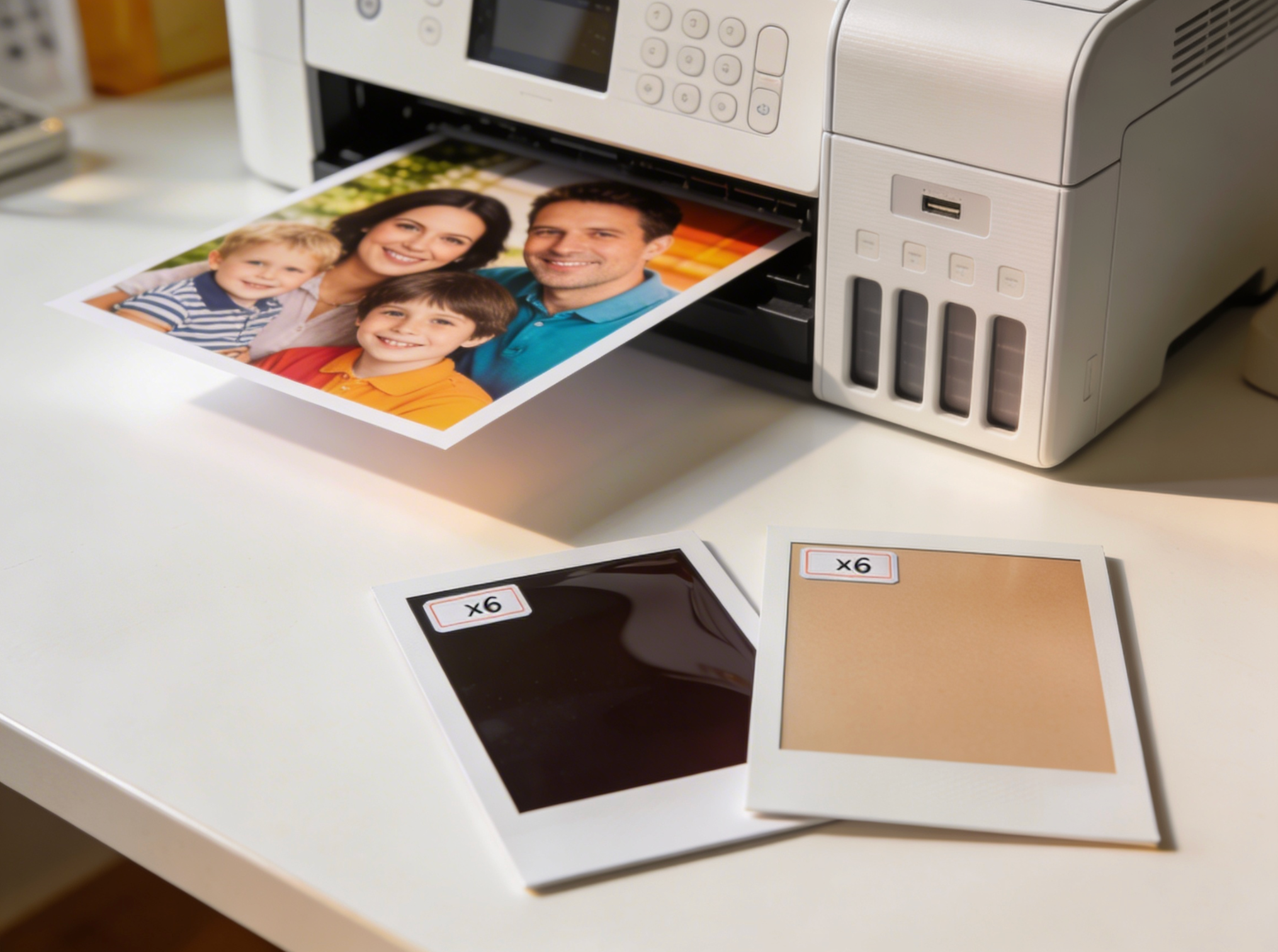
- Load 4×6 photo paper into the correct tray
- Open your image in your printing software
- Set paper size to 4×6 and enable borderless printing if desired
- Set print quality to Best or High
- Print a test sheet on plain paper first to check alignment and color
- Use genuine ink cartridges for accurate color reproduction
Common mistake: Selecting "fit to page" instead of "actual size" — this stretches or compresses your image and distorts the final print.
Best Uses for 4×6 Photo Prints
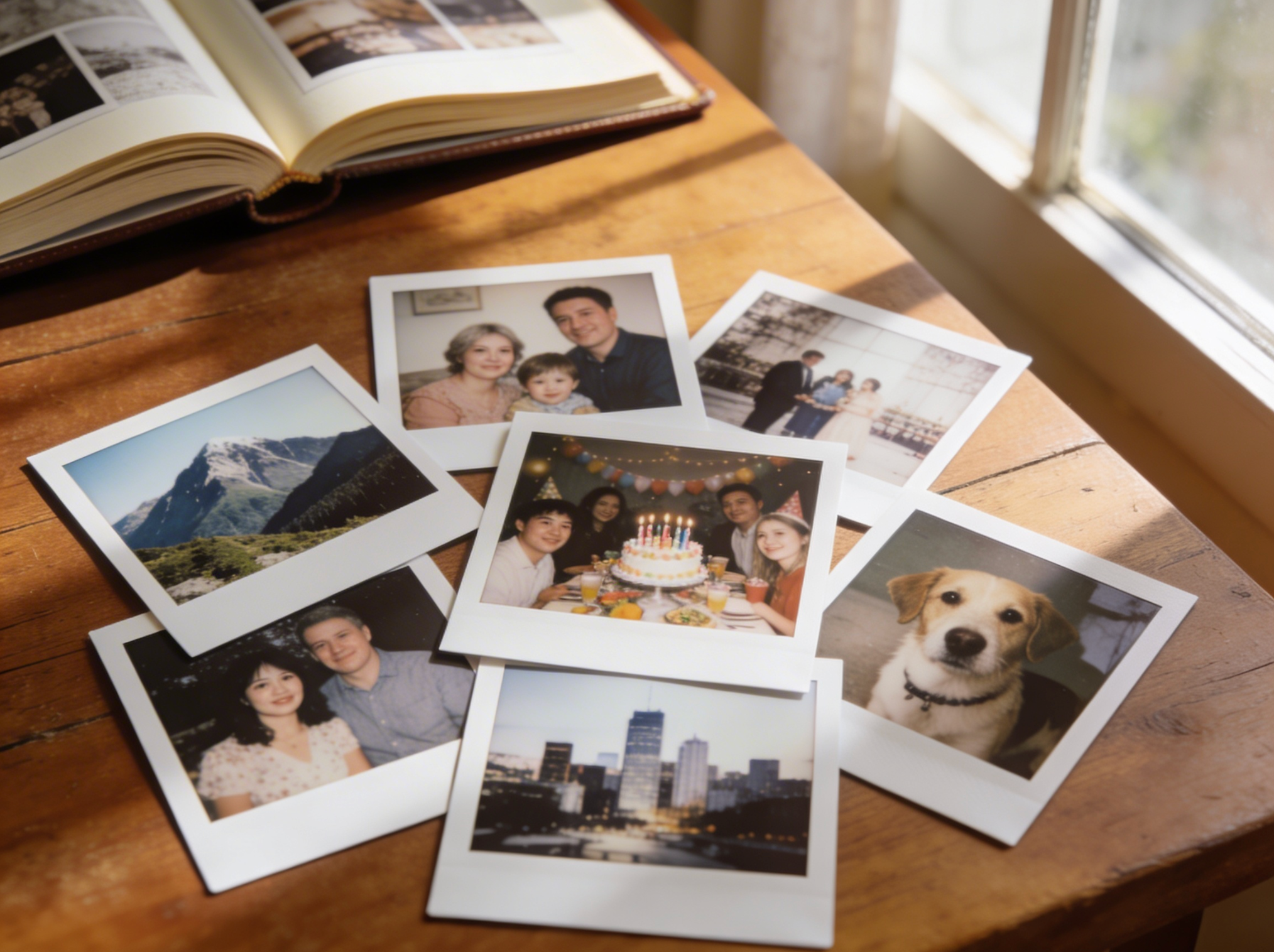
Photo Albums and Scrapbooks
The 4×6 size was literally designed for photo albums — standard album sleeves are made to hold 4×6 prints. It's the most cost-effective size for printing large batches of memories. Need custom imagery for your album? Generate unique photos with Banana Pro AI — free, no watermark, commercial use included.
Desk and Tabletop Frames
4×6 frames are the most widely available and affordable framing option. Every major retailer stocks them, and they're ideal for office desks, bedside tables, and bookshelves.
Event Photography (Weddings, Parties, Graduations)
Photo booths and event photographers default to 4×6 as their print handout size — it's cost-efficient to produce in volume and easy for guests to take home.
Product and Real Estate Photography
E-commerce sellers and real estate agents use 4×6 prints for physical lookbooks, property brochures, and product detail cards. You can create professional product imagery at the exact 3:2 ratio using Banana Pro AI's text-to-image generator — no photography studio needed.
Sending Photos by Mail
The 4×6 print fits perfectly in a standard greeting card envelope (A6 size), making it the go-to choice for mailing photos to family and friends.
4×6 Photo Size for Digital Use
If you're not printing but need 4×6 proportions for digital purposes:
| Platform | Recommended Use |
|---|---|
| Attach as JPEG at 72 DPI (smaller file size) | |
| Digital frames | Export at 1200 × 1800 px for sharp display |
| Slideshow presentations | Use 3:2 crop for consistent sizing |
| Social media | Crop to 4:5 (1080×1350) for Instagram, 3:2 for Twitter/X |
Need a custom image at exactly the right dimensions? Banana Pro AI lets you generate and download images at any aspect ratio — free, with no watermark.
Frequently Asked Questions
Is 4×6 the same as 6×4?
Yes. 4×6 and 6×4 refer to the same print size — just described in different dimension order. 4×6 typically implies portrait orientation (taller), while 6×4 implies landscape (wider). The physical dimensions are identical.
What aspect ratio is a 4×6 photo?
A 4×6 photo has a 3:2 aspect ratio. This matches most DSLR cameras and modern smartphones, so photos typically print without cropping.
How many pixels is a 4×6 photo?
At 300 DPI (recommended for professional prints), a 4×6 photo requires 1200 × 1800 pixels. At 240 DPI for casual printing, 960 × 1440 pixels is sufficient.
What is the 4×6 size in centimeters?
A 4×6 photo is 10.16 × 15.24 cm, often rounded to 10 × 15 cm on international print order forms.
Can I print a 4×6 on regular printer paper?
Technically yes, but the result won't look like a proper photo. For quality prints, always use dedicated 4×6 photo paper (glossy or matte finish).
What's the file size of a 4×6 photo at 300 DPI?
A 4×6 JPEG at 300 DPI typically ranges from 1–3 MB depending on compression settings. A TIFF at the same resolution will be around 6 MB.
What's Next
Whether you're building a photo album, printing event photos, or preparing product imagery, getting your 4×6 dimensions right from the start saves time, money, and frustration.
| Your Goal | Next Step |
|---|---|
| Print at home | Use 300 DPI, 1200×1800 px, borderless settings |
| Resize an existing photo | Crop to 3:2 ratio first, then resize |
| Enhance a low-res image | Use Banana Pro AI Upscaler to reach 1200×1800 px |
| Order online | Upload JPEG at 300 DPI, select 4×6 borderless |
| Use digitally | Export at 72 DPI for email, 150+ DPI for digital frames |
| Create new imagery | Generate 4×6-ready images free on Banana Pro AI |