AI Baby Dance Video Generator 2026: Turn Any Baby Photo into a Viral Dance Video
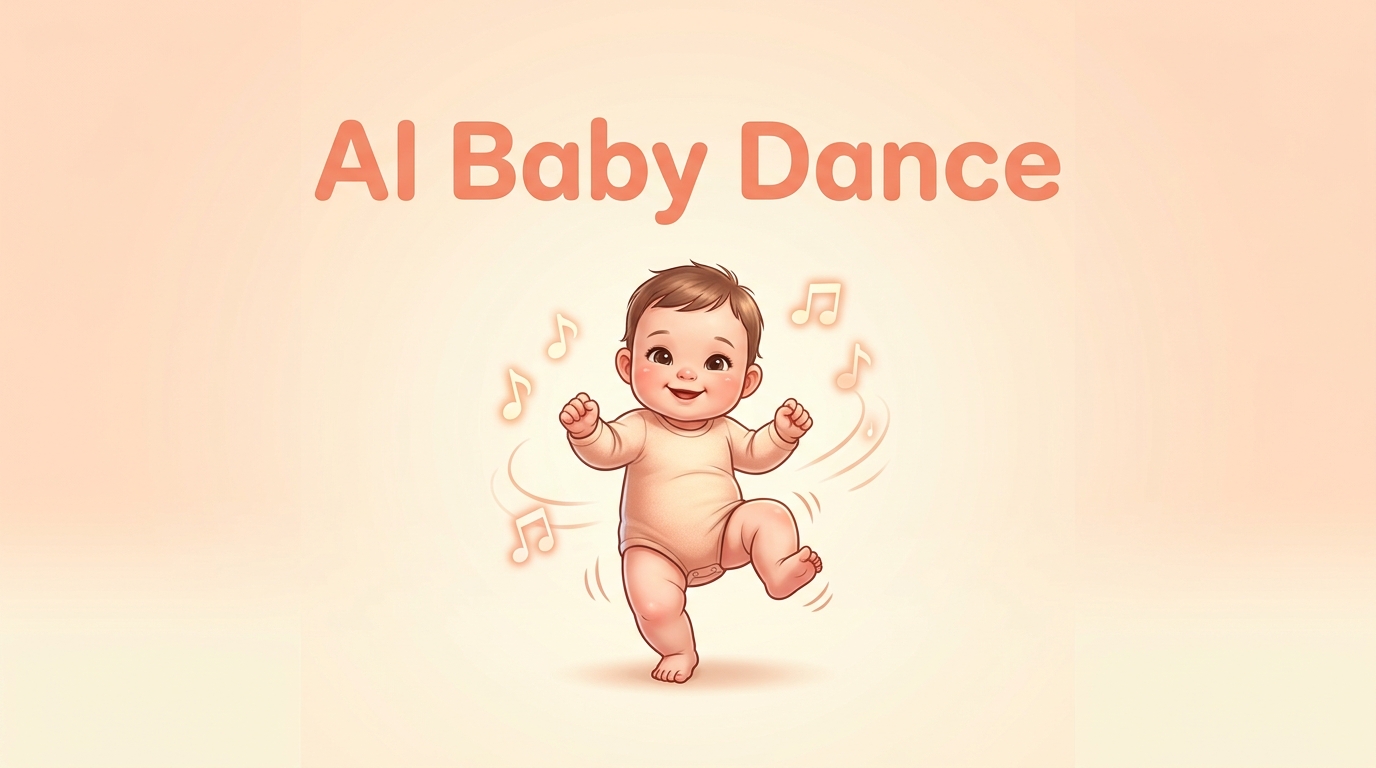
AI Baby Dance is one of the fastest-growing AI video trends of 2026. With a single baby photo and a dance reference clip, you can generate a realistic, adorable dancing video in minutes — no animation skills, no editing software, no filming required.
Ready to try it yourself? This AI Baby Dance generator lets you create your first video for free, powered by Kling's latest motion control model.
What Is AI Baby Dance?
AI Baby Dance is a viral trend where users upload a baby or child photo into an AI tool, which then animates the image to perform a dance routine. The AI analyzes the baby's facial features, body proportions, and clothing, then maps a chosen set of dance movements onto the still image — producing a short, shareable video that looks remarkably natural.
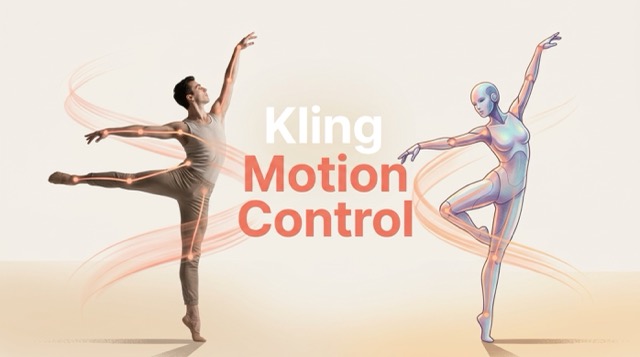
Unlike traditional animation or video editing, no keyframes or manual rigging are involved. The underlying technology — Kling Motion Control — uses a reference dance video as the motion source and transfers that movement directly onto the uploaded photo while preserving the baby's identity and expression.
Why Is AI Baby Dance Going Viral?
AI baby dance videos are dominating TikTok, Instagram Reels, and YouTube Shorts in 2026 for a simple reason: they are universally cute, instantly shareable, and take under five minutes to make. Content creators, parents, and marketing teams alike are using them to drive massive engagement.
1. Emotional Resonance
Babies dancing triggers an immediate positive reaction from virtually any audience. This makes AI baby dance videos exceptionally effective for building engagement and growing social media accounts quickly — few content formats generate this level of universal appeal.
2. Zero Barrier to Entry
Anyone with a photo and internet access can participate — no technical skills, no software downloads, and no prior animation experience required. The entire process from upload to finished video takes under five minutes.
3. Endless Dance Variety
From shuffle and hip-hop to K-pop choreography and trending audio challenges, the range of available dance styles is virtually limitless. Creators can produce fresh content daily without repeating themselves.
4. Faceless Content Creation
Creators can build entire social media audiences around AI-generated characters without ever appearing on camera. This makes AI baby dance a powerful format for privacy-conscious creators who still want to grow a public presence.
5. Family Keepsakes
Parents and grandparents use it to create heartwarming, memorable videos of real children — a digital keepsake that family members can share and revisit for years.
How to Create an AI Baby Dance Video — Step-by-Step
Step 1: Open the Tool
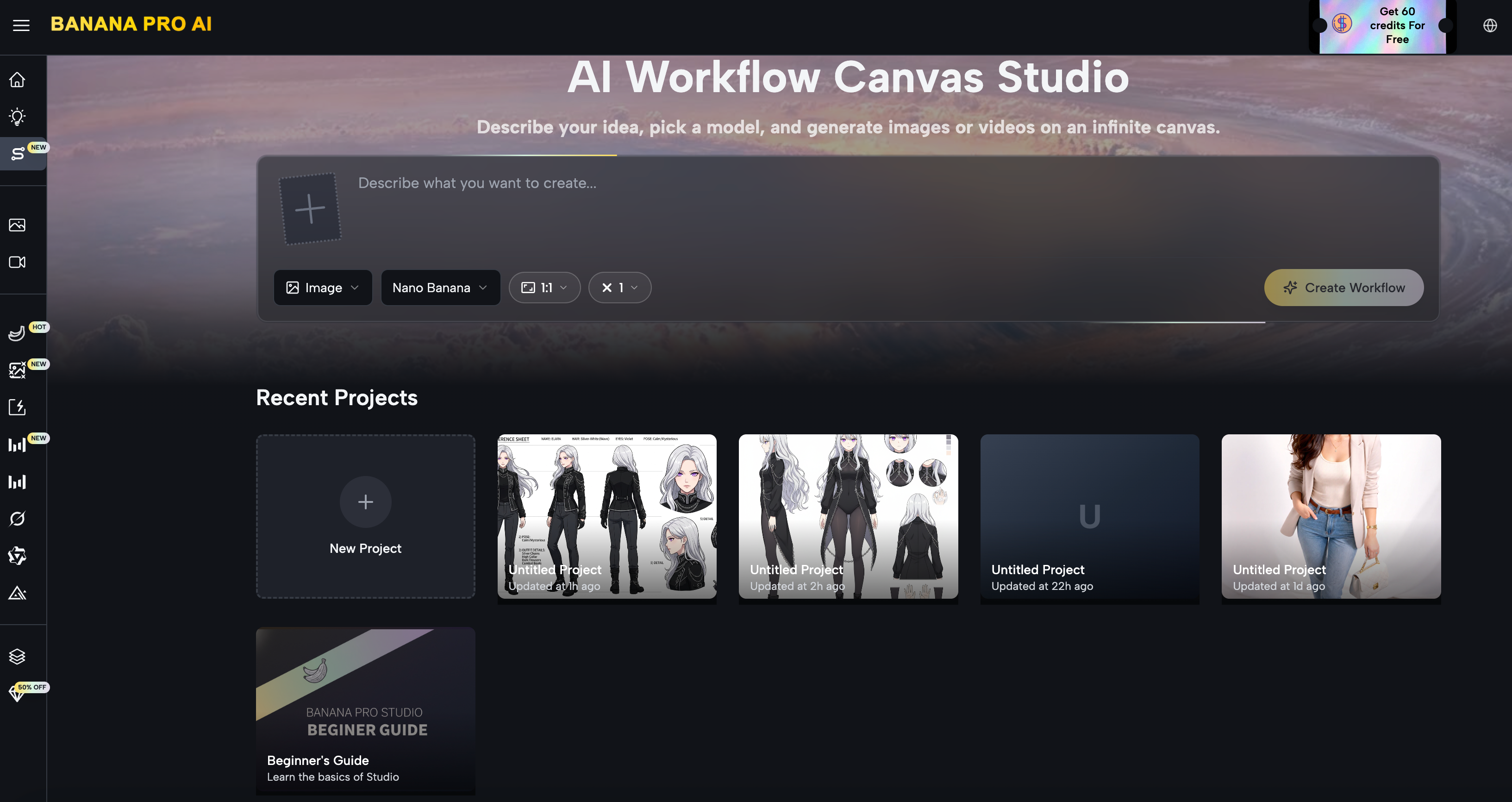
Go to the AI Baby Dance generator directly in your browser. No account or installation is required to get started — the tool runs entirely online.
Step 2: Prepare Your Baby Photo
Choose a clear, front-facing photo with good lighting. A neutral or simple background helps the AI isolate the subject more accurately. Avoid heavily filtered or blurry images for best results.
Step 3: Choose or Upload a Dance Reference Video
Either select from available dance templates or upload your own short reference clip. The AI will extract the movement from this video and apply it to your photo. A 5–15 second clip works best.
Step 4: Adjust Style Settings
Add a text prompt to define the scene background, lighting mood, or output style — for example: "colorful party background, soft lighting, playful". This step significantly elevates the final video quality.
Step 5: Generate Your Video
Click generate and wait 1–2 minutes for the AI to process. The output will be a smooth, natural-looking baby dance video ready to download.
Step 6: Download and Share
Save your video and post directly to TikTok, Instagram Reels, or YouTube Shorts. Most outputs are already formatted for vertical social media — no additional editing required.
What Makes a Good AI Baby Dance Video
The quality of your output depends heavily on the quality of your inputs. Here is what separates a great result from a mediocre one:
Photo Quality
Use a clear, well-lit, front-facing image. The baby's full face should be visible and unobstructed. Photos taken in natural daylight with a plain background tend to produce the cleanest results. Avoid images with heavy shadows, extreme angles, or low resolution.
Dance Reference Video
Choose a reference video with moderate, rhythmic movement — shuffle, gentle hip-hop, or K-pop style moves work particularly well. Extremely fast or physically extreme movements can be harder for the AI to cleanly reconstruct. A 5–15 second clip is ideal.
Motion Amplitude
Smaller, bouncy movements translate better onto babies than large, sweeping adult choreography. The AI preserves body proportions, so a motion that suits a toddler's frame will look far more natural than one designed for a tall adult performer.
Style Prompt
Adding a background description significantly elevates the final video. Simple additions like "colorful confetti background" or "disco lighting, party scene" make the output feel complete and shareable rather than like a raw generation.
Best Dance Styles for AI Baby Videos
Not all dance styles work equally well when transferred to a baby photo. These perform best:
| Dance Style | Why It Works Well |
|---|---|
| Shuffle / Melbourne Shuffle | Rhythmic, repetitive footwork that maps cleanly |
| K-pop Choreography | Structured, synchronized moves with clear body alignment |
| Hip-hop Bounce | Upper body movement suits baby proportions naturally |
| Salsa / Latin | Swaying motion looks adorable and fluid on small figures |
| Trending Audio Challenges | Matches current viral sounds for maximum reach |
AI Baby Dance for Content Creators
AI baby dance videos are not just for parents — they have become a legitimate content strategy for faceless creators and social media managers. Because they generate high engagement without requiring a personal camera appearance, they are widely used for:
- Faceless TikTok and Reels channels built entirely around AI character content
- Music promotion by syncing baby animations to new releases or trending audio
- Brand campaigns using mascot-style animated babies for product launches
- Meme accounts creating comedic, shareable content at scale
- Family content channels building loyal audiences around recurring AI characters
The AI Baby Dance tool supports this workflow directly — generate, download, and post within a single session.
FAQ: People Also Ask About AI Baby Dance
Is AI baby dance free to use?
Yes. You can access the AI Baby Dance generator for free at bananapro ai baby dance. Free usage covers standard resolution outputs. Higher resolution and longer generation limits are available on paid plans.
What photo format works best for AI baby dance?
JPG and PNG formats both work well. The most important factors are image clarity, front-facing composition, and adequate lighting — format matters far less than photo quality.
How long is the output video?
AI baby dance videos are typically generated as 5–15 second clips, optimized for social media sharing on TikTok, Reels, and YouTube Shorts.
Can I use any dance video as a reference?
Yes — you can upload any short dance clip as a motion reference, or choose from preset dance templates. For best results, use clips with clear, moderate-paced movements against a simple background.
Is it safe to upload a real baby's photo?
Always review the platform's privacy policy before uploading photos of real children. As an alternative, many creators use AI-generated baby character images instead of real photos to create fully fictional content.
Can I add music to the output video?
Some AI baby dance tools include built-in music templates. If your output is silent, you can sync music using a free editor like CapCut, which also lets you align the animation to specific beats before posting.
Create Your First AI Baby Dance Video Now
AI Baby Dance has turned one of the simplest inputs imaginable — a single photo — into one of the most engaging content formats on social media today. Whether you are a parent creating a family keepsake, a creator building a faceless channel, or a brand looking for a fresh campaign angle, the barrier to entry has never been lower.
Try the AI Baby Dance generator free today — upload a photo, pick a dance, and your video will be ready in minutes.