
The Ultimate AI Uncrop Image ExperienceAI Uncrop
Resize, expand, and reinvent your photos.
Choose your path to perfection. Whether you're a casual user or a professional, our AI Uncrop online solution has features tailored for you.
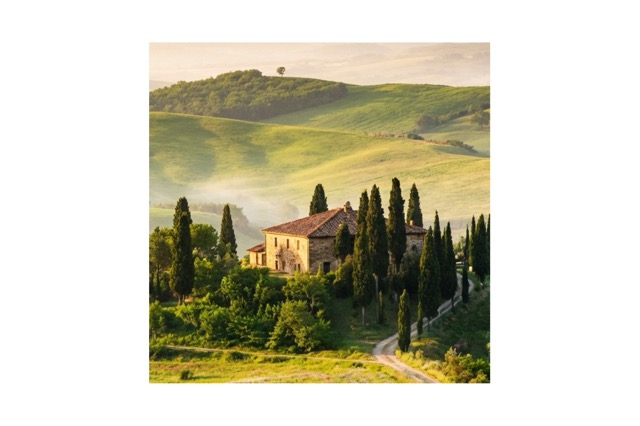
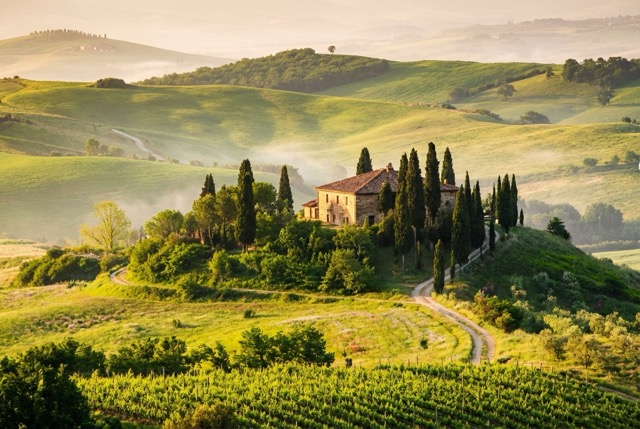
More AI Image Generators
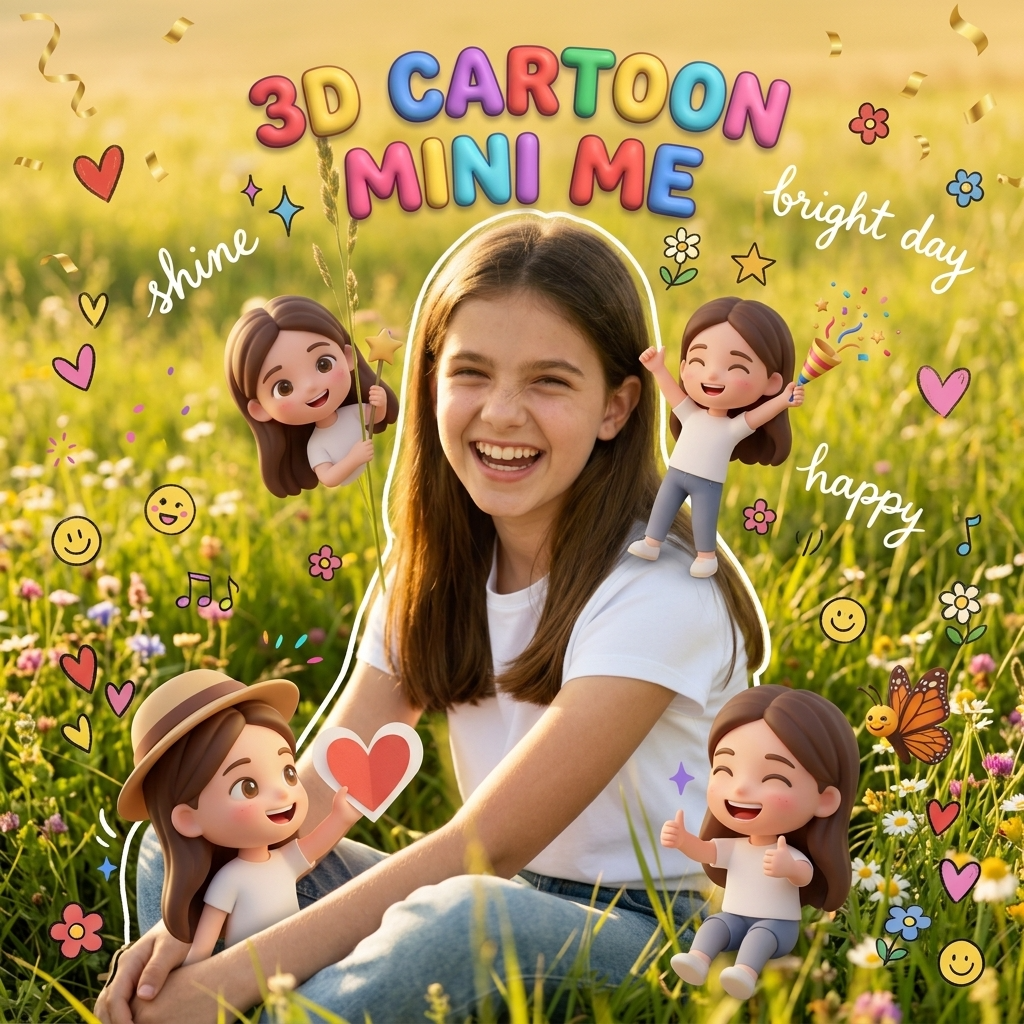
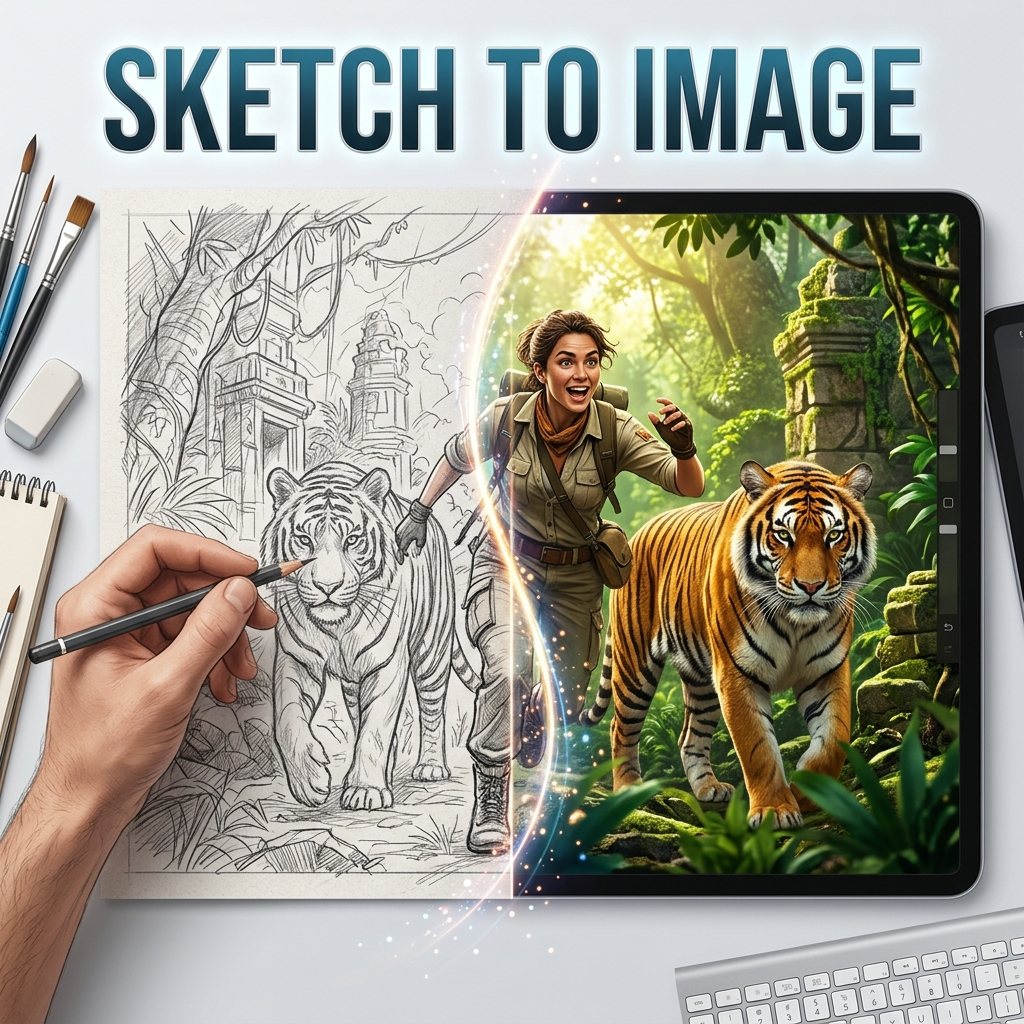
Explore our collection of specialized AI image generators designed for different creative needs and styles



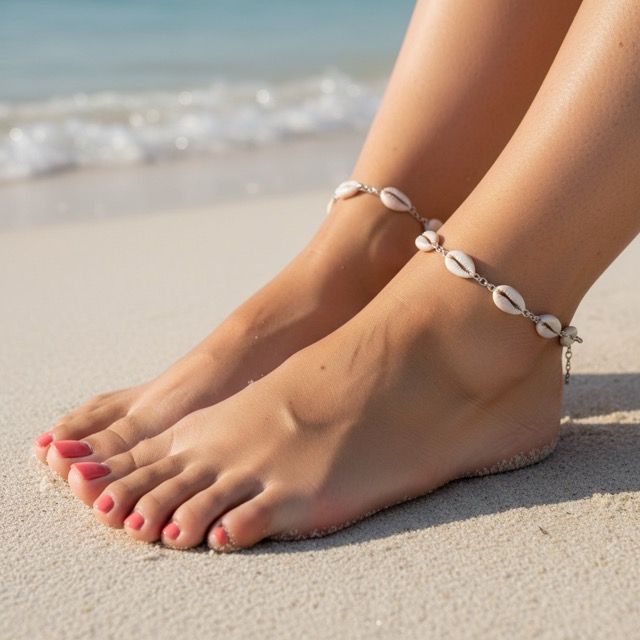
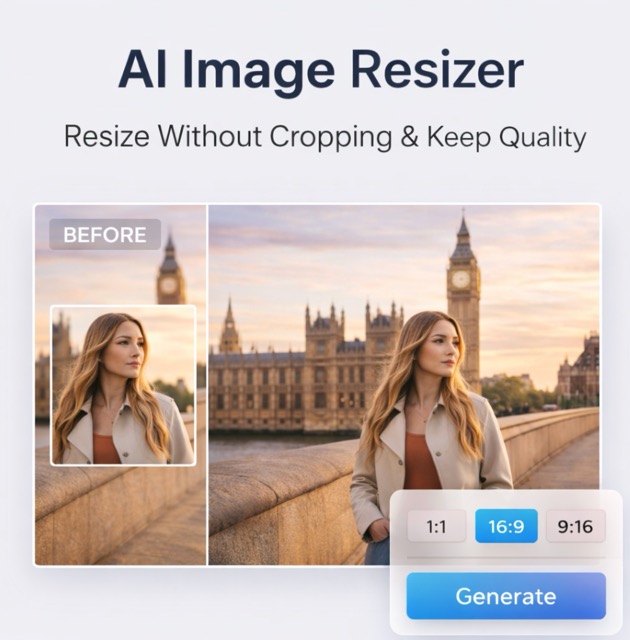
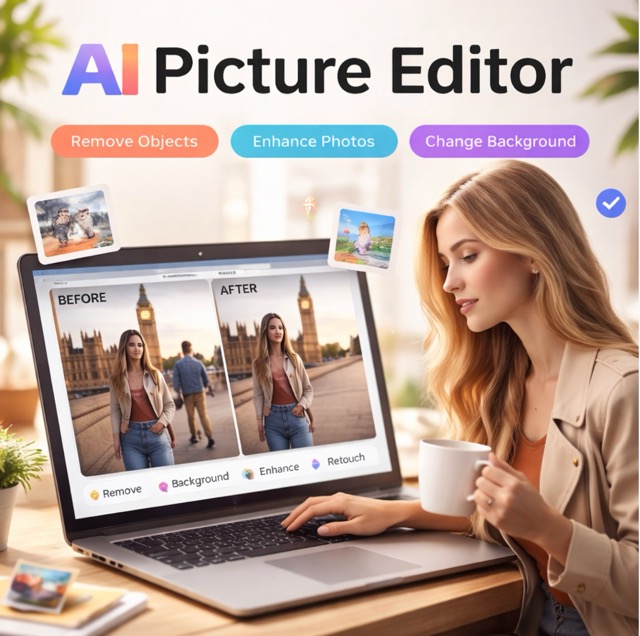
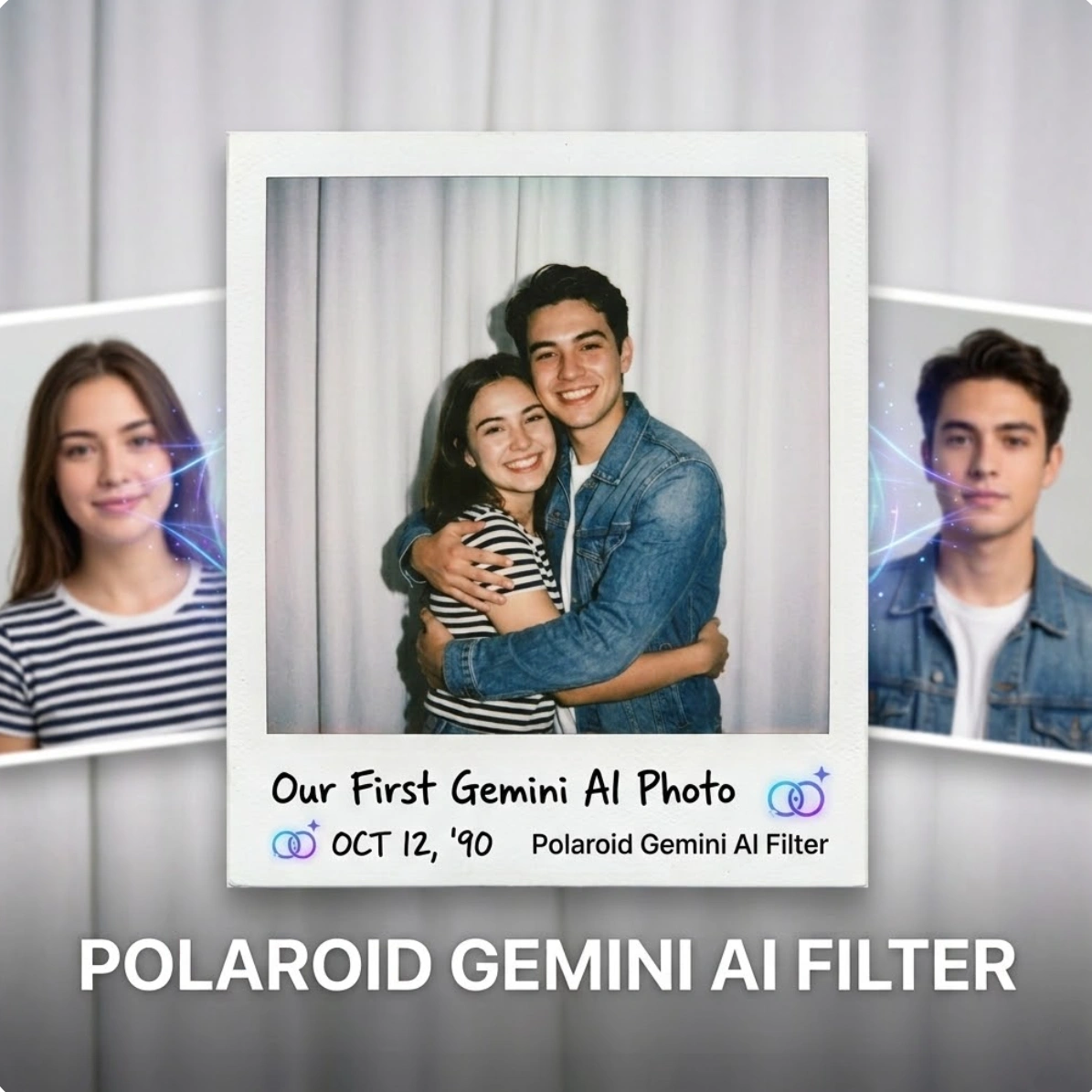
AI Uncrop Image: Revolutionary Expansion & Outpainting
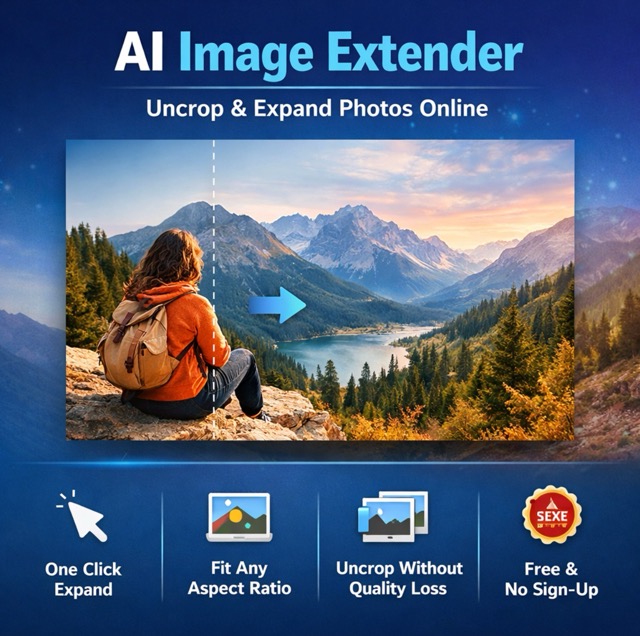
Seamlessly expand your canvas with AI Uncrop Image. Turn tight compositions into wide masterpieces, adjust aspect ratios without cropping, and generate realistic backgrounds instantly.
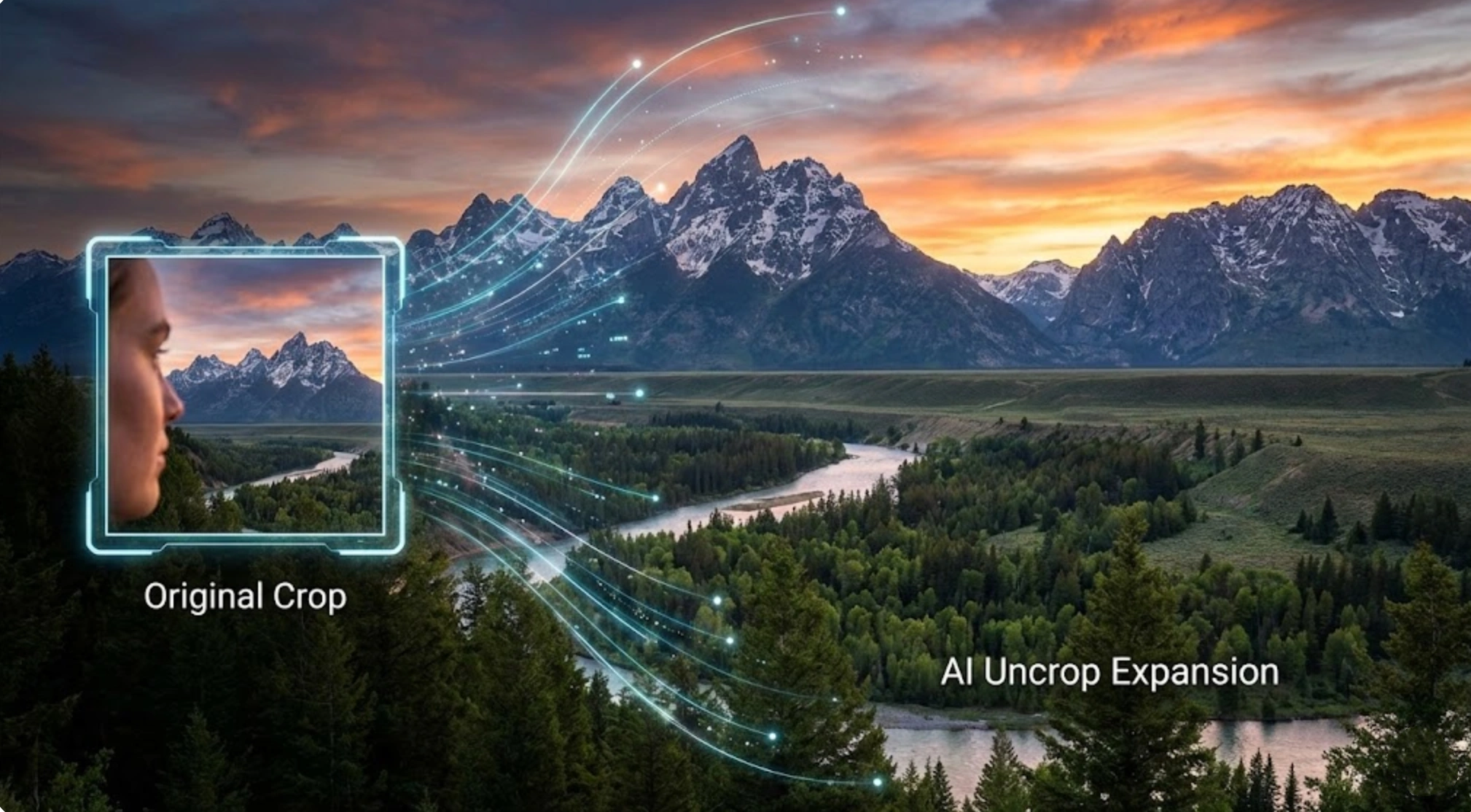
Experience the infinity of creativity with our cutting-edge AI Uncrop Image tool, designed to push the boundaries of traditional photography. Ever captured the perfect expression only to find the top of the head cut off? Or needed to fit a vertical photo into a horizontal website banner? AI Uncrop Image technology solves these issues by intelligently analyzing the context of existing images and generating new, consistent pixels to expand the scene.
How to Use AI Uncrop Image in 3 Steps
Mastering outpainting is easy. Follow this streamlined workflow to use the AI Uncrop Image online tool and transform your images with professional-grade expansions.

Upload Reference Image
Start the AI Uncrop Image process by uploading your original image to the reference slot. Our interface supports various formats, making it easy to get your original files ready for expansion. Whether it's a portrait, landscape, or product shot, the AI Uncrop Image engine analyzes the visual data to prepare for a natural expansion.

Set Size & Resolution
Customize the output to fit your needs. Select the desired aspect ratio for your AI Uncrop Image, such as 16:9 for video thumbnails, 9:16 for stories, or custom sizes like 3:4 and 1:1. Choose resolution quality from standard 1K to ultra-high 4K, and decide the number of variations (1-4) for the system to generate.

Generate Expanded Image
Click the generate button to execute the AI Uncrop Image technology. The system processes your input to expand the edges of the photo precisely matching the content. In moments, you can see the results of the image expanded beyond its original frame. Preview the results and download your favorite expanded version directly to your device.
Best AI Image Tools for Creative Projects
Explore creative tools for image, learn tips and tricks, and see how AI can be your assistant in turning concepts into finished projects.


Unlock Infinite Possibilities with AI Uncrop Image
From fixing mistakes to repurposing content, see how AI Uncrop Image technology revolutionizes your editing workflow and expands your visual horizons.
Tailor Content for Any Social Platform
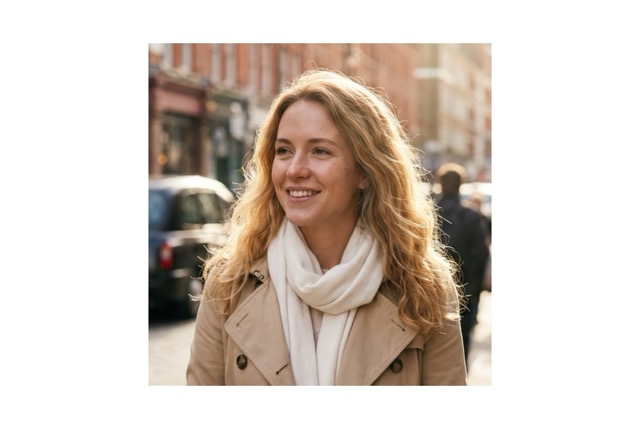
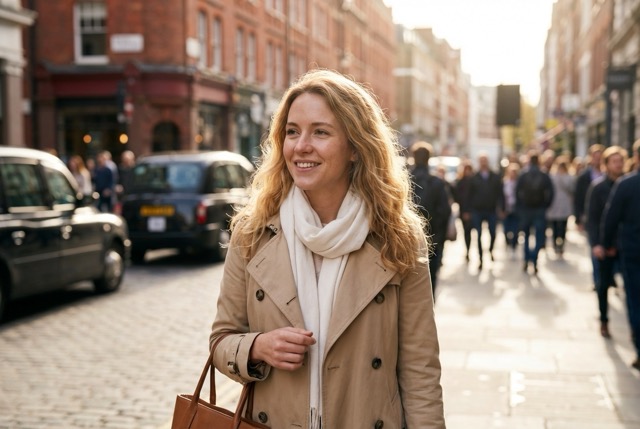
In the fast-paced social media environment, platform requirements vary. A photo perfect for an Instagram square often won't work for a YouTube thumbnail or Twitter header. The AI Uncrop Image tool eliminates the hassle of shooting multiple versions of the same scene. You can expand a 1:1 image horizontally with AI Uncrop Image online into a 16:9 cinematic shot, or vertically into a 9:16 TikTok background. The AI Uncrop Image generator fills the new margins with contextually relevant scenery, keeping the subject centered while naturally extending the surroundings.
Rescue Poorly Composed Photos
Every photographer has experienced checking shots after a session only to find the best expression had the hairline cut off or feet out of frame. In the past, these photos were discarded or required hours of tedious cloning work. With AI Uncrop Image technology, you can easily save these 'almost perfect' moments. The AI Uncrop Image tool intelligently predicts what should be outside the frame, restoring hair, clothing, shoes, and background textures with surprising accuracy.
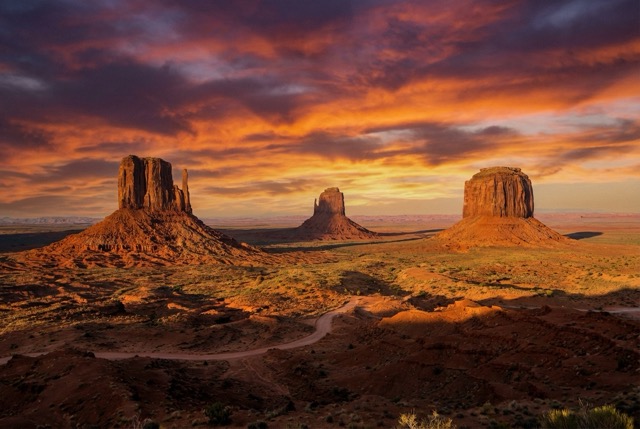
Creative Outpainting for Digital Art
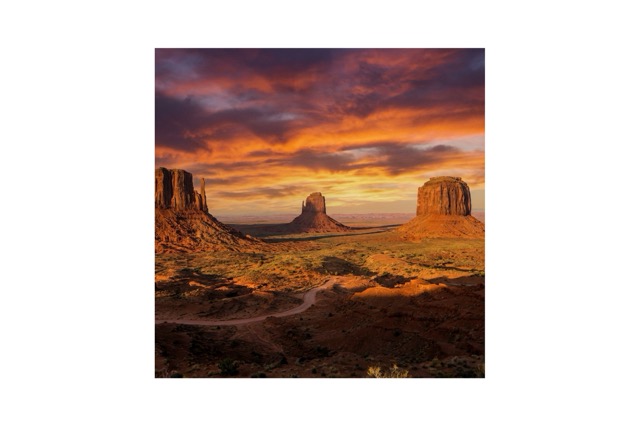
For digital artists and concept designers, AI Uncrop Image opens new doors for creative storytelling. Sometimes an image feels too cramped, or a marketing creative needs more 'white space' for text overlays. The AI Uncrop Image feature allows you to paint the world around your subject. For example, a product close-up can be placed on an infinitely long table using AI Uncrop Image, or a skyline can be extended to create a panorama that never existed. This tool acts like a co-creator, suggesting realistic expansions that blend naturally with the original file's lighting and perspective.
Who Needs AI Uncrop?
AI Uncrop Image technology serves a variety of industries. Discover how professionals enhance their visual assets through outpainting.
E-commerce & Product Photography
Online store owners often receive product images from suppliers that are cropped too tightly or don't fit the website layout. Using AI Uncrop Image, you can easily expand product photo backgrounds to fit square or wide banners. It keeps the product centered and looking professional without white margins (letterboxing) or stretching. The AI Uncrop Image tool also maintains studio lighting consistency, making it a vital asset for creating a unified catalog aesthetic.

Real Estate Professionals
In real estate marketing, a 'sense of space' is key. Agents use AI Uncrop to expand interior photos wider, showing more of a room's potential. If an exterior house shot is too tight, AI Uncrop online can generate more sky and grass, making the property look more grand and appealing. This helps create striking listing photos that grab attention and drive inquiries.

Graphic Designers & Marketers
Designers constantly struggle with images that lack 'copy space' for text. With the AI Uncrop free online utility, you can extend the canvas to one side, creating a clean, seamless background area perfect for headlines and call-to-action buttons. Utilizing AI Uncrop allows one licensed stock photo to be efficiently adapted into various formats like vertical stories, horizontal banners, and square ads.

Printing & Framing Services
When printing photos for custom frames, customers often face issues where the photo's aspect ratio doesn't match the frame size, leading to awkward cropping. AI Uncrop Image solves this by expanding the image boundaries to fit standard frame ratios (e.g., 4:5 or 3:2) without cutting off important parts of the image. As a result, printed AI Uncrop Image results look perfect on the wall, preserving the integrity of the original memory.
User Stories: Success with AI Uncrop Image
See how the community uses AI Uncrop to save photos, improve workflows, and create stunning art. Join thousands of satisfied users today.
In my wedding photos, the photographer accidentally cut off part of my veil. I was so upset until I found this AI Uncrop Image tool. Once I uploaded the photo, the AI Uncrop Image generator perfectly restored the missing lace details in seconds. You truly can't tell where the original photo ends and the AI generation begins. It saved my precious memory.
As a social media manager, resizing client assets is a nightmare. Usually, resizing means cropping, so you lose context. Using AI Uncrop online, I can instantly expand horizontal video thumbnails into vertical story formats. The background extension is seamless. Thanks to this AI Uncrop tool, my productivity has doubled and post quality has improved.
I sell vintage clothing and sometimes take photos too close to the product. Thanks to the AI Uncrop Image free online feature, I could 'zoom out' after the shoot by adding more studio background, giving the product more room to breathe. My shop looks much more professional now. I use AI Uncrop Image for almost every listing.
I use AI Uncrop Image for creating concept art. It's the best for outpainting. I start with a small sketch or render and let the AI Uncrop Image engine expand the world around it. With 4K resolution support, I can actually use the results for final print work. It's an indispensable part of my creative toolkit.
FAQ: Everything You Need to Know About AI Uncrop Image
Get answers to frequently asked questions about outpainting and image expansion. We'll help you fully master the AI Uncrop Image tool.
To use AI Uncrop Image, upload your image to the interface. Select your desired new aspect ratio (e.g., change square to 16:9). Once the tool identifies the empty space, the AI Uncrop Image engine fills that area with matching content. Click Generate, and you're done.
Yes, we provide AI Uncrop Image free online access so users can test the features. You can generate expanded images to check the quality of our outpainting technology before deciding on higher-resolution premium options.
AI Uncrop uses deep learning algorithms (GAN: Generative Adversarial Networks) to analyze the pixels in your image. It understands textures, lighting, and patterns to predict and generate what should exist outside the current frame, creating a seamless AI Uncrop Image result.
Absolutely. The AI Uncrop online tool supports exporting in 1K, 2K, and 4K resolutions. Expanded images remain sharp, making them suitable for high-quality printing or professional digital displays.
We prioritize your privacy. Images uploaded for AI Uncrop processing are encrypted and handled securely. We do not permanently store your personal photos, and you have direct control over the privacy settings of your generations.
Yes, our interface is mobile-friendly. You can access the AI Uncrop free online features directly from your smartphone browser to edit and expand photos on the go without installing heavy separate apps.
Expand Your World with AI Uncrop Image Today
Don't let the frame limit your vision. Expand your images, fix composition mistakes, and create breathtaking wide shots in seconds with our professional AI Uncrop Image tool. Join the AI outpainting revolution.
