
More AI Image Generators
Explore our collection of specialized AI image generators designed for different creative needs and styles


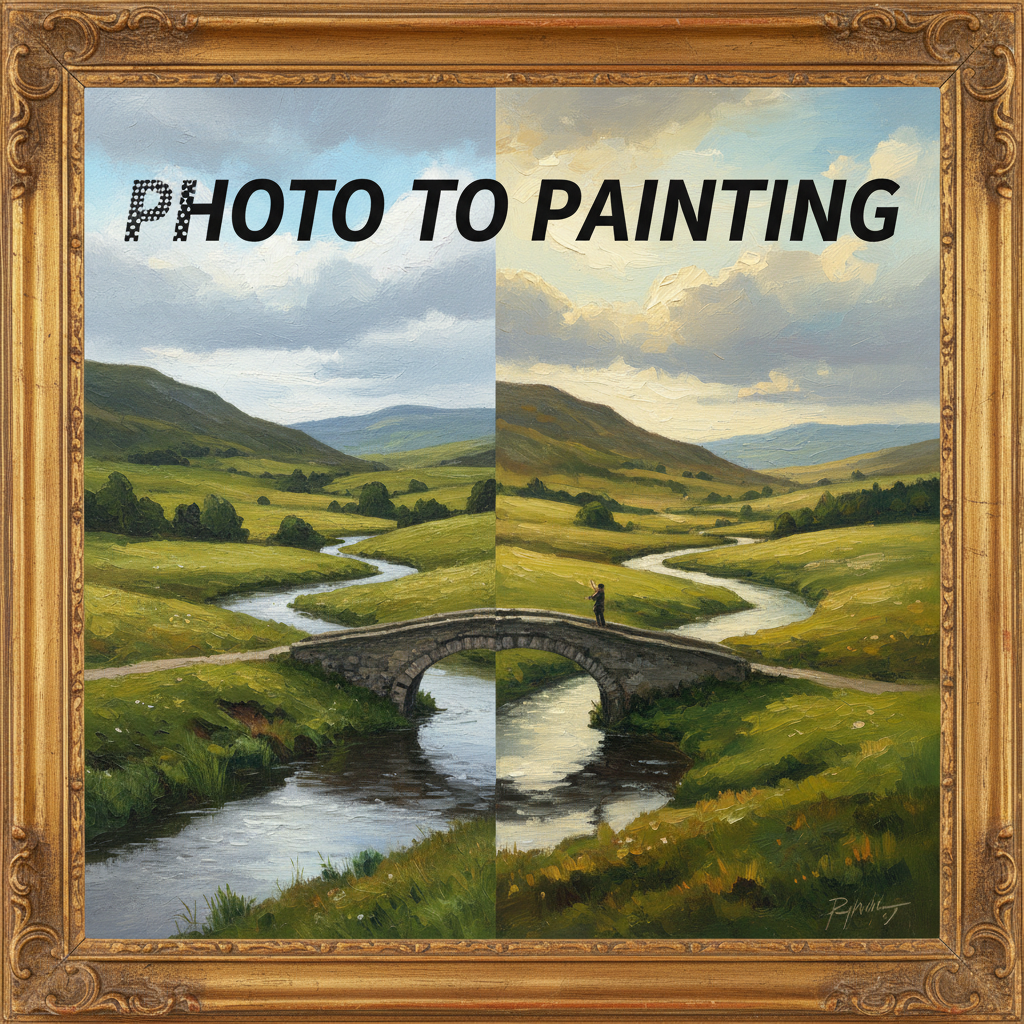
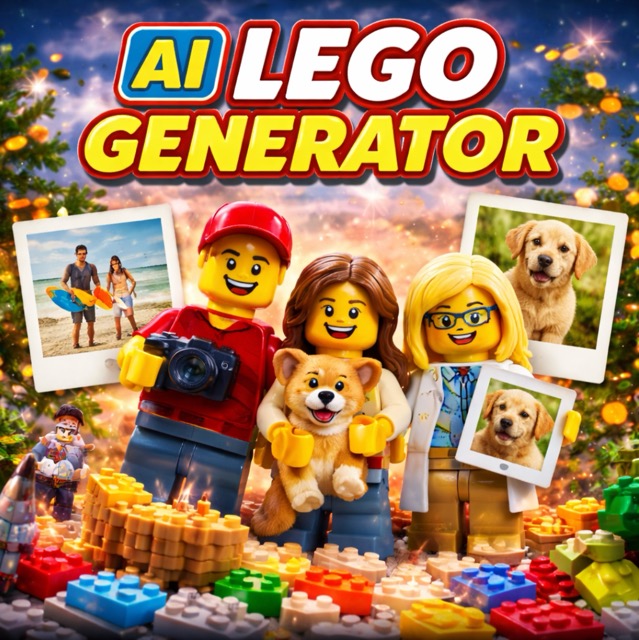
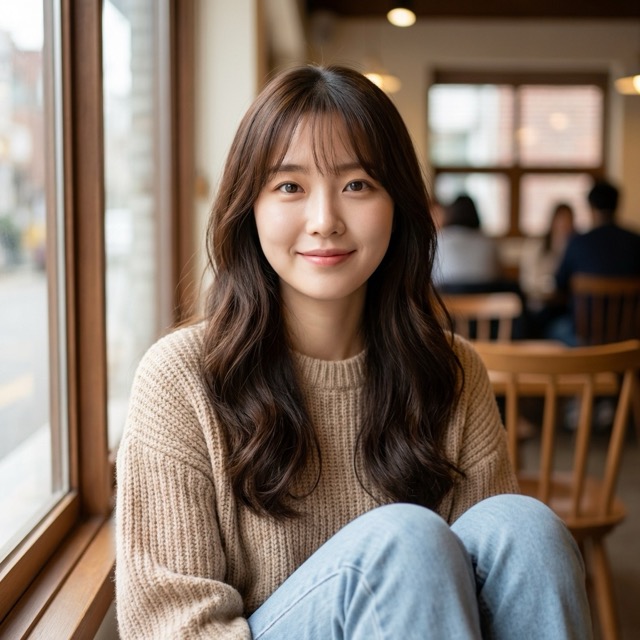
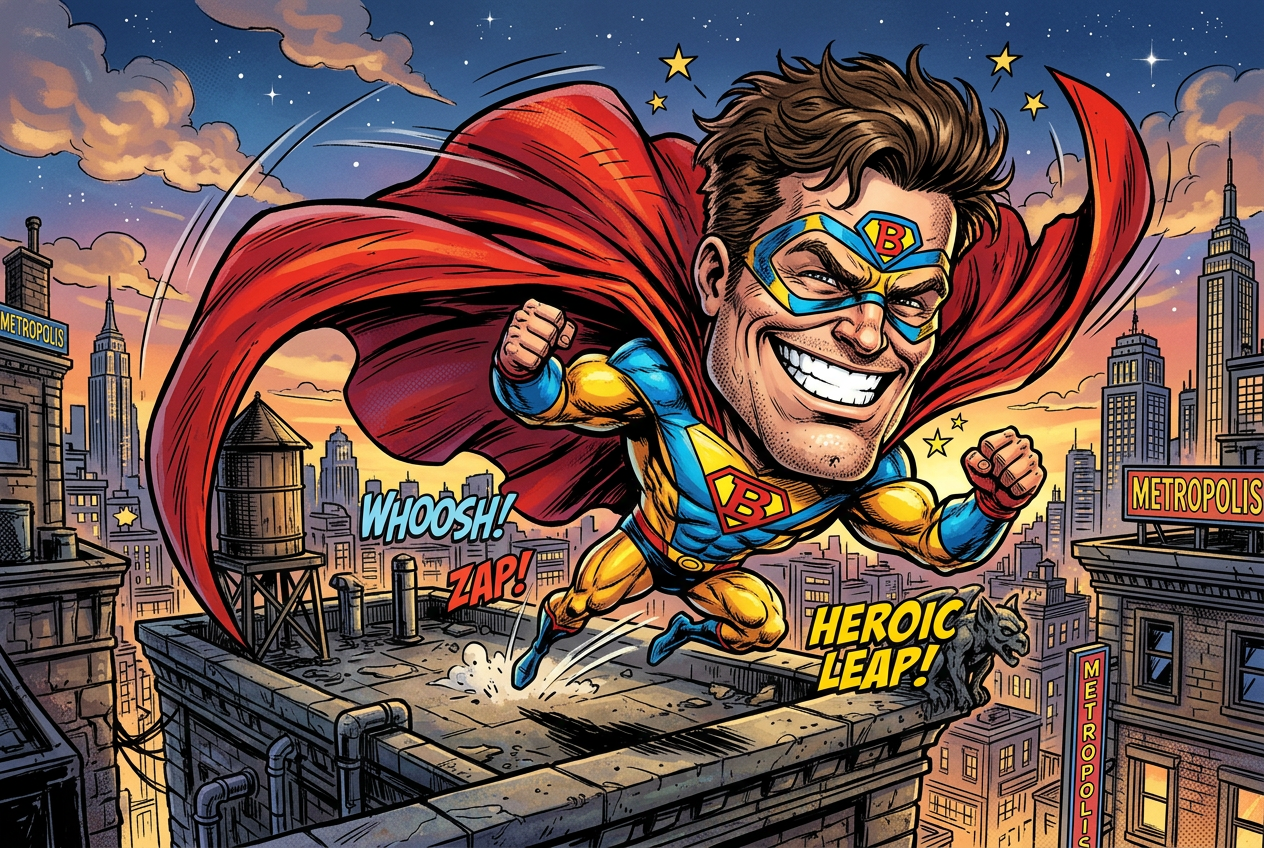
Create Portrait Art with AI Caricature Generator
Turn any portrait into expressive caricature artwork with AI Caricature Generator.
Bring more personality into every portrait with our AI Caricature Generator. Designed for fast, prompt-guided image creation, it helps you transform ordinary photos into playful, exaggerated artwork with clear facial character, flexible styling, and polished output for personal or professional use.
How to Use AI Caricature Generator
We built the AI Caricature Generator to feel simple from the first try. Upload a portrait, guide the output with your own prompt, and let the system create caricature artwork that feels personal and expressive.

Upload Your Photo
Start by adding a clear portrait image. The AI Caricature Generator works best when facial details are visible, allowing it to preserve identity while building a more exaggerated and expressive caricature style from your original photo.
Write Your Prompt
Describe the caricature you want, including mood, exaggeration level, outfit, background, pose, or art direction. Your prompt gives the AI Caricature Generator stronger creative guidance and helps shape a more intentional final image.

Choose Image Size and Generate
Select the image size that fits your use case, then generate. The AI Caricature Generator combines your uploaded photo and text prompt to create a custom caricature image ready for sharing, downloading, or refining through new variations.
Best AI Image Tools for Creative Projects
Explore creative tools for image, learn tips and tricks, and see how AI can be your assistant in turning concepts into finished projects.
Features of AI Caricature Generator
AI Caricature Generator is designed for users who want portrait art with more character and better control. From prompt-guided exaggeration to size selection and reusable variations, each feature supports a workflow that is simple to start.
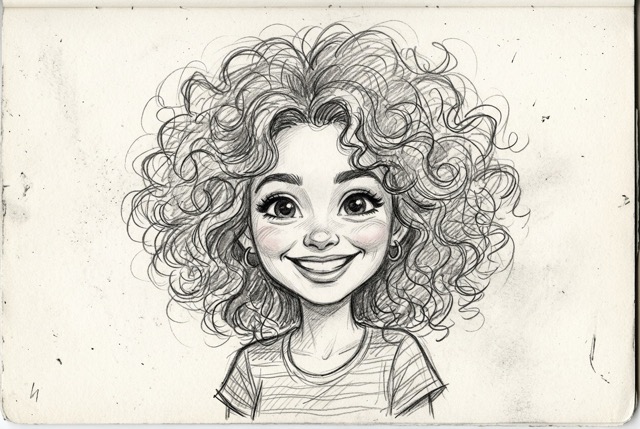
Prompt Guided Portrait Exaggeration
- Our AI Caricature Generator gives you more than a generic filter by combining photo input with prompt direction.
- This makes the AI Caricature Generator useful for users who want control over expression, tone, and visual personality.
- Instead of repeating the same effect every time, the AI Caricature Generator responds to creative intent and produces more varied results.
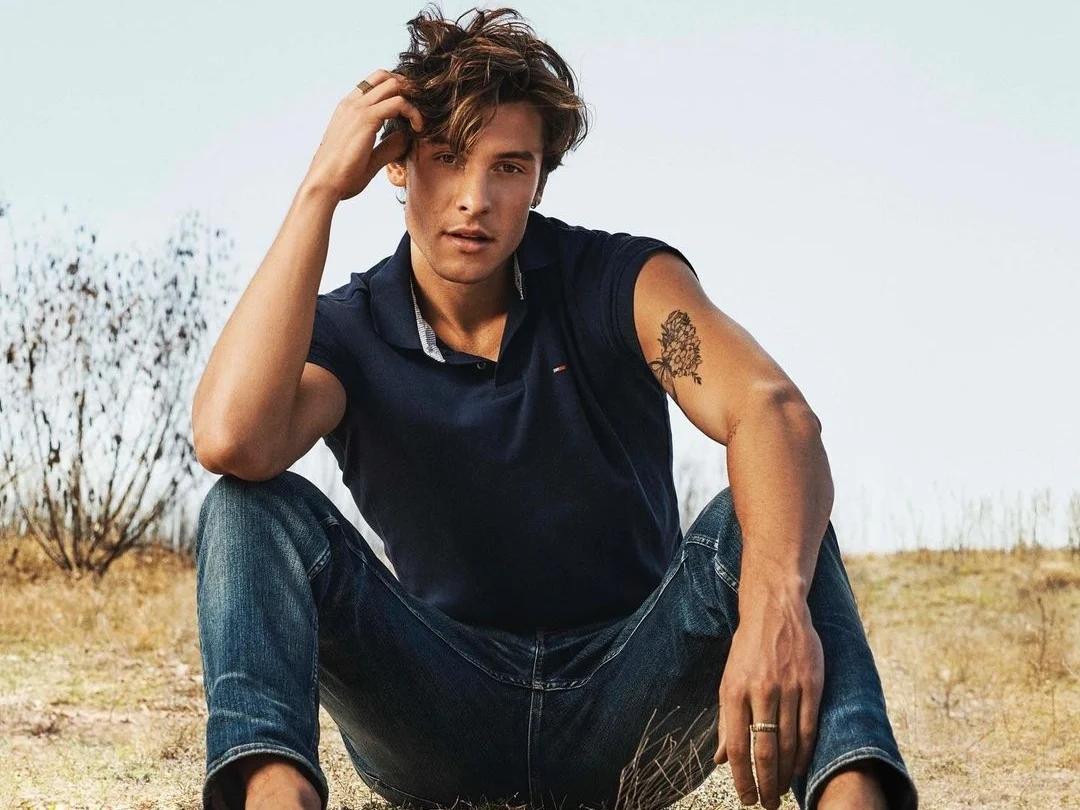
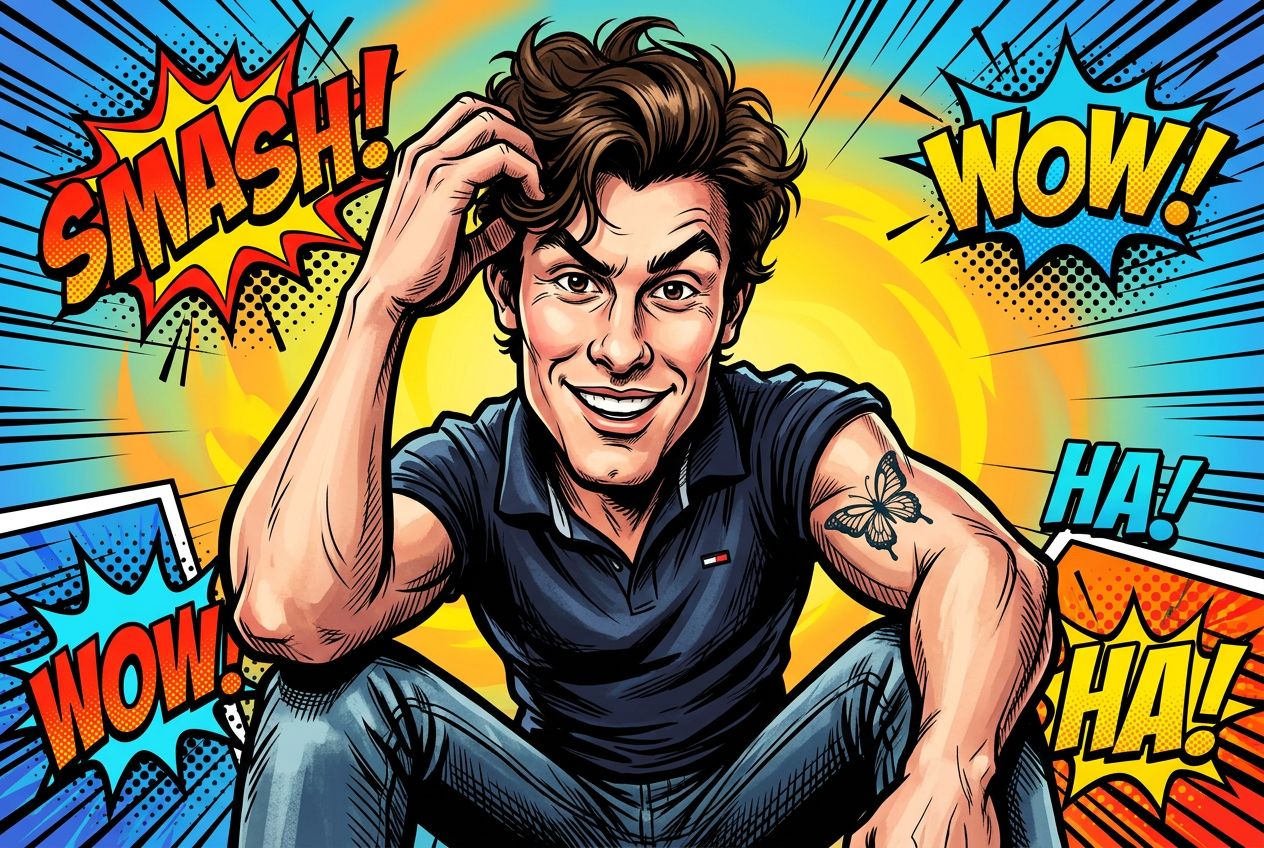
Flexible Styling for Gifts and Social Content
- The AI Caricature Generator works well for birthdays, event graphics, profile images, posters, and personalized digital gifts.
- You can describe clothing, props, hobbies, or themed scenes to make each portrait feel more specific.
- Because the AI Caricature Generator supports different moods and settings, it helps create visuals that are playful without looking careless.
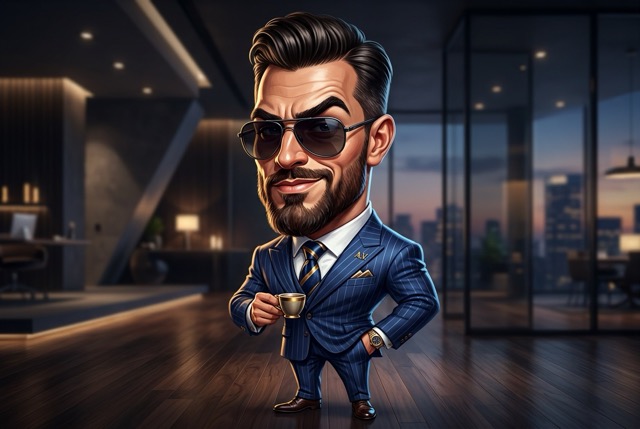
Creative Variations from One Source Image
- A strong AI Caricature Generator should help you test ideas quickly, not lock you into one output.
- With the same photo, you can ask for new backgrounds, stronger distortion, cleaner line work, or a different artistic mood.
- This makes the AI Caricature Generator especially useful for creators, marketers, and users comparing multiple visual directions.
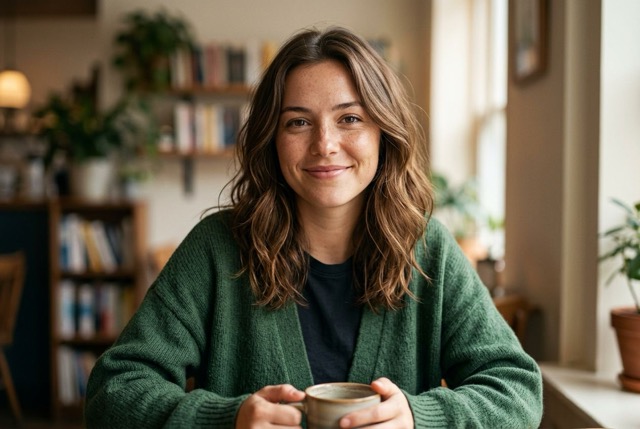
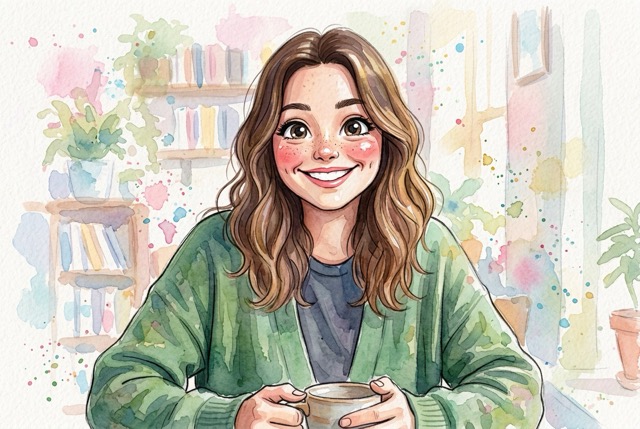
Image Size Options for Real Output Needs
- Our AI Caricature Generator includes image size selection before generation so you can design with the destination in mind.
- Choose a square format for avatars, a portrait layout for posters, or a wider frame for banners and covers.
- Matching composition to purpose helps the AI Caricature Generator produce more usable images with less extra editing.
Why Choose AI Caricature Generator
A useful AI Caricature Generator should fit more than one type of project. That is why this tool supports social content, gifts, and branding, helping users turn one portrait into something more memorable, expressive, and tailored to a specific purpose.

Distinctive Profile and Avatar Images
A standard headshot can feel too plain online. The AI Caricature Generator helps you create profile images with more personality, stronger visual recall, and a style that stands out across personal accounts, creator pages, and online communities.

Personalized Gifts and Party Graphics
The AI Caricature Generator is useful for birthday surprises, event invitations, digital greeting cards, and custom keepsakes. By adding hobbies, props, or themed settings in the prompt, you can create visuals that feel personal, playful, and easy to share.

Creator Branding and Channel Art
Creators use the AI Caricature Generator to make channel images, post graphics, cover art, and recognizable personal branding assets. Caricature portraits often communicate voice and attitude faster than plain portraits or generic cartoon filters.

Team Culture and Internal Campaigns
For teams and small businesses, the AI Caricature Generator can turn simple portraits into engaging visuals for internal events, offsite pages, Slack icons, welcome graphics, and light brand storytelling that feels more human and memorable.

Print Concepts and Merchandise Ideas
The AI Caricature Generator can support early concepts for posters, stickers, mugs, greeting cards, and themed apparel. A caricature style often translates well to printable formats because it emphasizes expression, shape, and visual character clearly.

Character Inspired Reimaginings
Use the AI Caricature Generator to place real subjects into fantasy, sports, retro, travel, office, or cinematic settings. This makes it easy to transform a straightforward photo into a stylized portrait with more narrative energy and humor.
What Users Say About AI Caricature Generator
Users choose the AI Caricature Generator when they want portraits with more attitude, more flexibility, and less guesswork. Followed examples show how caricature-style image generation can support both personal expression and practical visual projects.
I wanted a profile image that felt more memorable than a standard portrait. This AI Caricature Generator gave me a result with character, humor, and enough polish to use across my public professional accounts.
I used the AI Caricature Generator for podcast artwork concepts, and the prompt control made a real difference. I could move from a soft editorial look to something more comic and expressive without starting over.
For a birthday event, we turned portraits into themed caricatures with props and costume prompts. The AI Caricature Generator helped us create something playful that still looked deliberate and well put together.
I tested several portrait tools, and this AI Caricature Generator felt more practical for real creative work. It gave me better variation from prompt changes and avoided the repetitive look I kept seeing elsewhere.
Our team used the AI Caricature Generator for internal event graphics and speaker visuals. The results felt lively and personal, which made the assets more engaging than plain edited photos or stock illustrations.
As a freelance designer, I appreciate tools that respond clearly to direction. The AI Caricature Generator let me refine exaggeration, background, and mood quickly, which made concept exploration much faster for client-facing ideas.




FAQs About AI Caricature Generator
These answers explain how the AI Caricature Generator works, what kinds of inputs produce stronger results, and how to use prompt guidance effectively. If you are comparing portrait tools or planning a specific project, this section helps clarify when caricature generation is the right fit.
An AI Caricature Generator is a tool that transforms a portrait photo into caricature-style artwork using image input and written instructions. You upload a photo, describe the look you want, choose an image size, and the system creates a portrait with exaggerated but recognizable facial character. A strong AI Caricature Generator does more than apply a simple effect. It responds to details such as mood, distortion level, clothing, props, and background so the result feels more customized and more useful across different creative situations.
Start with a clear, well-lit portrait where facial features are easy to see. Then write a prompt that describes more than just style. Mention expression, exaggeration strength, outfit, background, mood, and artistic direction. For example, instead of saying “make it funny,” ask for “a polished editorial caricature with a confident smile, bright colors, and a city background.” The more specific your prompt is, the easier it is for the AI Caricature Generator to produce a result that feels intentional rather than generic or randomly exaggerated.
Yes. One of the main advantages of using an AI Caricature Generator with prompt input is the ability to guide exaggeration directly. You can ask for subtle humor, magazine-style caricature, bold comic distortion, or something in between. This flexibility matters because not every project needs the same tone. A profile graphic may work better with lighter exaggeration, while a birthday gift or party poster may benefit from stronger visual distortion. The AI Caricature Generator lets you shape that range through simple but specific wording.
Portraits with visible eyes, facial contours, hairstyle, and expression usually perform best. Front-facing or slightly angled photos are often easier for an AI Caricature Generator to interpret than distant group shots or images with heavy shadows. Avoid photos that are extremely blurry, low contrast, or overly filtered if you want more reliable results. The goal is to give the system enough visual information to preserve the person’s identity while exaggerating the right features. Better source images usually lead to cleaner and more recognizable caricature outputs.
Yes. While many people use an AI Caricature Generator for fun, it is also useful for profile graphics, team visuals, speaker art, creator branding, and light campaign content. The key is prompt direction. A more refined prompt can lead to polished results with controlled exaggeration and cleaner styling, while a playful prompt creates something more humorous. That range makes the AI Caricature Generator suitable for both personal and professional use. It works especially well when you want a portrait that feels memorable without looking too formal or static.
Yes. Although many users start with individual portraits, an AI Caricature Generator can also be used for couple portraits, pet caricatures, family-themed concepts, and small group visuals. What matters most is clarity in both the source image and the prompt. You can describe the relationship, style, props, or setting to make the output more specific. For example, you might request a couple caricature in formalwear or a playful pet portrait with oversized features and a park background. Prompt quality often shapes how cohesive the final image feels.
Prompt writing matters because it turns a simple image transformation into a more directed creative process. Without clear guidance, the AI Caricature Generator may create a broad or repetitive result that does not match your goal. A stronger prompt can specify visual tone, distortion level, line quality, clothing, props, and scene details. In practice, the prompt acts like a short creative brief. The better your instructions, the more likely the AI Caricature Generator is to produce artwork that feels distinctive, useful, and aligned with your intended style or audience.
An AI Caricature Generator focuses on exaggeration, facial emphasis, humor, and expressive identity. Other portrait tools may soften the image, beautify the face, or apply a flat cartoon treatment. The difference is creative intent. If you want sharper character, stronger attitude, and a portrait that feels more individualized, an AI Caricature Generator is often the better choice. It is especially useful for gifts, creator avatars, event graphics, and team visuals where personality matters. The output usually feels more playful and more distinctive than a standard style filter.
Yes, and that is one of the most practical ways to use an AI Caricature Generator. Start with one source image, then test different prompts to explore new moods, backgrounds, outfits, or exaggeration styles. You might create a cleaner version for a professional profile, a humorous version for social media, and a themed version for an event or gift. This makes the AI Caricature Generator useful not just for one-off images, but also for iteration. Small wording changes can create noticeably different results while preserving the same person as the subject.
The AI Caricature Generator is useful for creators, marketers, event planners, designers, founders, gift buyers, and casual users who want more personality in portrait images. It works especially well when a normal photo feels too plain and a generic cartoon filter feels too repetitive. Because the workflow combines uploaded photos, prompt guidance, and image size selection, the tool supports both experimentation and more purposeful content creation. Whether you need a fun avatar, a memorable gift, or branded character art, the AI Caricature Generator offers a flexible starting point.
Turn Your Photo into Caricature Art Today
Upload a portrait, add your creative prompt, choose image size, and let the AI Caricature Generator create expressive artwork with more humor, personality, and visual impact. Try the AI Caricature Generator today for avatars, gifts, branding, and standout social content.
