
More AI Image Generators
Explore our collection of specialized AI image generators designed for different creative needs and styles


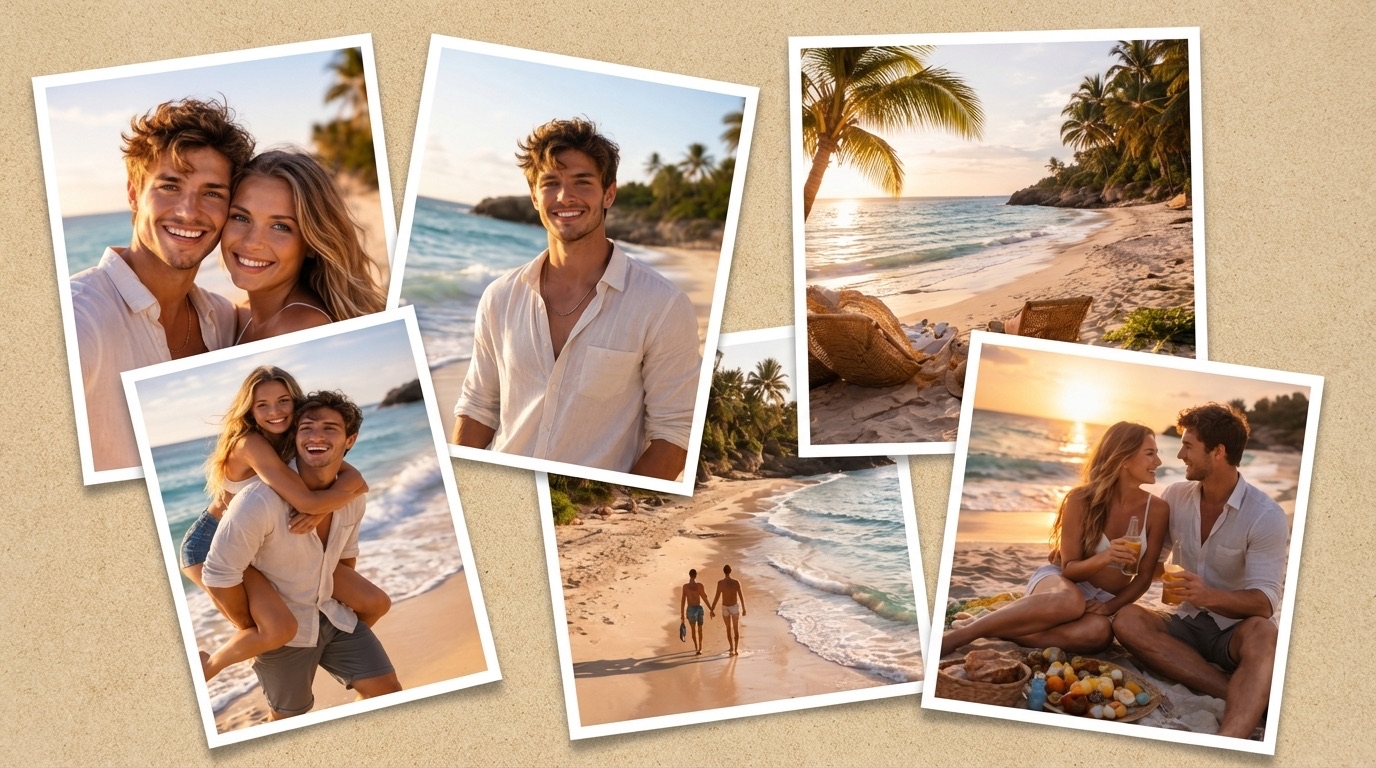
Ultimate AI Collage Maker: Create Photo Layouts Instantly
Transform scattered photos into beautiful artwork. AI Collage Maker offers layouts like Minimalist Grid and Freestyle Scrapbook. Try AI Collage Maker online free and combine your pictures seamlessly for any digital project.
Combine your photos effortlessly. Stop spending hours editing manually. Create professional grids, polaroid scatters, and scrapbook designs instantly. Get perfect visual results today with advanced technology.
How to Use AI Collage Maker in 3 Simple Steps
Creating beautiful layouts is simple. Follow these important steps to operate AI Collage Maker and arrange your photos perfectly. Let the system handle the heavy lifting for your design process.

Upload Reference Image
Start by uploading your reference photos directly into AI Collage Maker. You can seamlessly drag and drop your files or select images straight from your assets library. Ensure high-quality file uploads so your final design looks absolutely pristine. Organizing your visual assets is the critical first step. Let AI Collage Maker process your inputs swiftly to begin your creative journey without any complicated file conversions.

Select Layout Structure
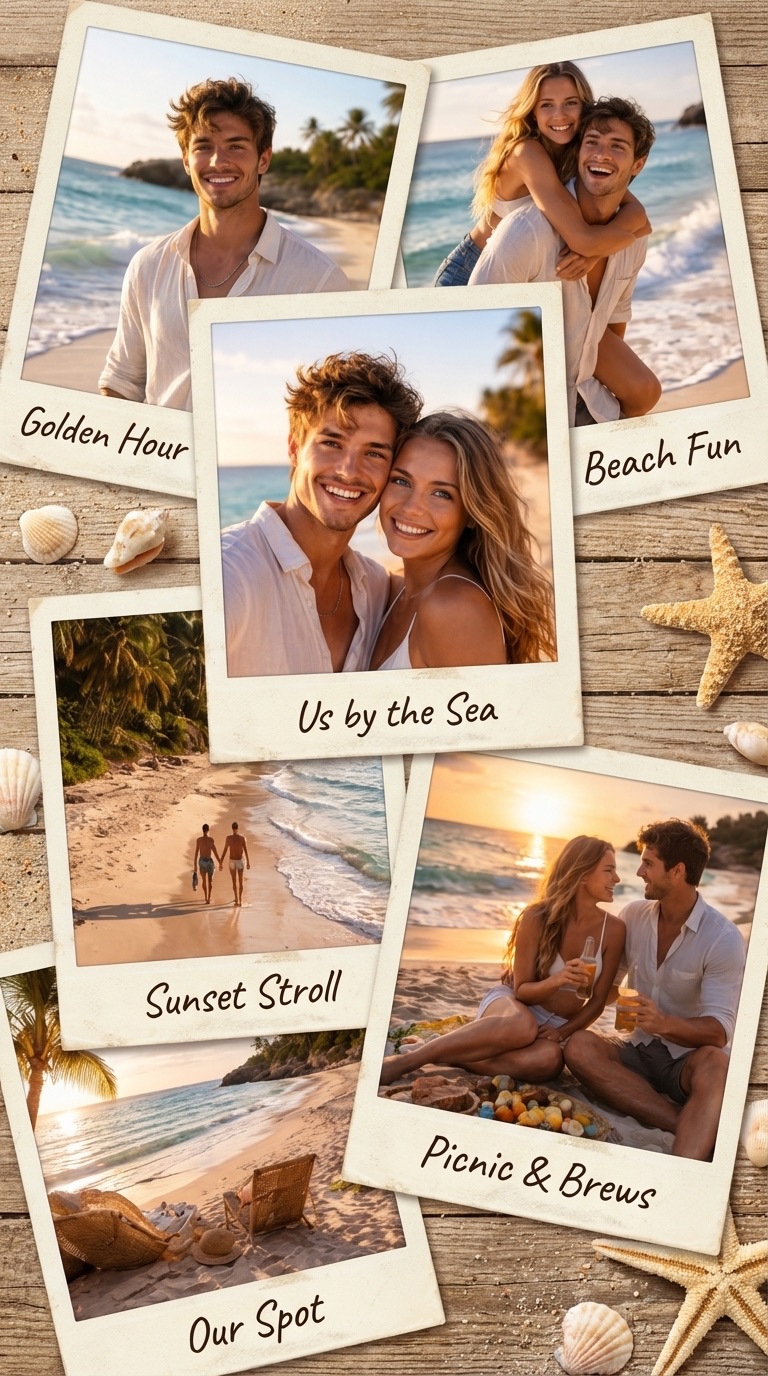
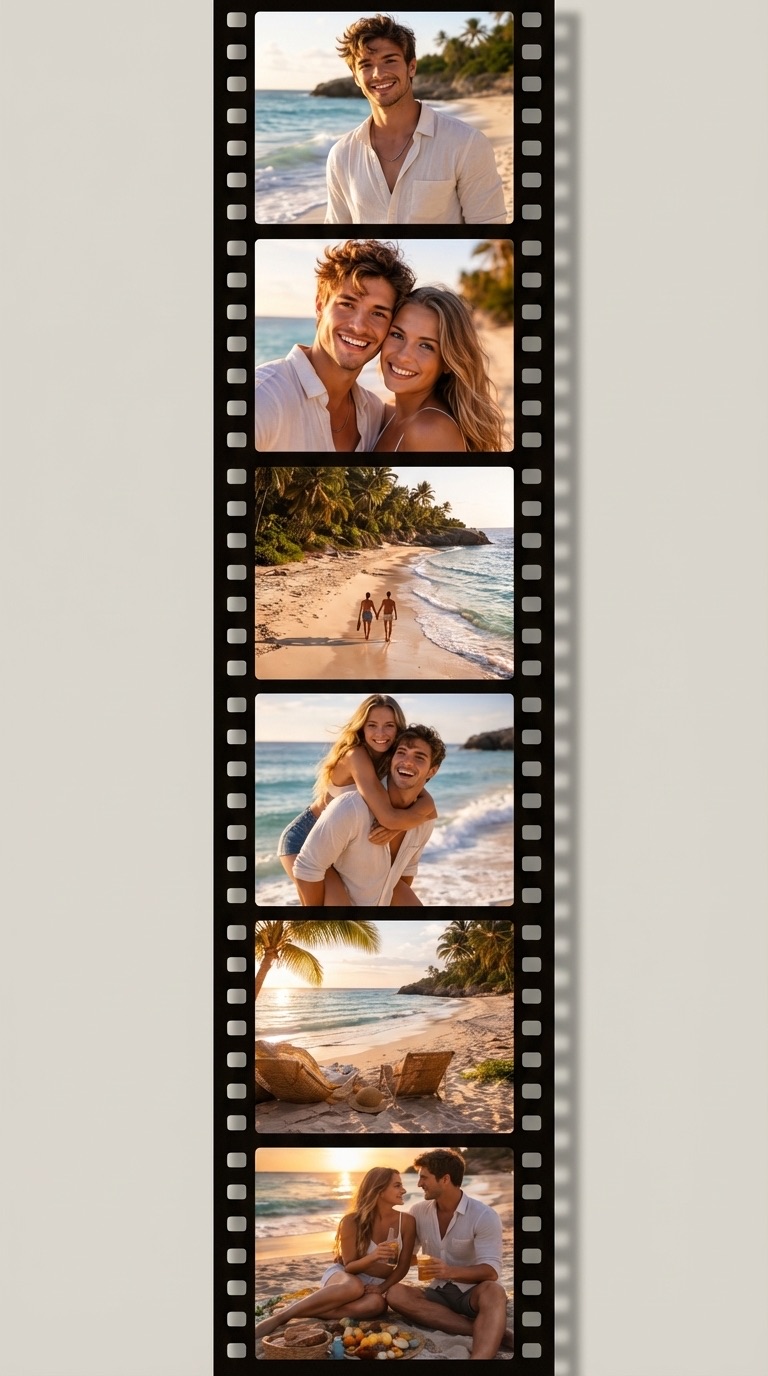
Choose your desired visual structure inside AI Collage Maker. Select from Minimalist Grid, Freestyle Scrapbook, Cinematic Film Strip, or Polaroid Scatter. You can customize border styles, offering options like seamless edges, soft drop shadows, or vintage frames. Adjust your canvas size to proportions like 1:1 or 16:9 using AI Collage Maker easily, ensuring your design fits your specific display requirements perfectly.

Generate Image Output
Pick your preferred resolution, ranging from 1K up to 4K. Click the generate button and let AI Collage Maker arrange your photos intelligently. Process your request quickly, giving you a perfect, downloadable composition in seconds. AI Collage Maker ensures your main subjects remain perfectly framed and highly visible without tedious manual adjustments, giving you a polished masterpiece ready to share.
Best AI Image Tools for Creative Projects
Explore creative tools for image, learn tips and tricks, and see how AI can be your assistant in turning concepts into finished projects.
Powerful Design Features of AI Collage Maker
Explore comprehensive tools that make AI Collage Maker an excellent utility for combining photos. Discover why creators prefer AI Collage Maker for their layout needs.

Versatile Layout Structures
Creating a unique photo arrangement is effortless. AI Collage Maker provides diverse layout options to suit your specific creative needs and workflow. Whether you require a clean Minimalist Grid for professional corporate presentations, or a Freestyle Scrapbook for emotional family memories, AI Collage Maker has you covered. You can also select the Cinematic Film Strip or Polaroid Scatter layouts to achieve a highly dynamic visual effect. AI Collage Maker ensures every single photo fits perfectly into the chosen structure without distorting the main subjects. Experience AI Collage Maker online free to test these versatile design options yourself without any commitment. AI Collage Maker adapts to your creative vision seamlessly, allowing you to build stunning visual narratives in seconds.
Custom Border Styles
The right border significantly elevates your overall design and visual appeal. AI Collage Maker includes multiple border settings to match your desired aesthetic perfectly. Choose a seamless look for uninterrupted, flowing visuals, or add a Classic White Border for a traditional, clean photographic feel. AI Collage Maker also offers a Soft Drop Shadow for added depth and a Vintage Polaroid Frame for retro artistic vibes. AI Collage Maker applies these intricate borders automatically, saving you hours of tedious manual editing time in complex software. Customize every detail of your composition easily. AI Collage Maker guarantees aesthetic perfection for every project you undertake, ensuring your final images look polished and ready for publication.
High-Resolution 4K Export
Image quality matters profoundly when combining multiple pictures for professional or personal use. AI Collage Maker supports exceptionally high-resolution outputs, allowing you to generate final compositions in 1K, 2K, or stunning 4K detail. AI Collage Maker ensures your final artwork remains crisp and clear, perfect for both digital social media sharing and physical printing formats like posters or canvases. You can effortlessly select the specific aspect ratio, like 1:1, 3:4, or 16:9, before generating your piece. AI Collage Maker guarantees professional-grade visual results every single time you combine your photos. Enjoy superior image creation and crystal-clear visual exports without any complicated software requirements.
Who Actively Benefits from AI Collage Maker?
Different types of users rely heavily on AI Collage Maker to enhance their visual content. See exactly how AI Collage Maker helps creators combine photos efficiently.

Social Media Content Creators
Content creators constantly need eye-catching visuals to keep their followers engaged. AI Collage Maker helps you build highly aesthetic posts effortlessly. Use AI Collage Maker to compile multiple daily outfits, stunning travel destinations, or detailed product shots into one cohesive, attractive image. AI Collage Maker provides trendy layouts like the Polaroid Scatter that strongly resonate with modern audiences across various platforms. With AI Collage Maker online free, producing your daily content becomes much faster and far less stressful. Maintain a consistent, high-quality aesthetic across all your social channels with minimal effort. AI Collage Maker is your ultimate partner for digital storytelling and audience engagement, helping you stand out easily.

E-commerce Sellers
Presenting physical products clearly is absolutely crucial for generating online sales and building buyer trust. AI Collage Maker allows e-commerce sellers to showcase different angles and fine details of a product in a single, comprehensive image. Use AI Collage Maker to apply a strict Minimalist Grid, keeping the viewer focus entirely on your merchandise without distractions. AI Collage Maker ensures your online product displays look immaculately clean and professional, helping to increase overall customer conversion rates. Instead of uploading dozens of individual images, consolidate them beautifully. AI Collage Maker is an invaluable asset for retail businesses looking to improve their digital storefronts and drive more revenue.

Professional Event Planners
Summarizing a large event requires compiling many different captured moments into a cohesive narrative. Professional event planners use AI Collage Maker to create beautiful visual recaps of elegant weddings, busy corporate parties, and exciting music concerts. AI Collage Maker can arrange photos into a Cinematic Film Strip, effectively telling a compelling visual story sequentially. AI Collage Maker makes it incredibly simple to share these event highlights with clients and attendees beautifully. Trust AI Collage Maker to present your events flawlessly and capture the unique atmosphere perfectly. Every important moment gets highlighted in a stunning, professionally organized layout that viewers will love.

Personal Memory Keeping
Preserving precious family memories should be an enjoyable, creative process, not a technical chore. AI Collage Maker is absolutely perfect for creating beautiful digital scrapbooks of your most cherished moments. Select the Freestyle Scrapbook layout inside AI Collage Maker to arrange your holiday photos creatively and playfully. AI Collage Maker lets you add vintage frames and soft shadows, making your personal photos look like a carefully crafted art piece. Rely on AI Collage Maker to document your life beautifully and turn simple photos into treasured keepsakes. Creating an emotional connection through imagery is easier than ever with these intelligent layout tools.
Genuine User Feedback for AI Collage Maker
Read what our dedicated users have to say about their experiences with AI Collage Maker. Discover how AI Collage Maker simplifies complex photo arrangement tasks.
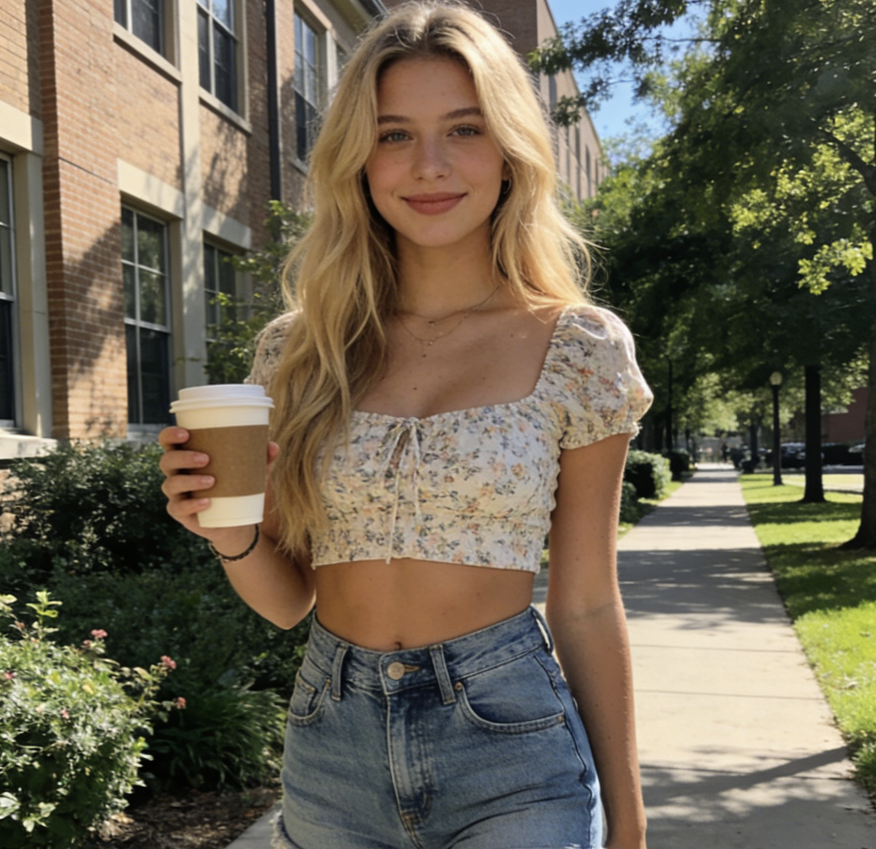
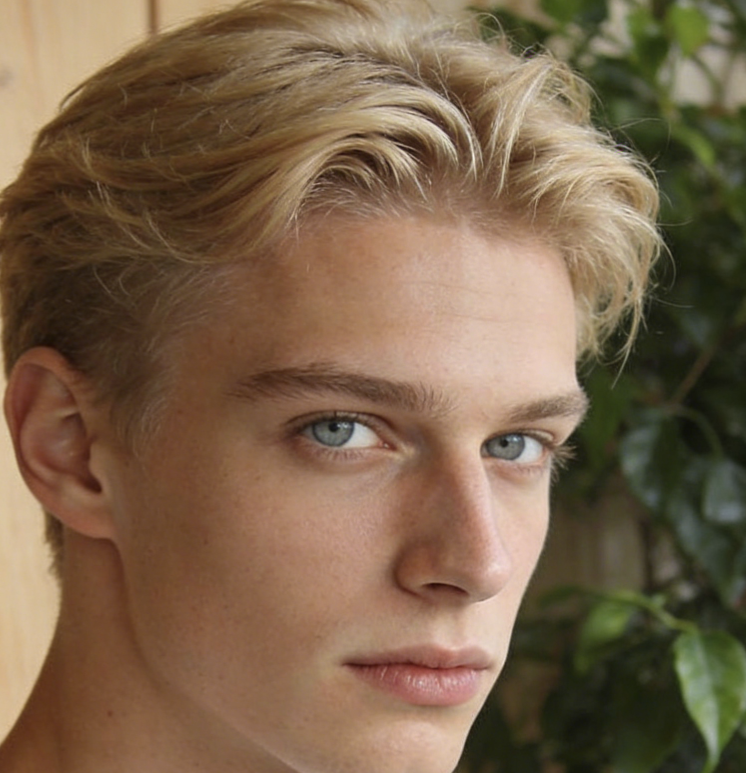
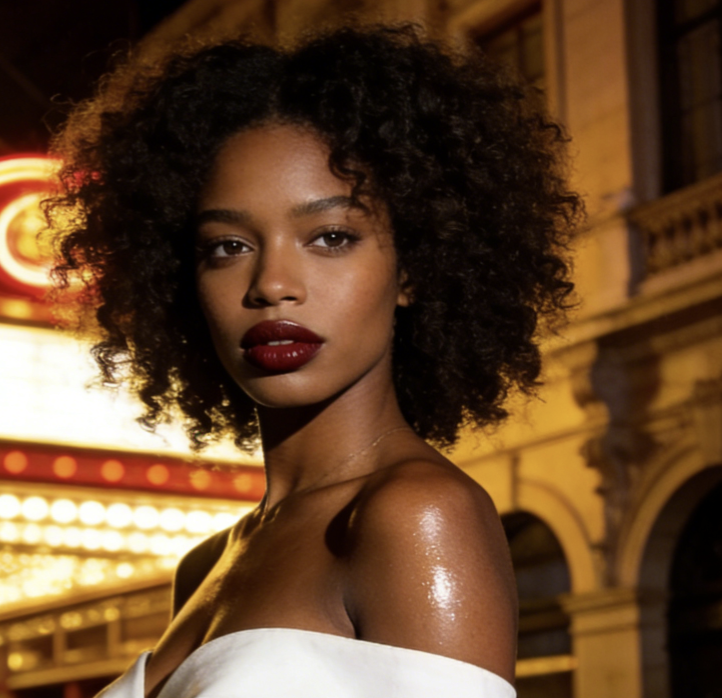
I constantly need to create visual mood boards for my demanding corporate clients. AI Collage Maker has completely streamlined my daily workflow. I just upload my vast inspiration images, and AI Collage Maker arranges them perfectly into a pristine Minimalist Grid. I also greatly appreciate that AI Collage Maker online free features let me thoroughly test different layouts before finalizing the project. AI Collage Maker is undoubtedly an essential tool for my daily graphic design tasks, saving me hours of manual alignment and formatting. The results are always sharp, professional, and ready to be presented immediately.
I used to spend countless hours manually aligning photos in complicated editing software, which was incredibly frustrating. Finding AI Collage Maker changed my entire creative process. AI Collage Maker perfectly crops and centers my subjects without stretching or ruining them. The Vintage Polaroid Frame feature provided by AI Collage Maker gives my marketing campaigns a wonderfully fresh, authentic look that my audience loves. AI Collage Maker saves me so much valuable time every single week. It is highly intuitive, brilliantly designed, and delivers fantastic results instantly without any learning curve.
My active travel blog requires a massive amount of photo combinations to keep readers engaged. AI Collage Maker is incredibly user-friendly and incredibly fast. I absolutely love using the Cinematic Film Strip layout inside AI Collage Maker to show my journey step-by-step in a highly cinematic way. The fact that AI Collage Maker outputs in stunning 4K means my blog looks highly professional on any screen, from mobile to desktop. AI Collage Maker is simply a fantastic visual utility for bloggers and influencers wanting to stand out from the crowd visually with minimal effort.
As a professional photographer, I am exceptionally picky about image quality, resolution, and digital compression. AI Collage Maker deeply impressed me with its robust resolution options and output clarity. AI Collage Maker allows me to combine my pristine shots using seamless borders without losing any crispness or fine detail. AI Collage Maker is by far the fastest way to create a beautiful client preview gallery that looks polished and high-end. I highly recommend AI Collage Maker to all my industry peers looking for a reliable, high-quality grid layout solution for their photography businesses.

Common Questions About AI Collage Maker
Find concise answers regarding the functionality of AI Collage Maker. Learn exactly how to optimize your visual results effectively.
AI Collage Maker automatically adjusts your uploaded images to fit the selected grid perfectly. It carefully crops your photos to keep the main subject centered and fully visible, ensuring absolutely no awkward stretching or strange image deformation occurs during the generation process. The smart framing algorithms handle all the complex spatial math for you instantly.
AI Collage Maker lets you select from several distinct visual layouts, including the highly structured Minimalist Grid, the creative Freestyle Scrapbook, the sequential Cinematic Film Strip, and the playful Polaroid Scatter. You can switch between these unique styles instantly to find your perfect match for any project.
With AI Collage Maker, you can meticulously select your desired output resolution before generation. Generate standard 1K, highly detailed 2K, or ultra-high-definition 4K images based entirely on your specific project requirements, ensuring your final export always meets professional visual standards.
AI Collage Maker features a dedicated Border Style section within the main settings interface. Easily select Seamless edges, a crisp Classic White Border, a Soft Drop Shadow, or a Vintage Polaroid Frame to instantly enhance your final composition and give it a unique aesthetic.
Absolutely. You can choose from multiple standard canvas proportions. Select a 1:1 square for social feeds, a 3:4 portrait layout, a 16:9 landscape format, and other standard sizes to fit your specific project needs perfectly without any hassle.
Yes, it certainly is. Because it fully supports stunning 4K resolution output, the files you generate are exceptionally high quality. Your compositions remain incredibly sharp and vibrant when printed on physical materials like large canvas displays, brochures, or premium photo paper.
Start Designing Faster with AI Collage Maker
Stop struggling with manual photo alignment and tedious layer adjustments. Provide everything you need to create stunning visual compositions effortlessly. Try AI Collage Maker online free and generate beautiful photo arrangements in just a few simple clicks. AI Collage Maker makes advanced graphic design accessible.
