
The Ultimate AI GTA Filter for Instant Art TransformationAI GTA Filter
Experience the power of professional game-style art generation.
Ready to change your reality? Access the most powerful AI GTA Filter on the market. Choose your access level below.
More AI Image Generators
Explore our collection of specialized AI image generators designed for different creative needs and styles


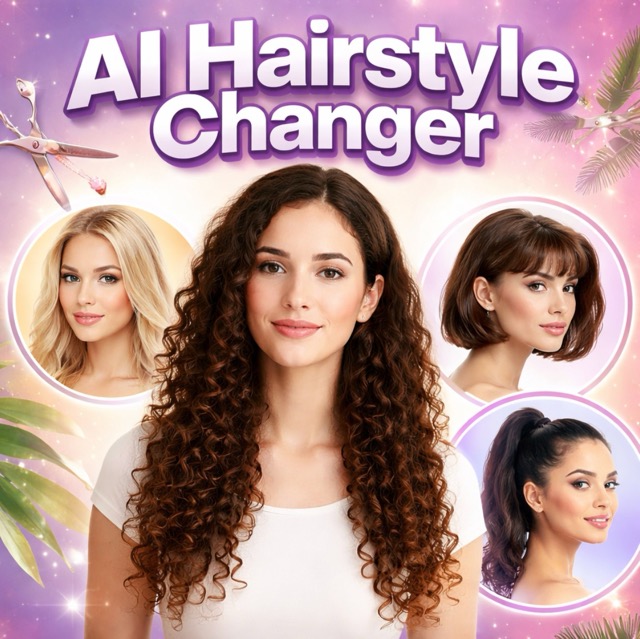
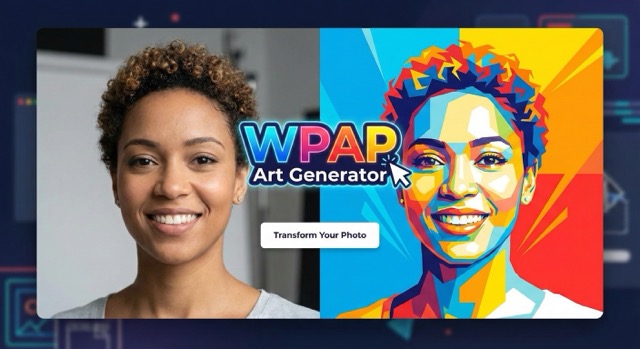
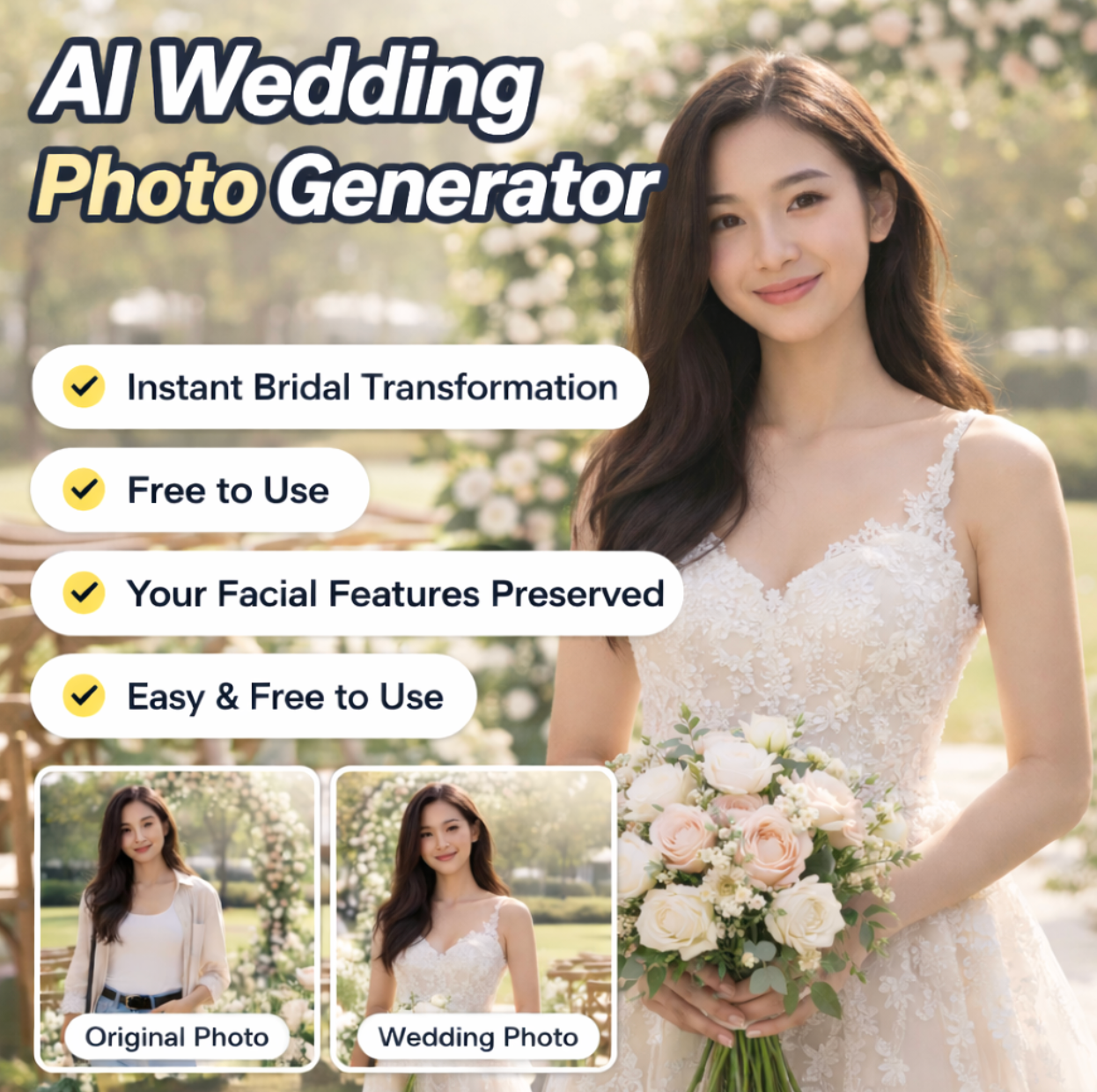
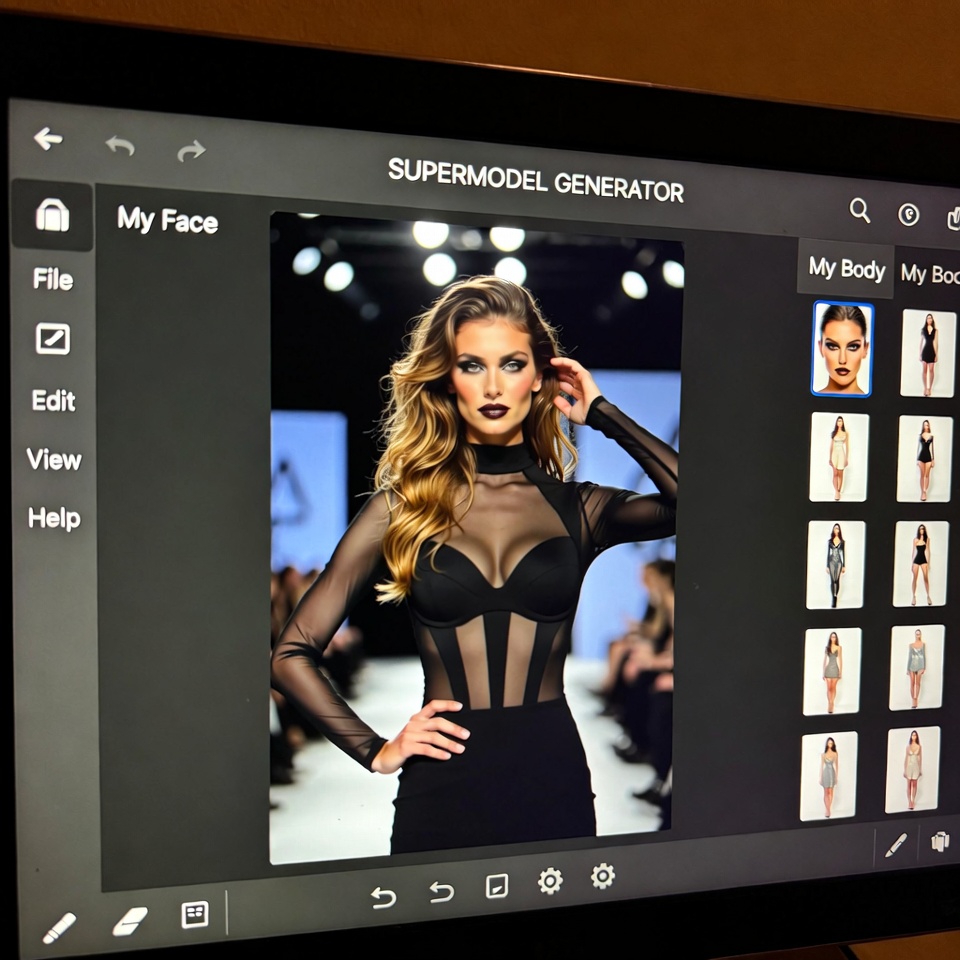
AI GTA Filter: Transform Your Photos into Grand Theft Masterpieces
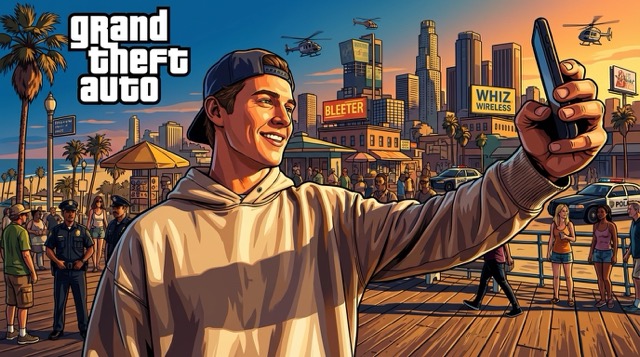
Immerse yourself in the open-world aesthetic. Turn your selfies into gritty, cel-shaded loading screen art instantly with the ultimate AI GTA Filter.
Step into the criminal underworld aesthetic without ever picking up a controller. The viral AI GTA Filter has taken social media by storm, allowing anyone to visualize themselves as a protagonist in the world's most famous open-world action franchise. This isn't just a simple color overlay; our advanced deep learning engine completely reconstructs your image. It analyzes facial features, lighting, and background elements to apply the iconic hand-painted, cel-shaded art style associated with legendary game loading screens.
How to Create Game Art with the AI GTA Filter
Creating your own video game cover art is effortless. Follow this simple workflow to utilize our AI GTA Filter and turn ordinary photos into extraordinary digital art.

Upload Reference Image
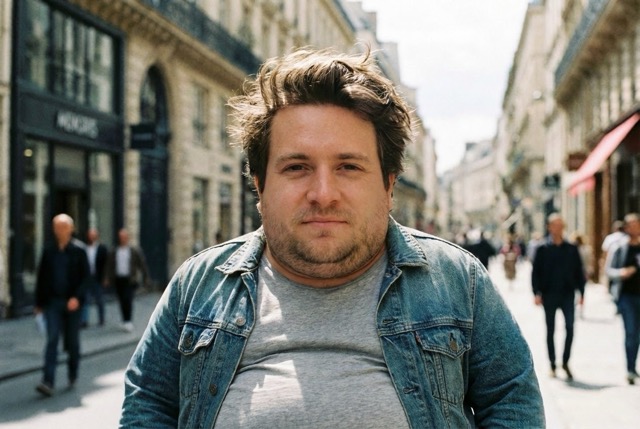
Start your transformation by uploading a photo to the AI GTA Filter interface. You can drag and drop a JPG or PNG file (max 30MB) or select one from your assets library. For the most accurate character conversion, ensure the subject is well-lit.

Customize Settings & Resolution
Tailor the output to your specific needs. Select your desired image size from a wide range of aspect ratios including 16:9 for wallpapers, 1:1 for avatars, or 9:16 for mobile stories. Choose your output resolution (1K, 2K, or stunning 4K) to ensure your AI GTA Filter result is crisp and detailed.

Generate & Download
Click the 'Generate Image' button to activate the AI GTA Filter engine. In just a few moments, the system will process your photo, applying the signature illustrative style. Once complete, preview your new game-ready look and download it instantly to your device.
Best AI Image Tools for Creative Projects
Explore creative tools for image, learn tips and tricks, and see how AI can be your assistant in turning concepts into finished projects.
Why Choose Our Advanced AI GTA Filter?
From nostalgic art styles to professional-grade resolution, explore the features that make this AI GTA Filter the ultimate tool for digital transformation.
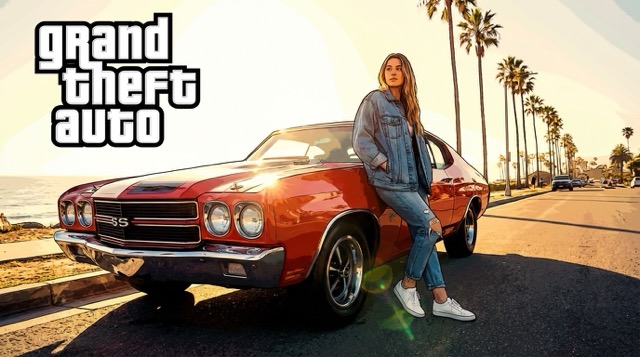
Achieve the Iconic Loading Screen Look
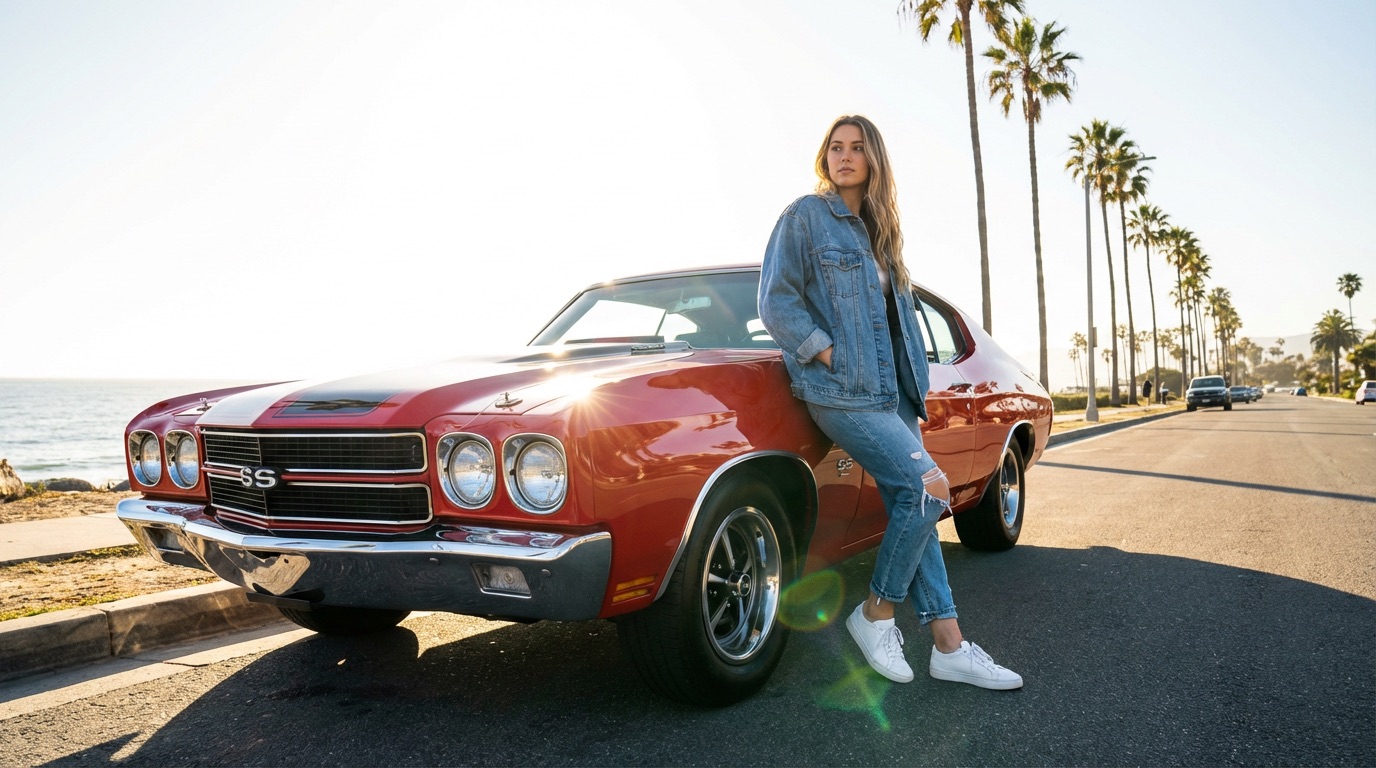
The defining characteristic of the Grand Theft genre is its unique art direction—a blend of realism and comic-book illustration known as cel-shading. Our AI GTA Filter is specifically trained to replicate this difficult artistic balance. When you upload a photo, the AI doesn't just blur the image; it sharpens the edges, enhances the contrast, and saturates the colors to mimic the 'golden hour' lighting often found in the game's promotional art. This AI GTA Filter identifies key facial landmarks to ensure you remain recognizable while giving you the rugged, stylized appearance of a storyline character.
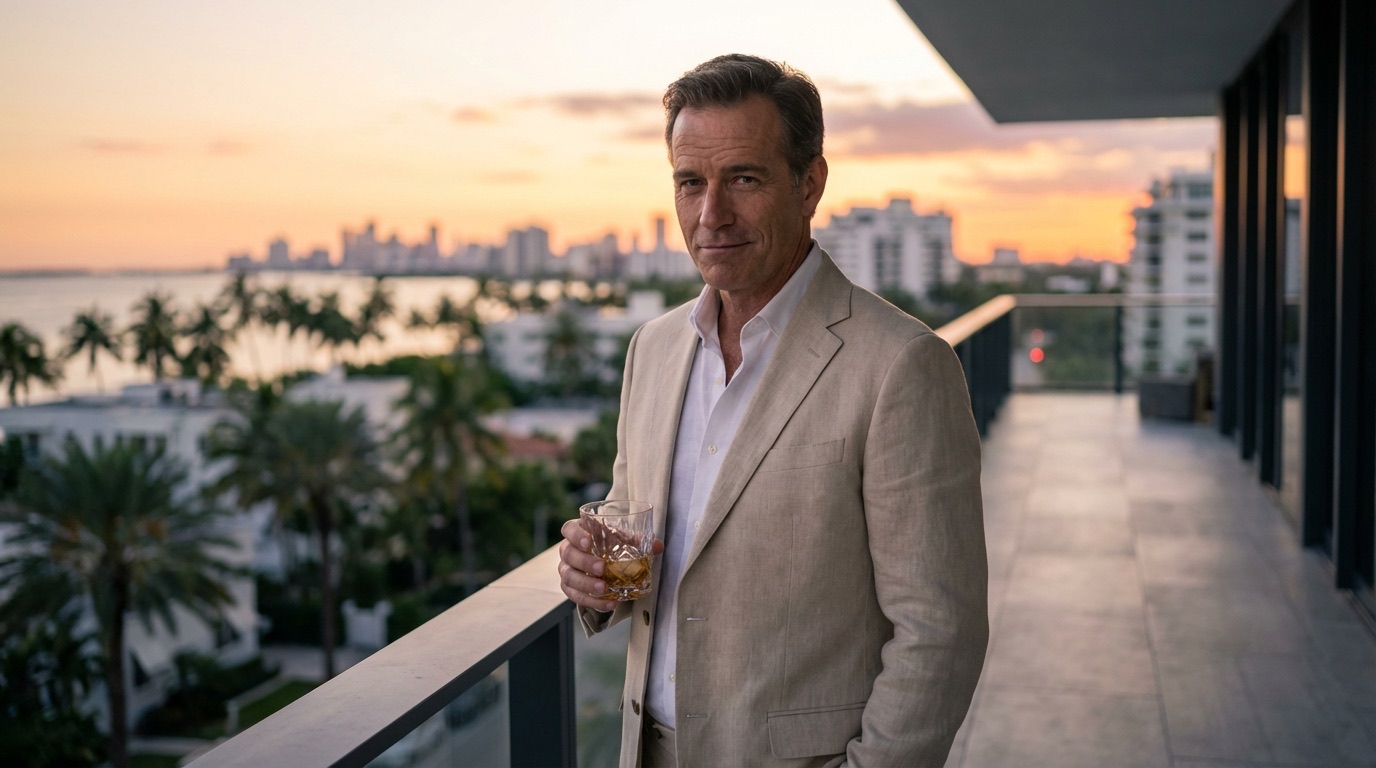
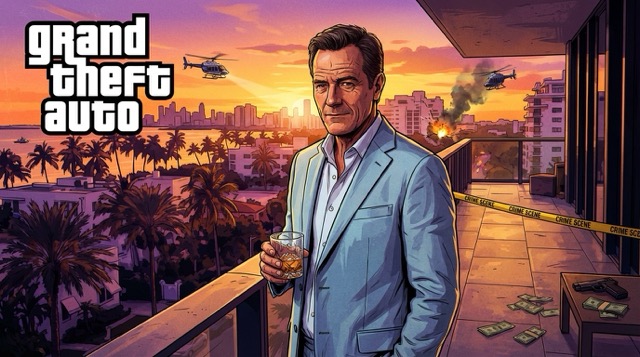
Professional Control with High-Res Options
Unlike basic mobile apps that compress your images, our AI GTA Filter is built for high-quality content creation. The interface provides granular control over the final output, ensuring it fits perfectly into your creative workflow. You can select from extensive aspect ratios including Cinematic (21:9), Standard (4:3), and Social Vertical (9:16). Furthermore, the tool supports upscaling up to 4K resolution. This means the images generated by our AI GTA Filter are not just suitable for phone screens but are sharp enough for desktop wallpapers, YouTube thumbnails, and even print. The ability to choose the number of images generated per batch allows you to iterate quickly and find the perfect variation.
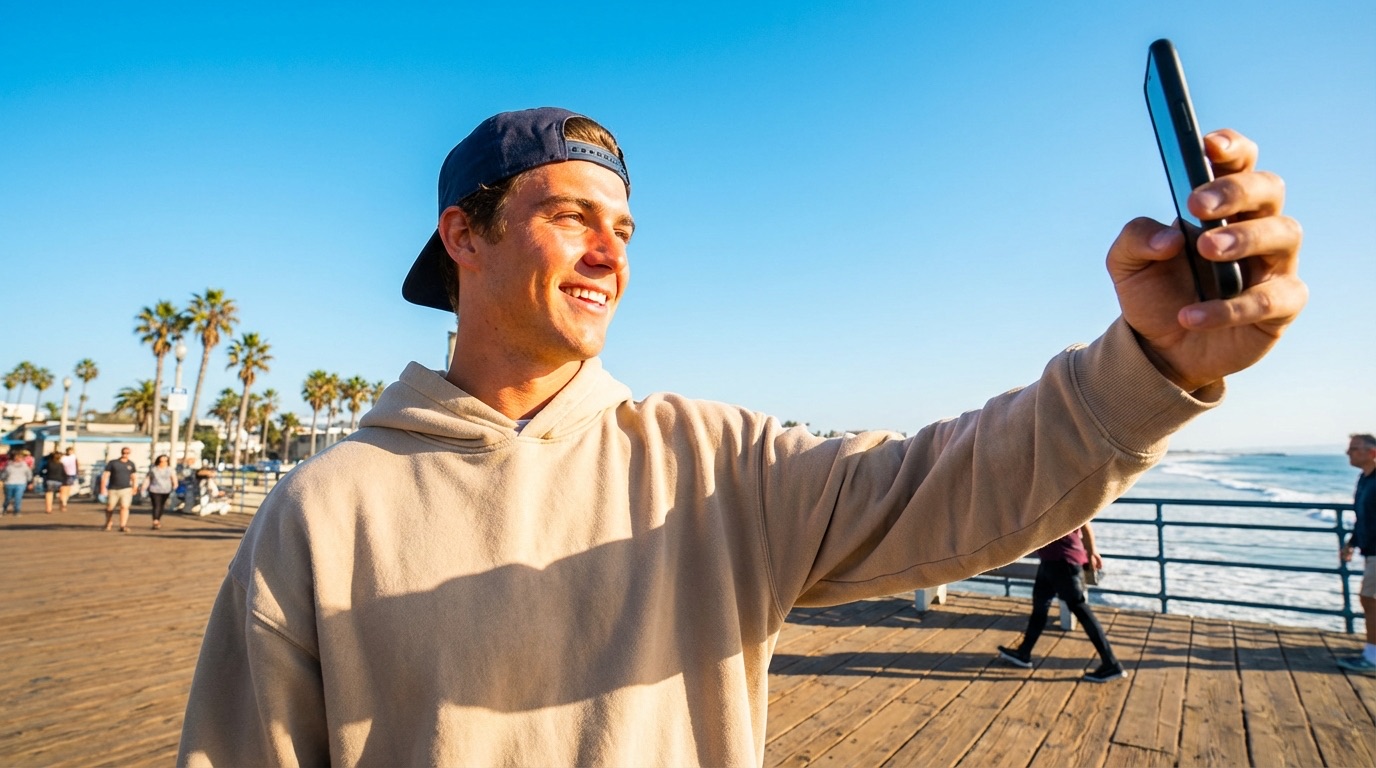
Join the Viral Social Media Trend
The trend of transforming into a video game character has dominated platforms like TikTok, Instagram, and Twitter. Our AI GTA Filter provides the easiest barrier-free way to participate in this viral movement. You don't need expensive photo editing software or hours of manual digital painting. By simply uploading a selfie or a group photo, you can instantly generate shareable content that resonates with gaming culture. The stylized output of the AI GTA Filter is incredibly eye-catching, stopping the scroll and increasing engagement on your posts.
Who Can Benefit from the AI GTA Filter?
Discover how different communities are utilizing the power of the AI GTA Filter to enhance their digital presence and creativity.
Gamers & Streamers
For Twitch streamers and YouTubers, branding is everything. The AI GTA Filter allows content creators to make unique, on-brand assets without hiring an artist. Use the generated images for channel banners, offline screens, or thumbnails that signal a gaming vibe instantly. The AI GTA Filter adds that professional 'AAA Game' aesthetic to your personal brand.

Social Media Influencers
Staying relevant means jumping on trends quickly. The AI GTA Filter is a favorite among influencers looking to spice up their feed. Transform your OOTD (Outfit of the Day) into a character concept art piece. The high contrast and vibrant colors produced by the AI GTA Filter perform exceptionally well on visual platforms like Instagram.

Graphic Designers
Designers often need quick stylized assets for mood boards or concept pitches. This AI GTA Filter serves as an excellent rapid prototyping tool. Generate 'crime noir' or 'urban action' style characters in seconds to visualize concepts for clients. The 4K output ensures the AI GTA Filter results are high enough quality to be used in composite work.

Roleplay (RP) Enthusiasts
The GTA RP community is massive. Players need visuals for their in-game character bios and forums. The AI GTA Filter is the perfect solution for RP players who want to visualize their custom characters. Upload a screenshot or a reference photo, and use the AI GTA Filter to bring your roleplay persona to life with authentic art direction.
What Users Say About the AI GTA Filter
Read why thousands of gamers and creators trust our AI GTA Filter to transform their images into iconic digital art.
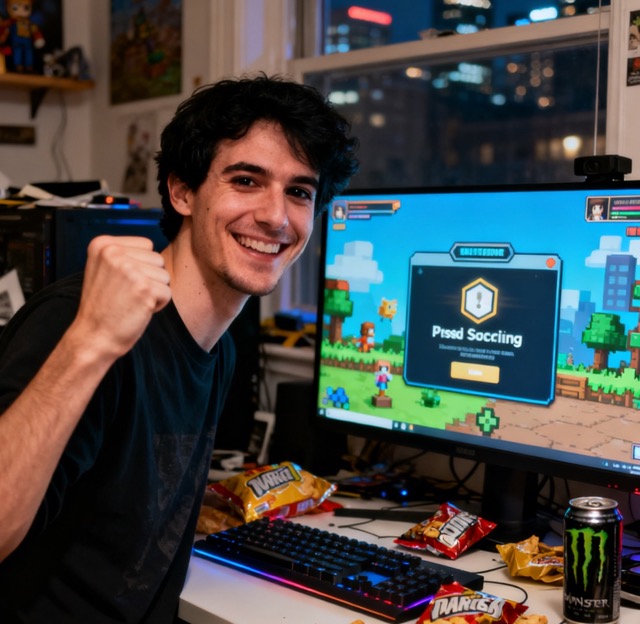
I've been playing the franchise since I was a kid, and I always wanted to see myself on that loading screen. This AI GTA Filter is mind-blowing. It captured my beard and glasses perfectly but made me look like a legitimate mission giver. The 4K download option is a lifesaver for my desktop wallpaper.
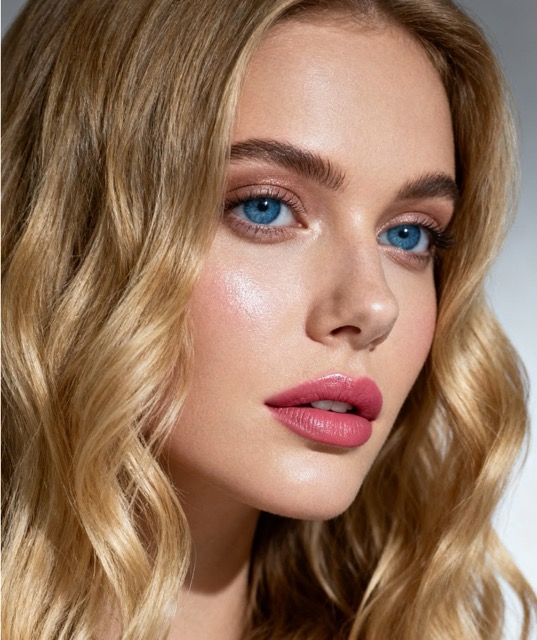
I tried a few different apps, but they all looked like cheap filters. This AI GTA Filter actually looks like digital painting. The shading is harsh in the right way, and the colors pop. I used it for my Twitter profile pic and got so many questions about who drew it for me.
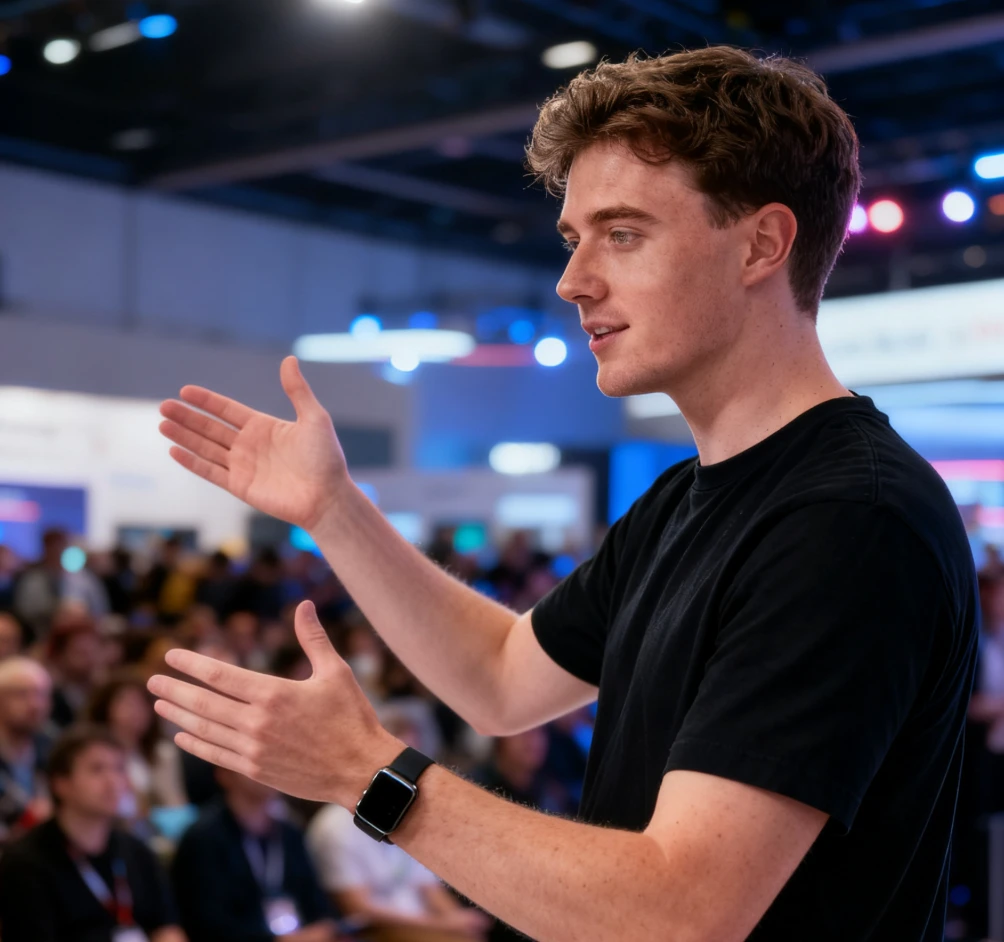
As a streamer, I needed a thumbnail that stood out. I took a regular webcam selfie, ran it through this AI GTA Filter, and the result was incredible. It looks exactly like the official game art. It's fast, easy to use, and the credit system is very fair for the quality you get.
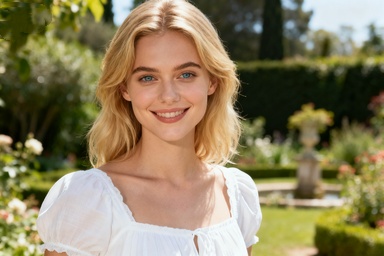
My boyfriend is obsessed with the game, so I used the AI GTA Filter to turn a photo of us into a poster for his birthday. He couldn't believe it was AI generated. The details on the clothing and the background vibes were spot on. Highly recommend this AI GTA Filter for unique gifts.
FAQs: Everything About the AI GTA Filter
Find answers to common questions about using our AI GTA Filter. We are here to help you get the best results from your art generation.
To use the AI GTA Filter, upload a clear photo of yourself or your subject. Select your desired aspect ratio (like 1:1 or 16:9) and resolution. Click generate, and the AI GTA Filter will process the image to apply the signature game art style.
The AI GTA Filter is designed to recognize human features and environments. It works best on selfies, portraits, and urban photography. The filter applies a 'cel-shaded' effect, thickening outlines and enhancing color contrast to mimic video game concept art.
We prioritize user privacy. Images uploaded to the AI GTA Filter are processed securely. You also have a 'Public Visibility' toggle in the settings, allowing you to keep your generations private if you prefer.
Yes, the AI GTA Filter is fully optimized for mobile browsers. You can easily upload photos from your camera roll and generate images directly on your smartphone or tablet without needing to install an app.
AI art generation can sometimes be unpredictable. If the first result isn't perfect, we suggest trying a different reference photo with better lighting or a different angle. You can also adjust the aspect ratio or resolution settings and try generating again.
Yes. Once you generate an image using our AI GTA Filter, you own the rights to that specific output. You are free to use these images for YouTube thumbnails, album covers, advertisements, or merchandise without needing to credit the tool.
Get the Game Look with the AI GTA Filter
Stop waiting on the sidelines. Upload your photo now and let the AI GTA Filter transport you into the world of high-stakes action and iconic art style.
