
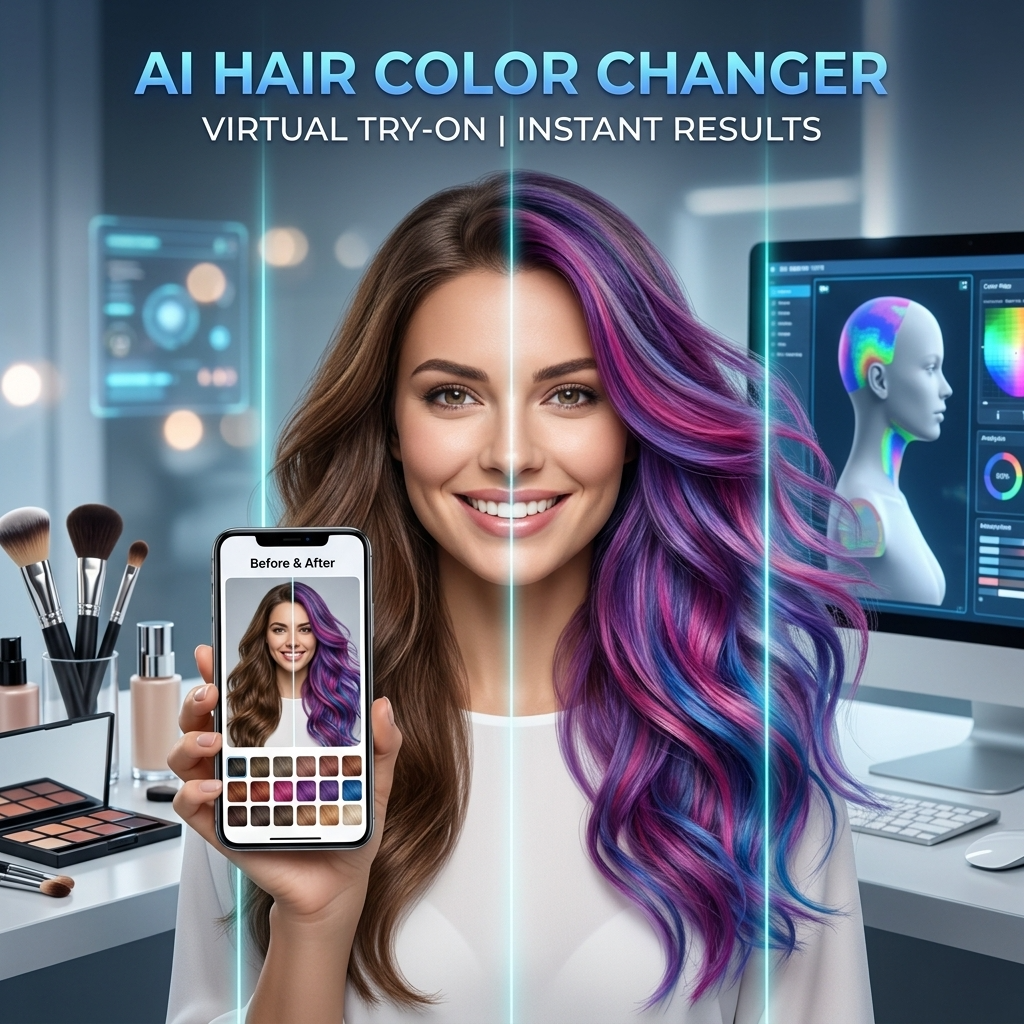
More AI Image Generators
Explore our collection of specialized AI image generators designed for different creative needs and styles
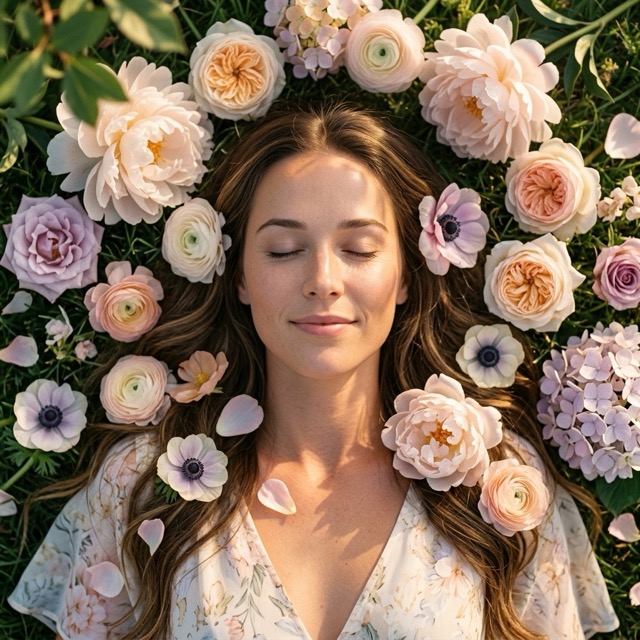









Try On Hair Color Online with AI in Seconds
Upload your selfie, pick any shade, and try on hair color online while keeping your face, hairstyle, and image quality unchanged.
BananaPro AI hair color changer lets you try on hair color online with fast, realistic image to image editing. Our tool is built for users who want to try on hair color online without changing facial features, hairstyle shape, or photo clarity. Whether you want blonde, brown, black, red, copper, silver, or fantasy tones, you can try on hair color online in one click. Use this AI hair color changer free to preview your next look with natural results. If you need a virtual hair color try on free before a salon visit, BananaPro AI is the easiest way to try on hair color online.
How to Use Our AI Hair Color Changer
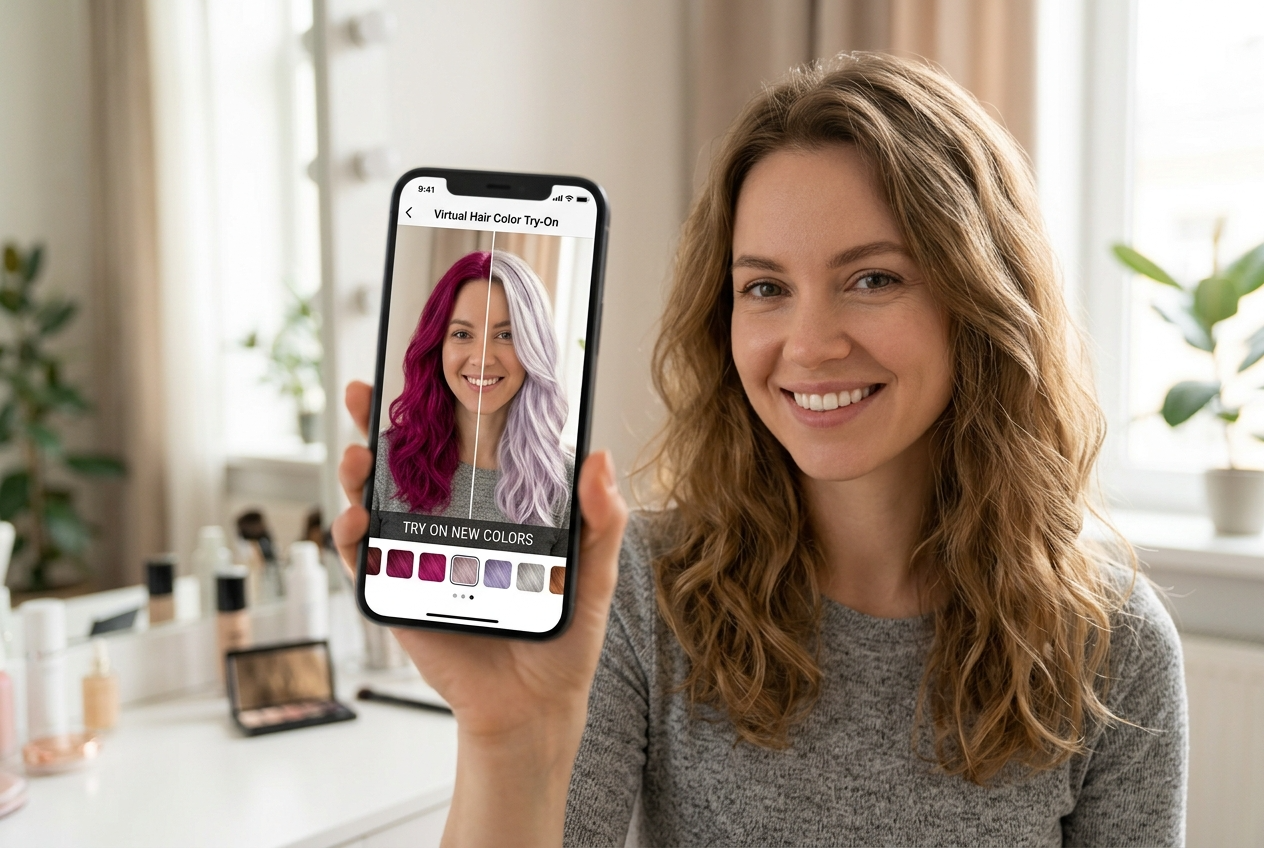
BananaPro AI makes it easy to try on hair color online in just a few steps. You do not need editing skills, salon apps, or complex retouching tools. Just upload, choose, and try on hair color online with realistic AI rendering.

Upload Your Photo
Upload a clear selfie or portrait to try on hair color online. Our system reads the hair area precisely so you can try on hair color online while preserving your face, hairstyle, background, and overall image quality.

Choose Your Hair Shade
Try on hair color with your finger in one click. The AI hair color changer free can meet you virtual hair color try on needs. This makes it simple to try on hair color online and compare multiple tones side by side.

Generate and Download
Click generate to try on hair color online instantly. Your result keeps the same hairstyle, the same facial details, and the same sharp quality. Save your virtual hair color try on free result and share it anywhere.
Best AI Image Tools for Creative Projects
Explore creative tools for image, learn tips and tricks, and see how AI can be your assistant in turning concepts into finished projects.





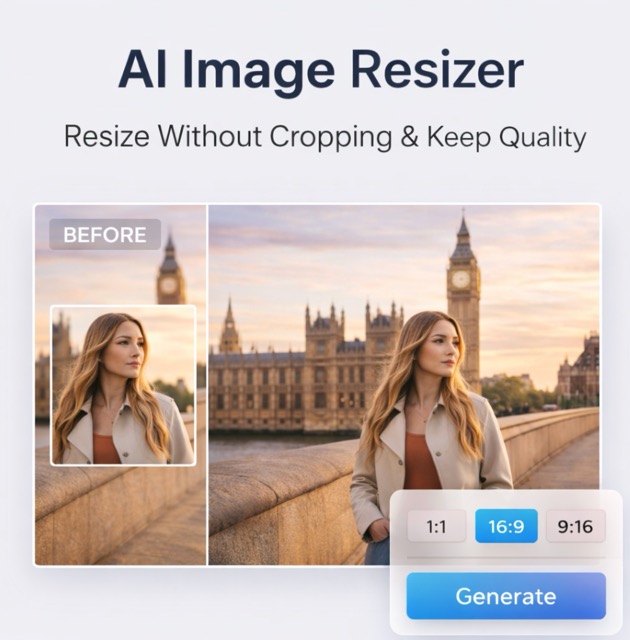

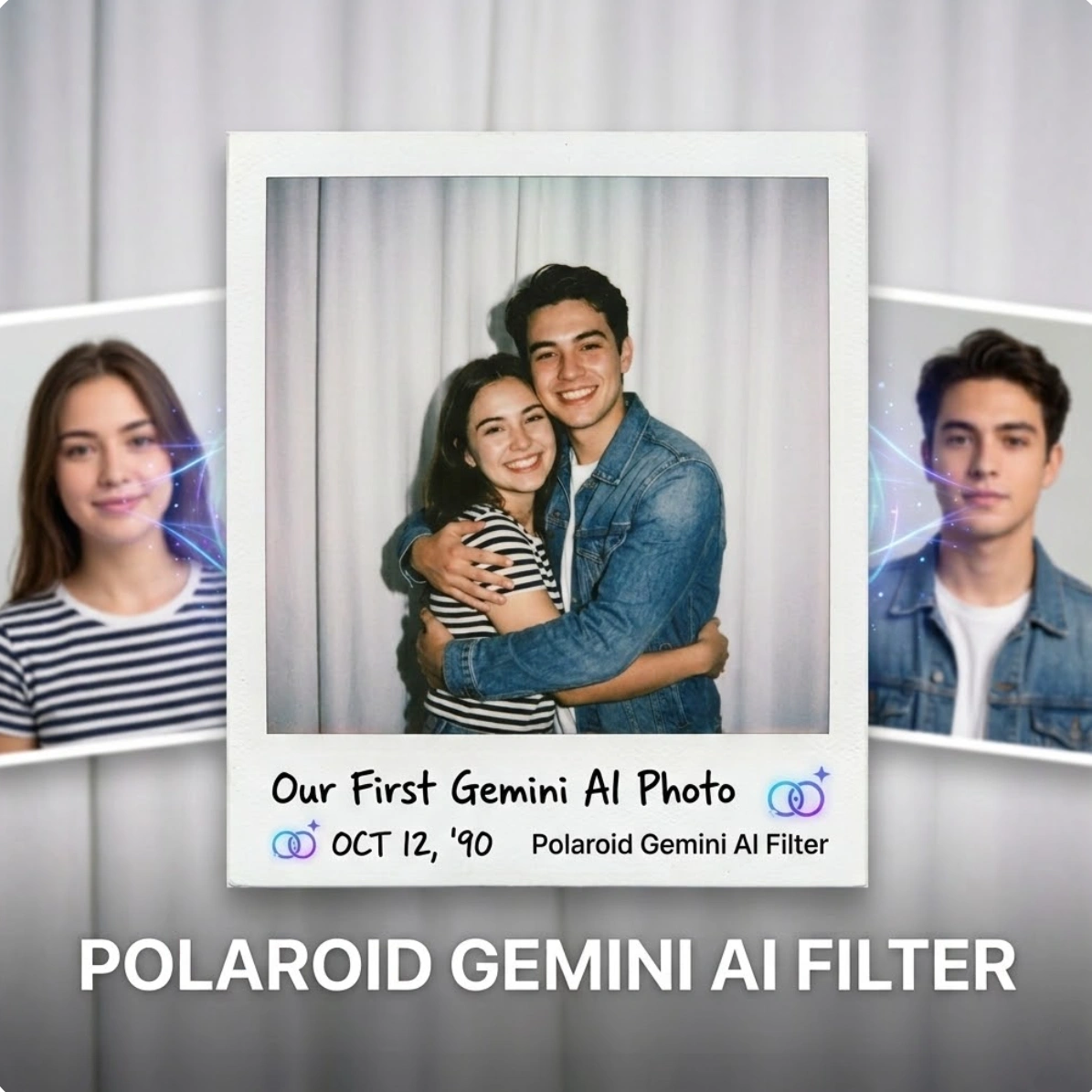
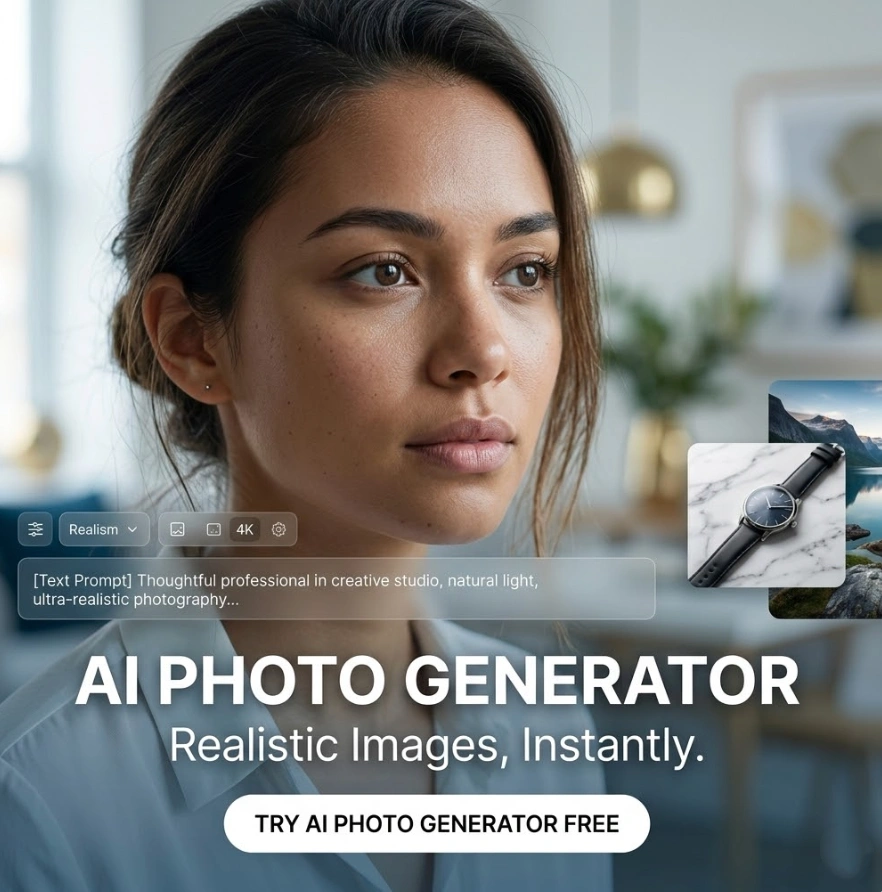
Features of Our AI Hair Color Changer
BananaPro AI is built for people who want to try on hair color online with speed, realism, and control. From subtle updates to bold transformations, this AI hair color changer free gives you a reliable virtual hair color try on free experience.
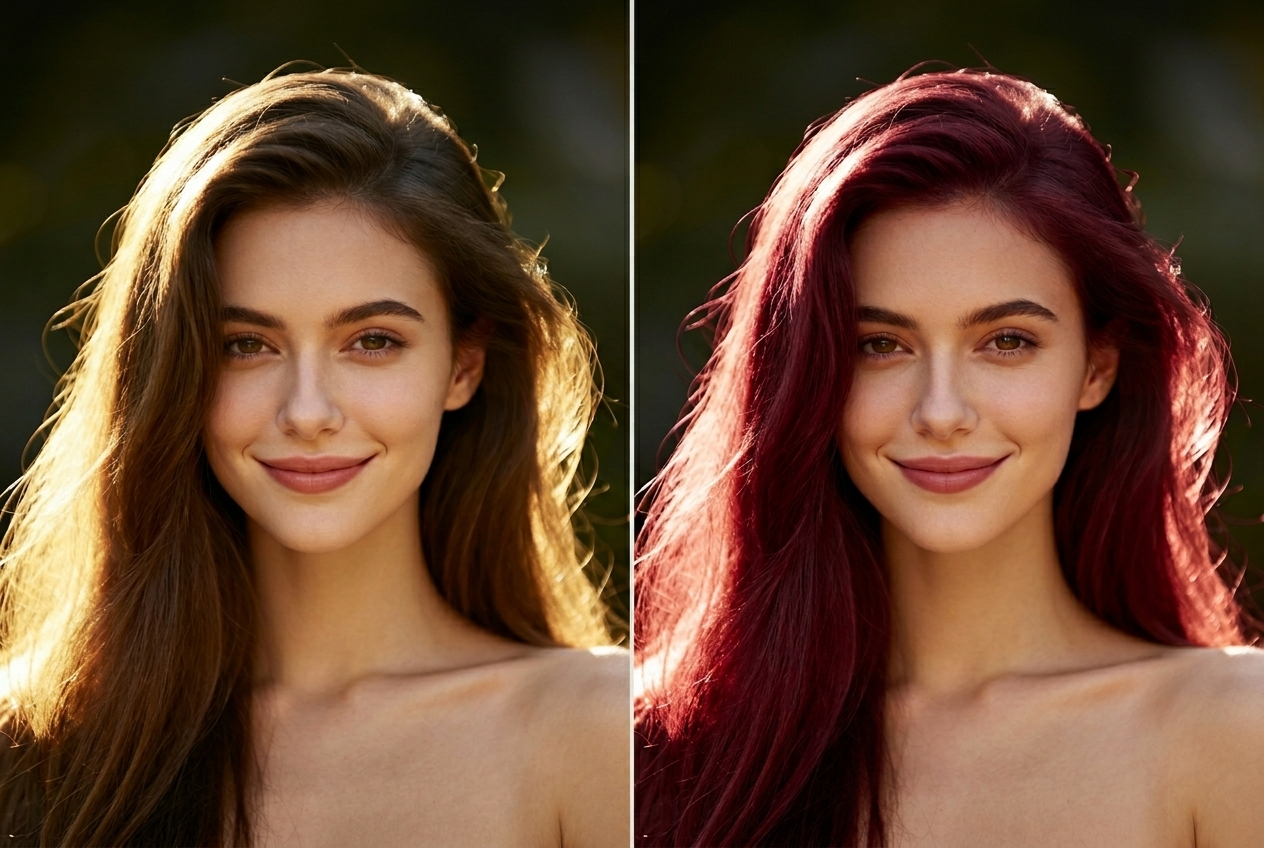
Realistic Hair Color Preview Without Changing Your Face
- Our tool helps you try on hair color online with highly realistic tone mapping.
- You can try on hair color online while keeping facial features, skin texture, makeup, and expression unchanged.
- Unlike rough filters, this AI hair color changer free focuses only on recoloring the hair area.
- If you want a virtual hair color try on free before dyeing your hair, this gives you a natural preview you can trust.
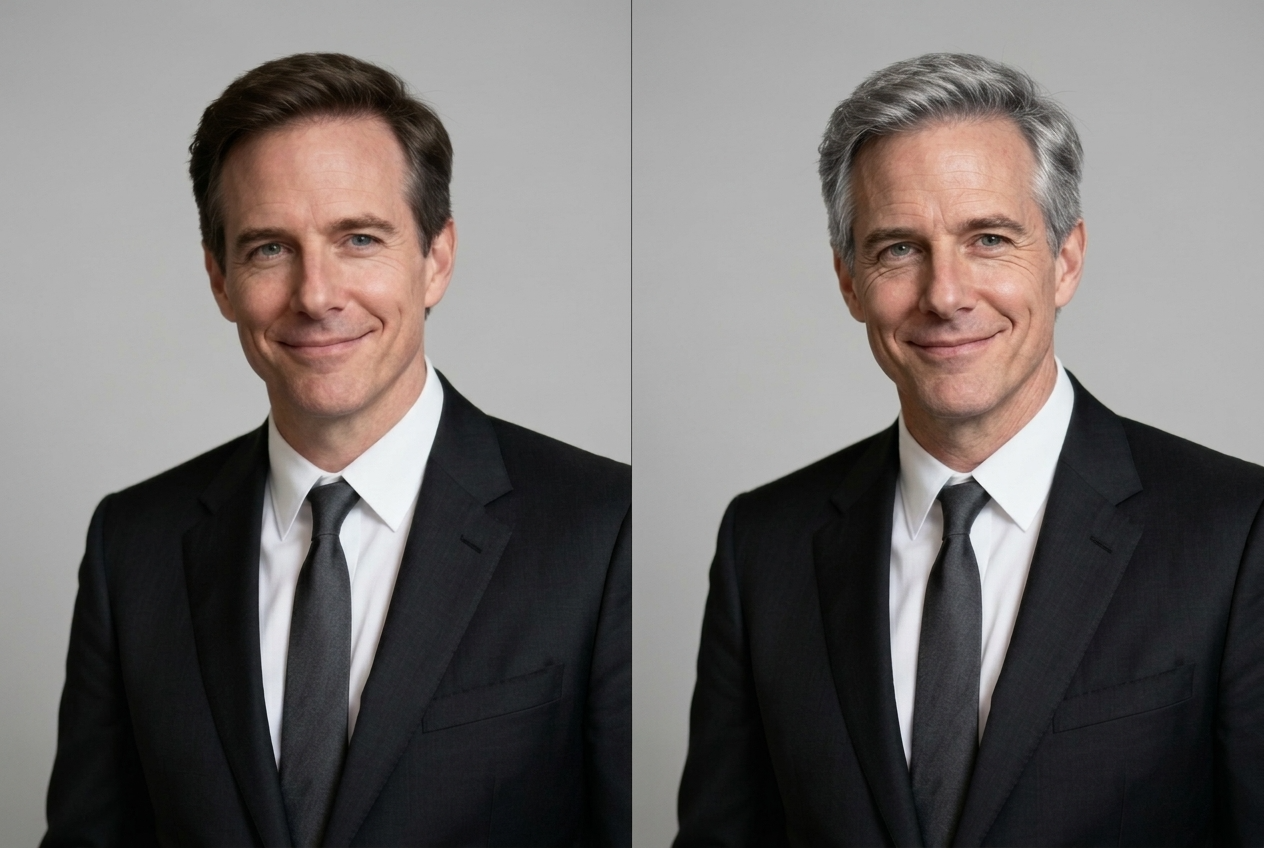
Keep the Same Hairstyle and Hair Structure
- BananaPro AI lets you try on hair color online without changing curls, bangs, layers, length, or parting.
- This AI hair color changer free preserves the original haircut, volume, and hairline.
- You can try on hair color online for short hair, long hair, straight hair, wavy hair, or curly hair.
- Every virtual hair color try on free result is designed to look like your real hairstyle in a new shade.
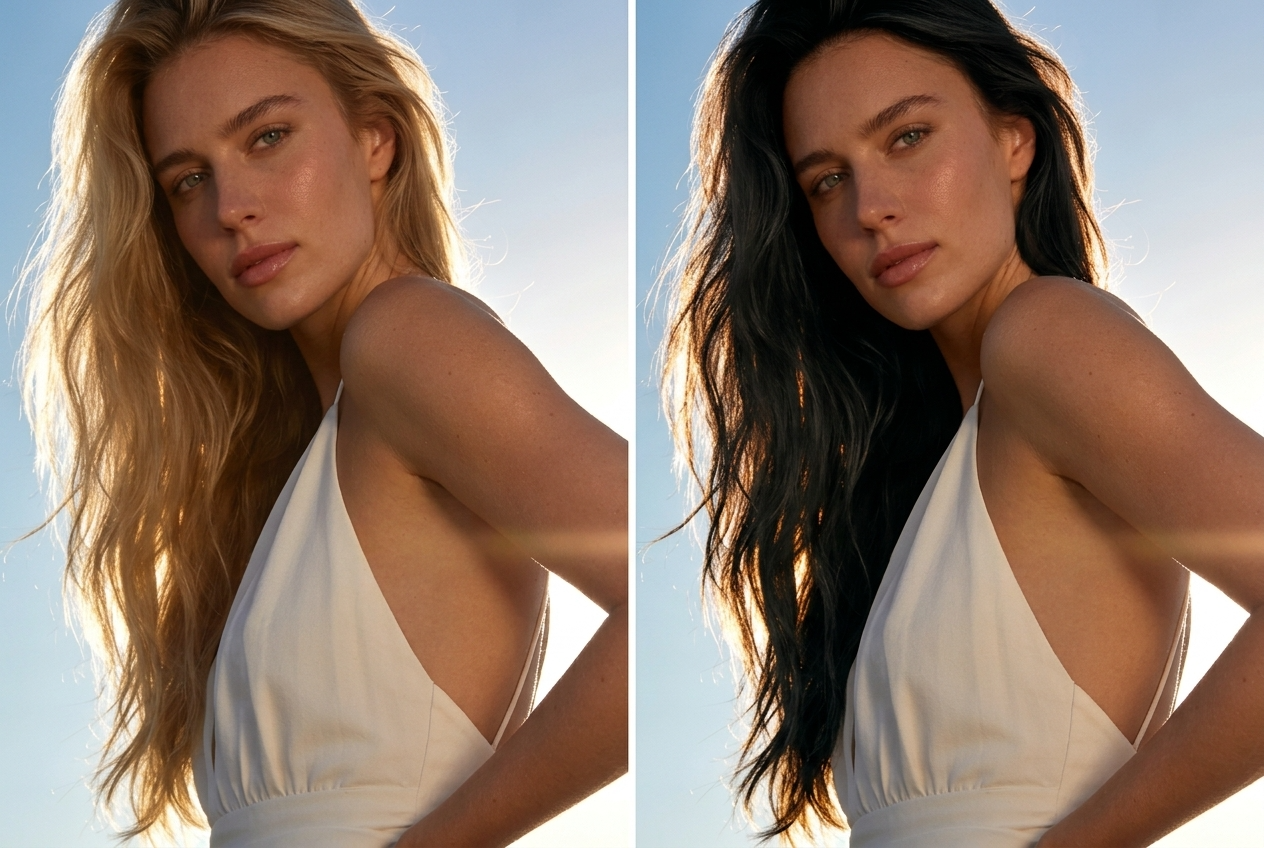
Try Natural and Bold Shades Instantly
- Use BananaPro AI to try on hair color online with natural shades like black, brown, blonde, and auburn.
- You can also try on hair color online with creative looks such as pink, blue, silver, purple, or red.
- Our AI hair color changer free helps you test subtle salon tones or dramatic social media looks.
- One virtual hair color try on free session can give you multiple color directions before you commit.
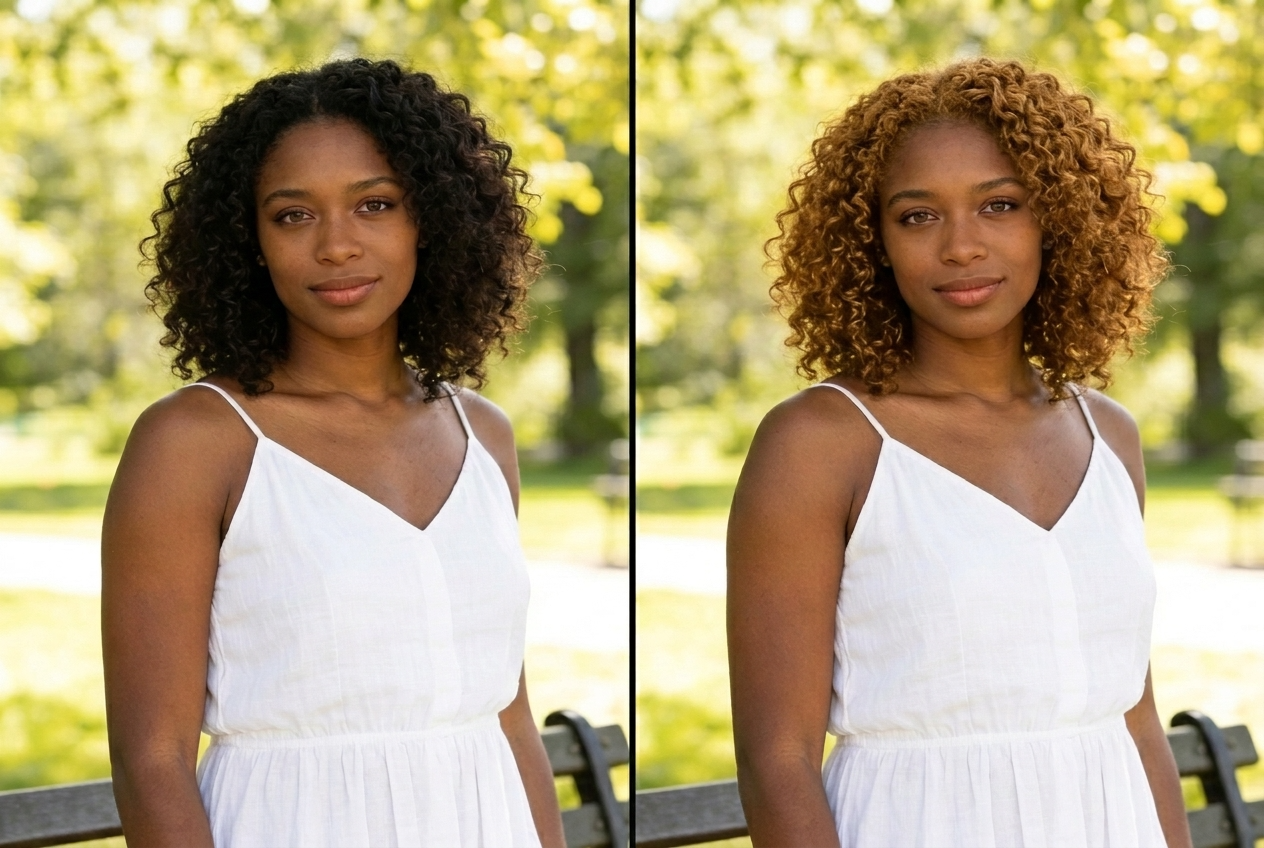
High Quality Results for Social Posts and Salon Decisions
- Try on hair color online and keep your original photo quality clear and sharp.
- Our AI hair color changer free avoids blurry edges and washed out recoloring.
- This makes it easy to try on hair color online for salon inspiration, beauty content, profile pictures, or personal testing.
- With a virtual hair color try on free result, you can show stylists exactly what tone you want.
Why Choose BananaPro AI for Hair Color Preview
There are many beauty filters online, but BananaPro AI is made for users who specifically want to try on hair color online with realistic hair-only editing. Our AI hair color changer free keeps the important details stable while delivering a smooth virtual hair color try on free workflow.

Preview Before a Salon Appointment
Use BananaPro AI to try on hair color online before booking a salon visit. You can compare tones in advance and avoid expensive color mistakes with a realistic virtual preview.

Test Blonde, Brown, Black, and Red Shades
Our AI hair color changer free makes it easy to test classic shades. Try on hair color online with warm blonde, cool ash, chocolate brown, jet black, copper, or burgundy in seconds.

Explore Fantasy Colors for Social Content
Want something more creative? Try on hair color online with pink, silver, lavender, blue, or green. This is ideal for creators who need eye catching beauty content and fast visual experimentation.

Keep Selfies Natural While Recoloring Hair
This AI hair color changer free is designed to recolor only the hair, not your face. That means you can try on hair color online without changing identity, makeup, skin, or expression.

Compare Multiple Looks Fast
BananaPro AI helps you try on hair color online again and again with different shades. Build a quick mood board of possible looks and decide which one fits your style best.

Free and Easy Beauty Experiment
If you want a virtual hair color try on free without downloading heavy apps, this tool is the simple option. Upload one photo and start changing shades instantly with clean high quality output.
What Users Say About Our AI Hair Color Changer
People use BananaPro AI to try on hair color online for beauty planning, content creation, and personal style testing. Here is why users trust this AI hair color changer free for a smooth virtual hair color try on free experience.
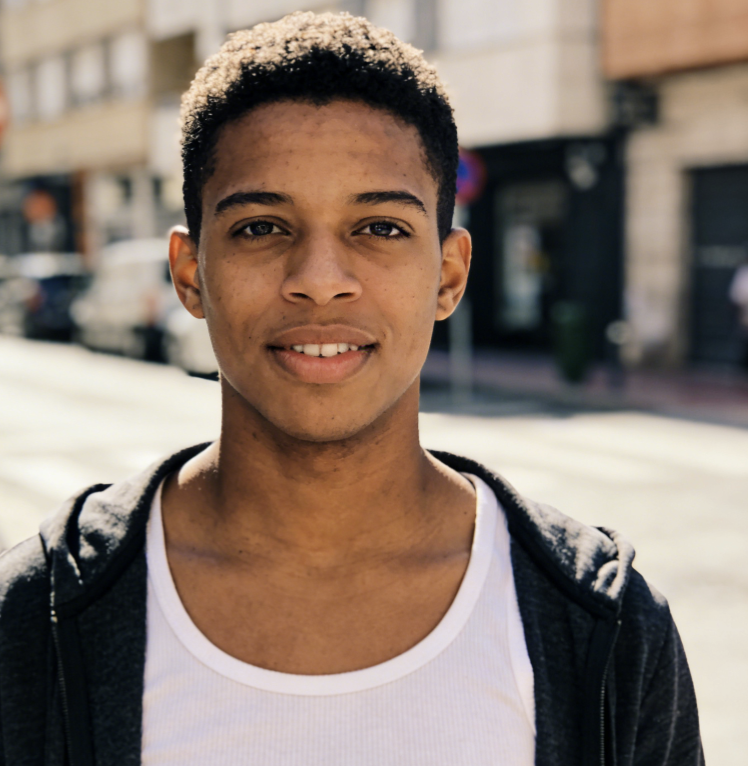
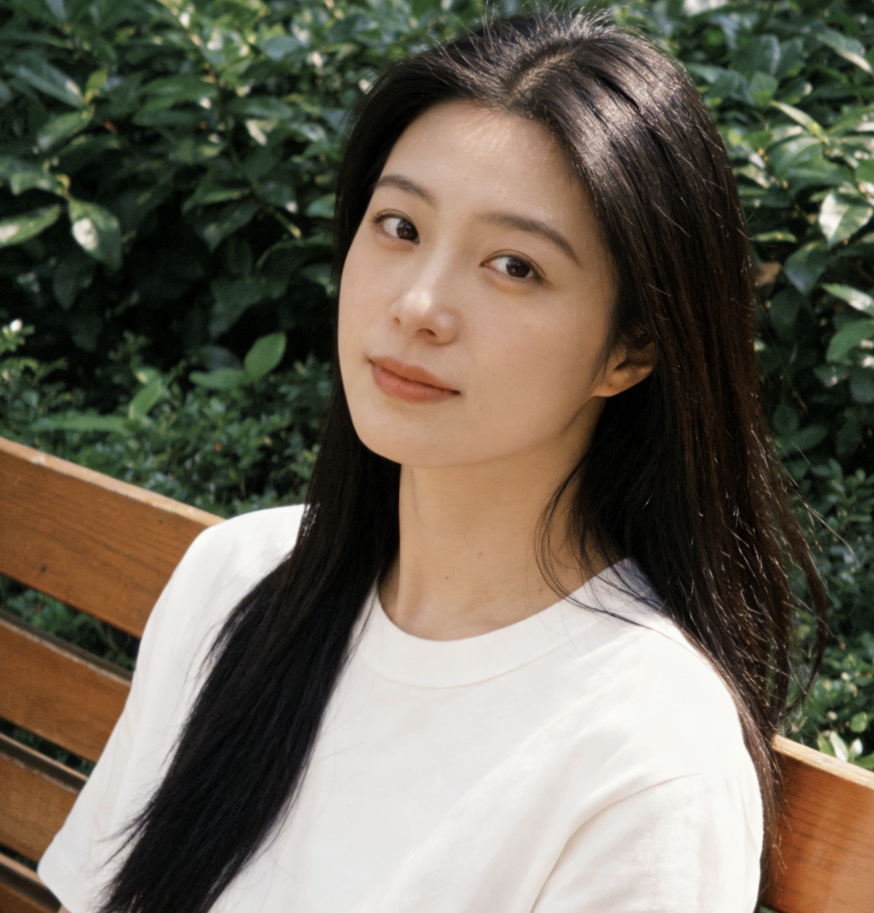
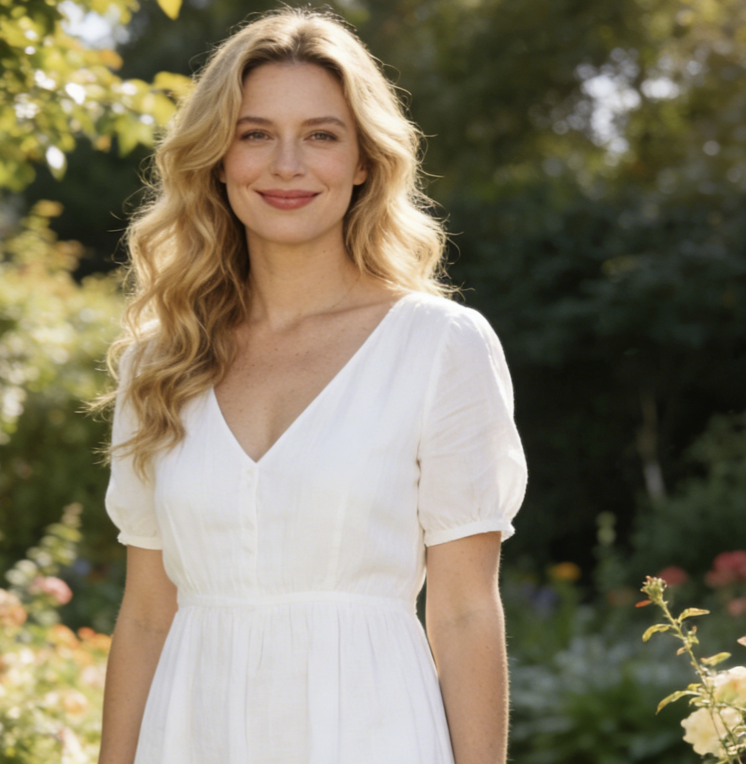
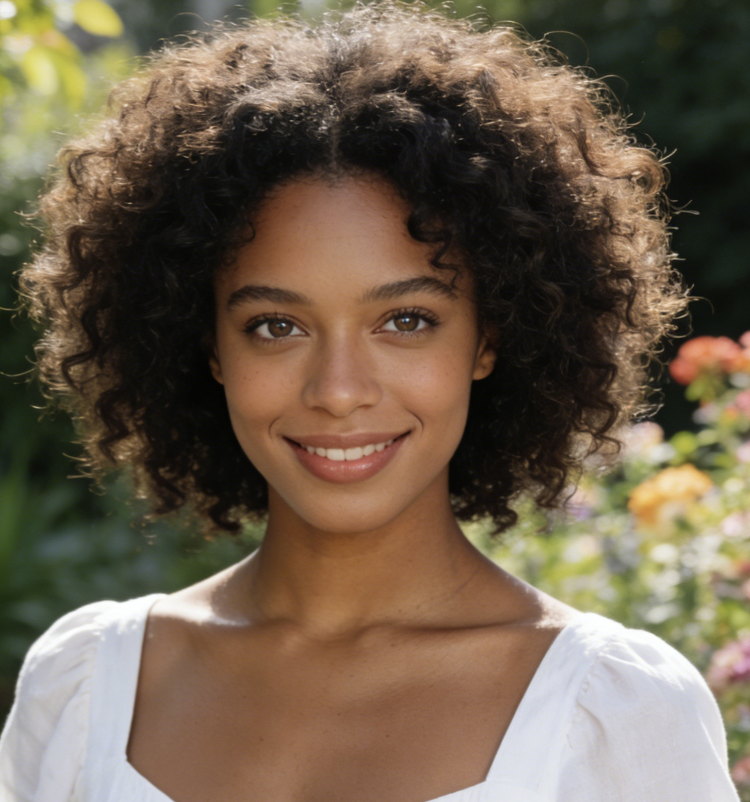
I wanted to try on hair color online before going blonde, and BananaPro AI gave me the clearest preview I found. My face stayed the same, my haircut stayed the same, and the blonde shade looked realistic enough to show my stylist.
This AI hair color changer free helped me compare copper, brown, and burgundy in minutes. I could try on hair color online several times from the same selfie, and every version kept my bangs and curls intact.
I use BananaPro AI whenever I want a virtual hair color try on free for social posts. The recoloring looks clean, and it does not distort my facial features like basic filters do.
As a hairstylist, I recommend clients try on hair color online first. BananaPro AI is useful because it preserves hairstyle structure while showing believable shades, which makes consultations much easier.
I needed an AI hair color changer free tool that would not blur my selfie. This one let me try on hair color online with silver, black, and ash brown, and every image still looked like my real photo.
The virtual hair color try on free feature saved me from choosing the wrong dye. I tested several shades first, picked the best one, and went to the salon with confidence because the preview was so close to what I wanted.


Frequently Asked Questions About AI Hair Color Changer
Below are common questions from users who want to try on hair color online with BananaPro AI. These answers explain how our AI hair color changer free works and why it is a practical virtual hair color try on free solution.
Yes. BananaPro AI is designed to let you try on hair color online while preserving your face, hairstyle, and image quality. The system focuses on recoloring the hair area only, so your facial features, expression, haircut structure, and background remain stable. This is why many users prefer our AI hair color changer free over simple color overlay filters.
You can try on hair color online with natural shades like blonde, brown, black, and burgundy etc.. Our AI hair color changer free supports both salon friendly tones and more creative social media looks, making every virtual hair color try on free session flexible.
Yes. BananaPro AI is built for realistic image to image editing. When you try on hair color online, the output keeps the photo clean and detailed instead of degrading it. This matters if you want to save your result, show it to a stylist, or use your virtual hair color try on free image for posting and sharing.
Absolutely. One of the biggest benefits of our AI hair color changer free is that you can try on hair color online multiple times from the same image. Compare blonde, black, brown, red, or fantasy shades quickly and decide which one works best before making a real hair change.
Yes. BananaPro AI offers a simple virtual hair color try on free workflow so you can preview new shades before committing to real dye. It is ideal for anyone who wants to avoid salon mistakes, compare options visually, and try on hair color online with less risk and more confidence.
Try On Hair Color Online Right Now
Upload your photo, choose a shade, and try on hair color online with BananaPro AI. Use our AI hair color changer free to get a realistic virtual hair color try on free result in seconds.
