
More AI Image Generators
Explore our collection of specialized AI image generators designed for different creative needs and styles

Turn Photos into Silhouettes with AI Silhouette Maker
Turn everyday photos into clean silhouette-style images with a fast and simple workflow.
Use our AI Silhouette Maker to transform ordinary images into striking silhouette-style artwork without complex editing. Upload a photo, choose an image size, and let AI Silhouette Maker create a polished silhouette look that feels modern, clean, and easy to share.
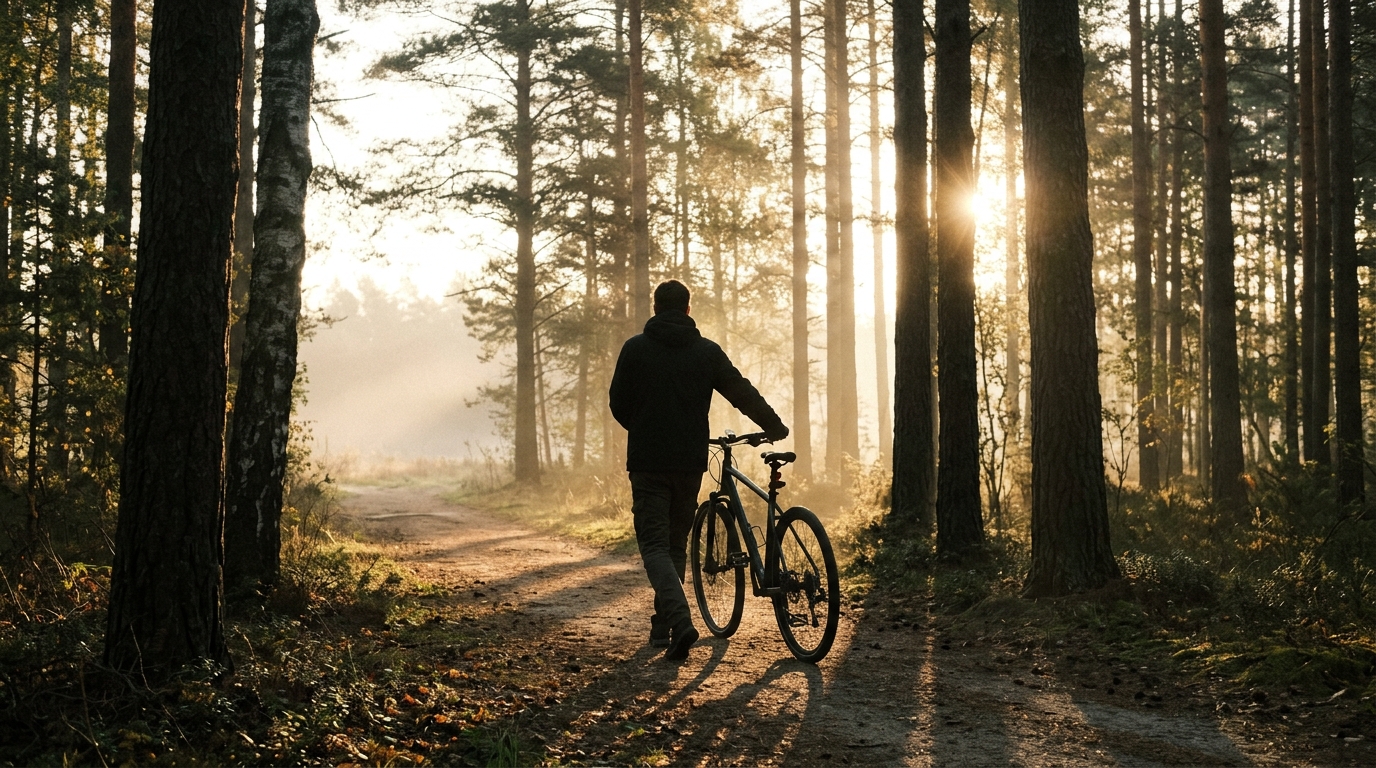
How to Use AI Silhouette Maker
AI Silhouette Maker is designed for a simple workflow that feels approachable even if you have never edited images before. From upload to final download, every step is streamlined so you can create silhouette-style visuals quickly with consistent results.

Upload Your Photo
Start by uploading any portrait, object, pet, or lifestyle image. AI Silhouette Maker works best when the main subject is clear and easy to distinguish from the background, helping the silhouette effect look sharper and more balanced.

Choose Image Size
Select the image ratio that fits your use case, whether you need a square social post, vertical story image, or a wide banner. AI Silhouette Maker then adapts the composition so the final silhouette-style result feels intentional and visually strong.

Generate and Download
Click generate and let AI Silhouette Maker convert your photo into a silhouette-style image. Review the result, then download it for presentations, profile graphics, posters, invitations, product visuals, or personal creative use.
Best AI Image Tools for Creative Projects
Explore creative tools for image, learn tips and tricks, and see how AI can be your assistant in turning concepts into finished projects.
Features of AI Silhouette Maker
AI Silhouette Maker is built for users who want more than a simple filter. It helps shape photos into visually strong silhouette-style images suitable for everyday content creation without adding unnecessary complexity.
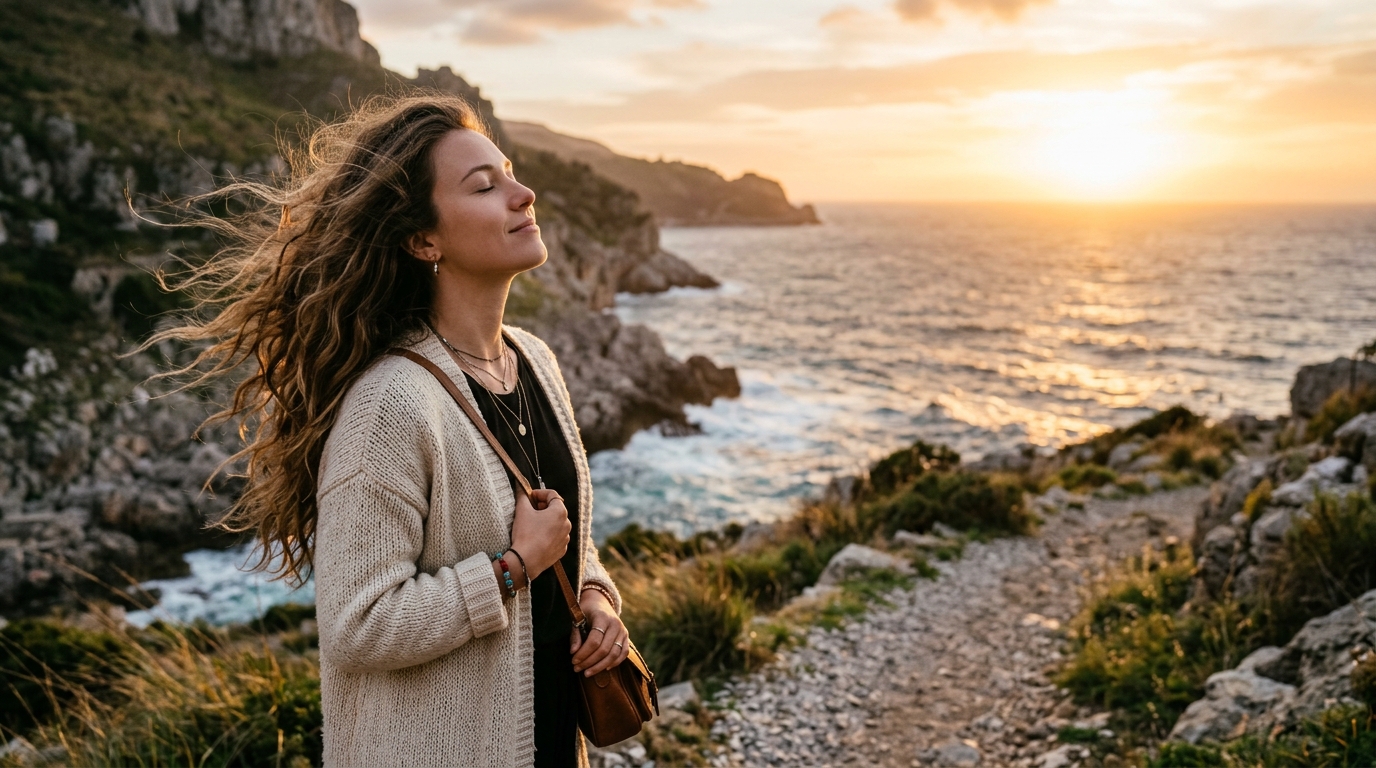
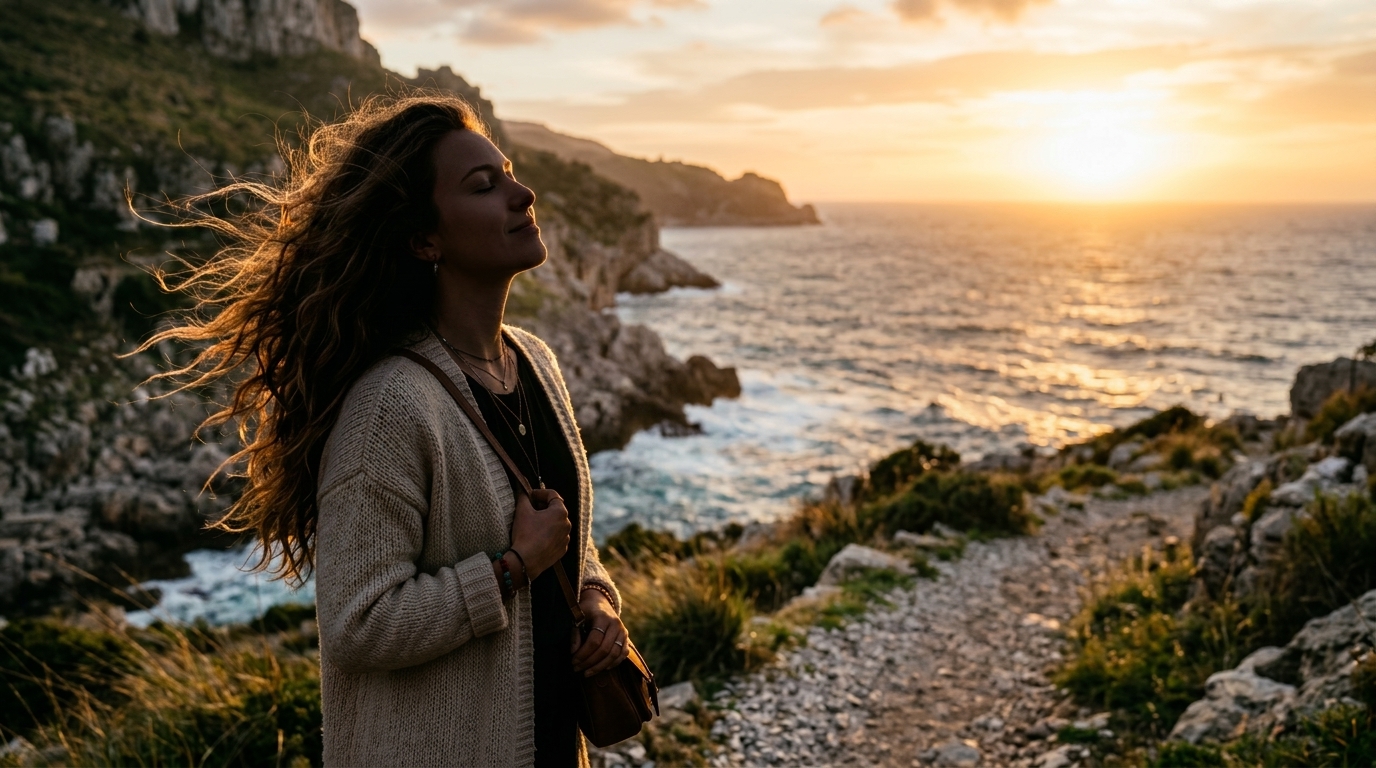
Turn Portraits into Clean Silhouette Artwork
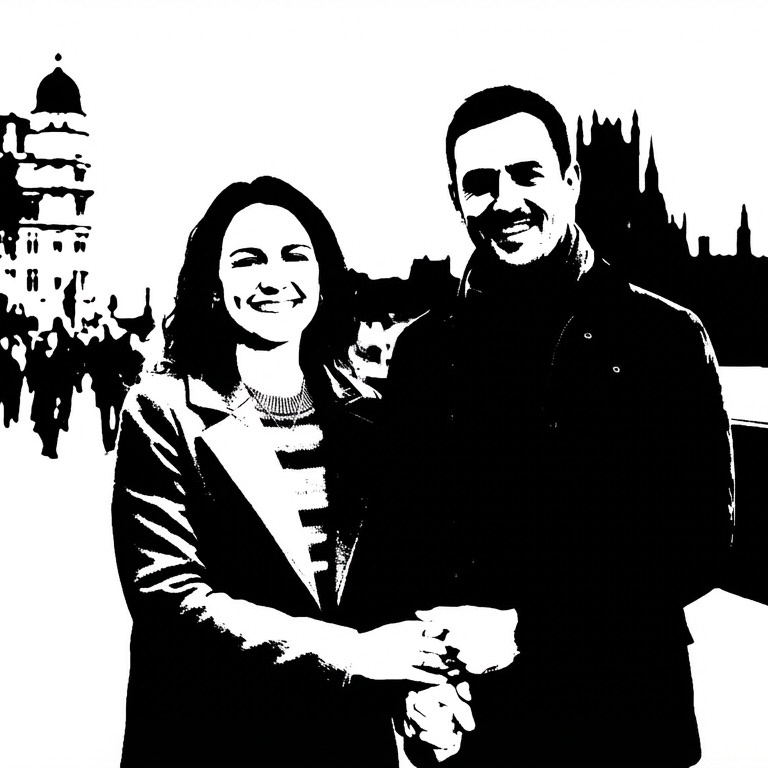
AI Silhouette Maker helps convert standard portraits into shape-driven images with a bold and minimal look. It preserves the overall pose, head shape, and visual identity of the person while simplifying distracting details. This makes AI Silhouette Maker useful for profile art, poster concepts, editorial graphics, and personal visuals where clear form matters more than texture.
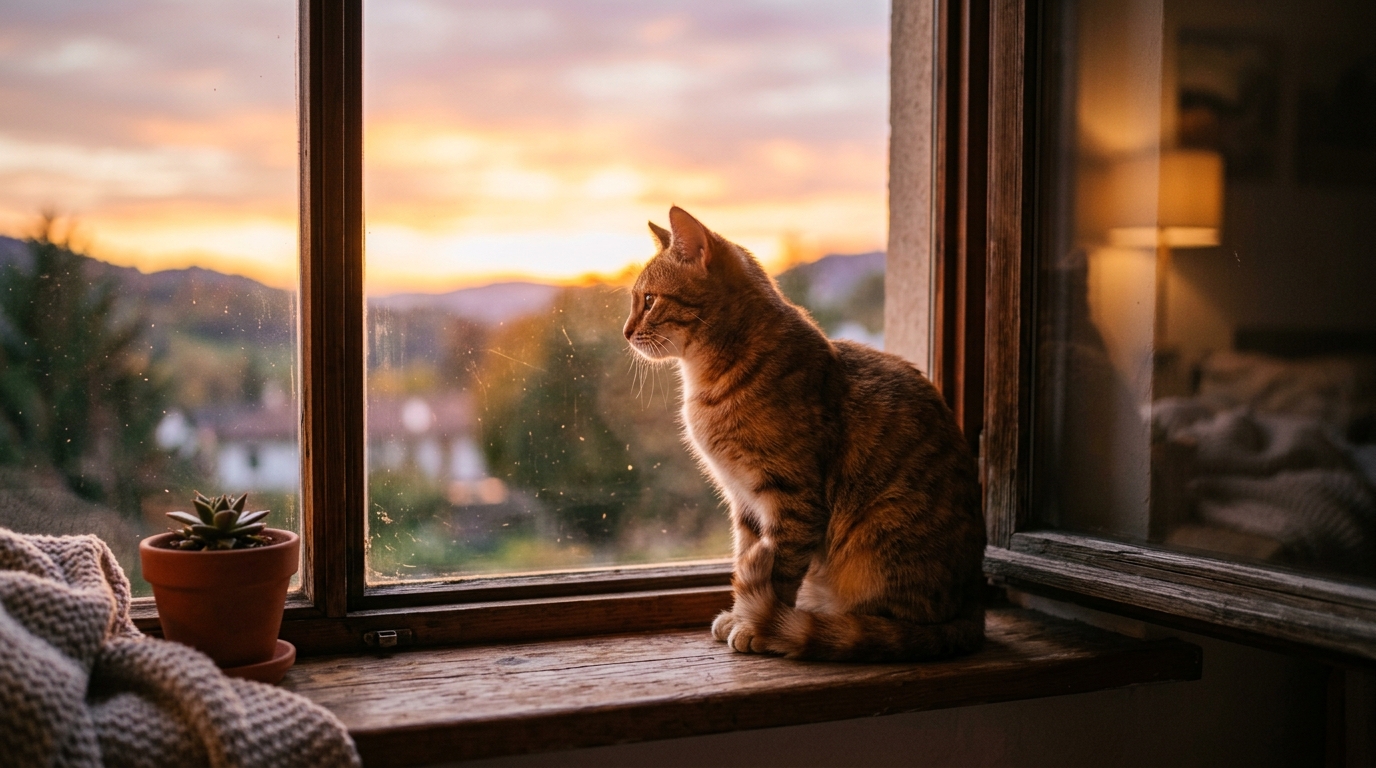
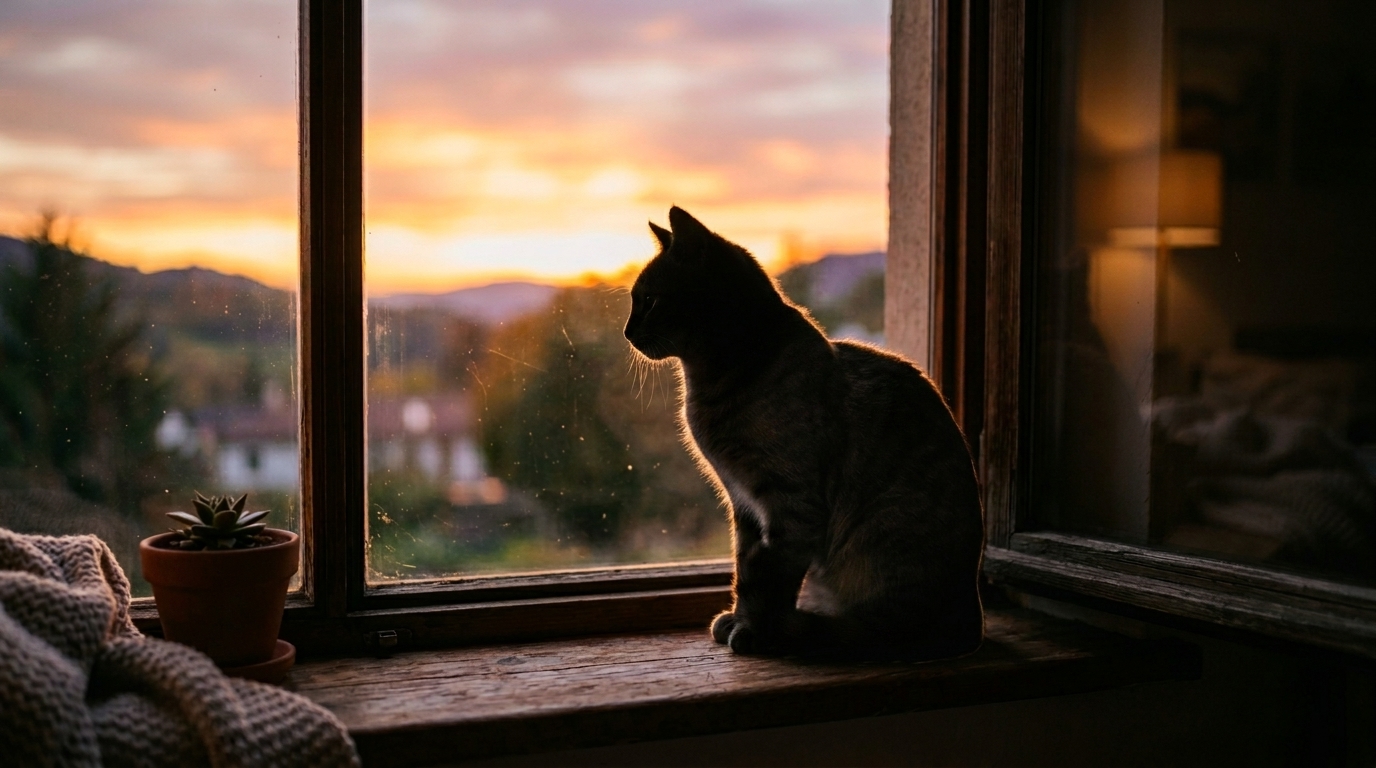
Create Strong Pet and Animal Silhouettes
Use AI Silhouette Maker to transform pet photos into memorable silhouette-style artwork that highlights posture, ears, tails, and distinctive outlines. Instead of relying on fine fur detail, AI Silhouette Maker emphasizes recognizable shape and composition. The result works well for keepsakes, wall prints, memorial visuals, greeting cards, and social posts that need a cleaner, more graphic presentation.
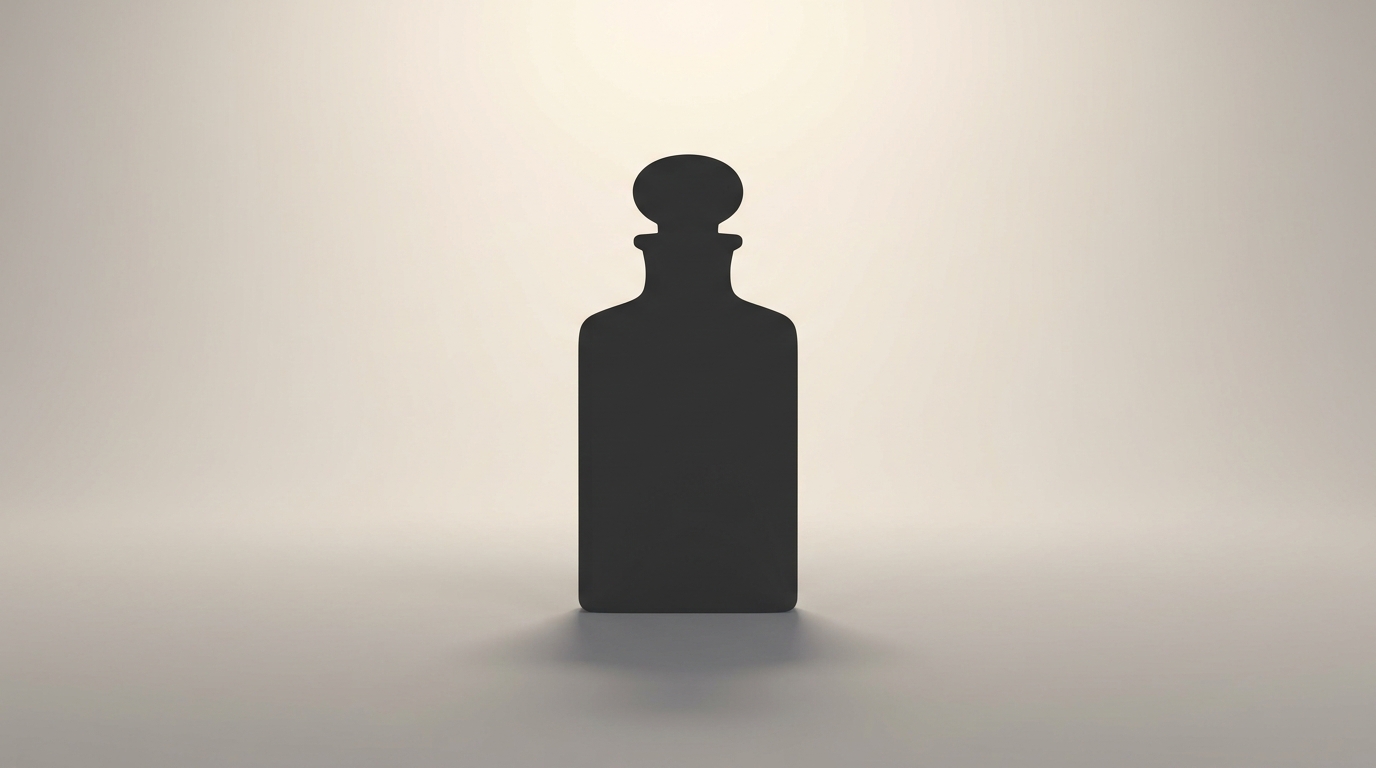
Make Minimal Product and Object Graphics
AI Silhouette Maker is useful when you want to show the outline of a product, tool, bottle, accessory, or decorative object in a simplified visual form. It reduces visual clutter and helps shape become the main message. Designers can use AI Silhouette Maker for concept boards, packaging mockups, ad layouts, website accents, and presentation slides where clarity is important.
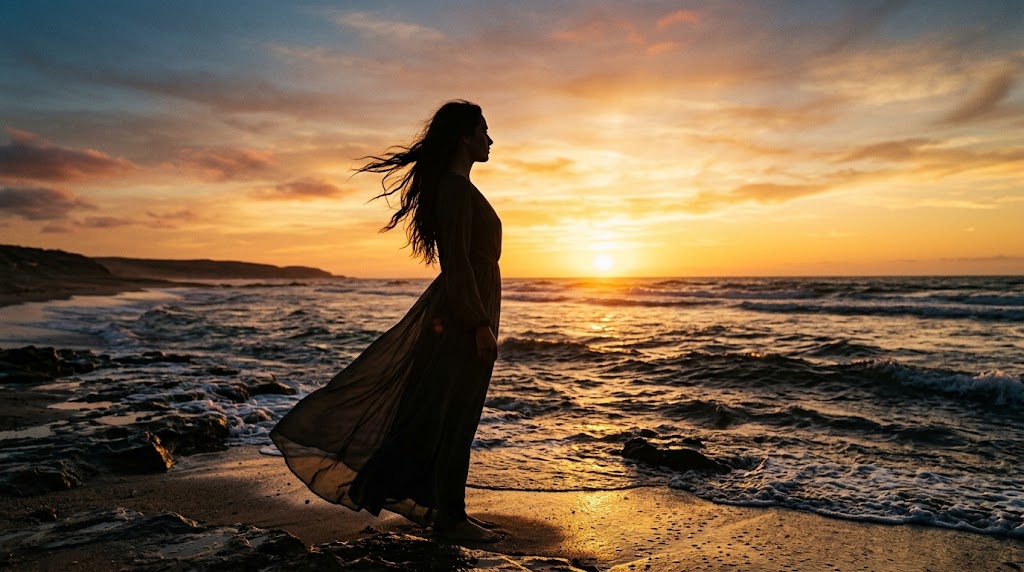
Build Creative Social and Poster Visuals
When you need an image with strong contrast and immediate impact, AI Silhouette Maker offers a practical way to create it. The silhouette-style output feels clean, dramatic, and easy to layer into modern layouts. AI Silhouette Maker works especially well for event posters, quote graphics, cover images, mood boards, thumbnails, and branded social content.
Why Choose AI Silhouette Maker
AI Silhouette Maker combines ease of use with practical visual output. It is designed for users who need silhouette-style images, all without spending extra time on manual editing or complicated software workflows.

Fast Results for Everyday Creative Work
AI Silhouette Maker is useful when you want a quick visual transformation without opening a full design tool. It helps you move from a regular photo to a silhouette-style result in a few simple steps. This makes AI Silhouette Maker practical for fast ideation, lightweight editing, and content creation when time matters.

Designed for Portrait Based Projects
Portraits often work especially well with AI Silhouette Maker because facial angle, hairstyle, and body posture create recognizable outlines. Instead of depending on facial detail, the result focuses on clean visual identity. AI Silhouette Maker is ideal for profile graphics, hero banners, invitations, creative gifts, and artistic personal branding materials.

Useful for Posters, Cards, and Invitations
A silhouette-style image can immediately make a layout feel more intentional. AI Silhouette Maker helps create simplified visuals that fit event invitations, wedding graphics, birthday cards, music posters, and promotional materials. Because the output is less visually busy, AI Silhouette Maker gives text and layout elements more room to stand out clearly.

Works Well for Pet Keepsakes and Gifts
Many people want creative ways to turn favorite pet photos into something more display-ready. AI Silhouette Maker helps convert everyday pet images into cleaner silhouette-style visuals with strong shape and emotional appeal. That makes AI Silhouette Maker suitable for framed prints, remembrance pieces, custom gifts, stickers, and decorative digital artwork.

A Simple Tool for Brand and Content Teams
For lightweight brand assets and campaign concepts, AI Silhouette Maker provides a fast way to create shape-led visuals that feel consistent and adaptable. Teams can use AI Silhouette Maker for presentation decks, web sections, campaign thumbnails, announcement posts, and concept mockups when they want something cleaner than a full-color photo.

No Complex Editing Skills Required
AI Silhouette Maker is built for people who want the visual effect without learning manual masking or advanced editing steps. The workflow is straightforward, and the result is easy to understand. Whether you are a student, marketer, creator, or casual user, AI Silhouette Maker keeps the process accessible and efficient.
What Users Say About AI Silhouette Maker
These user stories show how AI Silhouette Maker can fit into creative, marketing, and everyday workflows while keeping the process simple and the final images visually strong.
I wanted a dramatic profile image for my portfolio site, but I did not want to spend time learning masking tools. AI Silhouette Maker gave me a clean, striking result from a normal portrait. The final image looked polished, modern, and much more intentional than a standard edited photo.
We used AI Silhouette Maker to create simple visual assets for an internal event campaign. It helped us turn regular staff photos into a consistent silhouette-style set for slides and posters. The workflow was easy, and the images felt cleaner than the original photos for presentation use.
I uploaded a photo of my dog just to test the tool, and the silhouette-style version turned out much better than I expected. AI Silhouette Maker kept the outline of the ears and body shape really well. I ended up using it for a custom print at home.
As someone who makes quick pitch decks, I often need simplified graphics that still look intentional. AI Silhouette Maker is useful because it removes visual noise and gives me shape-focused images I can drop into slides right away. It saves time and fits modern deck design nicely.
I used AI Silhouette Maker for a birthday invitation design, and it instantly made the artwork feel more cohesive. The silhouette-style result was simple enough for text overlay but still personal. It worked especially well because the pose and outline of the original image remained recognizable.
Most tools I tried either looked too generic or lost the subject shape. AI Silhouette Maker handled the composition better and gave me a result that felt cleaner and more usable. I have already used it for thumbnails, headers, and a few social posts for my side projects.

FAQs About AI Silhouette Maker
These answers cover the most common questions users have before trying AI Silhouette Maker. They explain what AI Silhouette Maker does, which images tend to work well, and how silhouette-style results can be used.
An AI silhouette maker is a tool that transforms a normal image into a silhouette-style visual by simplifying detail and emphasizing the outline and overall shape of the main subject. Instead of focusing on texture, color variation, or background detail, AI Silhouette Maker highlights clear form and contrast. This makes it useful for portraits, pets, product images, invitation graphics, posters, and branded creative assets where a bold and minimal visual style works better than a fully detailed photograph.
AI Silhouette Maker starts with the photo you upload and the image ratio you choose. It then analyzes the subject and converts the image into a silhouette-style result that emphasizes shape and visual separation. The goal is to produce a cleaner, more graphic image while keeping the subject recognizable. AI Silhouette Maker is designed to make this process feel straightforward, so users can create stylized silhouette visuals without needing to manually cut out the image or edit the background by hand.
AI Silhouette Maker usually performs best on images where the subject is easy to identify and has a strong visible outline. Side-profile portraits, people in clear poses, pets with distinct ears or tails, and simple product shots often lead to stronger silhouette-style results. Busy backgrounds are not always ideal, but a well-framed subject still helps. In general, AI Silhouette Maker works best when the shape of the main subject carries the visual interest of the image rather than small surface details.
Yes, portraits are one of the most common use cases for AI Silhouette Maker. A portrait silhouette can look dramatic, personal, and visually clean, especially when the subject has a clear pose or side angle. Many users create silhouette-style profile images, poster graphics, creative gifts, and social media visuals this way. AI Silhouette Maker is particularly useful for portraits because it keeps the person recognizable through shape and posture, even after the detailed textures of the original image are simplified.
Yes, AI Silhouette Maker can work very well for pet images. Many pet photos have distinctive outlines that make silhouette-style artwork feel expressive even without fur detail or background context. Dogs, cats, birds, and other animals often translate nicely when the image captures a clear side view or strong stance. People use AI Silhouette Maker for keepsakes, memory projects, decorative prints, and custom gift ideas because a pet silhouette often feels both simple and emotionally meaningful.
Yes, AI Silhouette Maker can be useful for business and design work when you want a cleaner visual language. Teams often need simplified images for presentations, campaign mockups, headers, invitation layouts, or social graphics. A silhouette-style image can reduce clutter and make text overlays easier to read. AI Silhouette Maker helps create that effect quickly, which makes it valuable for light creative production, content planning, and visual concept development without needing advanced editing software.
No, AI Silhouette Maker is intended for users who want the effect without a complicated process. Traditional silhouette creation can involve manual cutouts, masking, background cleanup, and repeated refinements. AI Silhouette Maker simplifies that workflow into a more accessible upload and generate experience. That makes it suitable for casual users, students, creators, marketers, and small teams who need visually clear results but do not want to spend extra time learning professional image editing tools.
AI Silhouette Maker can be used for many creative outputs, including profile graphics, social posts, presentation visuals, poster concepts, greeting cards, invitation artwork, pet keepsakes, and branded content elements. Because silhouette-style images focus on shape rather than detail, they fit modern layouts especially well. Users often choose AI Silhouette Maker when they want something cleaner than a photo but more personal than a generic icon, making it useful across both personal and professional projects.
Manual silhouette editing can take time, especially if you are trying to isolate a subject cleanly and create a balanced final composition. AI Silhouette Maker reduces that effort by automating the transformation into a silhouette-style image. It is a practical option for people who value speed, clarity, and ease of use. Rather than spending time on masks, tracing, and cleanup, users can rely on AI Silhouette Maker to create a faster result that still looks intentional and presentation-ready.
Yes, AI Silhouette Maker works well for digital content because silhouette-style images are visually direct and easy to recognize at smaller sizes. They can add contrast and mood to thumbnails, story posts, profile sections, headers, and branded graphics. AI Silhouette Maker is especially useful when creators want images that look less busy and more graphic. That kind of clarity often makes online content easier to scan while still keeping a personal or creative touch.
Start Creating with AI Silhouette Maker
Upload a photo, choose your image size, and let AI Silhouette Maker turn it into a clean silhouette-style visual for creative, personal, or professional use.
