
More AI Image Generators
Explore our collection of specialized AI image generators designed for different creative needs and styles
AI Unblur Image Free – Instantly Restore Sharpness Without Losing Details
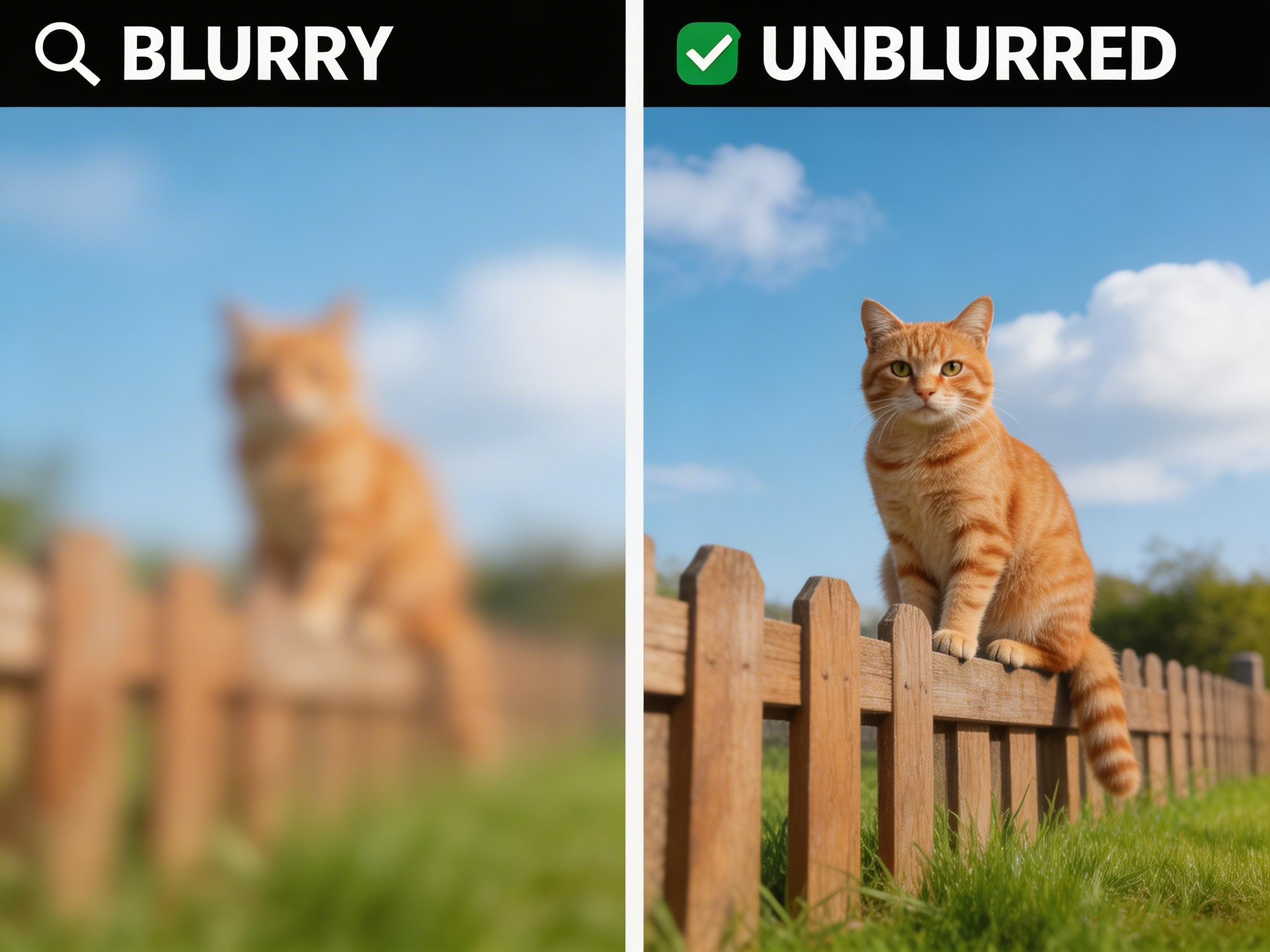
Upload your blurry photo and let advanced AI analyze structure, edges, and textures to recover true clarity in seconds while preserving original elements.
BananaPro delivers AI unblur image free tool designed for users who need fast and professional clarity restoration. Whether your photo is motion blurred, out of focus, compressed, or low resolution, our AI unblur image free tool analyzes pixel distribution and intelligently reconstructs missing detail while keeping faces, colors, and composition intact. If you are searching for how to unblur an image without complex software, this browser based solution provides instant HD enhancement with no design skills required.
How to Unblur an Image in Three Simple Steps
If you have ever wondered how to unblur an image without Photoshop or complicated editing tools, the AI unblur image fee process is now streamlined into three intuitive actions.

Upload Your Blurry Photo
Drag and drop your file into BananaPro. Our AI unblur image free tool supports common formats such as JPG and PNG and immediately scans blur patterns, facial regions, and texture boundaries.

Click to Enhance Instantly
Press the enhance button and the AI unblur image free tool begins advanced deblurring. If you are learning how to unblur an image, this step replaces manual sharpening, noise reduction, and layer masking with automated AI reconstruction.

Download the Clear HD Result
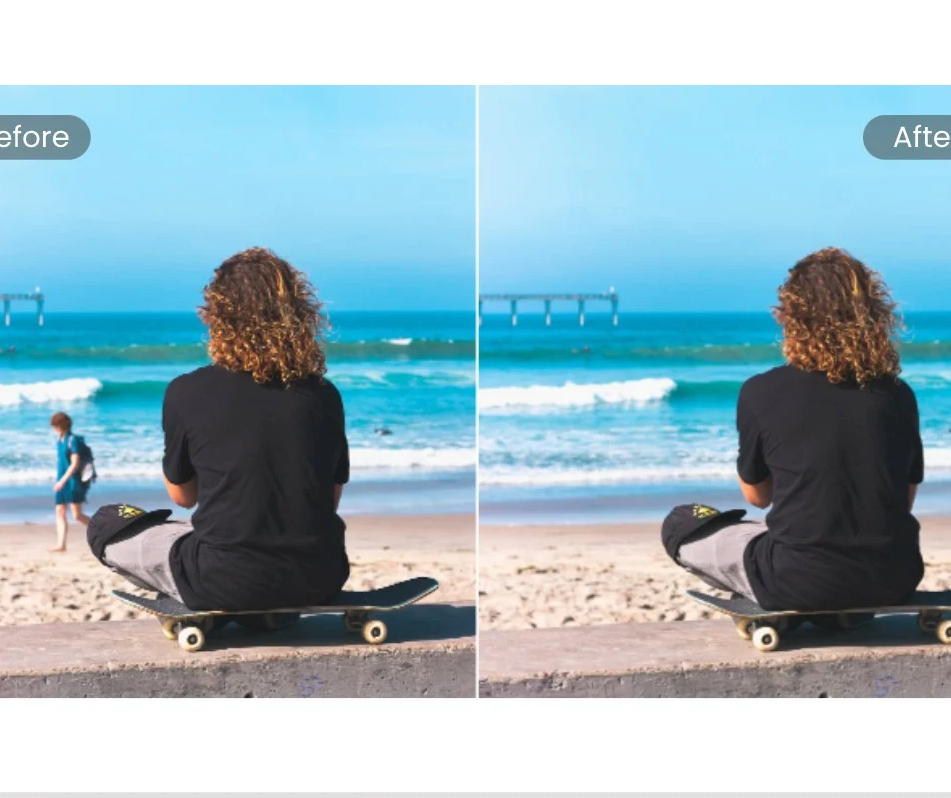
Preview the before and after comparison. Our AI unblur image free tool restores clarity while maintaining original lighting and composition. Download the refined image instantly.
Best AI Image Tools for Creative Projects
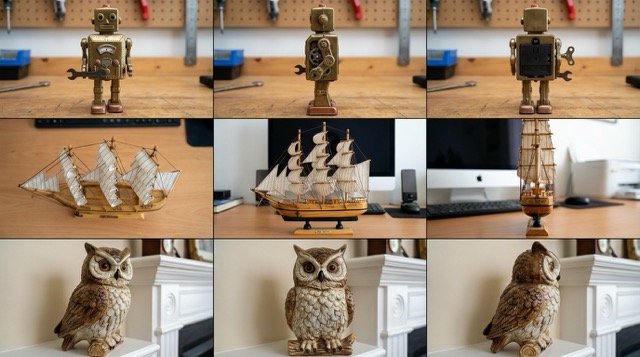
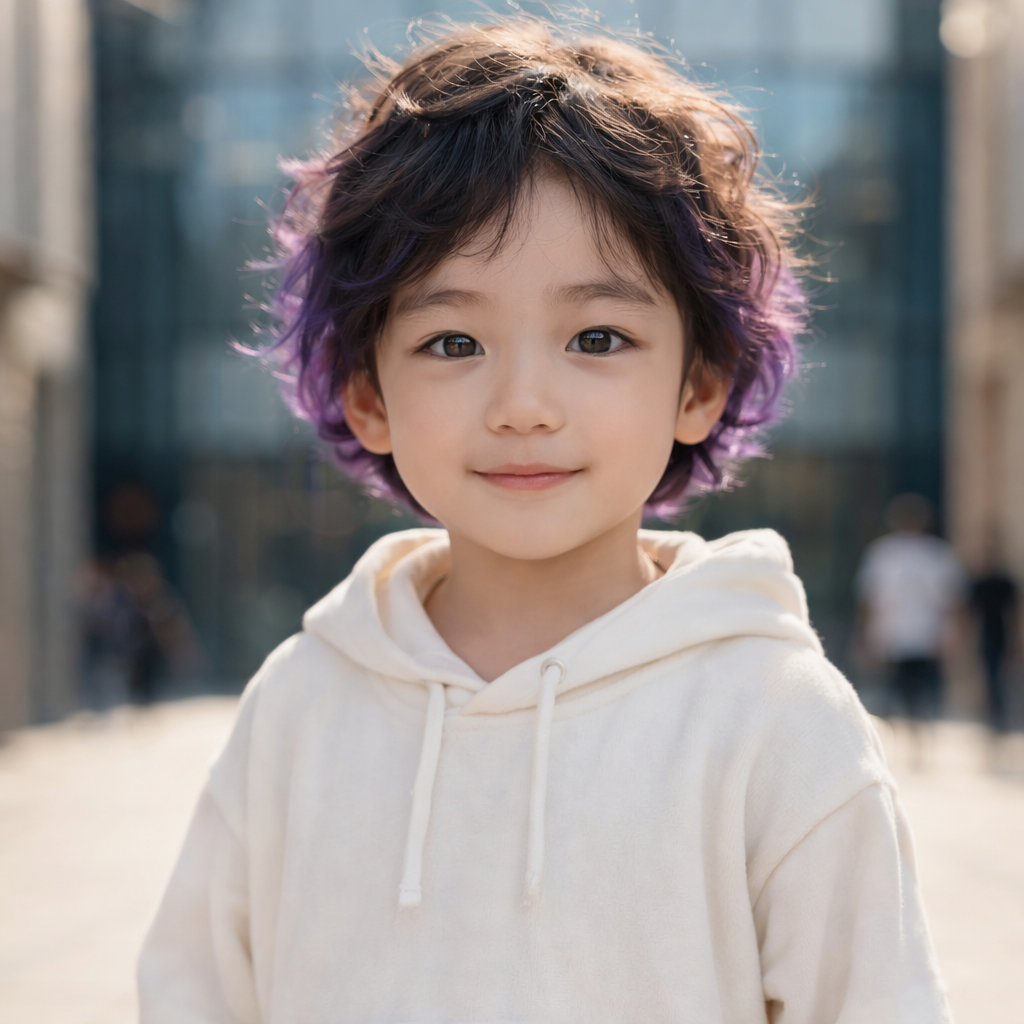
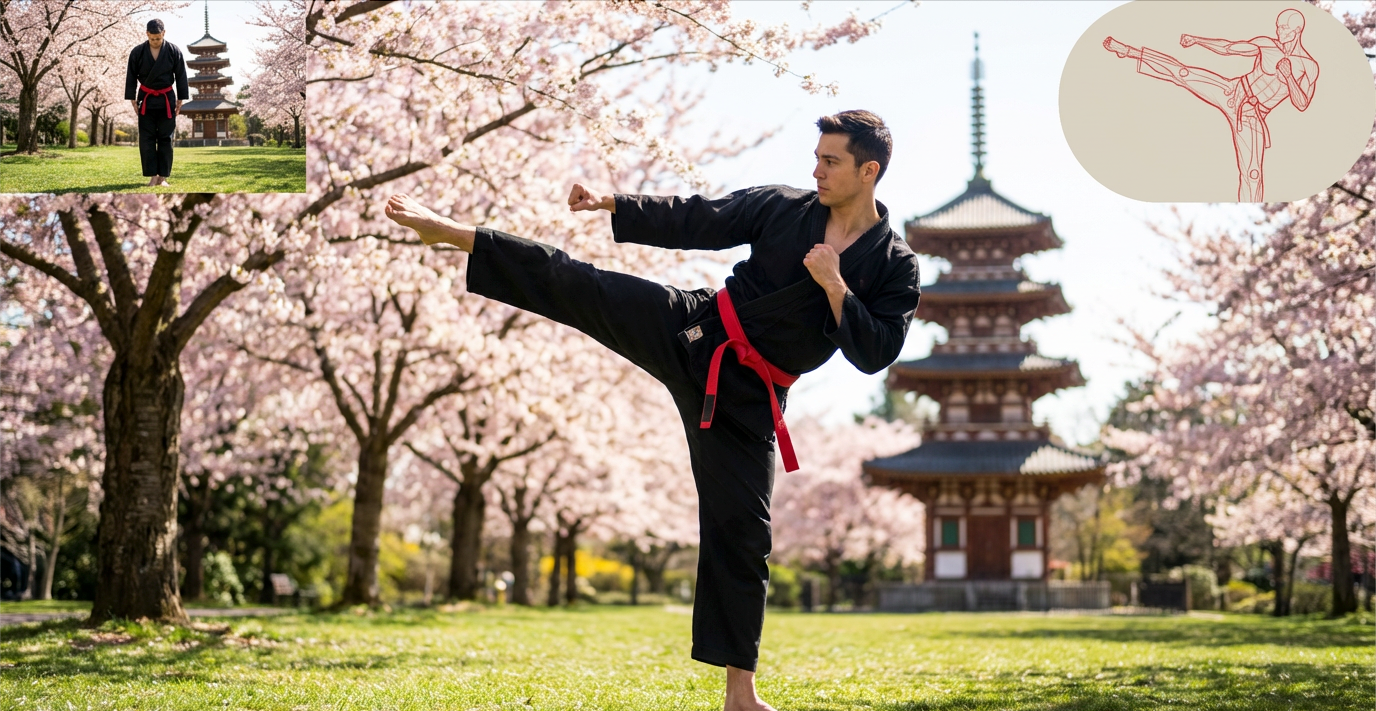
Explore creative tools for image, learn tips and tricks, and see how AI can be your assistant in turning concepts into finished projects.
Advanced Features of AI Unblur Image Free Tool
BananaPro integrates structured image restoration models trained to reconstruct sharp edges, realistic textures, and natural depth transitions without over sharpening artifacts. Each module is optimized to solve specific blur scenarios while preserving the original composition, color balance, and visual identity.
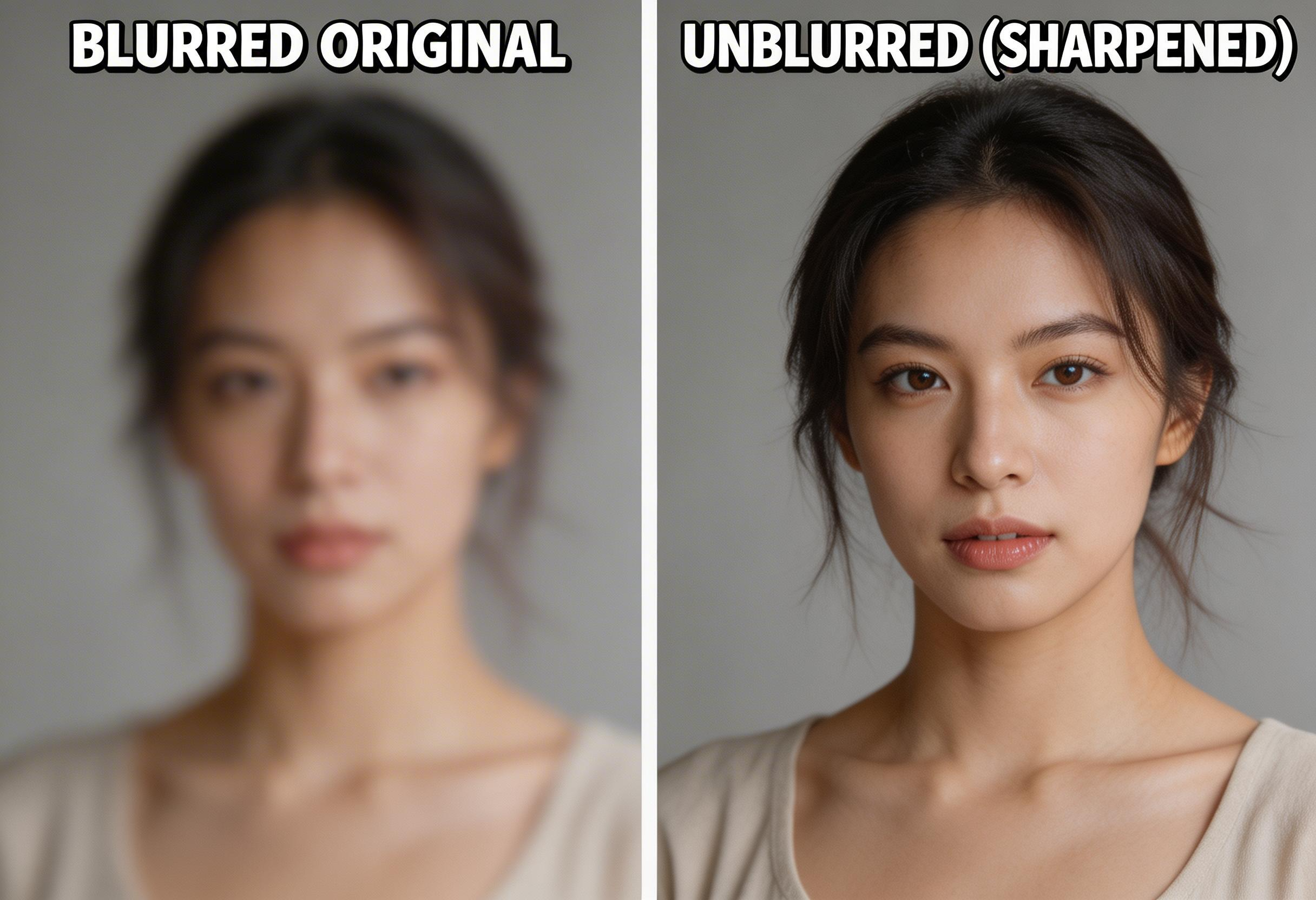
Motion Blur Correction
- Corrects horizontal and vertical motion distortion caused by camera shake or subject movement.
- Uses AI unblur image free modeling to analyze pixel displacement and rebuild missing edge definition.
- Reconstructs facial features such as eyes, eyelashes, and lip contours without creating artificial outlines.
- Preserves natural lighting gradients, skin texture, and background depth instead of flattening details.
- Ideal for smartphone photos taken in low light, nightlife scenes, travel snapshots, and event photography.
- If you are searching how to unblur an image affected by motion, this feature replaces complex manual sharpening workflows.
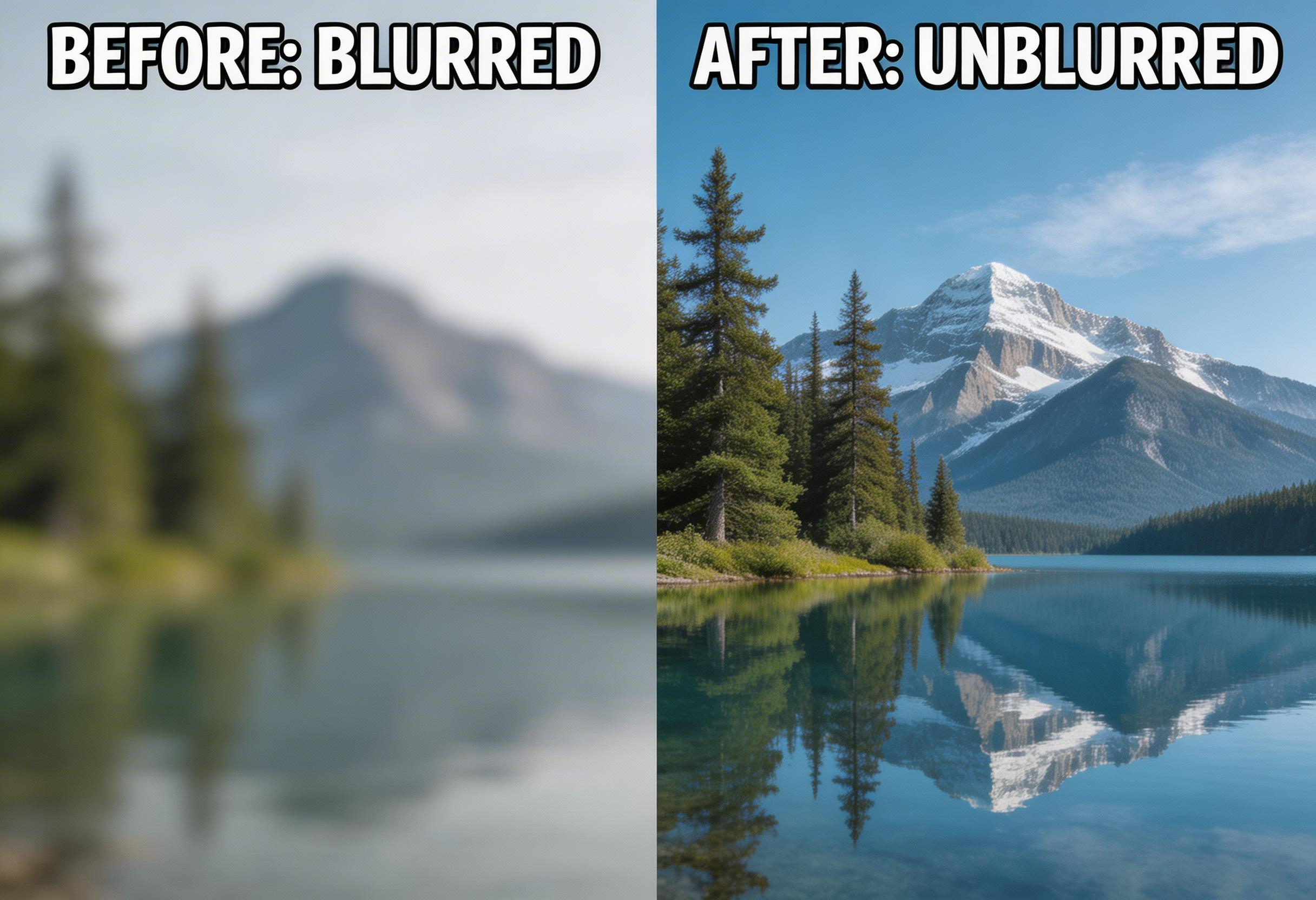
Out-of-Focus Recovery
- Restores lost detail caused by incorrect autofocus, shallow depth of field, or lens misalignment.
- Applies intelligent depth aware sharpening to foreground subjects while respecting background blur hierarchy.
- Avoids halo artifacts and unnatural edge glow that commonly appear in traditional sharpening filters.
- Maintains structural consistency, ensuring facial proportions and object geometry remain unchanged.
- Especially effective for portraits, product photography, and close up shots.
- For users learning how to unblur an image without professional editing tools, this automated focus reconstruction provides studio level refinement.
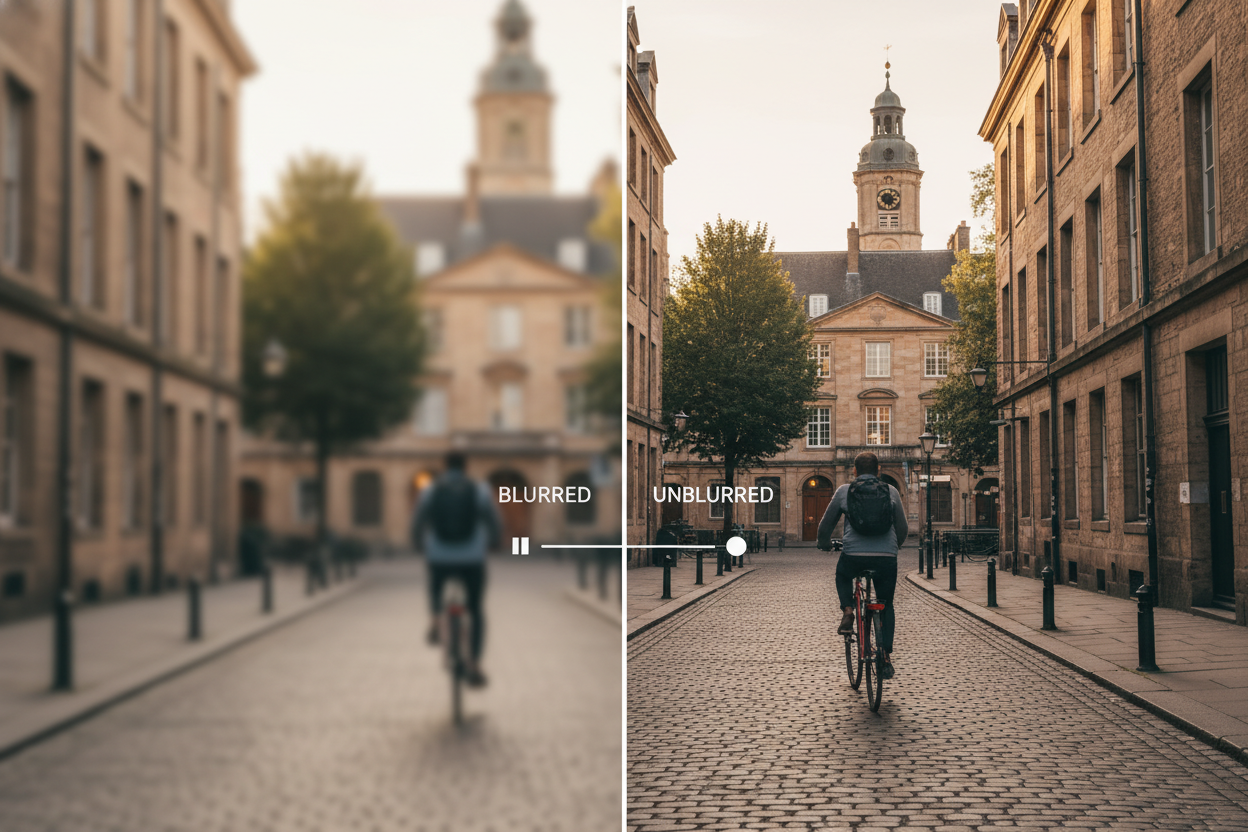
Low Resolution Enhancement
- Combines AI unblur image free tool deblurring with intelligent super resolution upscaling.
- Fills missing micro textures using generative detail reconstruction rather than simple pixel stretching.
- Enhances compressed web images, messaging app photos, and archived social media content.
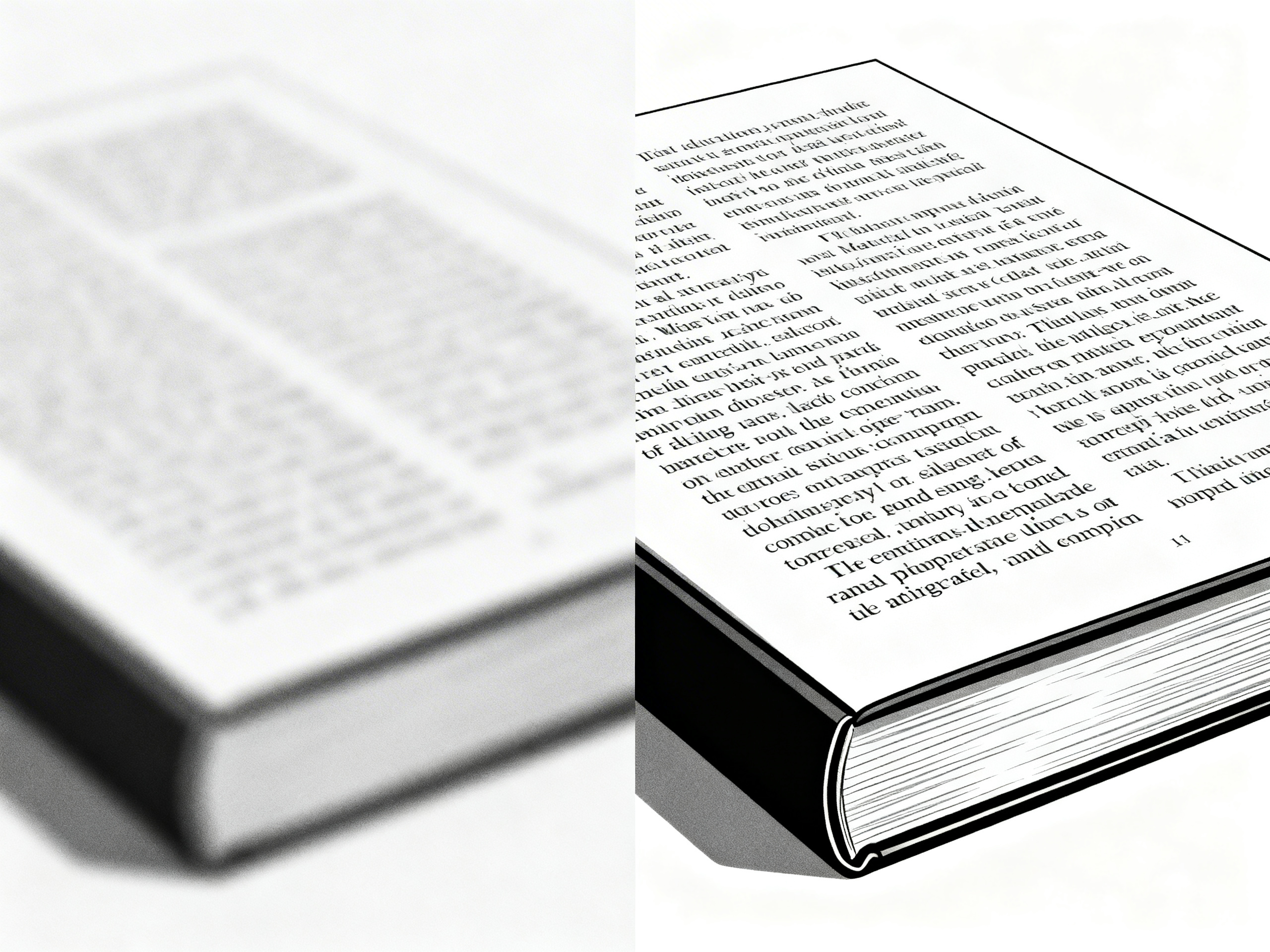
- Improves readability of text elements and subtle object details.
- Maintains accurate color fidelity and avoids over smoothing surfaces.
- Perfect for users who don't know to to unblur an image and those need sharper visuals for presentations, marketing banners, or website assets without redesigning the image from scratch.
Integrated Creative Upgrade
- After restoring clarity with AI unblur image free, extend your visual workflow using image to image free tools.
- Maintain original identity while generating refined variations or enhanced stylistic outputs.
- Blend restoration and creative transformation inside one seamless platform.
- Useful for creators who don't know to to unblur an image online and who want to fix blur first and then design promotional graphics or artistic reinterpretations.
- Reduces repetitive editing steps and keeps your source image consistent across multiple outputs.
- Ideal for content creators, marketers, and designers seeking both technical correction and creative flexibility.
Popular Use Cases for AI Unblur Image Free
From personal photo restoration to professional commercial workflows, AI unblur image free delivers measurable clarity improvements across multiple real world scenarios.

Restore Family Memories
Old printed photos scanned at low resolution often appear soft, faded, or slightly distorted. AI unblur image free helps recover facial details, sharpen eyes, and rebuild texture without changing original expressions. For users researching how to unblur an image from childhood albums or historical family archives, this AI unblur image free tool provides a simple way to preserve emotional value while enhancing visual clarity.

Enhance E-commerce Listings
Product photos captured under weak lighting or slight focus errors can reduce perceived quality and lower conversion rate. AI unblur image free restores edge definition, refines texture, and improves visual sharpness for marketplace platforms such as Amazon, Shopify, or Etsy. Learning how to unblur an image becomes a practical optimization step for boosting click through rate and customer trust without reshooting inventory.

Fix Screenshots and Documents
Screenshots from messaging apps, online meetings, or compressed PDFs often lose clarity and legibility. AI unblur image free enhances text edges, improves small font readability, and sharpens UI elements while preserving layout alignment. Whether for presentations, reports, or tutorial materials, this AI unblur image free feature ensures professional and easy to read visual communication.

Recover Blurry Travel Photos
Fast moving subjects, crowded environments, or low light conditions can introduce motion blur into travel photography. AI unblur image free analyzes motion patterns and reconstructs missing details while maintaining natural color tone and environmental depth. If you are looking for how to unblur an image taken during a once in a lifetime trip, this AI unblur image free tool helps restore memorable moments without artificial sharpening artifacts.
Real Users Share Their Experience About How to Unblur an Image with the AI Unblur Image Free Tool
Professionals across industries explain how AI unblur image free tool improved their workflow and delivered measurable clarity improvements.
I was researching how to unblur an image for a damaged wedding portrait that a client thought was unusable. The AI unblur image free tool reconstructed facial detail, restored eye sharpness, and removed subtle motion blur without introducing artificial edges. I was impressed that the skin texture remained natural instead of overly smoothed. It genuinely saved a meaningful photo and hours of manual retouching.
As a social media strategist, compressed images from messaging apps often lose clarity before publishing. AI unblur image free helped me recover detail from low quality Instagram and WhatsApp files while keeping brand colors accurate. The improvement in sharpness was noticeable immediately, and I did not need to learn complex editing steps about how to unblur an image manually.
In e-commerce, sharp product images directly affect conversion rate. Instead of reshooting inventory, I used AI unblur image free tool to fix slightly out-of-focus and low resolution product photos. It enhanced textures, clarified edges, and improved overall professionalism. For sellers wondering how to unblur an image without expensive editing software, this is an efficient solution.
As a digital illustrator, sometimes preview files I share online get compressed and lose detail. Using AI unblur image free tool, I restored line sharpness and preserved original color gradients without distortion.
We received a tiny logo file for a large banner print project, and it looked completely unusable at first. After running it through AI unblur image free, the edges became crisp and scalable. It prevented costly redesign work and ensured the final print maintained clean vector-like clarity. Learning how to unblur an image this quickly made a real difference in production time.
Before discovering this tool, I searched countless tutorials about how to unblur an image using layered sharpening techniques. None of them delivered consistent results. With AI unblur image free, the process is simplified into one click while still preserving original lighting and composition. It feels professional but remains accessible for non designers like me.
Frequently Asked Questions About AI Unblur Image Free Tool
Understand how AI unblur image free works and how to achieve the best results.
Blur can result from motion movement, focus error, low light noise, or compression artifacts. AI unblur image free analyzes these patterns and reconstructs missing detail using trained neural networks.
Yes. You can use AI unblur image free tool directly in your browser without installing software.
Upload your photo to BananaPro AI unblur image free tool and click enhance. The AI automatically performs deblurring and sharpening without manual layer adjustments.
No. The AI unblur image free tool restores clarity while preserving color balance, lighting, and overall structure.
Try AI Unblur Image Free Tool Today
Stop losing detail in blurry photos. Use AI unblur image free on BananaPro to instantly sharpen and restore images while keeping original elements intact.
