
More AI Image Generators
Explore our collection of specialized AI image generators designed for different creative needs and styles





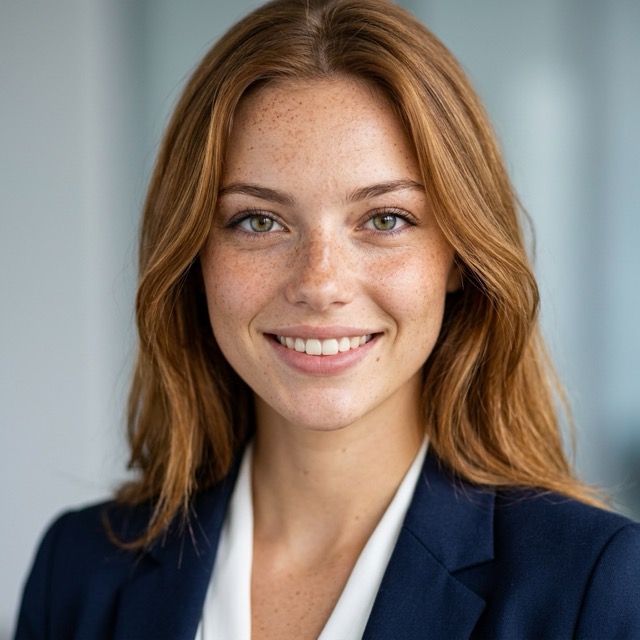

Refresh Portraits Naturally with AI Wrinkle Remover
Let AI Wrinkle Remover reduce visible facial wrinkles while preserving identity for a polished result.
Create cleaner, smoother portraits in seconds with AI Wrinkle Remover. Designed for realistic facial retouching, AI Wrinkle Remover helps soften forehead lines, smile lines, and under eye creases without making skin look artificial.
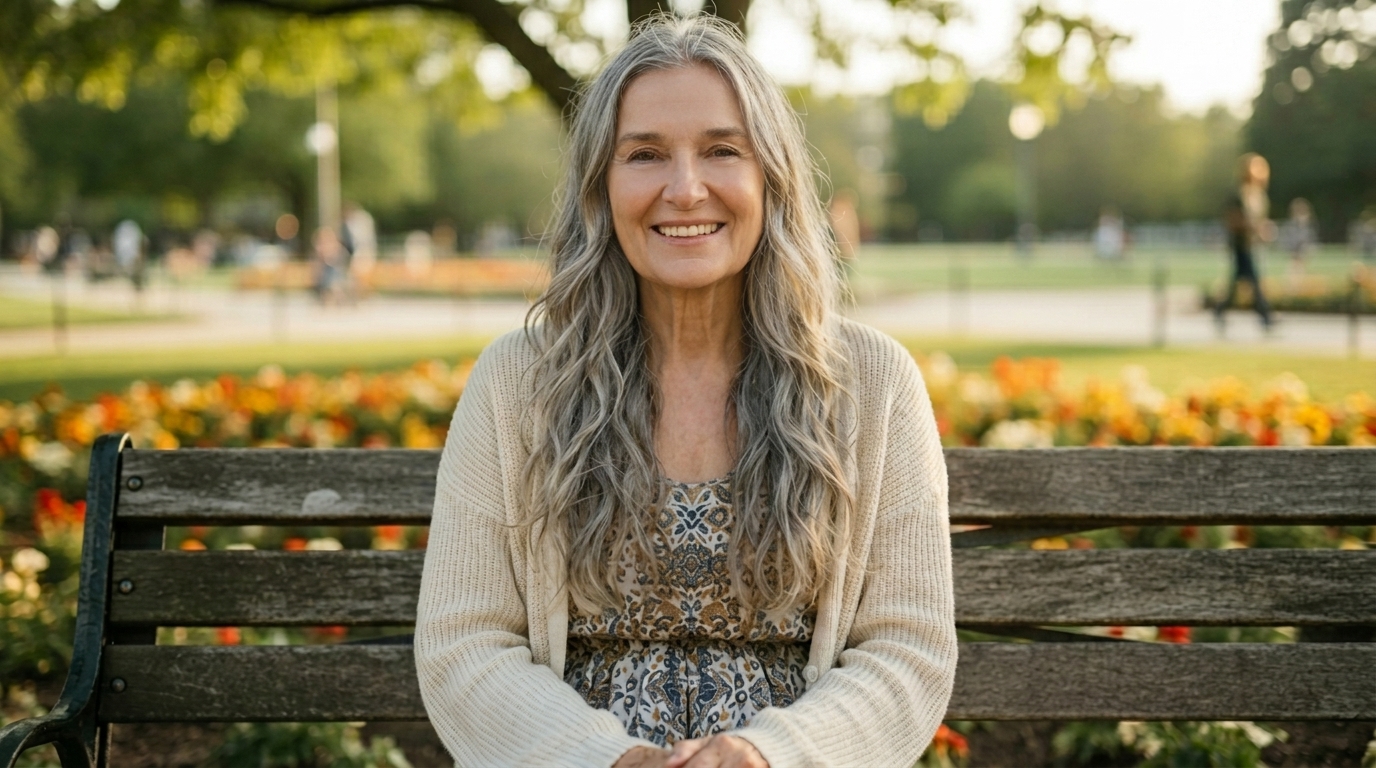
How to Use AI Wrinkle Remover
Using AI Wrinkle Remover is simple and fast. With a short three step workflow, AI Wrinkle Remover helps turn ordinary portraits into smoother and more camera ready images while keeping the overall look realistic.

Upload Your Portrait
Start by uploading a clear portrait with a visible face. AI Wrinkle Remover works best on photos with good lighting and sharp facial detail. Whether you are editing a headshot, family photo, or profile picture, AI Wrinkle Remover uses the uploaded image as the base for a realistic wrinkle reduction result.

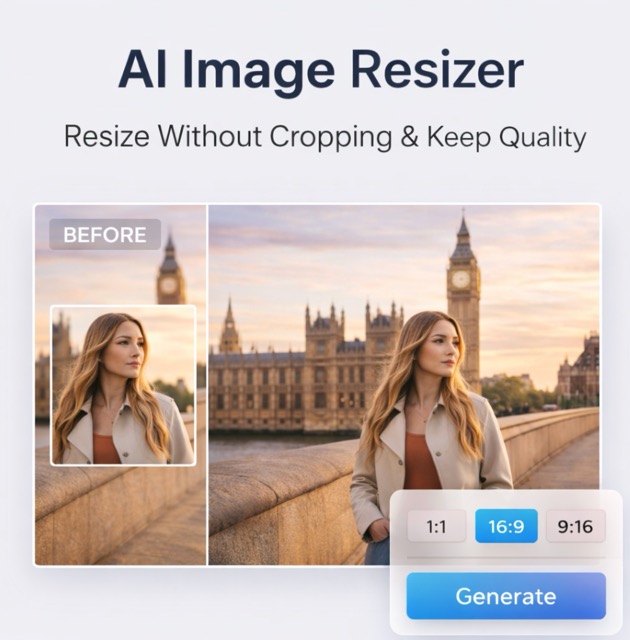
Choose Your Image Size
AI Wrinkle Remover supports a simple workflow that helps you prepare portraits for social media, resumes, website profiles, or personal sharing. The right size helps AI Wrinkle Remover generate a result that feels well framed and practical for your intended format.

Generate and Download
Click generate and let AI Wrinkle Remover soften visible facial wrinkles while keeping your expression and facial identity intact. In seconds, AI Wrinkle Remover delivers a smoother, more polished portrait that still looks believable. Download the final image and use it anywhere you want.
Best AI Image Tools for Creative Projects
Explore creative tools for image, learn tips and tricks, and see how AI can be your assistant in turning concepts into finished projects.




Features of AI Wrinkle Remover
From professional headshots to family memories and creator content, AI Wrinkle Remover helps reduce visible wrinkles while preserving facial structure, expression, and skin realism across a range of portrait editing scenarios.
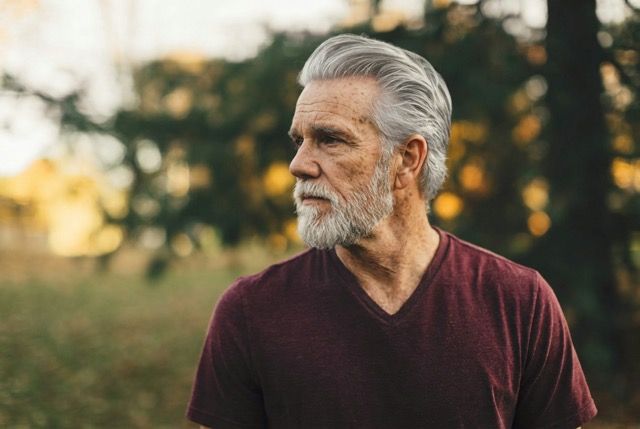
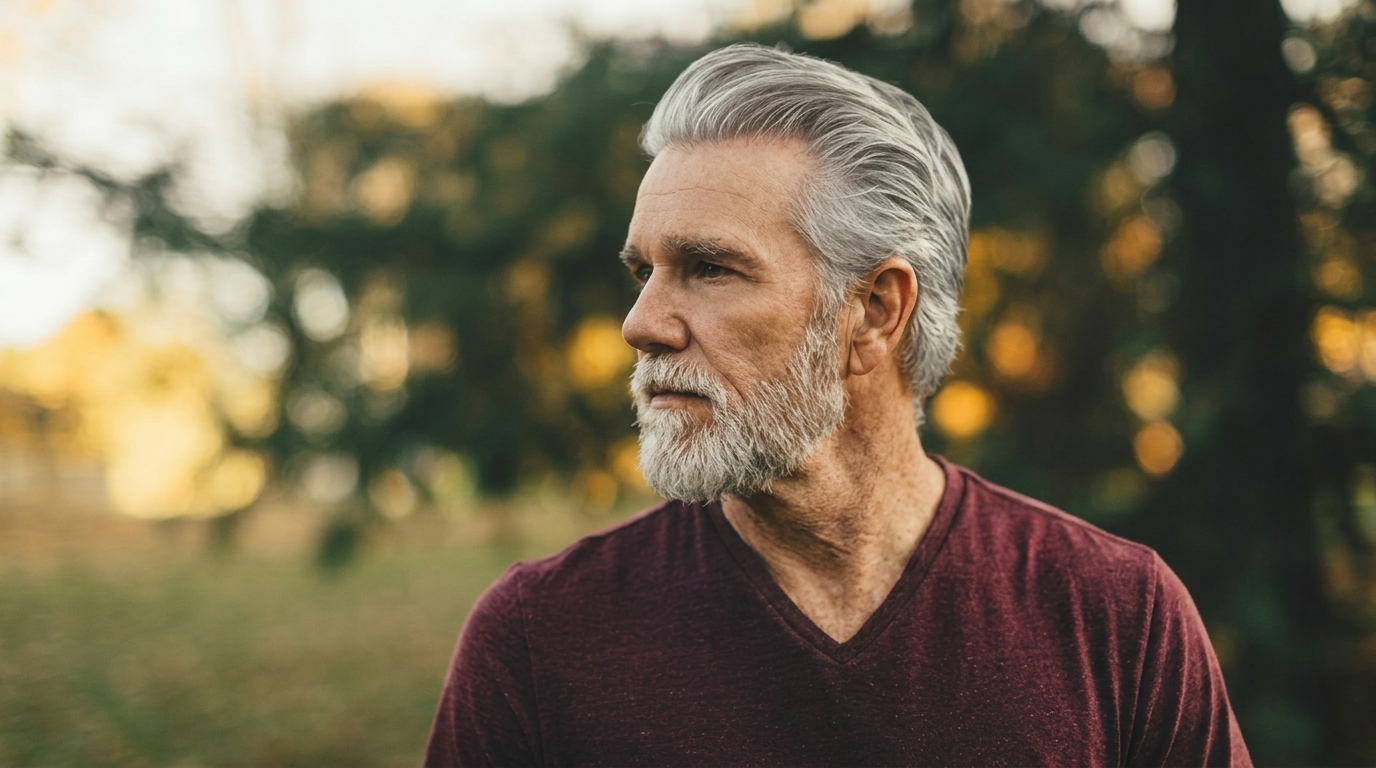
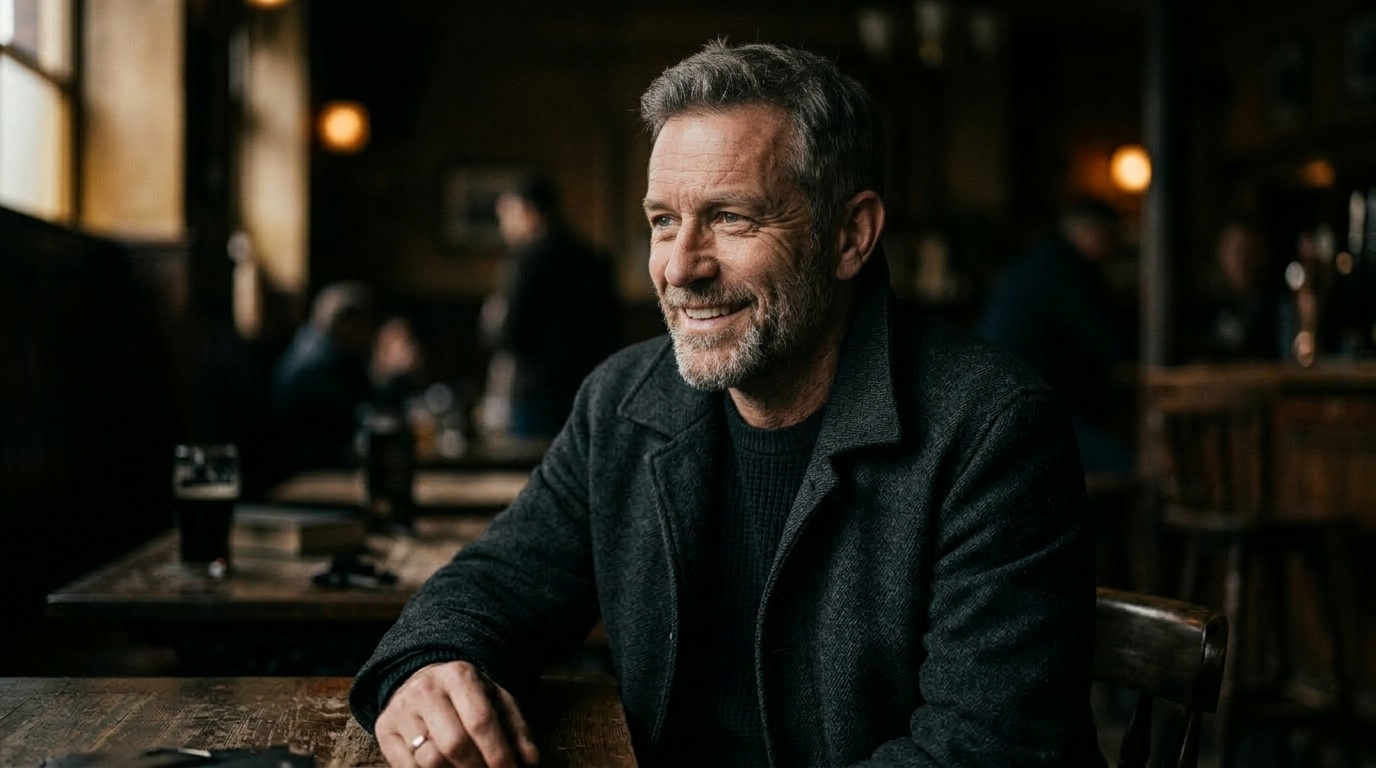
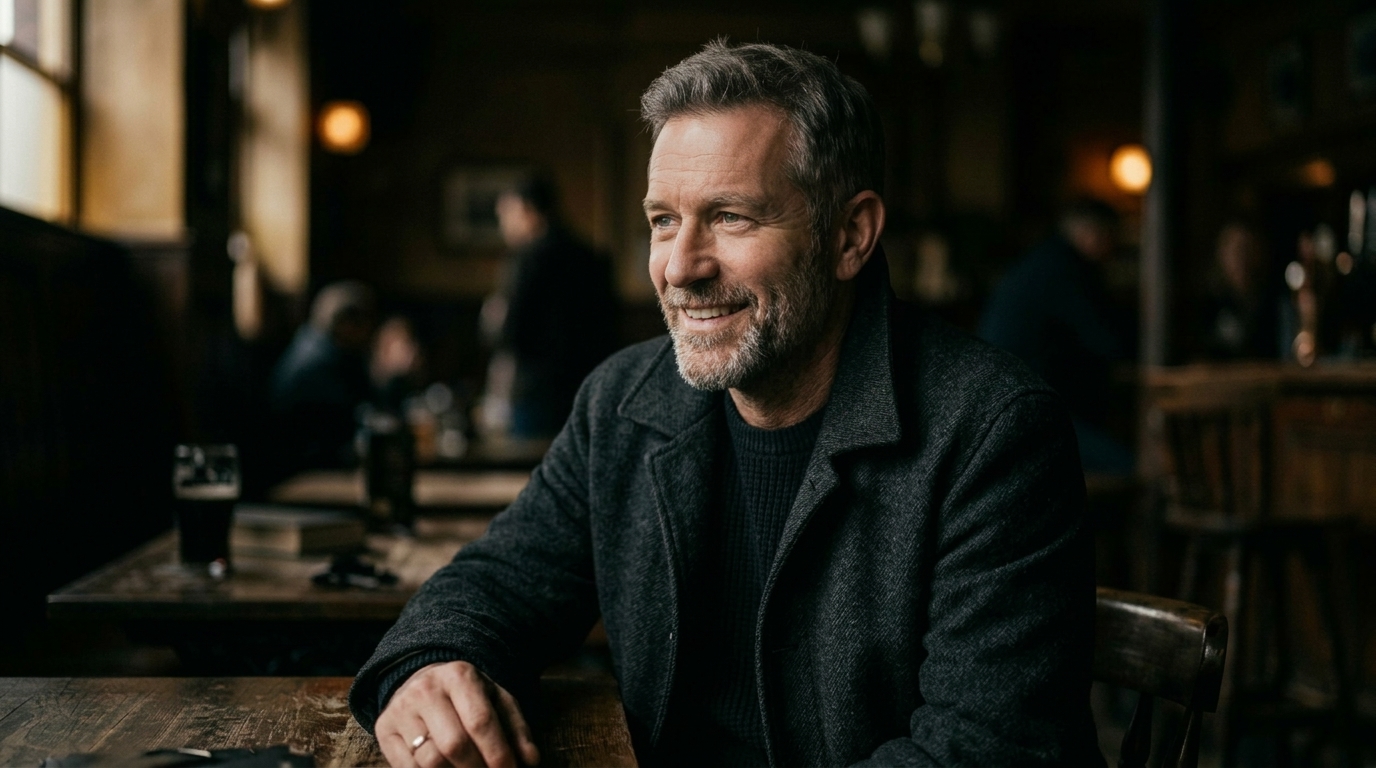
Natural Headshot Refinement
- AI Wrinkle Remover is ideal for professional portraits that need a cleaner and more rested appearance.
- It helps reduce forehead lines, eye area creases, and smile lines without flattening the face.
- AI Wrinkle Remover keeps the person recognizable, which matters for resumes, LinkedIn profiles, speaker pages, and company bio photos.


Family Portrait and Memory Enhancement
- Favorite family photos often deserve a subtle refresh, not a dramatic transformation.
- AI Wrinkle Remover softens visible facial lines while preserving warmth, age dignity, and familiar facial features.
- AI Wrinkle Remover helps improve treasured photos while keeping them emotionally authentic and believable.


Beauty Content with Realistic Skin Texture
- AI Wrinkle Remover helps beauty creators improve portraits without producing a waxy or filtered finish.
- Instead of erasing all skin detail, AI Wrinkle Remover aims for balanced smoothing that still looks human.
- The portrait feels cleaner and younger looking while still preserving realism, lighting, and natural facial expression.
Fast Portrait Cleanup for Marketing Teams
- Small teams often need better portraits for landing pages, presentations, and social campaigns.
- AI Wrinkle Remover speeds up routine retouching by reducing distracting facial wrinkles in a few clicks.
- It is especially useful when you want consistency across multiple profile images without spending hours in editing software.
- AI Wrinkle Remover creates clean, credible visuals that feel professional and easy to publish.
Why Choose AI Wrinkle Remover
AI Wrinkle Remover stands out by prioritizing natural looking results, simple usability, and a workflow that helps users improve portraits quickly without sacrificing realism or recognizability.

Natural Looking Wrinkle Reduction
AI Wrinkle Remover is designed to soften visible facial lines without turning skin into a flat blur. It reduces wrinkles in a balanced way, helping portraits look smoother, fresher, and more polished while still maintaining believable facial texture and realistic visual depth.

Preserves Identity and Expression
A common problem with over edited portraits is that they stop looking like the real person. AI Wrinkle Remover avoids that by focusing on line reduction while keeping eye shape, smile, face proportions, and expression consistent with the original portrait.

Fast Online Workflow
AI Wrinkle Remover gives you a quick editing process with no complicated retouch tools to learn. Upload the image, choose the right image size, and generate. This makes AI Wrinkle Remover practical for users who want strong results without a long editing session.

No Advanced Editing Skills Needed
With AI Wrinkle Remover, you do not need layers, masking, healing brushes, or professional retouching experience. The tool is accessible to beginners but still useful for creators, marketers, and professionals who want a more efficient way to improve portrait quality.

Useful for Personal and Professional Photos
AI Wrinkle Remover works across many portrait needs. It can refresh profile images, team headshots, family portraits, social media photos, personal branding visuals, and content assets. That flexibility makes AI Wrinkle Remover easy to use in both casual and business contexts.

Built for Realistic Portrait Results
The goal of AI Wrinkle Remover is not to make every face look artificially young. Instead, it creates a cleaner version of the same portrait. AI Wrinkle Remover helps the subject look more rested and camera ready while preserving authenticity and emotional familiarity.
What Users Say About AI Wrinkle Remover
Users choose AI Wrinkle Remover because it improves portraits without stripping away identity. From creators and consultants to photographers and families, people use AI Wrinkle Remover when they want facial wrinkle reduction that looks smooth, realistic, and appropriate for both personal and professional image use.
I used AI Wrinkle Remover on my LinkedIn headshot and the result looked surprisingly natural. The facial lines were softer, but I still looked like myself. That balance is exactly what I wanted from a portrait retouch tool.
Our team needed more polished profile photos for a company page, and AI Wrinkle Remover made the process much easier. It cleaned up visible wrinkles fast without giving anyone that fake airbrushed look.
I create beauty content, so I care a lot about realism. AI Wrinkle Remover helped smooth under eye creases and forehead lines while keeping skin texture visible. The portraits felt elevated, not over processed.
For quick client previews, AI Wrinkle Remover is genuinely useful. It saves time on portrait cleanup and gives people a refreshed version of themselves without changing their face shape, expression, or overall character.
I tried AI Wrinkle Remover on a family portrait of my parents before printing it, and the improvement was subtle in the best way. The image looked smoother and more polished, but still warm and familiar.
AI Wrinkle Remover gave me a better speaker photo for an event page in minutes. I liked that it reduced the tired look around my eyes without making the picture feel artificial or disconnected from the original.



FAQs About AI Wrinkle Remover
Below are common questions about AI Wrinkle Remover, including how it works, what kinds of portraits it fits best, and what results users can expect.
AI Wrinkle Remover is an online portrait editing tool that helps reduce visible facial wrinkles in photos. It is designed to soften lines such as forehead creases, crow’s feet, smile lines, and under eye wrinkles while preserving facial structure and identity. Instead of requiring manual retouching, AI Wrinkle Remover offers a simpler workflow: upload your image, choose an image size, and generate a smoother portrait. The goal is to create a cleaner, more refreshed appearance without making the subject look unnatural, blurred, or heavily filtered.
AI Wrinkle Remover analyzes facial areas in the uploaded portrait and identifies lines that commonly appear with age, lighting, or expression. It then applies wrinkle reduction in a selective way so the photo still looks realistic. A good AI Wrinkle Remover does not erase every detail from the skin. Instead, it keeps important texture, expression, and facial proportions intact. This makes the result more believable than aggressive smoothing filters, which often leave portraits looking plastic, flat, or visibly over edited to the viewer.
Yes, AI Wrinkle Remover is designed to preserve the subject’s identity. The best portrait retouching tools do not change eye shape, face proportions, smile, or other recognizable features. AI Wrinkle Remover focuses on reducing visible wrinkles while keeping the original facial character and expression in place. That matters for profile images, family memories, professional headshots, and public facing branding assets. Used properly, AI Wrinkle Remover should make the portrait look more polished and rested, not like a different person entirely.
AI Wrinkle Remover works best on clear portraits with visible faces, decent resolution, and balanced lighting. Front facing or slightly angled portraits usually produce the most consistent results because facial lines are easier to detect and refine naturally. Photos that are blurry, extremely dark, heavily filtered, or partially obstructed may reduce the quality of the output. For the most realistic result, upload an image where the subject’s face is easy to see and where skin detail has not already been lost through motion blur or compression.
No, a good AI Wrinkle Remover should not make skin look fake. The goal is to reduce visible wrinkles while preserving enough texture and tonal variation for the face to remain believable. If skin looks too smooth, the result may feel artificial and less trustworthy, especially in professional settings. AI Wrinkle Remover is most effective when it is used for subtle enhancement rather than dramatic transformation. That is why realistic wrinkle reduction is usually more appealing than heavy beauty filtering in portrait photos.
No, AI Wrinkle Remover can be useful for many age groups. Older users may use AI Wrinkle Remover to soften deeper facial lines while still keeping their age dignity and natural features. Younger users may use AI Wrinkle Remover to reduce under eye creases, expression lines, or texture emphasized by harsh lighting and high resolution cameras. In both cases, the purpose is similar: improve the portrait in a subtle and realistic way. AI Wrinkle Remover is about refinement, not changing someone into a different age entirely.
Image size matters because portraits are used in many different places, including social media, websites, resumes, presentation decks, and print materials. By choosing the right format before generating, AI Wrinkle Remover can better align the final output with your intended use. This reduces the need for awkward cropping or reframing later. It also makes the workflow more efficient. AI Wrinkle Remover is not only about facial wrinkle reduction, but also about creating a result that feels ready to use in the context where the image will appear.
For many everyday uses, AI Wrinkle Remover can absolutely replace manual editing. It saves time, removes the need for advanced software, and makes subtle portrait improvement accessible to more users. That said, some photographers and retouchers may still prefer manual tools for high end campaigns that require very detailed local adjustments. AI Wrinkle Remover is best understood as a fast, efficient solution for realistic portrait cleanup. It works especially well for headshots, profile images, family portraits, and marketing visuals that need polished but natural results.
Yes, AI Wrinkle Remover is beginner friendly by design. You do not need to learn masking, healing brushes, skin retouch layers, or other complex techniques. The workflow is simple: upload a portrait, choose your image size, and generate the result. That makes AI Wrinkle Remover practical for people who want to improve photos quickly without a steep learning curve. Beginners can use it confidently, while creators, marketers, and professionals can also benefit from the speed and consistency it adds to everyday portrait editing tasks.
AI Wrinkle Remover is useful when visible facial lines distract from the overall portrait or when you want a smoother, more refreshed presentation. It works especially well for headshots, social profiles, speaker images, team pages, and treasured family photos. If the original image already feels balanced, you may prefer to keep it untouched. The best use of AI Wrinkle Remover is intentional and moderate. It should enhance the portrait just enough to improve visual polish while still preserving authenticity, emotional familiarity, and the person’s real character.
Try AI Wrinkle Remover Today
Upload your portrait, select your image size, and let AI Wrinkle Remover create a smoother, cleaner, more natural looking result in just a few clicks.
