

More AI Image Generators
Explore our collection of specialized AI image generators designed for different creative needs and styles















Add Film Grain to Photos with Grain Filter
Bring subtle texture and cinematic depth to images with a powerful grain filter.
Enhance your images with a professional Grain Filter that recreates the organic texture of analog photography. The Grain Filter intelligently applies a refined Grain Effect without altering composition, lighting, or subject details, making your visuals feel more tactile and visually grounded.
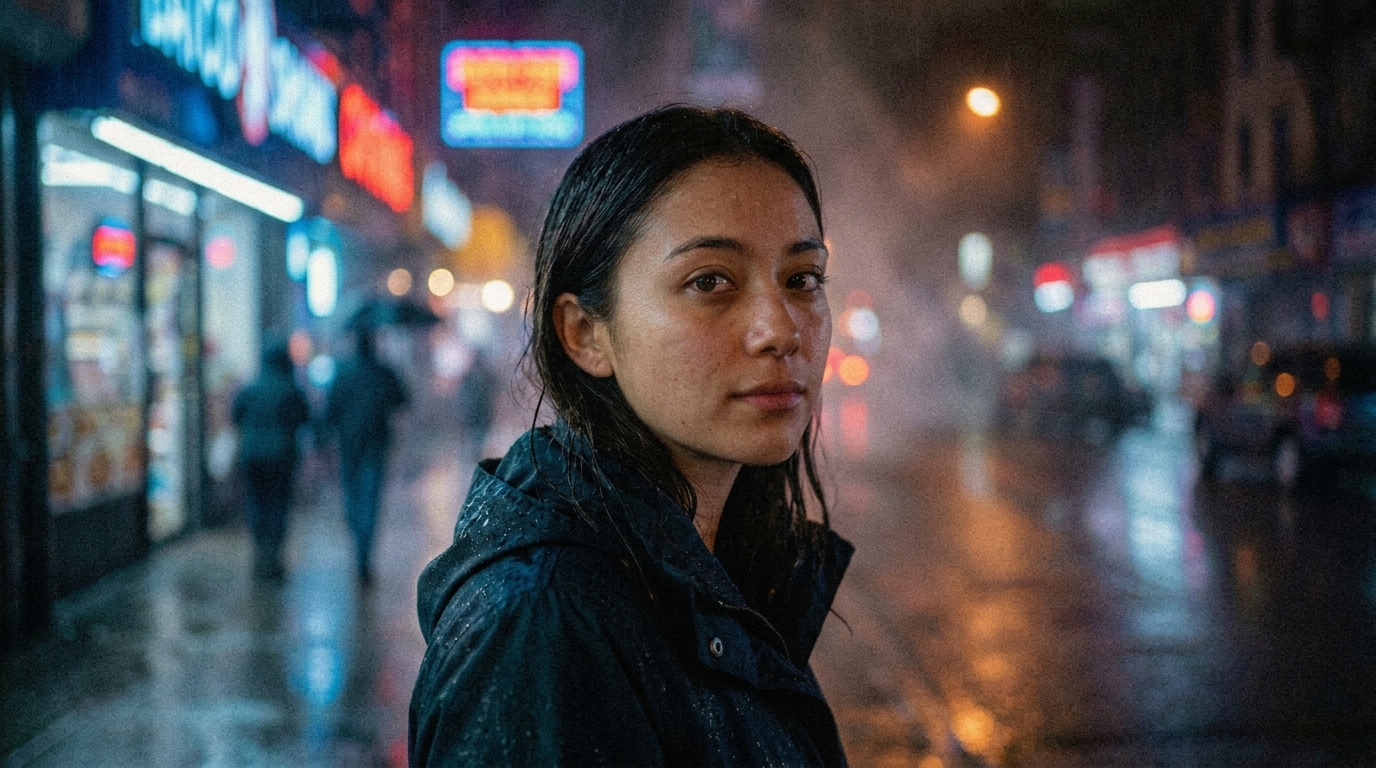
How to Use Grain Filter
Applying a Grain Filter should feel simple and intuitive. This workflow is designed to help you add film grain to photo content in seconds, without technical friction or editing experience.

Upload Your Image
Drag and drop your image or upload it directly. The Grain Filter supports common formats such as JPG and PNG, making it easy to start enhancing your photos instantly.

Apply Grain Filter
Click generate to activate the Grain Filter. The system analyzes your image and applies a balanced Film Grain Filter, ensuring the Grain Effect feels natural rather than artificial.

Download Your Result
Preview the enhanced result and download your image. The Grain Filter output preserves all original details while adding a refined grain texture that elevates visual depth.
Best AI Image Tools for Creative Projects
Explore creative tools for image, learn tips and tricks, and see how AI can be your assistant in turning concepts into finished projects.






Features of Grain Filter
Explore how this Grain Filter helps creators add film grain to photo workflows while maintaining visual integrity and consistency.


Natural Film Grain Simulation
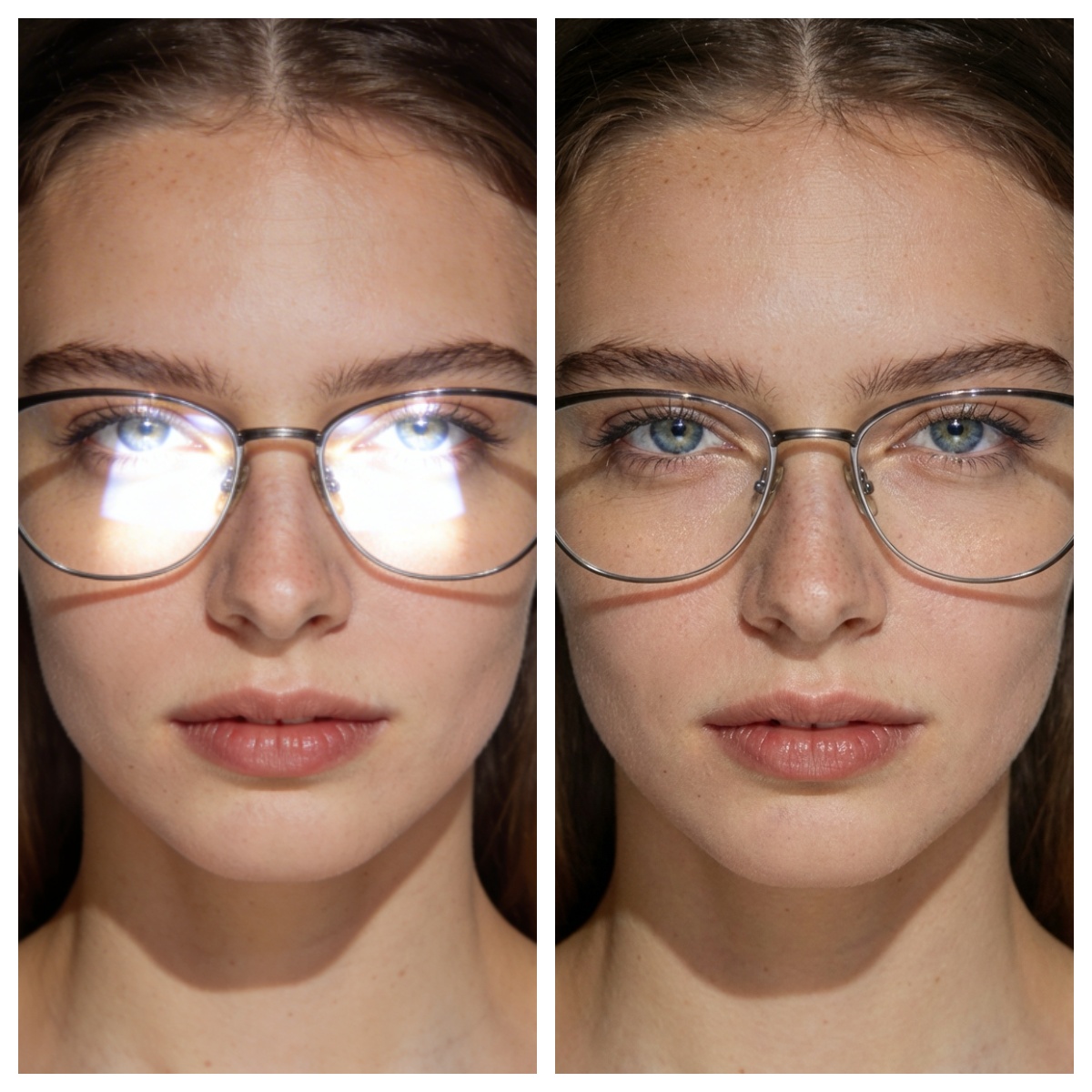
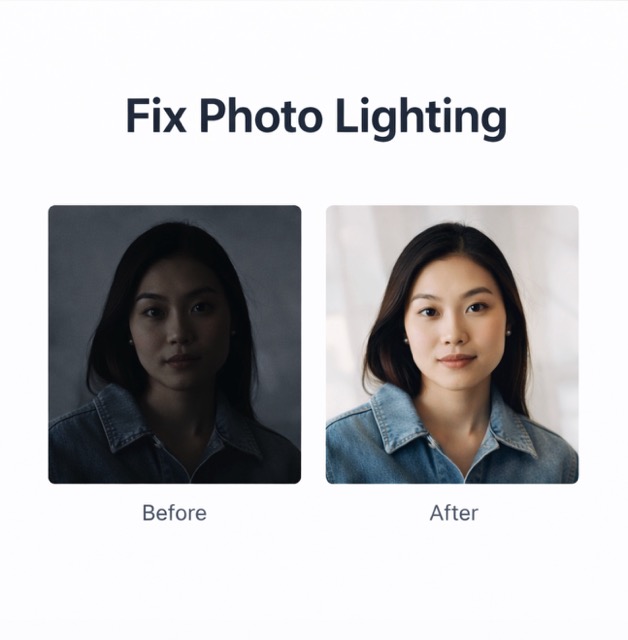
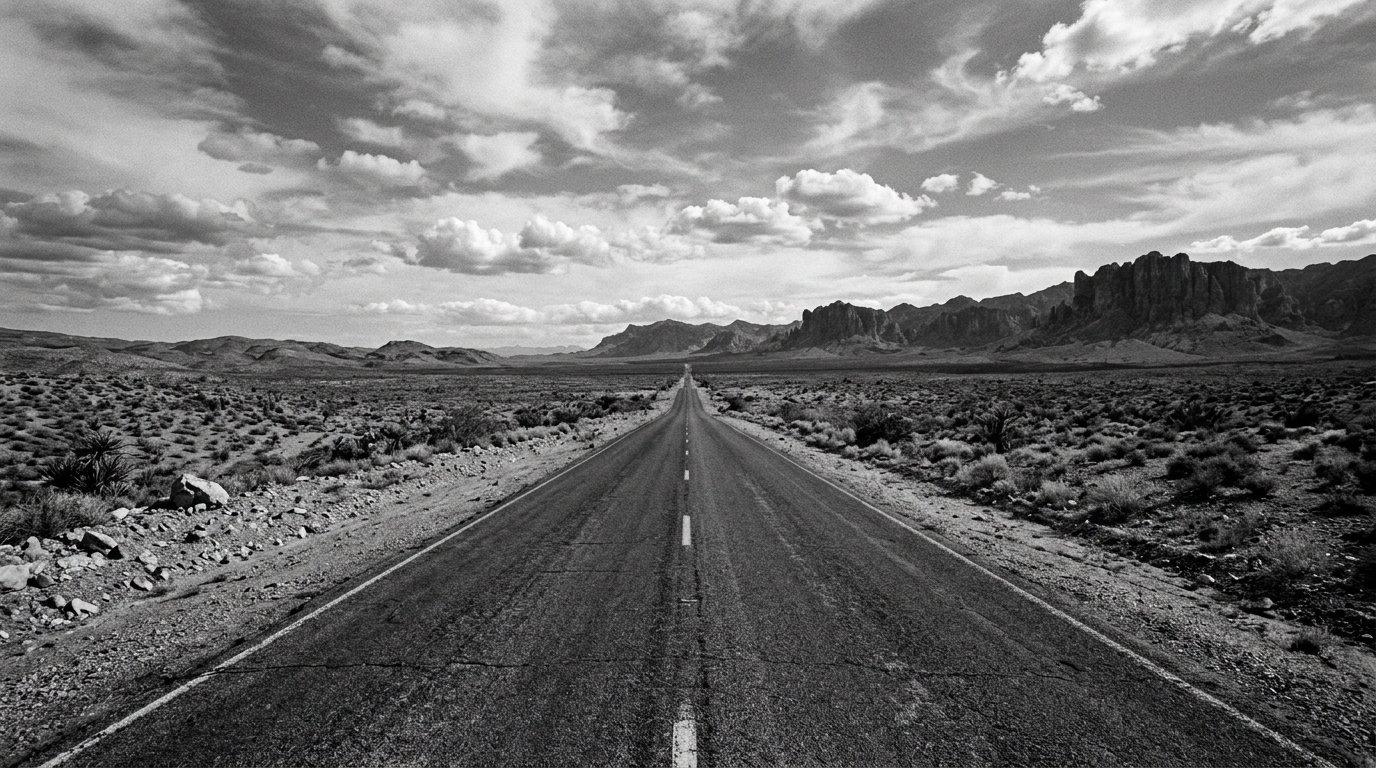
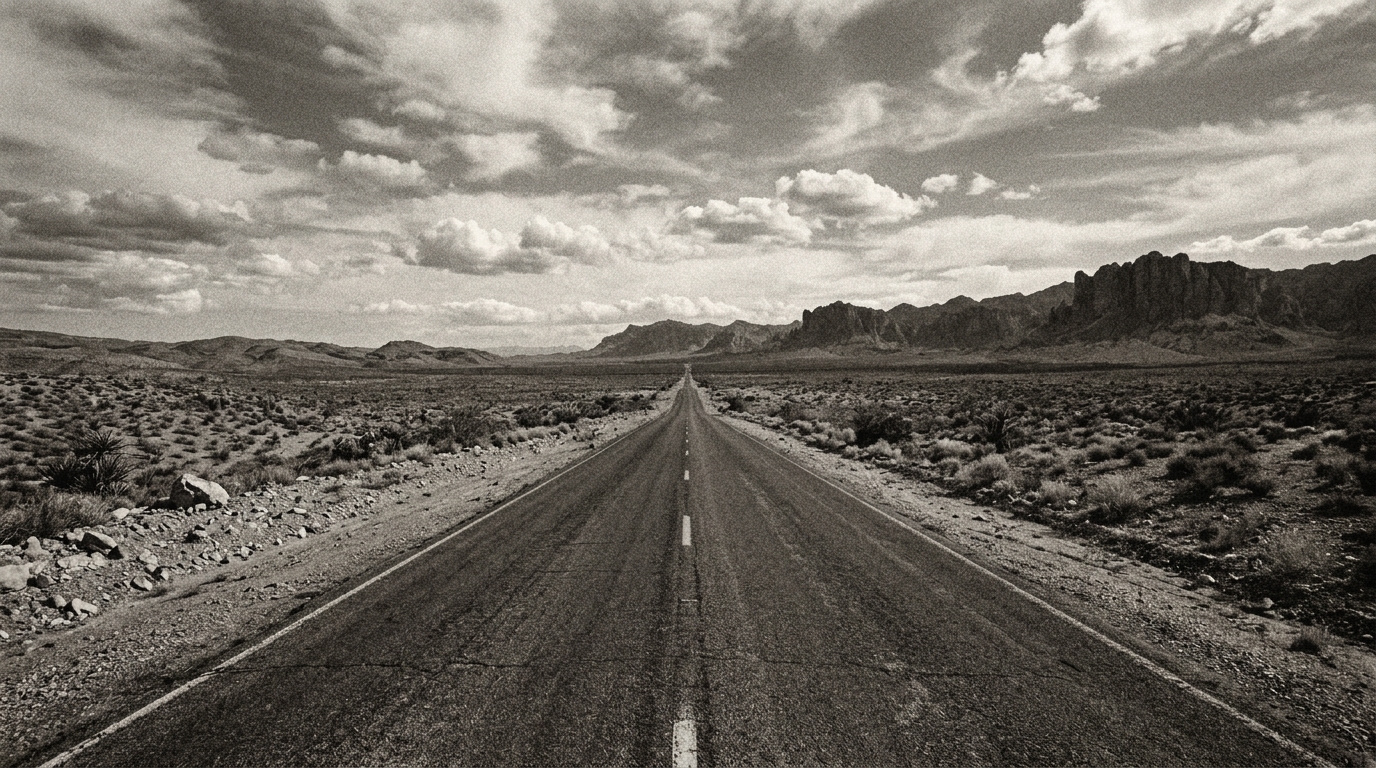
This Grain Filter recreates the subtle imperfections found in traditional film photography. Instead of applying a uniform overlay, it distributes grain dynamically based on lighting and texture. The Film Grain Filter ensures that highlights, shadows, and midtones all receive a balanced Grain Effect. This approach helps your image feel authentic rather than digitally altered, making it ideal for photographers and designers seeking a timeless aesthetic.
Preserve Image Details
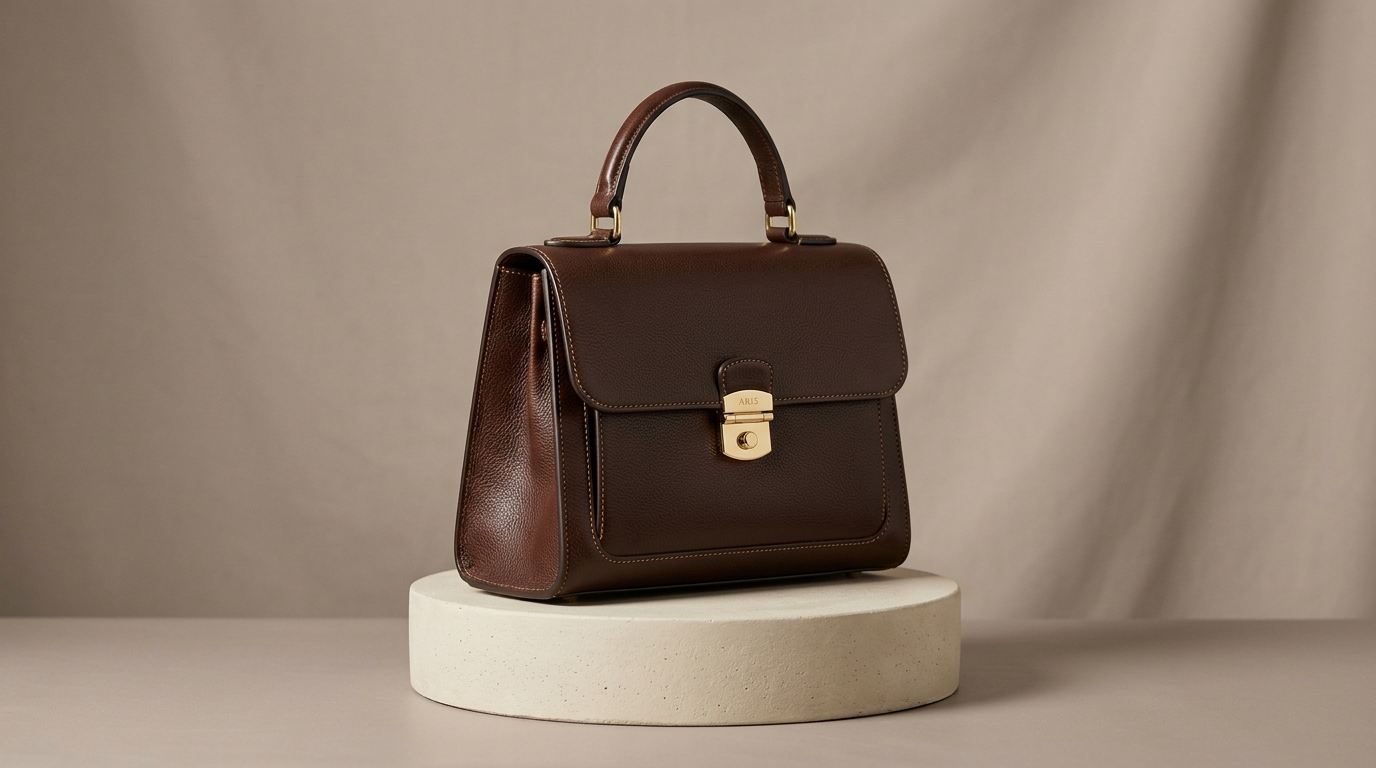
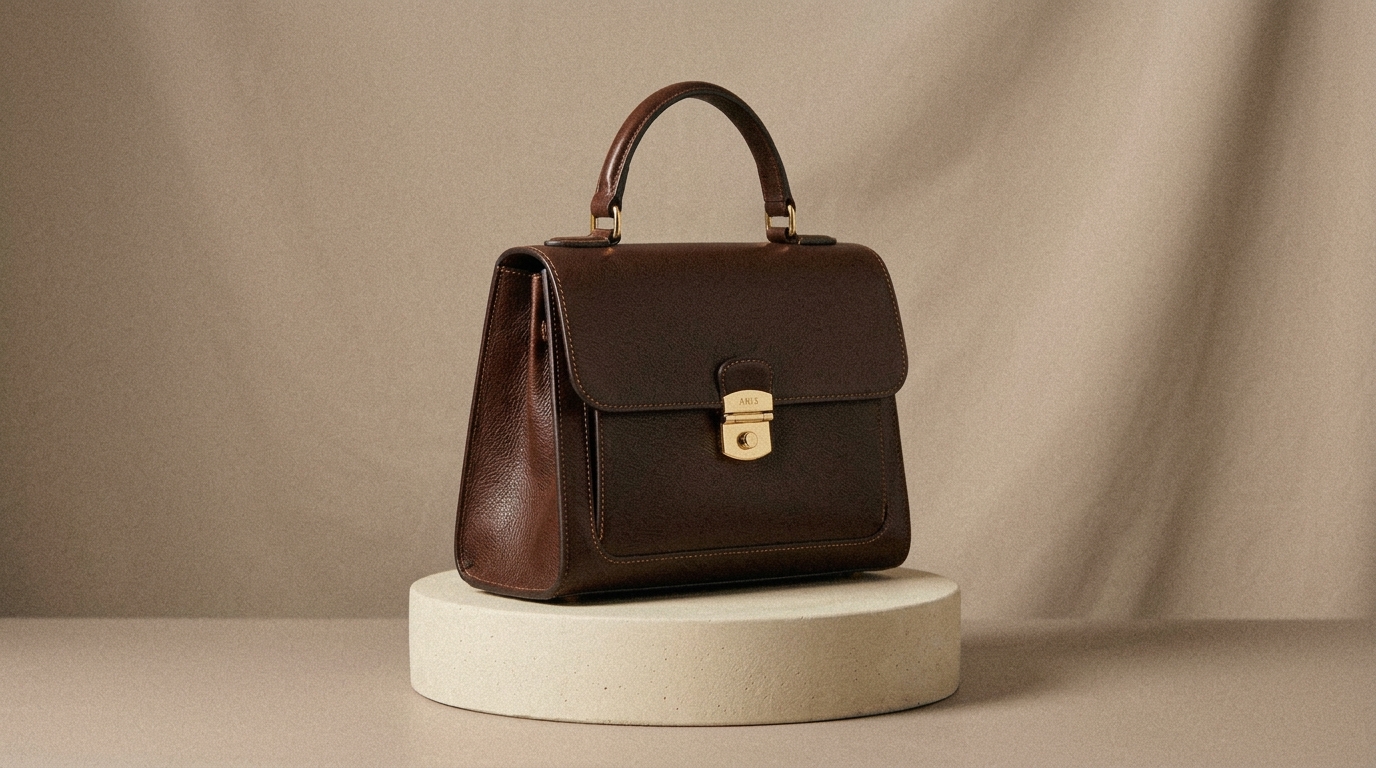
When you add film grain to photo content, preserving clarity is essential. This Grain Filter maintains fine details such as skin texture, edges, and lighting gradients. The Grain Effect is layered without blurring or distorting the original image. Unlike heavy filters that degrade quality, this Film Grain Filter enhances depth while keeping your composition intact, ensuring professional results across use cases.
Consistent Grain Across Different Images
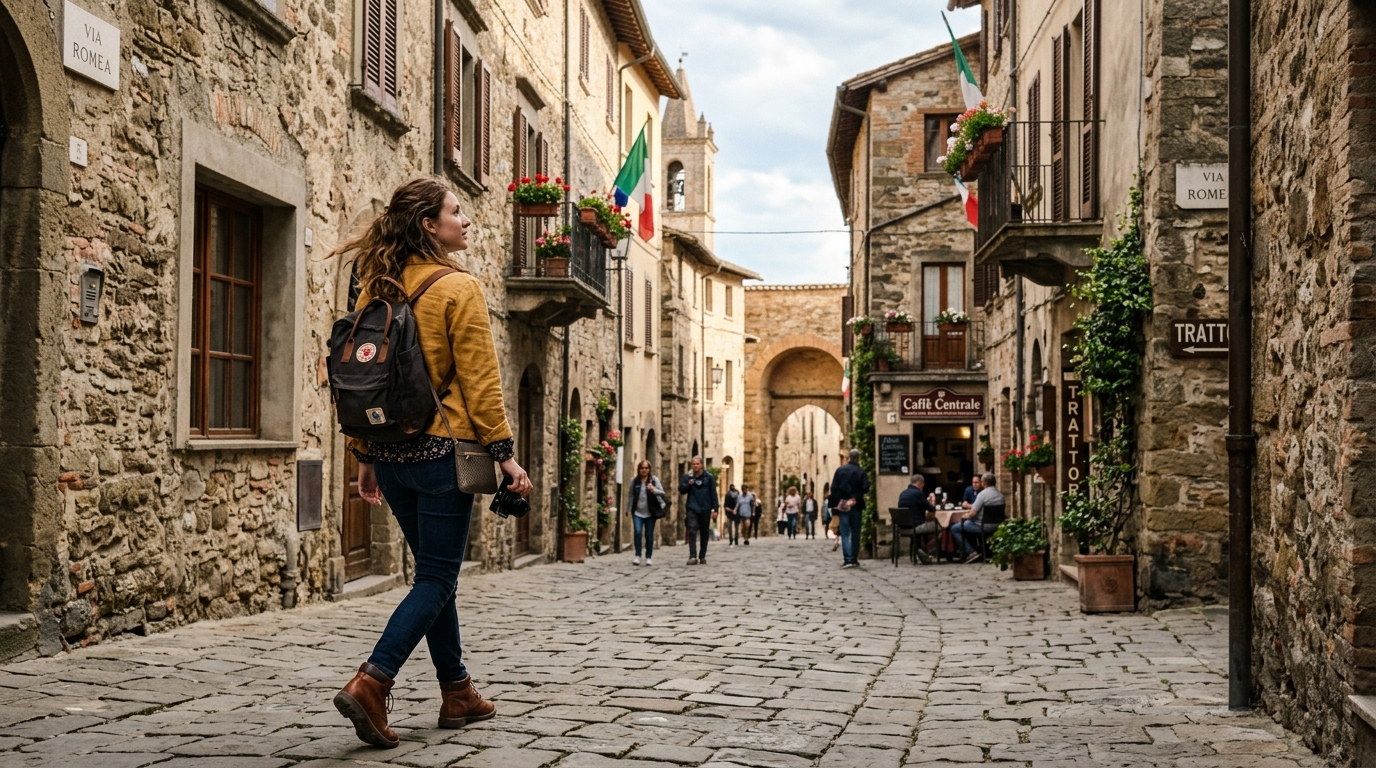
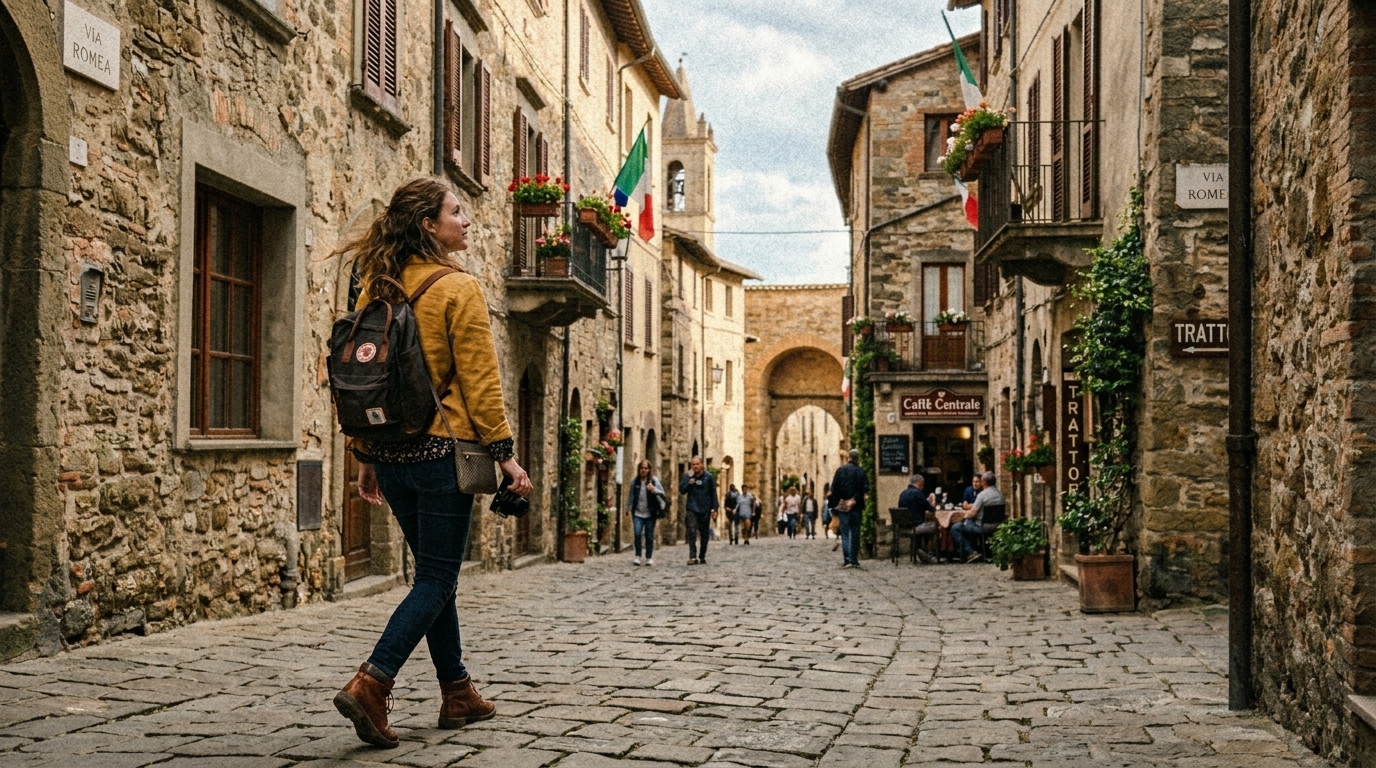
Consistency matters when working with multiple visuals. This Grain Filter applies a controlled Grain Effect that adapts to each image while maintaining a cohesive look. Whether you are editing portraits, landscapes, or product shots, the Film Grain Filter ensures your images share a unified texture. This makes it especially useful for branding, social media feeds, and visual storytelling projects.
Fast and Accessible Workflow
The Grain Filter is designed for speed and simplicity. You can add film grain to photo content instantly without installing software or learning complex tools. The streamlined interface allows you to focus on creative decisions rather than technical adjustments. This makes the Grain Filter accessible to beginners while still delivering results that meet professional standards.
Why Use Grain Filter
A Grain Filter is more than a stylistic choice. It plays a functional role in improving visual perception, storytelling, and overall image quality.

Enhance Visual Depth
Adding a Grain Effect introduces subtle texture that helps reduce the flat, overly clean look of digital images. A Grain Filter creates depth and visual layering, making photos feel more immersive, balanced, and closer to traditional photographic results.

Create Cinematic Mood
A Film Grain Filter is often used in cinematic visuals to create atmosphere and emotional tone. By applying a Grain Filter, images gain a softer, more narrative-driven quality that enhances storytelling and makes visuals feel more intentional and expressive.

Improve Perceived Quality
A controlled Grain Effect can improve how viewers perceive image quality by masking minor imperfections and blending tonal transitions. The Grain Filter adds a refined finish, helping photos appear more polished, natural, and visually cohesive without obvious editing artifacts.

Unify Visual Style
When working with multiple images, a Grain Filter helps maintain consistency across different lighting conditions and sources. Applying a Film Grain Filter ensures all visuals share a unified texture, making your content feel cohesive and professionally curated.

Perfect for Social Media
Creators often use a Grain Filter to make images stand out in crowded feeds. The Grain Effect adds subtle character and texture, helping visuals feel more intentional and less generic, which can improve engagement and overall aesthetic appeal on social platforms.

Subtle Creative Control
Unlike heavy edits, a Grain Filter offers subtle creative control that enhances rather than overwhelms the original image. The Grain Effect supports your composition, adding texture and depth while preserving the natural look and intent of the photo.
What Users Say About Grain Filter
Real feedback from creators who use the grain filter in everyday workflows.
I use this Grain Filter regularly when editing client photo sets. It helps me add film grain to photo collections without making them look over-processed. The Grain Effect is subtle, consistent, and blends naturally with different lighting conditions, which is important for maintaining a professional and cohesive visual style across projects.
This Film Grain Filter has become part of my daily content workflow. It gives my photos a more intentional and curated look without extra effort. The Grain Effect is noticeable but never distracting, which helps my posts feel more polished while still keeping the original tone and mood intact.
I rely on this Grain Filter when preparing visuals for presentations and product mockups. It adds just enough texture to make designs feel less flat and more refined. The Grain Effect enhances depth without affecting clarity, making it a useful tool for both internal reviews and client-facing materials.
We use this Grain Filter across multiple campaigns to maintain a consistent visual language. It helps unify assets from different sources while keeping everything visually aligned. The Film Grain Filter adds a subtle layer of texture that makes images feel more cohesive and thoughtfully produced.
Adding a Film Grain Filter to product images gives them a slightly more premium and editorial feel. It helps reduce the overly digital look that many listings have. The Grain Effect is subtle but improves how customers perceive the overall quality of the product photos.
The Grain Filter plays a key role in my storytelling projects. It helps add film grain to photo sequences in a way that feels natural and emotionally engaging. The Grain Effect enhances mood and atmosphere, making simple visuals feel more layered and expressive without changing the original composition.






Frequently Asked Questions About Grain Filter
Learn more about how to use a Grain Filter and how it enhances your images.
A Grain Filter is a tool that adds subtle texture to digital images, simulating the look of traditional film photography. Instead of applying a simple overlay, a modern Grain Filter analyzes the image and distributes grain based on light and detail. This creates a natural Grain Effect that blends with the original photo. Many users apply a Film Grain Filter to add depth, reduce digital sharpness, and make images feel more organic and visually balanced.
When you add film grain to photo content, you introduce texture that enhances visual depth and reduces the overly clean look of digital images. A Grain Filter can make photos feel more authentic and less artificial. The Grain Effect also helps unify color tones and improve perceived quality. Many creators use a Film Grain Filter to create a cinematic or nostalgic feel, especially in storytelling, branding, and social media visuals.
A well-designed Grain Filter does not reduce image quality. Instead, it enhances perception by adding controlled texture. The Grain Effect is applied carefully so that details remain sharp and intact. Unlike aggressive filters that blur or distort images, a Film Grain Filter works with the original image structure. This ensures that when you add film grain to photo content, the final result remains clean, professional, and visually appealing.
Yes, the Grain Filter is suitable for professional use. Designers, photographers, and marketers often use a Film Grain Filter to refine visuals. The Grain Effect helps create a consistent aesthetic across multiple images. Whether you are preparing campaign assets or editorial content, the Grain Filter provides a subtle enhancement that aligns with modern visual standards while maintaining flexibility in creative direction.
Yes, a Grain Filter works well for portraits when applied correctly. The Grain Effect can enhance skin texture and add a natural photographic feel without making the image look artificial. A Film Grain Filter is especially useful in portrait photography where subtlety matters. It helps balance lighting and tones while preserving facial details, making the final image feel more authentic and visually engaging.
The Grain Filter is versatile and works across various image types, including landscapes, portraits, and product photos. The Grain Effect adapts to different lighting conditions and textures. Whether you want to add film grain to photo content for artistic or commercial purposes, the Film Grain Filter provides consistent results. This flexibility makes it a reliable tool for different creative workflows.
The Grain Effect is designed to be balanced and natural. A good Grain Filter avoids excessive noise while still adding visible texture. The Film Grain Filter enhances the image without overwhelming it. This ensures that when you add film grain to photo content, the result feels intentional rather than distracting. The goal is to complement the image, not dominate it.
Yes, the Grain Filter is built for ease of use. You do not need editing experience to apply a Film Grain Filter effectively. The interface is straightforward, allowing you to add film grain to photo content in just a few steps. The Grain Effect is automatically optimized, so users can achieve professional-looking results without adjusting complex settings.
No installation is required to use the Grain Filter. It works directly in your browser, allowing you to apply a Film Grain Filter instantly. This makes it convenient for users who want to add film grain to photo content without downloading software. The Grain Effect is processed quickly, ensuring a smooth and efficient workflow.
You should use a Grain Filter when you want to enhance depth, add texture, or create a more natural visual style. A Film Grain Filter is particularly useful in storytelling, branding, and social media content. The Grain Effect helps images feel less digital and more organic. Many creators choose to add film grain to photo assets when aiming for a cinematic or cohesive aesthetic.
Start Using the Grain Filter Today
Transform your visuals with a refined Grain Filter that adds depth, texture, and a natural photographic feel. Add film grain to photo content instantly and create images that feel more authentic and visually engaging.
