
More AI Image Generators
Explore our collection of specialized AI image generators designed for different creative needs and styles
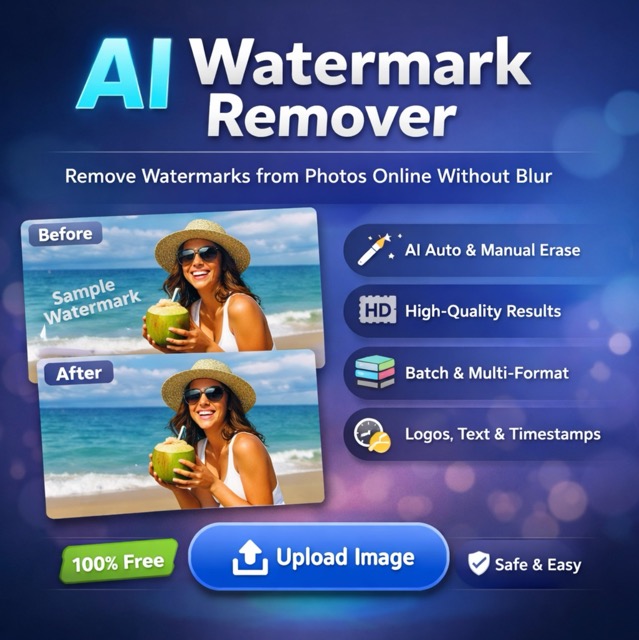
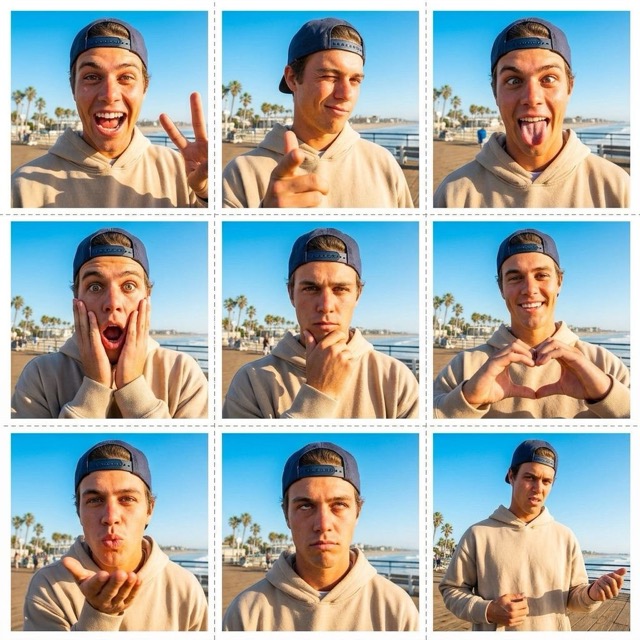
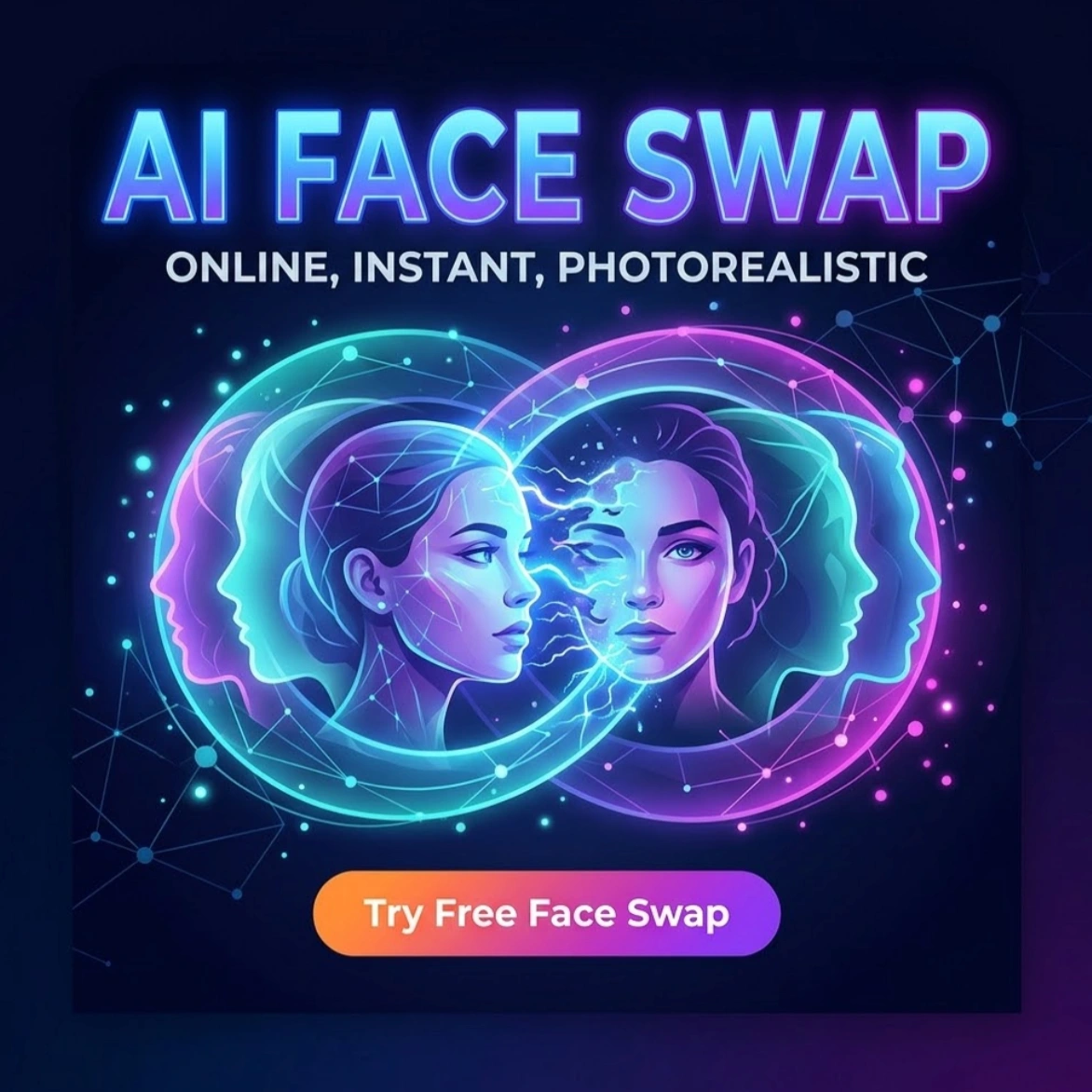
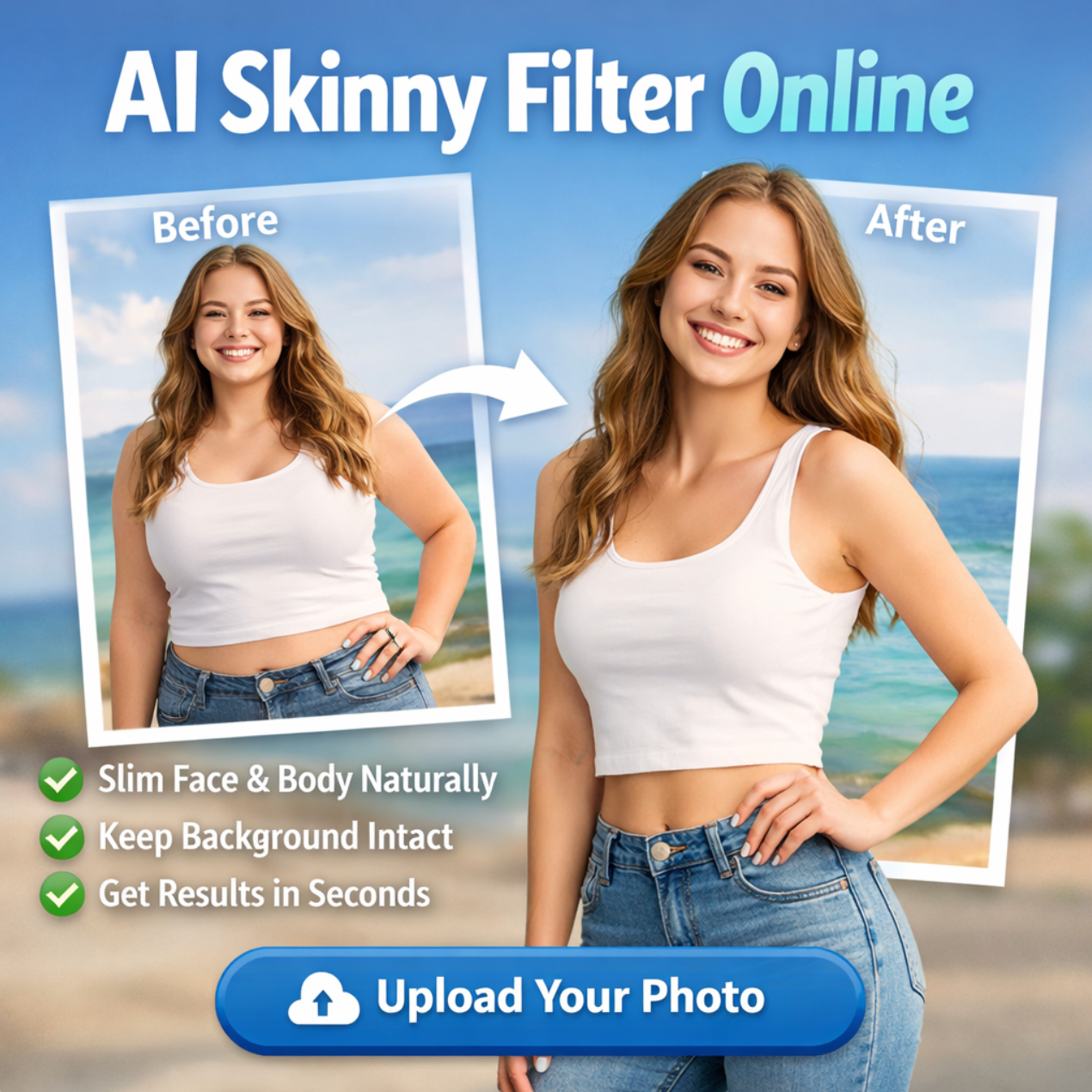
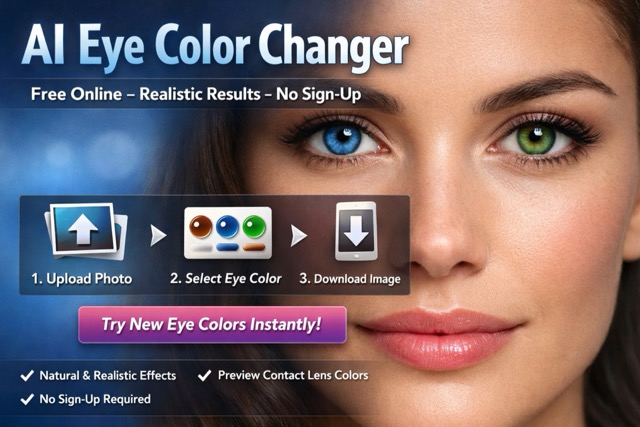
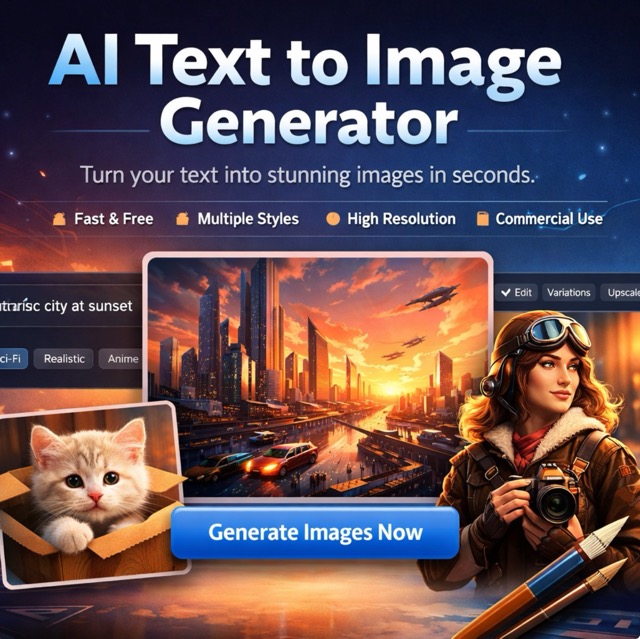
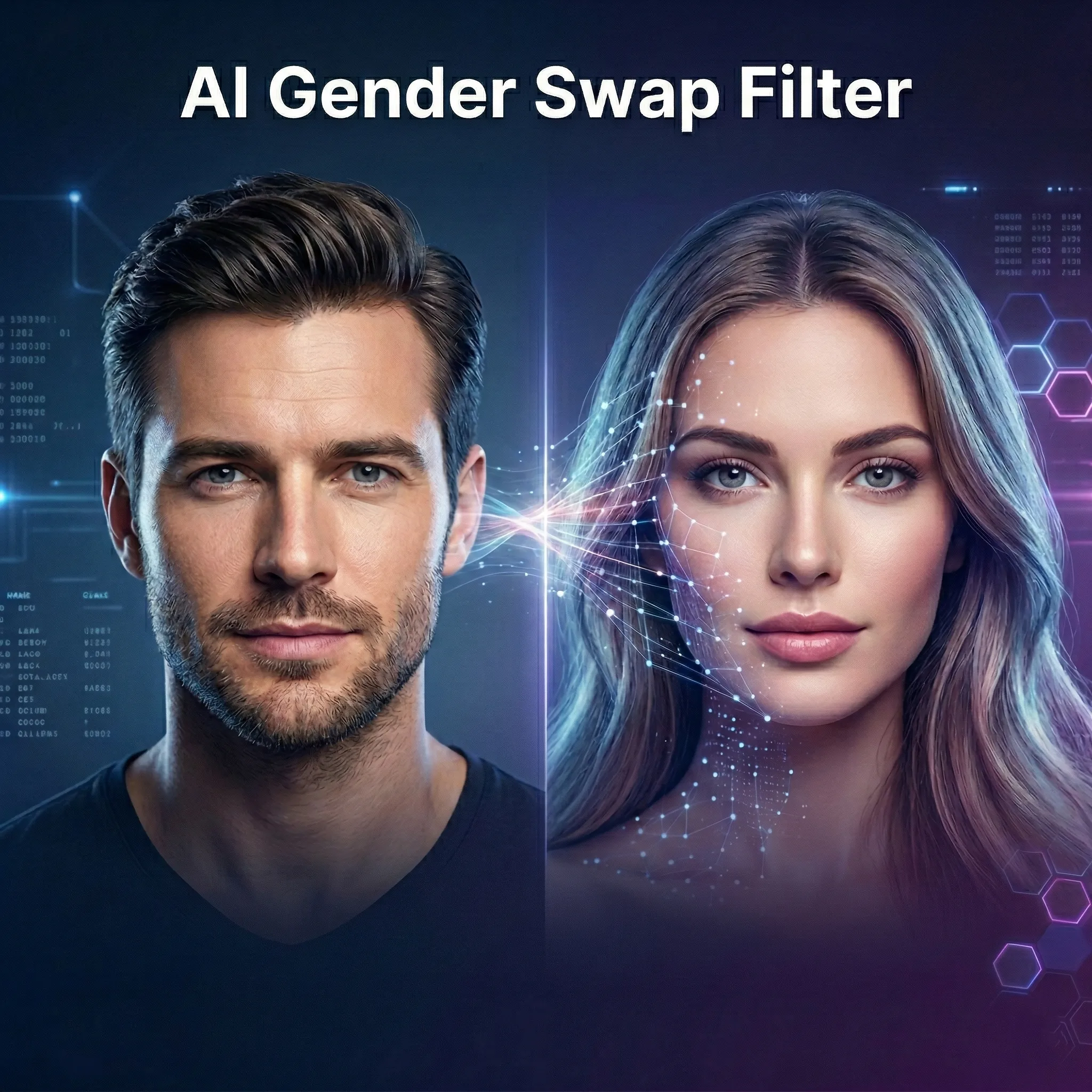
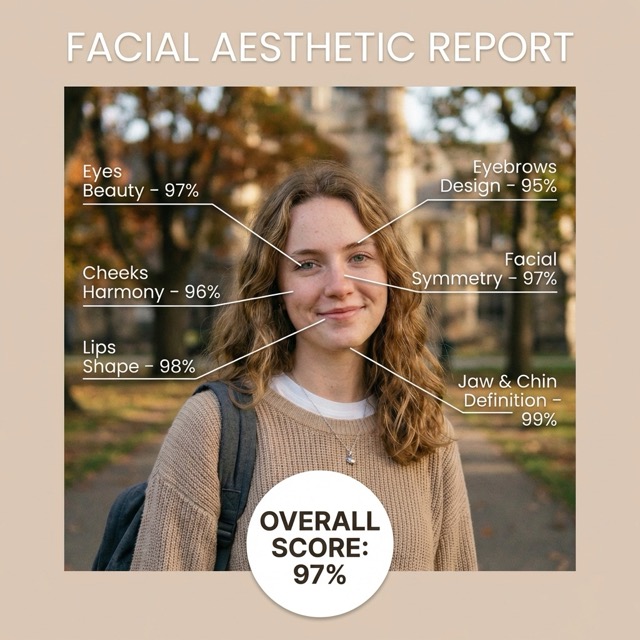
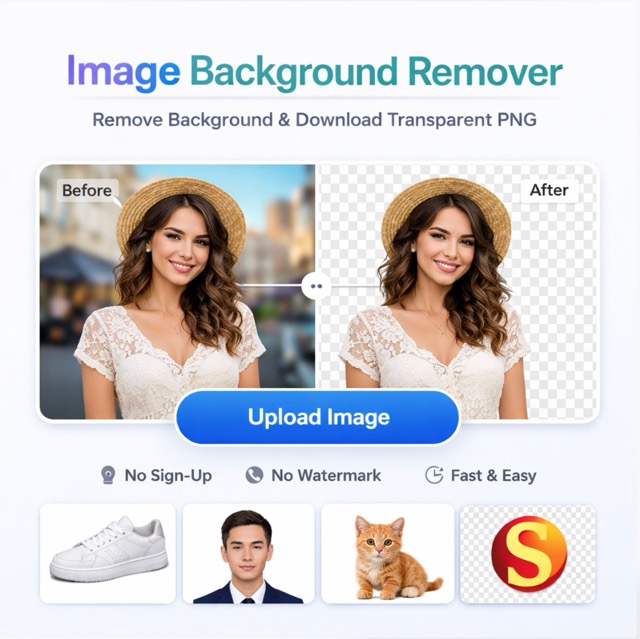
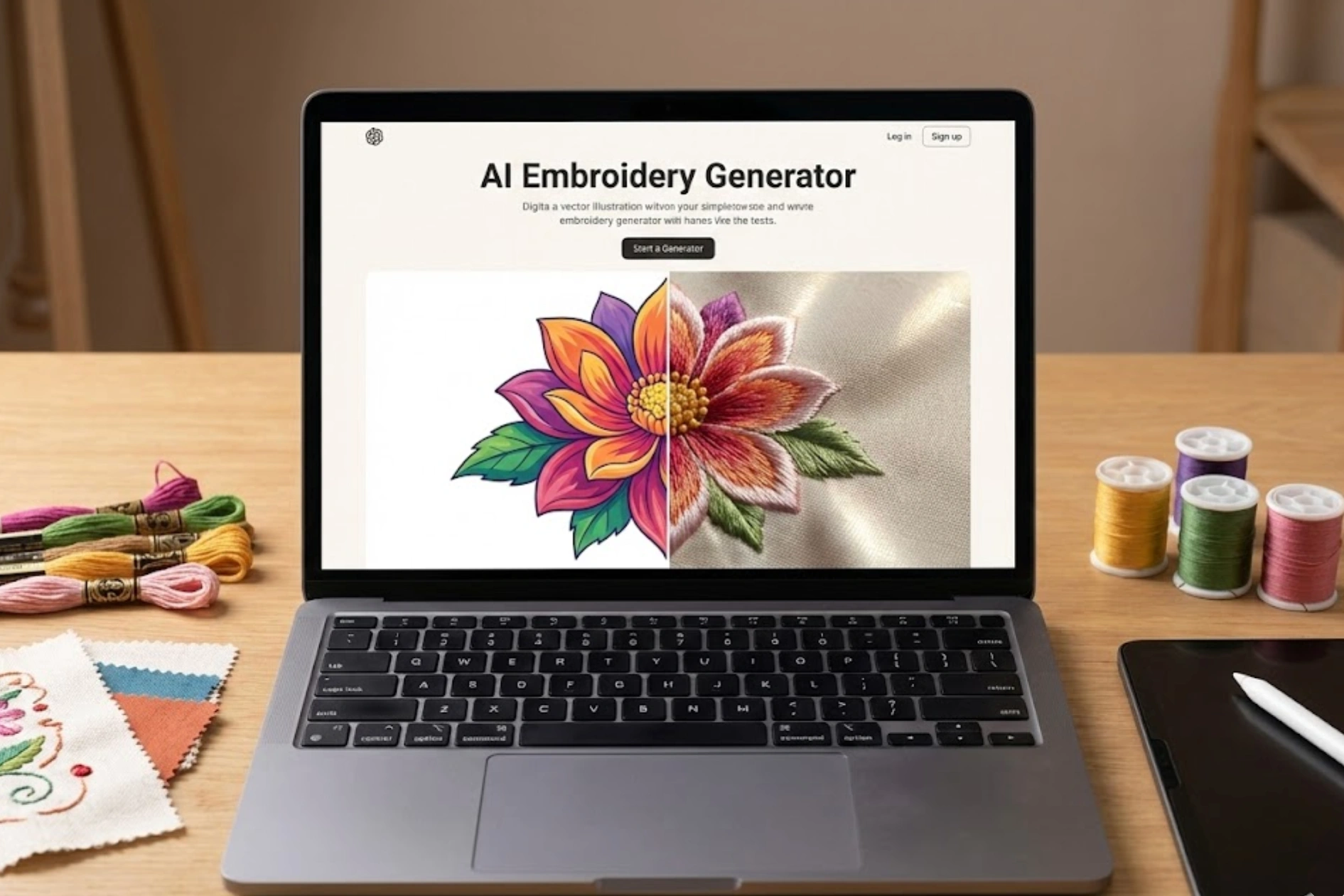
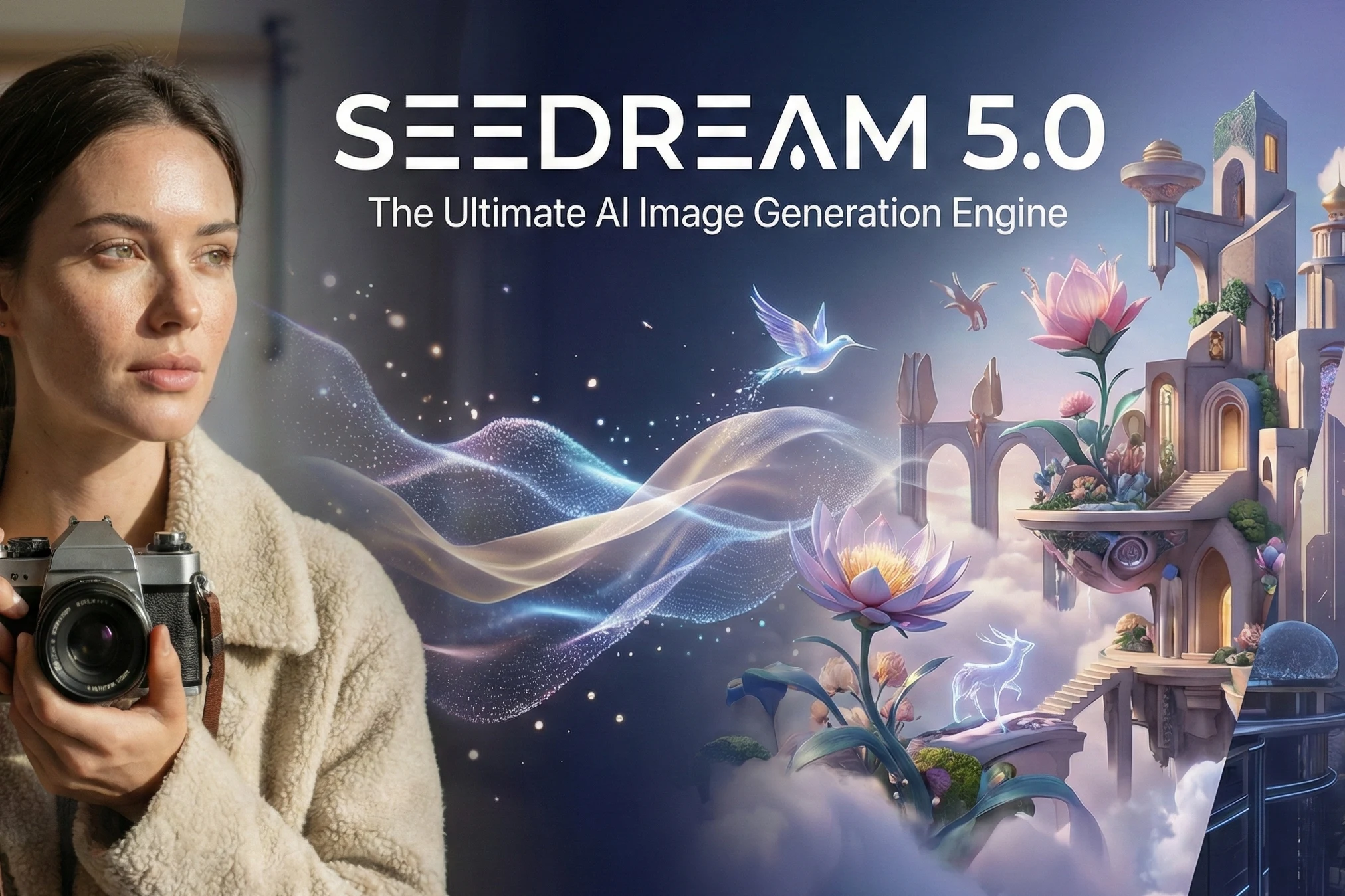
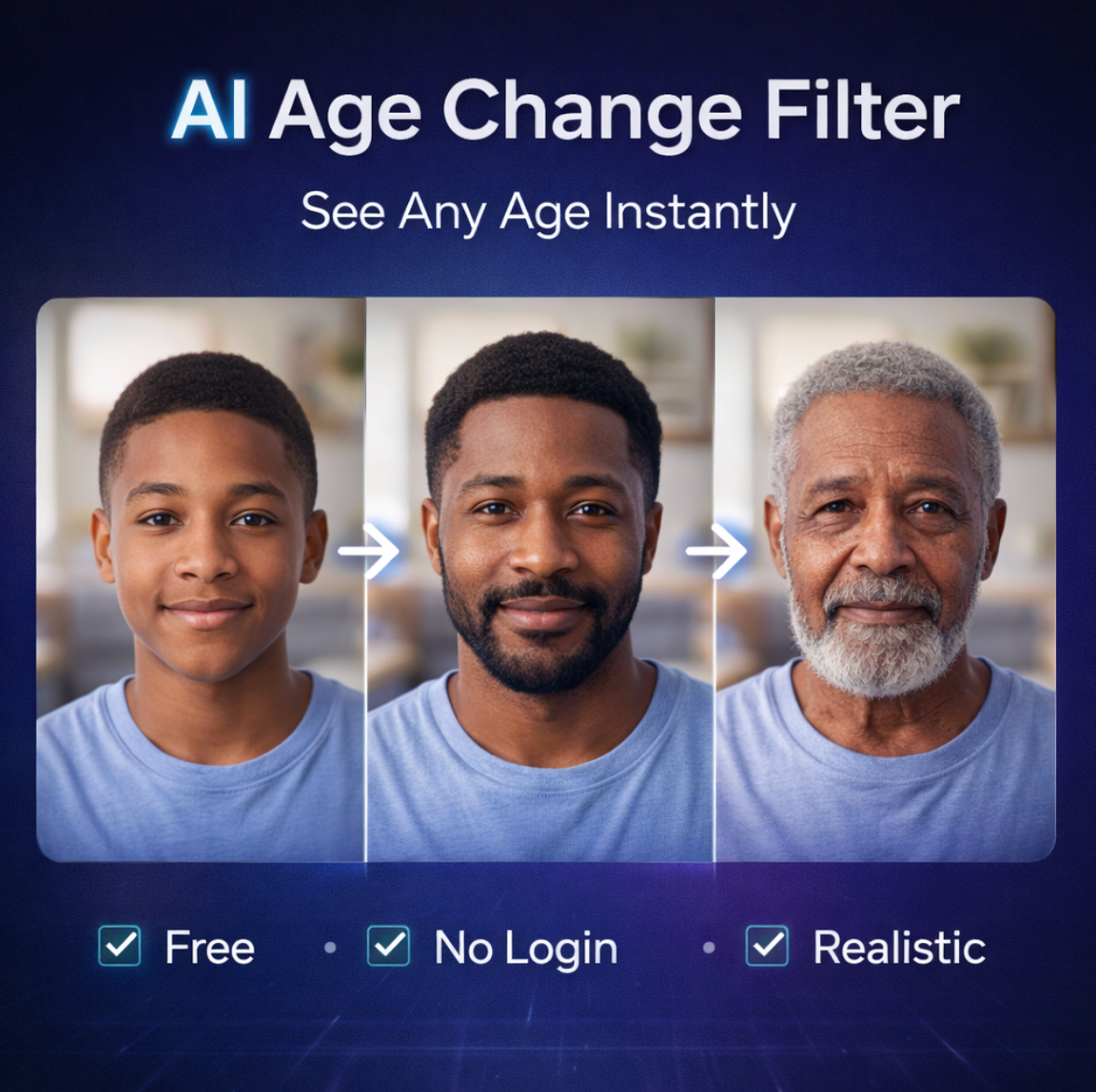
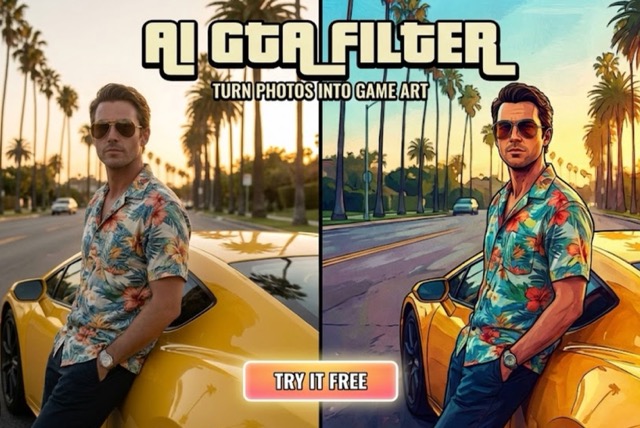
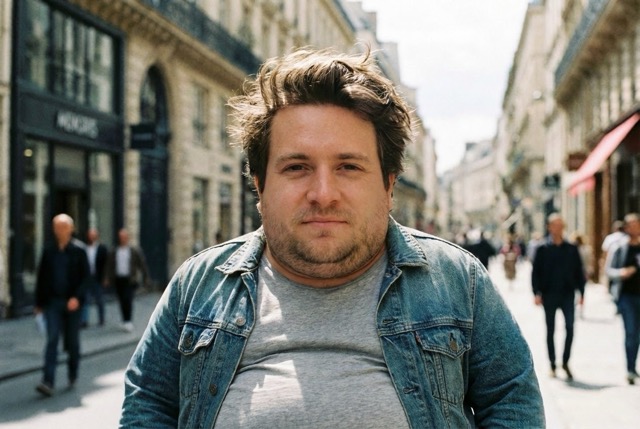
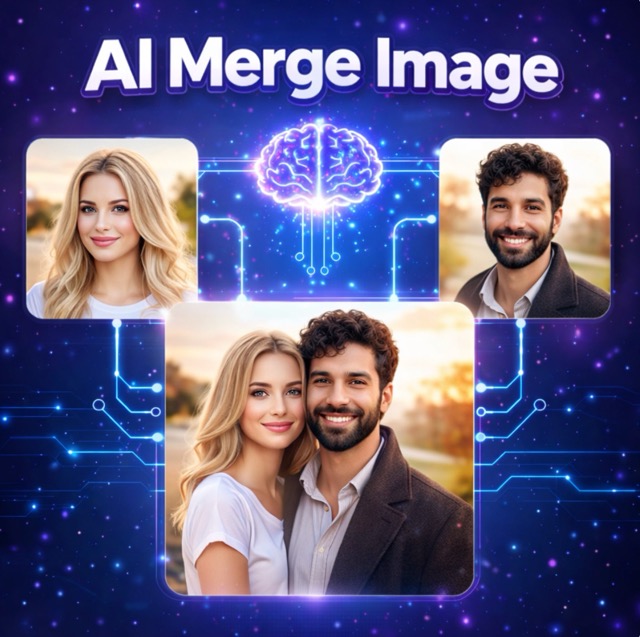
Image to Image AI Editing for Faster, Smarter Visual Creation
Upload one image, describe the change you want, and let Banana Pro AI turn your reference into a refined new result with speed and control.
Banana Pro AI is built for practical image to image AI creation. Instead of starting from a blank canvas, you begin with a real photo, product shot, character sketch, or concept frame, then guide the transformation with text. This image to image AI workflow helps teams keep composition, subject identity, and layout context while still making meaningful visual changes.
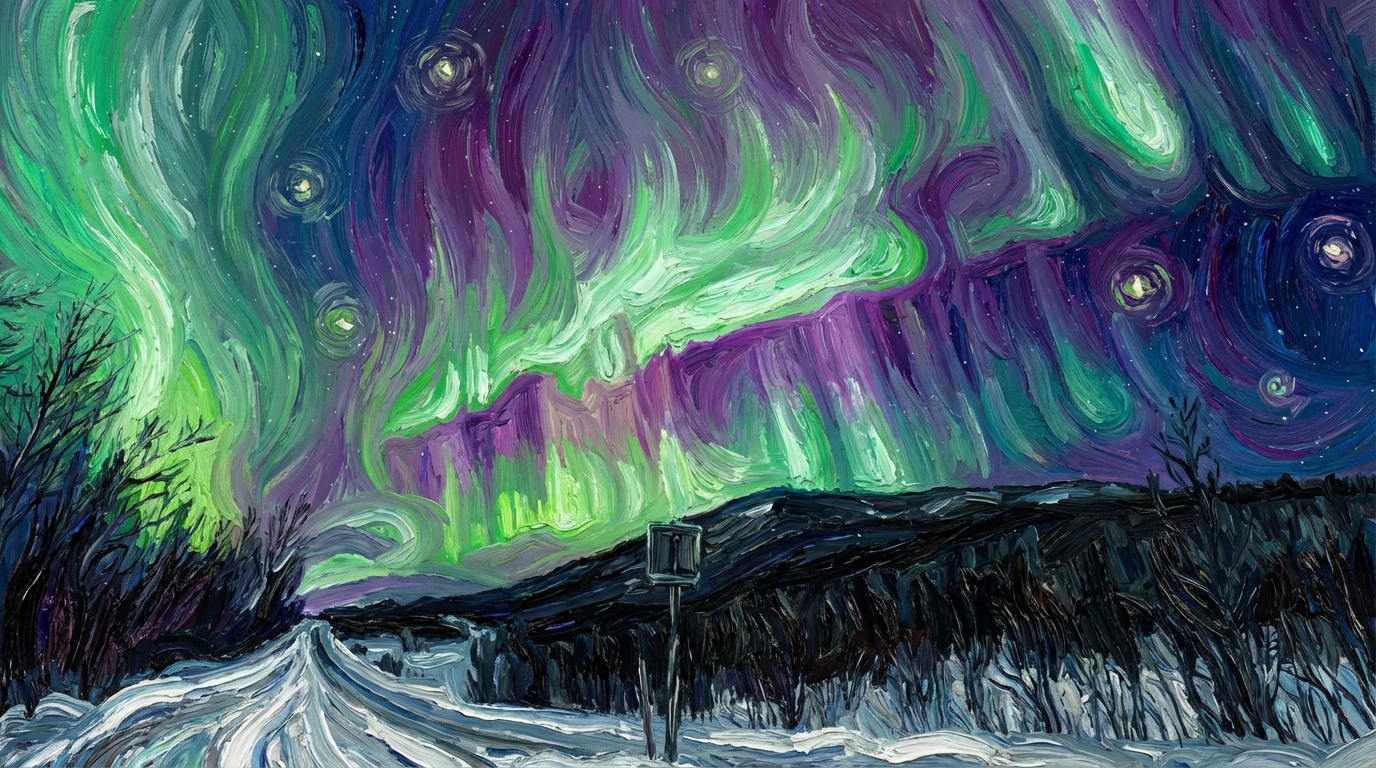
How to Use Banana Pro AI Image to Image
Our workflow is intentionally simple: upload a source image, explain the edit, and generate a new version. This makes image to image AI production easier for beginners and much faster for experienced teams using an AI image generator every day.

Upload a Source Image
Start your image to image AI task with a photo, sketch, screenshot, or design draft. The uploaded file gives the model structure, proportions, and visual context, which helps the AI image generator keep your result aligned with the original intent.

Describe the Edit Clearly
Write the change you want in plain language. You can tell the image to image AI model to replace the background, adjust colors, change clothing, restyle the scene, improve product presentation, or shift the overall mood.

Generate and Download
Review the output, refine your prompt if needed, and download the version that fits your project. Because Banana Pro AI is designed for iterative image to image AI, you can move from rough concept to polished final asset in a short cycle with an AI image generator.
Best AI Image Tools for Creative Projects
Explore creative tools for image, learn tips and tricks, and see how AI can be your assistant in turning concepts into finished projects.
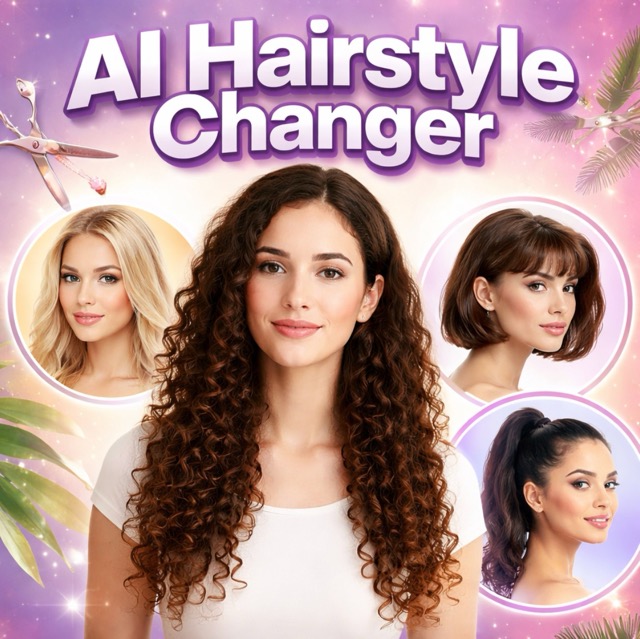
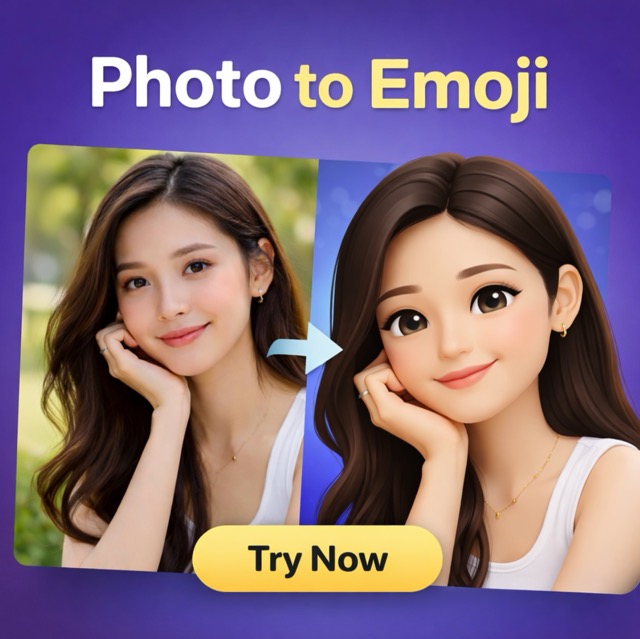
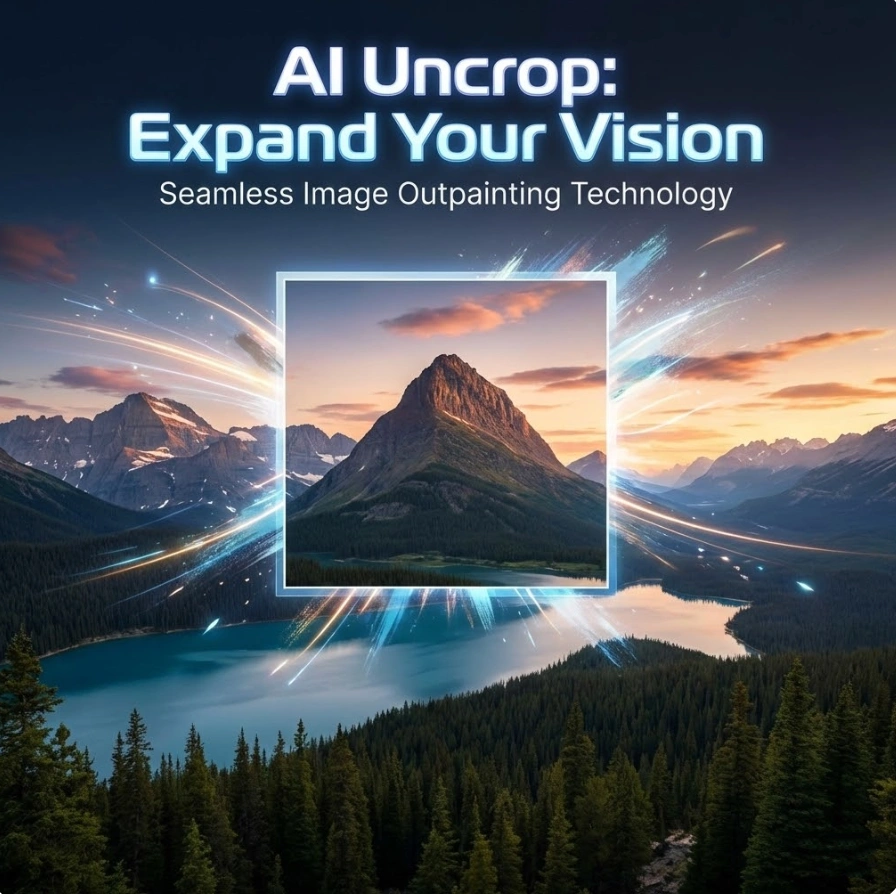
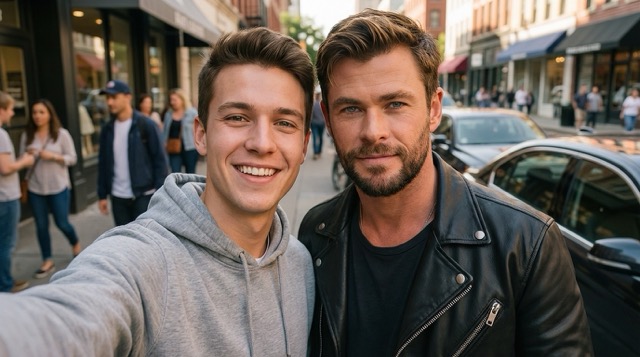
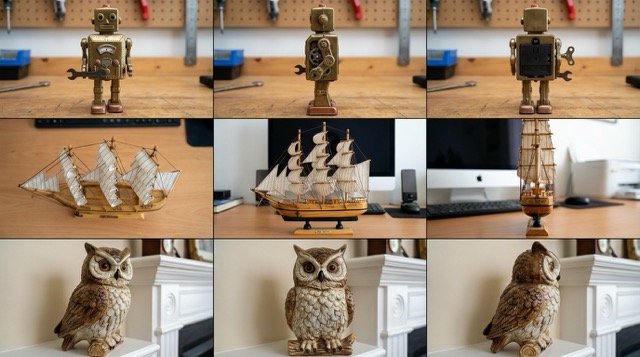
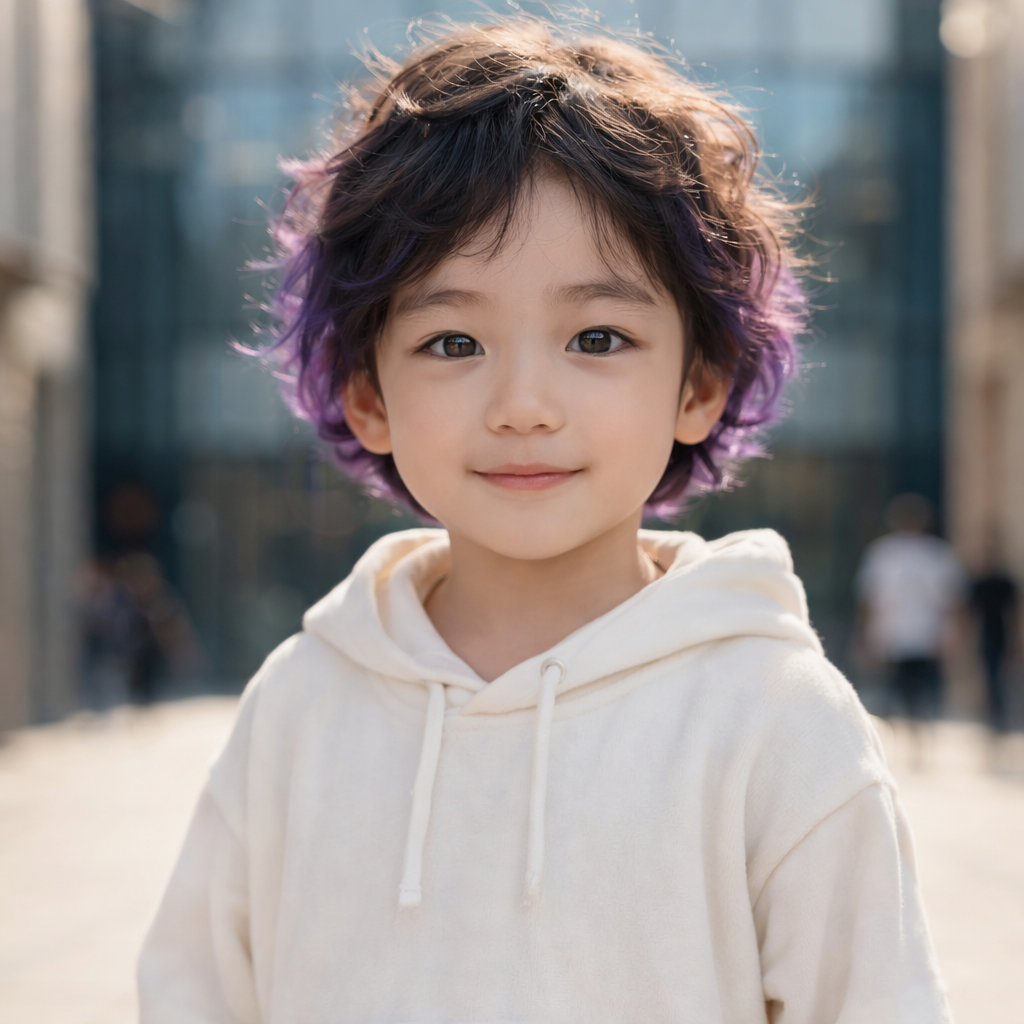
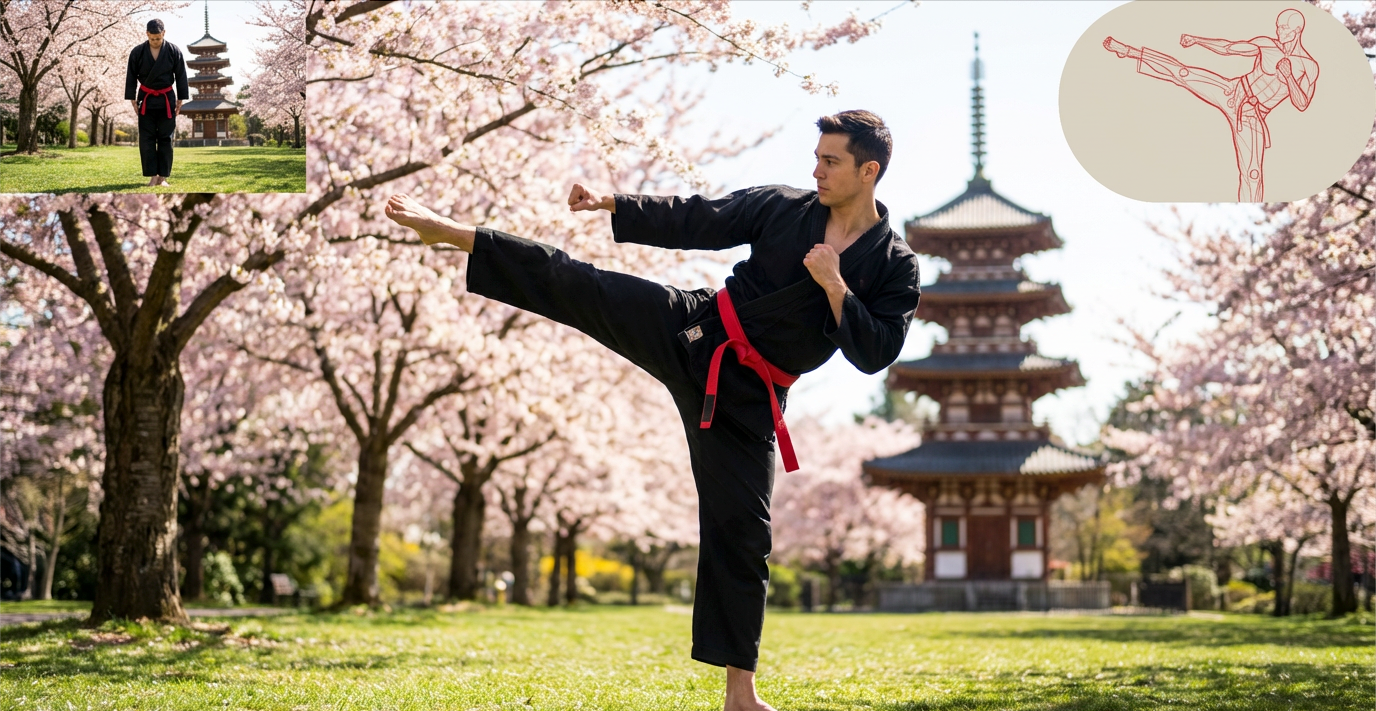
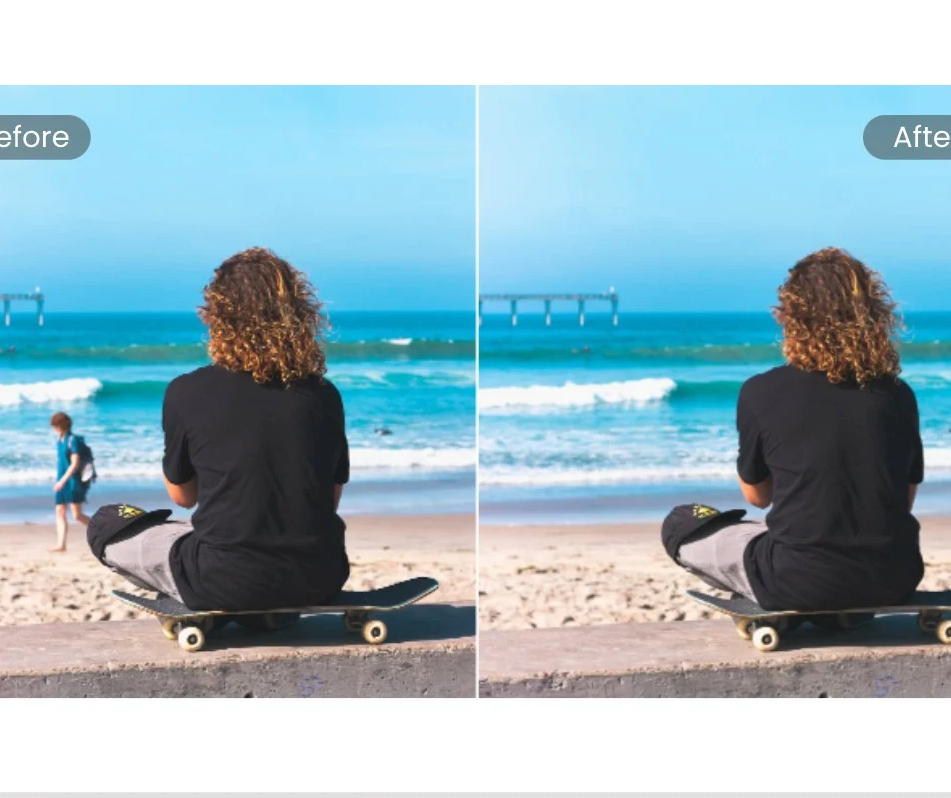
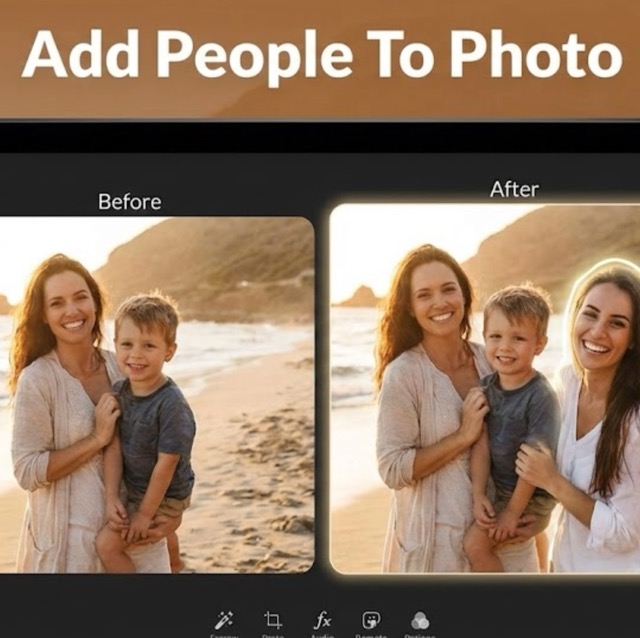
What You Can Do with Our Image to Image AI
Banana Pro AI is not limited to one niche use case. It supports everyday editing tasks and more ambitious creative exploration, making image to image AI useful across design, e-commerce, content, and brand production..
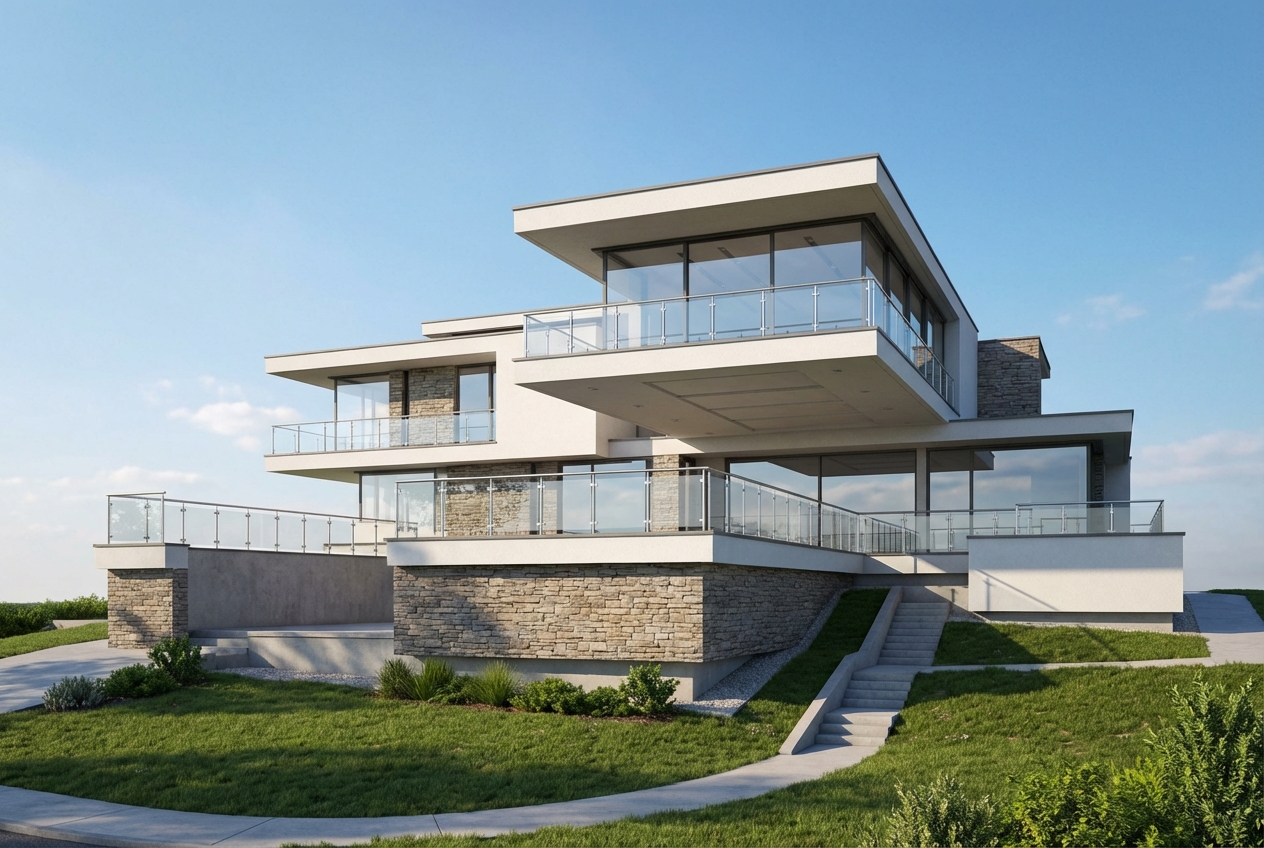
Restyle Existing Photos Without Losing Structure
- Use image to image AI to turn a standard photo into a cinematic portrait, editorial visual, painted illustration, or branded campaign asset.
- Because the model starts from your upload, the composition stays grounded while the AI image generator reinterprets color, texture, lighting, and atmosphere.
- This is useful when you want variety without reshooting the original scene.
- For teams creating multiple campaign directions, image to image AI is often faster than rebuilding visuals from scratch.
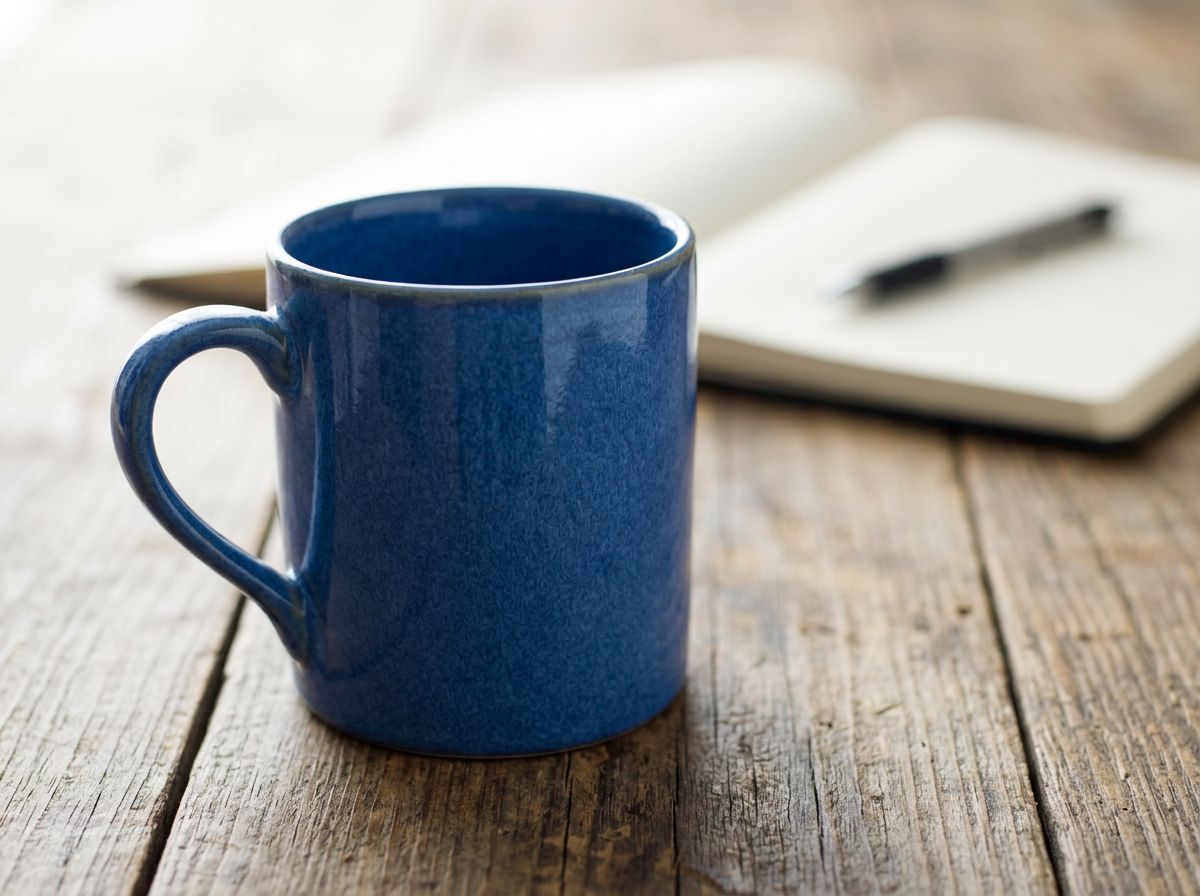
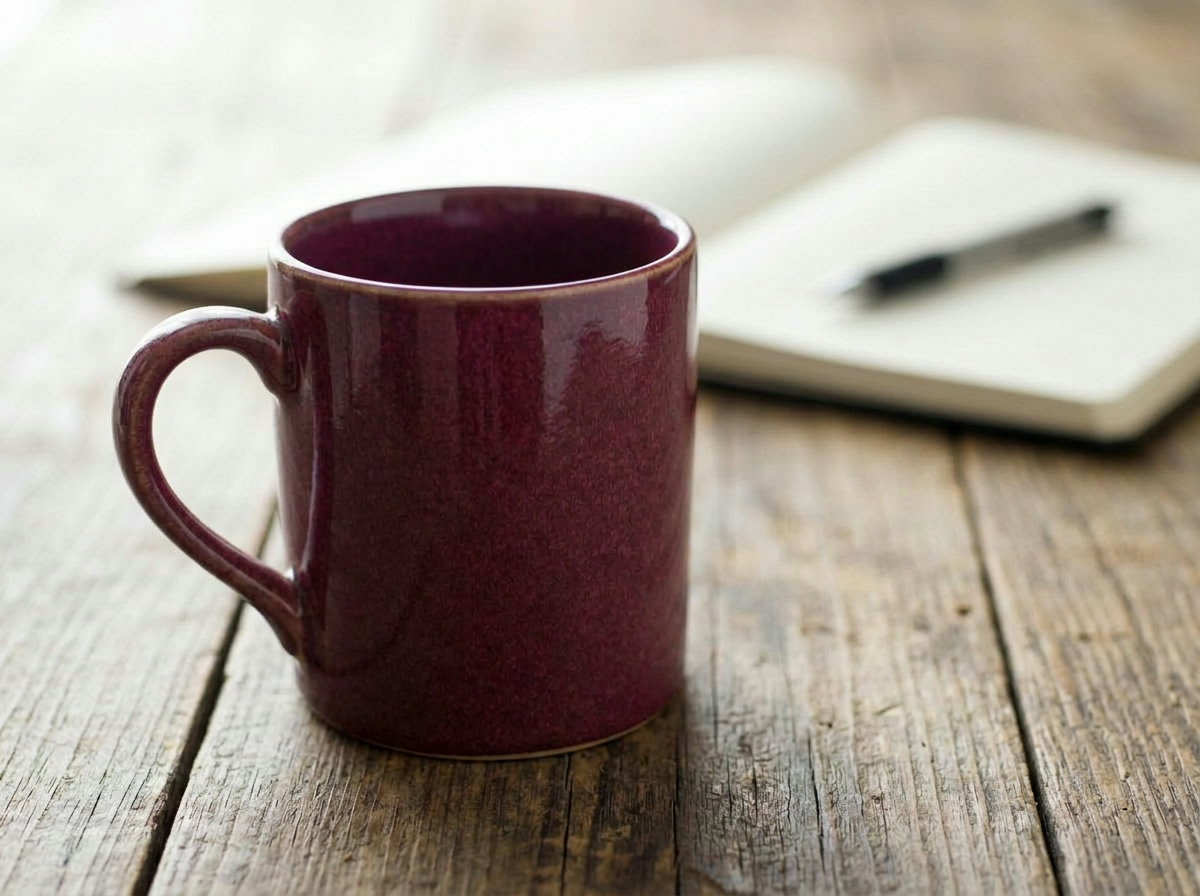
Upgrade Product Images for E-commerce
- Sellers use image to image AI to place products in cleaner settings, change surfaces, improve shadows, and create more premium presentation.
- Instead of running a full reshoot, you can upload a simple packshot and let the AI image generator build polished lifestyle variations.
- This helps marketplaces, Shopify stores, and ad teams create more visual options with less production overhead.
- Image to image AI also helps maintain consistency across a catalog when original photos were taken under mixed conditions.
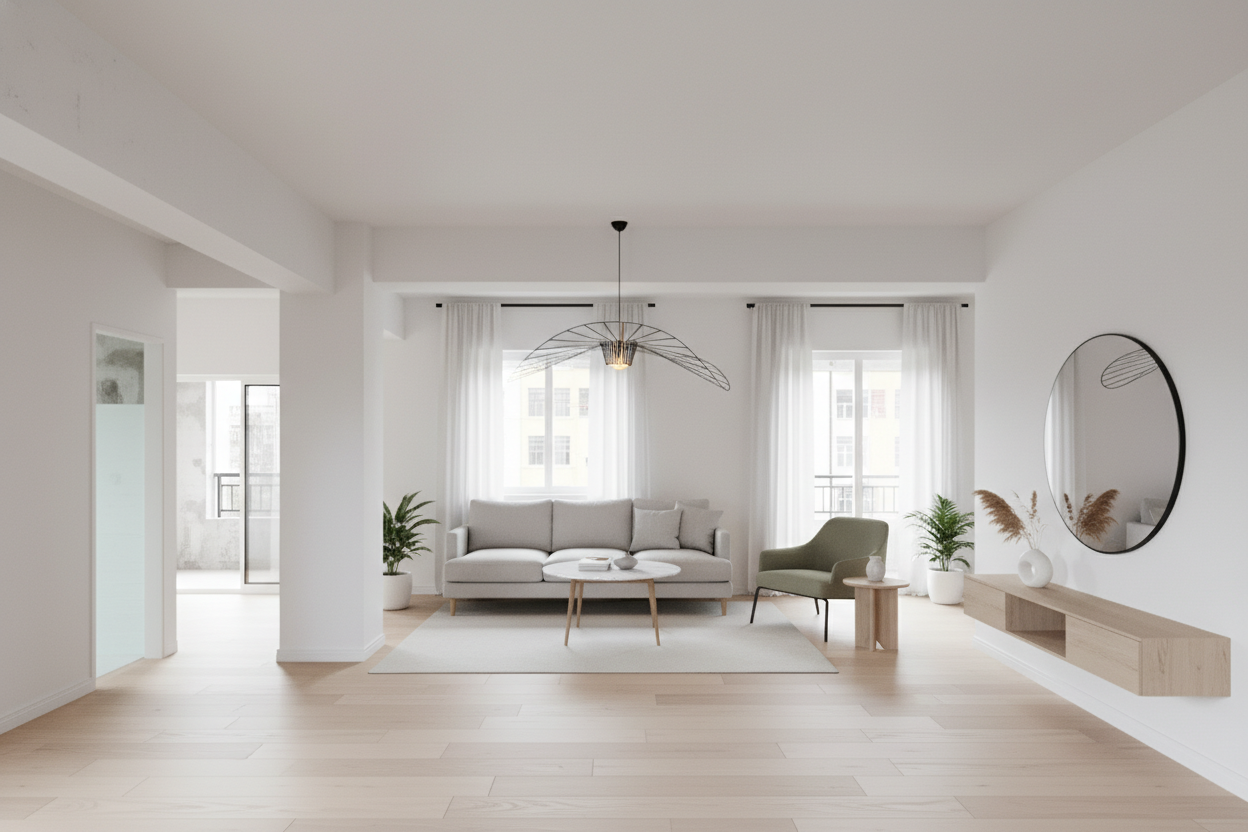
Turn Sketches and Drafts into Presentation-Ready Concepts
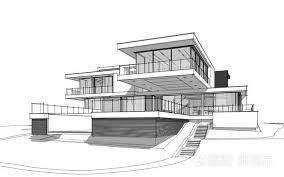
- Designers often use image to image AI to move from rough line work to more complete visual proposals.
- Upload a sketch, wireframe, or concept draft, then instruct the AI image generator to render materials, mood, depth, or environment details.
- This is especially useful in early ideation, where speed matters more than pixel-perfect manual editing.
- Image to image AI helps stakeholders understand direction sooner, which reduces revision cycles later.
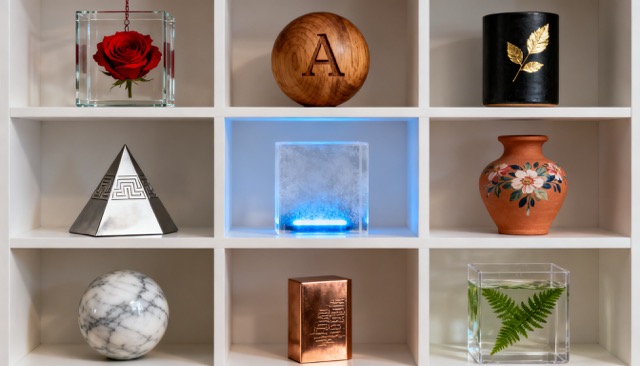
Create Consistent Social and Ad Variations
- Marketing teams rely on image to image AI when they need multiple creatives from one approved base image.
- You can ask the AI image generator to change format, styling, props, background mood, or seasonal context while keeping the main subject recognizable.
- This makes it easier to test campaigns across channels without rebuilding each asset manually.
- With image to image AI, one source image can support a much broader content calendar.
Why Choose Banana Pro AI for Image to Image
A good image to image AI product should not only generate attractive outputs. It should also fit real production needs: speed, control, and predictability. Banana Pro AI was designed around those requirements, so image to image AI becomes part of your workflow.

Reference-Based Control
The biggest strength of image to image AI is control. Starting from an uploaded reference gives the model visual boundaries, so the AI image generator is less likely to drift away from the composition, product form, or subject identity you need to preserve.
Natural Language Editing
You do not need to master complex software to make useful visual changes. With image to image AI, plain instructions such as 'replace the gray wall with a warm studio background' or 'turn this sketch into a soft 3D toy render' are enough for the AI image generator to follow.

Faster Iteration Cycles
Banana Pro AI helps teams explore more directions in less time. Because image to image AI reuses an existing visual starting point, you spend less effort rebuilding scenes and more time choosing among strong options generated by the AI image generator.

Useful for Professional Output
This image to image AI workflow is suitable for campaign drafts, concept development, social media content, and internal presentations. A reliable AI image generator is valuable when the result needs to be clear, believable, and ready to use.

Flexible Across Styles and Industries
From product scenes and portraits to anime-inspired illustrations and branded creatives, image to image AI adapts well to different visual goals. That flexibility makes Banana Pro AI a practical AI image generator for freelancers, agencies, and online sellers.

Better Consistency from Starting Asset
When teams need several assets that still feel connected, image to image AI gives them a strong base to work from. The AI image generator can produce multiple interpretations from one upload, helping you maintain a more unified look across outputs.
What Users Say About Banana Pro AI Image to Image
The most useful image to image AI tools are judged by workflow impact, not just demo quality. Here is how professionals in different roles use Banana Pro AI as an AI image generator for everyday creative work.
We used Banana Pro AI to turn plain studio packshots into more premium campaign visuals. The image to image AI results felt grounded in the original product instead of looking random, which is exactly what I need from an AI image generator.
My team tests a lot of paid social creatives. With Banana Pro AI, one approved source image can become several visual directions in a single session. The image to image AI workflow is much faster than briefing a full redesign every time.
I often start from rough concept sketches. This AI image generator helps me render atmosphere, materials, and lighting far earlier than before. Image to image AI is now part of my client presentation process.
For content production, speed matters. I upload one portrait and use image to image AI to create different moods for different channels. Banana Pro AI gives me useful variations without losing the subject’s identity.
I sell home decor online and often need cleaner lifestyle scenes than my original photos provide. Banana Pro image to image AI actually understands commercial product presentation, not just artistic effects.
The value for me is control. A blank-canvas generator can be useful, but image to image AI is what I trust when composition matters. Banana Pro AI gives me a reference-led workflow that still leaves room for creative range.

Frequently Asked Questions About Image to Image AI
If you are evaluating an image to image AI workflow for design, marketing, or content production, these are the practical questions that usually matter most. The answers below also explain how an AI image generator behaves when it starts from a reference image instead of a blank prompt.
Image to image AI is a workflow where you upload an existing image and then describe how you want it changed. The model uses your uploaded image as a reference for composition, subject placement, and visual context, then applies your prompt to generate a new result. Image to image AI is often better when you already have a photo, sketch, product shot, or draft and want to transform it without losing the starting layout.
Image to image AI is especially useful when the change is conceptually clear but manually time-consuming. For example, you may want to change a background, restyle a scene, shift lighting, create lifestyle contexts for a product, or turn a sketch into a polished concept visual. In those cases, an AI image generator can reduce repetitive editing work and help you test more directions quickly. Manual editing still matters for exact retouching and final control, but image to image AI is a strong option for fast exploration.
Clear images with an identifiable subject, readable composition, and a straightforward goal usually perform best. You can use image to image AI with portraits, products, interiors, fashion photos, sketches, illustrations, and simple mockups. The better your source image communicates form and layout, the easier it is for the AI image generator to preserve what matters while changing the requested details.
Yes. Many teams use image to image AI for e-commerce visuals, ad creatives, social content, concept proposals, and internal brand production. Banana Pro AI is designed to support commercial workflows where speed and iteration matter. As with any AI image generator, you should still review outputs for brand fit, factual accuracy, and final approval requirements before publishing.
Start with a solid source image and a prompt that clearly states the desired change. Mention the subject, style, background, lighting, mood, camera feel, materials, or use case when relevant. Tell the Banana Pro AI image generator something more specific such as 'turn this product photo into a clean luxury bathroom scene with soft daylight and realistic shadows.' Good image to image AI prompting is less about long descriptions and more about clear direction.
Start Your Next Image to Image Edit with Banana Pro AI
Upload one reference, describe the change, and create stronger visuals with a practical image to image AI workflow. Banana Pro AI gives you the control of reference-based editing with the speed of an AI image generator, so you can move from idea to polished asset with less friction.
