
More AI Image Generators
Explore our collection of specialized AI image generators designed for different creative needs and styles



Create a Mirror Image Online in Seconds
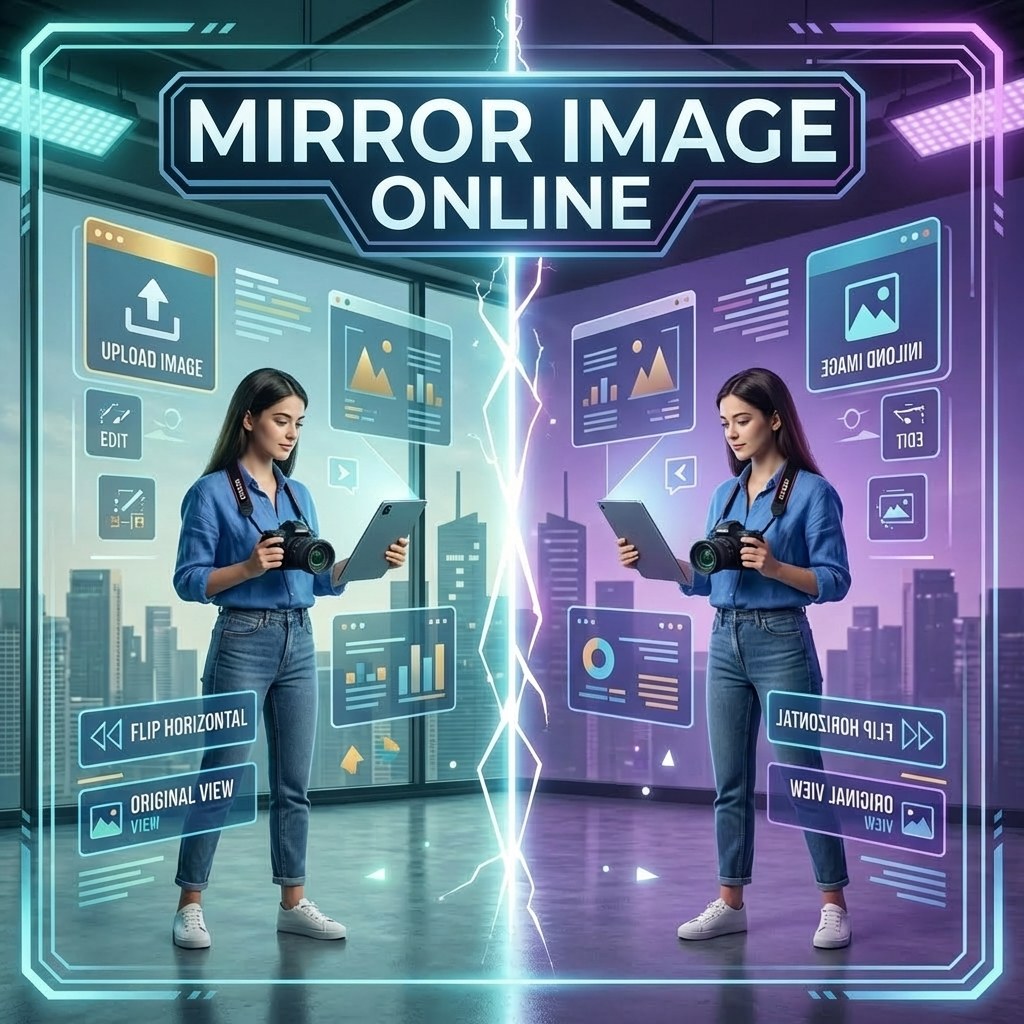
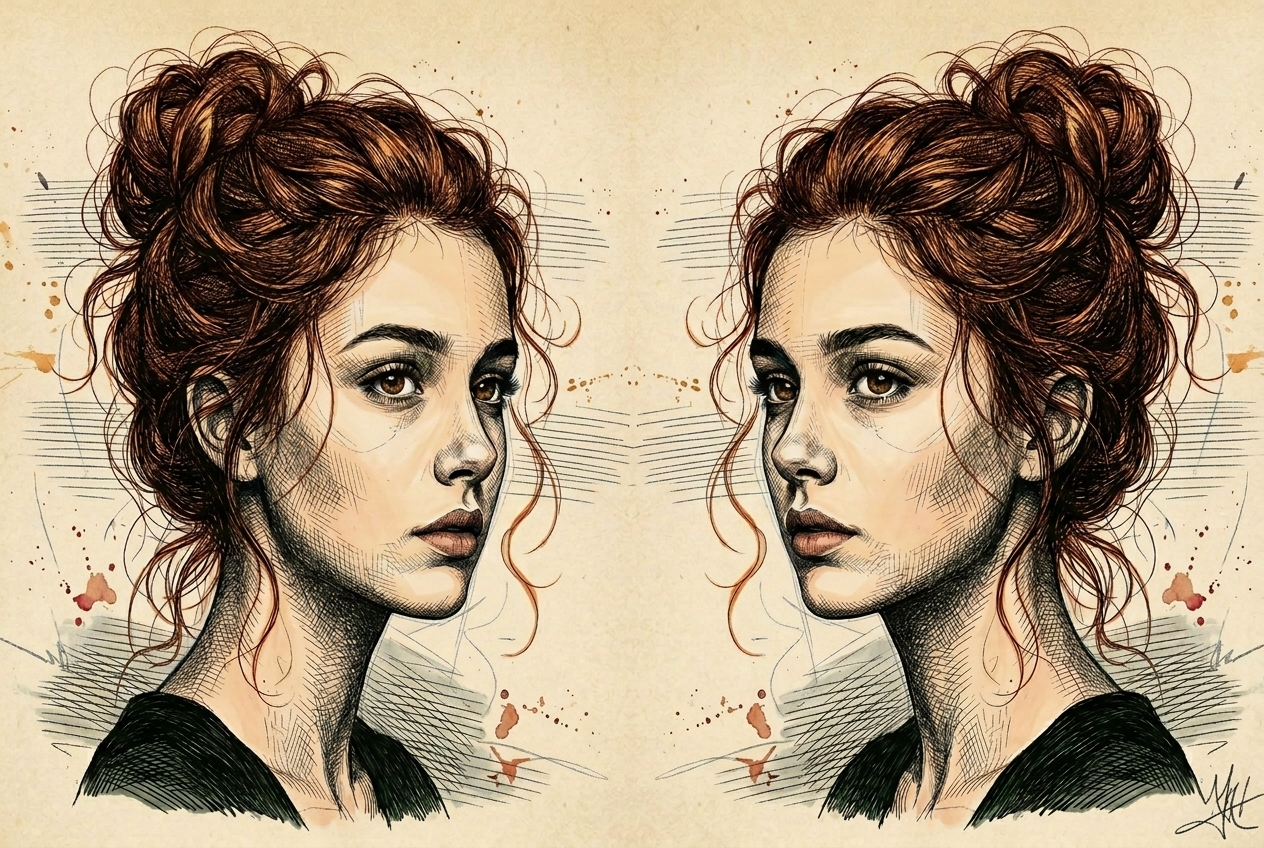
Use BananaPro AI to create a mirror image online with two simple options: left and right symmetry or horizontal mirror flip for the original scene.
BananaPro AI makes it easy to create a mirror image online from any photo. Upload one image and choose the exact result you want. You can build a left and right symmetrical composition or mirror flip image direction while keeping the original content unchanged. If you are searching for how to mirror an image for portraits product photos text graphics or social content this tool gives fast clean and high quality results directly in your browser.
How to Mirror an Image with BananaPro AI
If you want to know how to mirror an image the process is simple. Upload one file choose your effect and let BananaPro AI generate a polished mirror image online in seconds.

Upload Any Image
Upload any portrait product shot poster text graphic or creative photo to start your mirror image online edit. If you need how to mirror an image without complicated design tools this is the fastest way to begin.

Choose Mirror Mode
Choose between a symmetrical left and right mirror image online result or a mirror flip image effect that keeps the original scene but reverses the direction horizontally. This answers how to mirror an image for both symmetry and reflection style edits.

Generate and Download
Click generate and download your new mirror image online result instantly. Whether you want a balanced symmetrical layout or a natural mirror flip image output BananaPro AI gives a smooth final image ready for sharing or design use.
Best AI Image Tools for Creative Projects
Explore creative tools for image, learn tips and tricks, and see how AI can be your assistant in turning concepts into finished projects.





Features of Our Mirror Image Online Tool
BananaPro AI gives you two practical ways to create a mirror image online. If you are wondering how to mirror an image for symmetry or direction reversal these features cover both needs in one simple page.
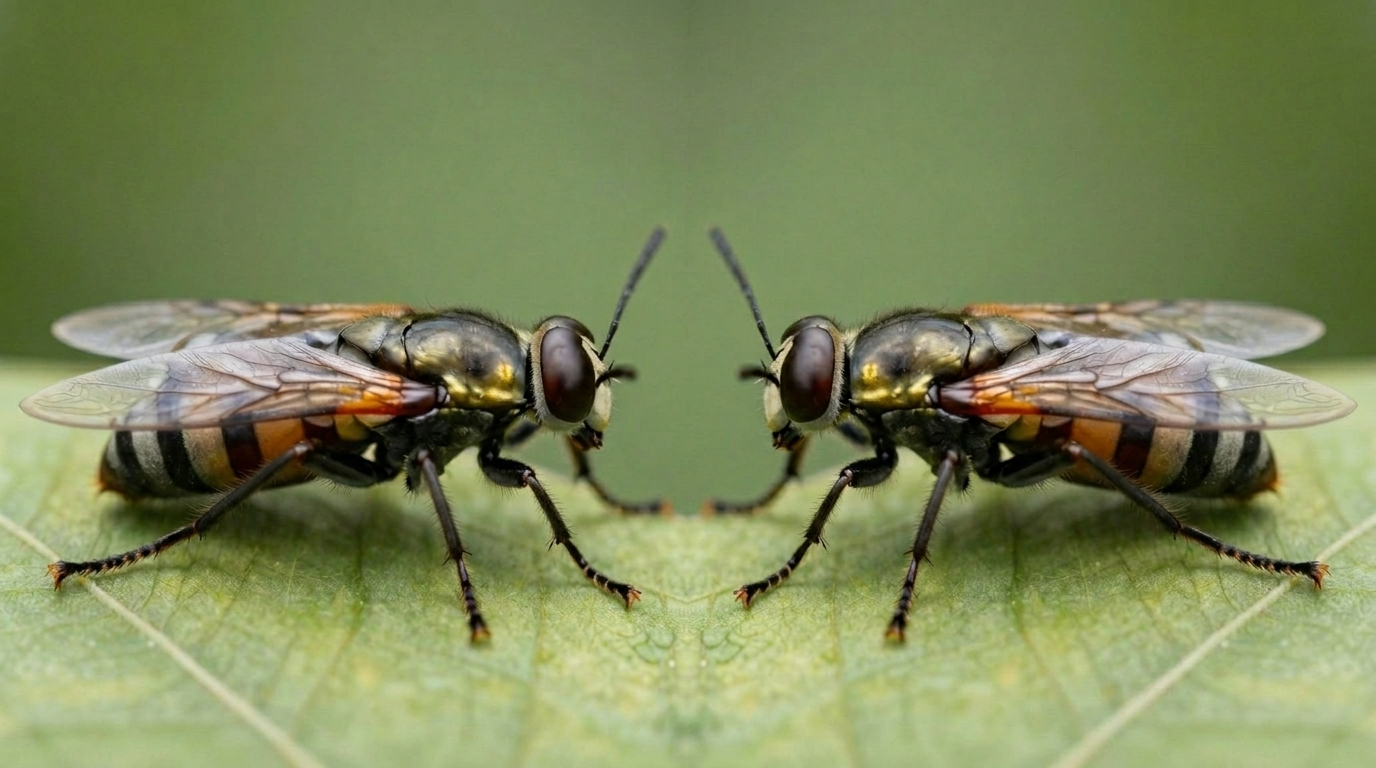
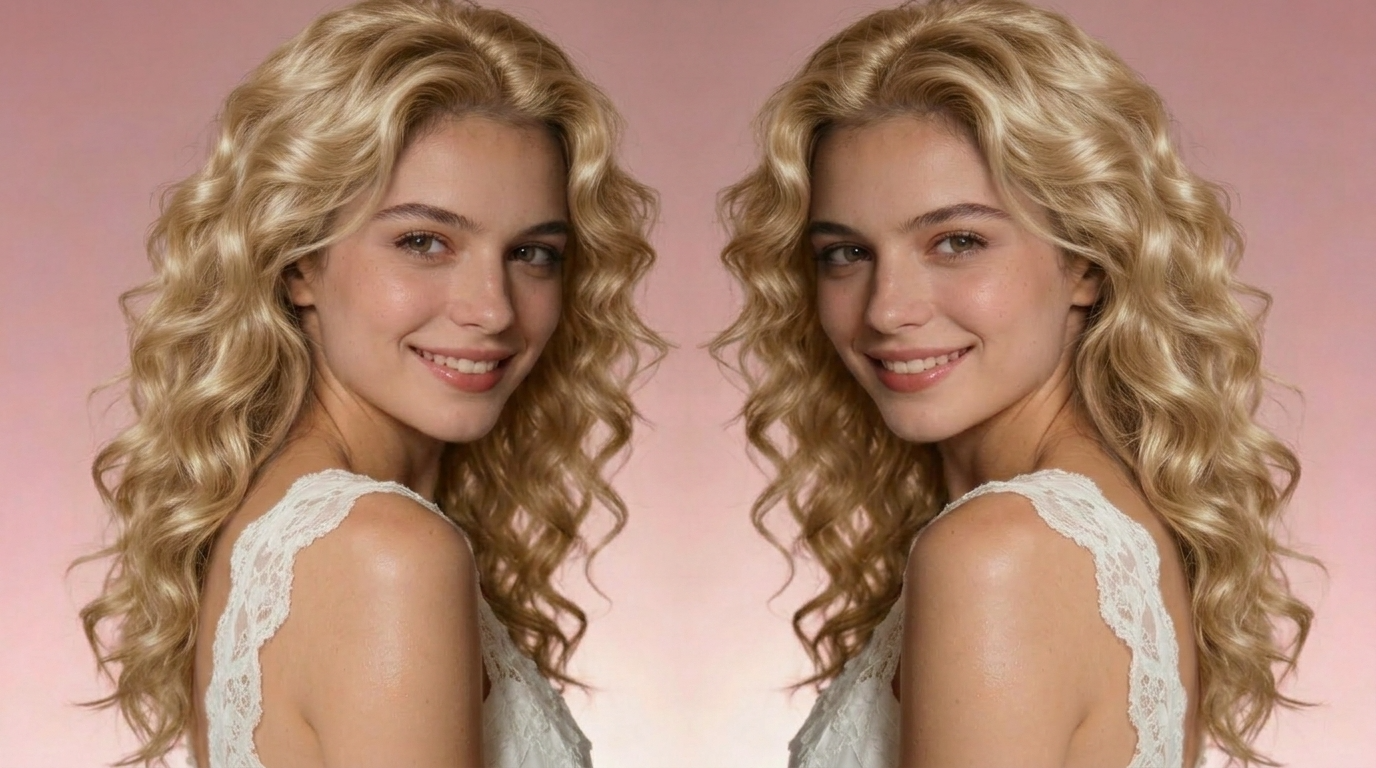
Left and Right Symmetry from One Photo
- Create a mirror image online that turns one photo into a centered left and right symmetrical result.
- This mode is ideal for users searching how to mirror an image for aesthetic portraits cover art product displays and creative posters.
- BananaPro AI aligns the composition so the final mirror image online looks balanced clean and visually striking.
- If you want a dramatic symmetry effect from one upload this is the easiest way to mirror flip image structure into a full mirrored design.
Mirror Flip Image Direction Naturally
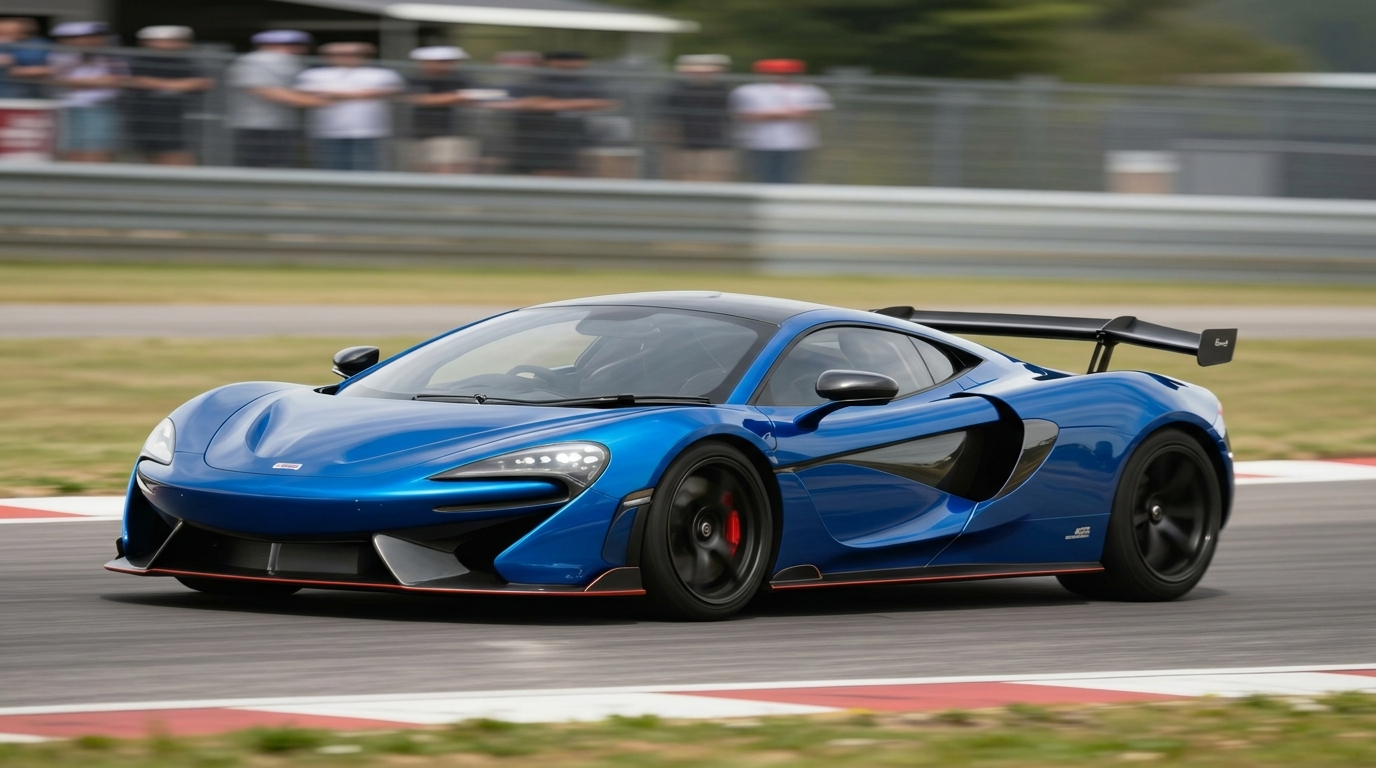
- Use the mirror flip image mode to reverse the horizontal direction while preserving the original subject background and styling.
- This helps users who need how to mirror an image for layout adjustment product presentation text reversal tests or facing direction changes.
- BananaPro AI creates a mirror image online that looks natural instead of awkward or stretched.
- The mirror flip image option is perfect when you want the same photo content but need the opposite direction instantly.
Works for Portraits Posters and Graphics
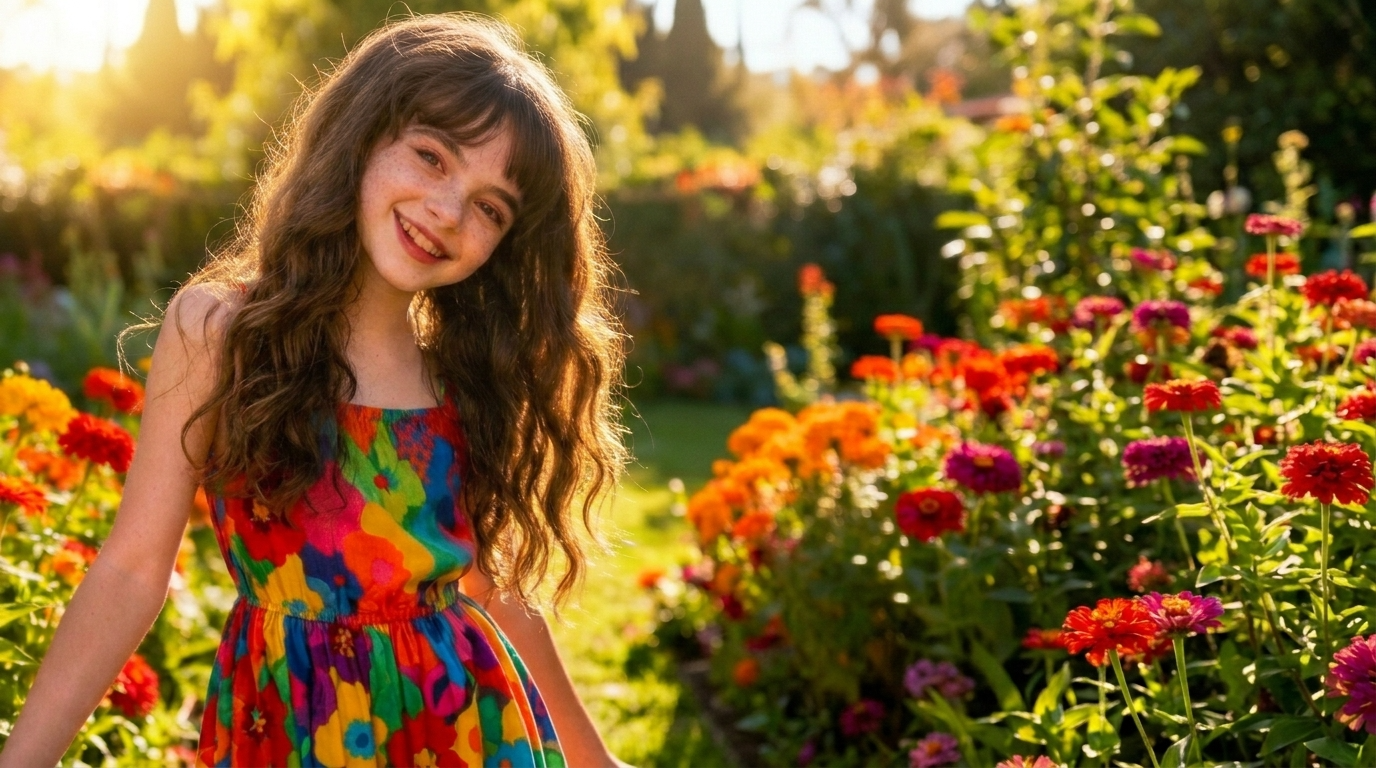
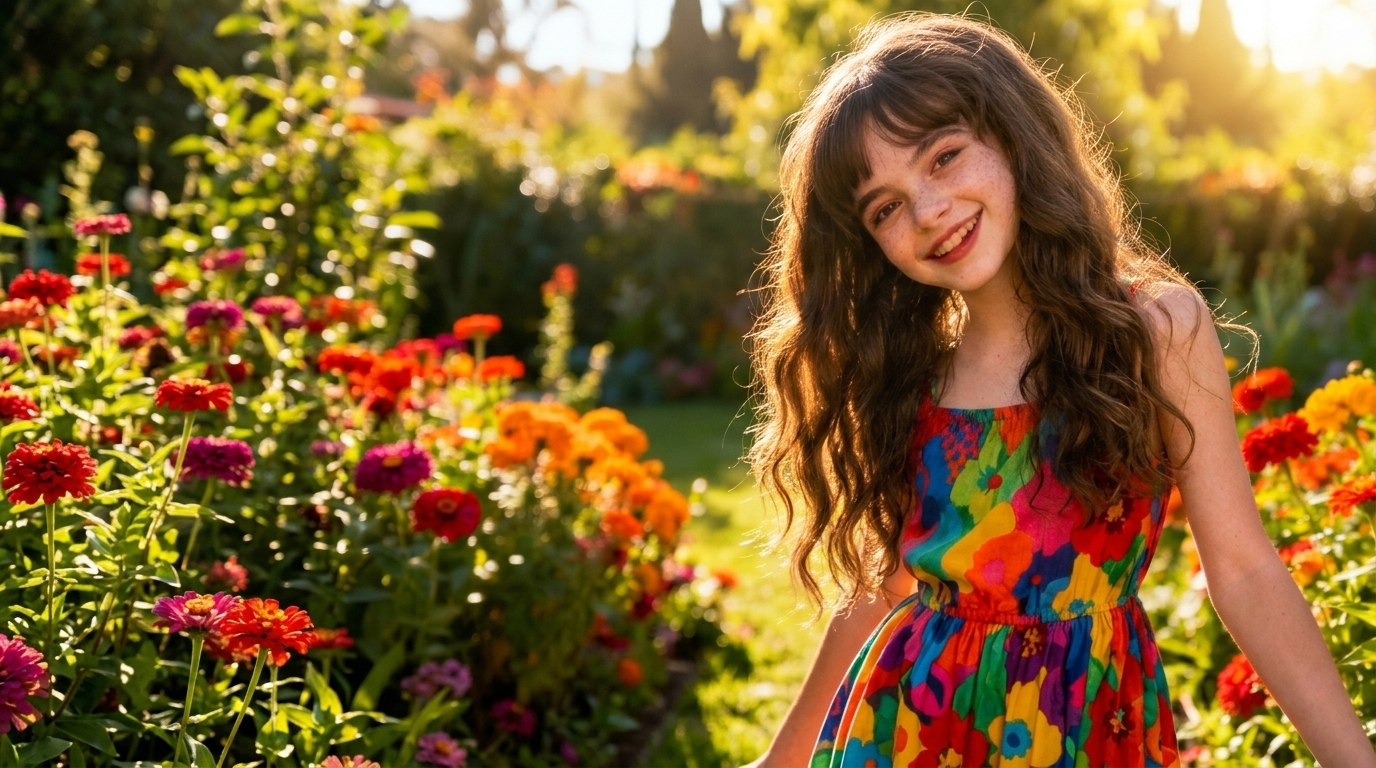
- Our mirror image online tool is built for selfies fashion shots music posters branding graphics and simple text visuals.
- Many users search how to mirror an image because they want a faster way to build social ready mirrored visuals without editing by hand.
- BananaPro AI supports clean symmetry and mirror flip image results across many styles.
- Whether you need a polished mirror image online for fun branding or promotion this tool adapts quickly.
Fast Browser Based Mirror Editing
- BananaPro AI lets you create a mirror image online without downloading heavy design software.
- If you are learning how to mirror an image for quick content creation the workflow is simple and beginner friendly.
- Choose symmetry mode or mirror flip image mode and generate the result in seconds.
- This makes mirror image online editing easier for creators marketers designers and everyday users.
Why Choose BananaPro AI for Mirror Image Online
BananaPro AI combines clear controls practical mirror modes and fast output. If you need a reliable way to learn how to mirror an image and generate polished results this page is built for that purpose.

Mirror Portraits for Social Media
Create a mirror image online for selfies portraits and creator photos that need stronger symmetry or a fresh opposite facing look. This is one of the most common answers to how to mirror an image for social content.

Build Symmetrical Poster Layouts
Use mirror image online symmetry mode to turn one photo into a bold centered poster style composition. Designers who search how to mirror an image often want this exact visual effect.

Reverse Product Image Direction
The mirror flip image option is useful when product direction matters for ad layout landing pages or marketplace visuals. You keep the same product but change the orientation cleanly.

Test Text and Graphic Reflection
If you want to know how to mirror an image for words logos or graphic experiments BananaPro AI Mirror Image tool helps you generate a mirror image online quickly for visual testing and creative layouts.

Create Music and Fashion Visuals
Many creators use mirror image online effects for album covers editorial concepts and fashion campaigns. Symmetry mode gives strong impact while mirror flip image mode changes the visual flow instantly.

Easy for Beginners
You do not need advanced editing knowledge to learn how to mirror an image. Upload choose generate and download. BananaPro AI keeps mirror image online editing direct and simple.
What Users Say About Our Mirror Image Online Tool
Creators designers and marketers use BananaPro AI when they need a fast way to learn how to mirror an image and generate symmetry or mirror flip image results without extra editing steps.
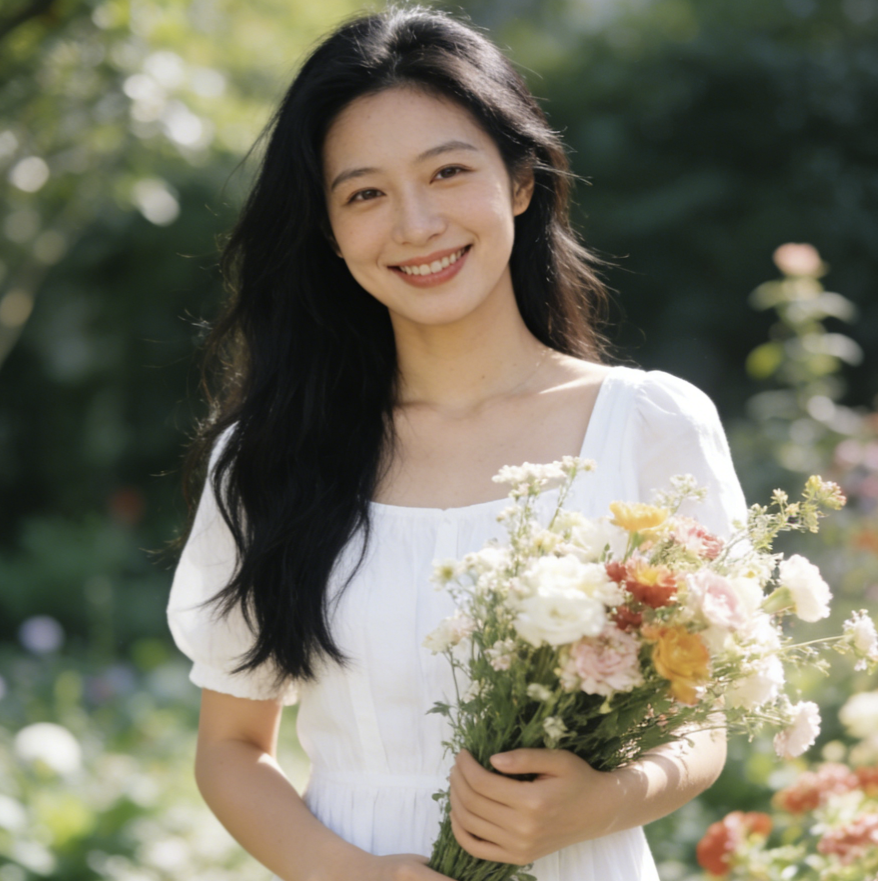
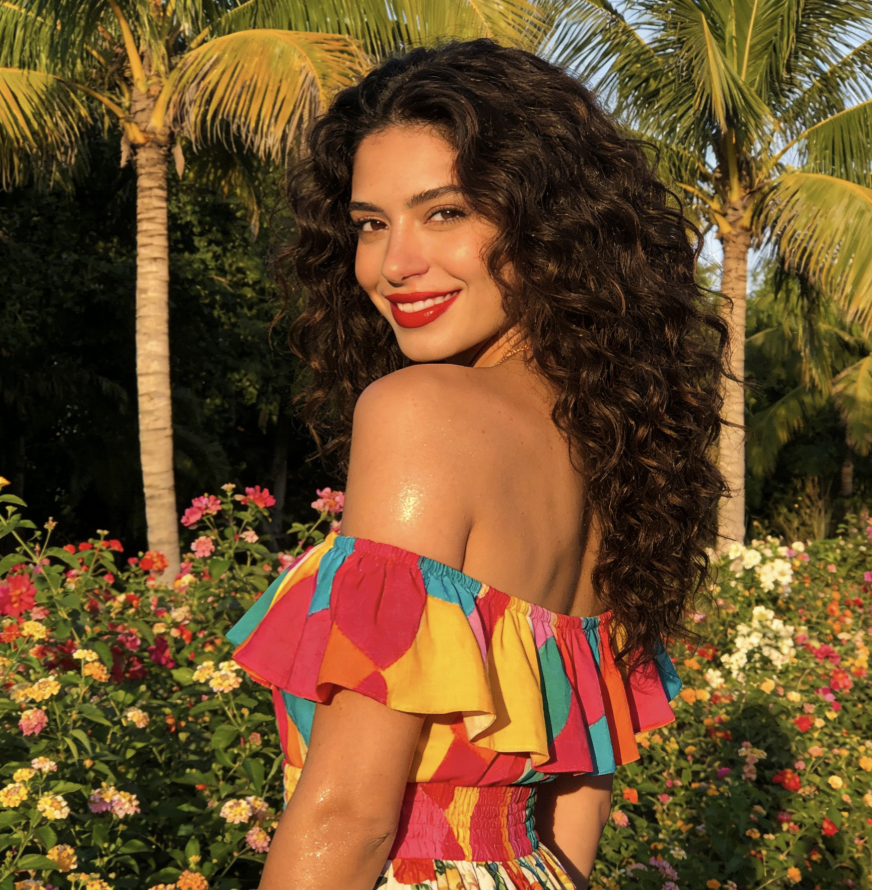
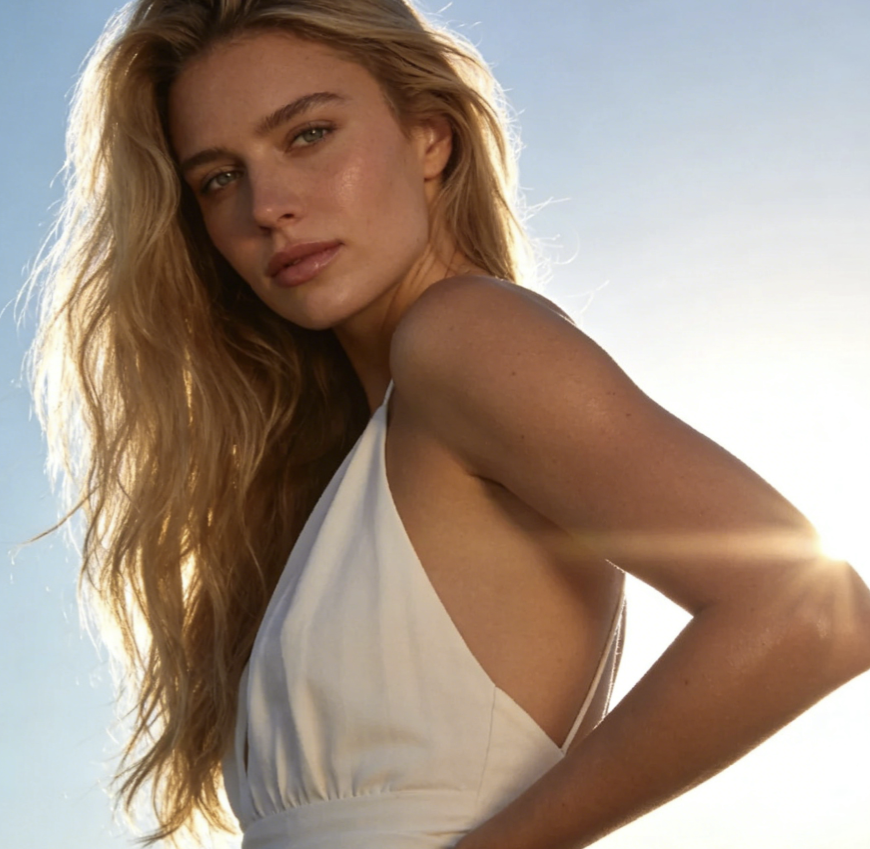
I needed a mirror image online tool for fashion portraits and BananaPro AI made it easy. The symmetry mode gave me a clean centered result and the mirror flip image option helped me test opposite facing layouts fast.
I searched how to mirror an image for product ads and this tool solved it in seconds. I could create a mirror image online without opening Photoshop and the result looked polished enough for campaigns.
The mirror flip image mode is exactly what I wanted for poster design. It keeps the original content but changes the direction naturally. I use this mirror image online tool almost every week.
BananaPro AI is the easiest answer to how to mirror an image for music visuals. I can build symmetrical artwork from one photo and the final mirror image online output looks strong and balanced.
I use this mirror image online page for social posts and beauty portraits. The workflow is simple and the mirror flip image result looks much cleaner than manual editing apps I tried before.
When clients ask how to mirror an image for banners or landing pages I send them here. BananaPro AI gives fast results and the mirror image online symmetry option is especially useful for centered hero visuals.



Frequently Asked Questions About Mirror Image Online
Find quick answers about how to mirror an image, when to use symmetry mode, and when mirror flip image mode is the better option for your photo or design.
Mirror image online means creating a reflected version of an image directly in your browser. With BananaPro AI you can either make a symmetrical left and right mirrored result or use mirror flip image mode to reverse the horizontal direction of the original photo. This gives users two practical answers to how to mirror an image depending on the final look they want.
If you want to know how to mirror an image just upload one photo choose your preferred mode and click generate. Symmetry mode creates a left and right mirrored composition. Mirror flip image mode keeps the original scene but changes the direction horizontally. The full process takes only a few seconds.
The difference is simple. A symmetrical mirror image online result creates a balanced left and right composition from the photo. A mirror flip image result does not make a new symmetrical layout. Instead it reverses the whole image horizontally while preserving the same original content.
Yes. Many users search how to mirror an image for portraits because they want a more dramatic composition or a different facing direction. BananaPro AI works well for portraits selfies product shots graphics and poster style images.
Yes. You can create a mirror image online for text based visuals logos simple graphics and layout concepts. The mirror flip image feature is especially useful when you want to test reversed direction quickly before using a design file in a larger composition.
Yes. BananaPro AI offers a fast and beginner friendly way to create a mirror image online and try how to mirror an image before moving into more complex editing workflows. You can upload one file test symmetry or mirror flip image results and download the version that fits your project.
Create Your Mirror Image Online Now
Upload one photo and let BananaPro AI create a mirror image online in seconds. Whether you need to learn how to mirror an image for symmetry or want a fast mirror flip image result this tool is ready.
