
Unlock Limitless Visual Creation with Nano Banana
Experience Google’s official Nano Banana image model online.
Generate photorealistic images, flawless branding text, and studio-quality visuals in seconds. Nano Banana is the ultimate free online AI image tool built for commercial-grade results. Turn your prompts into precise, production-ready artwork with no limits, no installations, and no friction. Start creating today.
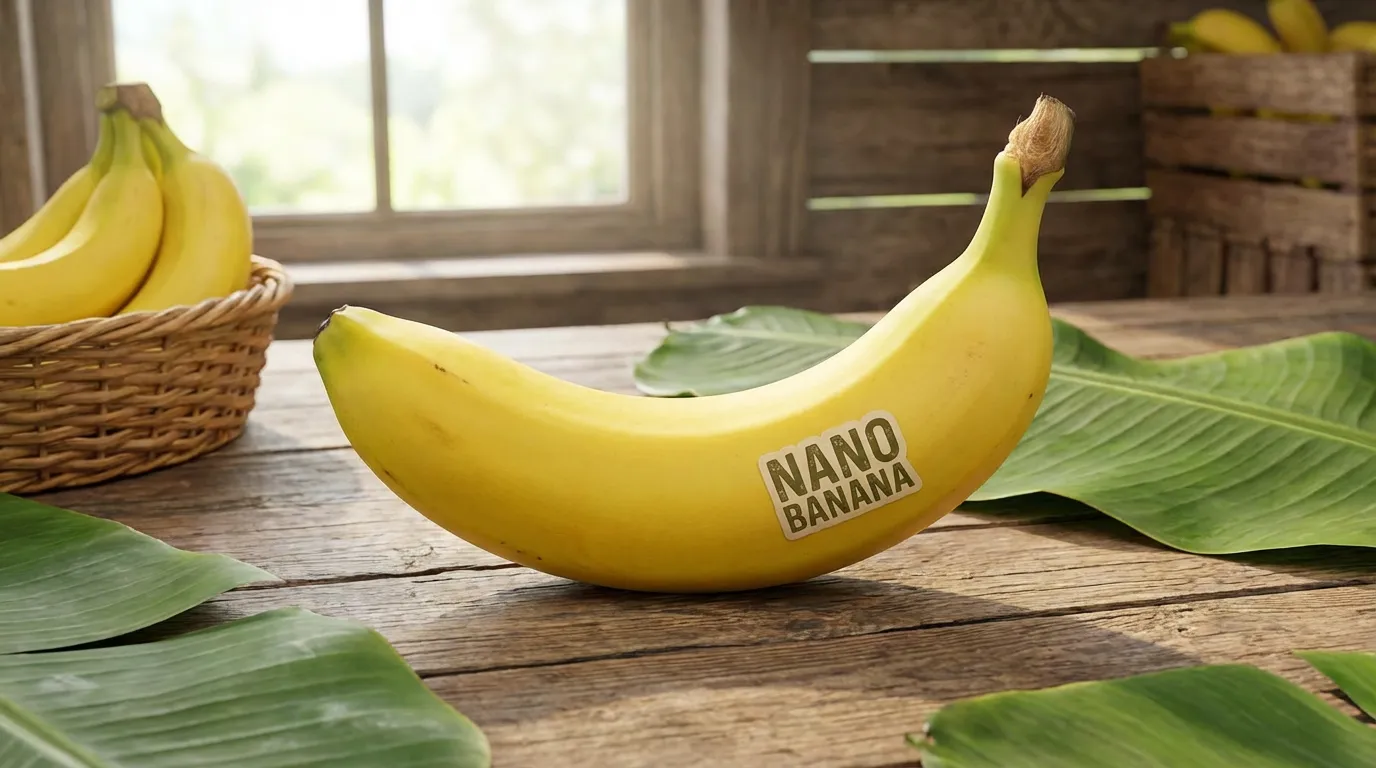
Powered by Google's Nano Banana model (third-party integration).
More AI Image Generators
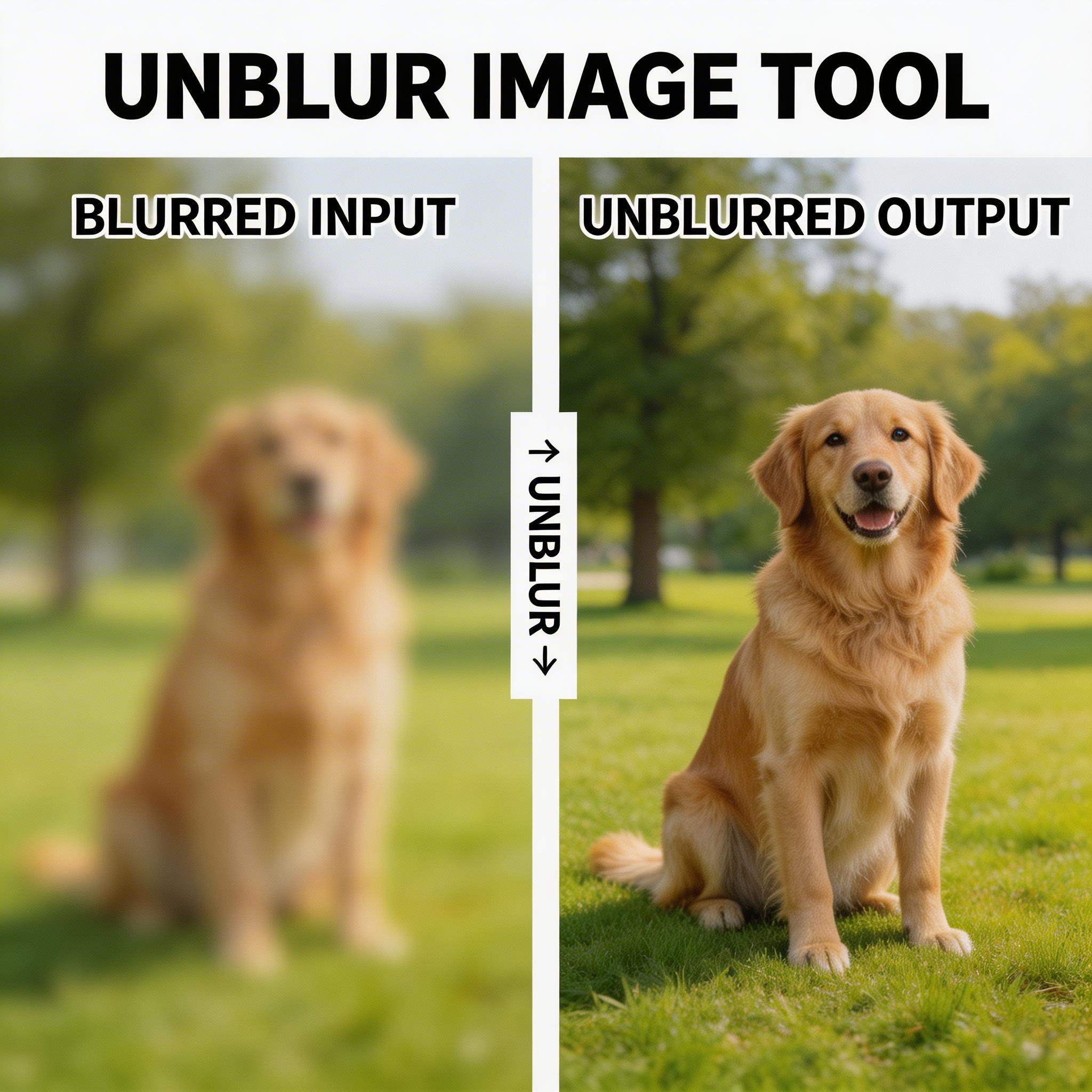
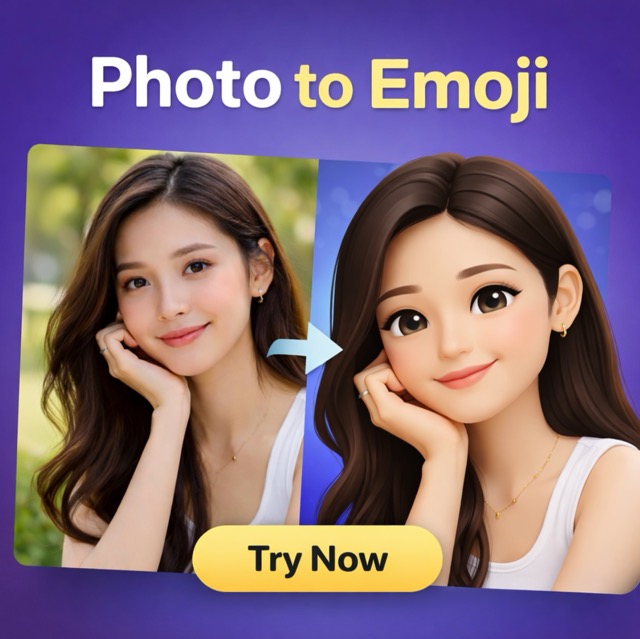
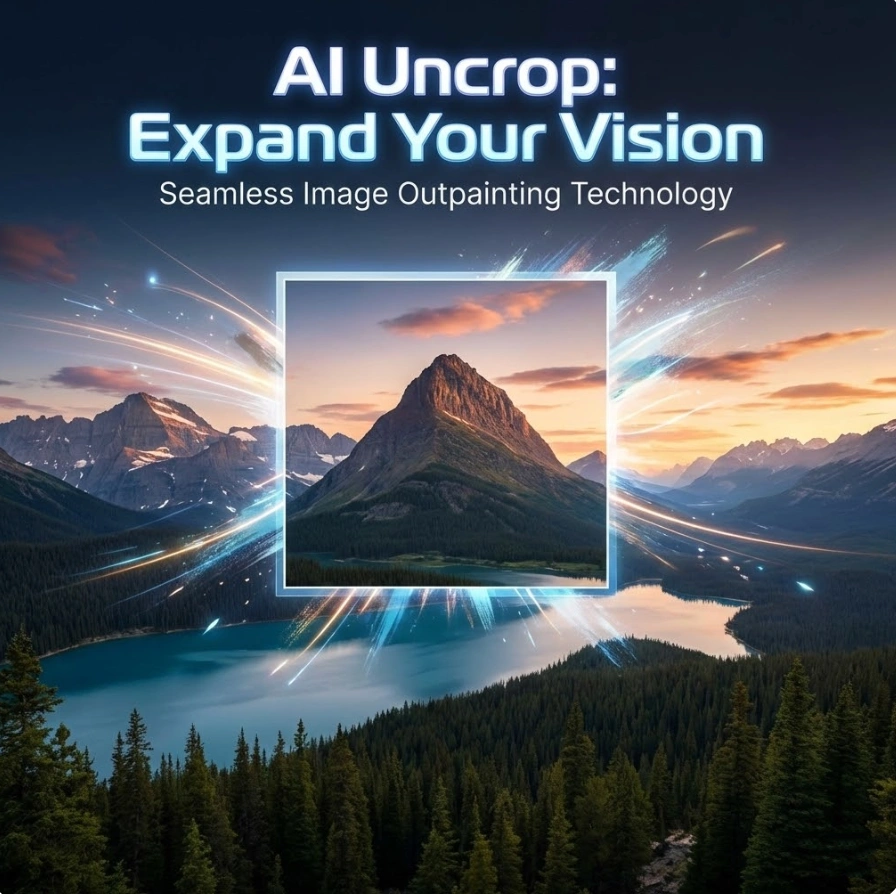
Explore our collection of specialized AI image generators designed for different creative needs and styles
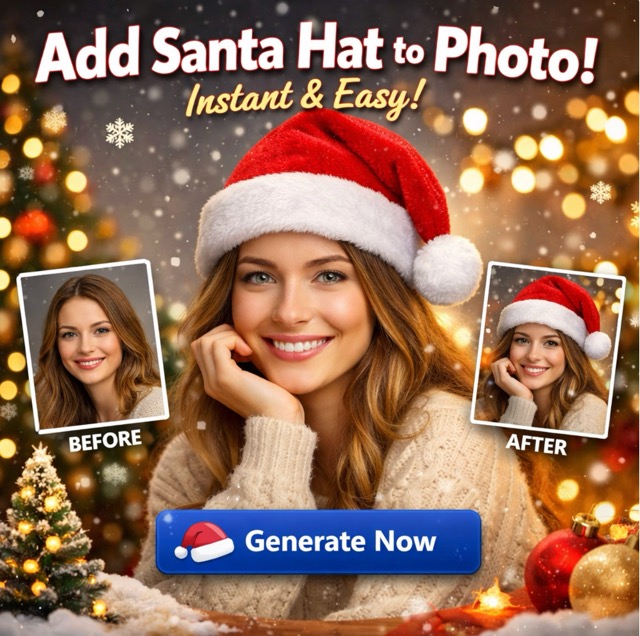
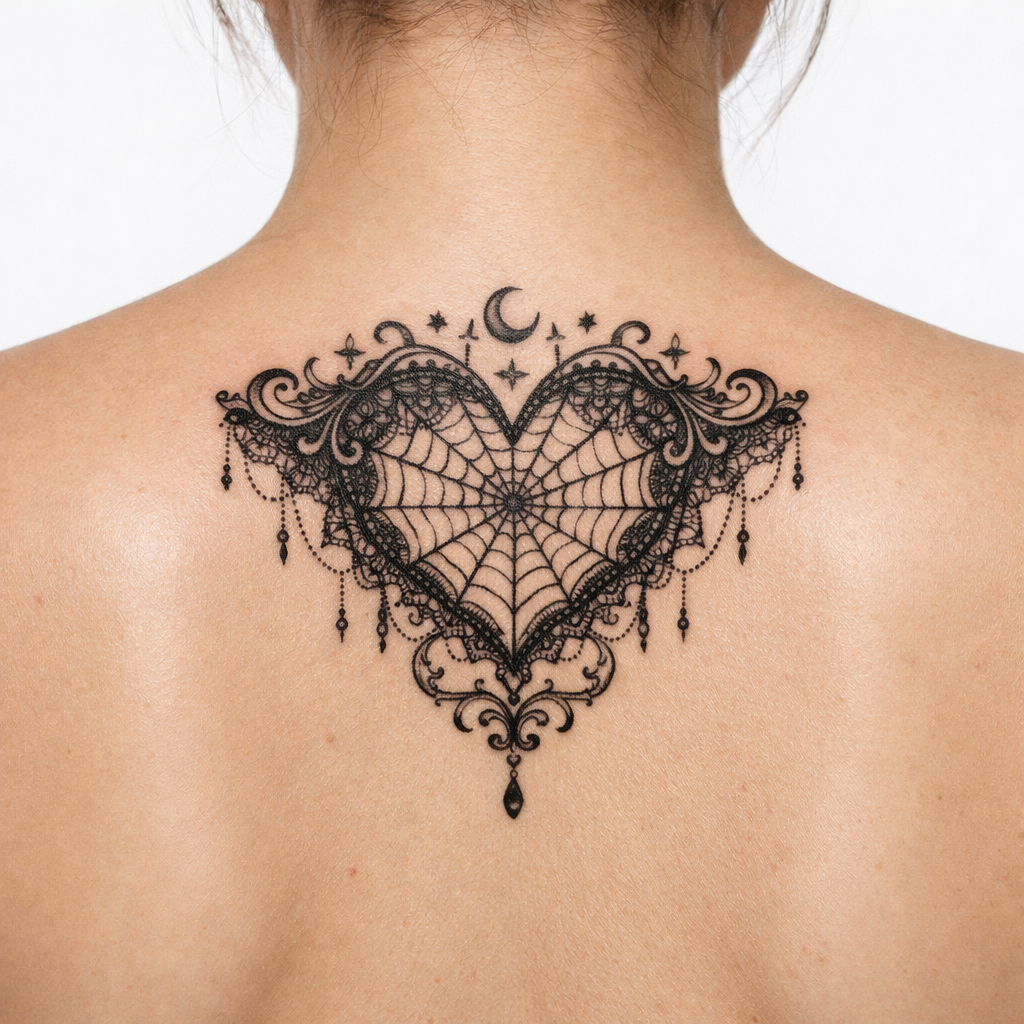
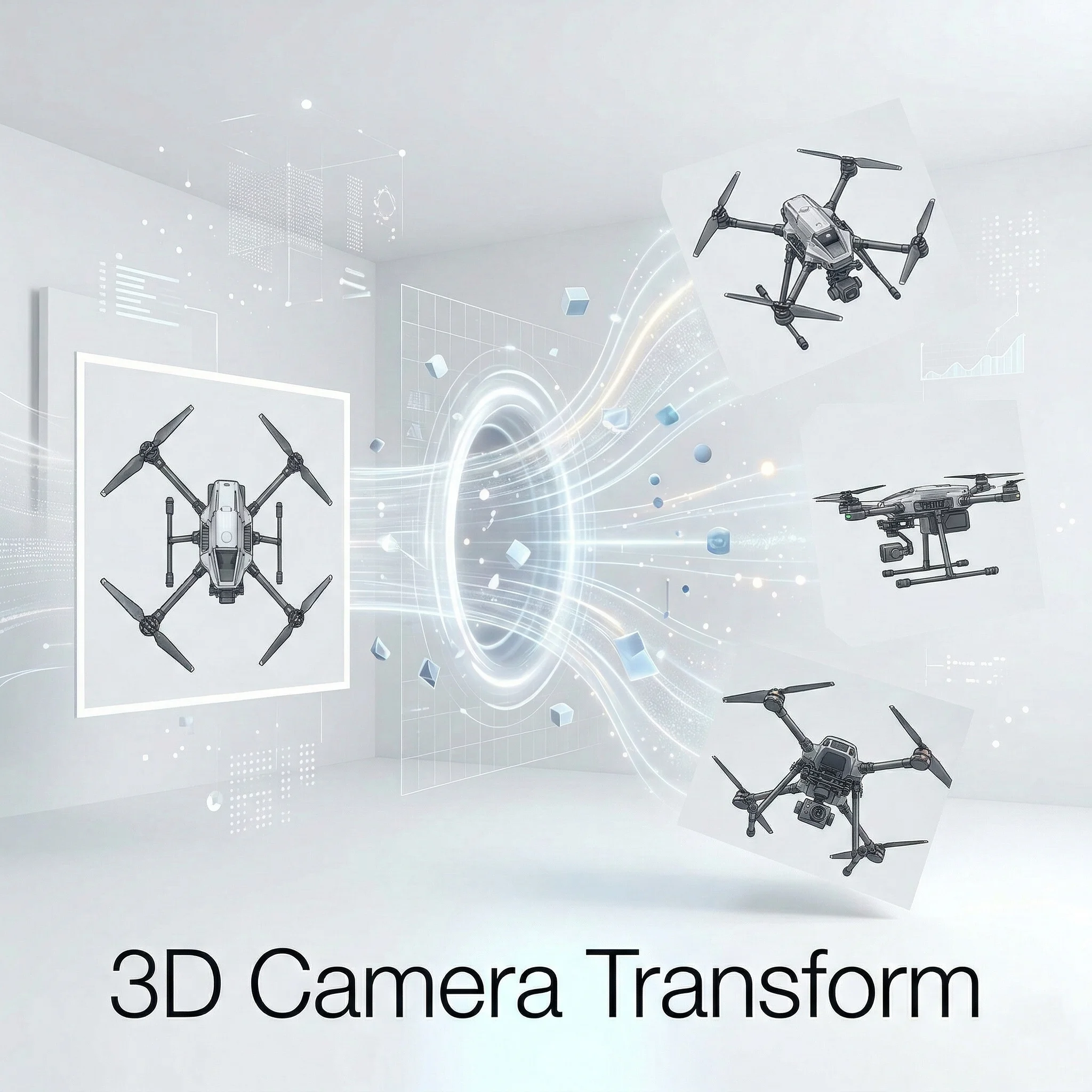

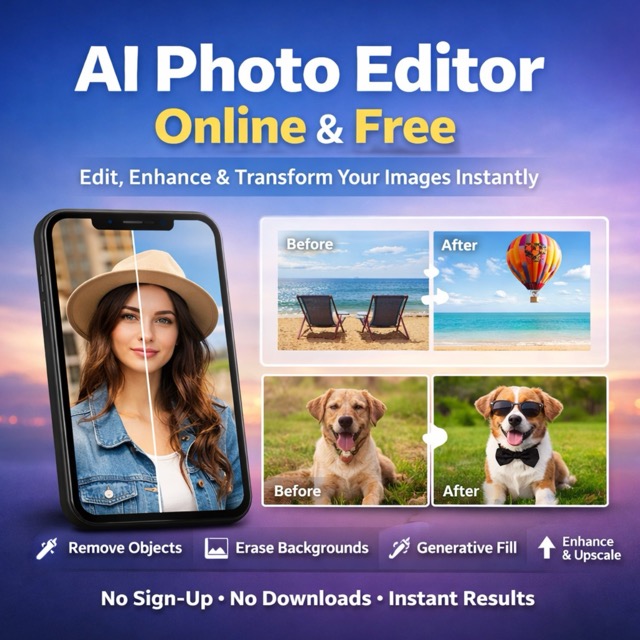
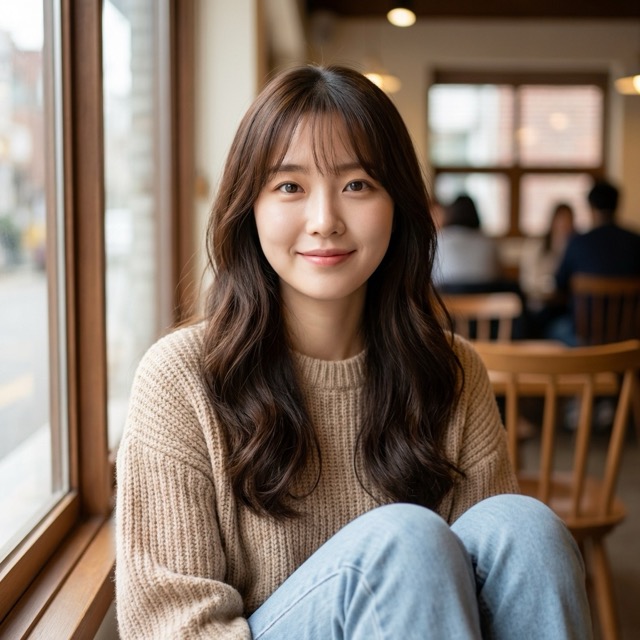
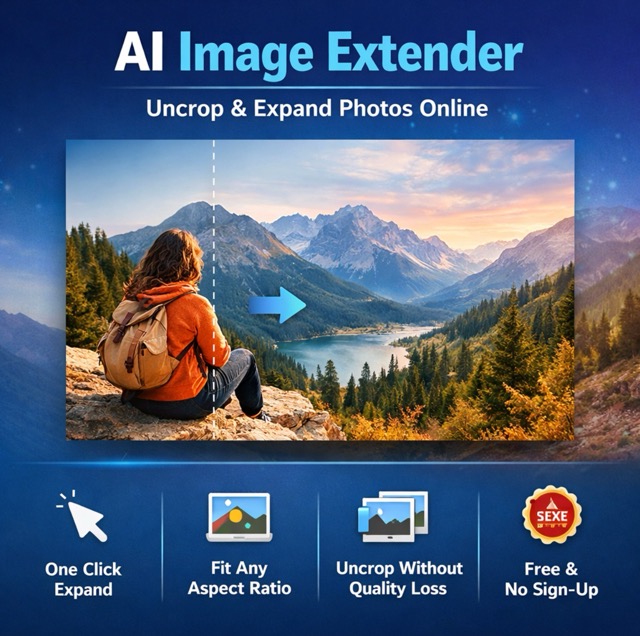
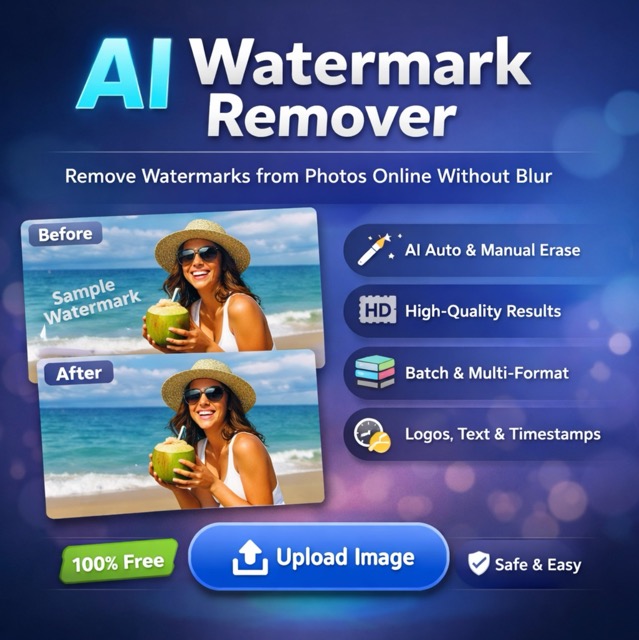
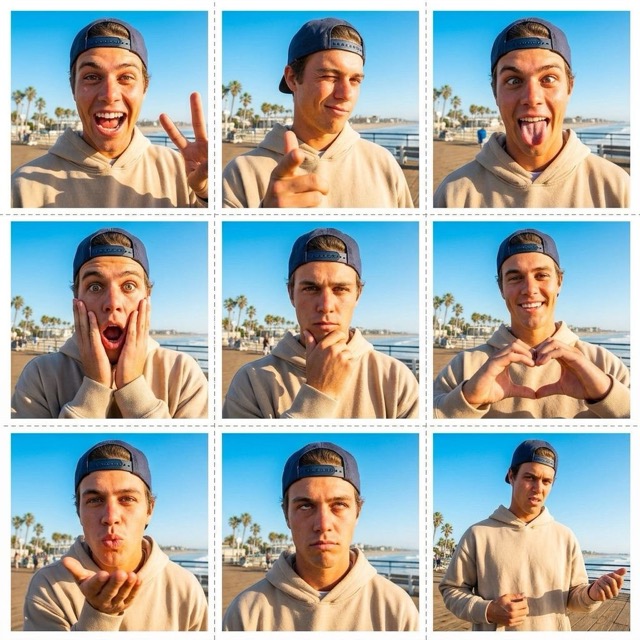
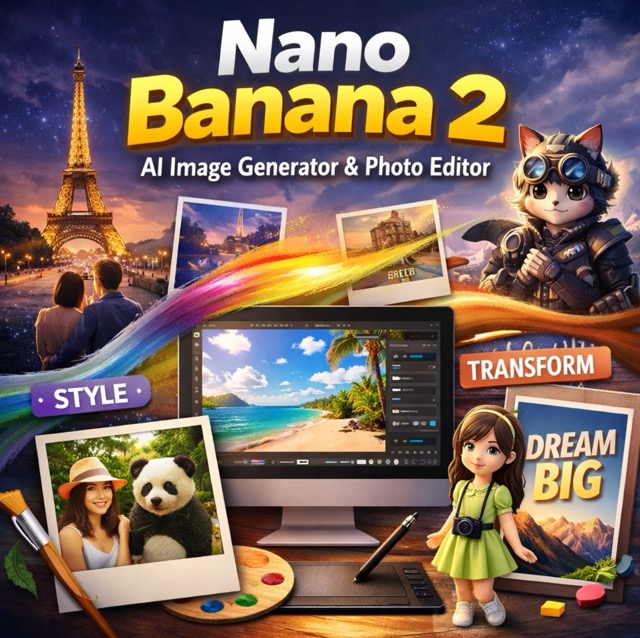
Best Nano Banana AI Image Model - Create and Edit Images Online
Generate, edit, and remix photos and illustrations in seconds
Experience Nano Banana, officially known as Gemini 2.5 Flash Image. Lets you generate new scenes from text, edit photos with natural language, and blend multiple images into one coherent composition. With fast performance and subject consistency, creators, developers, and everyday users turn ideas into production-ready visuals.
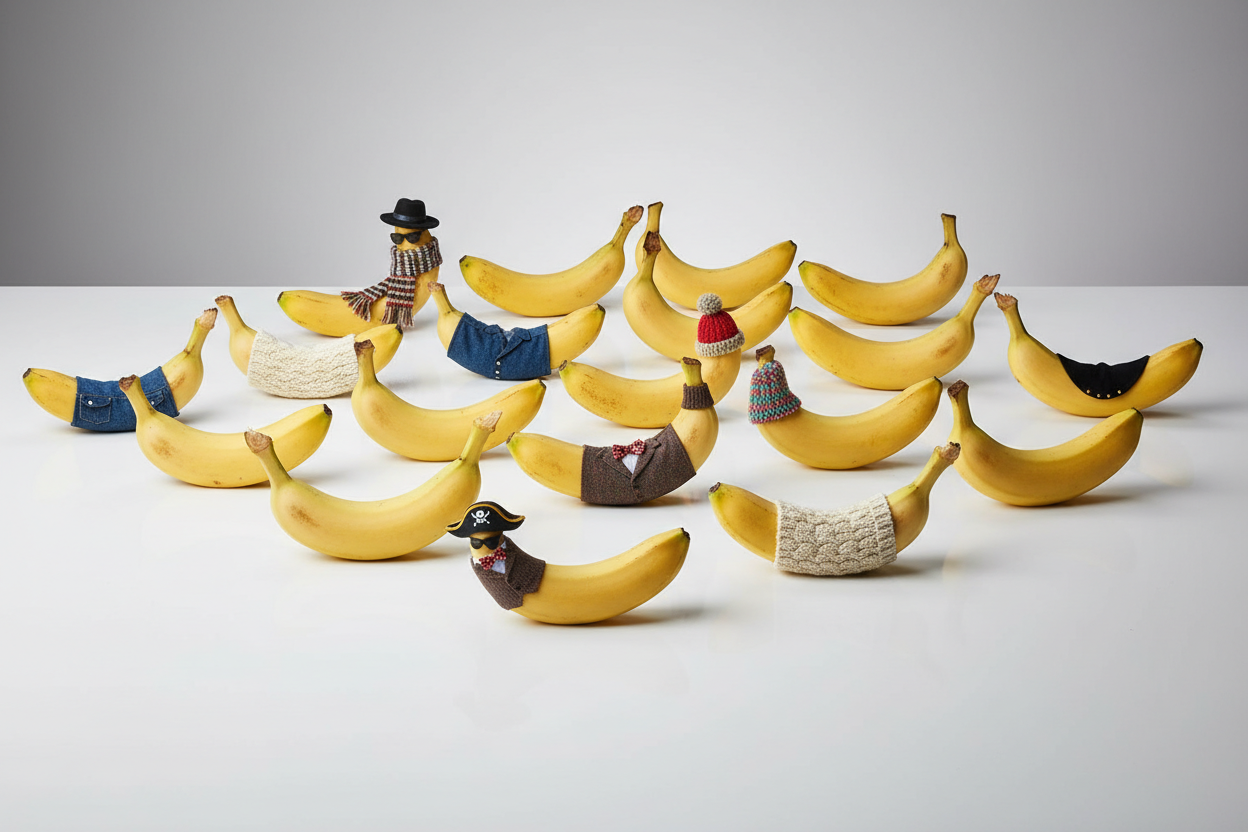
Advanced Nano Banana AI Image Model Capabilities
Discover how the advanced model combines fast generation, precise editing, and multi-image composition into one workflow.
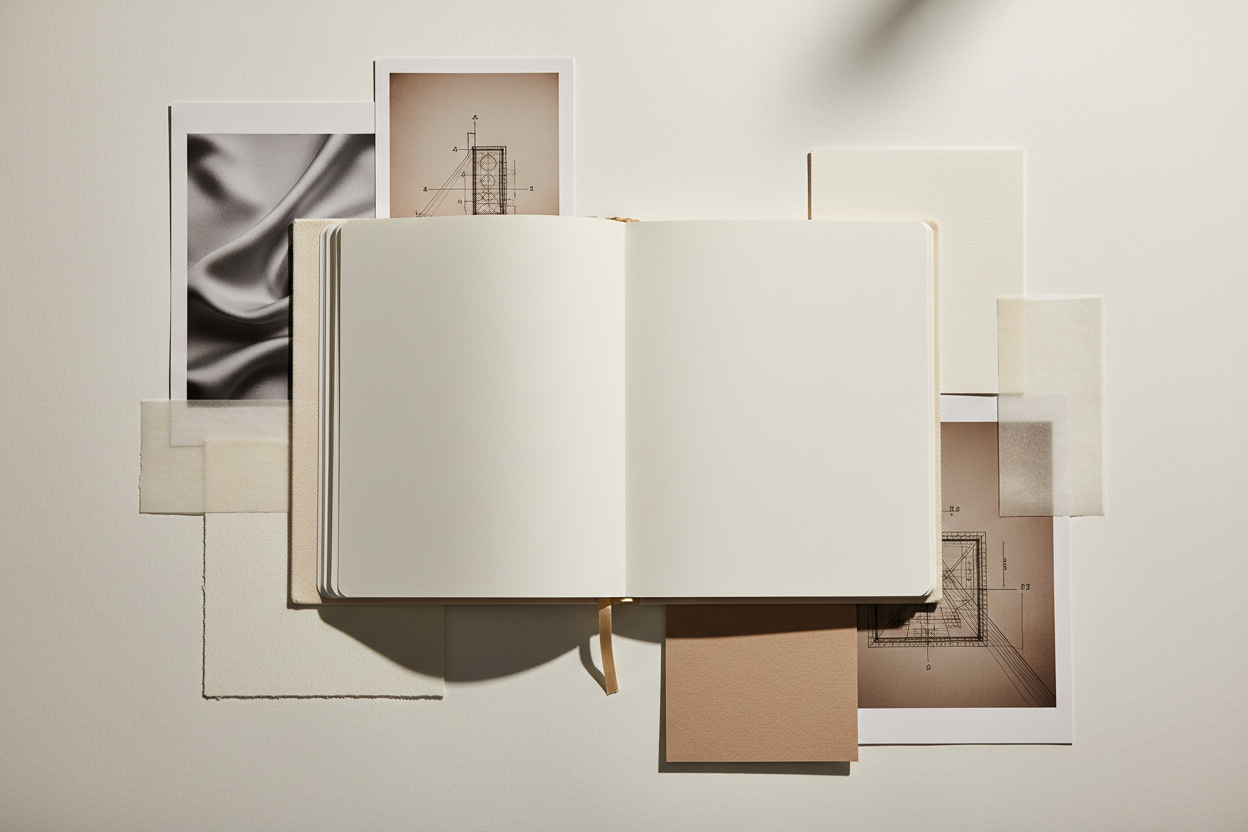
Fast Text-to-Image Generation
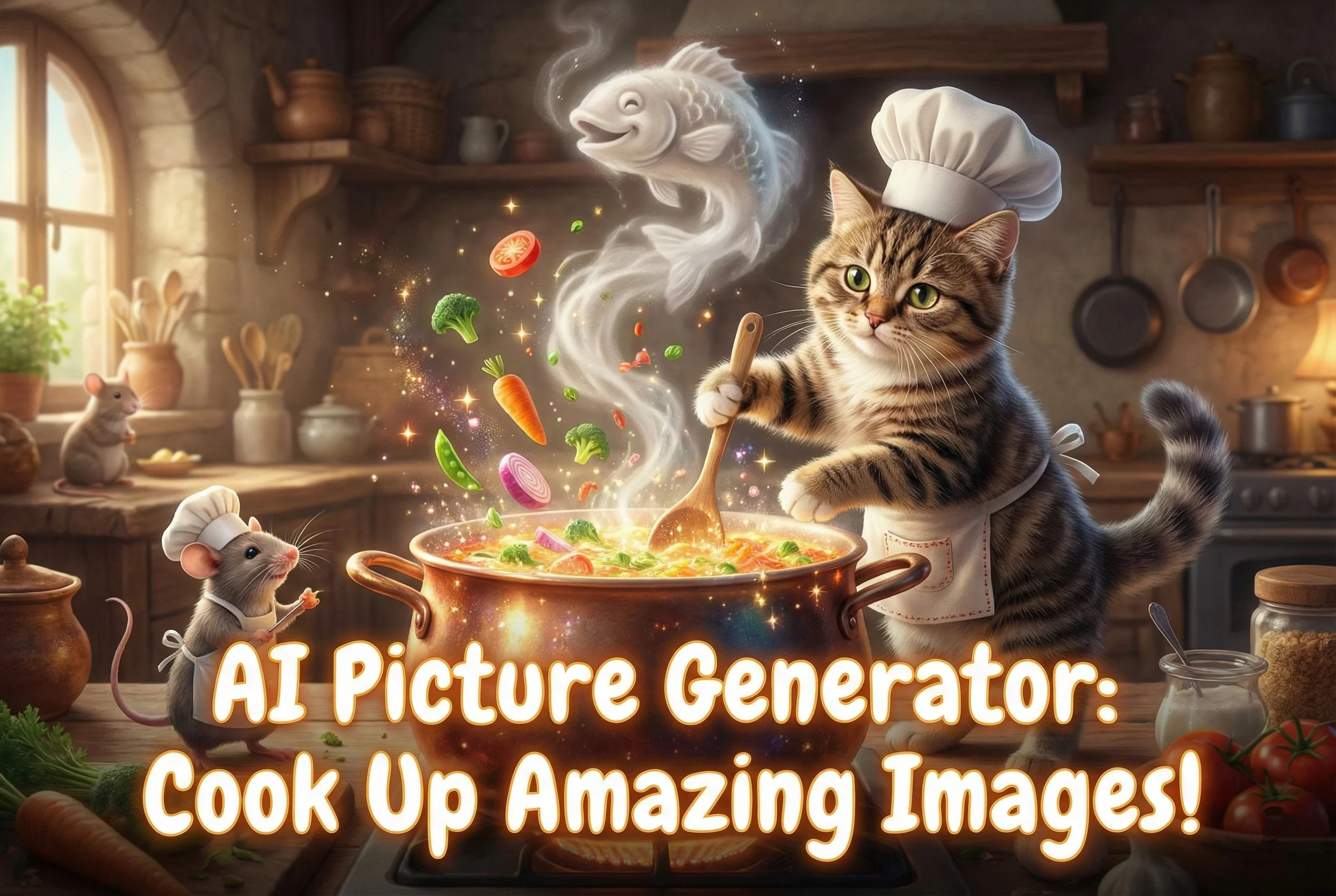
You can turn natural language prompts into detailed images in seconds. Use the AI image model to ideate campaign visuals, mock up landing pages, or prototype concept art without opening a traditional design tool.
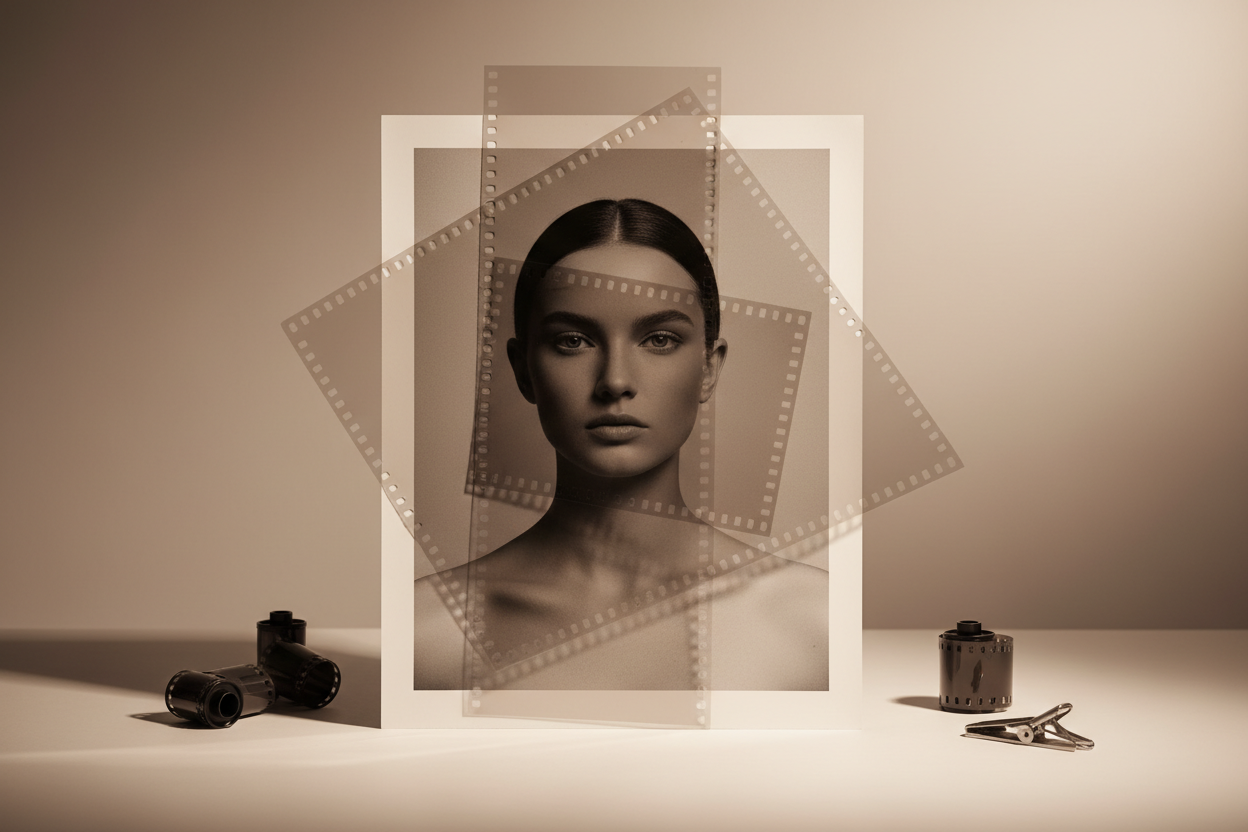
Smart Image Editing
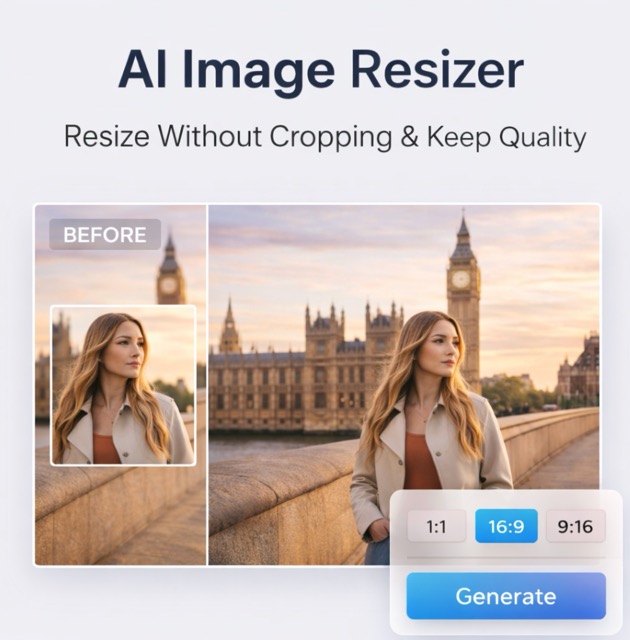
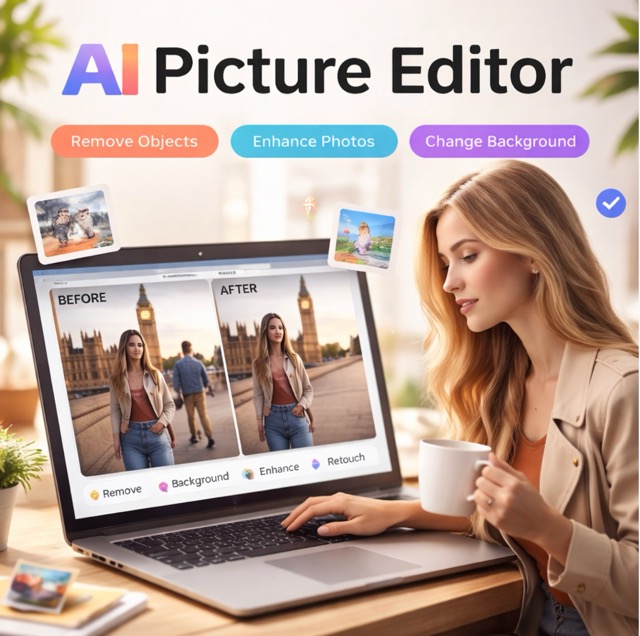
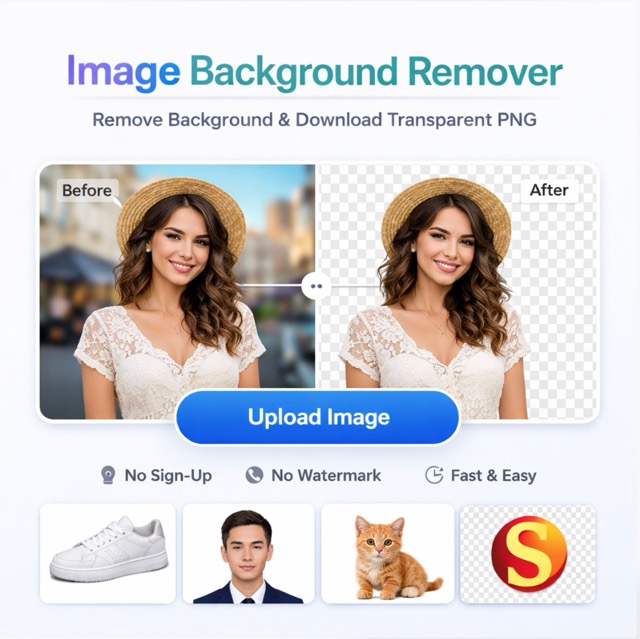
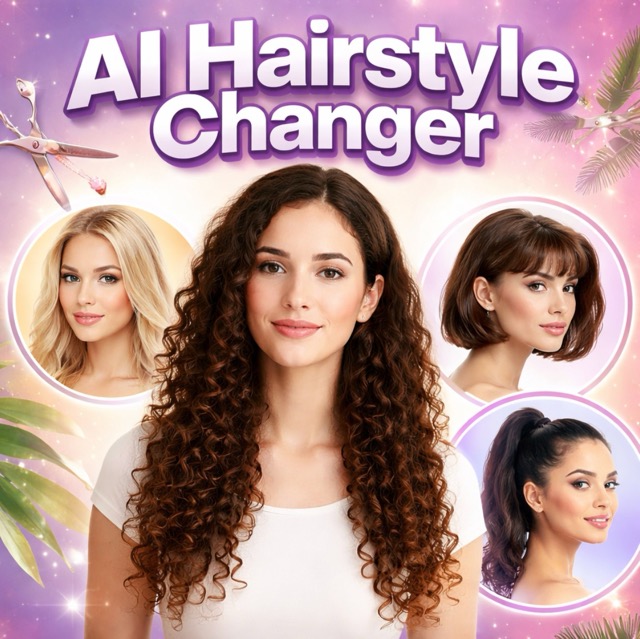
Upload an existing photo and ask the generator to make precise changes using plain English. The model supports local, targeted edits: remove objects, blur backgrounds, change hairstyles, adjust lighting, or restyle a scene while keeping the subject intact.
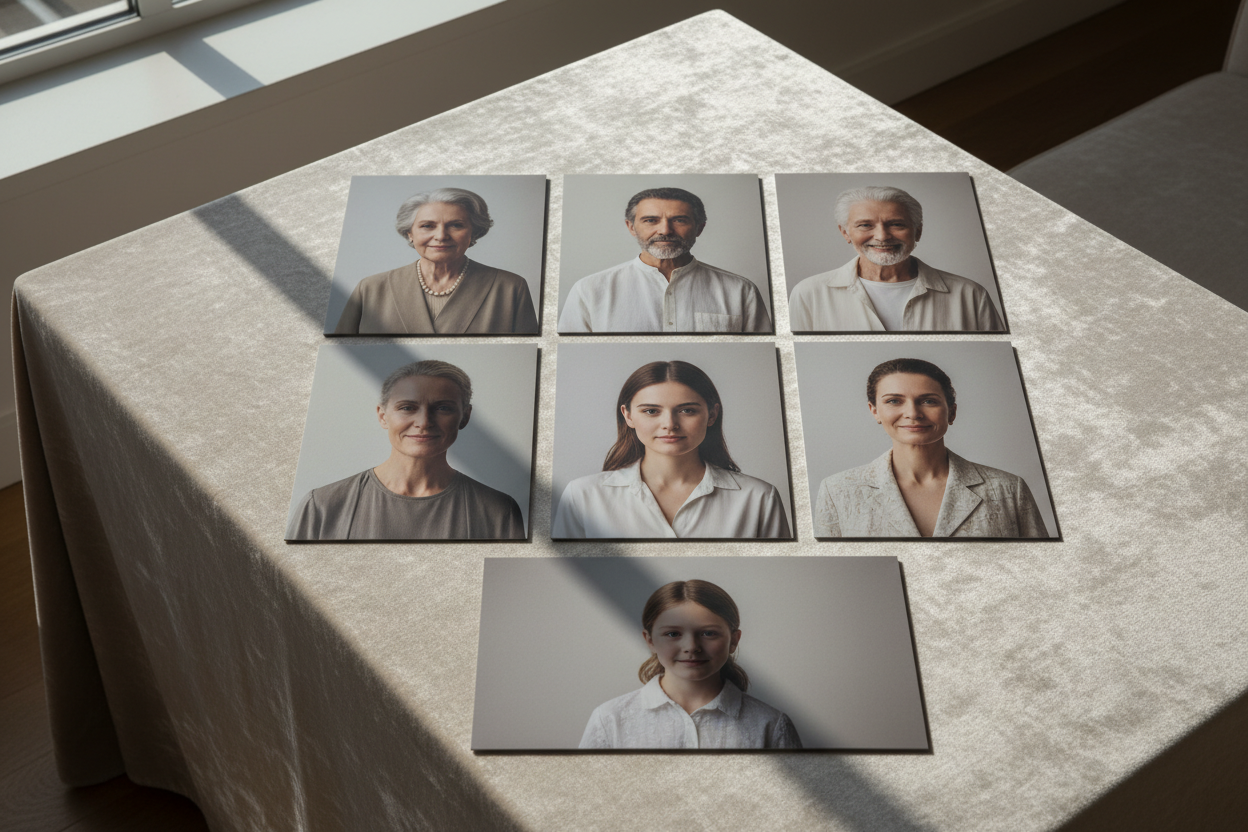
Multi-Image Fusion and Character Consistency
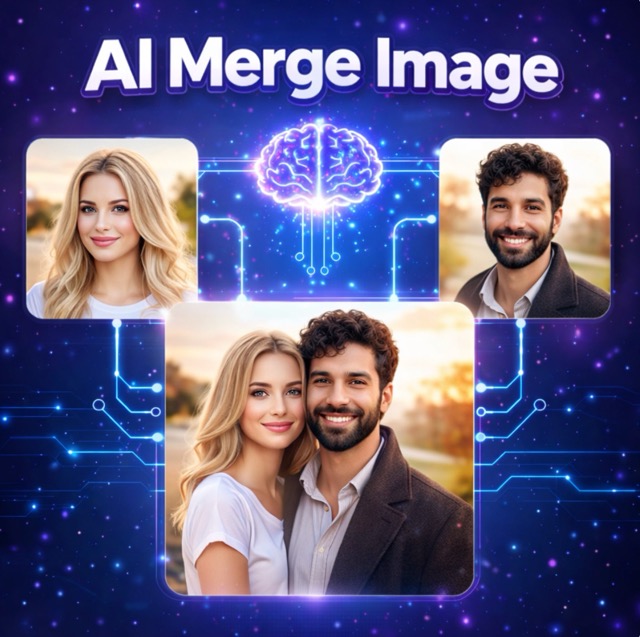
The model can understand and merge multiple reference images in a single prompt. Drag a product into a lifestyle backdrop, combine a model photo with a studio set, or restyle a room with a new color palette. This makes the model ideal for visual storytelling, A/B testing, and multi-asset campaigns.
Best AI Image Tools for Creative Projects
Explore creative tools for image, learn tips and tricks, and see how AI can be your assistant in turning concepts into finished projects.
How to Use Nano Banana
Follow these three simple steps to create and edit images, whether you are a designer, developer, or everyday user exploring the AI image model for the first time.
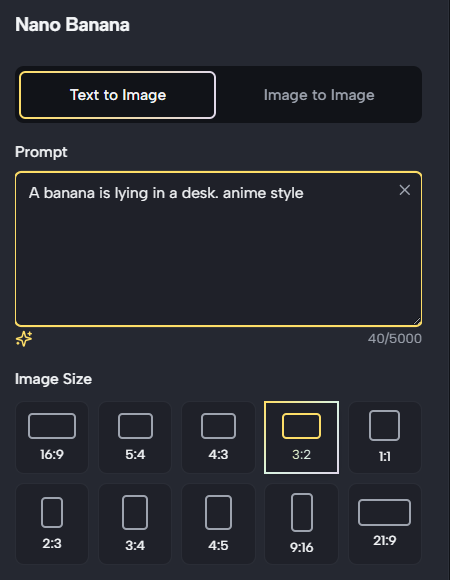
First of All
Enter Your Prompt
Sign in to our website and open the image workspace. You can start from a blank text prompt or upload one or more reference photos to edit and extend. Pro tip: have a clear idea of your subject, style, and camera framing so that your creative direction more accurately.
Why Teams Choose the tool
From solo creators to large product teams, the model delivers a flexible, high-quality workflow for real-world content production.

Product Photography and E-commerce Visuals
Generate clean, on-brand product shots without a studio. Describe your product, ideal lighting, and background, and creates polished imagery for catalogs, landing pages, and ads. You can also upload existing packshots and let the AI image model swap backgrounds, add seasonal props, or adapt the same hero item to multiple campaign concepts.

Portrait Retouching and Creative Makeovers
Transform portraits with natural-language edits instead of complex layers. With Nano Banana, you can adjust hairstyles, change outfits, blur or replace backdrops, or convert a real-world photo into a stylized 3D figurine look. The AI model preserves subject identity across edits, making it ideal for creators who need consistent influencers, models, or brand mascots across many assets.

Storyboards, Social Content, and Campaign Mockups
Plan campaigns faster by using the Nano Banana AI image model as your visual sketchbook. Generate multiple variations of a concept, build rough storyboards, and test different framing or environments. Because Nano Banana can maintain character consistency and follow multi-step instructions, teams can align on a direction before committing to full production, saving time and budget.

Everyday Photo Creation & Group Portraits
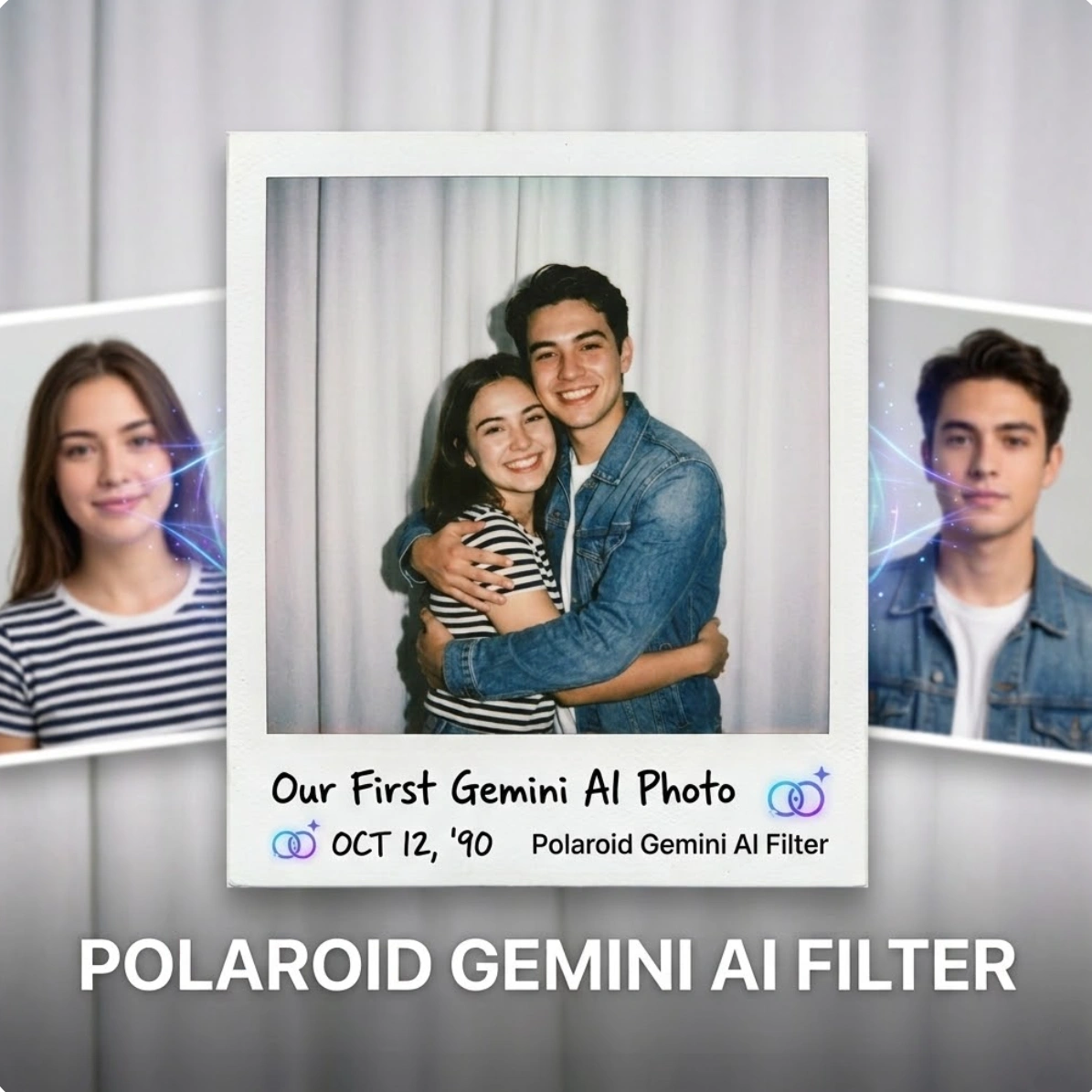
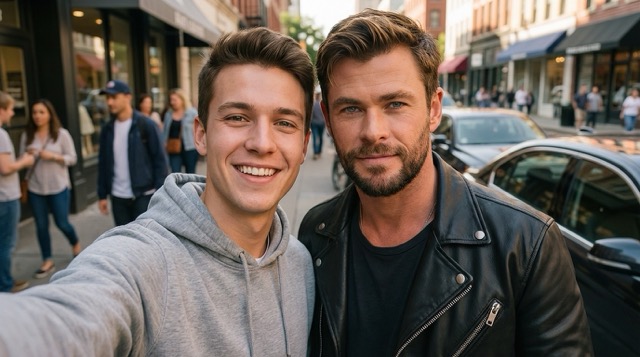
Use the image tool directly to generate everyday photos without photography gear or editing skills. Want a group portrait for social media, family sharing, or event posters? Describe the scene, number of people, outfits, or setting, and the model produces a coherent group shot in seconds. You can also generate couple images, friends’ photos, lifestyle moments, or travel-style memory visuals using only text instructions. With the AI image model running inside the platform, everything happens in one place—simple, fast, and ready for sharing.
What Users Say About Nano Banana
Thousands of creators, developers, and brands are already using the AI image model to accelerate their visual workflows—from quick experiments to production-ready assets.
The AI model has completely changed how I build campaign visuals. Lets me refine portraits, remove distractions, and generate variations without restarting. It feels like a visual sketchpad.
My marketing team now generates product shots automatically. The AI image model is fast, predictable, and ideal for prototyping without expensive design cycles.
I am not a designer, but the AI tool helps me refresh catalog photos instantly. With the AI model, I can swap backgrounds, add seasonal scenes, and keep my product identity stable. It saves real budget.
I create daily posts, so speed matters. the AI image model gives me new visuals in seconds. It keeps character consistency across my thumbnails, helping me maintain a recognizable style and improve engagement.
My team uses it for campaign mockups. The AI model handles multi-image fusion and lets us align on visual direction before booking photographers. It accelerates approval cycles and reduces uncertainty.
I generate concept art with it and refine it through conversational edits. The AI image model keeps characters coherent across different scenes, which helps when building gameplay references and pitch decks.



Nano Banana AI Image Model FAQ
Get answers to common questions, so you can adopt the AI image model with confidence.
Nano Banana is the popular name for Gemini 2.5 Flash Image, a Google DeepMind image generation and editing model. You can create new images from text, edit existing photos with natural language, and combine multiple images into one scene while keeping subjects consistent. It is designed to be fast, flexible, and easy to use for both non-technical users and developers.
No advanced design skills are required. Simply describe the scene you want, or upload the photos you would like to edit. Then the model generates or updates the image based on your instructions. You can iterate conversationally until the result fits your needs.
Yes. We protects user privacy — your uploaded images, prompts, and generated outputs remain securely stored within your account and are not shared for external training. For commercial use where watermark-free delivery is required, you can subscribe our website to export clean, non-watermarked assets while maintaining the same privacy protection.
Start Creating with the Nano Banana AI Image Model Today
You can generate, edit, and remix images with simple text instructions. Explore character-consistent campaigns, multi-image compositions, and conversational editing—without complex tools or plugins.
