
More AI Image Generators
Explore our collection of specialized AI image generators designed for different creative needs and styles






Turn Any Photo into Retro Style with Pixel Art Generator
Transform images into clean pixel-style visuals directly.
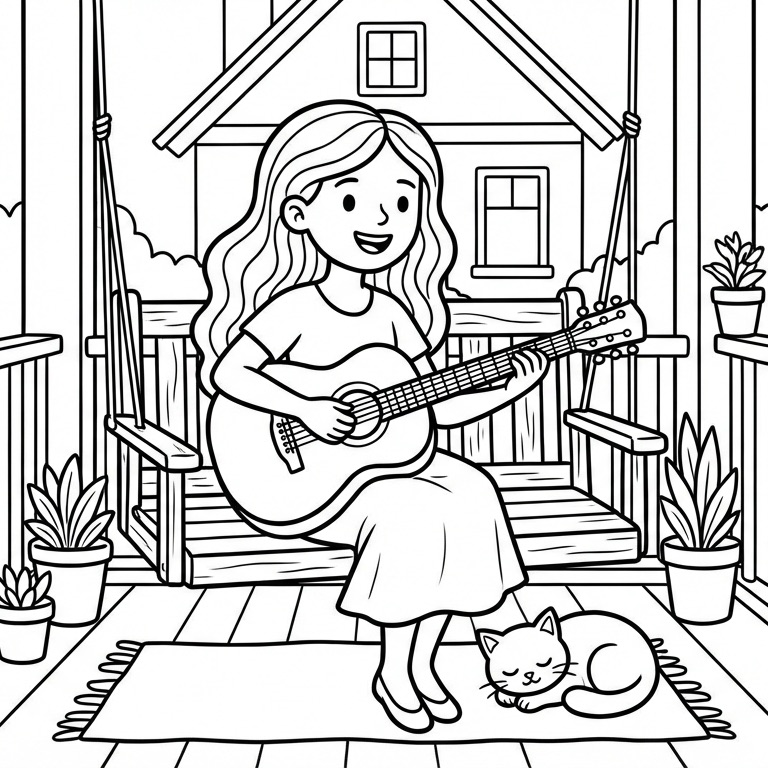
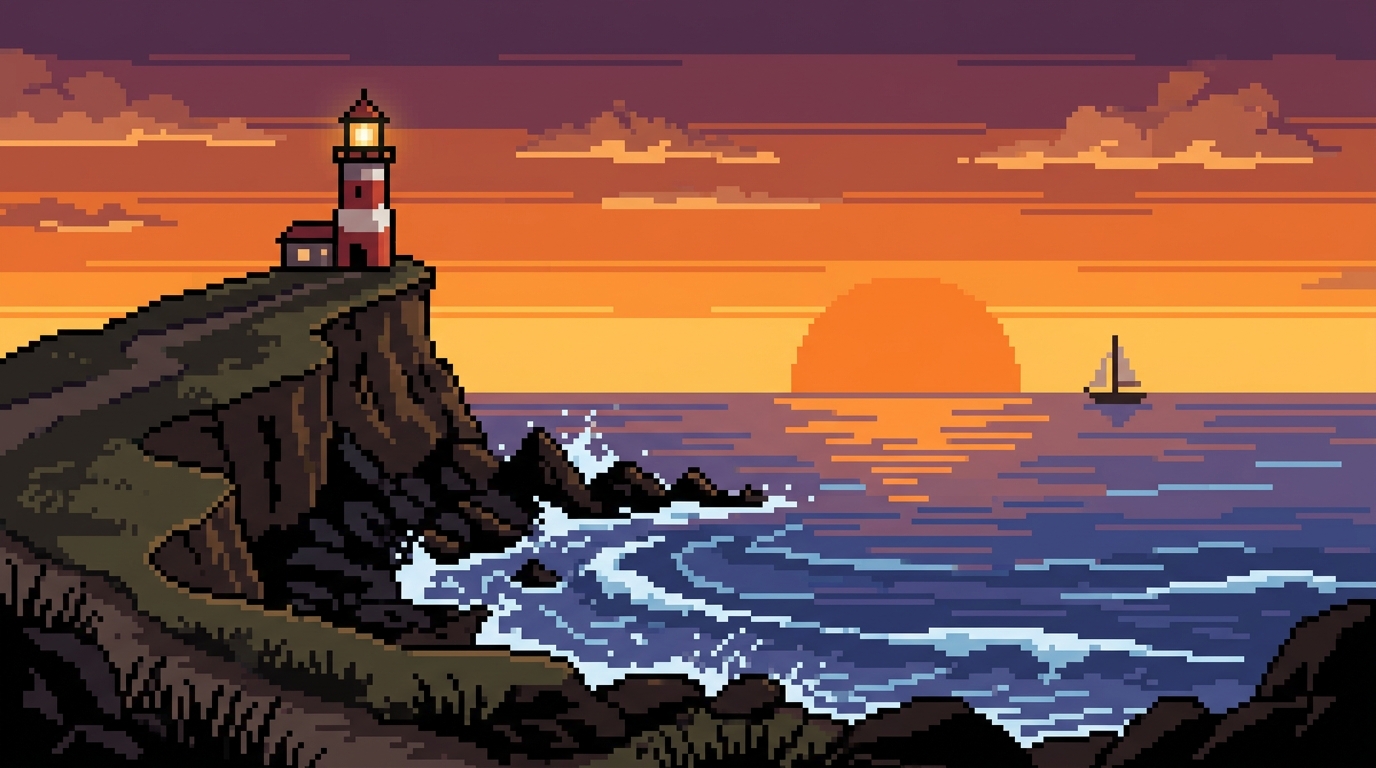
Pixel Art Generator makes it easy to convert ordinary images into polished retro-inspired artwork. Whether you want avatar art, gaming-style portraits, social media graphics, or creative brand visuals, this Pixel Art Generator helps you turn uploaded photos into crisp pixel aesthetics.
How to Use Pixel Art Generator
Using our Pixel Art Generator is straightforward even if you have never created pixel-style artwork before.

Upload Your Original Image
Start by uploading the photo or image you want to transform. Our Pixel Art Generator works well with portraits, pets, objects, food shots, and simple backgrounds. A clear source image usually gives the Pixel Art Generator better edges, cleaner shapes, and more recognizable pixel-style details.

Choose Image Size and Generate
Select your preferred image size, then let the Pixel Art Generator process the uploaded file. The model will reinterpret the image in a pixel style, simplifying textures, organizing colors into blocks, and giving the result the classic visual rhythm people expect from a strong Pixel Art Generator.

Preview and Download the Result
Review the final output and download it once you are satisfied. Whether you are making profile art, creative content, game-inspired graphics, or branded visuals, the Pixel Art Generator gives you a fast way to get a finished image that feels retro, readable, and ready to use.
Best AI Image Tools for Creative Projects
Explore creative tools for image, learn tips and tricks, and see how AI can be your assistant in turning concepts into finished projects.



Features of Pixel Art Generator
Pixel Art Generator helps users preserve the essence of the original upload while translating it into pixel-based artwork that feels clean, intentional, and visually useful across everyday scenes.
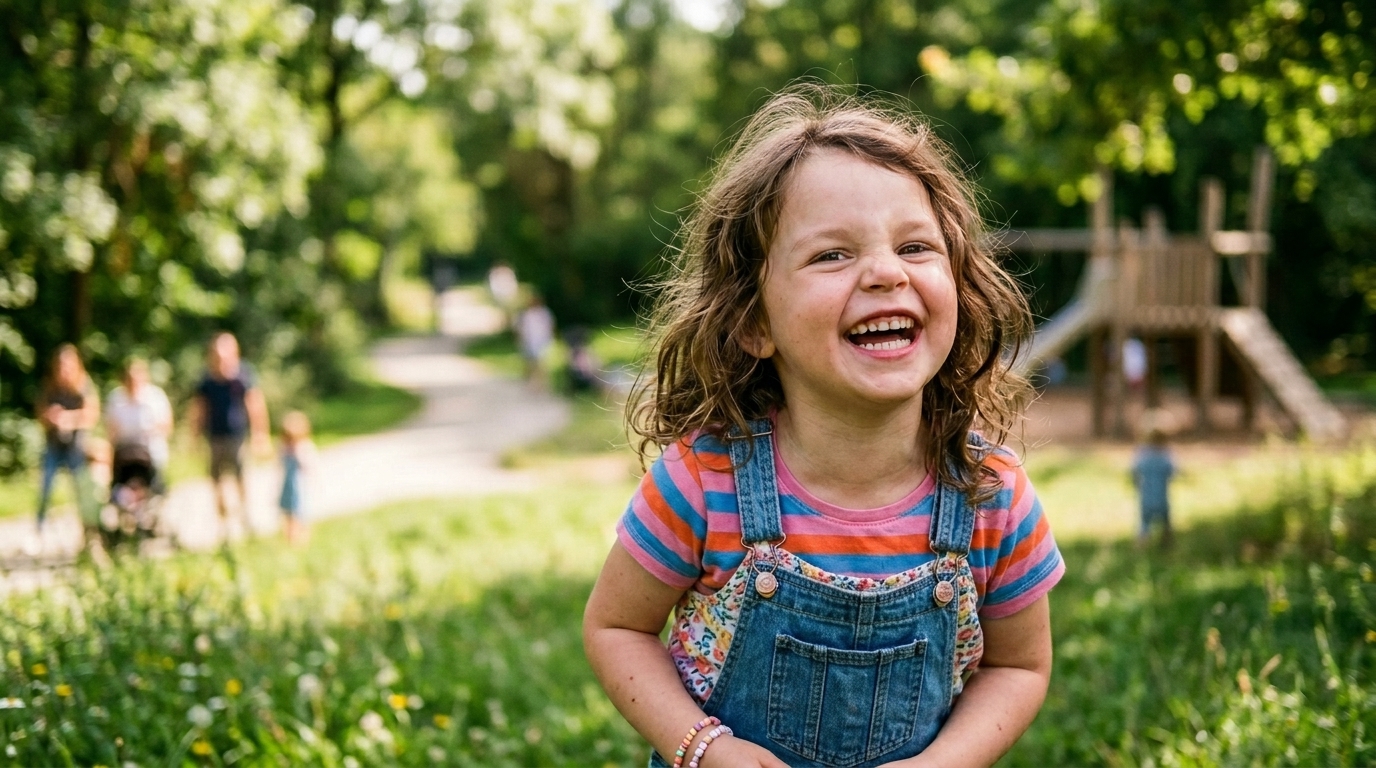
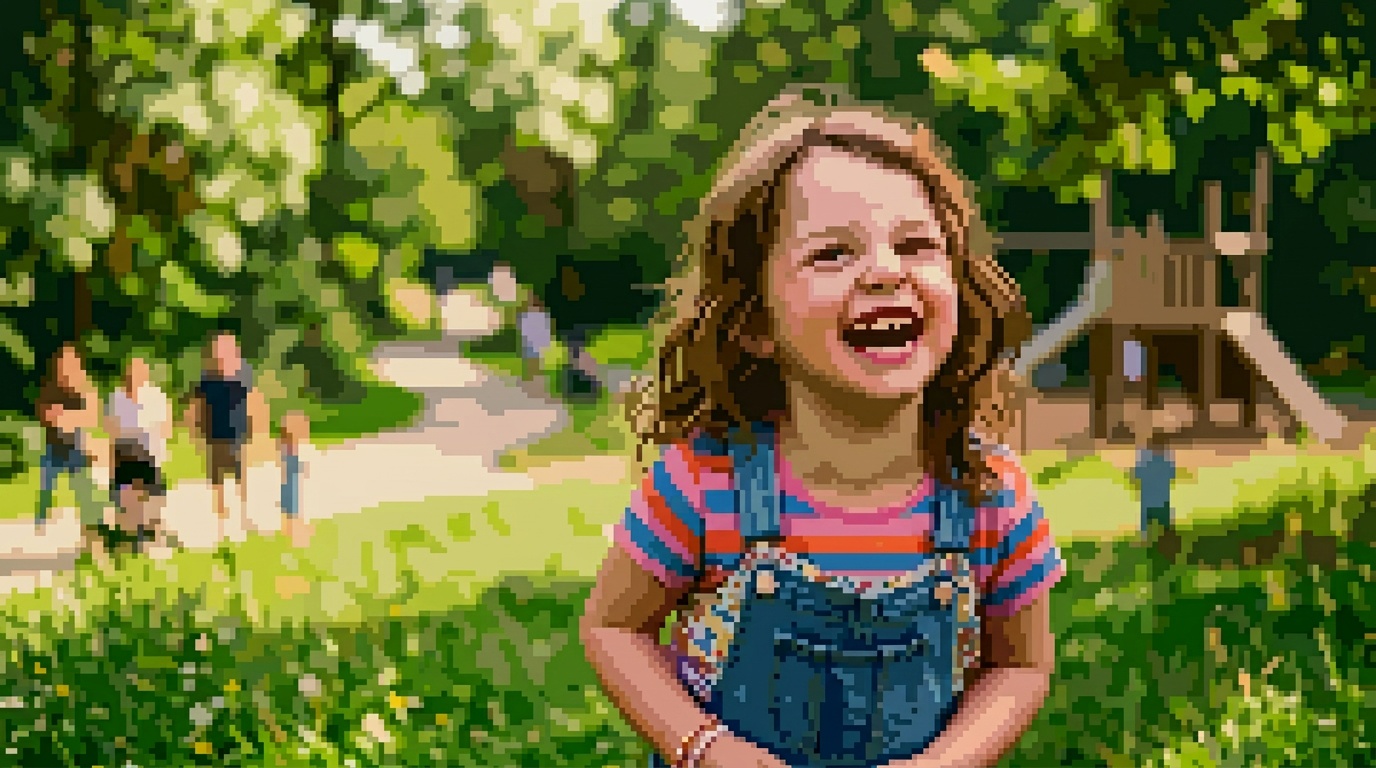
Turn Portraits into Game-Style Characters
- A strong Pixel Art Generator should keep a portrait recognizable while shifting it into a retro visual language.
- Our Pixel Art Generator simplifies facial details into readable pixels, clean outlines, and balanced color blocks instead of muddy noise.
- It works especially well for avatars, creator profiles, character mockups, and nostalgic social images.
- If you want a photo to feel like it belongs in a classic game universe, this Pixel Art Generator gives you a practical starting point.
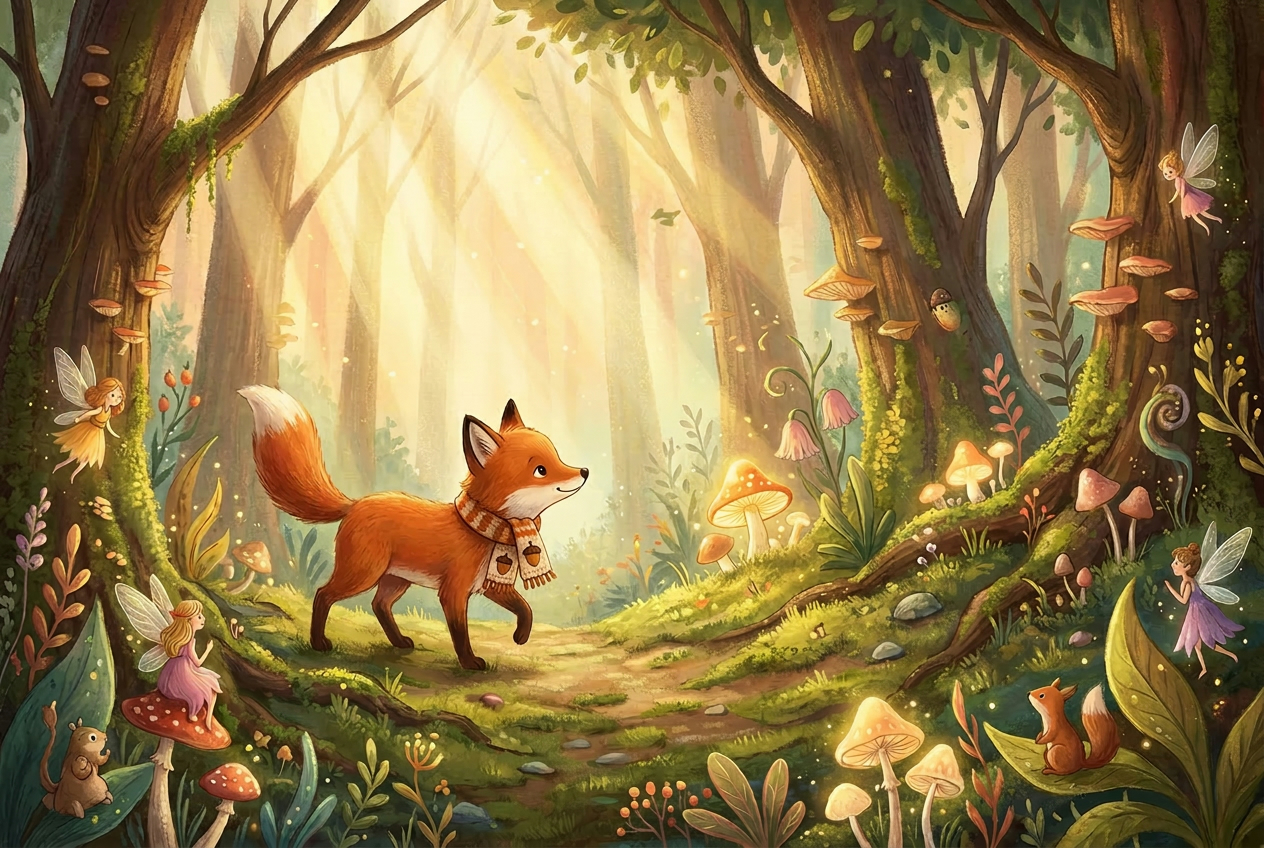
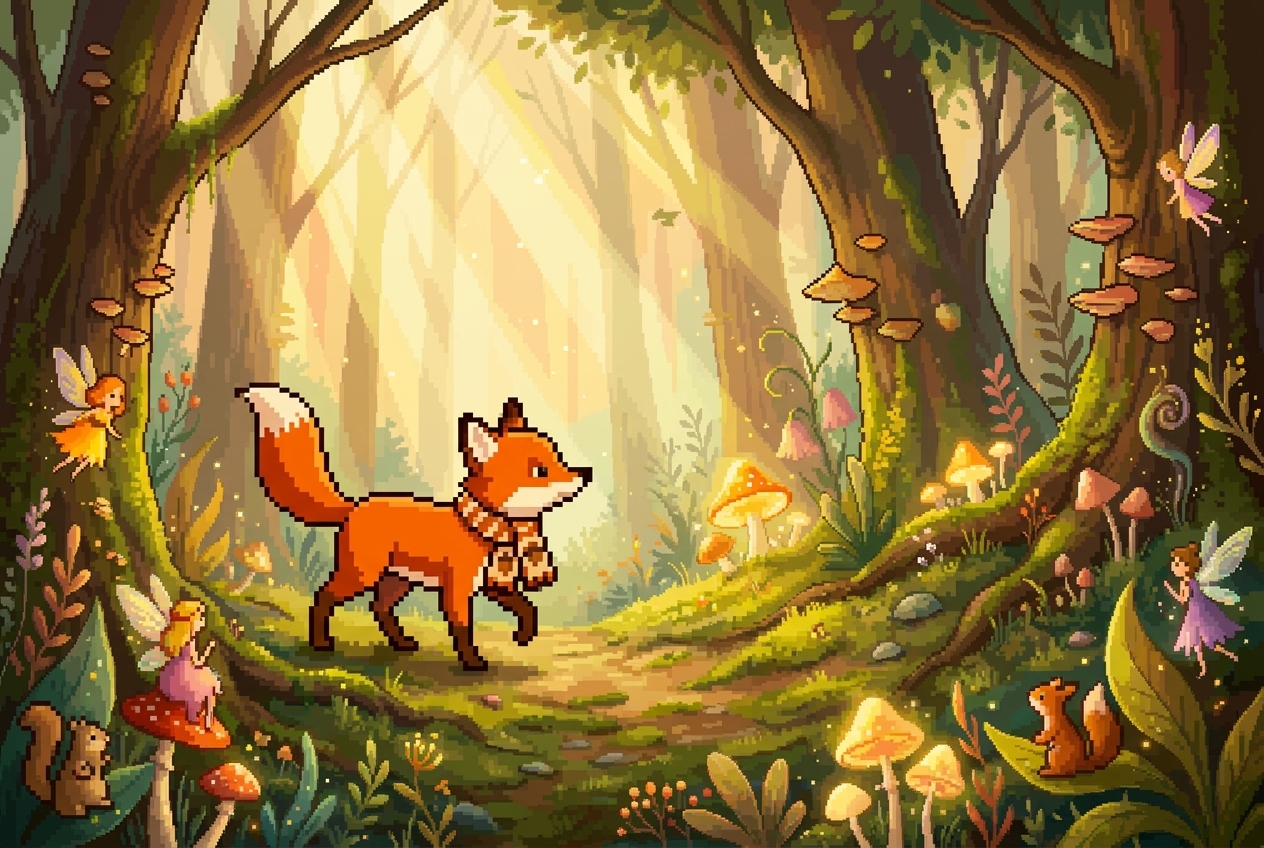
Create Pixel Art from Pets and Animals
- Many users want a Pixel Art Generator for pet portraits, and this is where charming results often appear.
- Our Pixel Art Generator preserves core shapes such as ears, fur patterns, collars, and pose direction while converting the image into a playful pixel composition.
- The output feels stylized rather than random, which makes it useful for gifts, stickers, profile pictures, and fan pages.
- It is an easy way to turn a casual pet photo into something more distinctive.
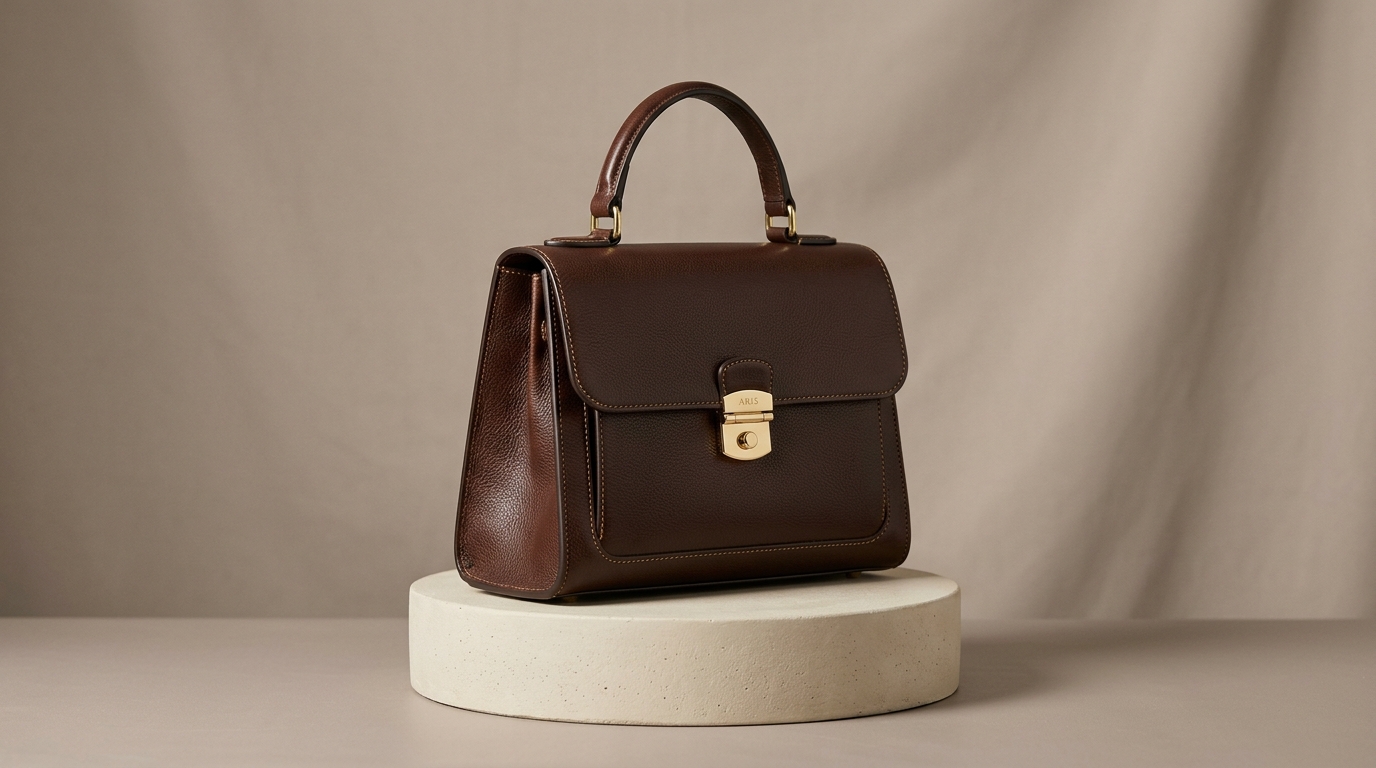
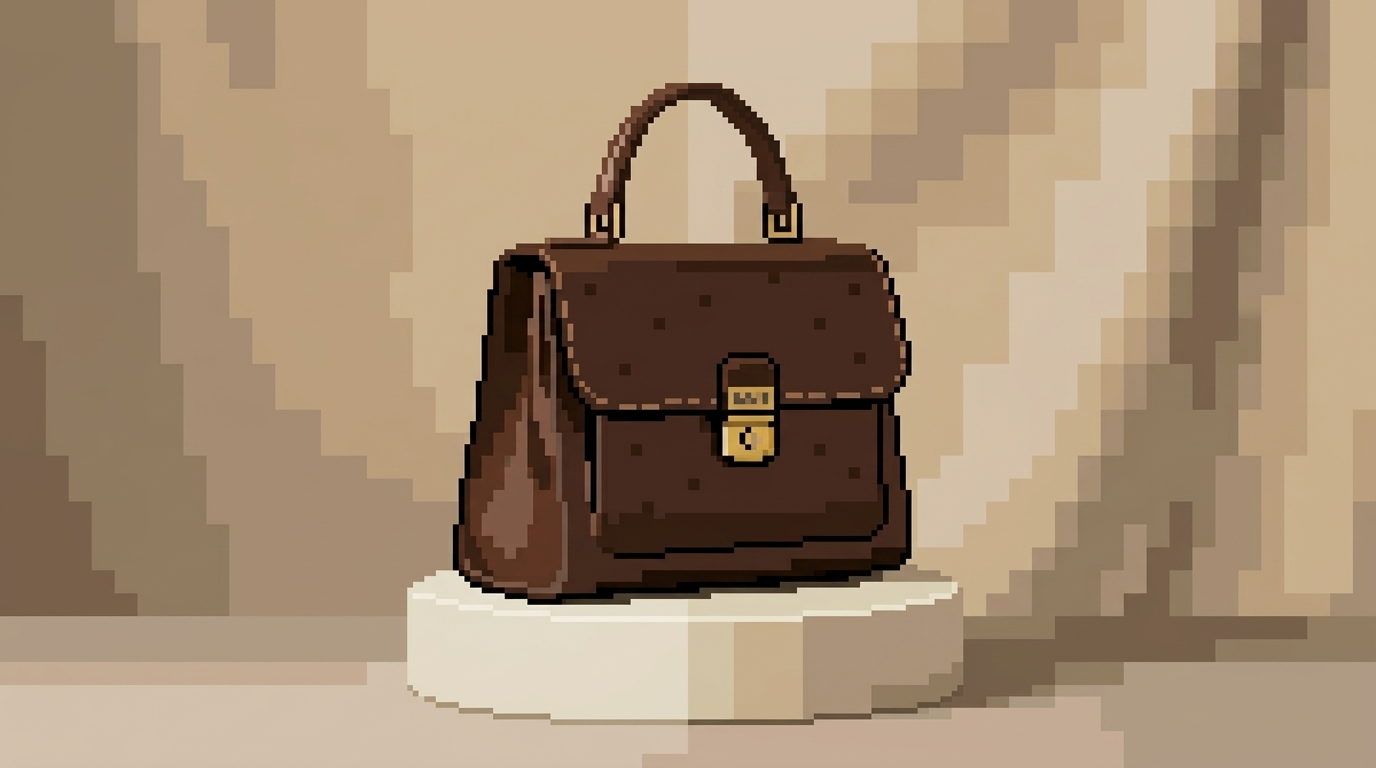
Make Product Images More Distinctive
- A Pixel Art Generator is not only for entertainment. It can also be useful for branding, promotions, and themed campaigns.
- Our Pixel Art Generator helps convert product photos into retro-styled visuals that still preserve silhouette, color identity, and major design cues.
- This makes the tool helpful for limited campaigns, landing page banners, niche merchandise, and gaming-inspired social posts.
- It offers a fresh look without requiring a designer to manually redraw every item.
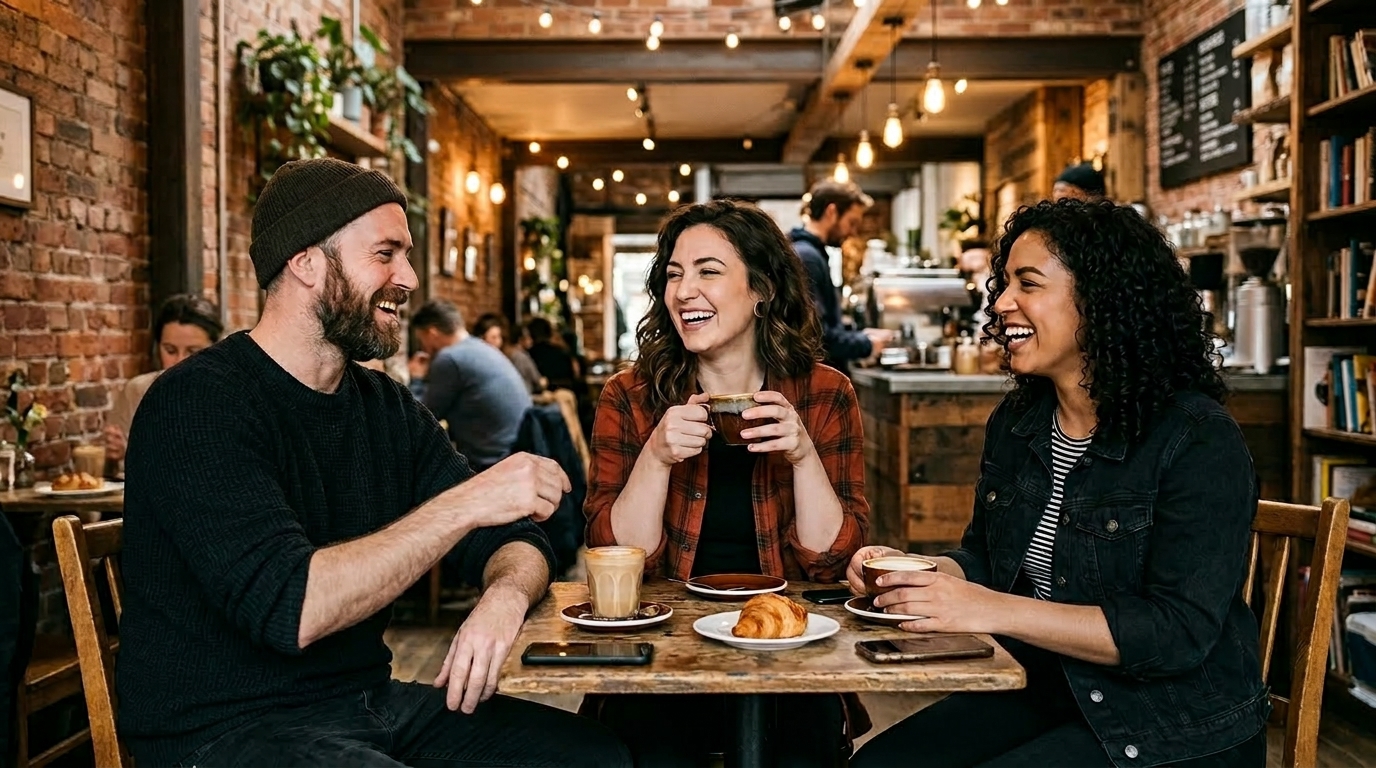
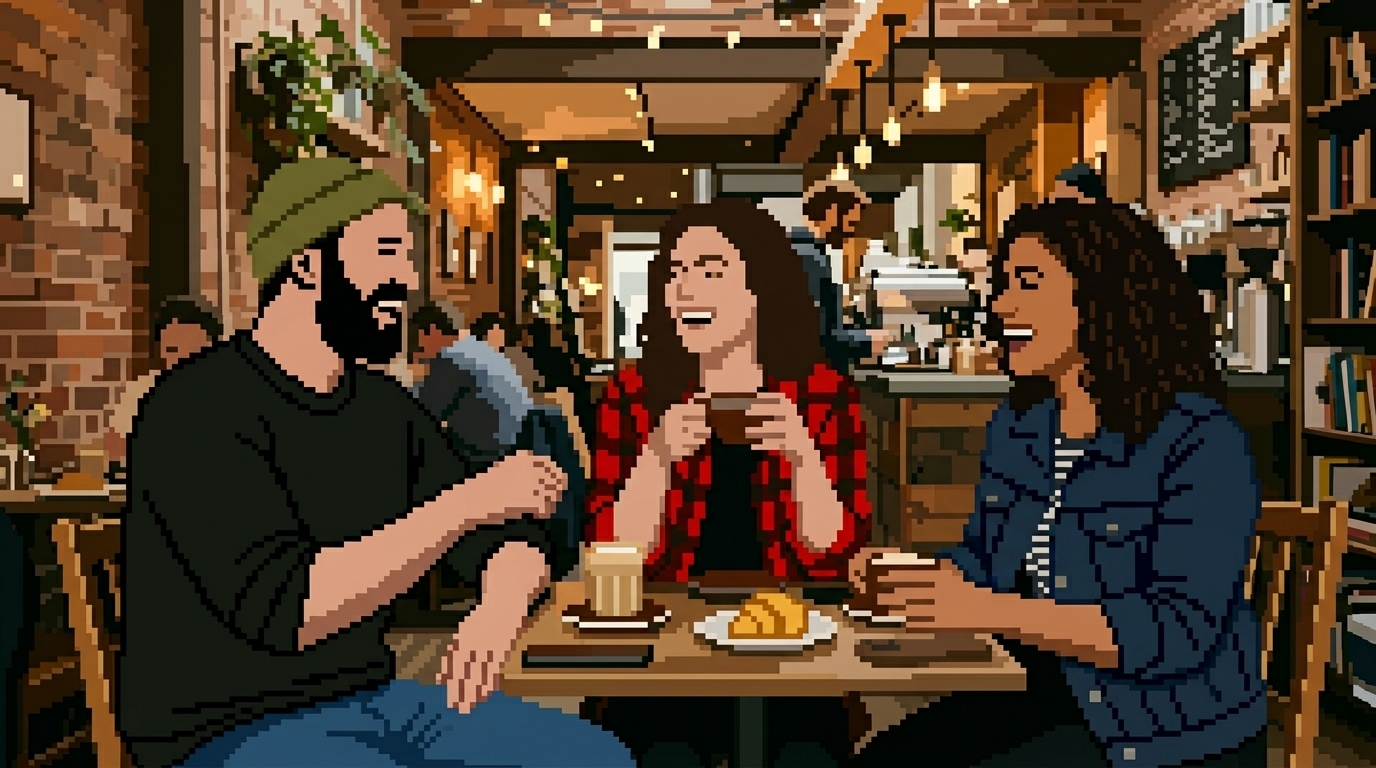
Transform Landscapes and Daily Scenes
- From cafes and bedrooms to travel snapshots and street scenes, a Pixel Art Generator can turn ordinary moments into something with visual personality.
- Our Pixel Art Generator reduces busy detail while keeping the composition readable, so the result still reflects the original place or mood.
- This is especially useful for mood boards, themed posts, casual prints, or background art concepts.
- You get a stylized retro image without losing the essence of the original shot.
Why Choose Pixel Art Generator
There are many reasons people look for a Pixel Art Generator, but most want the same outcome: a fast tool that produces clear, appealing, retro-style images from ordinary uploads. Our approach focuses on usability, recognizability, and flexible creative application rather than gimmicky effects.

Simple Workflow for Fast Creative Output
A good Pixel Art Generator should not force users into a long editing process. Our tool keeps the workflow simple: upload an image, choose image size, generate, and download. That makes the Pixel Art Generator accessible for casual users, creators, marketers, and anyone who wants quick visual results.

Recognizable Results, Not Random Blocks
The challenge with any Pixel Art Generator is preserving recognizability. Our Pixel Art Generator focuses on keeping major facial cues, object shapes, and scene structure visible, so the final output feels like a stylized version of your source image instead of an abstract blur of colors.

Useful for Avatars, Posts, and Branding
A Pixel Art Generator becomes far more valuable when the output is actually usable. Our Pixel Art Generator creates images suited for profile icons, themed campaigns, creator content, retro posters, landing page graphics, and playful community assets, giving one upload multiple potential use cases.

Retro Aesthetic Without Manual Redrawing
Traditional pixel artwork takes time and skill. This Pixel Art Generator helps users get the visual direction of pixel design without manually painting every square. It is a practical option when you want retro style quickly, especially for experiments, prototypes, and casual personal projects.

Works Across Different Image Categories
A versatile Pixel Art Generator should work beyond one narrow scenario. Our Pixel Art Generator can be used for people, pets, food, products, room interiors, travel photos, and more. That flexibility makes it easier to test ideas and create a consistent retro look across different content types.

Balanced Pixel Style with Clear Composition
The best Pixel Art Generator is not just about making an image look blocky. It should create a result with readable shapes, sensible color grouping, and a coherent visual structure. Our Pixel Art Generator aims for that balance so the image feels polished instead of overly rough or messy.
What Users Say About Pixel Art Generator
People use our Pixel Art Generator for different reasons, from personal avatars to campaign assets, but the feedback is consistent.
I wanted a new creator avatar that felt playful but still looked like me. This Pixel Art Generator gave me a result that was clear, expressive, and easy to use across my socials. It saved me from commissioning custom pixel art for a simple profile refresh.
I used the Pixel Art Generator to convert product photos for a retro-themed campaign. The outputs were much more consistent than I expected, and the key shapes of the products still came through clearly. It helped us move faster on visuals for social posts and ads.
My audience loves gaming-style visuals, so I tried this Pixel Art Generator with some portraits and room photos. The results looked clean rather than chaotic. It gave my content a more distinctive mood without forcing me into a complicated editing workflow.
I tested the Pixel Art Generator on pet photos, and the results were charming right away. The ears, pose, and overall expression still felt accurate, which matters a lot when you are making something personal. I ended up using several outputs as stickers and gifts.
As a designer, I often need quick concept visuals before committing to a direction. This Pixel Art Generator is useful for mood exploration because it turns standard references into retro-style ideas fast. It is not a replacement for custom art, but it is excellent for early-stage ideation.
I wanted to make a birthday graphic for a friend who loves classic games. The Pixel Art Generator turned a normal selfie into something that felt nostalgic without losing the original personality. It was easy to use, and the output looked polished enough to share immediately.






FAQs About Pixel Art Generator
These answers cover the questions users most often ask before trying a Pixel Art Generator, including image suitability, output quality, use cases, and workflow expectations.
A Pixel Art Generator is a tool that converts an uploaded image into artwork that resembles classic pixel-based graphics. Instead of keeping every photographic detail, it simplifies shapes, groups colors, and rebuilds the picture in a retro visual style. A good Pixel Art Generator aims to keep the original subject recognizable while giving it a blocky, game-inspired appearance. People often use it for avatars, creative posts, personal projects, themed campaigns, and nostalgic designs where a polished pixel look is more appealing than a standard photo.
This Pixel Art Generator usually performs best with images that have a clear subject, decent lighting, and a readable composition. Portraits, pet photos, product shots, and simple travel scenes are often strong starting points. If the source image is extremely dark, cluttered, or blurry, the final result may look less defined because the Pixel Art Generator has less visual structure to work with. In most cases, using a clean photo with a clear focal point gives you a better balance between retro stylization and recognizable subject detail.
Yes, that is one of the most common uses for a Pixel Art Generator. Many people want profile images that feel more distinctive than a normal selfie, and pixel-style artwork offers a clear visual identity. This Pixel Art Generator can turn portraits into retro-inspired avatars that are playful, readable, and easy to use across social platforms, forums, gaming communities, and creator pages. It is especially helpful if you want a nostalgic or stylized look without hiring an illustrator to manually design pixel artwork from scratch.
No. While portraits are popular, a Pixel Art Generator can also be useful for pets, product photos, food images, room interiors, travel snapshots, and everyday objects. The main requirement is that the uploaded image has a reasonably clear subject or composition. This Pixel Art Generator is designed to reinterpret different categories of images into pixel-style visuals while preserving basic structure and color identity. That flexibility makes it useful for both personal creativity and more practical design or marketing experiments.
In most cases, yes, but with an obvious stylistic shift. A Pixel Art Generator is supposed to simplify the image, so you should not expect photographic realism. Instead, the goal is to preserve the key identity of the subject, such as pose, overall silhouette, major features, and dominant colors, while translating the picture into a retro form. The best results come from images where the subject is already easy to recognize. That gives the Pixel Art Generator enough visual information to create a stylized output that still feels connected to the original.
Manual pixel art creation can take a surprising amount of time, especially if you are not already comfortable with the technique. A Pixel Art Generator offers a much faster route for people who want the aesthetic but do not want to build every detail by hand. It can be useful for quick ideas, social graphics, playful gifts, creative experiments, and themed brand assets. While manual work still matters for highly custom projects, the Pixel Art Generator is practical when speed, accessibility, and convenience are the priority.
Yes, a Pixel Art Generator can be useful in marketing when a brand wants a retro, playful, or gaming-inspired direction. Teams may use it for campaign posts, seasonal graphics, landing page art, product promotions, or community content. The advantage is speed: instead of redesigning assets from zero, you can transform existing photos into a new aesthetic. This Pixel Art Generator is particularly helpful for limited promotions or visual experiments where you want a distinctive look quickly. It gives marketers more creative range without creating an overly complicated production process.
The simplest way to improve output is to start with a clear, well-lit image that has an obvious focal point. Clean portraits, centered pets, and product photos with strong contrast often convert well because the Pixel Art Generator can identify the main shapes more easily. It also helps to avoid heavily cluttered backgrounds when possible. Since the tool includes an image size choice, testing different size settings may help you find the look you prefer. Small adjustments in the source image can noticeably improve the final pixel-style result.
Yes. This Pixel Art Generator is built for people who want a simple workflow rather than a technical design process. You do not need to understand pixel art theory, color limitation strategies, or manual sprite design to use it. The steps are straightforward: upload an image, choose the image size, generate the result, and download it. That makes the tool approachable for first-time users while still being useful for creators and marketers who need quick visual experiments. It is a beginner-friendly way to explore pixel-style image conversion.
A Pixel Art Generator is commonly used for avatars, social content, retro-themed campaign visuals, pet art, greeting graphics, gaming community posts, creator branding, and casual creative gifts. Some users also use it for mood boards, design references, or concept experiments before moving into custom artwork. The appeal is broad because pixel style is both nostalgic and visually distinctive. Instead of leaving an image as a plain photo, the Pixel Art Generator gives it a stylized identity that can feel more memorable, playful, and appropriate for themed content.
Create Retro-Style Images in Seconds
Upload your image, choose image size, and let our Pixel Art Generator turn an everyday photo into a clean retro-inspired visual you can use for avatars, campaigns, creative posts, and more.
