
More AI Image Generators
Explore our collection of specialized AI image generators designed for different creative needs and styles



Recolor Any Photo with the Best AI Image Color Changer
Upload any image and use BananaPro AI to recolor it in seconds. Our AI image color changer supports one click recoloring and prompt based editing for precise results.
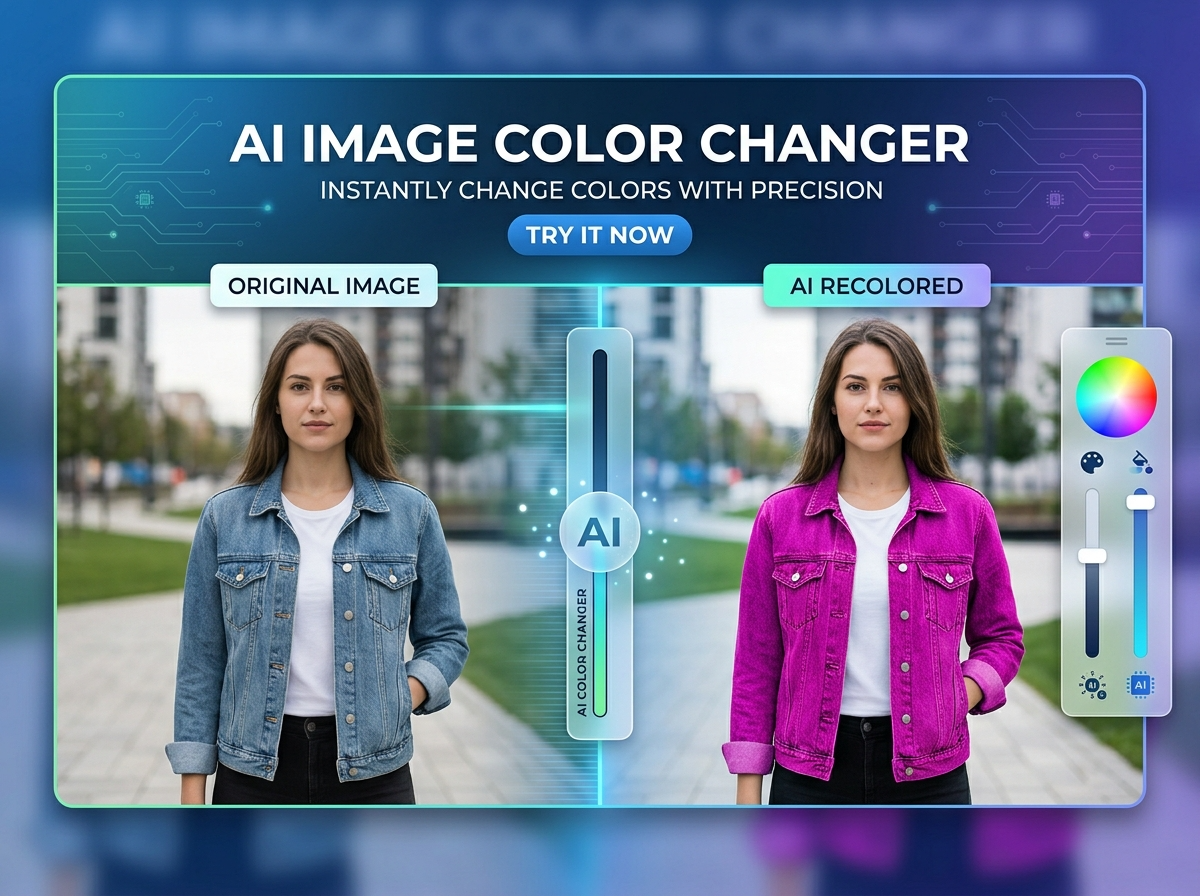
BananaPro AI is an advanced AI image color changer for fast and flexible editing. You can use this AI image color changer to recolor clothes furniture cars walls hair products and more. If you want to AI recolor image results instantly, just upload and click. If you want to change image color online with more control, add a text prompt to target a specific area.
How to Use Our AI Image Color Changer
This AI image color changer is built for beginners and power users. You can AI recolor image content with one click or change image color online with a custom instruction.

Upload Any Image
Upload a portrait product room car or any other picture. Our AI image color changer works with common image formats and prepares the image for instant recoloring.

Choose One Click or Prompt
Use one click mode for fast AI recolor image results, or type a prompt like change only the sofa to dark green. This lets you change image color online with more precision.

Generate and Download
Click generate and let the AI image color changer produce a natural result. Preview the new look, compare versions, and download your recolored image.
Best AI Image Tools for Creative Projects
Explore creative tools for image, learn tips and tricks, and see how AI can be your assistant in turning concepts into finished projects.



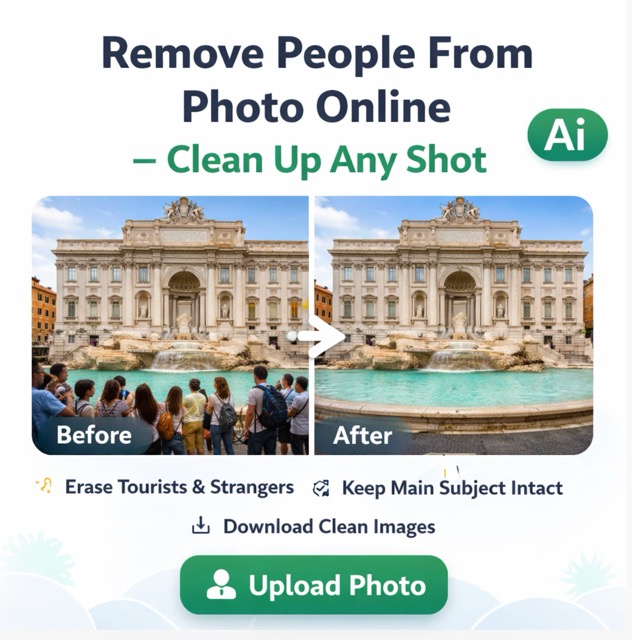
Features of Our AI Image Color Changer
BananaPro AI combines speed, control, and visual accuracy in one powerful AI image color changer. Whether you want one click automation or detailed prompt editing, this AI image color changer helps you AI recolor image content naturally. It is built for creators, marketers, designers, and everyday users who want to change image color online without learning complex editing software.
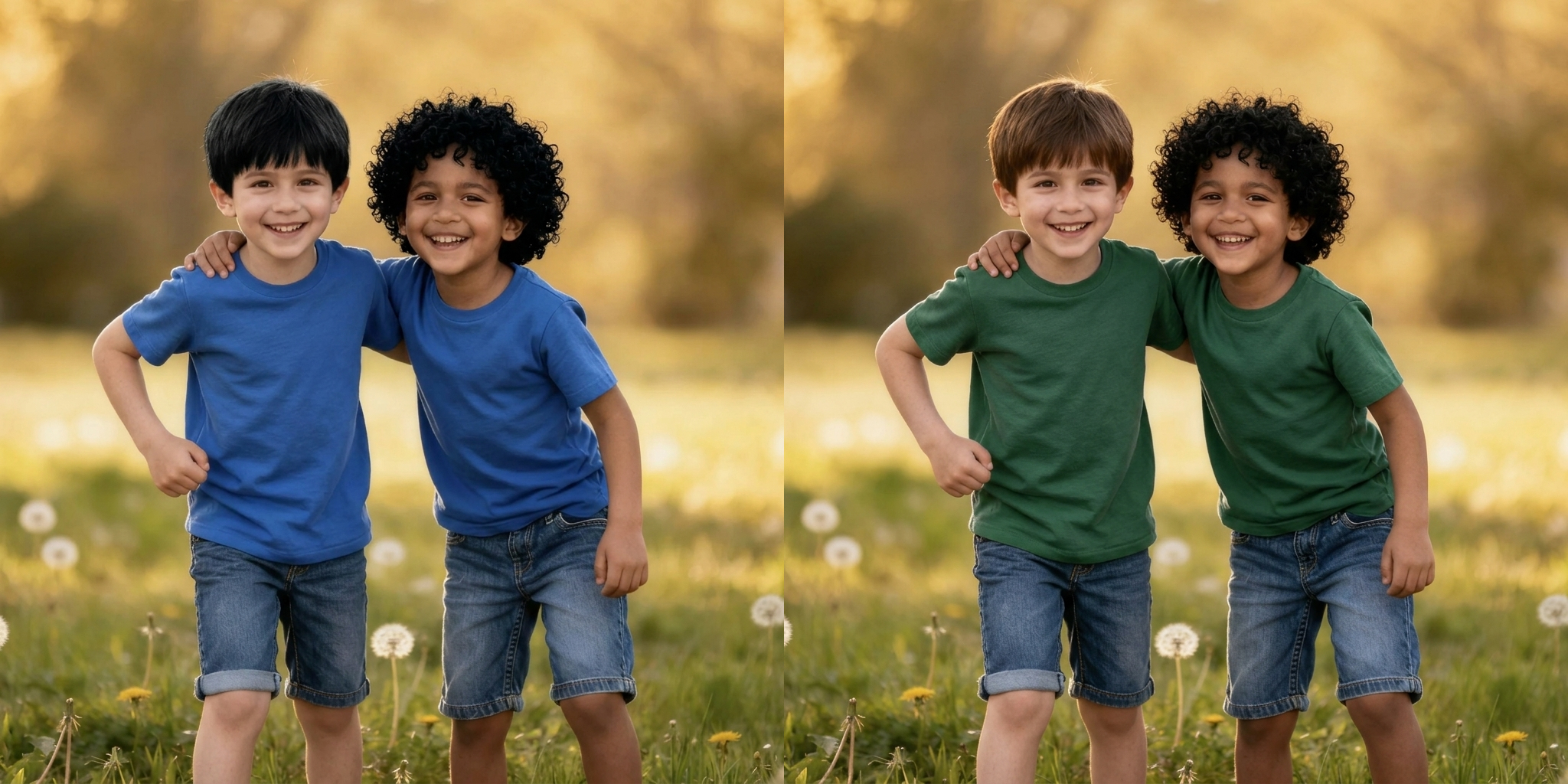
One Click Recolor for Fast Edits
Our AI image color changer can automatically detect the most relevant editable area and apply a clean new color in seconds. This AI image color changer is ideal for users who do not want to write prompts and simply want fast results. With one upload, the AI image color changer can AI recolor image content for clothes, products, rooms, cars, and more. If you want to change image color online with minimal effort, this feature gives you the fastest path from upload to result. For quick testing, fast variation building, and simple visual updates, this AI image color changer makes it easy to AI recolor image assets and change image color online at scale.
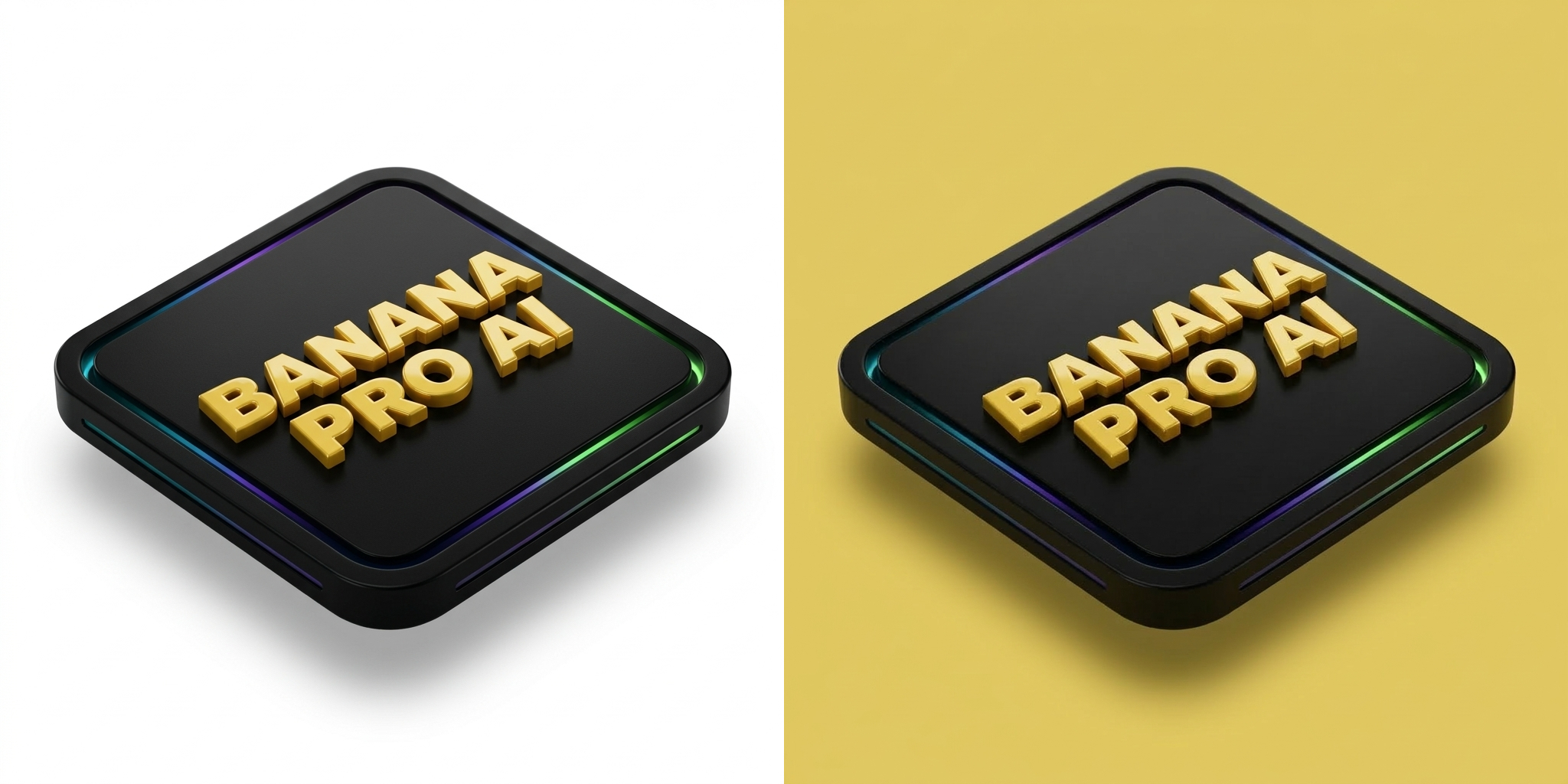
Prompt Based Local Recoloring
This AI image color changer also supports prompt control for users who need more precise editing. You can AI recolor image regions with instructions like change only the dress to red, make the sofa dark green, or turn only the wall warm beige. This AI image color changer is designed to follow specific color requests while protecting non target areas. For users who want to change image color online with more control, this feature is essential. It lets you AI recolor image details without changing the rest of the composition, so the AI image color changer stays flexible for both simple and advanced editing. When accuracy matters, this AI image color changer helps users change image color online with targeted prompt based control.

Natural Texture and Lighting Preservation
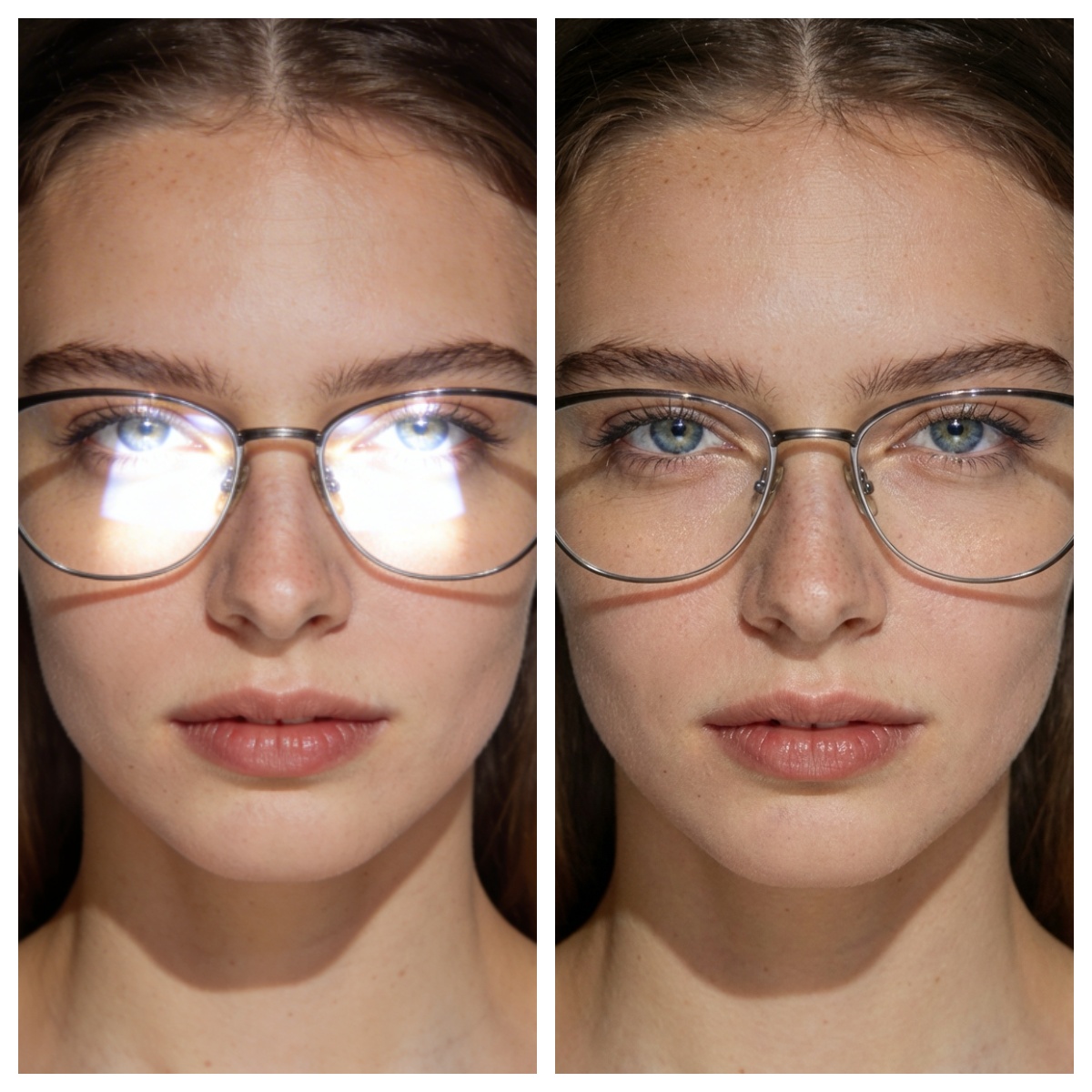
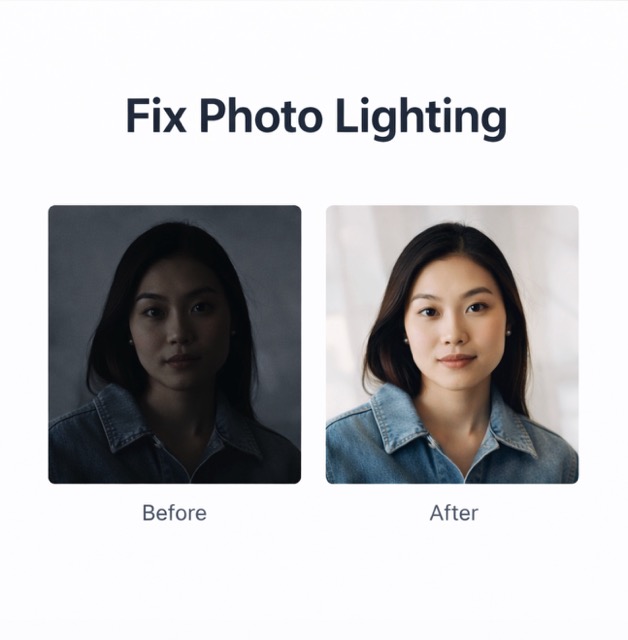
A strong AI image color changer should do more than swap colors. Our AI image color changer preserves texture, folds, shadows, reflections, highlights, and overall image quality so every output feels realistic. When you AI recolor image content with BananaPro AI, the goal is not only to change color but to keep the material believable. This is especially important for fabric, hair, painted surfaces, glossy products, and interior photos. If you want to change image color online without making the image look fake, this AI image color changer is built for that. It helps users AI recolor image content while maintaining natural visual consistency, making this AI image color changer ideal for realistic edits and professional presentations.
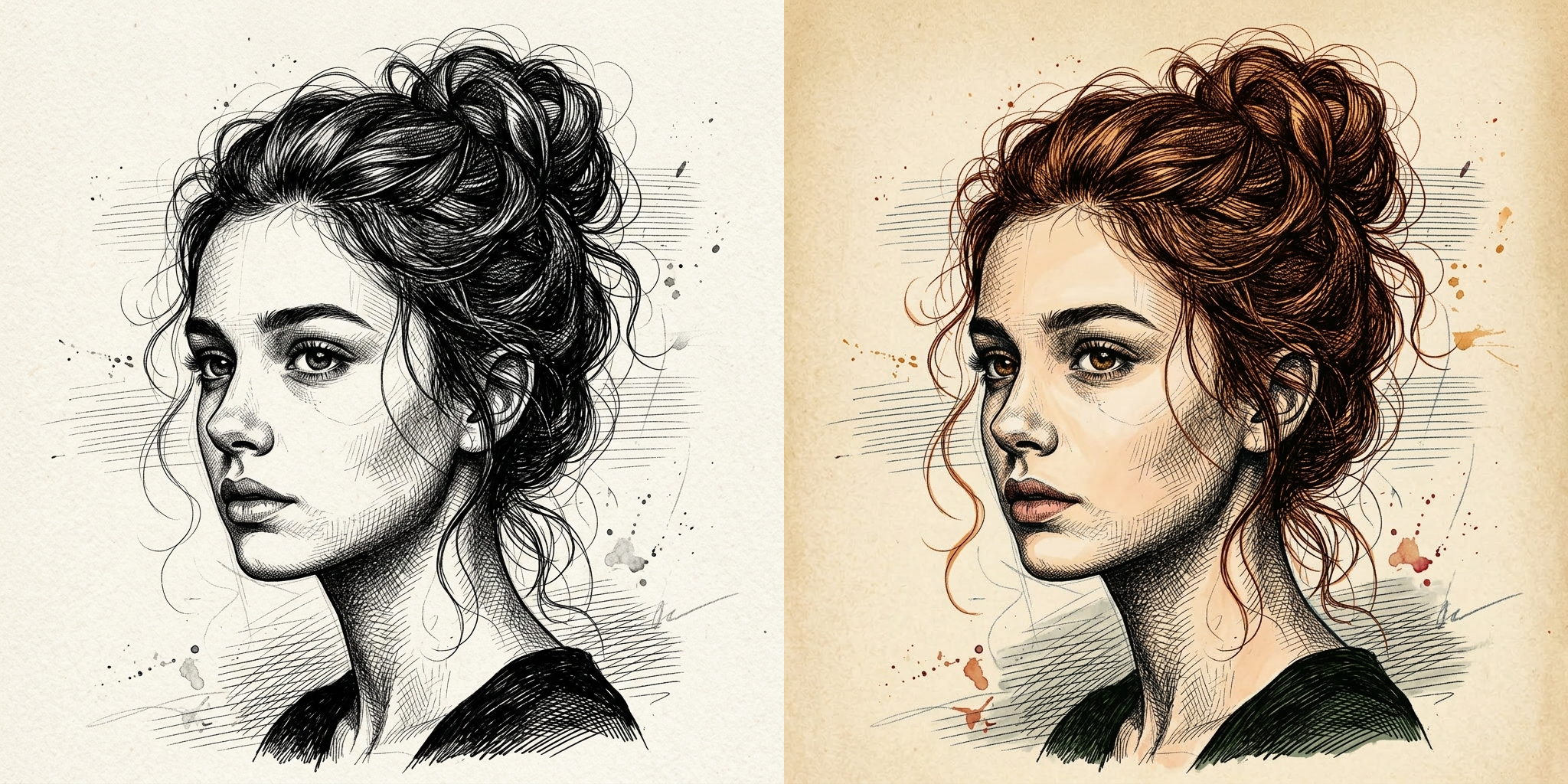
Works for Fashion Products Rooms and More
From clothes and hair to furniture, cars, packaging, accessories, and interiors, this AI image color changer works across many visual scenarios. Brands can use this AI image color changer to create product variants. Designers can AI recolor image concepts for campaigns and mockups. Home users can change image color online to preview room ideas before making real decisions. Because this AI image color changer supports both one click and prompt workflows, it adapts well to commercial, creative, and personal use. No matter whether you want to AI recolor image details for ecommerce, marketing, styling, or inspiration, this AI image color changer gives you a flexible way to change image color online from one simple workflow.
Best Use Cases for This AI Image Color Changer
Our AI image color changer is designed for many real visual editing needs. Whether you want fast creative testing or precise commercial editing, this tool helps you AI recolor image content naturally and efficiently.

Fashion Recolor
Use our AI image color changer to test different clothing colors while keeping the model’s identity, pose, fabric texture, folds, and overall styling intact. It is ideal for outfit previews, fashion concepts, online shops, and social media visuals.

Furniture and Room Styling
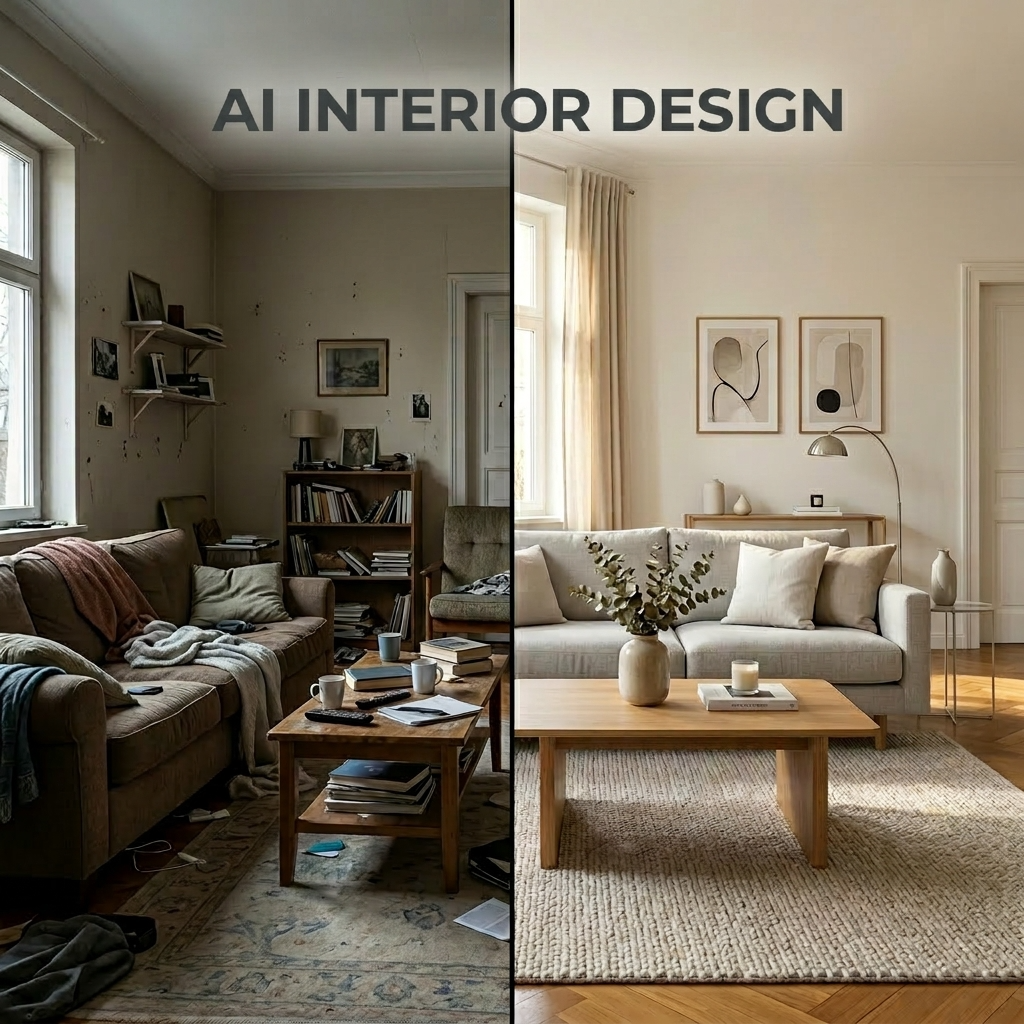
AI recolor image elements like sofas, walls, cabinets, curtains, and home decor to preview new interior design ideas. This is a simple way to test multiple room styles before making real decorating decisions.

Product Variants
Change image color online to generate multiple product color versions for e commerce listings, ads, and campaign assets. Our AI image color changer helps brands create more visual options without reshooting the same product again and again.

Hair and Beauty Testing
This AI image color changer helps users preview new hair colors, makeup tones, and beauty directions before making real changes. It is perfect for trying bold looks while preserving facial features, lighting, and skin detail.

Car and Object Recolor
AI recolor image subjects like cars, bikes, bags, shoes, and accessories with prompt level control. You can quickly test new finishes, seasonal styles, or branding directions while keeping the original shape and material appearance unchanged.

Creative Mood Exploration
Change image color online to explore different creative moods for campaigns, concept art, social content, and design presentations. Our AI image color changer makes it easier to test color direction, visual tone, and audience appeal in just a few clicks.
What Users Say About Our AI Image Color Changer
Creators and teams use BananaPro AI every day to AI recolor image content faster.
This AI image color changer lets me test outfit palettes in seconds. I can AI recolor image drafts fast and keep skin tone and texture natural.
I use this AI image color changer for product mockups. It is the fastest way to change image color online for ad testing.
The prompt mode is excellent. I can AI recolor image areas like walls and sofas without changing the whole room.
This AI image color changer saves my team a lot of editing time. We change image color online instead of creating each version manually.
I love how natural the recolor looks. This AI image color changer keeps the hair shine and shadows believable.
For quick concept work, this is my go to AI recolor image tool. It helps me change image color online with almost no friction.



FAQ About Our AI Image Color Changer
Learn how this AI image color changer works and how to get better results.
An AI image color changer is a tool that changes colors in an uploaded picture while keeping structure texture and quality intact. BananaPro AI can AI recolor image content automatically or through a text prompt.
Yes. This AI image color changer supports one click editing. You can upload an image and let the system AI recolor image areas automatically.
Yes. You can change image color online by typing a prompt such as change only the jacket to blue or turn only the sofa olive green.
Yes. Our AI image color changer is designed to preserve folds shadows reflections and material details so the recolor looks realistic.
Portraits product photos room photos vehicles and fashion shots all work well. Clear images usually help the AI recolor image result look more precise.
Yes. You can try BananaPro AI to change image color online and preview how the AI image color changer performs before going deeper.
Start Recoloring Images with BananaPro AI
Use BananaPro AI image color changer to recolor any photo instantly. AI recolor image results with one click or change image color online with prompt control today.
