
More AI Image Generators
Explore our collection of specialized AI image generators designed for different creative needs and styles




Sketch to Image AI Free Online - Turn Any Drawing into Realistic Images
Upload a sketch and generate lifelike visuals in seconds with advanced sketch to image AI
Bring your ideas to life with BananaPro, a fast and powerful sketch to image AI tool designed for anyone who wants to transform rough pencil lines, concept art, or hand-drawn outlines into realistic visuals. Our sketch to image AI workflow helps you turn a simple drawing to image result in one click while preserving composition, contours, and creative intent. Whether you upload a character sketch, product concept, architecture draft, or object outline, BananaPro converts your drawing to image output with realistic texture, lighting, depth, and detail. This sketch to image AI experience is built for creators, designers, marketers, and hobbyists who need fast, high-quality generation from sketch inputs without complex editing.
How to Use Sketch to Image AI
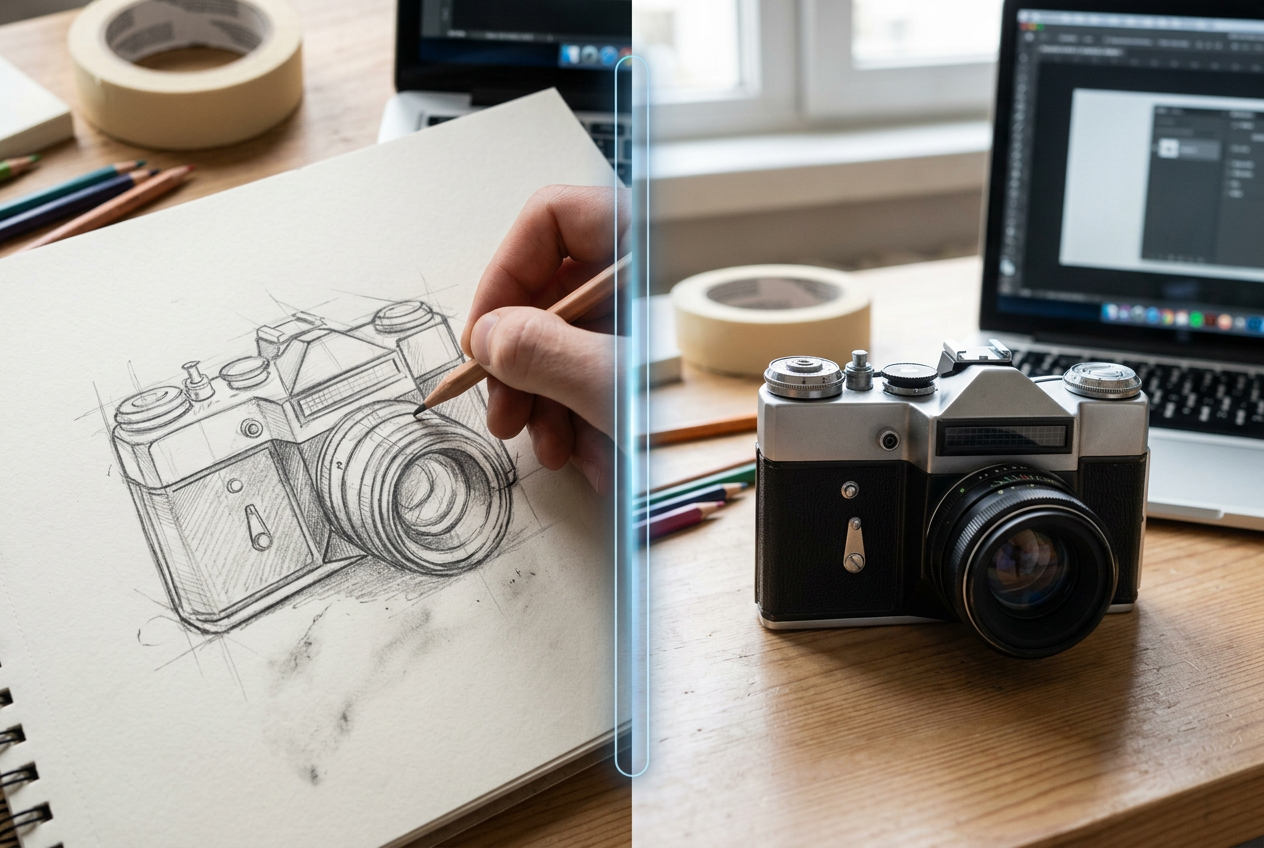
BananaPro Sketch to Image AI tool makes it simple to go from sketch to polished visual. The workflow is designed for speed, realism, and consistent output quality, so anyone can upload a drawing and get a convincing result without advanced editing skills.

Upload Your Sketch
Upload a pencil sketch, line drawing, rough concept, or hand-drawn outline. Our sketch to image AI reads the structure of your image and uses it as the basis for realistic generation.

Click Generate
Click the generate button and let BananaPro process your sketch instantly. The drawing to image engine transforms your uploaded sketch into a realistic visual with enhanced texture, lighting, and detail.

Get the Final Result
In just a few seconds, your sketch to image AI result is ready. You will receive a polished realistic image based on your original drawing, making it easy to preview, share, or continue creating.
Best AI Image Tools for Creative Projects
Explore creative tools for image, learn tips and tricks, and see how AI can be your assistant in turning concepts into finished projects.



Why BananaPro Sketch to Image AI Stands Out
Not every tool can handle the jump from simple sketch lines to credible realism. BananaPro is built to interpret structure accurately and render results that still feel true to the original concept. This makes the platform useful for both casual creators and professional visual workflows.
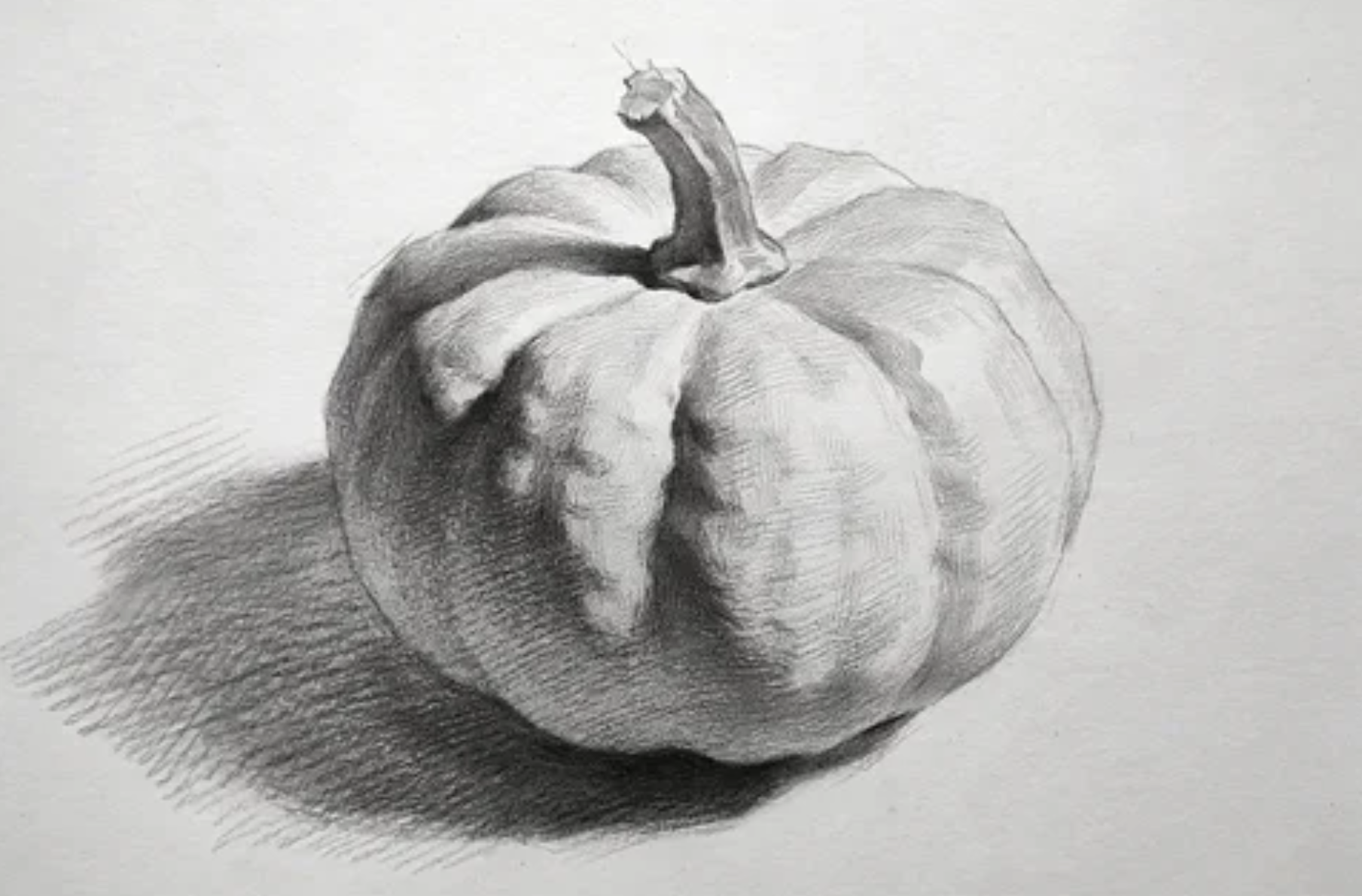
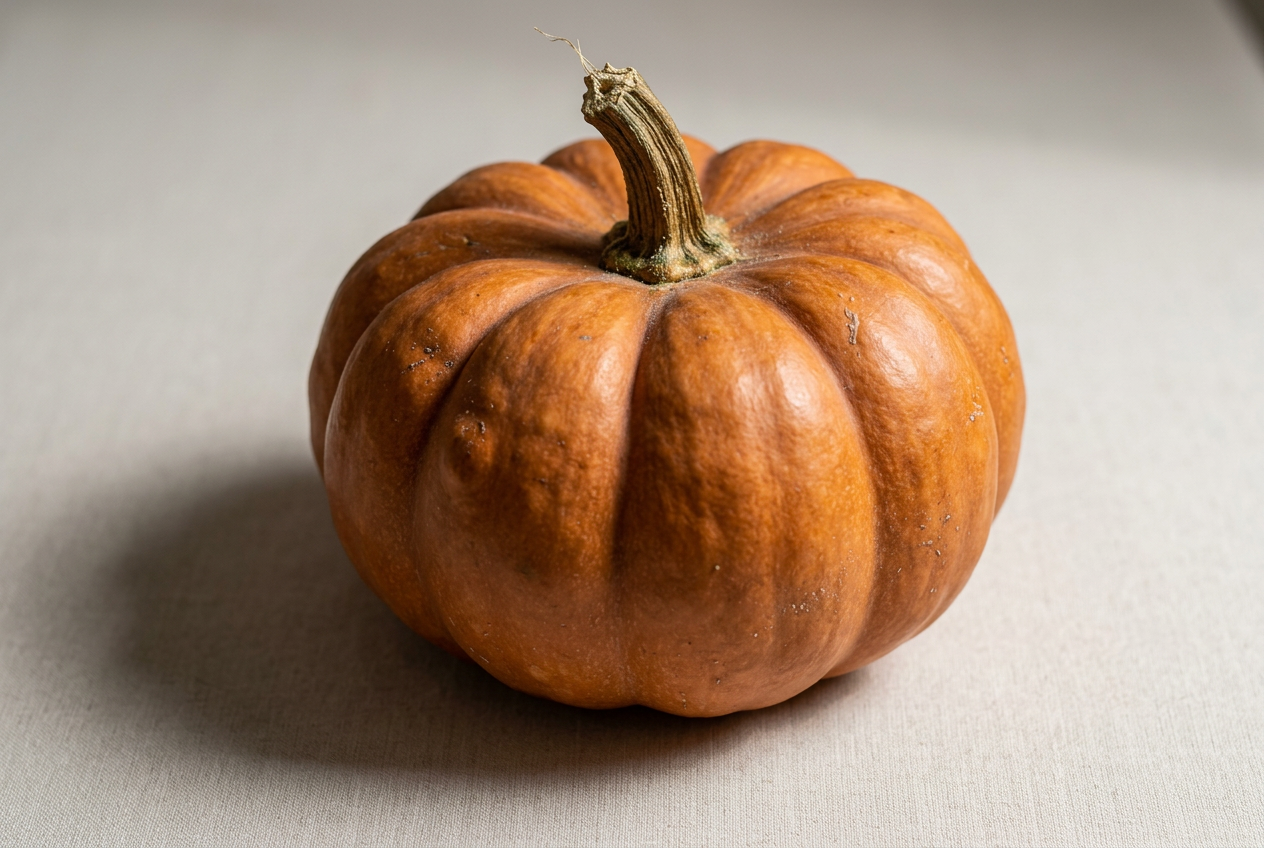
Preserve the Original Sketch Structure
A strong sketch to image AI tool should not ignore the user’s drawing. BananaPro keeps the original layout, silhouette, perspective, and subject positioning so the final output still reflects the uploaded sketch. Instead of replacing your idea with unrelated visuals, the system turns your drawing to image result into something more realistic while respecting the original intent. This is especially useful for product ideation, early design drafts, character concepts, and scene planning where the structure of the sketch matters.
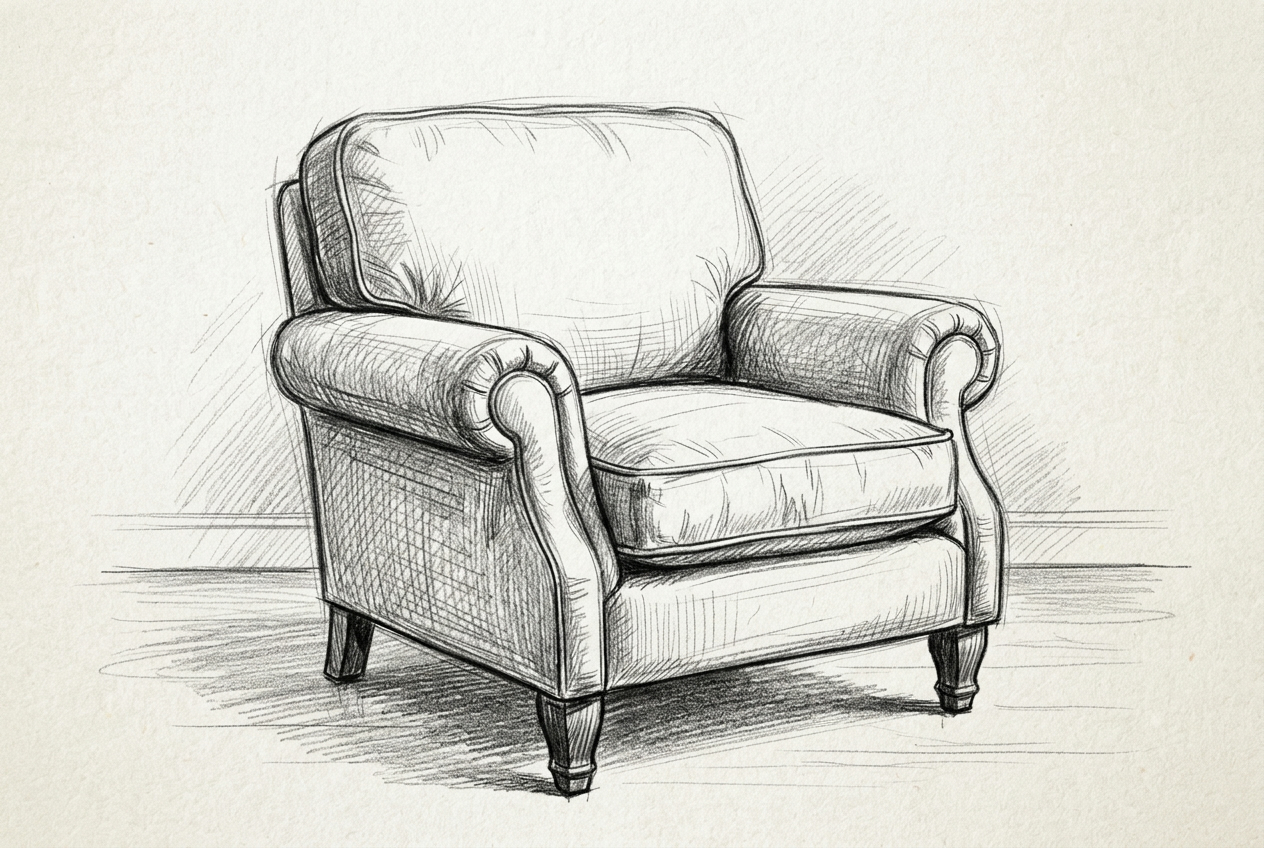
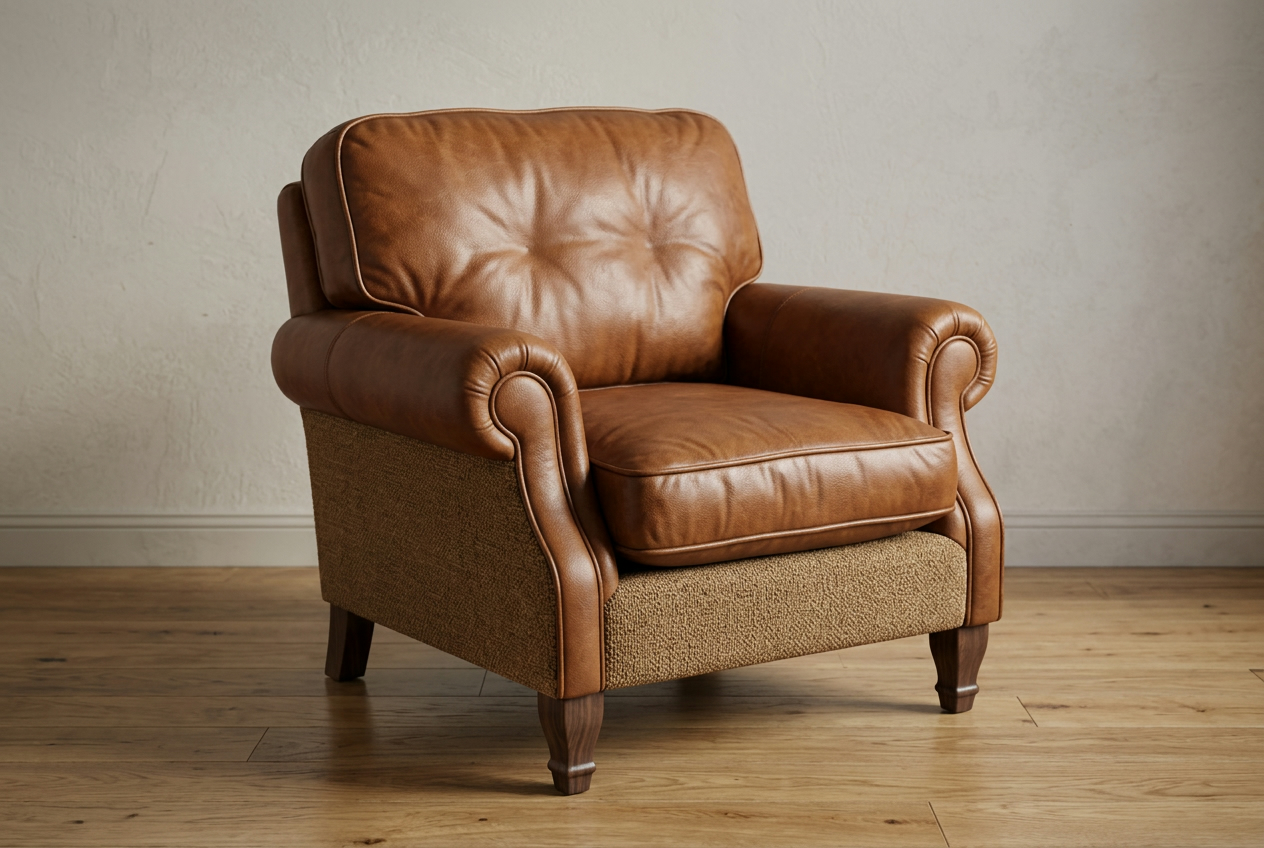
Generate Realistic Texture, Depth, and Lighting
BananaPro sketch to image AI tool goes beyond basic line enhancement. Our sketch to image AI adds believable material texture, natural highlights, soft shadows, volume, and visual depth to transform a flat drawing into a rich final image. A rough shoe sketch can become a polished product shot. A simple portrait outline can become a realistic face. A room draft can become an interior visualization. This advanced drawing to image workflow creates results that look closer to finished photography or production-ready concept art.
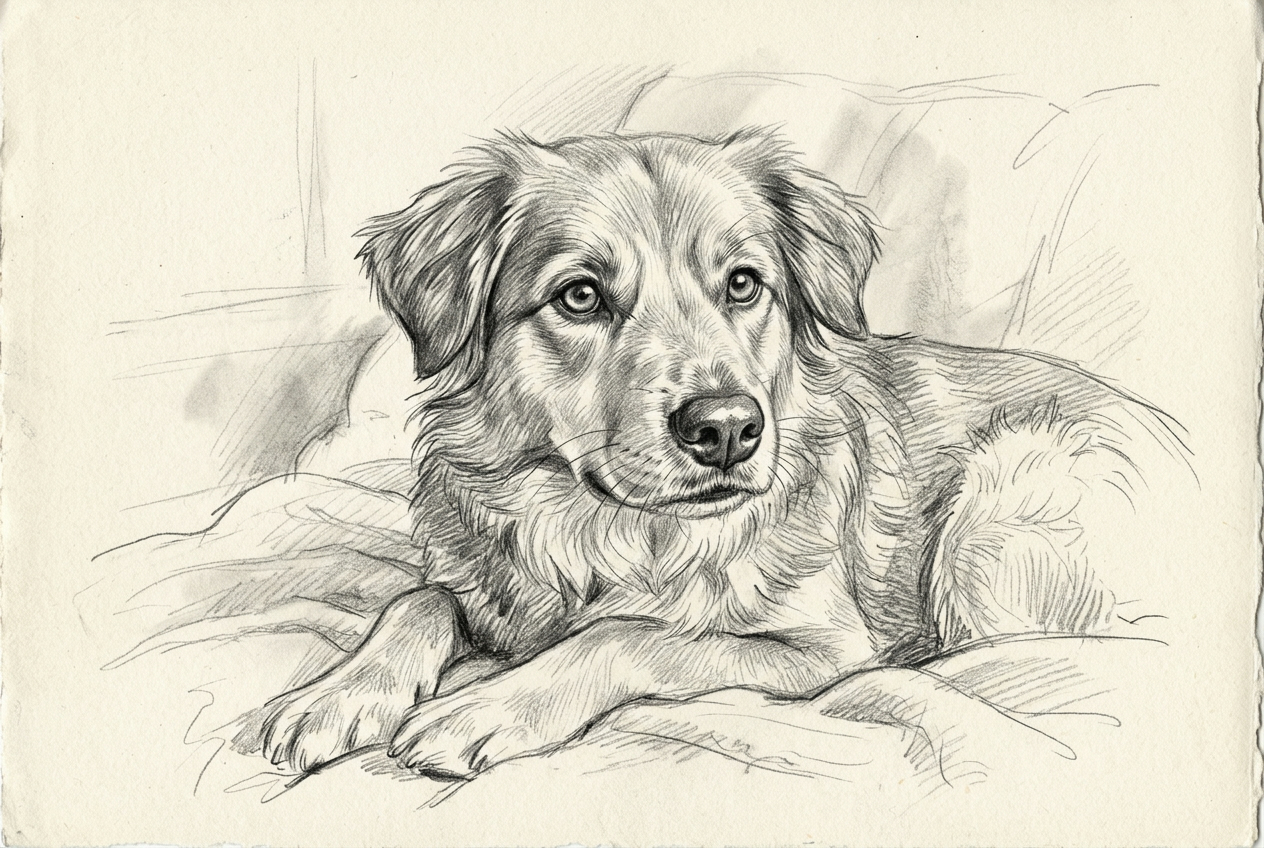
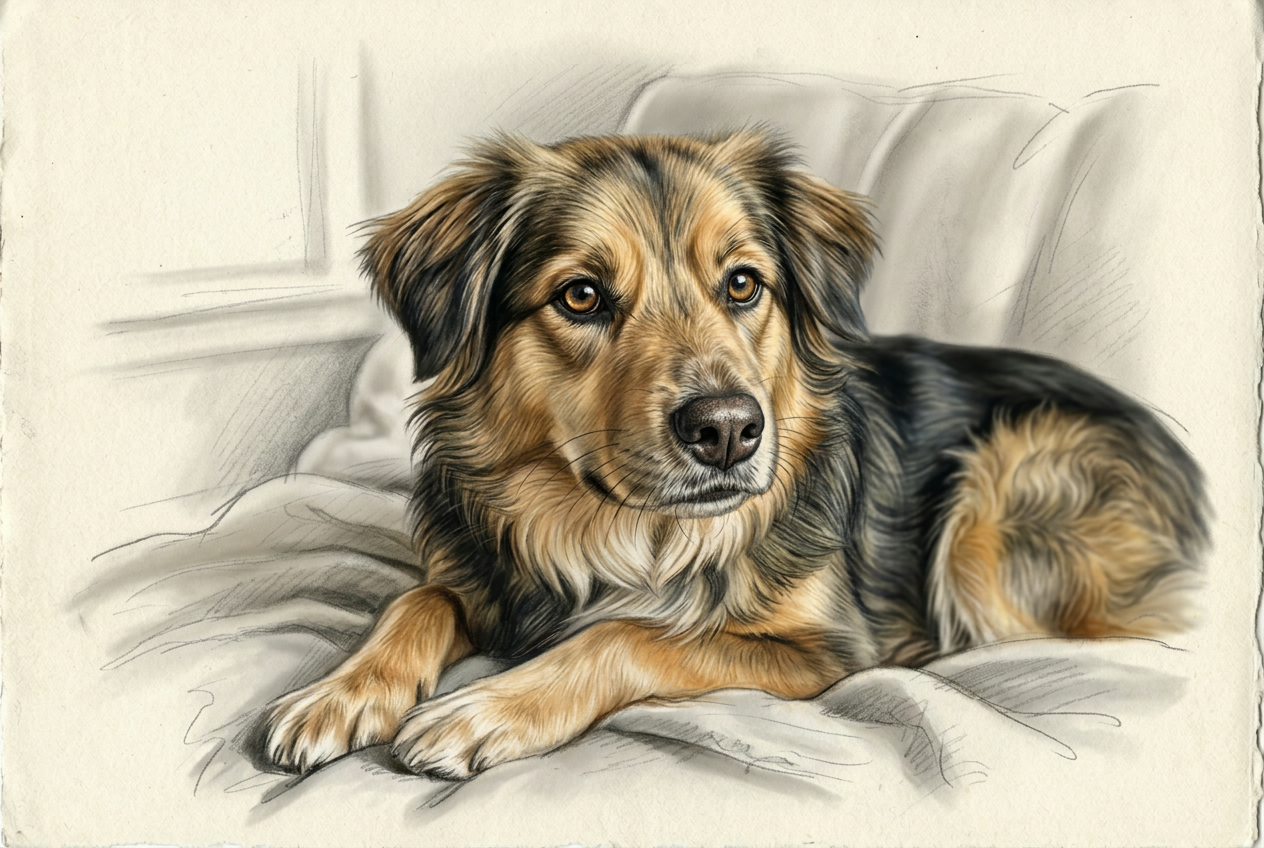
Fast and Flexible for Multiple Creative Needs
BananaPro is designed for speed without sacrificing visual quality. You can use the same sketch to image AI engine for fashion sketches, character drawings, furniture concepts, packaging drafts, storyboard scenes, and more. This flexibility makes sketch to image AI tool easier to move from rough idea to presentation-ready image in one place. If you need a dependable drawing to image workflow for content creation, concept testing, client previews, or fast visual brainstorming, BananaPro gives you a practical solution that feels both creative and efficient.
Popular Use Cases for Sketch to Image AI
From personal creativity to professional production, sketch-based generation can save time and make ideas easier to visualize. BananaPro helps users turn unfinished drafts into realistic assets that are easier to share, refine, and evaluate.

Concept Design Visualization
Designers can upload early concepts and use sketch to image AI to preview what a finished product, object, or scene could look like in realistic form. This makes presentation and iteration much faster than manual rendering from scratch.

Character and Portrait Rendering
Artists and hobbyists can convert a face sketch or character draft into a believable image with skin texture, hair detail, facial depth, and natural lighting. The drawing to image process helps explore how a character may appear in a more realistic style.

Product and Packaging Mockups
Entrepreneurs and marketers can use a rough draft to create more polished visuals for early product review. A packaging sketch, bottle outline, or device concept can quickly become a presentation-ready result through sketch to image AI.

Architecture and Interior Concepts
Students, decorators, and architects can transform room drafts, building sketches, or layout concepts into realistic scenes with material detail, lighting, and spatial depth. This drawing to image workflow is useful for faster idea communication and mood exploration.
What Users Say About Sketch to Image AI
Creators across industries use BananaPro to transform rough sketches into realistic visuals faster and with less manual work.
I used BananaPro sketch to image AI tool to turn a pencil shoe draft into a realistic concept image for a client pitch. The sketch to image AI preserved the original silhouette and gave it enough detail to look presentation-ready.
As someone who sketches character ideas by hand, I needed a drawing to image tool that would not overwrite my style. BananaPro sketch to image AI tool kept my proportions and made the final render look much more lifelike.
We tested BananaPro sketch to image AI tool for early packaging concepts, and the sketch to image AI helped our team visualize options much faster than building polished mockups from scratch.
I uploaded a simple furniture drawing and got a realistic image that looked like a studio product render. The drawing to image quality was strong enough for mood boards and early customer feedback.
BananaPro gave me a fast way to convert line art into realistic visuals for social media content. The sketch to image AI result looked clean, detailed, and much more professional than I expected.
I work with architecture students, and this tool makes their early drafts easier to explain visually. A good drawing to image workflow reduces friction when moving from concept to discussion.





Frequently Asked Questions About Sketch to Image AI
Here are answers to common questions about how BananaPro sketch to image AI tool transforms sketches into realistic images.
Sketch to image AI is a tool that converts a hand-drawn sketch, line drawing, or rough concept into a more realistic image. BananaPro uses image-to-image generation to preserve the original structure of the uploaded sketch while adding texture, lighting, shading, depth, and detail. This makes it easier to move from idea to polished visual output without redrawing everything manually.
You can upload pencil sketches, pen outlines, concept drafts, product drawings, face sketches, object sketches, room layouts, and other simple visual drafts. The best results usually come from sketches with a clear subject and readable lines. BananaPro drawing to image tool is flexible enough to support many creative formats in the same drawing to image workflow.
Yes. BananaPro sketch to image AI tool is designed to keep the key composition, silhouette, and placement from your uploaded image. Our sketch to image AI aims to enhance and render your concept rather than replace it with something unrelated. The final image becomes more realistic, but the source idea remains recognizable.
This sketch to image AI tool is useful for designers, artists, students, marketers, product teams, architects, content creators, and hobbyists. If you want to turn rough drafts into cleaner visuals for sharing, testing, pitching, or posting, BananaPro can help. The drawing to image workflow is valuable whenever speed and visualization matter.
Yes. Many users rely on BananaPro sketch to image AI tool to visualize commercial concepts such as packaging, products, branded assets, and presentation materials. Sketch to image AI is especially helpful in early-stage ideation because it can turn a rough concept into a polished preview without requiring a full manual rendering process.
BananaPro sketch to image AI combines a simple upload workflow, realistic rendering quality, and flexible creative use cases in one platform. It is built to transform a drawing to image result quickly while preserving the source concept. Whether you need realism for concept art, product visualization, or visual storytelling, BananaPro sketch to image AI tool offers a practical and efficient solution.
Turn Your Sketch into a Realistic Image Now
Upload your draft and let BananaPro convert it with fast, high-quality sketch to image AI. Go from rough drawing to image realism in just a few clicks.
