
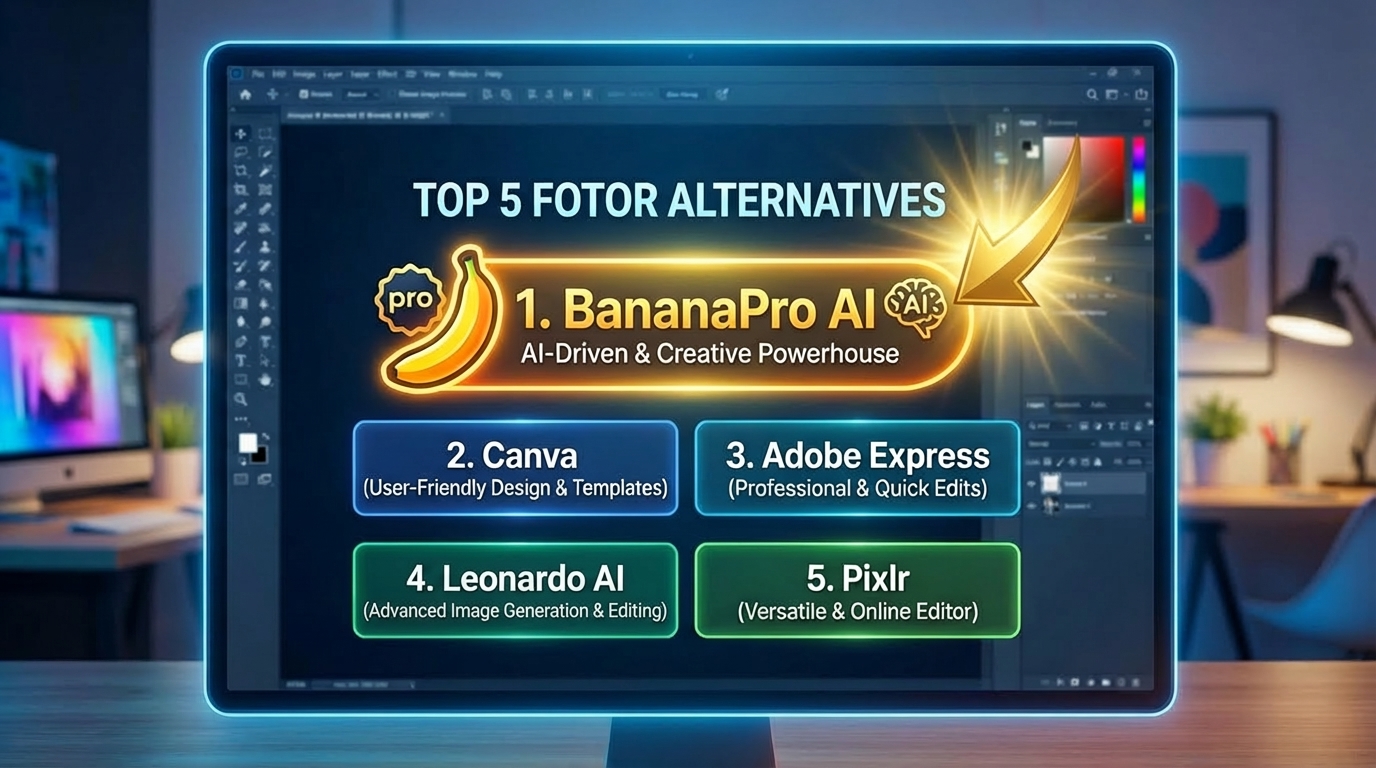
Top 5 Fotor Alternatives Fotor Alternatives
Fotor is a popular online AI photo editor and image generator known for easy editing, templates, design tools, and quick visual creation.
Among the top 5 Fotor alternatives, BananaPro AI is the best choice for users who want more than a basic editor. It combines text to image and image to image workflows, supports a broad range of leading image models, and makes it easy to create everything from photorealistic product shots to anime art, cinematic portraits, concept illustrations, social media visuals, and branded campaign assets.
More AI Image Generators
Explore our collection of specialized AI image generators designed for different creative needs and styles



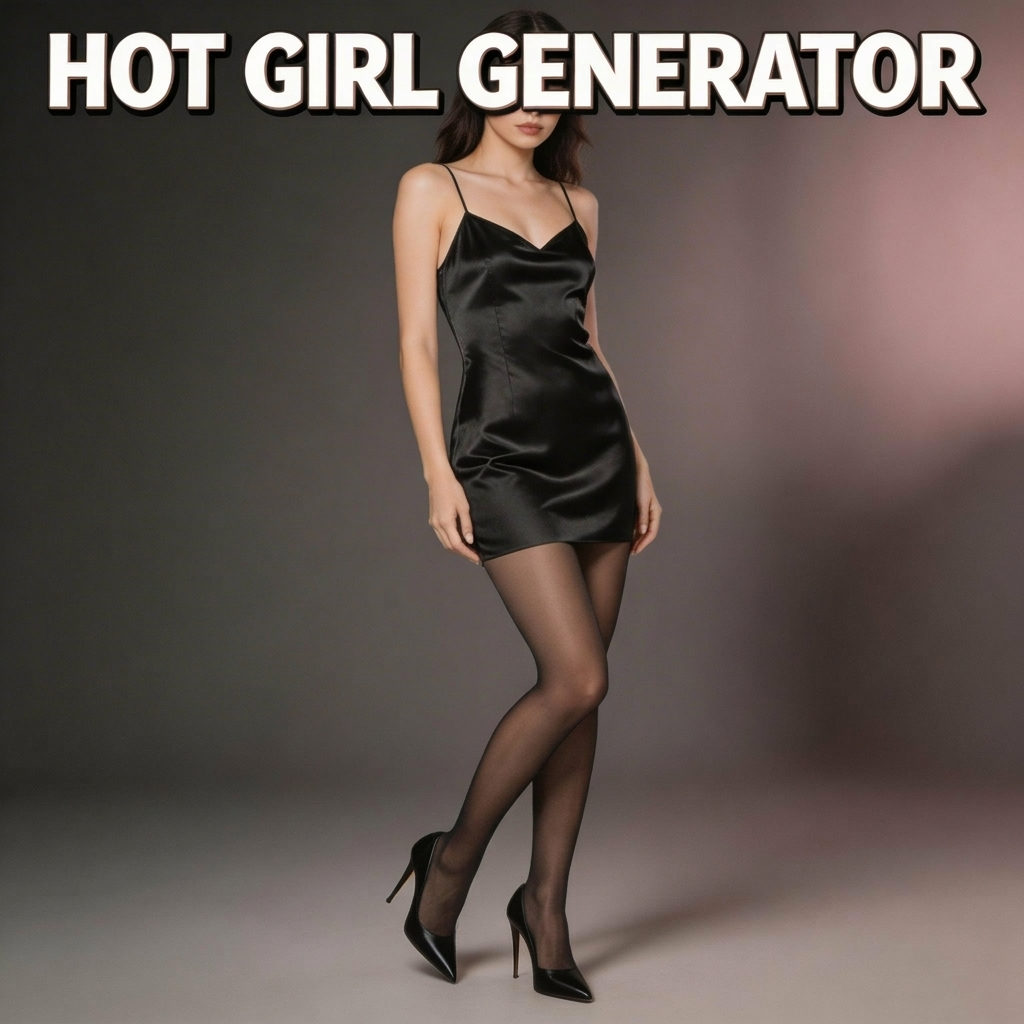
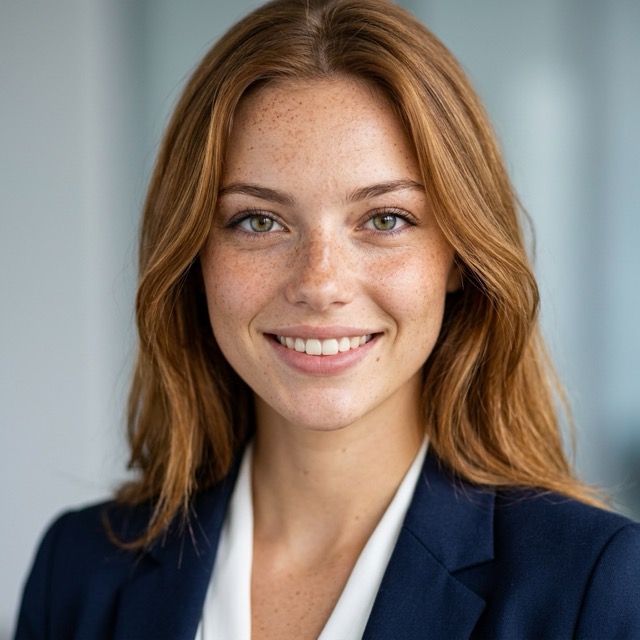
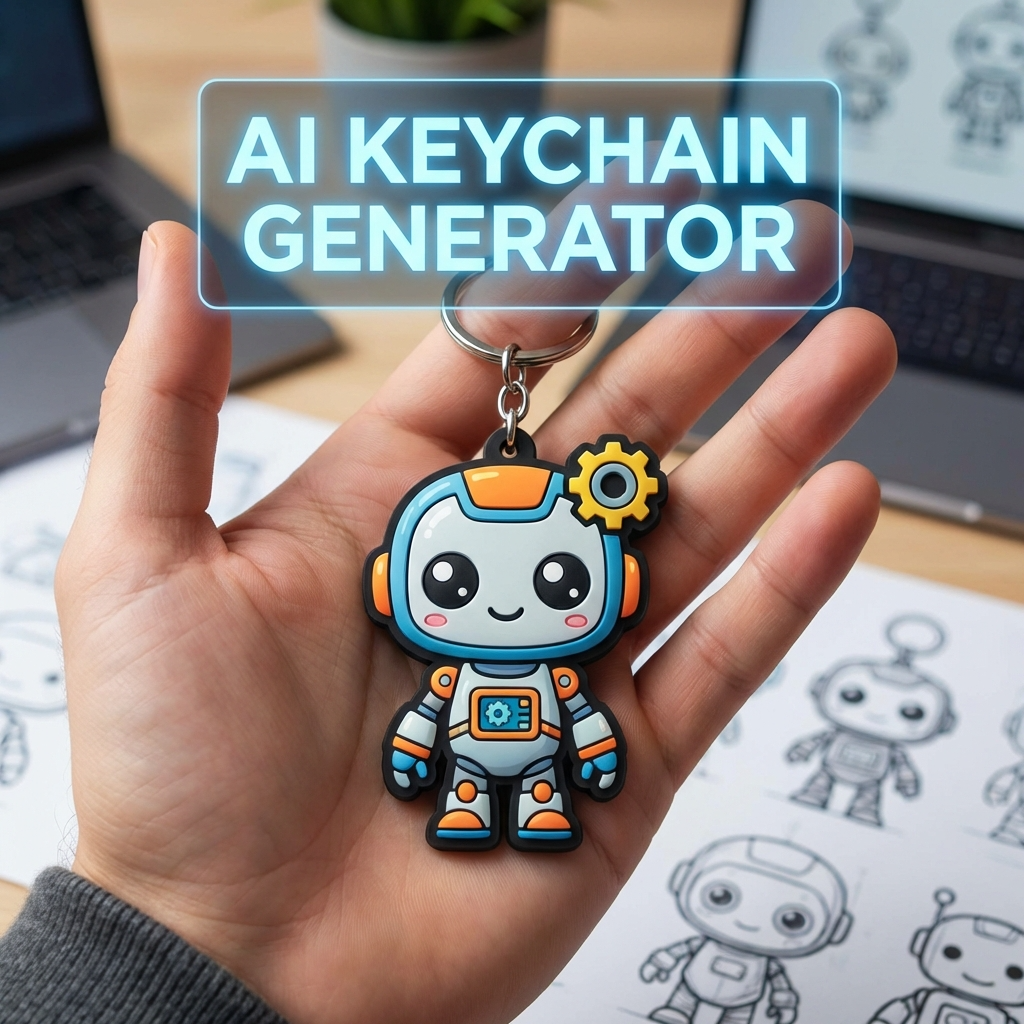
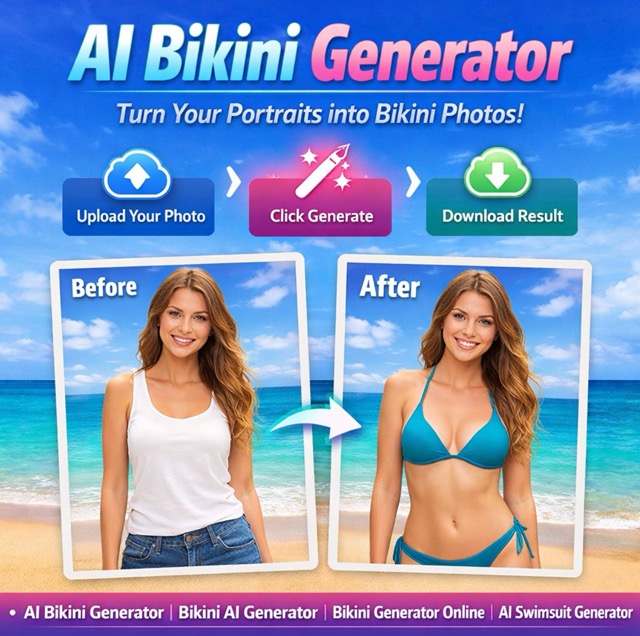
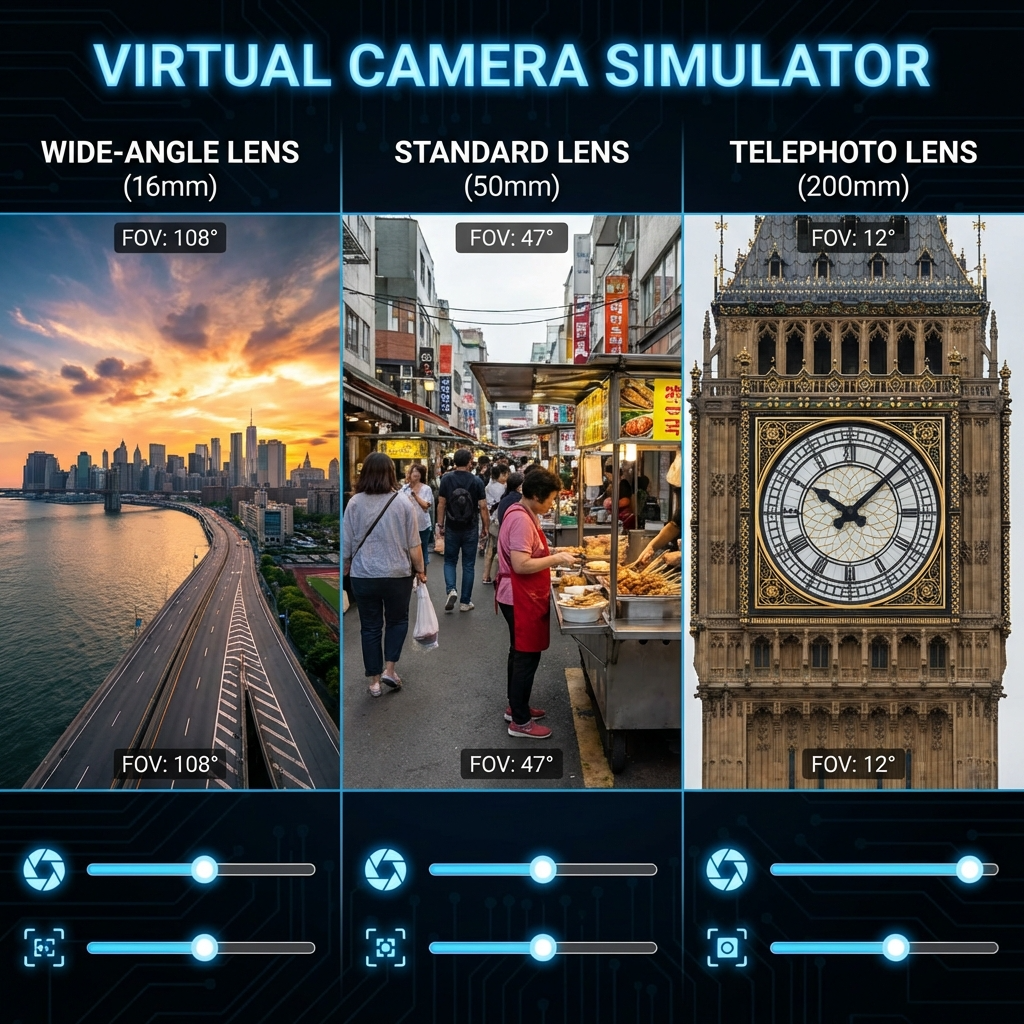
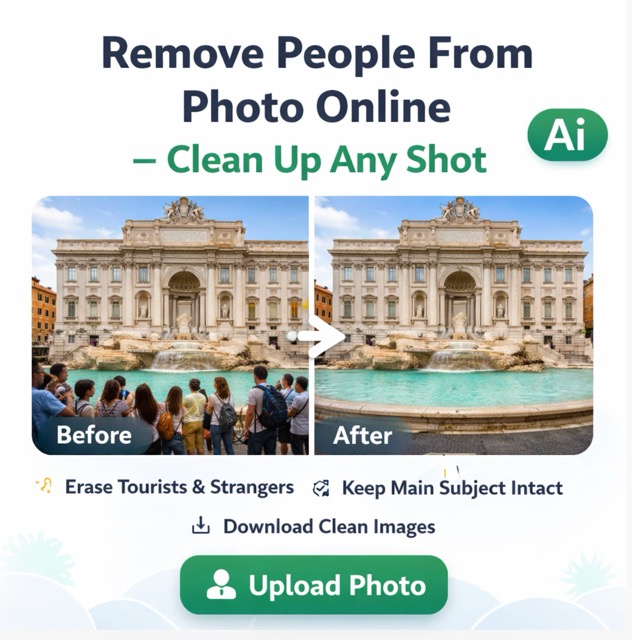
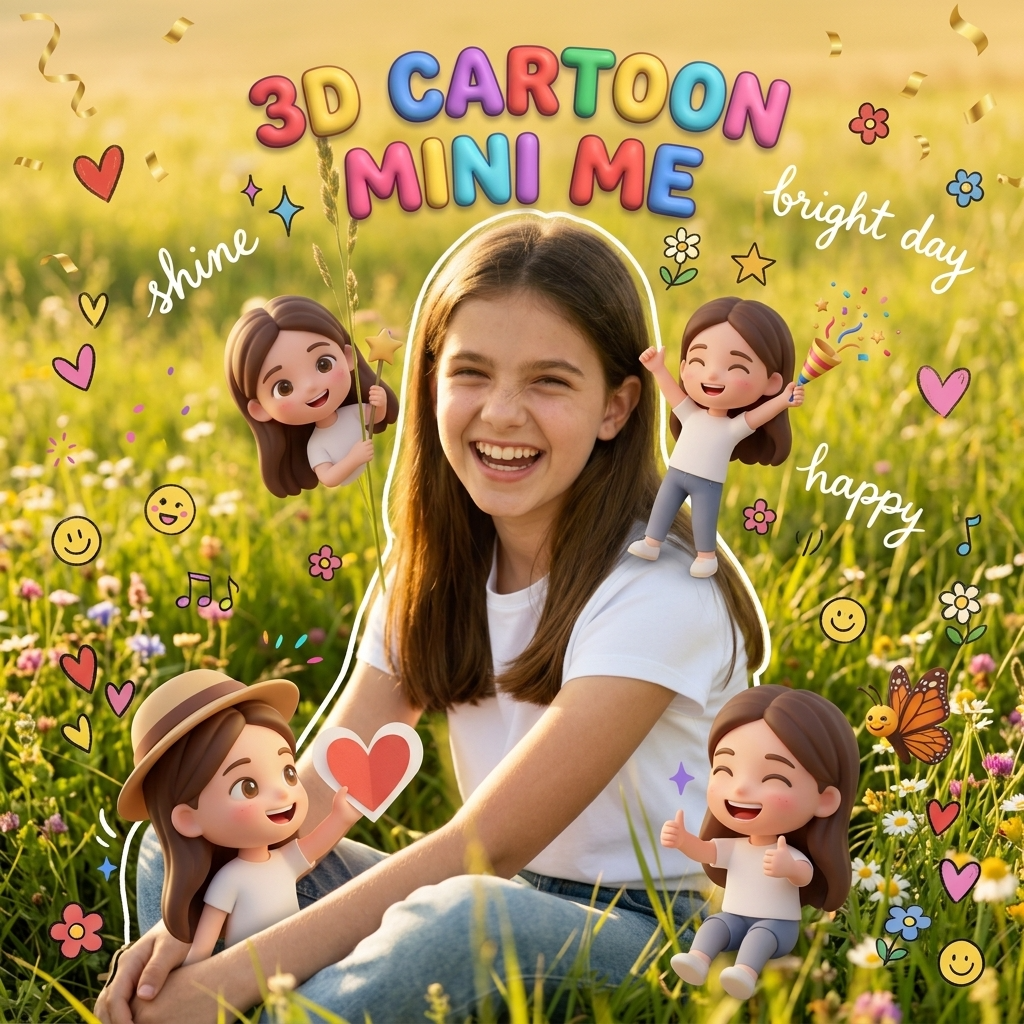
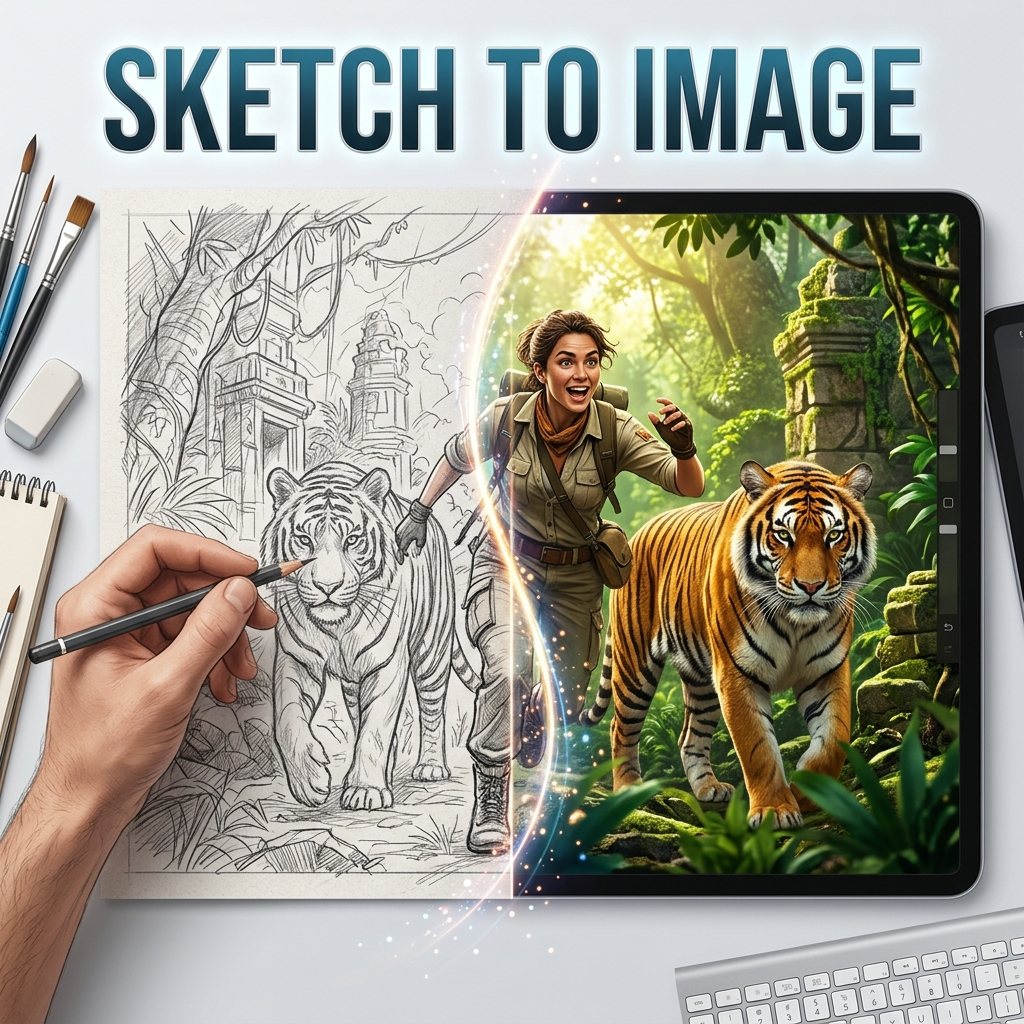


Top 5 Fotor Alternatives for AI Image Creation
If you want a stronger alternative to Fotor, these five tools are the leading options to consider. BananaPro AI ranks first because it combines broad model access, flexible generation modes, high-quality output, and a simple workflow that suits both beginners and advanced creators.
BananaPro AI
Free trial + paid plans

Canva
Free plan + Pro
Adobe Firefly
Free trial + paid plans

Leonardo AI
Free trial + paid plans
Pixlr
Free trial + paid plans
Detailed Comparison of the Best Fotor Alternatives
Not every Fotor alternative serves the same kind of user. Some platforms are better for template-based design, some focus on brand workflows, and others are built for pure AI image quality. Here is a closer look at the top five options, starting with the best overall choice: BananaPro AI.
Why BananaPro AI Is the Best Alternative to Fotor
BananaPro AI is the strongest Fotor alternative for users who want both simplicity and power. Unlike tools that focus mainly on editing or design templates, BananaPro AI is built around high-performance AI image creation. It supports both text to image and image to image workflows, allowing users to create original visuals from prompts or transform uploaded images into new styles and concepts. The biggest advantage is model choice. Instead of locking users into a narrow generation engine, BananaPro AI gives access to multiple leading image models, so creators can choose the one that best fits their goal. This makes BananaPro AI ideal for marketers, designers, content teams, ecommerce sellers, AI art hobbyists, and creators who need flexibility across styles and use cases.
Broad Model Access
Generate images with multiple advanced models instead of relying on a single default engine.
Two Core Workflows
Use text to image for brand-new visuals or image to image for edits, redesigns, and style transformations.
Built for Any Style
Create photorealistic images, anime, cinematic posters, product scenes, social graphics, fantasy art, and more.
Best AI Image Tools for Creative Projects
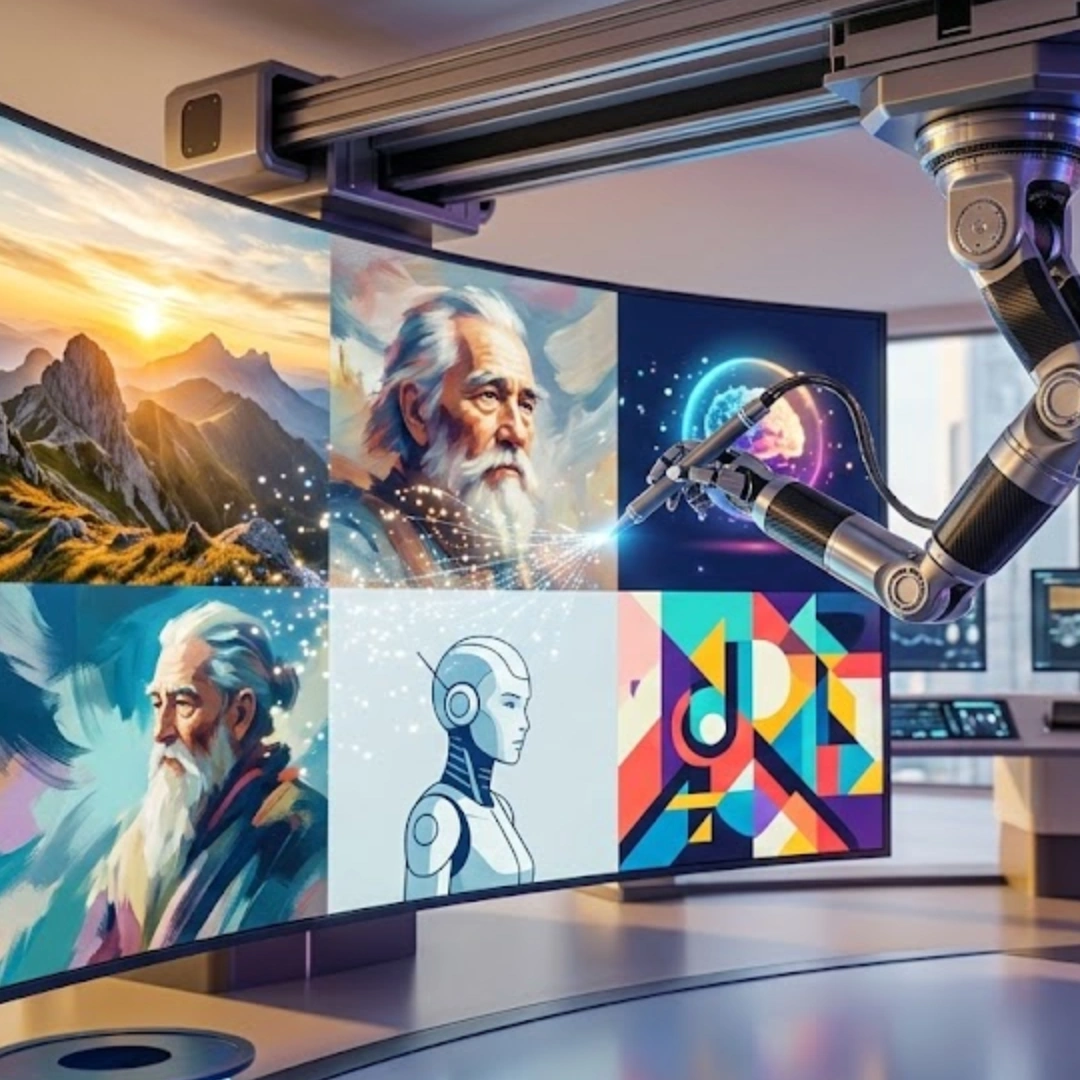
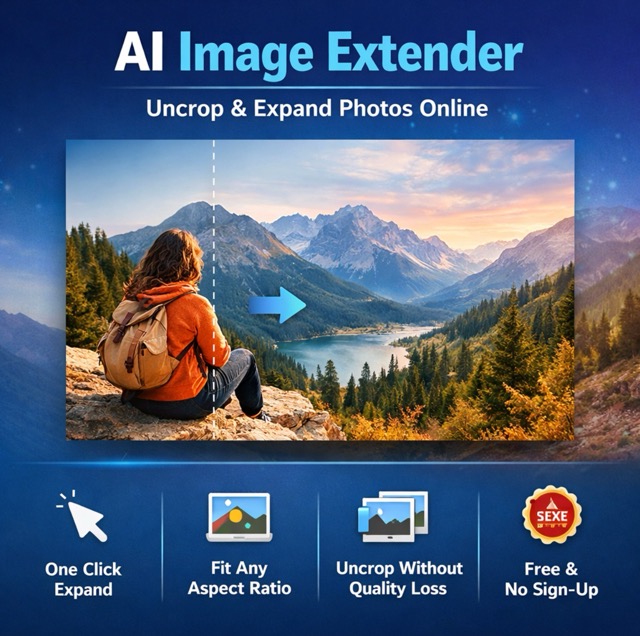
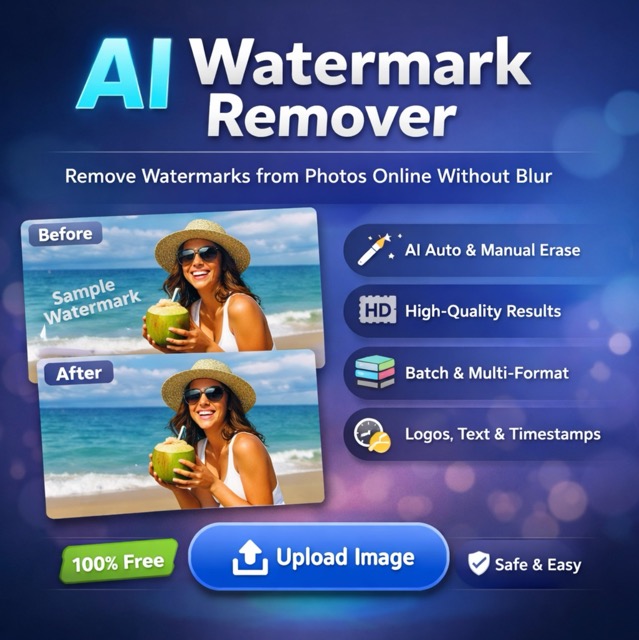
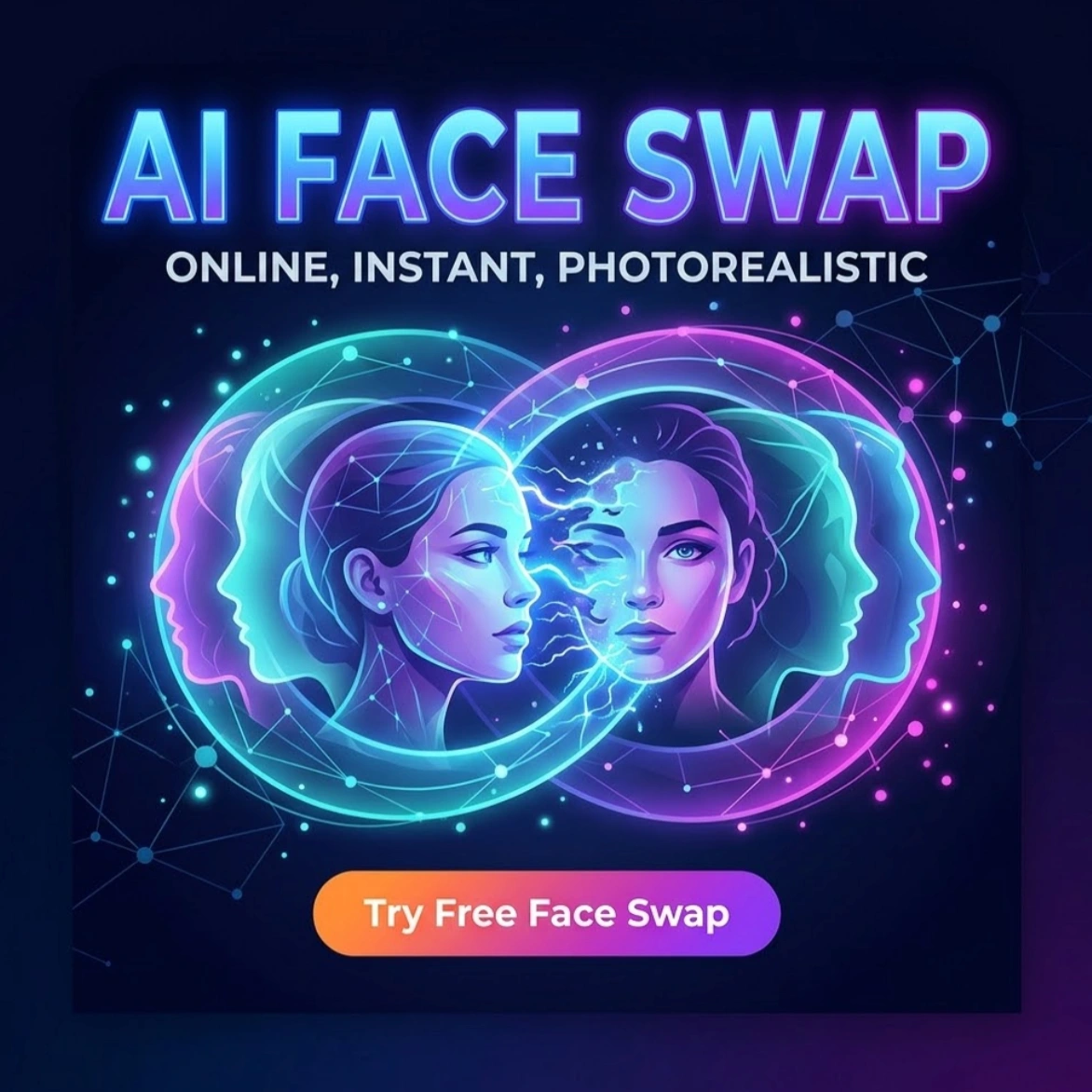
Explore creative tools for image, learn tips and tricks, and see how AI can be your assistant in turning concepts into finished projects.

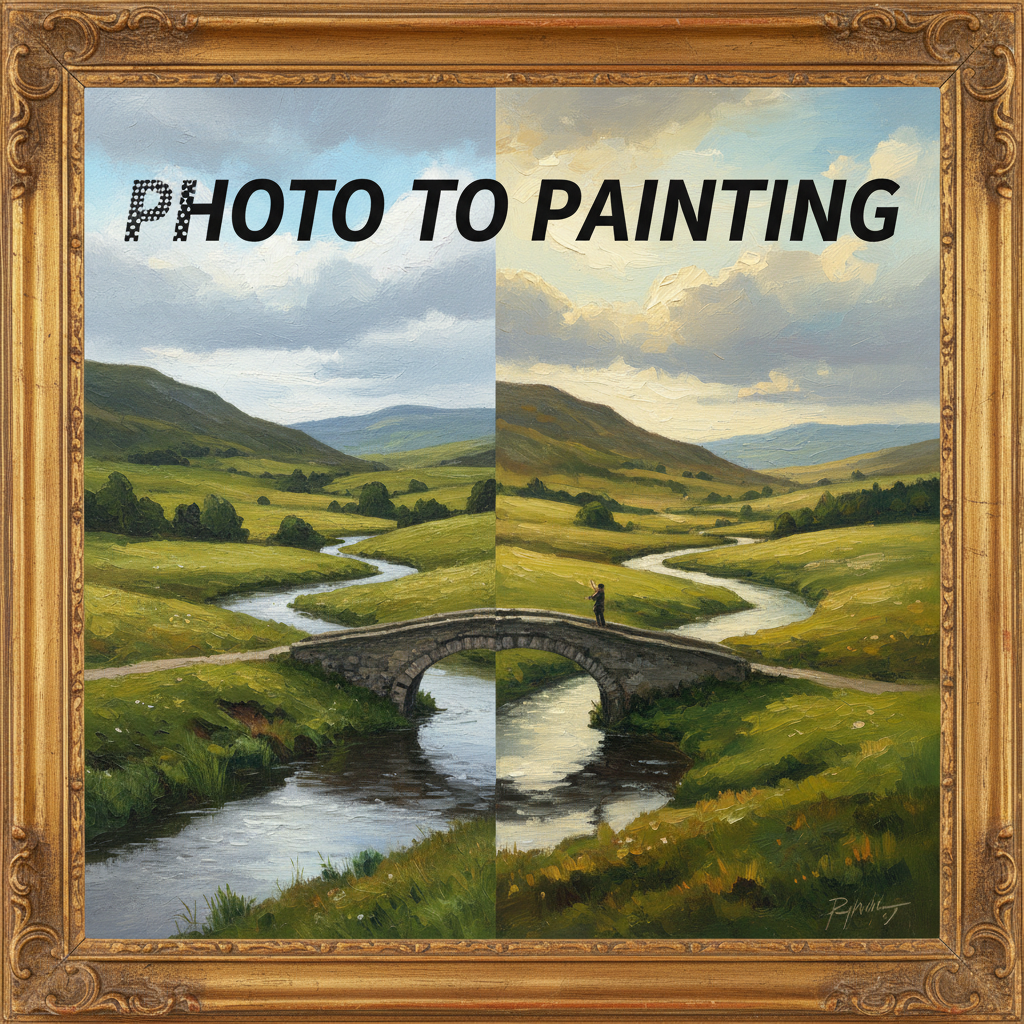

Why BananaPro AI Image Maker Beats Other Fotor Alternatives
BananaPro AI is more than a replacement for Fotor. It is a more capable AI image maker for users who want better output quality, more model freedom, and the ability to create almost any kind of image from a simple workflow. Whether you need product images, social media art, anime portraits, cinematic posters, concept visuals, thumbnails, branding graphics, or AI-edited photos, BananaPro AI gives you the tools to create them faster.
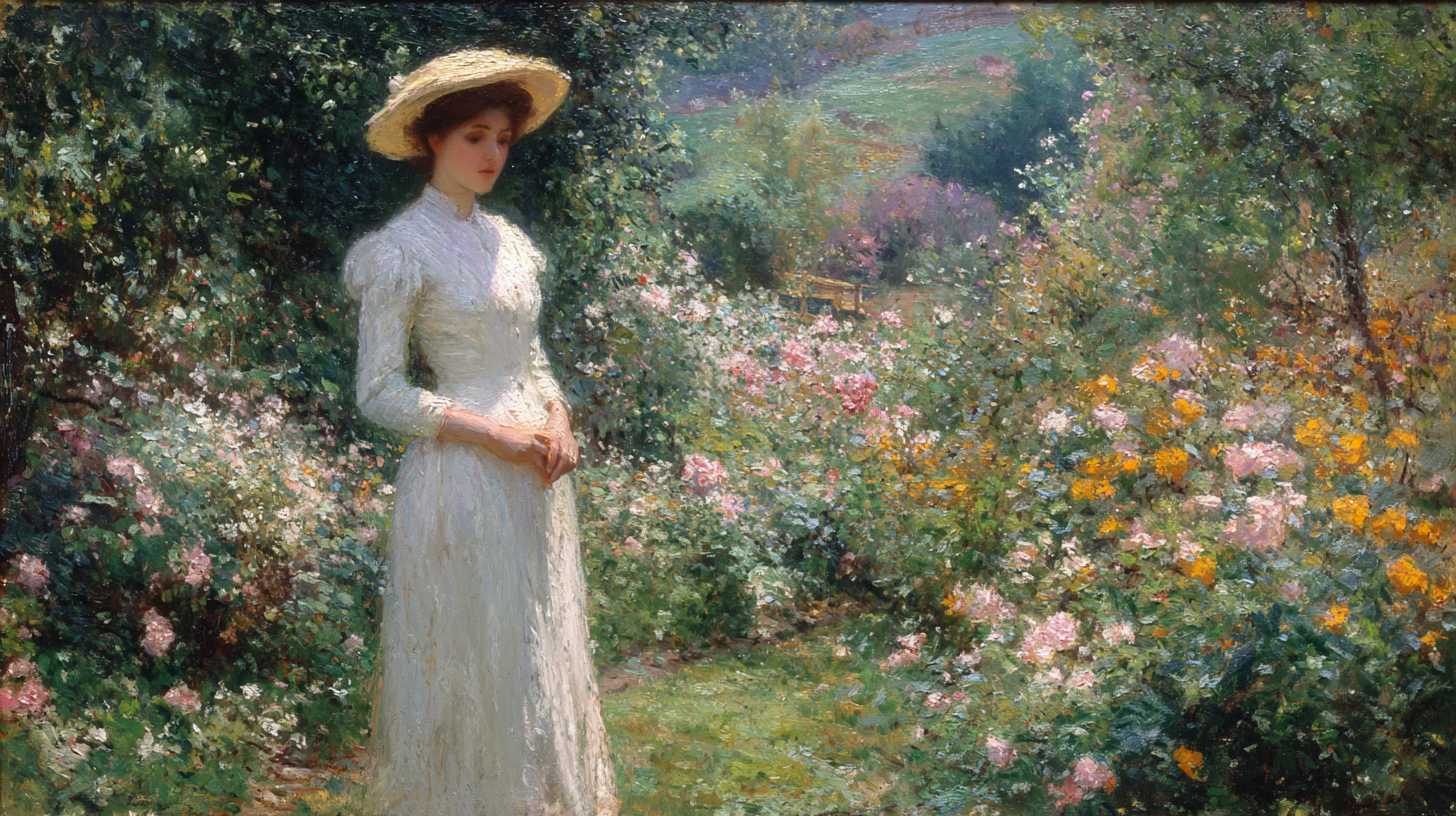
Access Multiple Powerful Image Models
One of the biggest reasons BananaPro AI stands out among Fotor alternatives is model diversity. Users are not limited to one generation style or one image engine. BananaPro AI supports multiple advanced image models, including Google’s Nano Banana lineup, xAI’s Grok Imagine, and ByteDance Seedream models. This gives users more control over image quality, aesthetic direction, realism, composition, and output style. Instead of changing platforms for different visual tasks, users can stay inside one workspace and choose the model that fits the job.
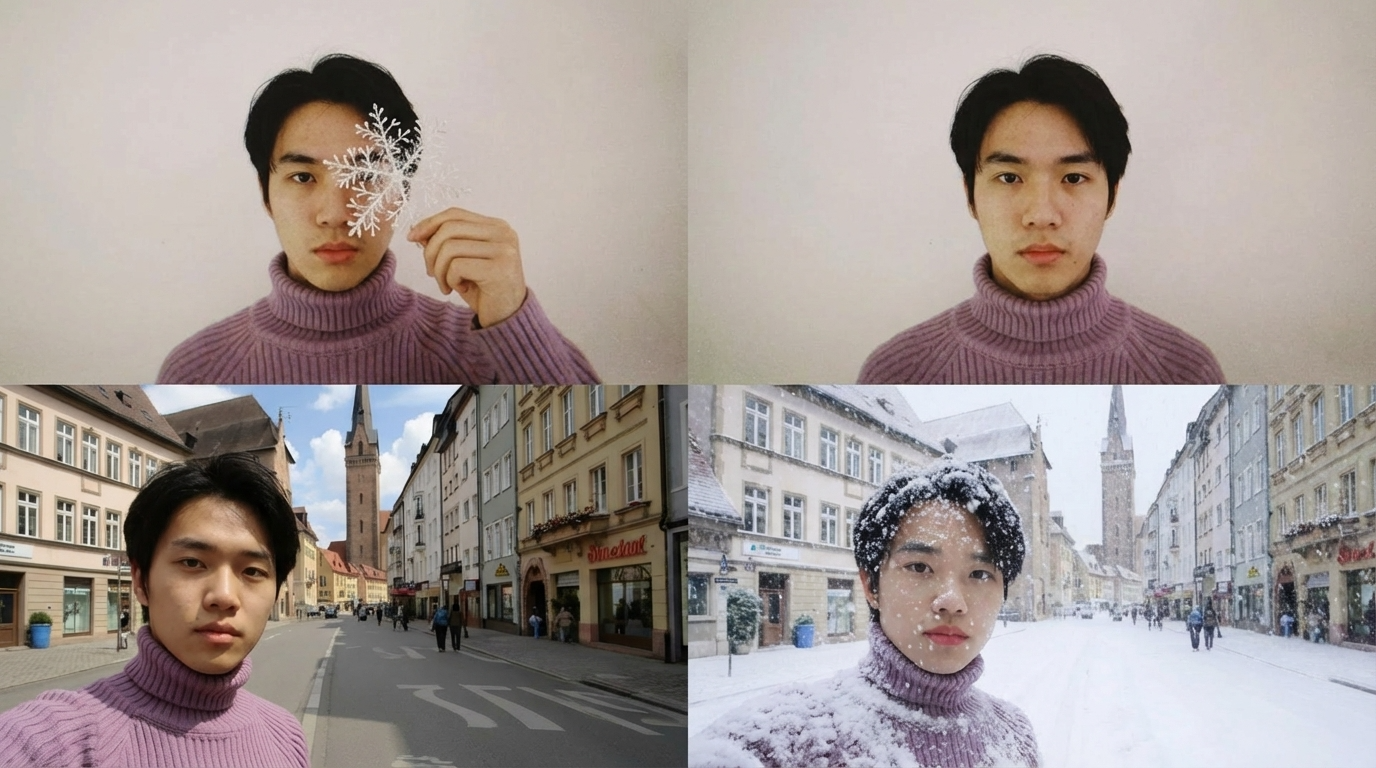
Generate Any Image Style You Want
BananaPro AI is built for creative range. You can generate realistic portraits, fashion visuals, product photography, anime characters, fantasy scenes, cinematic posters, sketch-style art, editorial concepts, 3D-style graphics, and social content in one place. This matters because many users looking for a Fotor alternative do not want only photo enhancement or template design. They want a true AI image maker that can move across styles, audiences, and content formats. BananaPro AI gives that flexibility without making the workflow complicated.
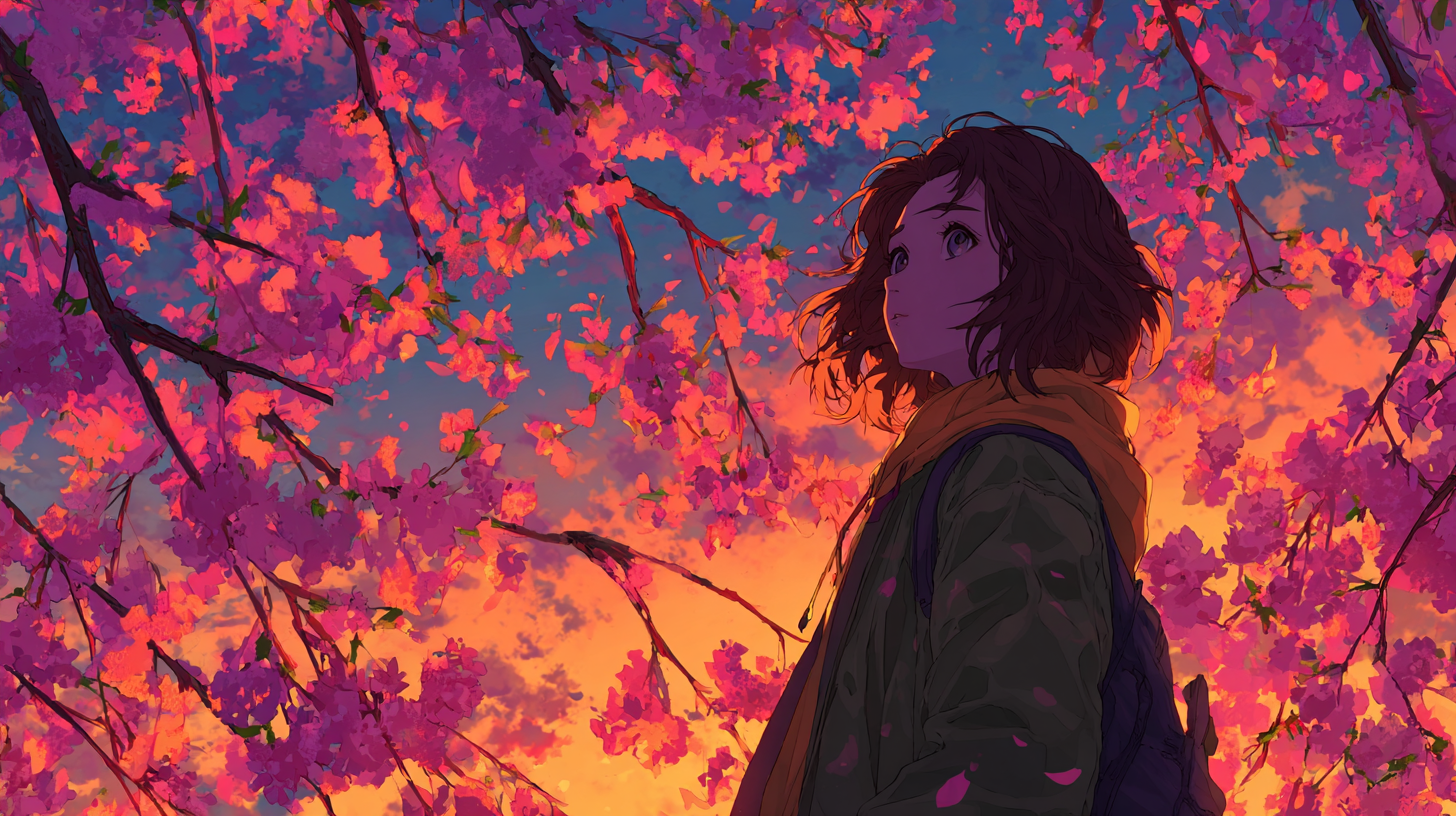
Built for Marketing, Content, and Creative Production
BananaPro AI is especially useful for users who create visuals at scale. Marketers can generate ad creatives, banners, campaign graphics, thumbnails, and branded concept images. Ecommerce sellers can create product scenes and lifestyle mockups. Designers can use it for ideation, moodboards, and concept expansion. Content creators can quickly generate YouTube thumbnails, social media graphics, blog illustrations, and creator-brand visuals. That makes BananaPro AI not just a fun AI image tool, but a production-ready platform for serious visual workflows.
How to Use BananaPro AI Image Generator
BananaPro AI keeps the image generation process simple. Even first-time users can go from idea to finished visual in just a few steps. If you are switching from Fotor and want a more powerful image maker without a harder learning curve, this workflow makes the transition easy.

Choose Text to Image or Image to Image
Start by selecting the mode that fits your task. Use text to image when you want to create a brand-new visual from a written prompt. Use image to image when you want to upload an existing photo, drawing, or reference image and transform it into a new style, concept, or variation. This dual workflow makes BananaPro AI more flexible than many basic online image generators.

Enter Your Prompt
Describe what you want to generate in natural language. You can write a simple prompt or a highly detailed one depending on your creative goal. Add details about subject, style, mood, lighting, colors, background, composition, camera angle, or rendering quality. The better your prompt, the more precise your result. BananaPro AI works well for both fast casual prompts and advanced creative prompting.

Select Image Size and Generate
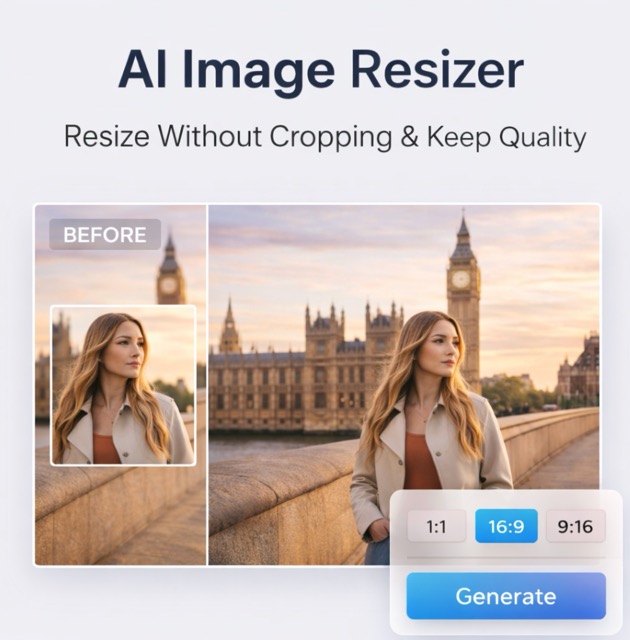
Choose the image ratio or size that matches your use case, such as square for social media, vertical for story content, or landscape for banners and thumbnails. Once your settings are ready, click generate. BananaPro AI will process the prompt using your selected image model and return a high-quality result in seconds.

Preview and Download Your Result
Review the generated image and decide whether to download it or make another variation. You can refine the prompt, switch models, test another style direction, or generate multiple options until the result matches your goal. This makes BananaPro AI ideal for iterative creation, whether you are building campaign assets, personal art, product images, or social visuals.
Frequently Asked Questions About BananaPro AI Image Maker
Here are the most common questions users ask when comparing BananaPro AI with Fotor and other AI image tools.
BananaPro AI offers a free way to explore the platform, making it easy for new users to test image generation before upgrading. This is useful for anyone comparing Fotor alternatives and wanting to try a more advanced AI image maker without committing immediately.
BananaPro AI is built for creators, marketers, and businesses, so many users create images for campaigns, branding, ecommerce, social media, and content publishing. For specific usage rights, users should always review the latest platform terms and plan details before large-scale commercial deployment.
Fotor is well known for online photo editing, templates, and lightweight AI tools. BananaPro AI is a stronger choice when your priority is advanced AI image generation, broader model selection, more style flexibility, and a more powerful text to image and image to image workflow.
You can create realistic portraits, product images, anime art, cinematic posters, fantasy scenes, social media graphics, thumbnails, concept visuals, digital illustrations, and many other styles. BananaPro AI is designed to support a very wide creative range.
No. BananaPro AI is beginner-friendly. You simply choose a mode, enter a prompt, select image size, and generate. Advanced users can also refine prompts and switch models for more precise results, but beginners can get started without any technical background.
Start with a clear prompt. Include details about the subject, style, mood, lighting, background, and composition. If the first result is not perfect, refine your wording, try a different model, or generate more variations. BananaPro AI works especially well when users treat image creation as a fast iterative process.
Ready to Switch to the Best Fotor Alternative?
If you want more than a basic photo editor, BananaPro AI is the better choice. Create original visuals with text to image, transform photos with image to image, and explore multiple powerful image models in one easy workflow. Try BananaPro AI today and see why it is the best overall alternative to Fotor.
