
More AI Video Generators
Explore our collection of specialized AI video generators designed for different creative needs and styles













AI 360 Spin Multiple Image for Better Product Views
Turn static product photos into a smooth, clear, and ready-to-use 360 product experience
Use ai 360 spin multiple image to turn product photos from different angles into a smooth, professional 360 view in just a few steps. Instead of showing separate static images, you can present one cleaner and more complete product display that helps people understand shape, texture, sides, and overall design more easily. This is useful for ecommerce listings, product pages, ads, catalogs, and online showcases where better angle presentation can make product visuals more informative and more practical to use. For brands that want a faster ai spin multiple image workflow, this page is built to make ai spin multiple image creation easier, clearer, and more usable for product display.
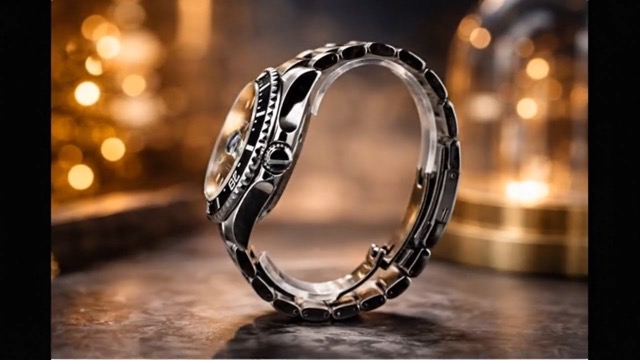
How to Use AI 360 Spin Multiple Image
The workflow is simple and built for speed. You do not need editing skills, manual retouching, or a complicated studio process. Just follow the basic steps below to turn product angles into a cleaner and more useful 360 result for stores, ads, demos, and product pages. This ai spin multiple image process is designed for users who want ai spin multiple image results without technical setup.

Upload photos
Upload photos of the same product from different angles in a clear order. Front, side, back, and in-between views help ai 360 spin multiple image build a smoother sequence and create a more useful multiple image 360 product view. A strong ai spin multiple image result starts with clear angle coverage, so ai spin multiple image works best when the product is shown from consistent positions.

Click generate
Click generate and let the tool process your uploaded angles into a smoother 360-style result. This helps preserve product shape, texture, and angle flow without requiring complex manual editing. The ai spin multiple image workflow is made for speed, and ai spin multiple image generation helps turn separate product shots into one more coherent presentation.

Download
Download your finished result and use it for ecommerce pages, product showcases, ads, catalogs, and other online display needs. The output is designed to be practical, clean, and ready to use. Once your ai spin multiple image result is ready, you can move that ai spin multiple image output directly into store, marketing, or showcase workflows.
Best AI Video Tools for Creative Projects
Explore creative tools for video, learn tips and tricks, and see how AI can be your assistant in turning concepts into finished projects.
Features That Solve Real Product Display Problems
A good 360 result is not only about motion. These features are written for users who need ai 360 spin multiple image to do one job well: turn product photos into a smooth interactive display without complex manual work. Each feature is also designed to make ai spin multiple image more practical for real commercial use.
Smooth 360 Spin from Uploaded Product Angles
-
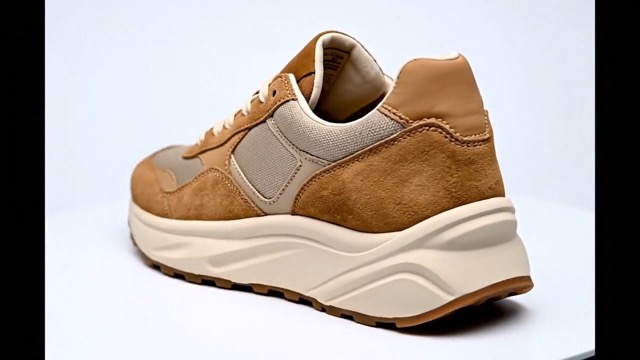
Create 360 spin from multiple images when you already have front, side, back, and in-between product shots.
-
Reduce friction for ecommerce teams that need a multiple image 360 product view instead of a flat gallery.
-
Show products more clearly so shoppers can understand size, shape, edges, openings, soles, sides, finishes, and build quality.
-
For teams handling many SKUs, ai spin multiple image helps simplify repeated product presentation tasks.
-
A reliable ai spin multiple image setup can make product pages feel more complete and easier to scan.
Preserve Product Shape, Texture, and Visual Order
-
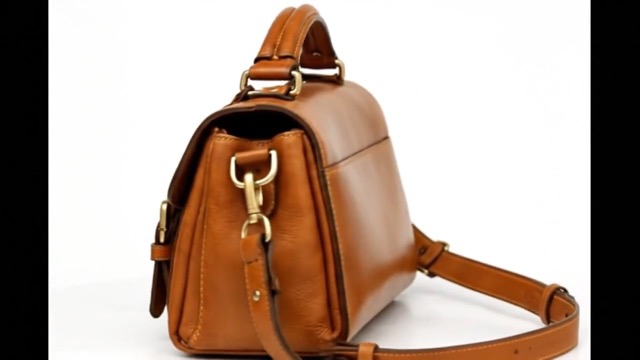
Maintain texture details such as leather grain, stitching, metallic edges, labels, zippers, seams, or molded surfaces.
-
Preserve angle order naturally so the spin feels more continuous and less broken.
-
Improve consistency between uploaded photos when lighting, distance, or framing are close but not perfectly matched.
-
This is especially useful when you want ai product spin from different angles while still keeping the item recognizable and professional enough for real commercial use.
-
Ai spin multiple image is especially helpful when product details need to stay consistent across the full rotation.
-
A stronger ai spin multiple image result can make textures and outlines easier to read for shoppers.
No Editing Skills Required for Professional Results
-
No advanced design tools required to create a multi image product spin viewer for online use.
-
Better for small businesses and solo sellers who need fast output without a dedicated creative team.
-
Easy to learn for first-time users who only want Upload photos - Click generate - Download.
-
Useful for stores with large inventories because ai 360 spin multiple image can simplify repeatable visual production.
-
Ai spin multiple image lowers the barrier for users who want better product display without a designer.
-
For everyday store work, ai spin multiple image can save time while keeping product presentation cleaner.
Download-Ready Output for Stores, Ads, and Demos
-
Export results for product pages, online stores, and showcase use with less preparation time.
-
Useful for ecommerce, catalogs, and ad creatives where stronger product understanding can improve presentation quality.
-
Helps generate 360 product showcase online for products that benefit from side-to-side inspection.
-
Supports broader content reuse across landing pages, collections, store banners, and social sharing.
-
Ai spin multiple image output is designed to be practical for online stores and product marketing.
-
A usable ai spin multiple image result is easier to share across pages, previews, and display materials.
Why Choose AI 360 Spin Multiple Image
People do not use this tool just because 360 content looks modern. Ai 360 spin multiple image helps solve these gaps by making multiple images more useful, more informative, and easier to present in one coherent view. For teams that need ai spin multiple image for product pages, ai spin multiple image can make product visuals feel more complete and easier to understand.

Better for Ecommerce Decisions
When shoppers can inspect more angles in one place, products become easier to evaluate. This matters for shoes, bags, electronics, jewelry, toys, beauty packaging, and home accessories. Ai 360 spin multiple image helps convert separate photos into a smoother visual experience, making a multiple image 360 viewer more useful than a basic gallery for detail-focused purchases. Ai spin multiple image also gives sellers a more engaging way to present product information.

Faster Content Production for Teams
Teams handling launches, restocks, or seasonal collections often need a repeatable way to create rotating product image from photos. Instead of rebuilding the same process manually for every SKU, ai 360 spin multiple image gives a simpler path to consistent output. That matters for product pages, online stores, ads, and batch-style merchandising work. In those workflows, ai spin multiple image can reduce repeated production effort.

Useful Across Many Product Types
This is not limited to one niche. The tool is suitable for fashion items, shoes, bags, electronics, accessories, packaged goods, toys, and other products that benefit from angle-based presentation. If your goal is to make 360 view from product photos without building a custom production setup, ai 360 spin multiple image offers a direct solution. Ai spin multiple image works especially well when products need more than one flat view.

Clean Results Without Complex Tools
Many users want an interactive 360 product display generator because they need professional-looking output but do not want advanced editing software. Ai 360 spin multiple image reduces that barrier. It helps users create a clearer product story from existing angles, making the content more usable for listings, previews, and promotional display. For smaller brands, ai spin multiple image can be a practical upgrade from standard photo galleries.
What Real Users Like About It
These short experiences reflect the main reason people use ai 360 spin multiple image: it helps static product photos do more work with less editing effort. Many of these users also like how ai spin multiple image fits into normal store workflows.
I sell handmade accessories online, and this made my product images feel much more complete. Instead of uploading angle after angle, I could present one cleaner spin that looked easier for customers to understand. For my shop, ai spin multiple image made product display feel more polished without adding extra work.
I needed a faster way to show different sides of small electronics for our store pages. Ai 360 spin multiple image helped me turn a normal image sequence into something more interactive without adding design work to my week. Ai spin multiple image felt much easier to use than I expected.
For campaign mockups, I often need better product presentation but not a full studio rebuild. This tool gave me a simple way to create a more polished product display from angles we already had. Ai spin multiple image was useful because it turned existing photos into something more presentable.
I work with product photos every day, and what I liked most was the practical output. The spin felt clearer than a plain gallery, and I did not need to spend extra time organizing a more complicated workflow. Ai spin multiple image made the final presentation easier to reuse across projects.
I used it for packaging and small fashion items in a student store project. It was easy to understand, and the result looked much more usable for product pages and presentations than separate still photos. Ai spin multiple image gave the project a more professional look.


Frequently Asked Questions
Short answers for users comparing tools, planning product shoots, or deciding whether ai 360 spin multiple image fits their workflow. These answers also explain where ai spin multiple image is most useful.
It means using AI to turn several photos of the same product into one smoother 360-style viewing result. In simple terms, ai spin multiple image helps convert separate product angles into one clearer presentation.
Upload your product angles, let the tool organize the sequence, generate the spin, and download the result. That makes ai spin multiple image practical even for first-time users.
Yes. Ai 360 spin multiple image is designed to work from different angles of the same item and turn them into a clearer rotating display. Ai spin multiple image works best when the photos follow a logical viewing order.
Shoes, bags, jewelry, electronics, accessories, toys, packaging, and other products that benefit from angle-based viewing work especially well. Ai spin multiple image is useful whenever side, back, and detail views matter.
Yes. It helps make product visuals more informative for store pages, ads, catalogs, showcases, and customer previews. Ai spin multiple image is especially useful for online product presentation.
Yes. The result is designed to be download-ready so you can use it for online display, product demos, and marketing content. That makes ai spin multiple image easier to use across different channels.
Create a Better Product View in Minutes
Use ai 360 spin multiple image to generate smoother product presentation fast, show more angles clearly, and download results ready for stores, ads, and demos. Start now if you want ai spin multiple image output that is faster to create, easier to use, and better for product display.
