
More AI Video Generators
Explore our collection of specialized AI video generators designed for different creative needs and styles

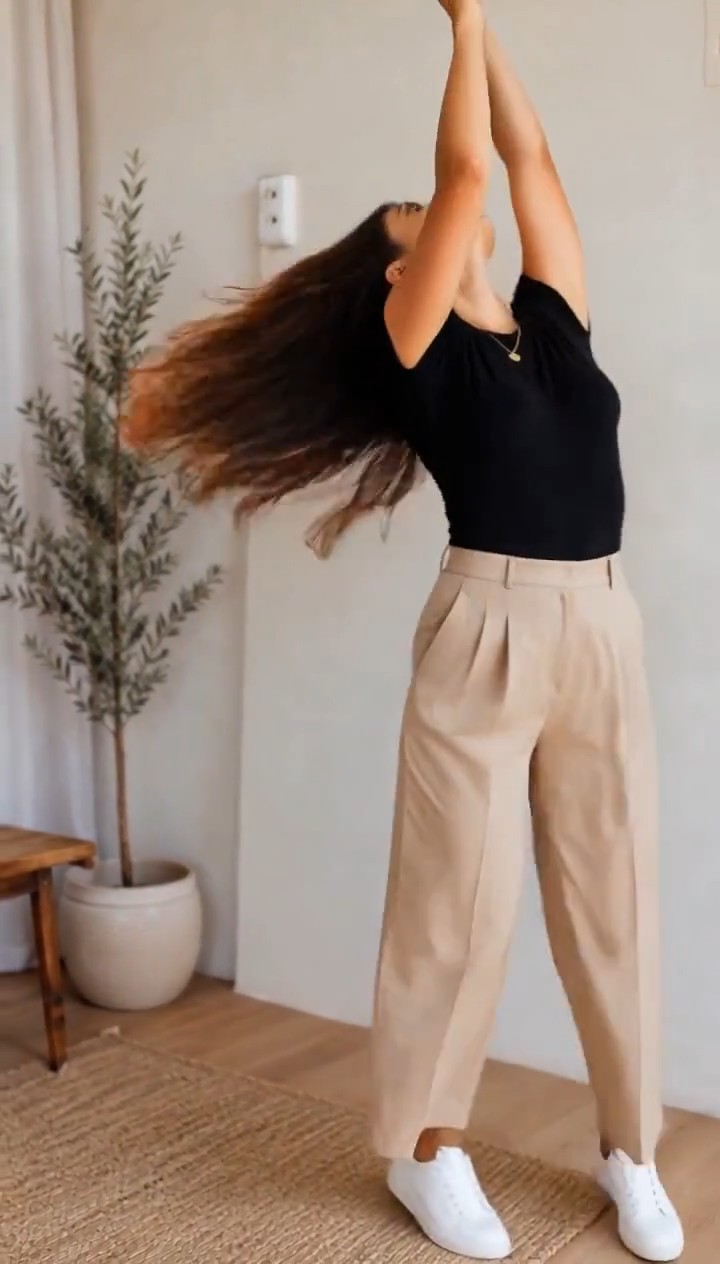
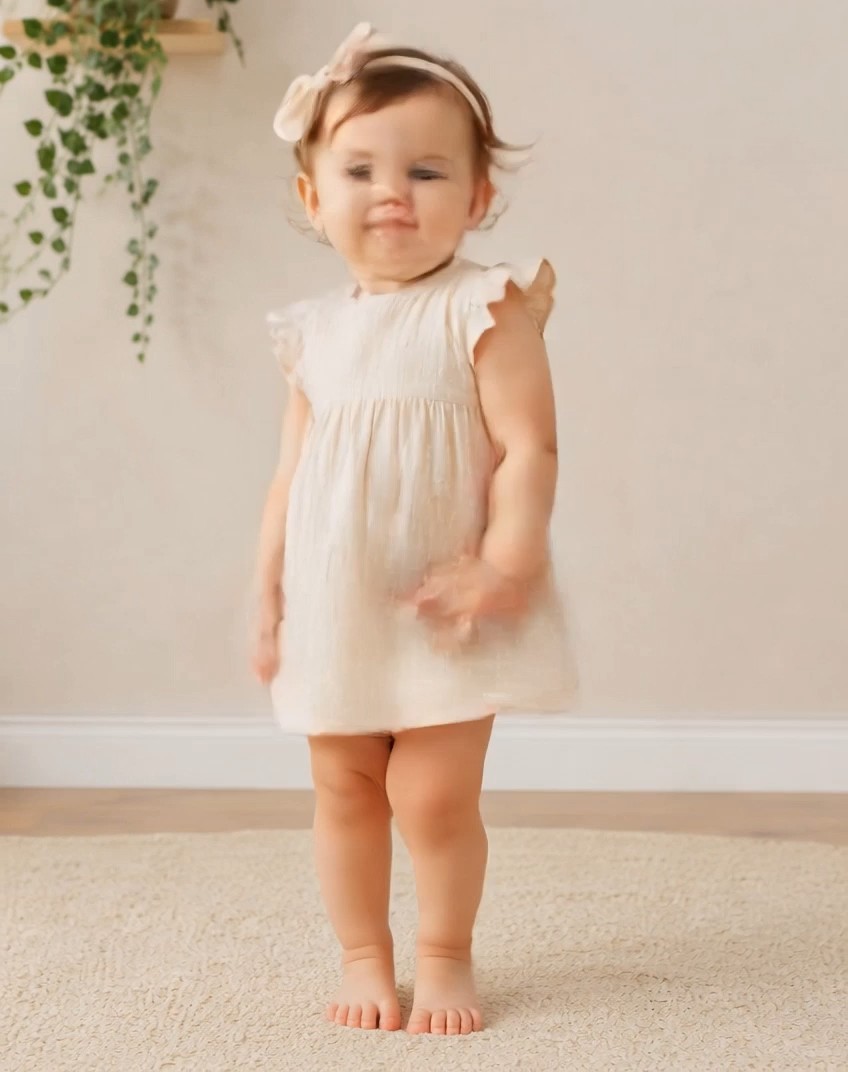
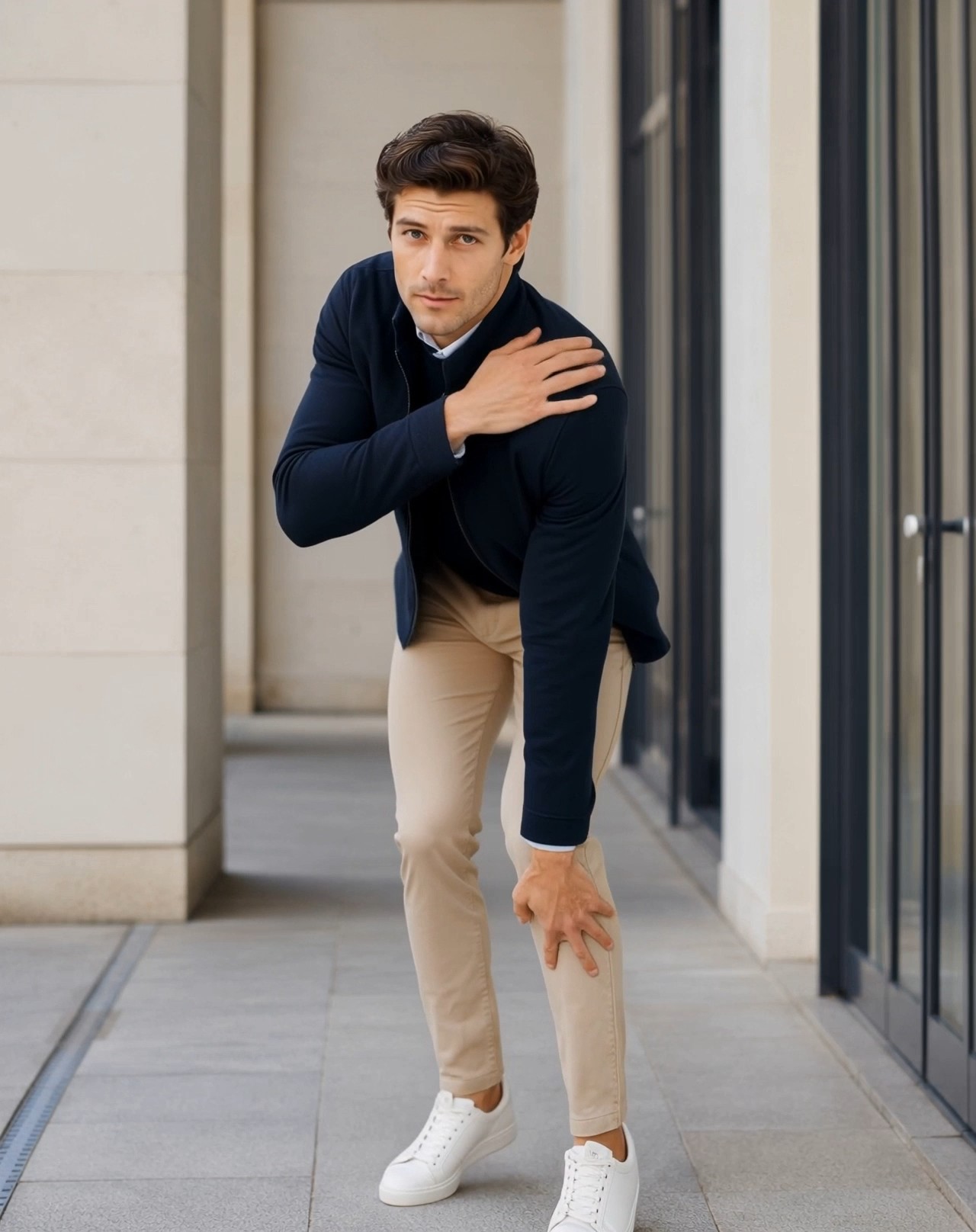
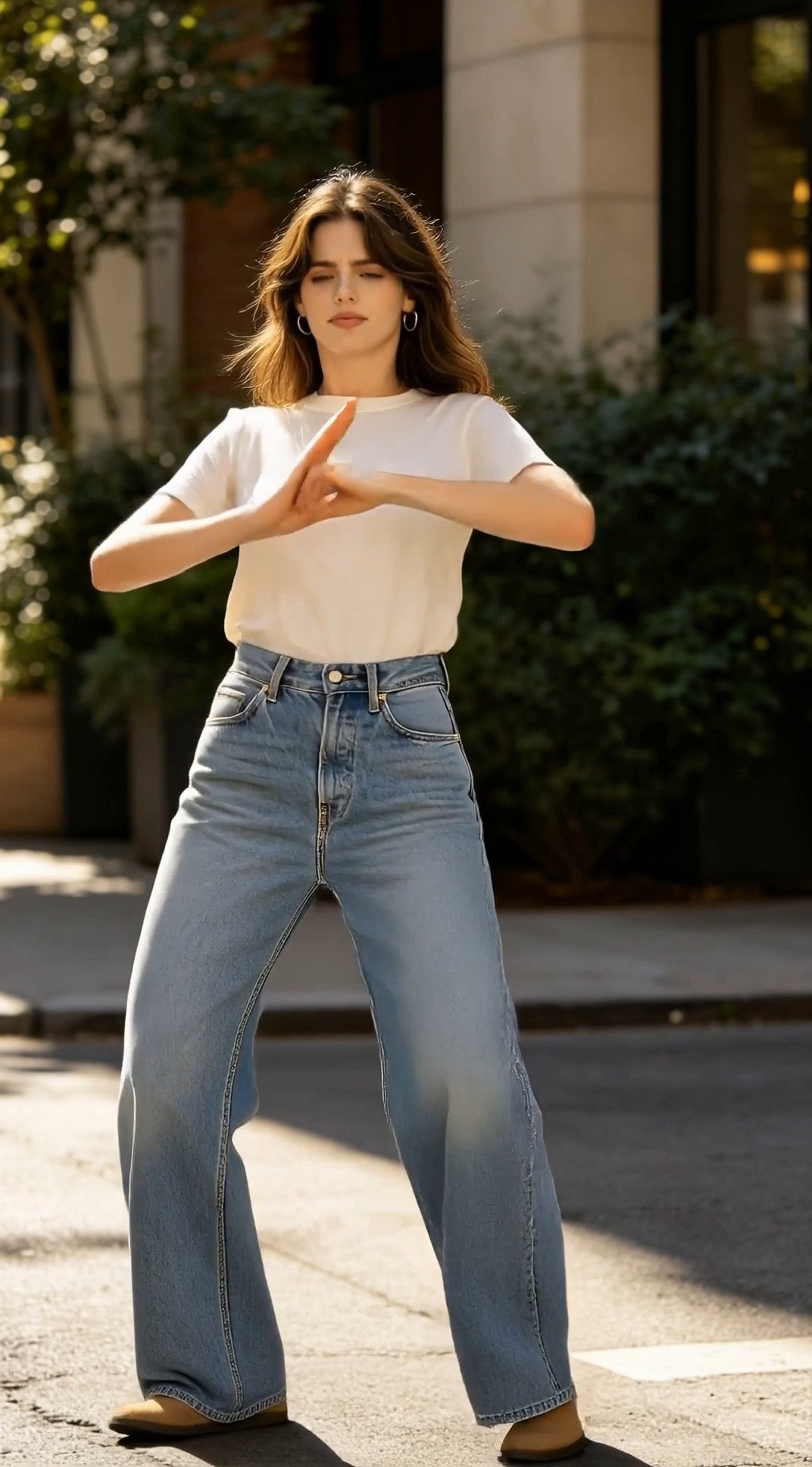
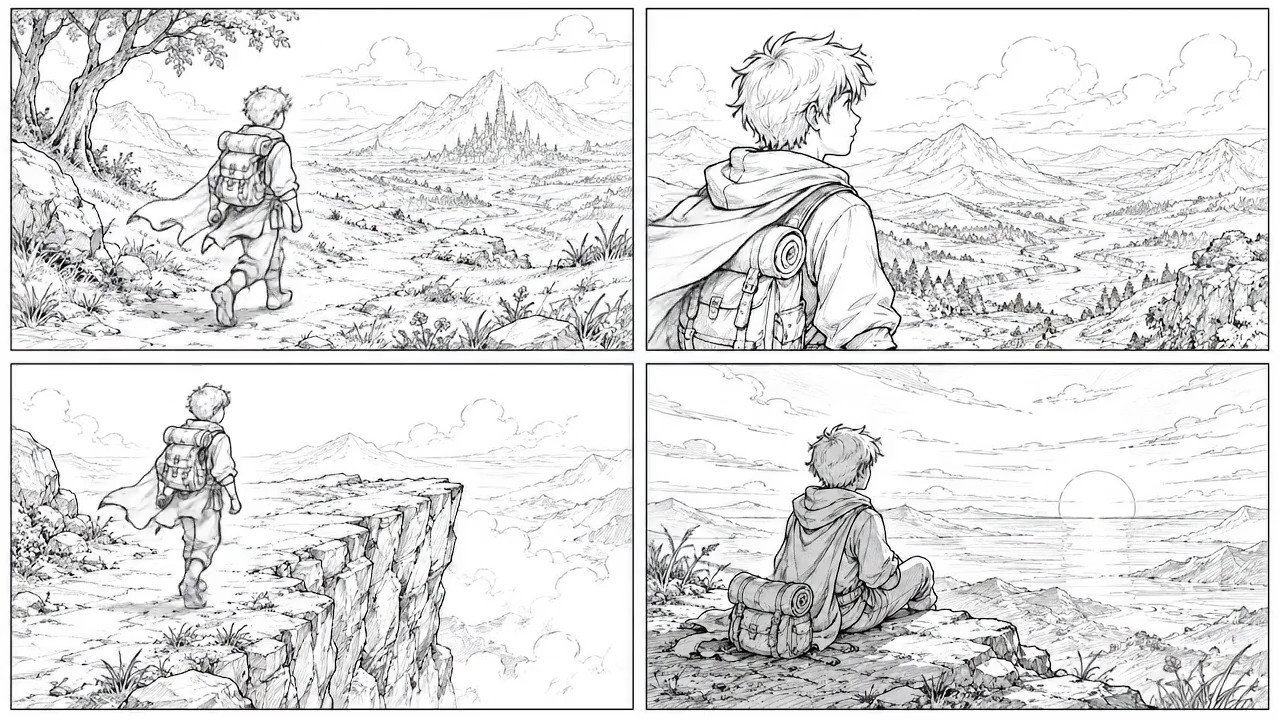
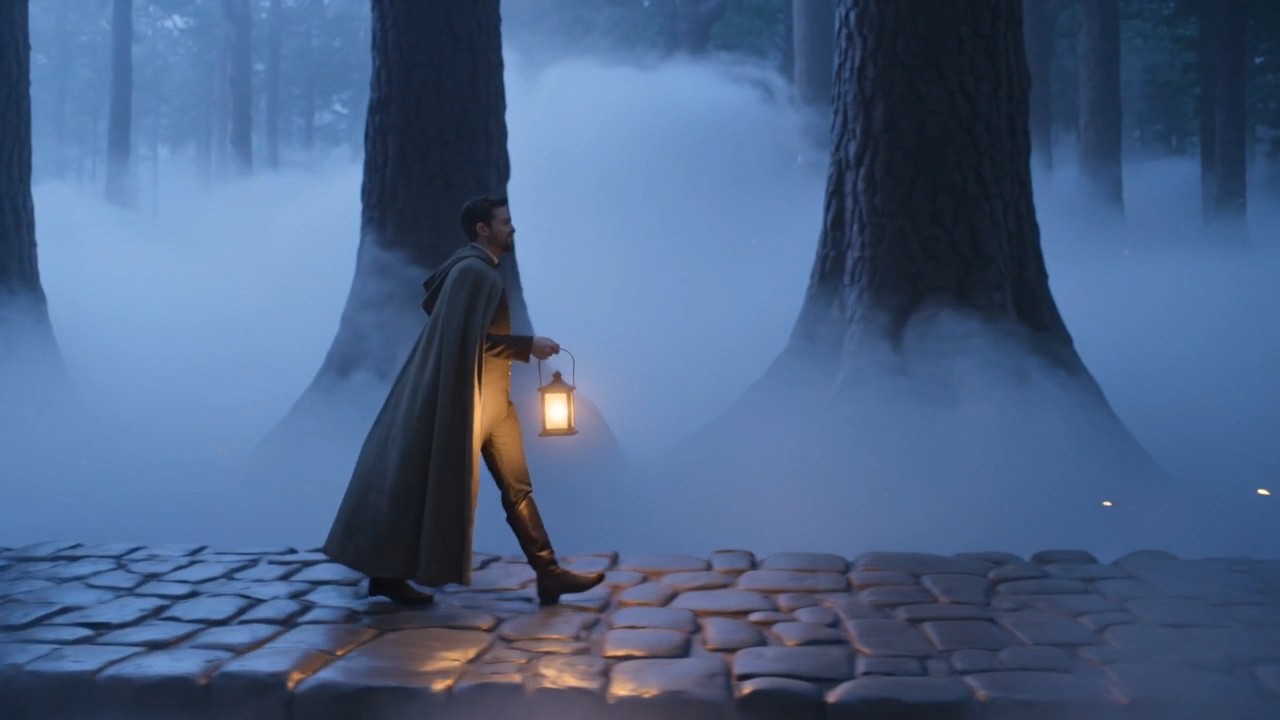

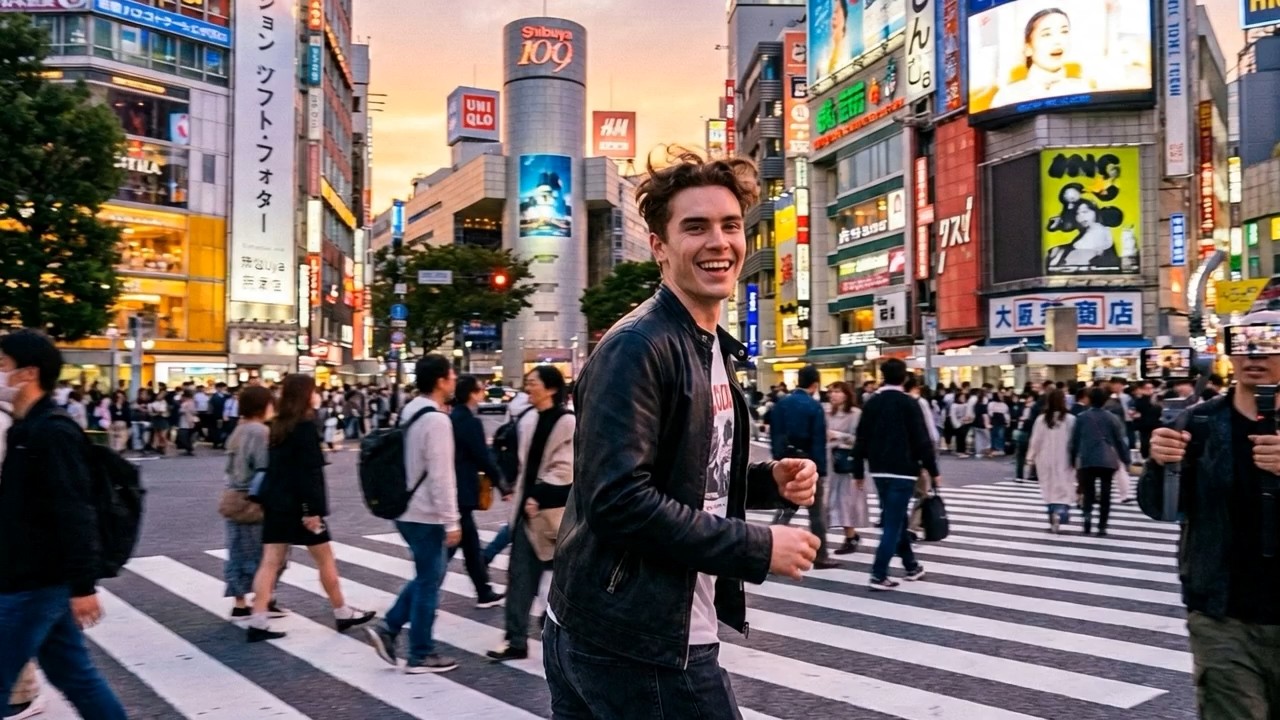
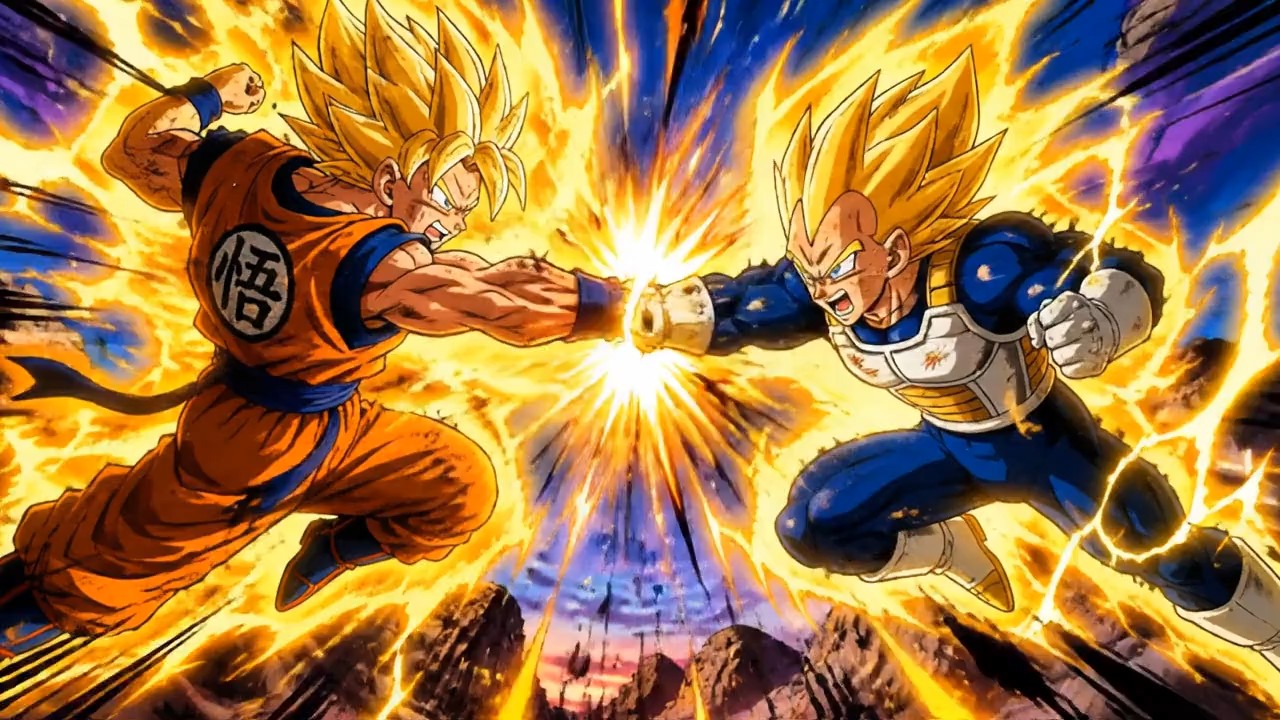
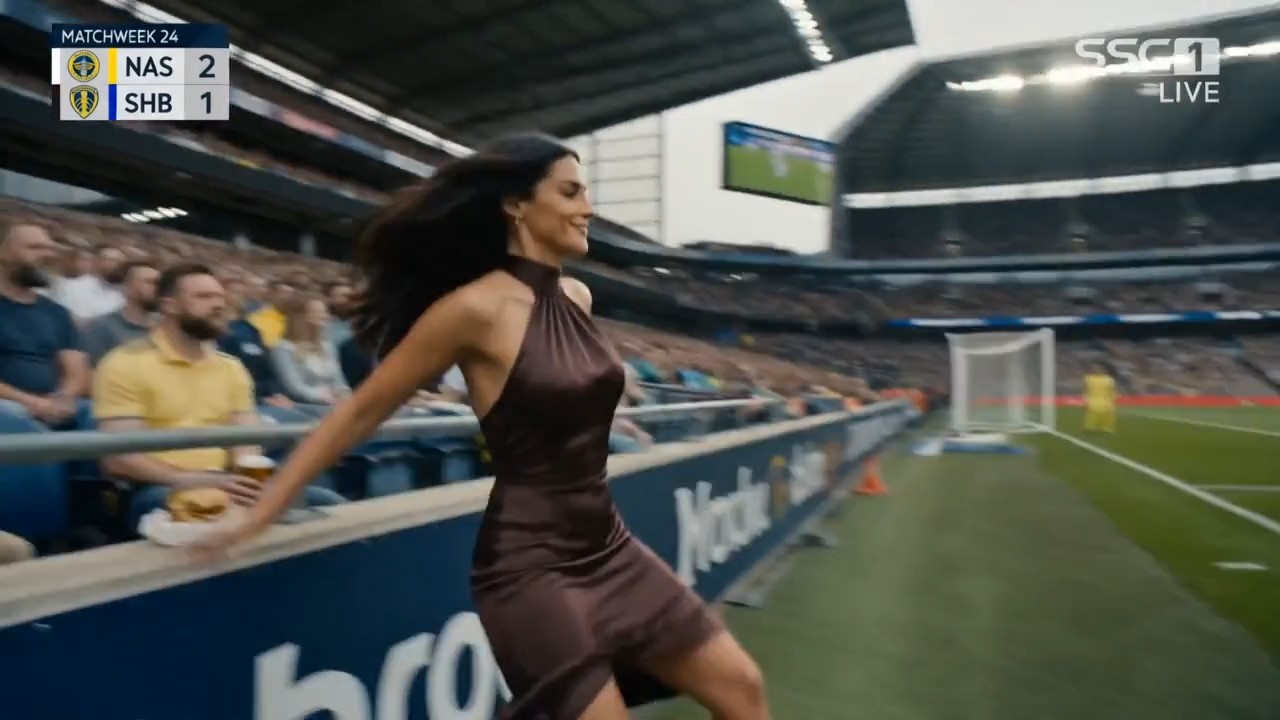
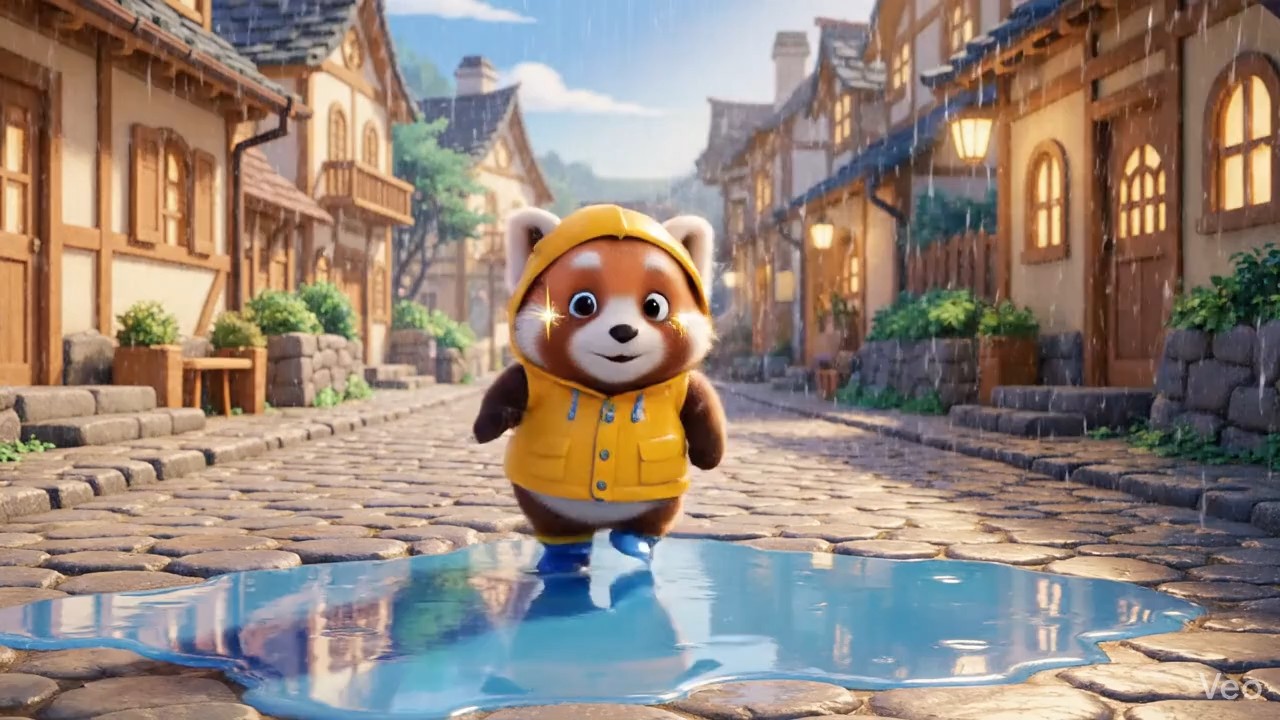
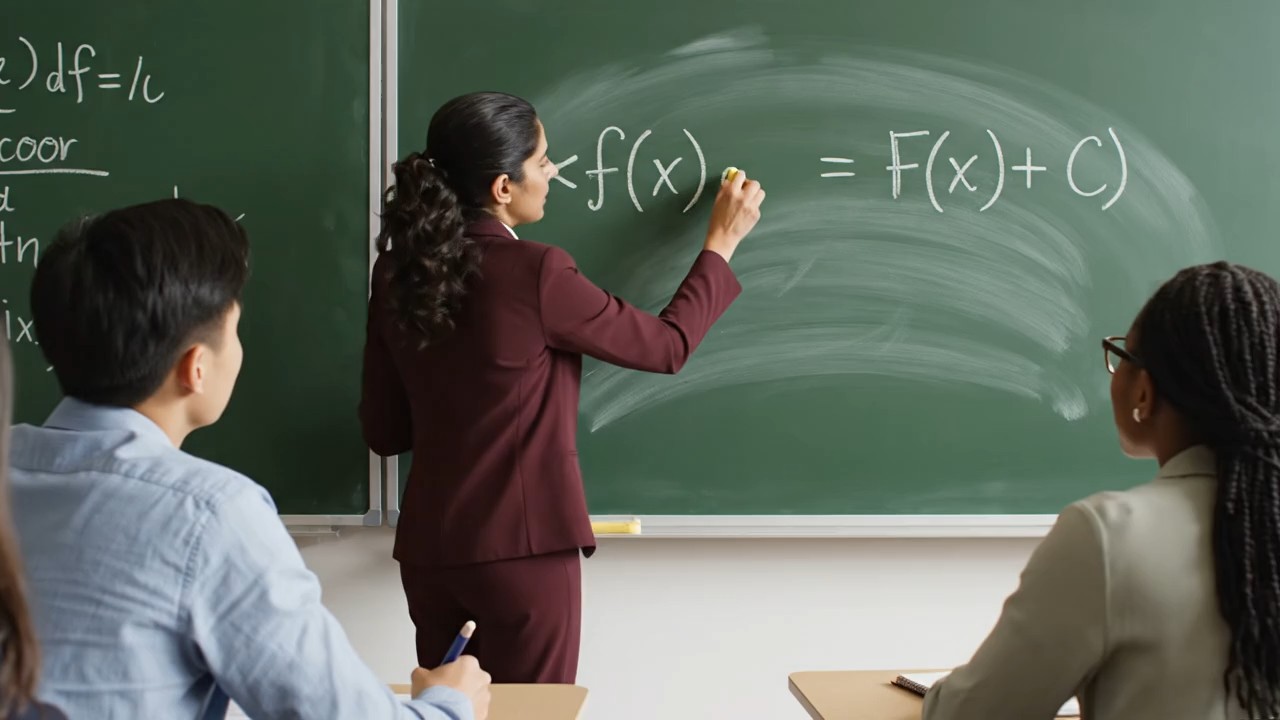
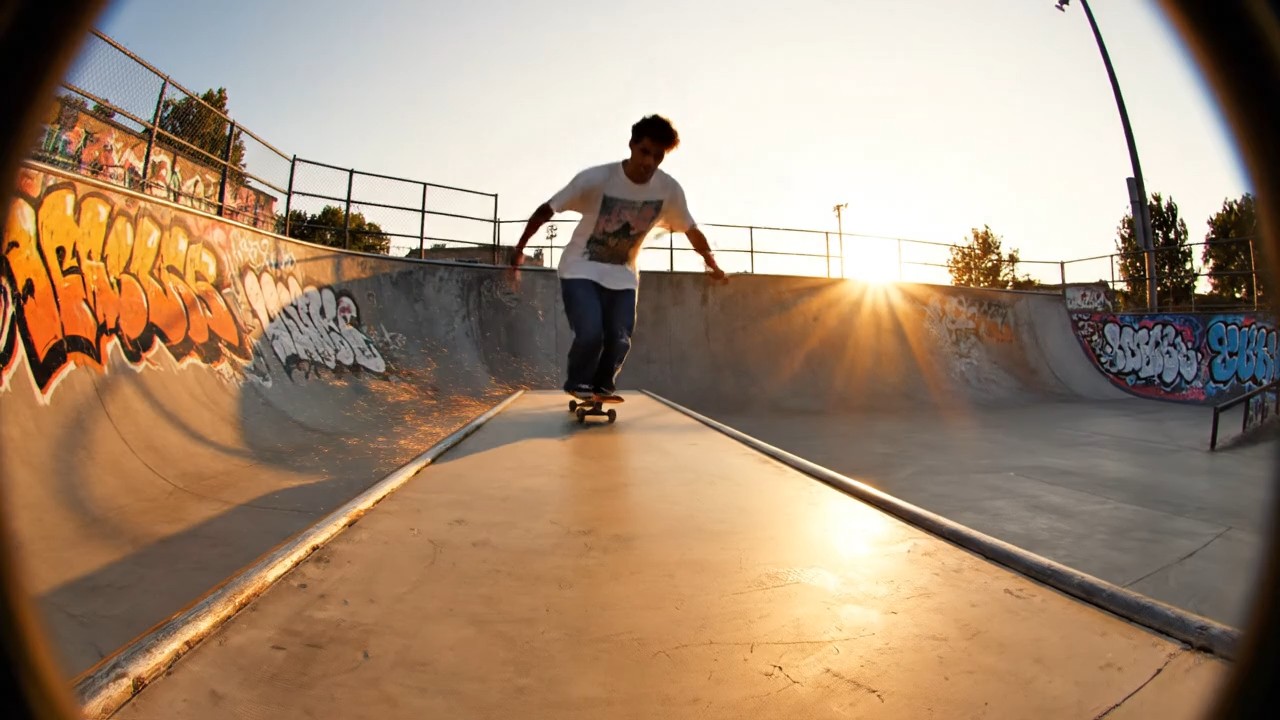
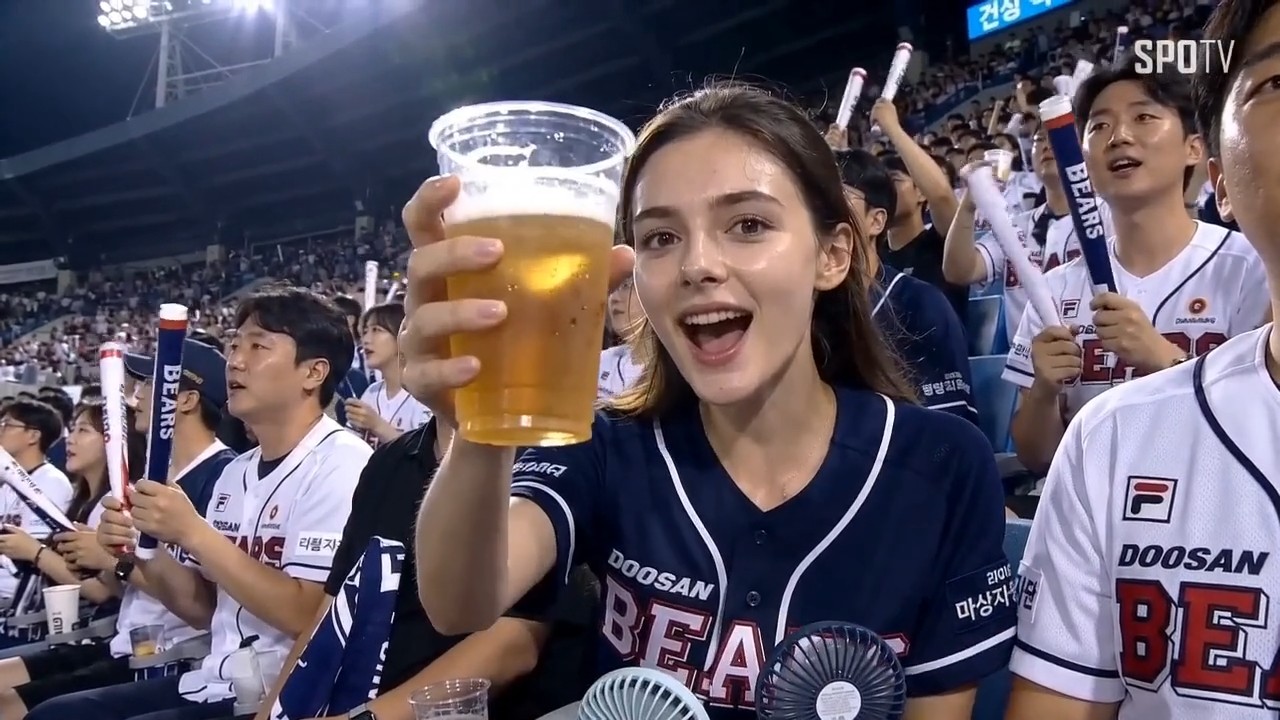
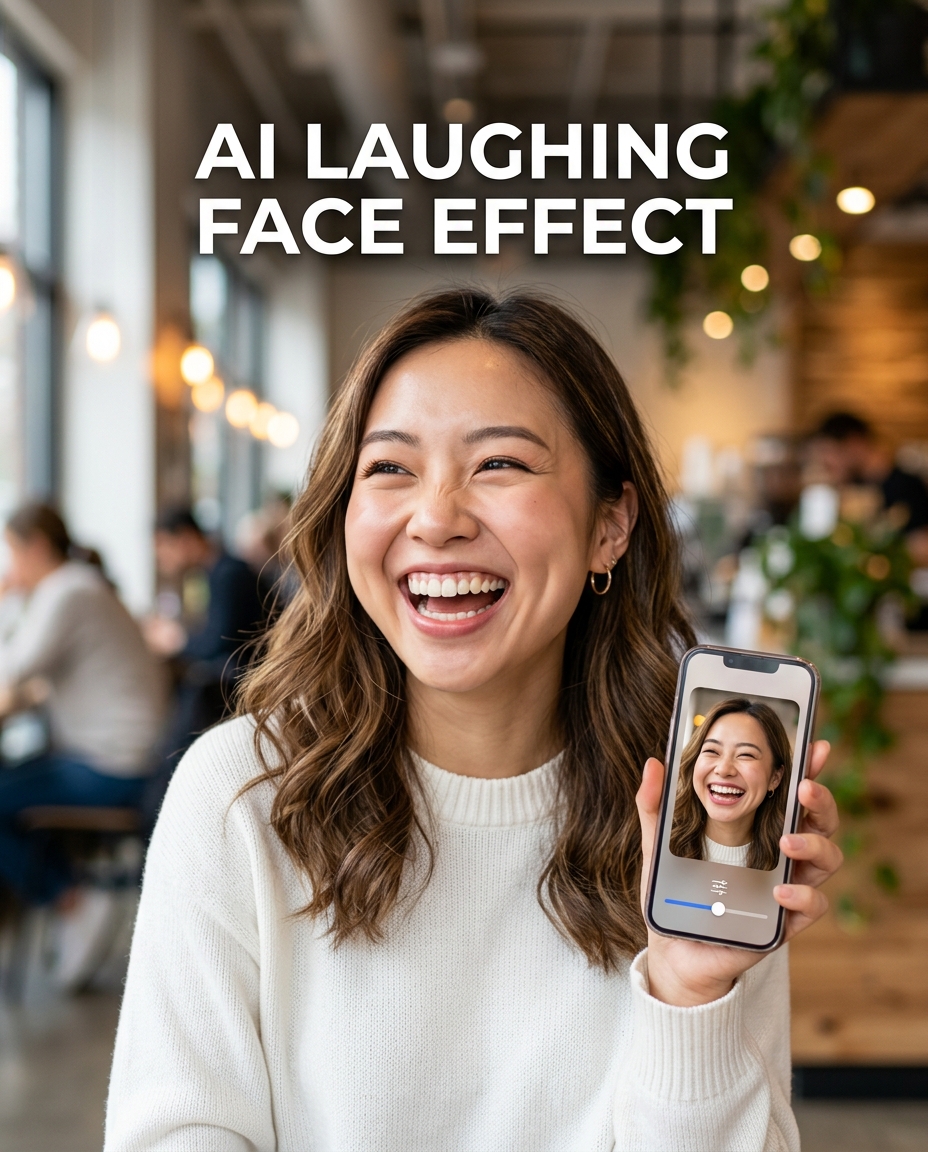

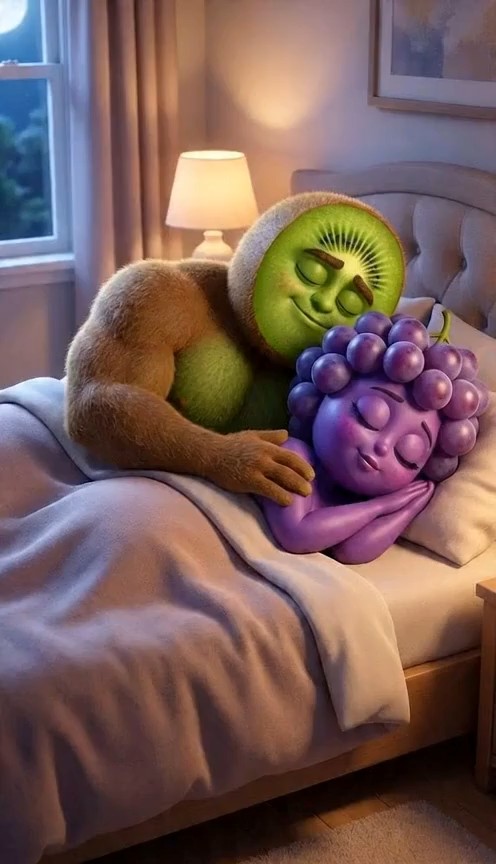
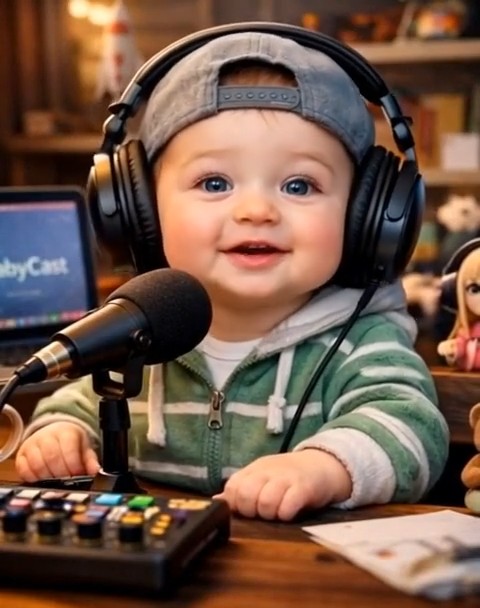
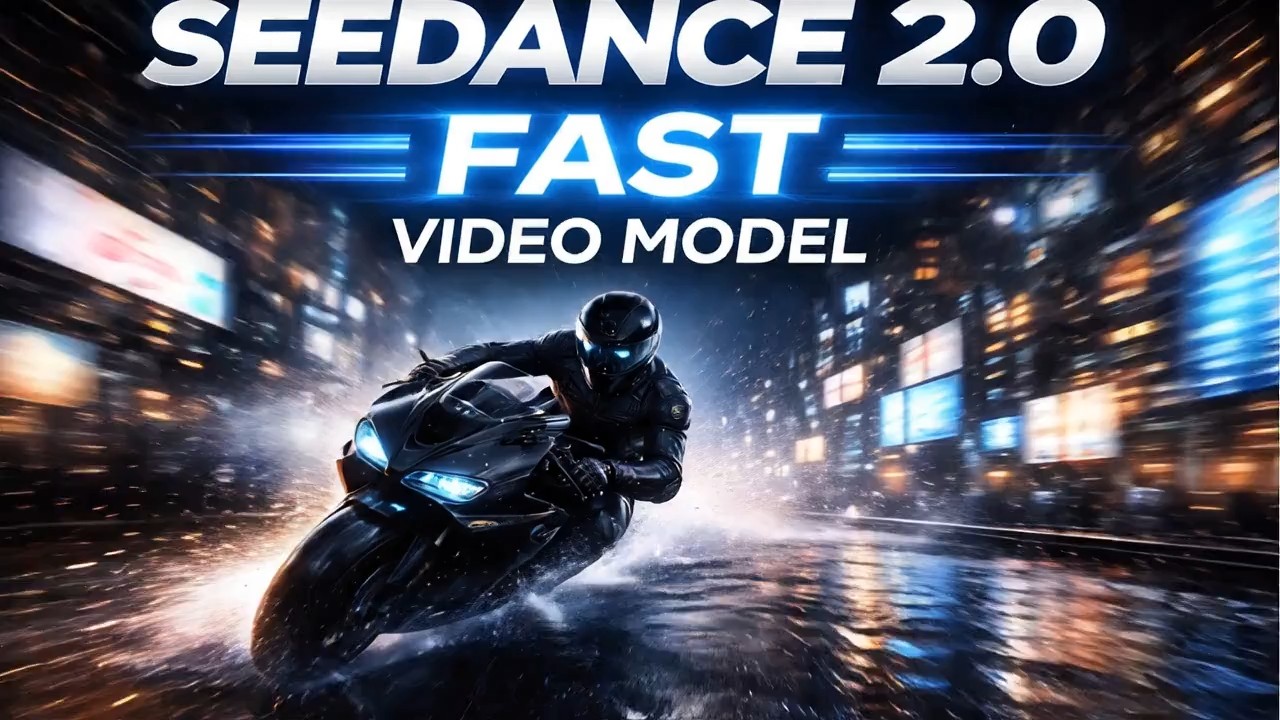
Master Dynamic Video Creation with Kling 3.0 Motion Control
Experience unparalleled precision in video generation. Kling 3.0 Motion Control empowers you to dictate exact movements using advanced AI motion control. Elevate your visual storytelling today.
Unlocking professional video dynamics has never been easier. Kling 3.0 Motion Control offers unprecedented authority over your video creations. By blending your source video and source image, the system accurately interprets your vision. Say goodbye to unpredictable generations. With our sophisticated AI motion control, you dictate the exact trajectory, camera angle, and subject movement. Kling 3.0 Motion Control seamlessly translates your descriptive prompts into stunning visual realities, whether you need a sweeping cinematic pan or a subtle character gesture.
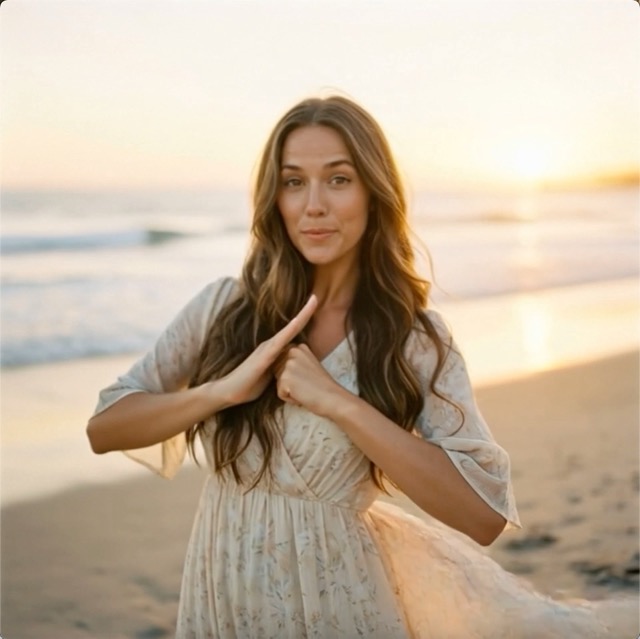
How to Master Kling 3.0 Motion Control in Four Simple Steps
Creating dynamic videos is incredibly intuitive. Follow this straightforward workflow to harness Kling 3.0 Motion Control and its advanced capabilities. Experience seamless video generation by providing your assets and letting the system handle the complex rendering process.

Upload Your Source Video
Begin your creative journey by uploading a clear source video into Kling 3.0 Motion Control. This asset provides the foundational kinetic reference for our AI motion control engine. Ensuring your source material is distinct and well-lit will significantly improve the final output quality generated by Kling 3.0 Motion Control.

Upload Your Source Image
Next, provide a source image to define the visual aesthetic or character details for your project. Kling 3.0 Motion Control seamlessly blends this JPG or PNG file with the dynamics of your video. Our AI motion control technology uses this image as the core stylistic anchor, ensuring Kling 3.0 Motion Control delivers exactly what you envision.

Craft Prompt and Set Resolution
Detail your exact vision using the text box within Kling 3.0 Motion Control. Before initiating the creation process, Kling 3.0 Motion Control requires you to choose your preferred output resolution. You can select either standard 720p or high definition 1080p. The more descriptive you are about the action, the better the tool will execute your visual requirements.

Generate Your Dynamic Video
Once your assets, prompt, and resolution are set, simply click the Generate Video button to let Kling 3.0 Motion Control work its magic. Sit back and watch as Kling 3.0 Motion Control transforms your static assets into a dynamic masterpiece.
Best AI Video Tools for Creative Projects
Explore creative tools for video, learn tips and tricks, and see how AI can be your assistant in turning concepts into finished projects.
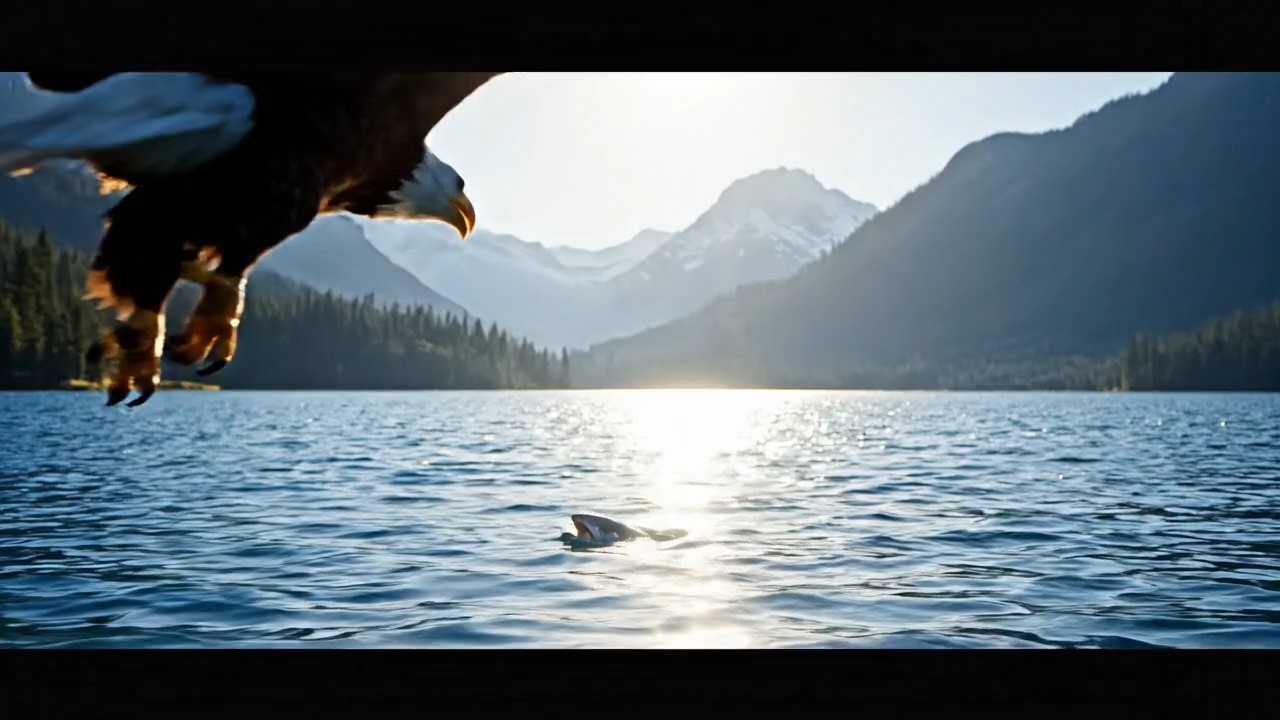


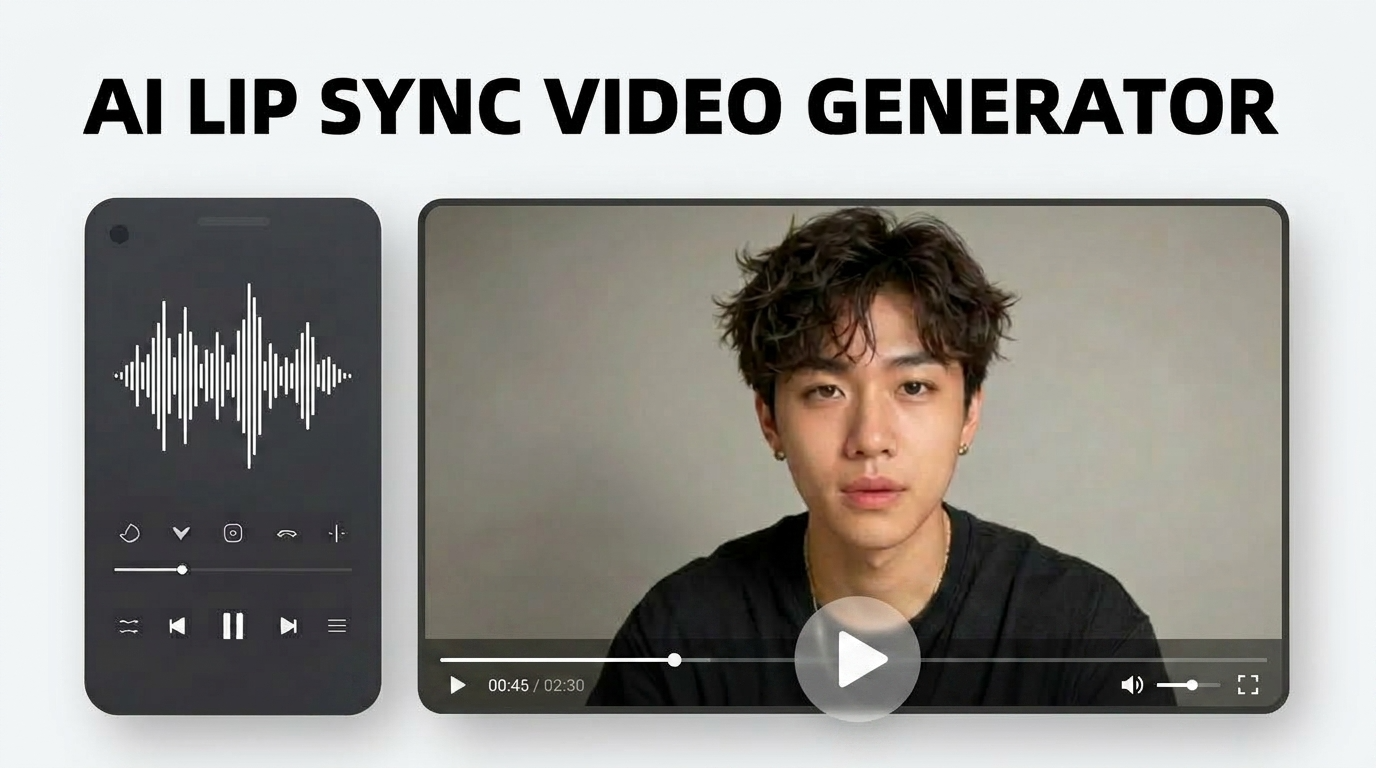
Unlocking Creative Potential with Kling 3.0 Motion Control
Discover how Kling 3.0 Motion Control redefines video generation. By integrating sophisticated AI motion control, Kling 3.0 Motion Control gives creators the ultimate toolkit to dictate precise visual narratives without compromising on quality or efficiency.
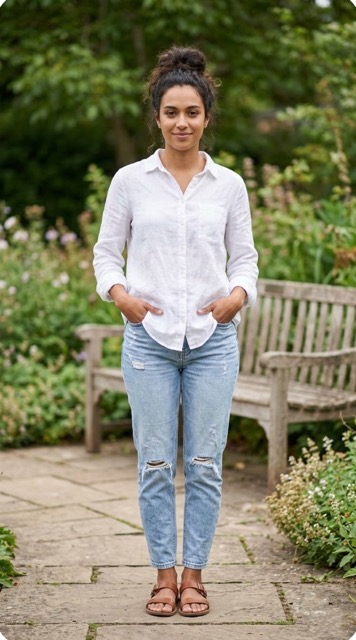
Absolute Authority Over Camera Dynamics
Achieving cinematic camera movements is effortlessly simple with Kling 3.0 Motion Control. Instead of relying on random generation, Kling 3.0 Motion Control allows you to specify exact pans, tilts, and zooms through your text prompt. Our advanced AI motion control interprets these commands flawlessly, ensuring your virtual camera behaves exactly like a physical one. Filmmakers and animators utilize this technology to craft complex tracking shots that were previously impossible to generate automatically. By leveraging our solution, you eliminate trial and error, ensuring that every frame aligns perfectly with your storyboard. Experience true directorial freedom as motion control brings your exact vision to life. Kling 3.0 Motion Control ensures your camera movements are always smooth, deliberate, and visually stunning.
Precise Subject Animation and Manipulation
Beyond just camera movement, Kling 3.0 Motion Control offers unparalleled dominion over the subjects within your video. Whether you need a character to perform a specific gesture or an object to follow a defined trajectory, Kling 3.0 Motion Control handles it with incredible accuracy. Our AI motion control technology analyzes your source image and video, applying your text instructions to animate the subject seamlessly. Kling 3.0 Motion Control ensures that these animations look natural and adhere to the laws of physics. Content creators love using our software to breathe life into static characters or to modify existing actions within a video clip. With this application, complex character animation is accessible to everyone, powered by cutting-edge motion control.
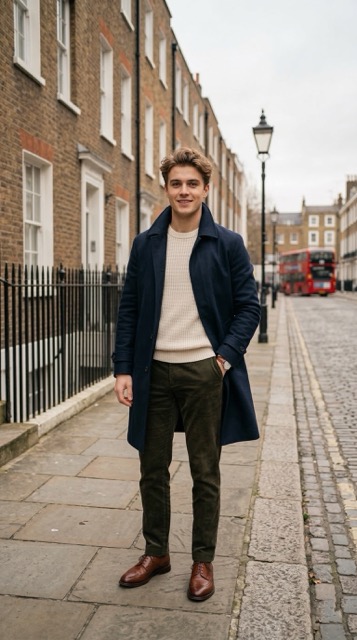
Seamless Blending of Video and Image Assets
One of the most powerful features of Kling 3.0 Motion Control is its ability to synthesize a source video with a source image intelligently. Kling 3.0 Motion Control uses the image as a stylistic or character reference while extracting the underlying physical dynamics from the video. Our robust AI motion control algorithms ensure that the final output maintains the desired aesthetic while adopting the target movements perfectly. The tool handles complex lighting and texture transitions seamlessly during this blending process. Visual artists rely on Kling 3.0 Motion Control to create unique hybrid visuals that stand out. By mastering this feature within Kling 3.0 Motion Control, you can unlock entirely new genres of digital art.
Who Benefits Most from Kling 3.0 Motion Control?
From independent creators to large production studios, Kling 3.0 Motion Control serves a wide array of professionals. Discover how our AI motion control technology accelerates workflows and elevates output quality across different demanding industries.

Professional Filmmakers and Directors
Directors constantly seek tools to pre-visualize scenes accurately. Kling 3.0 Motion Control acts as an advanced digital storyboard, allowing filmmakers to test complex camera blocking before stepping onto a real set. By using advanced motion control, they can experiment with different angles and subject movements instantly. Kling 3.0 Motion Control saves significant production time and budget by minimizing on-set guesswork. The high-fidelity output of our system ensures that these pre-visualizations are realistic and genuinely useful for pitching concepts.

Digital Marketing Agencies
Engaging video content is crucial for modern marketing. Agencies leverage Kling 3.0 Motion Control to produce eye-catching advertisements at a fraction of the traditional cost. The software enables rapid iteration of video concepts, allowing marketers to test different visual hooks quickly. The integrated motion control ensures that product reveals and dynamic text animations are perfectly timed and visually arresting. Kling 3.0 Motion Control is the secret weapon for creating high-converting video campaigns on tight deadlines.

Social Media Content Creators
Standing out on social media requires constant innovation. Influencers and creators use Kling 3.0 Motion Control to generate unique, viral-worthy videos that captivate their audience. With this toolkit, adding surreal movements or highly stylized cinematic effects to standard vlog footage becomes incredibly easy. Our AI motion control technology helps creators maintain a consistent, high-quality aesthetic across all their posts. Kling 3.0 Motion Control empowers solo creators to produce visuals that rival those of professional studios.

Game Developers and Animators
Creating assets for video games demands high precision. Animators utilize Kling 3.0 Motion Control to generate reference animations or even final background assets. The application can quickly simulate complex environmental dynamics or character actions based on simple source files. The sophisticated motion control algorithms ensure that these animations are fluid and loop seamlessly if required. Kling 3.0 Motion Control dramatically reduces the time spent on manual keyframing, allowing developers to focus on higher-level game design tasks.
Success Stories Powered by Kling 3.0 Motion Control
Read how industry professionals are transforming their creative processes using Kling 3.0 Motion Control. Their experiences highlight the unparalleled precision and efficiency of our AI motion control technology.
Integrating Kling 3.0 Motion Control into our agency workflow was a game-changer. The level of detail we can dictate using AI motion control is astonishing. Kling 3.0 Motion Control allows us to execute complex client briefs with absolute precision. We no longer worry about unexpected visual glitches. The system consistently delivers exactly what we prompt, making our entire production pipeline faster and significantly more reliable. It is an indispensable tool for our team.
As a solo filmmaker, budget constraints often limit my camera movement options. Kling 3.0 Motion Control completely solved this issue for me. By using this tool, I can simulate expensive crane shots and complex tracking maneuvers just by typing a prompt. The AI motion control is incredibly intuitive and understands exactly what I need. Kling 3.0 Motion Control has elevated the production value of my short films to a level I never thought possible on my own.
I was initially skeptical about automated generation tools, but Kling 3.0 Motion Control proved me wrong. The precision offered by Kling 3.0 Motion Control is unmatched in the industry today. I use its AI motion control features daily to generate complex background character animations. The software interprets my source videos perfectly, applying the requested stylistic changes without losing the underlying realistic movement. Kling 3.0 Motion Control saves me dozens of hours of manual labor every single week.
Producing fresh video content daily is exhausting, but Kling 3.0 Motion Control makes it incredibly fun and efficient. Our team uses Kling 3.0 Motion Control to turn static product images into dynamic, engaging video clips for Instagram and TikTok. The motion control ensures every video looks professional and polished. Our chosen solution has directly contributed to a significant increase in our overall engagement rates. I highly recommend Kling 3.0 Motion Control to any serious digital marketer.

Frequently Asked Questions About Kling 3.0 Motion Control
Find comprehensive answers to common inquiries regarding Kling 3.0 Motion Control. Learn how to maximize your results and fully utilize our advanced AI motion control features.
Kling 3.0 Motion Control utilizes a highly advanced neural network architecture to analyze your source video, source image, and text prompt simultaneously. Kling 3.0 Motion Control extracts the structural and kinetic data from your video while absorbing the visual aesthetics from your image. Our proprietary AI motion control algorithms then synthesize these elements, guided entirely by the descriptive parameters you provided in your prompt. This ensures the engine delivers a cohesive, dynamic final video.
To ensure optimal performance, Kling 3.0 Motion Control currently supports standard and widely used media formats. For source videos, the system accepts MP4 files with a maximum size limit of twenty megabytes. For source images, it supports both JPG and PNG formats with a maximum file size of ten megabytes. Adhering to these specifications guarantees that our motion control engine can process your requests swiftly and accurately within Kling 3.0 Motion Control.
Kling 3.0 Motion Control offers a generous prompt limit of up to 2500 characters, allowing for extreme detail. However, you do not need to use the entire limit. The software responds best to clear, descriptive language focusing on specific actions, camera movements, and lighting conditions. While our AI motion control is highly intuitive, providing more specific context helps Kling 3.0 Motion Control generate an output that perfectly aligns with your creative vision.
Yes, Kling 3.0 Motion Control provides flexible output options to suit different project requirements. Before generating, the interface allows you to easily toggle between standard high definition 720p and full high definition 1080p resolutions. Our motion control processes scale flawlessly across both options, ensuring crisp, professional visuals regardless of your choice. Kling 3.0 Motion Control adjusts the required credit cost automatically based on the resolution you select for your specific project.
Security and privacy are paramount when using Kling 3.0 Motion Control. All source videos and images uploaded to our servers are processed securely through encrypted channels. Our AI motion control infrastructure ensures that your proprietary assets are utilized strictly for generating your requested video and are never shared publicly. You can utilize Kling 3.0 Motion Control with absolute confidence, knowing your creative intellectual property is protected at every step of the rendering workflow.
The versatility of this technology is practically limitless. Through careful prompt engineering, it can accurately simulate a vast array of cinematic techniques. Our AI motion control engine understands commands for panning, tilting, zooming, tracking, and even complex drone-like aerial maneuvers. If you can describe the camera trajectory clearly in your text prompt, Kling 3.0 Motion Control possesses the technical capability to render that exact movement seamlessly into your final video.
Elevate Your Videos Today with Kling 3.0 Motion Control
Stop settling for static imagery and unpredictable video generations. Harness the unparalleled precision of Kling 3.0 Motion Control to bring your exact creative visions to life.
