
Build More Videos WithVeo 3.1 Lite AI Video Generator
Fast, efficient, and built for scalable video creation
Use Veo 3.1 Lite AI on Banana Pro AI to create short videos with lower cost and strong output flexibility. If you want a Veo 3.1 Lite video generator for repeatable content production, testing, or creative iteration, this model is designed for practical speed. Start with text prompts or images, choose landscape or portrait framing, and explore Veo 3.1 Lite free on a workflow built for modern creators.
More AI Video Generators
Explore our collection of specialized AI video generators designed for different creative needs and styles



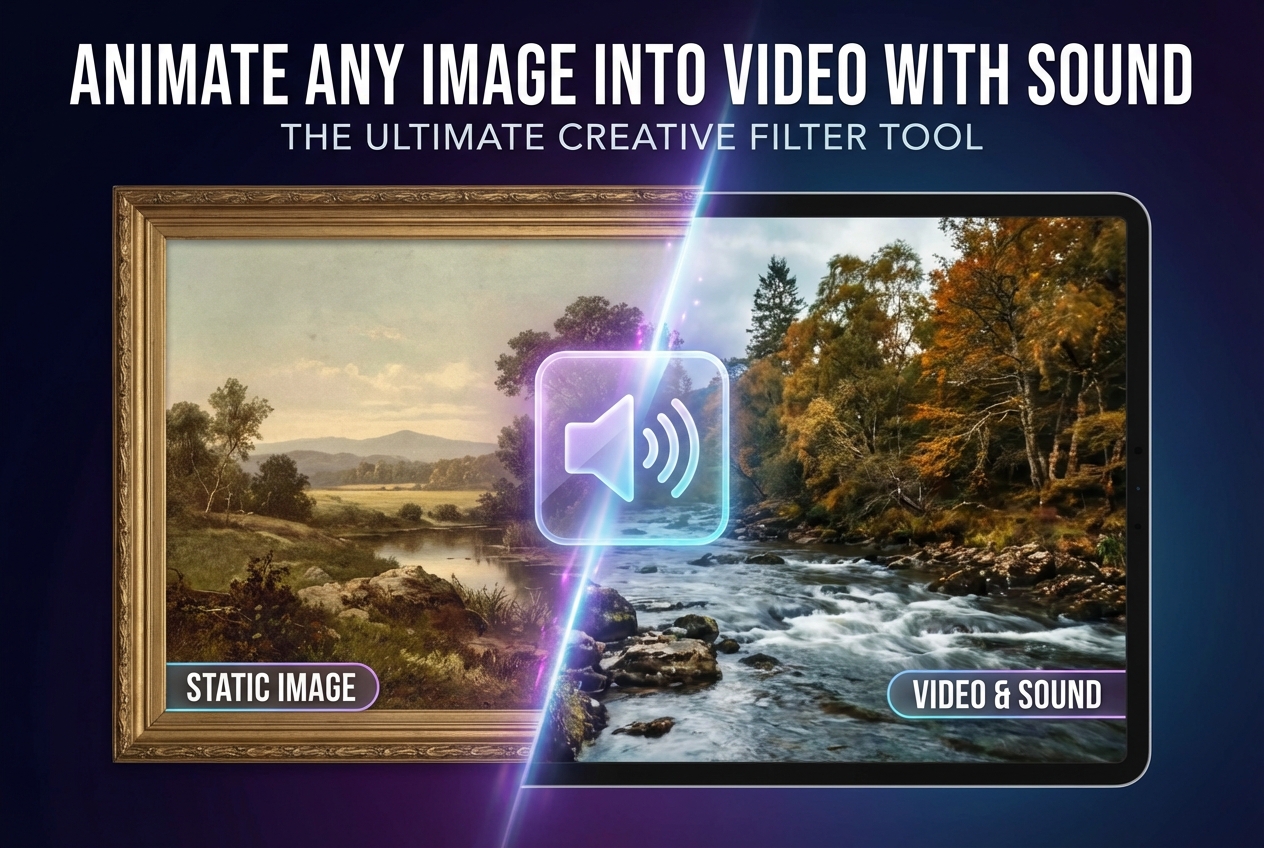

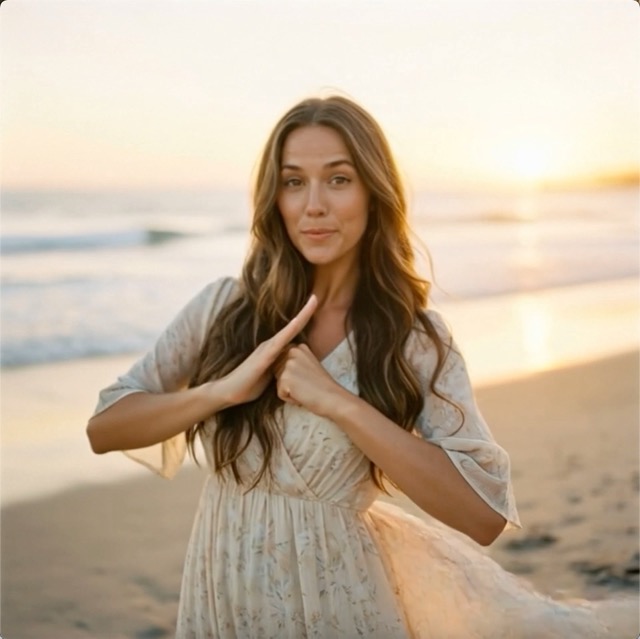

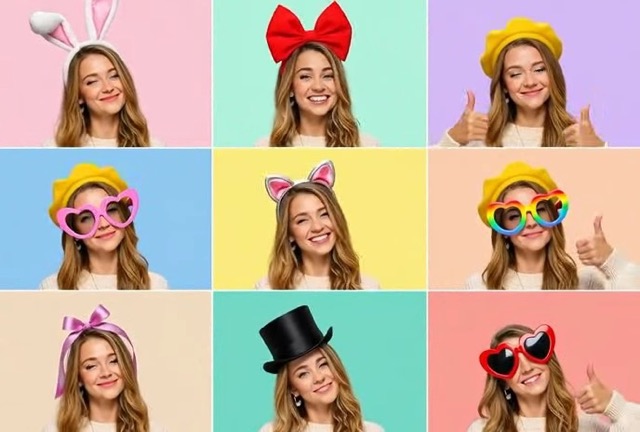

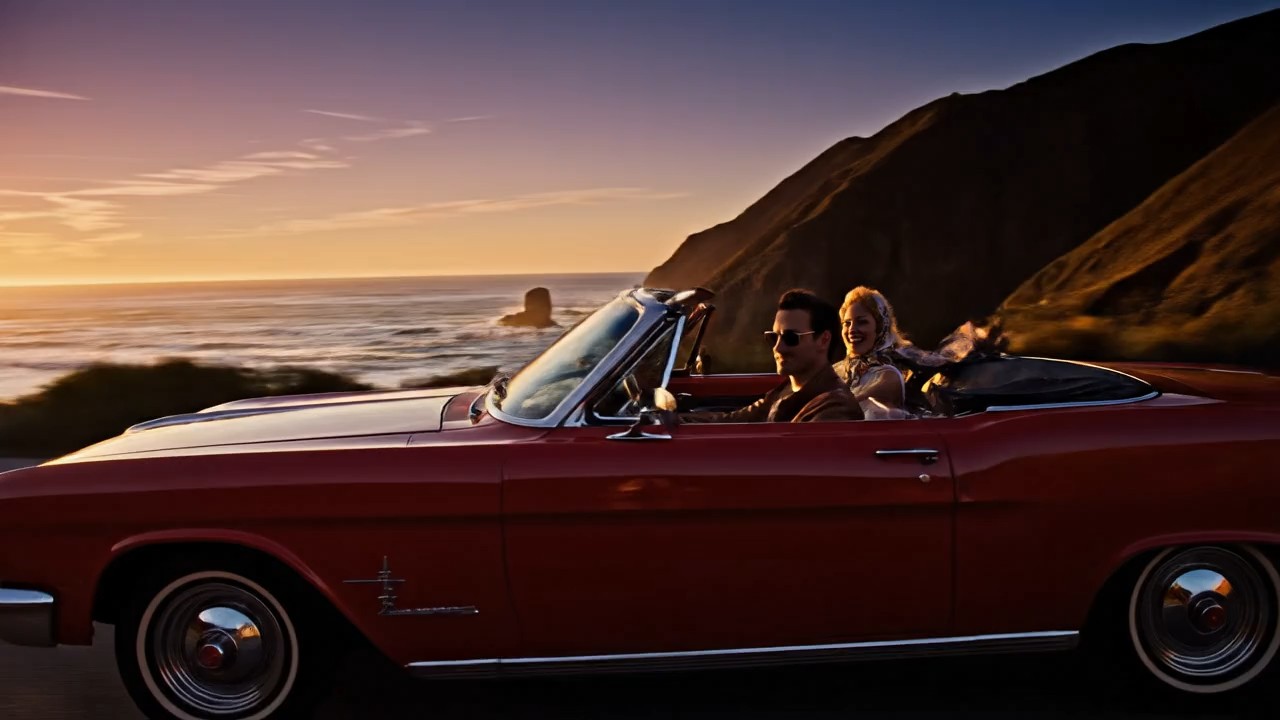
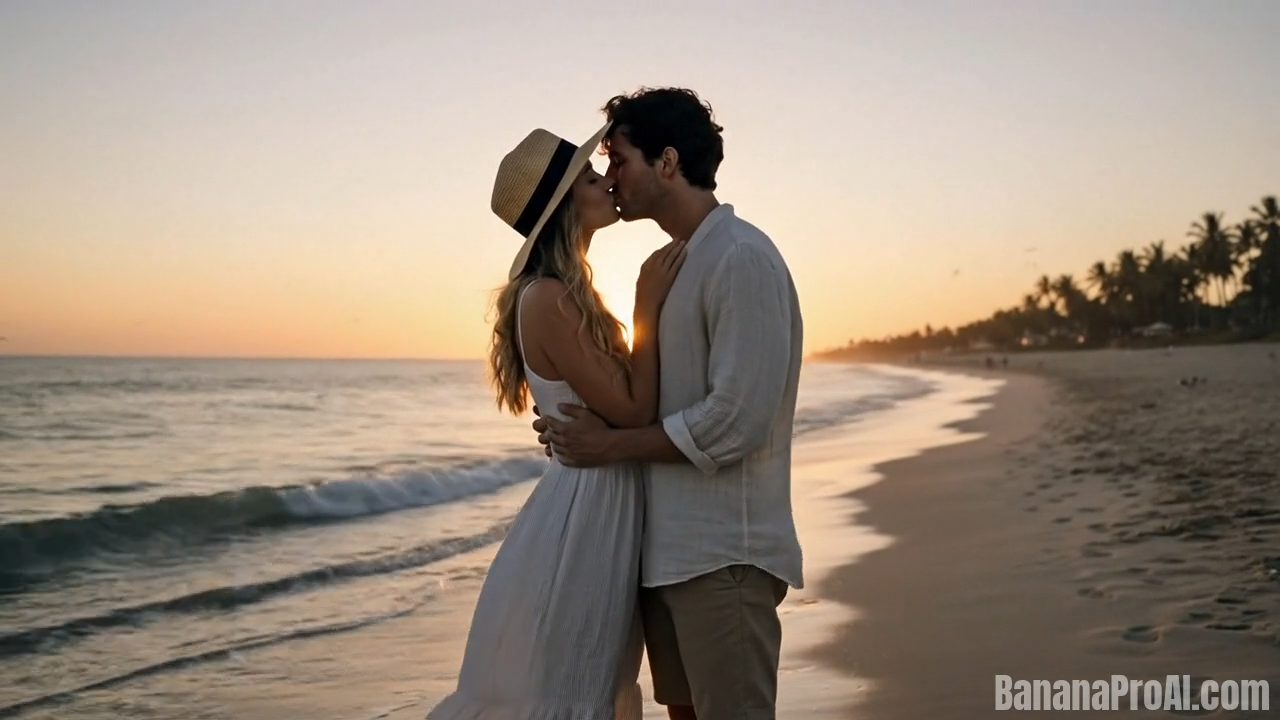

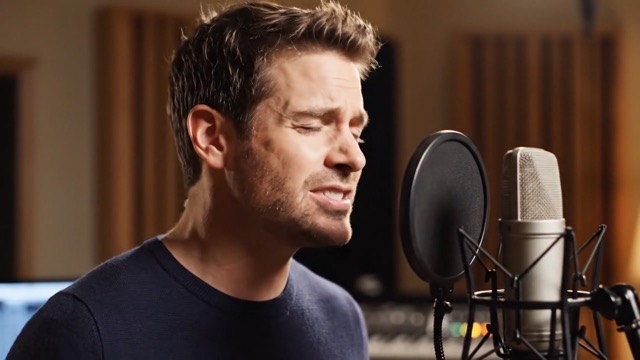
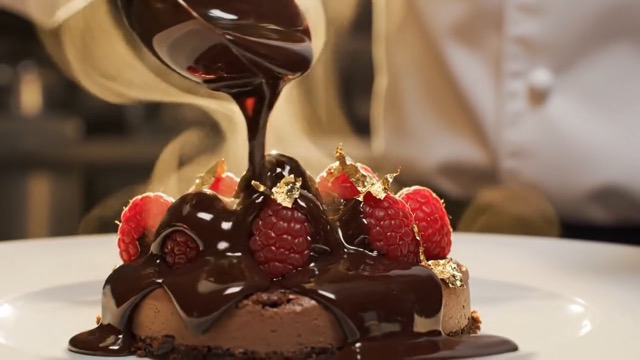
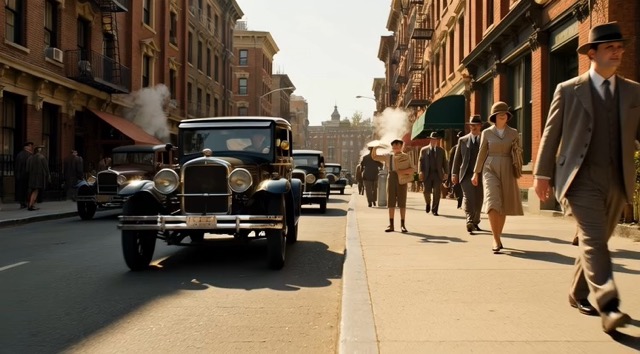

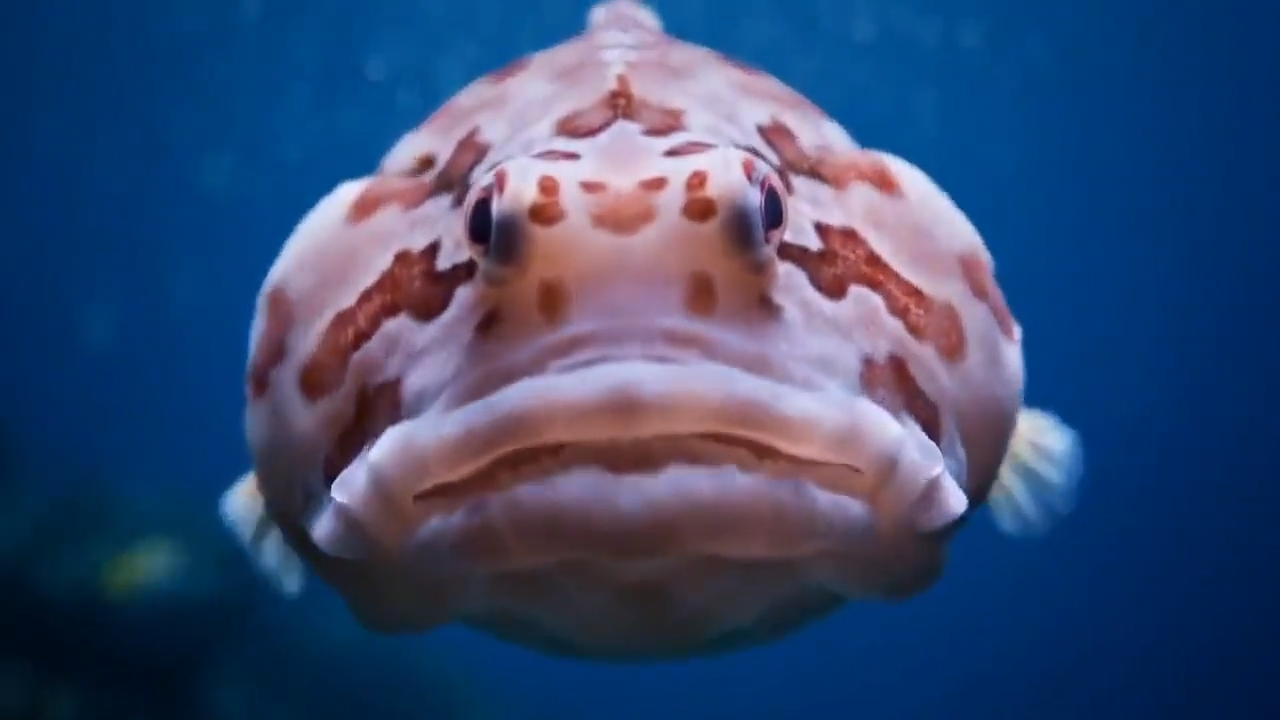
Create Smarter Short Videos with Veo 3.1 Lite AI
Banana Pro AI makes Veo 3.1 Lite AI easier to use for creators, marketers, and teams that need fast video generation with practical output control.
Veo 3.1 Lite AI is a strong choice for users who want more video output at a more accessible cost level. On Banana Pro AI, this Veo 3.1 Lite video generator fits everyday production tasks such as concept testing, social content drafts, ad experiments, product storytelling, and rapid creative iteration. You can begin with text or image input, choose portrait or landscape framing, and generate short videos in 4 second, 6 second, or 8 second lengths. For users searching for Veo 3.1 Lite free access to test a new workflow, this page is built to explain the value clearly and help you move from idea to video faster.
How to Use Veo 3.1 Lite AI
Banana Pro AI keeps the Veo 3.1 Lite AI workflow simple. Whether you want a Veo 3.1 Lite video generator for quick experiments or you are exploring Veo 3.1 Lite free before deeper usage, the process is straightforward.

Choose Your Input
Start with a text prompt or an image. Veo 3.1 Lite AI supports both text to video and image to video, so you can either describe the scene you want or use a visual reference to guide the result.

Set Format and Visuals
Enter the output style that matches your channel. This Veo 3.1 Lite video generator supports landscape 16:9 and portrait 9:16 framing for practical short-form creation.

Generate and Review
Run Veo 3.1 Lite AI and review the output. If you are testing multiple concepts, you can iterate quickly and compare different versions to find the best motion, framing, and message fit.

Download or Refine
Once the result matches your goal, export it for your content workflow. Many users come to Veo 3.1 Lite free testing first, then continue using the model for repeatable video production once they see how efficient it feels.
Best AI Video Tools for Creative Projects
Explore creative tools for video, learn tips and tricks, and see how AI can be your assistant in turning concepts into finished projects.
Features of Our Veo 3.1 Lite AI Video Generator
Veo 3.1 Lite AI is built for practical creation. Banana Pro AI turns the official model strengths into an easier production experience for users who need efficient output, flexible input, and better volume potential from a Veo 3.1 Lite video generator.
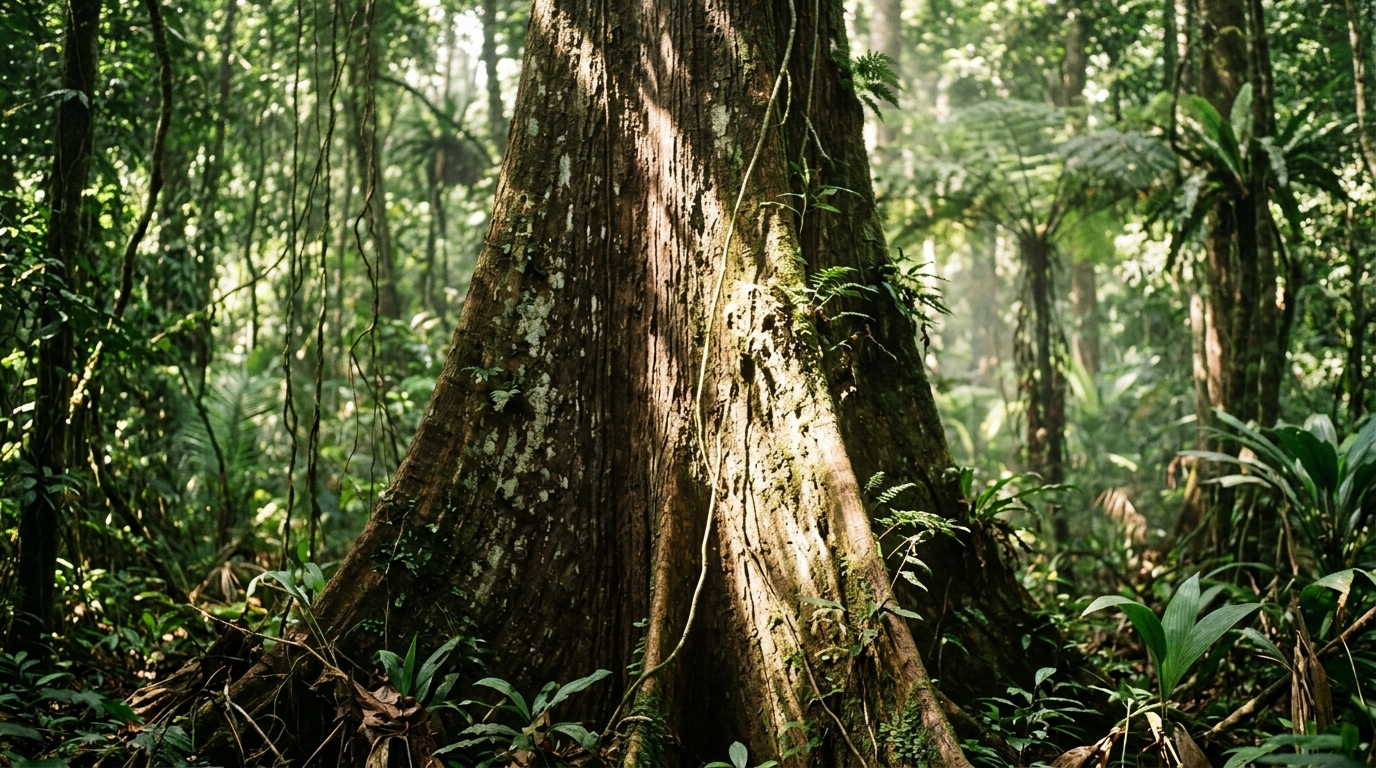
Cost Efficient Video Creation for High Volume Work
Veo 3.1 Lite AI is designed for builders and creators who need more output without pushing costs too high. That matters when you are making multiple ad variants, testing social hooks, building product demos, or creating repeated drafts for a client workflow. A Veo 3.1 Lite video generator should not only look impressive on paper. It should help you produce more videos in real projects. That is where Veo 3.1 Lite AI stands out. If your priority is scalable generation with practical efficiency, this model is an easy fit. Many users start with Veo 3.1 Lite free testing and quickly see why it works well for ongoing creation.

Text to Video and Image to Video in One Workflow
Veo 3.1 Lite AI supports both text to video and image to video. That gives users two clean starting points. You can describe a scene from scratch when you need fresh creative generation, or you can upload an image when you want a stronger visual anchor. This flexibility makes the Veo 3.1 Lite video generator useful for very different production styles. Marketers can begin from campaign copy, creators can begin from visual references, and teams can test ideas without changing tools. For users looking into Veo 3.1 Lite free, this dual input approach is one of the clearest reasons to try it first.

Built for Portrait and Landscape Video Needs
A modern Veo 3.1 Lite video generator has to work across platforms. Veo 3.1 Lite AI supports both landscape 16:9 and portrait 9:16 framing, which makes it easier to adapt content ideas to YouTube, landing pages, short-form social channels, product pages, and ad placements. You do not need to force one format into every use case. Instead, Veo 3.1 Lite AI gives you a practical way to match the output shape to the publishing goal. That makes iteration cleaner and reduces wasted time. If you are evaluating Veo 3.1 Lite free, format flexibility is one of the first workflow benefits you will notice.
Flexible Resolution and Duration for Fast Iteration
Veo 3.1 Lite AI supports 720p and 1080p video output, along with 4 second, 6 second, and 8 second durations. That combination makes the model feel practical instead of rigid. You can keep tests lighter when exploring concepts, then move toward stronger final output when you find the right direction. A Veo 3.1 Lite video generator should help users move through ideas quickly, and these settings support that rhythm well. For creators who value short, usable clips instead of overly long experimental output, Veo 3.1 Lite AI offers a focused production setup. Users trying Veo 3.1 Lite free often appreciate how easy it is to test several short concepts in one session.
Best Use Cases for Veo 3.1 Lite AI
Because Veo 3.1 Lite AI is optimized for efficient video generation, it fits many real production scenarios. This Veo 3.1 Lite video generator is especially useful when you need multiple outputs, quick iteration, and a clear path from idea to short video.

Creative Concept Testing
Use Veo 3.1 Lite AI to test several prompt directions before committing to a bigger production plan. This Veo 3.1 Lite video generator is ideal for comparing moods, pacing, and message angles quickly.

Short Form Social Videos
Portrait output makes Veo 3.1 Lite AI a natural match for social content workflows. If you need a Veo 3.1 Lite video generator for short vertical storytelling, this model fits the format well.

Image Based Motion Drafts
When you already have a key visual, Veo 3.1 Lite AI lets you start from image input and turn it into motion. That makes the Veo 3.1 Lite video generator useful for campaigns, moodboards, and product scenes.

Marketing Variant Production
Teams can use Veo 3.1 Lite AI to produce multiple ad or landing page video variants without slowing down. For many businesses, Veo 3.1 Lite free testing is the easiest way to validate this workflow first.

Fast Client Previews
Agencies and freelancers can use this Veo 3.1 Lite video generator to show early motion concepts before refining a creative direction. It is useful when speed matters as much as presentation clarity.

Scalable Builder Workflows
Veo 3.1 Lite AI was introduced with builders in mind. If your product needs repeated generation, efficient model cost becomes important, and this Veo 3.1 Lite video generator is positioned for that need.
What Users Say About Veo 3.1 Lite AI
Here are six realistic reactions from users who tried Veo 3.1 Lite AI on Banana Pro AI for different production needs.
I create paid social drafts every week, and Veo 3.1 Lite AI helped me test more concepts without slowing the team down. This Veo 3.1 Lite video generator felt practical from the first session. I started with Veo 3.1 Lite free testing, then used it for multiple client variations because the turnaround felt much lighter than my previous workflow.
What I liked most about Veo 3.1 Lite AI was the balance between speed and usable output. I work on quick launch videos for product pages, and this Veo 3.1 Lite video generator made it easy to try different hooks. Veo 3.1 Lite free was enough to show me the model could fit real commercial iteration.
I often start from still images, so the image to video side of Veo 3.1 Lite AI was the main reason I tried it. The Veo 3.1 Lite video generator gave me a simple way to turn existing campaign visuals into short motion drafts. For creative exploration, Veo 3.1 Lite free was a very convincing entry point.
My team needed a Veo 3.1 Lite video generator that could support repeated testing instead of one-off experiments. Veo 3.1 Lite AI felt built for that. I used 9:16 outputs for short-form content and 16:9 for landing pages in the same week. Starting with Veo 3.1 Lite free made the switch easy.
As a freelance video consultant, I need tools that help clients see motion direction quickly. Veo 3.1 Lite AI is now one of my favorite options for early concept rounds. This Veo 3.1 Lite video generator lets me move from prompt to preview fast, and Veo 3.1 Lite free is useful for first-stage testing with new clients.
I evaluate tools from a production systems point of view, and Veo 3.1 Lite AI impressed me because it feels efficient instead of overbuilt. The Veo 3.1 Lite video generator is well suited for high-volume concept generation. Even Veo 3.1 Lite free was enough for me to understand its value in a larger workflow.





Frequently Asked Questions About Veo 3.1 Lite AI
These answers help users understand how Veo 3.1 Lite AI fits real creation needs on Banana Pro AI.
Veo 3.1 Lite AI is a video generation model designed for efficient and cost-conscious creation. It supports text to video and image to video, making it a practical choice for users who want a flexible Veo 3.1 Lite video generator for repeated output, rapid testing, and short-form content workflows.
A heavier workflow can make quick testing slow and expensive. Veo 3.1 Lite AI is a better fit when you need multiple short videos, several concept versions, or repeated campaign drafts. Many users begin with Veo 3.1 Lite free access because they want to validate ideas before scaling production.
Yes. Veo 3.1 Lite AI supports both text to video and image to video. That means this Veo 3.1 Lite video generator can work for users who want fully prompt-based creation as well as users who already have image references and want motion added.
Veo 3.1 Lite AI supports 16:9 landscape and 9:16 portrait framing, plus 4 second, 6 second, and 8 second video duration options. This makes the Veo 3.1 Lite video generator especially useful for short-form content, ad testing, and quick concept iteration.
You can start with Veo 3.1 Lite free exploration on Banana Pro AI to understand the workflow and evaluate whether the model fits your goals. Users often begin there before moving into more regular usage once they see how Veo 3.1 Lite AI performs for their content pipeline.
Veo 3.1 Lite AI is a good match for creators, marketers, agencies, startups, and builders who need fast video generation at a more practical cost level. If you want a Veo 3.1 Lite video generator for scalable short video production, this model is a strong option.
Start Creating with Veo 3.1 Lite AI
Use Banana Pro AI to explore Veo 3.1 Lite AI for faster short video creation. If you need a Veo 3.1 Lite video generator that supports practical output, flexible input, and efficient iteration, this is the right place to start.
