
More AI Video Generators
Explore our collection of specialized AI video generators designed for different creative needs and styles





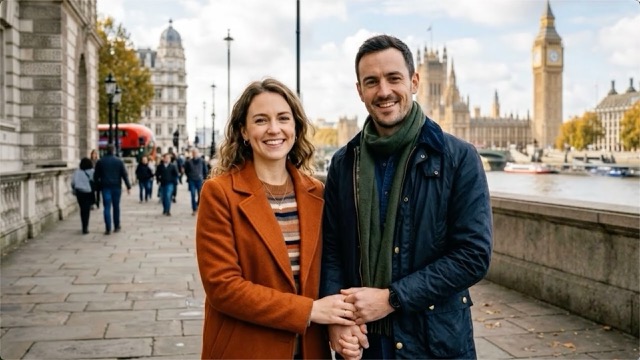
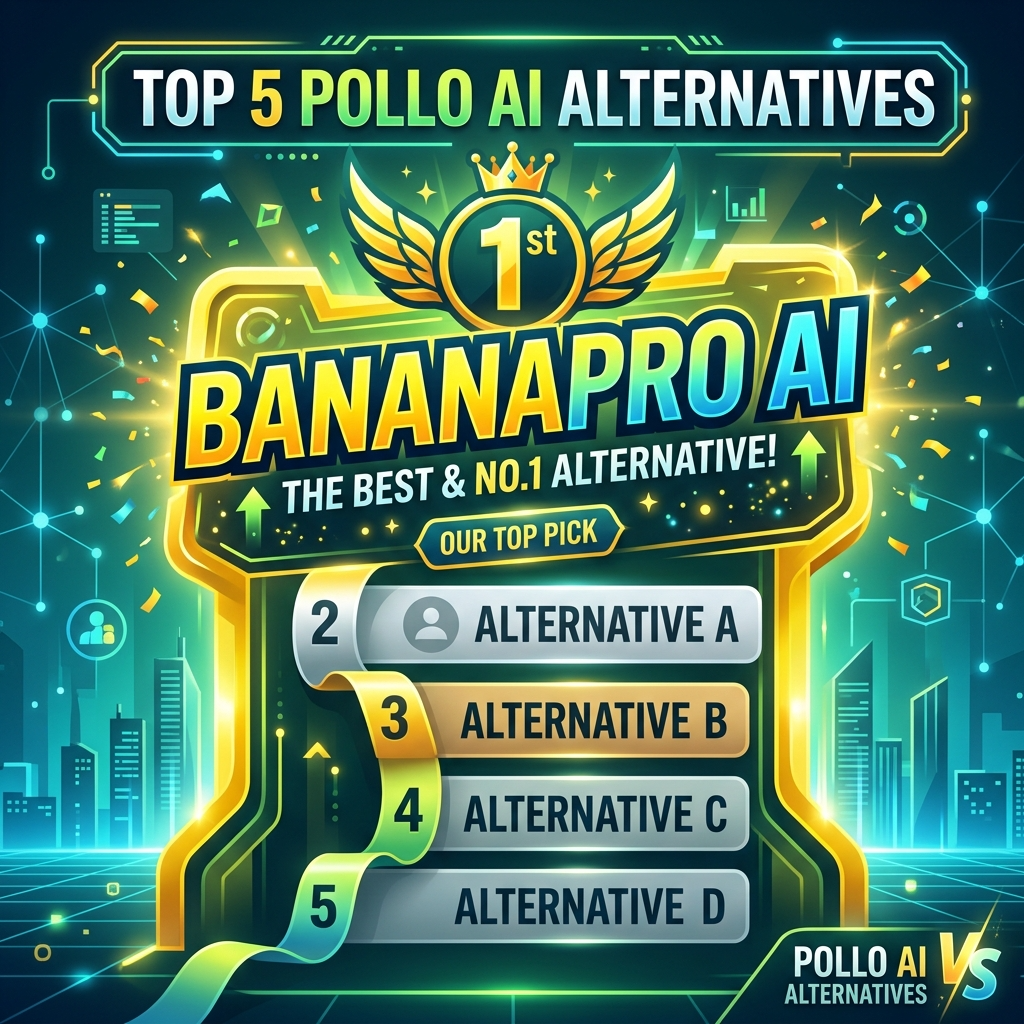
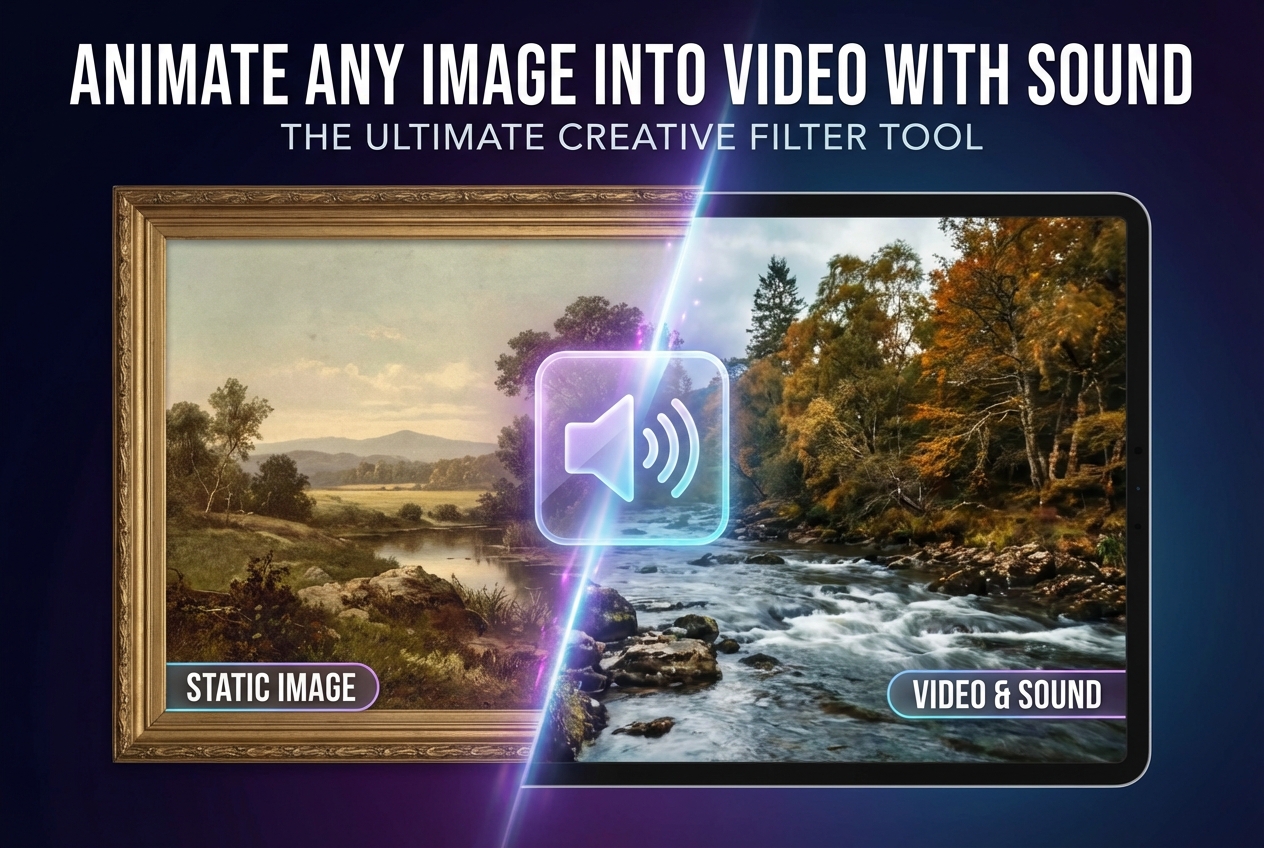



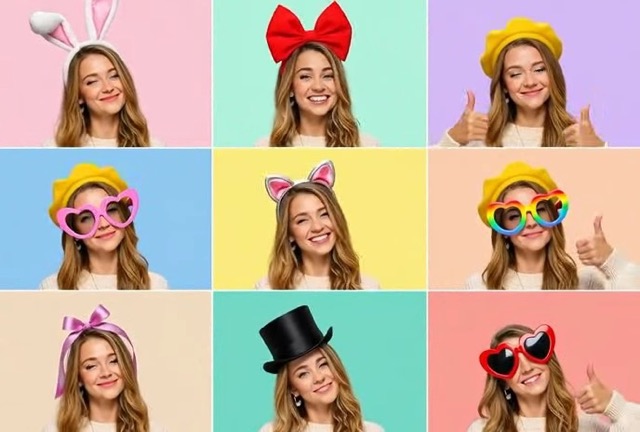
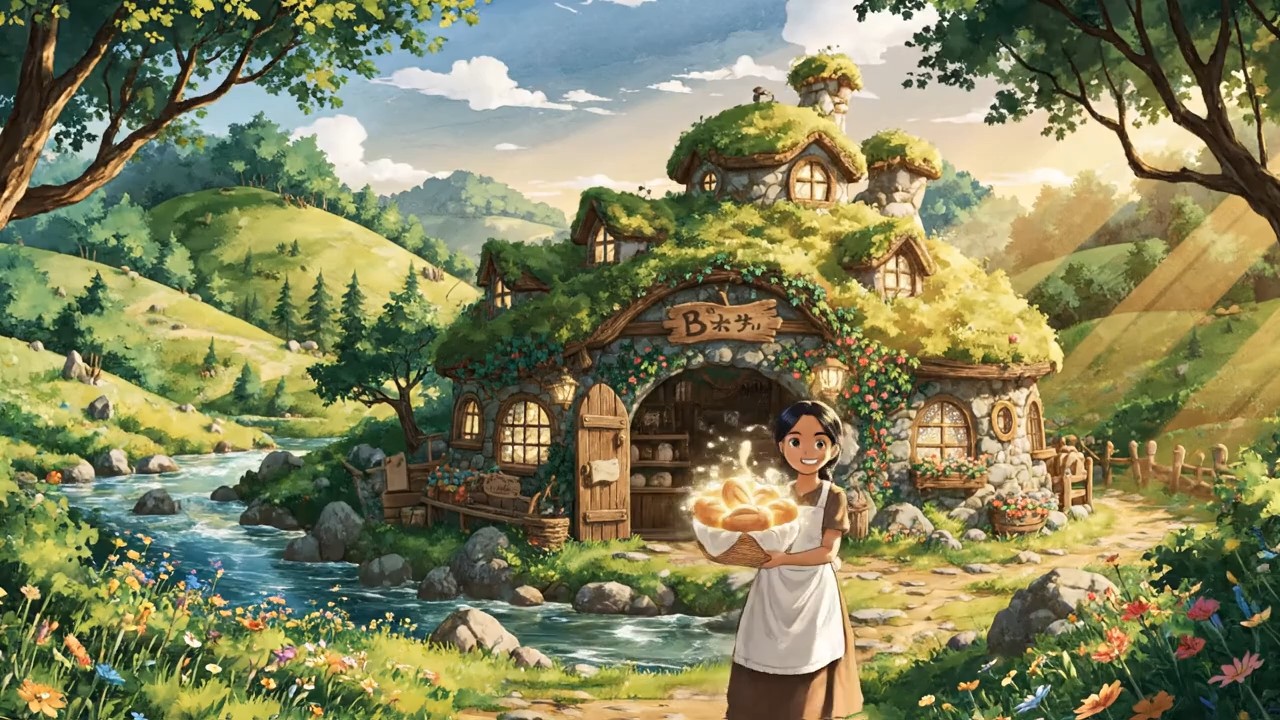
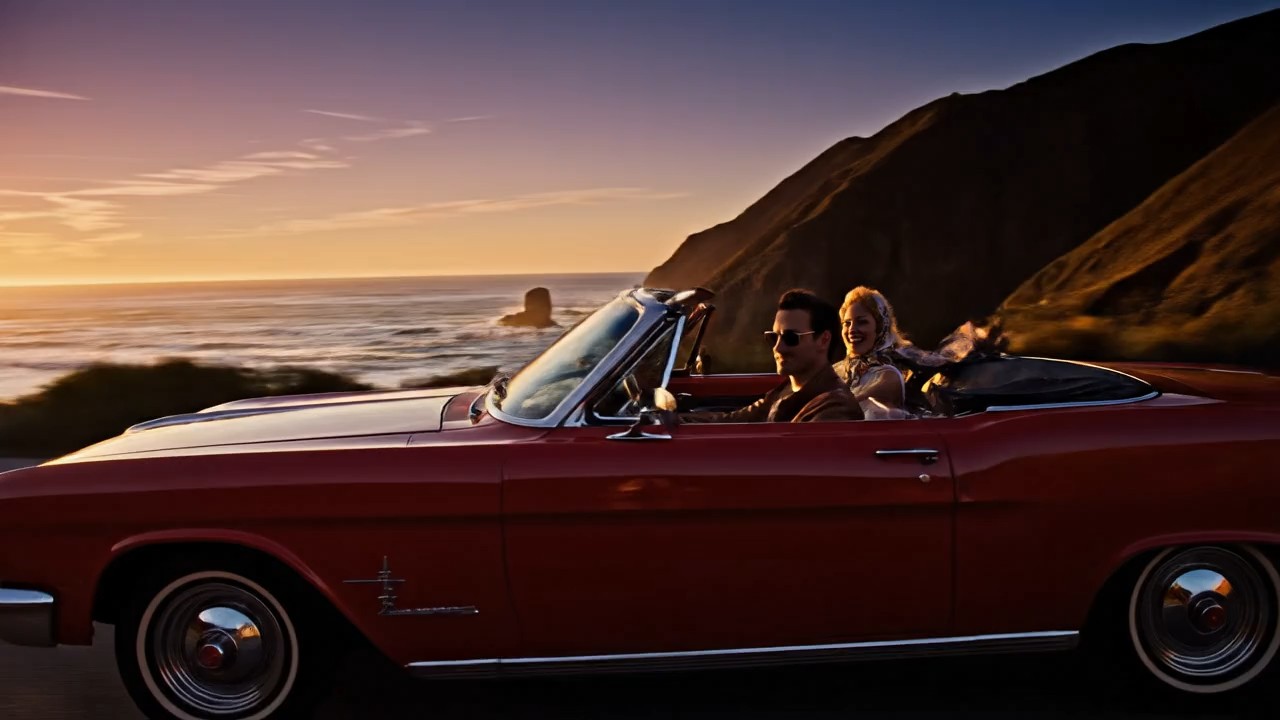


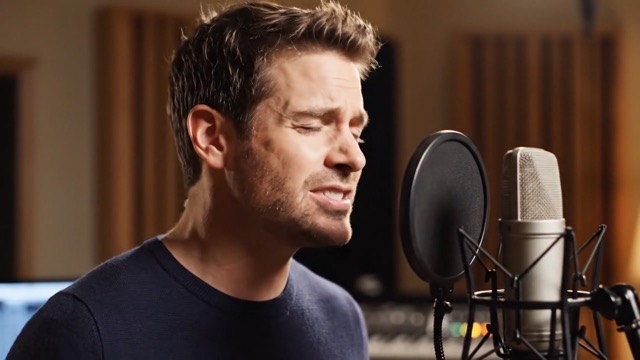

Edit Any Clip with the Best AI Video Editor Online
Upload your footage, describe the change you want, and let BananaPro AI turn rough clips into polished results with fast browser based editing for creators, marketers, and everyday users.
BananaPro AI gives you an easy AI video editor online experience for modern video creation. Upload a source clip, enter a prompt, and use video to video AI to restyle scenes, change motion, refine lighting, update mood, or improve visual quality without complex timelines. This AI video editor online workflow is built for speed, flexibility, and clean results. Whether you want social media edits, product demos, cinematic looks, or creative transformations, BananaPro AI makes video to video AI editing simple directly in your browser.
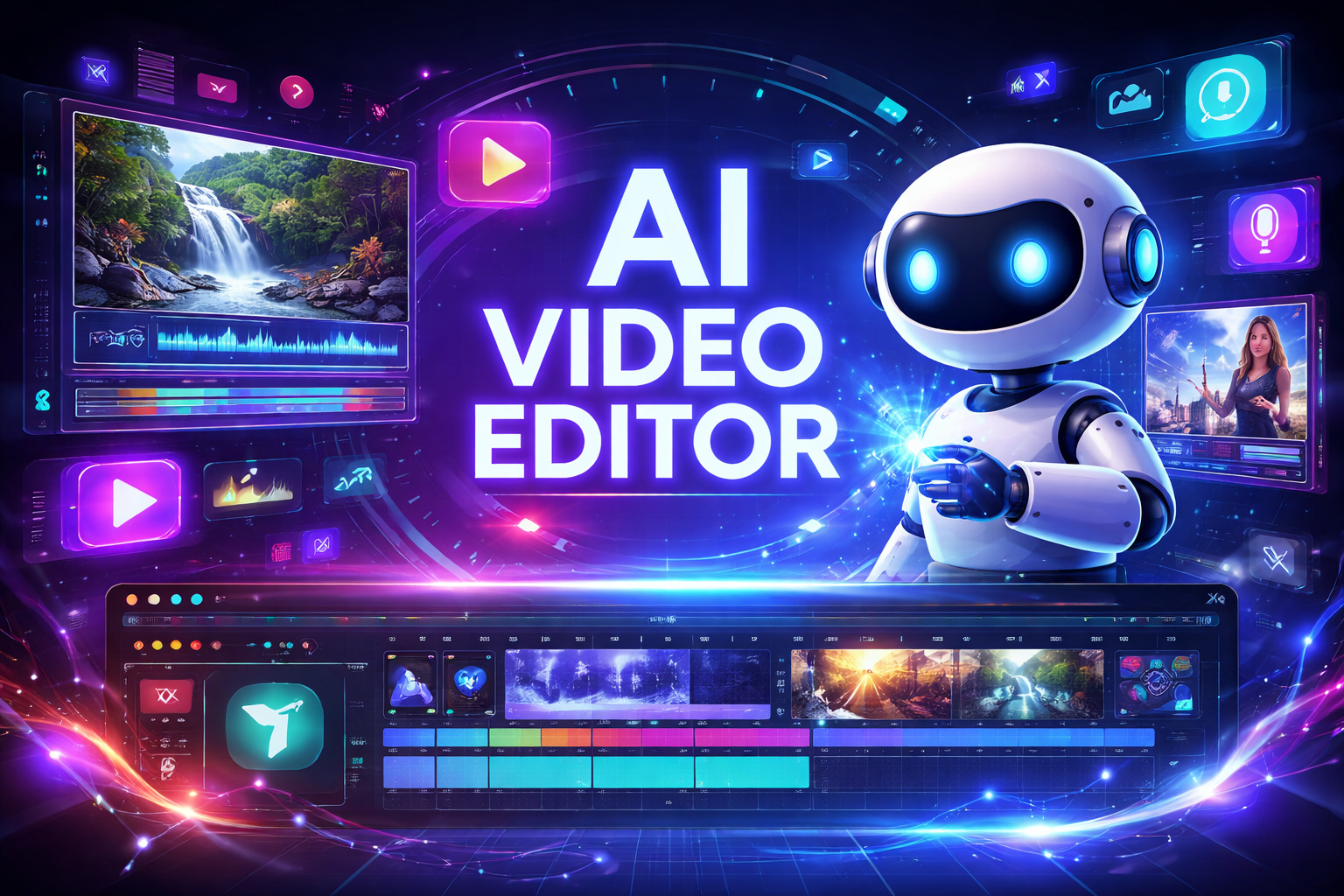
How to Use Our AI Video Editor Online
BananaPro AI video editor is designed to make prompt based video editing simple. With our AI video editor online, you do not need advanced editing skills to run a video to video AI workflow. Upload, describe, generate, and iterate until your result is ready.

Upload Your Source Video
Start by uploading your clip to our AI video editor online. You can use a talking head video, product footage, lifestyle content, travel clips, or short marketing material. The AI video editor online prepares your video to video AI workflow so the model can understand the structure, subject, and visual style of the original content.

Describe the Edit You Want
Enter a prompt that tells the AI video editor online what to change. You can ask for a new atmosphere, improved lighting, stylized color grading, outfit changes, environment updates, or a completely different visual tone. This is where video to video AI becomes powerful because your prompt guides the transformation while keeping the source clip as the creative base.

Generate and Download
Click generate and let the AI video editor online create your result. Review the output, refine the prompt if needed, and download the final clip once the video to video AI edit matches your goal. The AI video editor process is fast, repeatable, and much easier than manual editing for many common creative tasks.
Best AI Video Tools for Creative Projects
Explore creative tools for video, learn tips and tricks, and see how AI can be your assistant in turning concepts into finished projects.
Features of Our AI Video Editor Online
BananaPro AI combines speed, flexibility, and prompt based control in one AI video editor online workflow. From product ads to creative restyling, our video to video AI tool helps you transform source footage into stronger visual content with less manual work.
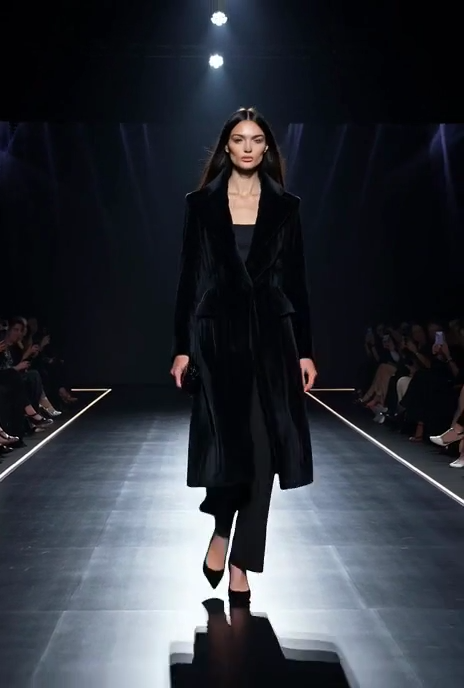
Restyle Existing Footage Without Reshooting
- Our AI video editor online helps you transform the visual style of an existing clip without filming again.
- Use AI video editor online prompts to turn casual footage into cinematic, dreamy, futuristic, vintage, luxury, or commercial style video.
- This video to video AI workflow keeps the original motion and structure while changing the appearance of the scene.
- For creators and brands, video to video AI is one of the fastest ways to refresh content, localize visual mood, or test multiple campaign directions from one source video.
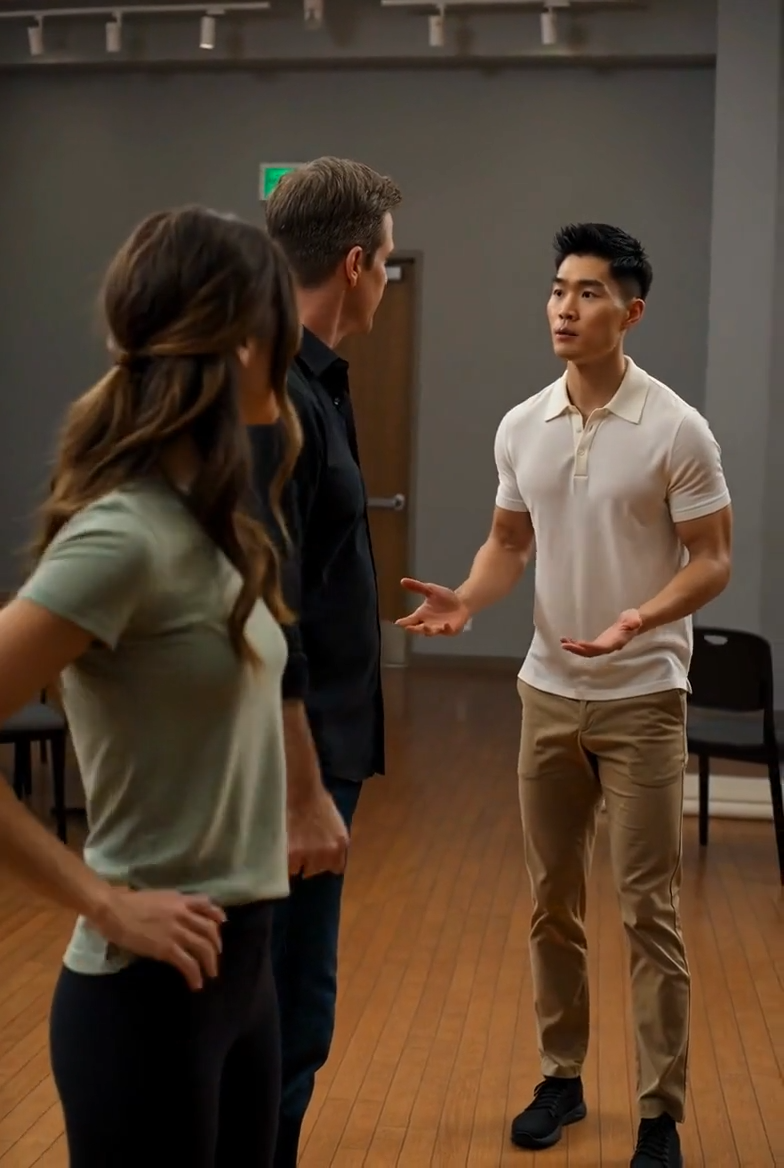
Edit Product Videos for Marketing
- BananaPro AI works as an AI video editor online for product showcases, ads, and e-commerce content.
- You can use AI video editor online prompts to improve background styling, enhance lighting, add premium atmosphere, or shift the video into a more branded presentation.
- With video to video AI, one product clip can become multiple versions for different audiences, promotions, and channels.
- This makes video to video AI especially useful for sellers, performance marketers, and teams that need more content output from limited raw assets.
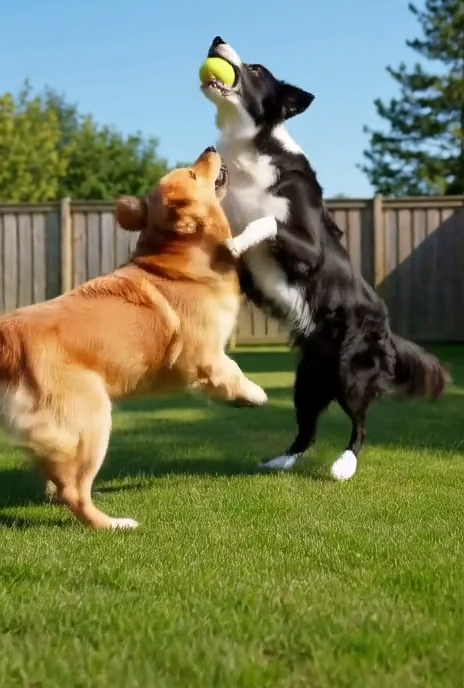
Refresh Social Media and Creator Content
- Our AI video editor online is ideal for short form content on TikTok, Reels, Shorts, and other social platforms.
- Creators can use AI video editor online prompts to change vibe, season, outfit styling, color treatment, or scene energy without building complex editing projects.
- Video to video AI helps you make fresh content from older clips so your library keeps working harder.
- If you need faster testing for hooks, looks, or visual concepts, video to video AI gives you a flexible production shortcut.

Turn Simple Clips into Creative Story Moments
- BananaPro AI gives you an AI video editor online workflow for imaginative transformation, not just technical correction.
- You can prompt the AI video editor online to create fantasy environments, fashion upgrades, cinematic weather, dramatic color palettes, or branded mood shifts.
- Because video to video AI starts with your original footage, the result often feels more grounded than text only generation.
- This makes video to video AI a strong option for storytelling, concept previews, creative campaigns, and eye catching visual experiments.
Why Choose Our AI Video Editor Online
BananaPro AI Video Editor is built for users who want a faster and more flexible way to edit footage. Our AI video editor online experience turns prompt guided transformation into a practical workflow, while video to video AI helps you get more value from every source clip.

Prompt Based Editing Instead of Complex Timelines
Many people do not want a traditional editing workflow for simple transformations. Our AI video editor online lets you describe the result in plain language. This AI video editor online approach lowers the barrier to editing while video to video AI handles the heavy visual transformation behind the scenes.

Create More Versions from One Original Clip
BananaPro AI helps you scale content production. Use the AI video editor online to generate different moods, styles, and campaign variations from the same footage. With video to video AI, one clip can become multiple assets for ads, launches, seasonal promotions, and social testing.

Useful for Marketing Teams and Small Businesses
Our AI video editor online is practical for teams that need speed and efficiency. Product launches, promo videos, UGC style clips, landing page videos, and brand refresh content can all benefit from video to video AI. It reduces production friction and helps teams publish faster.

Strong Fit for Creator Workflows
Creators can use the AI video editor online to update old content, test new visual directions, and keep feeds fresh. Because video to video AI works from an uploaded clip, it is easier to preserve the original pacing, subject, and camera behavior while still transforming the final look.

Fast Browser Based Experience
BananaPro AI offers an AI video editor online workflow that is direct and efficient. You can access the tool in your browser, upload footage, type a prompt, and generate results in one place. This makes video to video AI accessible for users who want convenience without a heavy software setup.

Easy Iteration for Better Results
Prompt based video work improves through iteration. Our AI video editor online makes it easy to adjust instructions and rerun your edit. Video to video AI lets you fine tune scene mood, style, lighting, and visual emphasis until the final clip aligns with your creative or commercial goal.
What Users Say About Our AI Video Editor Online
Teams, creators, and brands use BananaPro AI to simplify video editing. These reviews show how our AI video editor online helps people turn raw footage into better content with a faster video to video AI workflow.
I needed a fast AI video editor online for paid social creatives and this tool made the workflow much easier. I uploaded one product clip, tried several prompts, and got multiple polished versions. The video to video AI results helped my team move from concept to launch faster.
As a freelance video creator, I use this AI video editor online when clients want style changes without a full re-edit. The video to video AI process is much more efficient for mood shifts, scene upgrades, and campaign variations than rebuilding everything manually.
This AI video editor online is great for short form content. I can take an older clip, update the look with a better prompt, and publish it again in a fresh way. The video to video AI workflow gives me more content output without recording every idea from scratch.
We used BananaPro AI as an AI video editor online for product demos and campaign visuals. It helped us change the tone and presentation of the same footage for different audiences. The video to video AI output looked strong enough for internal previews and public content.
I like how approachable this AI video editor online feels. I am not a technical editor, but I can still get useful results by describing the look I want. Video to video AI turned basic travel clips into more cinematic content for my channel and portfolio.
Our team tested several tools, and this AI video editor online stood out for speed and simplicity. The video to video AI workflow let us create ad variations from one source file and reduce revision time. It is now part of our regular content testing process.



Frequently Asked Questions About AI Video Editor Online
Here are the most common questions about BananaPro AI. Learn how our AI video editor online works, where video to video AI fits into your workflow, and how to get better editing results from your uploaded footage.
An AI video editor online is a browser based tool that helps users edit video with artificial intelligence instead of relying only on manual timeline work. In BananaPro AI, you upload a source clip and type instructions for the change you want. The system then uses video to video AI to interpret your prompt and transform the original footage. This can include visual restyling, mood updates, lighting changes, scene enhancement, and other creative edits. The goal of an AI video editor online is to make editing faster and easier while still giving users meaningful control through text instructions.
Video to video AI means that the system starts from an existing uploaded video and transforms it based on your prompt. Unlike text to video generation, video to video AI uses your original clip as the foundation for motion, structure, and scene behavior. This often makes the result feel more consistent with the source material. In our AI video editor online, video to video AI is useful for changing visual tone, restyling footage, improving presentation, or generating multiple creative directions from one clip.
Yes. Our AI video editor online is designed for a wide range of users, including creators, marketers, small businesses, and casual users. You do not need advanced editing experience to get started. Because the workflow is prompt based, you can describe the change you want in natural language. BananaPro AI then applies video to video AI to create the result. This makes the process much easier than learning complex editing software for many common visual tasks.
Our AI video editor online can support many common editing goals, such as changing atmosphere, restyling scenes, refreshing social content, upgrading product footage, and generating visual variations from one source video. Video to video AI is especially useful when you want to preserve the original movement and structure of a clip while changing how it looks. The best results usually come from clear footage and precise prompts that describe the intended style or transformation.
Yes. Many users rely on our AI video editor online for marketing and business content because it helps generate multiple creative versions from one source file. Teams can use video to video AI for product demos, social ads, landing page visuals, and branded short videos. It is a practical way to test different looks and campaign angles without reshooting every variation. That makes BananaPro AI useful for both creative exploration and commercial production.
To get better results from an AI video editor online, start with a clean source clip and write a prompt that is specific about the style, mood, or change you want. Instead of saying make it better, describe the target look, such as cinematic lighting, luxury product vibe, warm sunset atmosphere, futuristic city style, or clean commercial polish. Since video to video AI responds to your instructions, better prompts usually lead to stronger outputs. Iteration also helps, so testing several versions is often the best workflow.
Start Editing with AI Now
Turn your footage into polished content with BananaPro AI video editor. Use our AI video editor online to upload a clip, enter a prompt, and generate better results through a fast video to video AI workflow.
