
More AI Image Generators
Explore our collection of specialized AI image generators designed for different creative needs and styles
AI Clipart Generator for Custom Clip Art Visuals
Create clean clipart from text prompts or uploaded images, then choose the image size that fits your project.
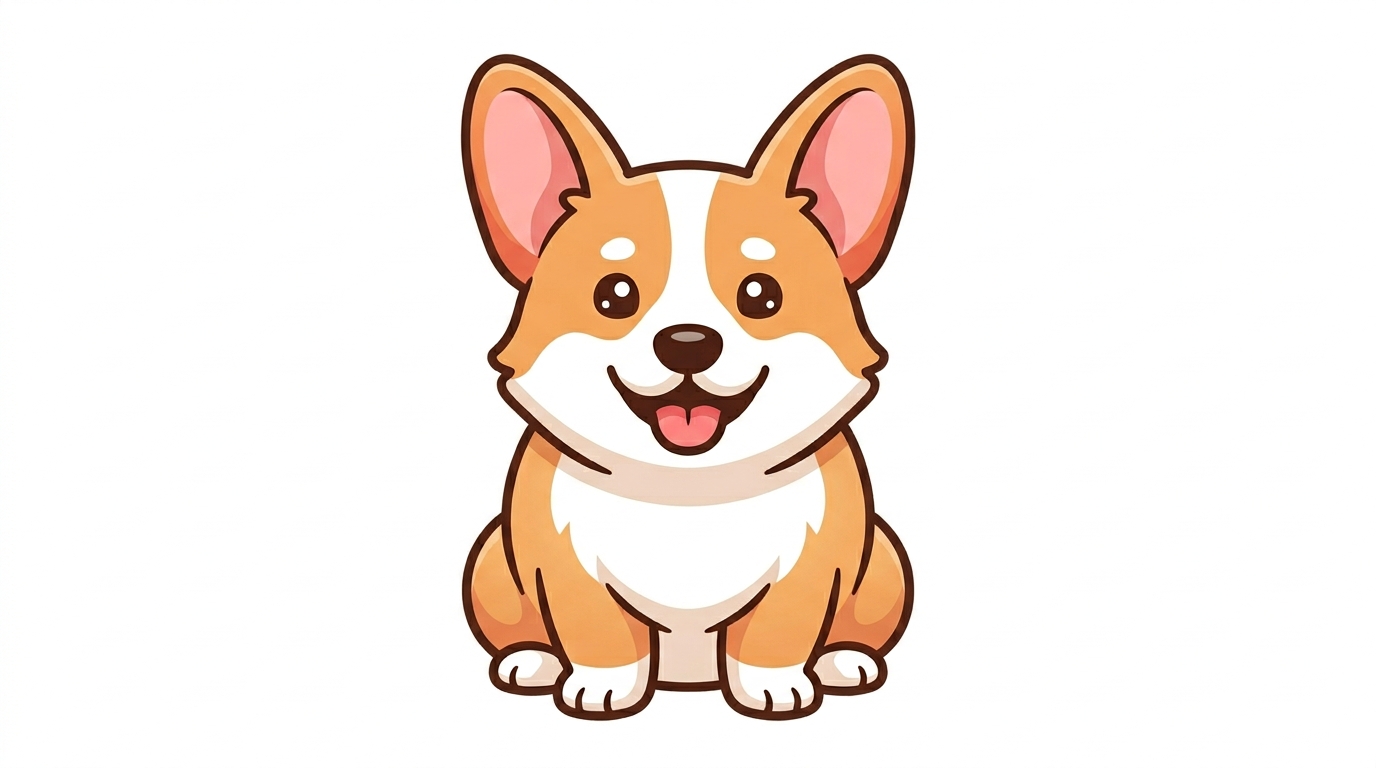
AI Clipart Generator helps creators turn simple ideas into polished clipart without starting from a blank canvas. Type a short description, upload a reference image, choose your preferred image size, and generate clip art.
How to Use AI Clipart Generator
The workflow is designed for fast creative decisions. With AI Clipart Generator, you can move from idea to usable clipart in three practical steps.

Enter a Prompt or Upload a Reference
Start the AI Clipart Generator with either a written prompt or an uploaded image. Describe the subject clearly, such as a smiling avocado mascot, classroom science icon, floral border, or holiday sticker. When you upload a reference, the AI Clipart Generator can use the shape, object, pose, or theme as visual guidance while producing fresh clipart.

Choose the Right Image Size
Select an image size before generation so the result fits your layout from the beginning. The AI Clipart Generator can support square assets for icons, vertical designs for posters, or wide compositions for banners. Choosing the ratio early helps the AI Clipart Generator reduce awkward cropping and makes the final clipart feel intentional.

Generate and Refine Your Clipart
Click generate and review the clipart result in context. The AI Clipart Generator is useful for fast iteration because you can adjust the prompt, simplify details, change the color direction, or try another image size. The AI Clipart Generator helps you download the version that best matches slides, printables, posts, or product mockups.
Best AI Image Tools for Creative Projects
Explore creative tools for image, learn tips and tricks, and see how AI can be your assistant in turning concepts into finished projects.
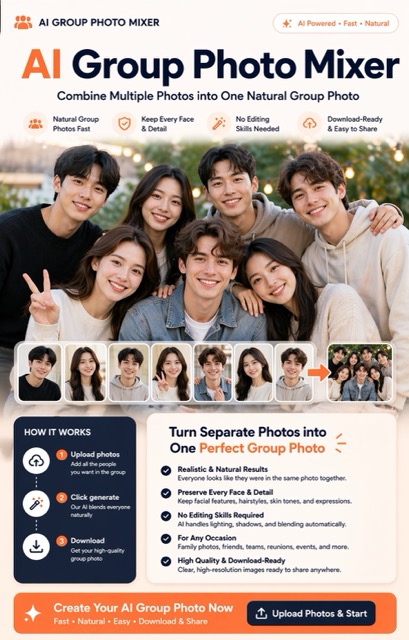
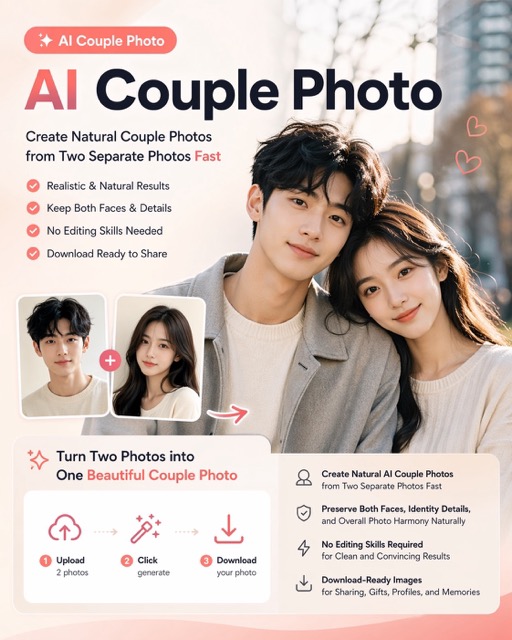
Features of AI Clipart Generator
AI Clipart Generator supports both prompt-based creation and image-guided generation, giving you more control over subject, style, size, and visual purpose.
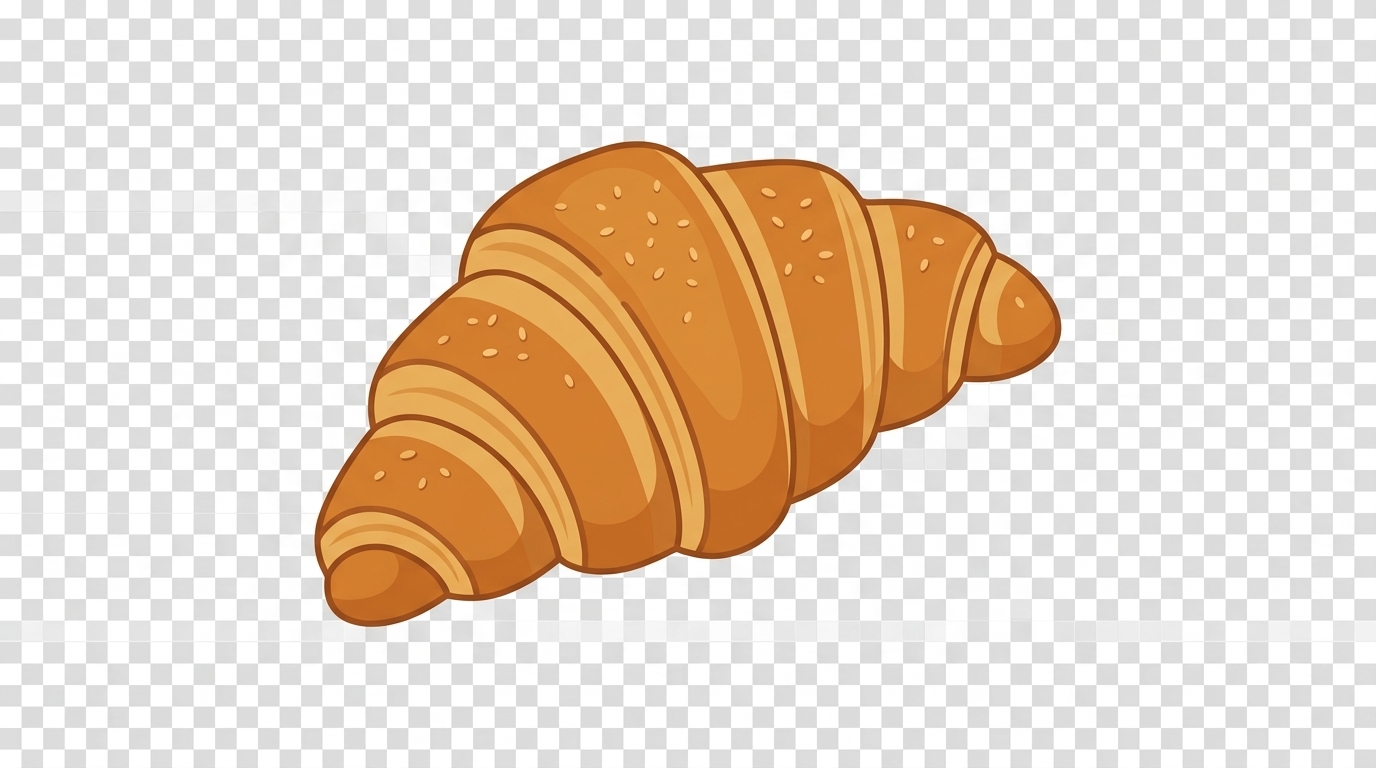
Text Prompts That Become Ready-to-Use Clipart
- The AI Clipart Generator turns short text descriptions into clean visual assets for everyday design work.
- Strong prompts mention subject, style, background preference, color palette, and intended use.
- The AI Clipart Generator is helpful when stock libraries feel too generic or when you need a visual that matches a specific theme.
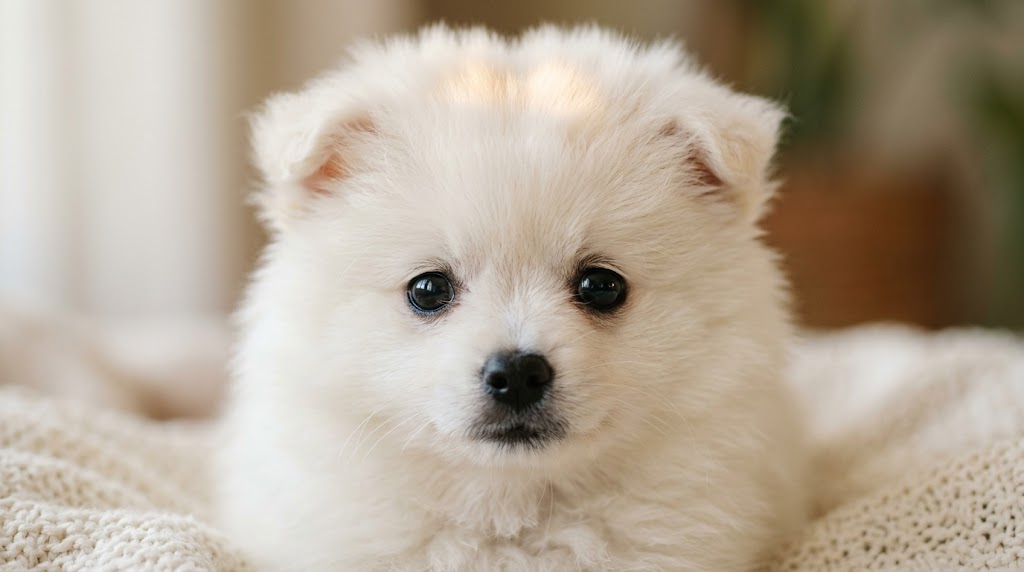
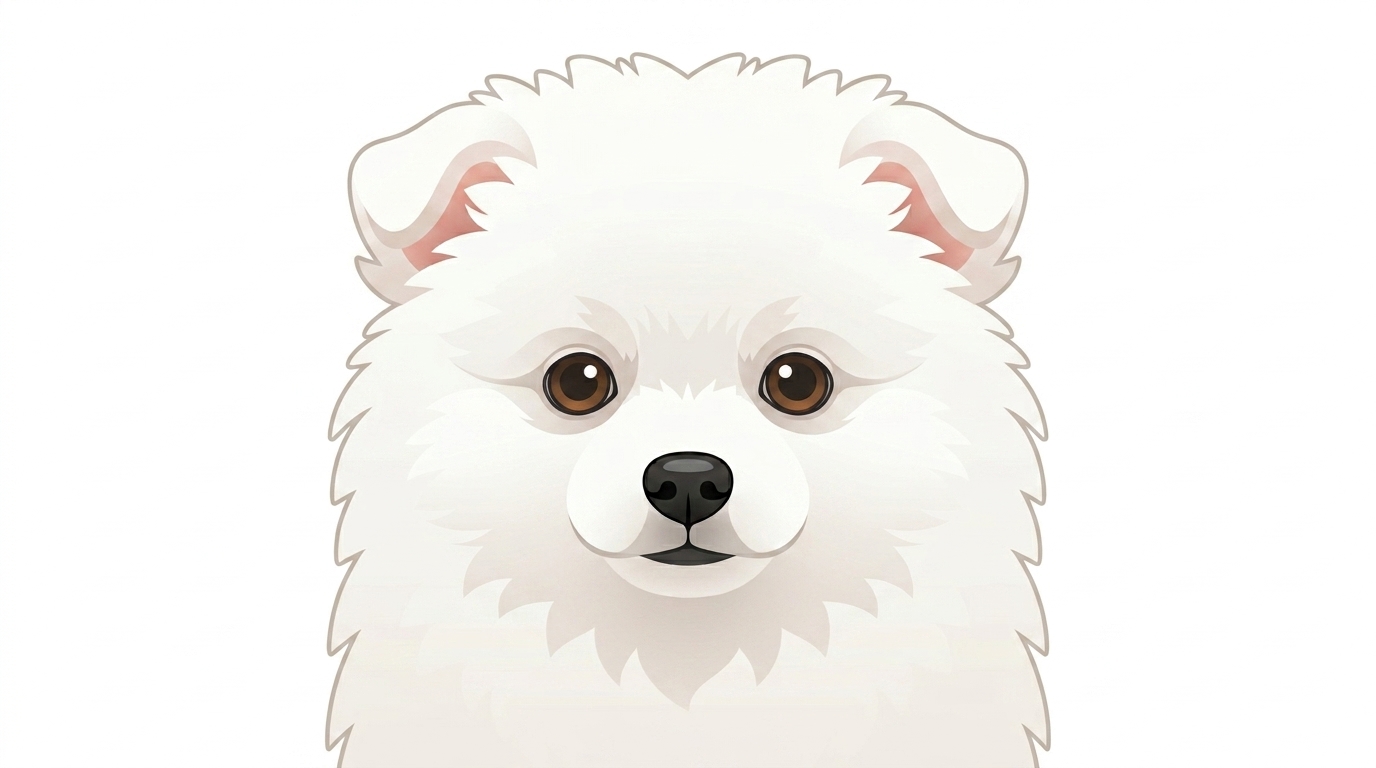
Image References for More Controlled Results
- Uploading a reference gives the AI Clipart Generator a clearer starting point when words are not enough.
- The AI Clipart Generator can keep the core subject recognizable while translating it into a simpler clipart look.
- This approach is useful for brand mascots, personal stickers, educational diagrams, and custom icons.
Flexible Styles for Different Design Contexts
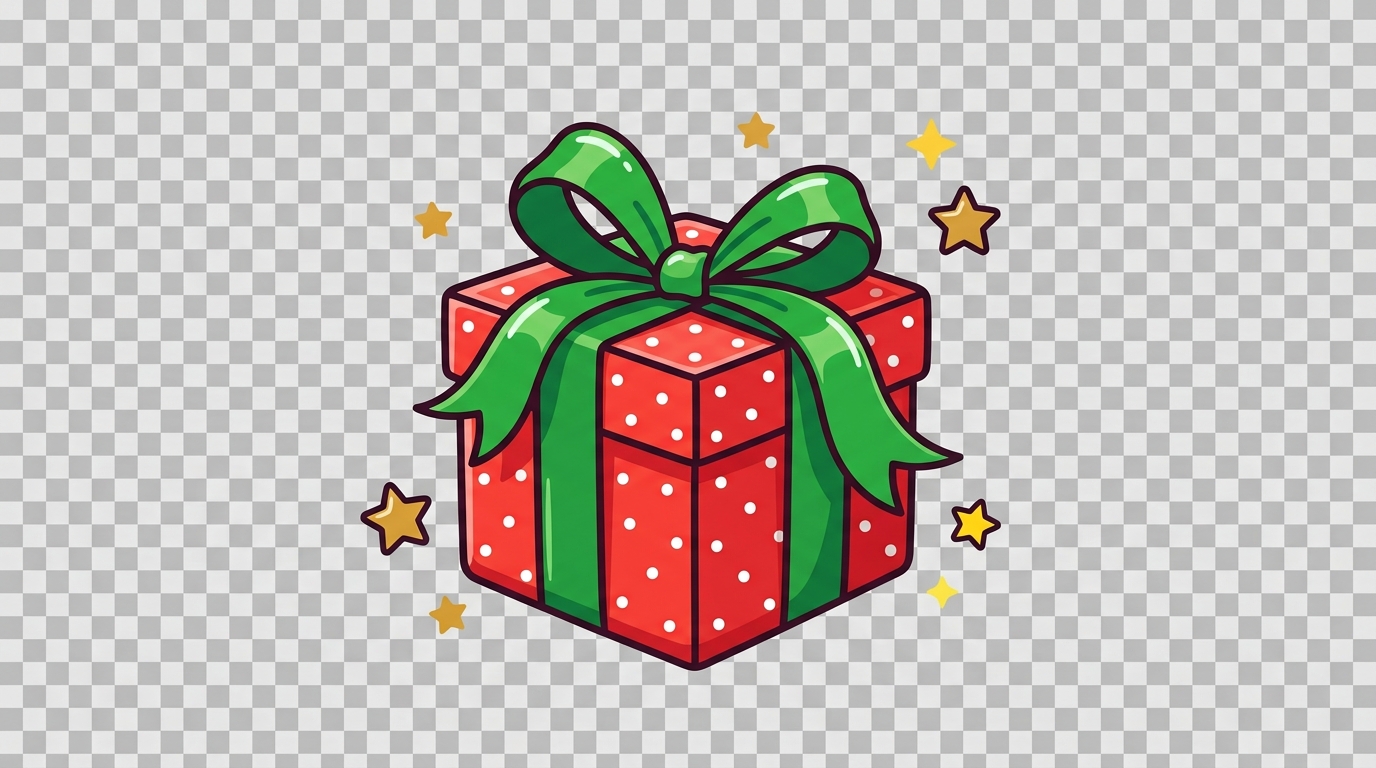
- The AI Clipart Generator can create cheerful, minimal, flat, hand-drawn, sticker-like, educational, or decorative clipart.
- You can guide the output toward soft pastel colors, bold outlines, simple vector-inspired shapes, or friendly cartoon details.
- The AI Clipart Generator helps match visual weight to context.

Practical Assets for Work, Learning, and Content
- Use the AI Clipart Generator for visual elements that support real tasks, not just decorative experiments.
- Teachers can create lesson visuals, marketers can prepare campaign graphics, and founders can build simple presentation assets.
- The AI Clipart Generator works best when each request has a clear placement and purpose.
Why Choose AI Clipart Generator
AI Clipart Generator is built for people who need practical, editable-feeling visual assets quickly, whether they are designing for education, marketing, business, or personal projects.

Custom Clipart for Presentations
The AI Clipart Generator helps teams make presentation visuals that look more specific than standard icon packs. Create simple illustrations for process diagrams, product concepts, training slides, internal reports, or pitch decks. Instead of forcing a generic stock icon into your message, the AI Clipart Generator creates a clipart asset that matches the exact topic, tone, and audience.

Teaching Materials and Classroom Printables
Teachers and course creators can use the AI Clipart Generator to make vocabulary cards, worksheets, activity sheets, flashcards, and simple diagrams. Prompt for animals, weather, objects, emotions, food, letters, or classroom scenes. The AI Clipart Generator can make learning materials easier to scan, more memorable, and better aligned with the specific lesson.

Social Media Stickers and Content Graphics
The AI Clipart Generator is useful for creators who need themed visuals for posts, stories, reels covers, community updates, and seasonal campaigns. Generate cute reaction stickers, small decorative objects, simple characters, or branded content accents. Because the AI Clipart Generator supports quick iteration, each post series can have a consistent visual language without relying on reused assets.

Marketing Campaigns and Website Sections
Marketers can use the AI Clipart Generator to create supporting graphics for landing pages, email banners, ad concepts, lead magnets, and product explainers. Clipart works well when a photo feels too heavy and a plain icon feels too cold. The AI Clipart Generator helps custom illustrations communicate ideas quickly while keeping the page friendly and readable.

Event, Holiday, and Invitation Designs
The AI Clipart Generator can produce decorative assets for birthdays, weddings, school events, holiday cards, party invitations, and community posters. Prompt for cakes, flowers, ribbons, pumpkins, snowflakes, fireworks, balloons, or themed borders. With the AI Clipart Generator, you can keep the design playful, elegant, or minimal depending on the occasion and format.

Brand Mascots and Product Concepts
Small teams can use the AI Clipart Generator to explore mascot ideas, product stickers, packaging accents, and early visual concepts before hiring a designer for final polish. The tool is especially helpful during brainstorming because it makes vague ideas visible. The AI Clipart Generator also supports reference uploads when you want to compare several creative directions.
What Users Say About AI Clipart Generator
Creators, educators, marketers, and small business owners use the AI Clipart Generator to turn everyday ideas into practical visuals for real projects.
I use the AI Clipart Generator when building lesson slides for younger students. The best part is that I can describe exactly what I need, such as a friendly microscope or a smiling planet, and get a visual that fits the topic. It saves time and makes my materials feel more personal than stock images.
Our marketing team needed small illustrations for campaign emails, but the available icon sets felt too generic. AI Clipart Generator helped us create seasonal graphics that matched our brand tone without overcomplicating the design. I use it for first drafts because it makes the campaign process much faster.
I run a small stationery shop and often need fresh sticker ideas for planners and printable bundles. AI Clipart Generator is useful because I can upload a rough sketch or type a theme, then choose the image size. It gives me clean directions to refine before final production.
For startup presentations, visuals need to explain ideas quickly without distracting from the story. The AI Clipart Generator gives me simple clipart for workflows, customer scenarios, and product concepts. This generator is not a replacement for brand design, but it is excellent for early decks and internal strategy documents.
I create social content for a nonprofit, and we often need friendly illustrations for awareness posts. The AI Clipart Generator lets me make soft, approachable visuals around community events, donations, and volunteer updates. This generator helps me keep the subject simple and avoid the overly polished look of stock graphics.
As a freelance designer, I use the AI Clipart Generator mainly for concept exploration. When a client says they want something playful but clean, I can test several clipart directions before moving into final design work. It helps conversations become more visual and reduces early-stage back-and-forth.



FAQs About AI Clipart Generator
Learn how the AI Clipart Generator works, when to use text or image input, how to write prompts, and how to prepare practical clipart for different design projects.
AI Clipart Generator is a design tool that creates clipart from either a text prompt or an uploaded image. You describe the subject, style, and intended use, then choose an image size before generating. It is designed for clean, reusable visual assets such as icons, stickers, worksheet illustrations, presentation graphics, and decorative elements.
Yes. AI Clipart Generator supports both text-to-clipart and image-to-clipart workflows. A text prompt is best when you already know the exact subject or theme. Uploading an image is helpful when you want the result to follow a specific object, pose, shape, or reference. The generator lets you choose the clearer creative direction.
A good prompt for the AI Clipart Generator should include the subject, style, color direction, background preference, and use case. Instead of writing “cat,” try “cute orange cat clipart, simple rounded shape, soft pastel colors, transparent-looking background, for a children’s worksheet.” The generator responds better when your prompt reduces visual guesswork.
You can use the AI Clipart Generator for presentations, worksheets, social media posts, posters, cards, invitations, website sections, product mockups, and sticker concepts. Clipart is especially useful when you need a lightweight visual that explains an idea without the realism of photography. It works best when each asset has a final placement.
The AI Clipart Generator can create a wide range of clipart styles, including flat illustration, cartoon, hand-drawn, minimal icon, cute sticker, seasonal decoration, and educational diagram styles. You can mention the style directly in your prompt. For consistent assets, use the generator with the same color palette, line weight, and wording.
Choosing image size helps the AI Clipart Generator create a composition that fits your final design. A square size works well for stickers, icons, profile graphics, and small visual elements. A vertical size can suit posters or worksheets, while a wide size can support banners or presentation headers. It reduces cropping by planning the ratio early.
The AI Clipart Generator is beginner-friendly because it does not require drawing skills or complex software. You only need a prompt or a reference image and a clear idea of where the clipart will be used. Designers can also use the generator for brainstorming, mood exploration, quick drafts, or client conversations before final artwork.
The AI Clipart Generator can support commercial projects such as marketing graphics, educational content, presentation assets, product concepts, and web visuals, depending on your usage rights and project requirements. Always review the generated result before publishing, especially if it includes brand-like symbols or sensitive themes. For final brand assets, use the generator with human design review.
Create Custom Clipart Now
Turn prompts or uploaded images into clean visual assets with the AI Clipart Generator. Choose your image size, generate clipart, and build practical graphics for work, learning, content, and creative projects. Start with the AI Clipart Generator when you need a clear visual idea quickly.
