
More AI Video Generators
Explore our collection of specialized AI video generators designed for different creative needs and styles



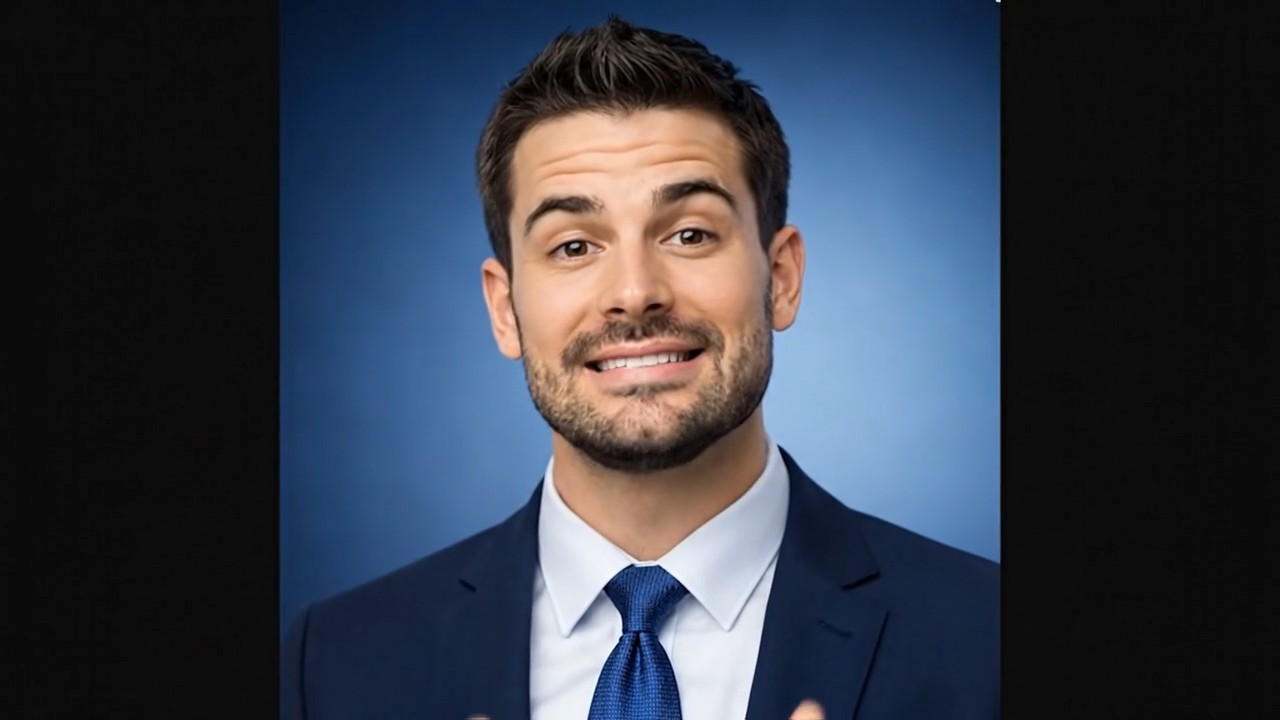

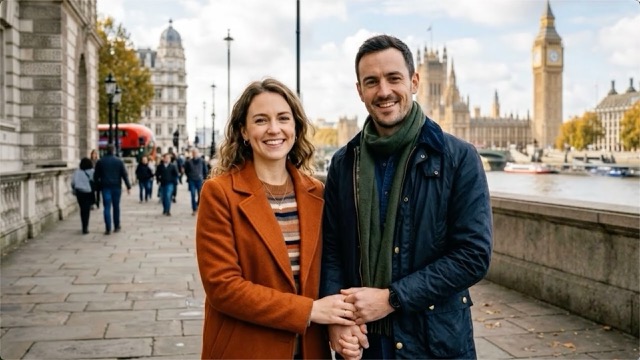
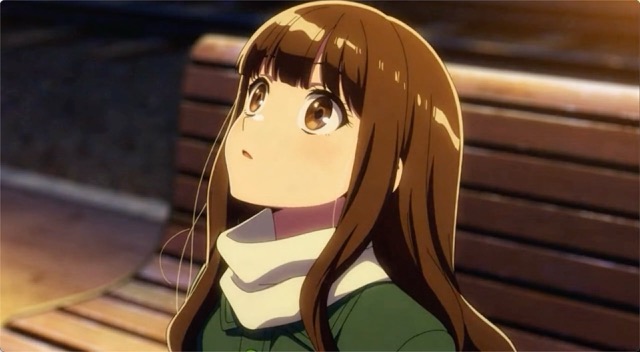


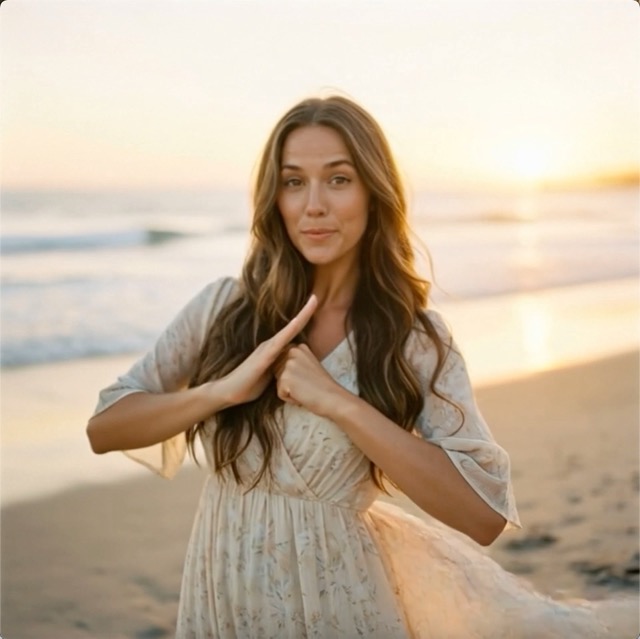
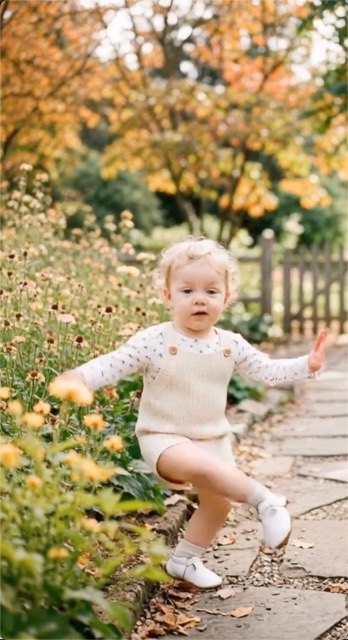
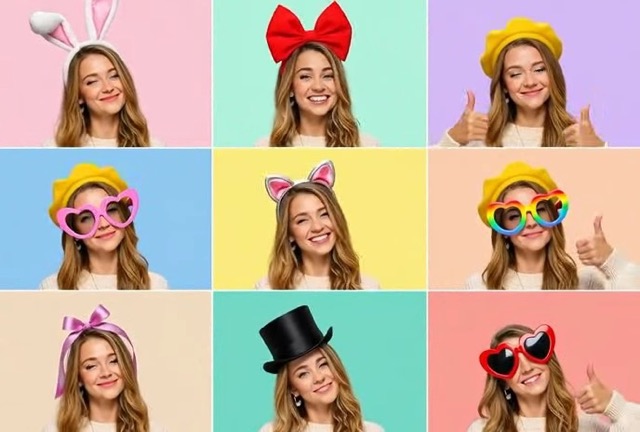
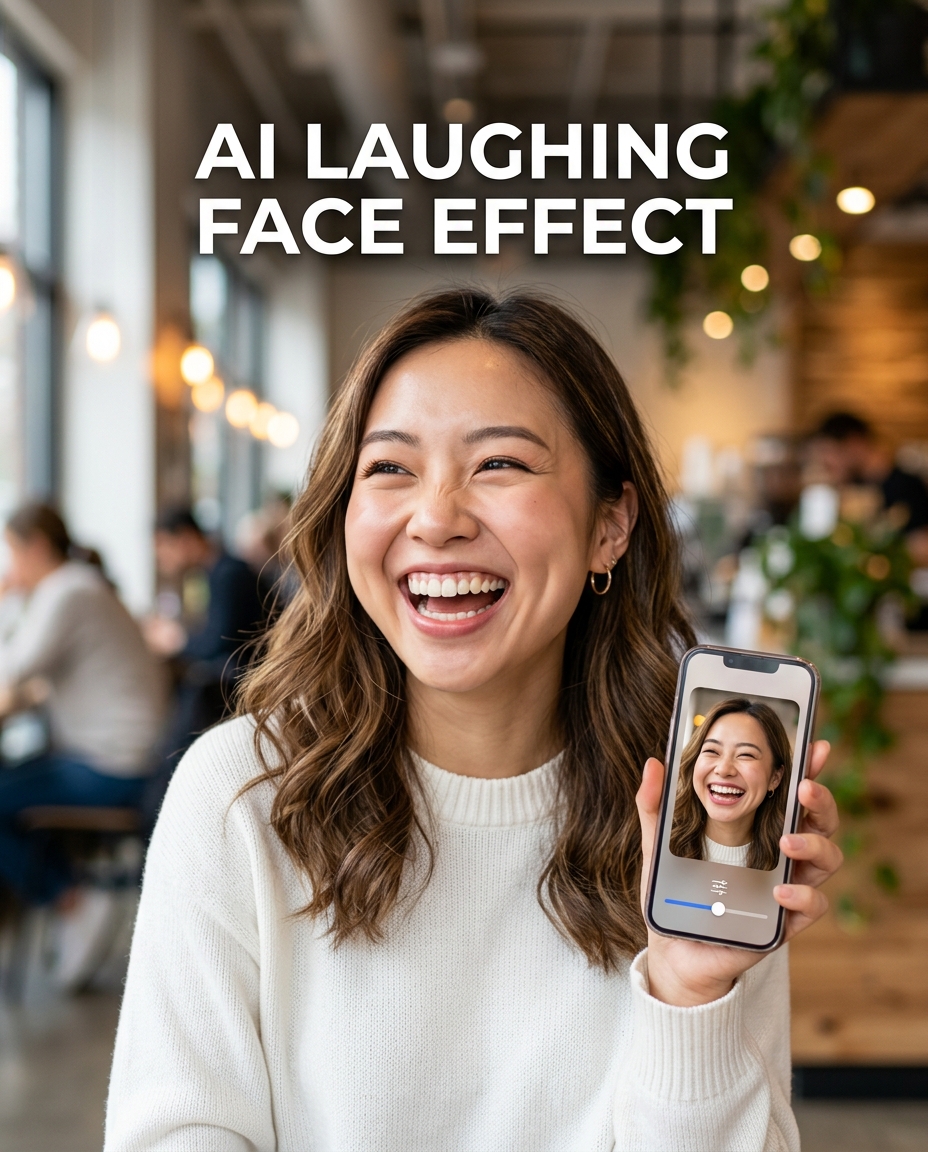
Add Realistic Laughing with AI Laughing Face Effect
Turn a still portrait into a natural laughing video with expressive facial motion.
Bring a serious, calm, or neutral portrait to life with AI Laughing Face Effect. AI Laughing Face Generator is designed for social posts, reaction clips, friendly edits, and creative storytelling without manual animation.
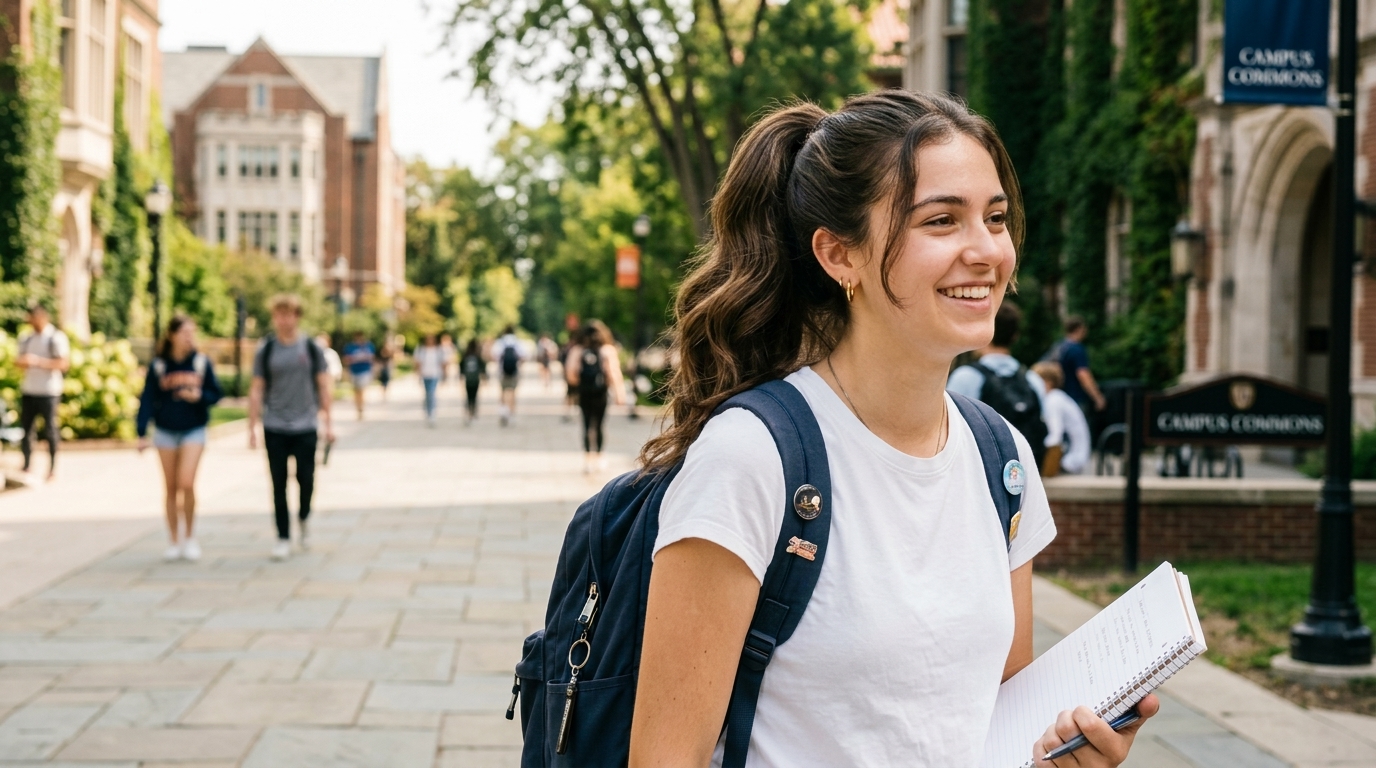
How to Use AI Laughing Face Effect
The workflow is built for speed and clarity. With AI Laughing Face Effect, you do not need editing software, keyframes, or animation experience. Upload, choose the preferred image size, generate, and export a short laughing video.

Upload a Clear Portrait
Start AI Laughing Face Effect by uploading a portrait, selfie, character image, or group photo with visible facial details. A front-facing or slightly angled face usually gives the cleanest motion, but casual photos can also work well. The AI Laughing Face Effect reads expression, pose, lighting, and mouth position before building a believable laughing sequence.

Choose Image Size
Select the image size that matches where the video will appear. Use vertical framing for short-form platforms, square framing for profile-friendly posts, or wider framing for edits and compilations. AI Laughing Face Effect keeps this choice simple, so creators can focus on the result rather than technical settings. The AI Laughing Face Effect then prepares the uploaded image for video generation.

Generate and Share
Click generate and preview the laughing video created by AI Laughing Face Effect. The tool animates facial movement, smile expansion, eye reaction, and subtle head energy while preserving the original person and scene. When the result feels right, download it for memes, social comments, message replies, or campaign ideas. AI Laughing Face Effect turns a single upload into shareable motion.
Best AI Video Tools for Creative Projects
Explore creative tools for video, learn tips and tricks, and see how AI can be your assistant in turning concepts into finished projects.
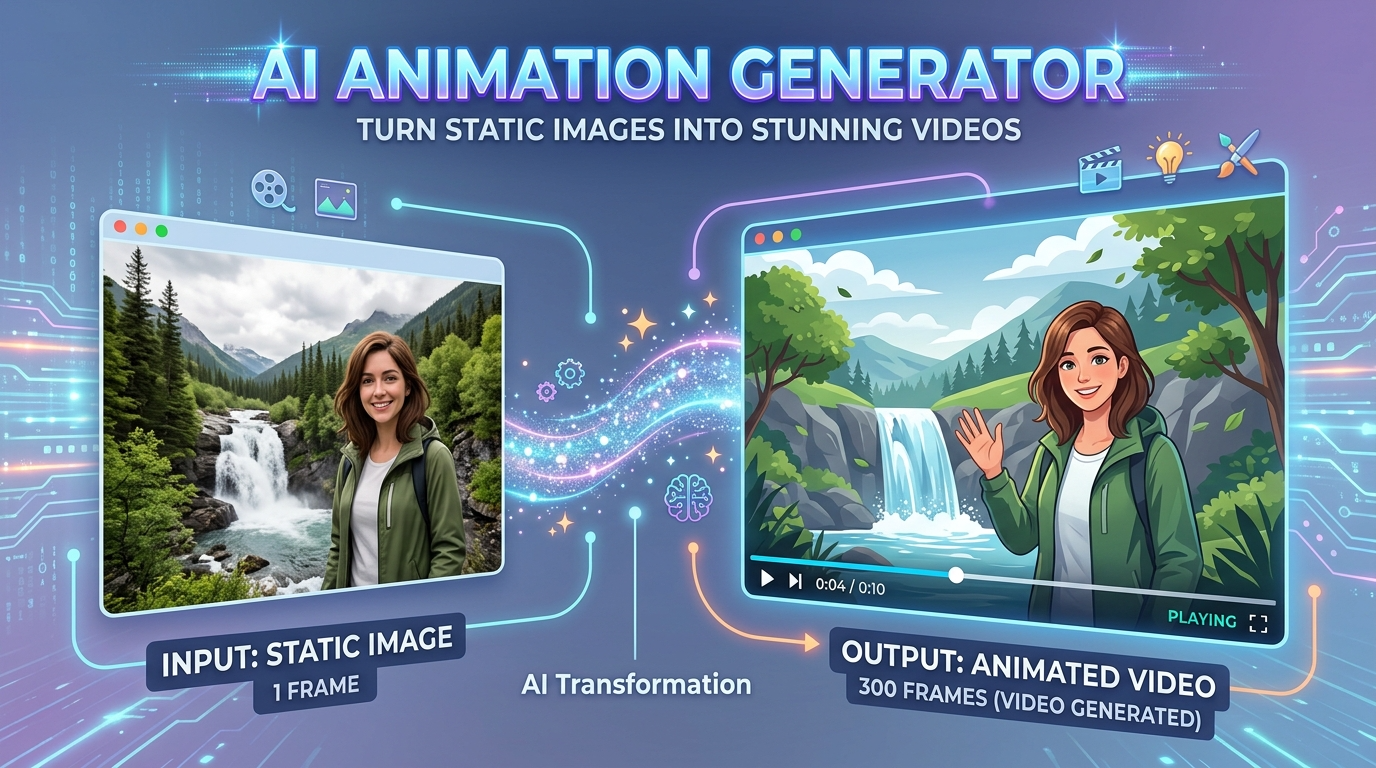
Features of AI Laughing Face Effect
AI Laughing Face Effect focuses on one clear job: turning an uploaded image into a lively laughing video. It combines facial expression animation, photo-to-video generation, and simple size selection in one accessible tool.

Natural Laughing Motion from One Photo
- AI Laughing Face Effect turns one uploaded image into a short laughing video with facial movement that feels intentional rather than random.
- AI Laughing Face Effect works best when the face is visible, well lit, and not heavily covered.
- The goal is a lively result that still respects the original photo.
Designed for Memes and Reaction Videos
- AI Laughing Face Effect helps creators build quick reaction videos from photos that already have context, personality, or comedic contrast.
- The AI Laughing Face Generator style is especially useful when a still image needs a stronger emotional beat.
- Keep captions simple so the animated laugh carries the punchline.

Photo to Video for Social Storytelling
- AI Laughing Face Effect gives static portraits more movement for posts, reels, thumbnails, and lightweight story sequences.
- AI Laughing Face Effect is useful when you need motion without filming again.
- It adds expression while keeping the source image recognizable and easy to reuse across formats.

Fast Creative Testing for Campaign Ideas
- AI Laughing Face Effect is practical for testing humorous ad concepts, social hooks, and lightweight creative variations before production.
- AI Laughing Face Effect supports early-stage iteration, especially for creators who need to judge whether a laugh-based visual joke actually lands.
- It is best used for playful, consent-aware edits.
Why Choose AI Laughing Face Effect
AI Laughing Face Effect is built for creators who want expressive photo-to-video results without a complicated workflow. It balances ease of use, recognizable subjects, flexible image sizing, and practical output for social sharing.

Make Everyday Photos More Expressive
Use AI Laughing Face Effect when a normal portrait needs more personality. A travel photo, profile image, old snapshot, or casual selfie can become a short video with a playful emotional shift. AI Laughing Face Effect is helpful for users who want motion but do not want to record a new clip or learn timeline-based editing. This makes the output practical for quick sharing, not just novelty experiments.

Create Lighthearted Social Posts
AI Laughing Face Effect is a strong fit for social content where timing and emotion matter. Turn a photo into a laughing reaction, pair it with a short caption, and use it as a post, reply, or story element. The AI Laughing Face Generator approach keeps production simple, letting creators move from idea to publishable video quickly. It also helps small teams maintain a steady content rhythm without extra production steps.

Build Meme-Friendly Reaction Assets
A meme often works because the face reacts at the right moment. AI Laughing Face Effect helps convert still faces into reaction assets that feel more dynamic than a static image. Use the result for private jokes, creator edits, commentary clips, or trend responses. AI Laughing Face Effect adds motion while keeping the production process lightweight. The result can be reused across multiple conversations, platforms, and lightweight campaign drafts.

Refresh Character and Avatar Content
Creators who work with avatars, mascots, illustrated people, or stylized portraits can use AI Laughing Face Effect to add a more human emotional moment. The tool can make a character appear amused, surprised by a joke, or caught in a cheerful reaction. AI Laughing Face Effect is useful for profile content, community posts, and recurring brand characters. It gives static character assets a warmer tone while avoiding a full production cycle.

Add Humor to Personal Messages
AI Laughing Face Effect can turn a personal image into a short humorous clip for birthdays, group chats, friendly roasts, or casual greetings. A laughing video feels more animated than a simple sticker, but it remains easy to create. Use AI Laughing Face Effect with respectful photos and avoid edits that could embarrass someone without permission. The short output is easy to send, save, and reuse in informal creative moments.

Prototype Video Hooks Before Editing
Before investing time in a full edit, use AI Laughing Face Effect to test whether a laugh-based visual hook works. Marketers, creators, and editors can try different photos, captions, and framing choices to compare results. AI Laughing Face Effect is not a replacement for full production, but it is a fast way to validate playful motion concepts. This makes early creative decisions easier before captions, cuts, or music are finalized.
What Users Say About AI Laughing Face Effect
Creators, marketers, editors, and casual users use AI Laughing Face Effect when they want a quick laughing video from a photo. These stories show how the tool fits real content workflows.
I used AI Laughing Face Effect for a comedy reaction post and the result looked much more natural than I expected. The face did not just stretch into a smile; it actually had rhythm, cheek movement, and a believable laugh. For quick social experiments, AI Laughing Face Effect is now part of my weekly content workflow.
Our team needed a funny visual for a small campaign, but we did not have time to shoot video. AI Laughing Face Effect helped us turn one approved portrait into several laughing versions for testing. The AI Laughing Face Generator workflow was simple enough for non-editors, which made feedback much faster.
I create meme templates for community pages, and AI Laughing Face Effect gives still images a better punchline. The generated motion works especially well when paired with a short caption. I like that AI Laughing Face Effect keeps the original face recognizable instead of turning it into something too exaggerated or strange.
I tested AI Laughing Face Effect on character-style portraits for a brand mascot. The effect made the character feel more friendly without requiring full animation work. It is a practical tool when I need a fast emotional variation for a post, especially when the brief asks for humor but the timeline is tight.
For client previews, AI Laughing Face Effect is useful because it shows a video idea before we commit to a larger edit. I can upload a portrait, choose the right size, and test whether the laughing motion fits the concept. The AI Laughing Face Generator result makes creative reviews more concrete.
I wanted a lighthearted birthday clip and used AI Laughing Face Effect on a family photo. It felt more personal than a sticker and much easier than making a video from scratch. The best part was how quickly AI Laughing Face Effect turned a still photo into something that felt alive.



FAQs About AI Laughing Face Effect
Learn how AI Laughing Face Effect works, what images to upload, where to use the generated video, and how to create better laughing results with a simple photo-to-video workflow.
AI Laughing Face Effect is a photo-to-video tool that animates a person in an uploaded image so they appear to laugh. You upload a photo, choose the image size, and generate a short video with facial motion. AI Laughing Face Effect is designed for reaction clips, social posts, memes, personal messages, and lightweight creative testing. The process stays focused on simplicity from start to finish.
Clear portraits usually work best with AI Laughing Face Effect. Choose images where the face is visible, not too small, and not heavily blocked by sunglasses, masks, hands, or extreme shadows. A neutral or slight smile can produce a natural transition. AI Laughing Face Effect can also work with stylized portraits, but realistic photos often provide cleaner facial movement. Good source quality gives the animation more room to look balanced and controlled.
Yes. AI Laughing Face Effect can be used for many social formats, including short-form videos, replies, story posts, and meme-style edits. Choose the image size that fits the target platform before generating. The AI Laughing Face Generator workflow is especially useful when you want a quick emotional reaction clip without filming new footage. It can also help you test several caption ideas with one source image.
AI Laughing Face Effect aims to keep the person recognizable while adding laughing motion. The quality depends on the source photo, face angle, lighting, and how much of the face is visible. For the best result, use a high-quality image and avoid faces that are too blurry or cropped. AI Laughing Face Effect works better when the original face is easy to read.
The tool is simple by design. AI Laughing Face Effect lets you upload the image, choose the image size, and generate the video without manual keyframes. If you need a different tone, try another source photo or adjust the framing before generating again. The AI Laughing Face Generator process is meant to support fast creative iteration. You can repeat generation when you want to compare different creative directions.
You do not need professional editing skills to use AI Laughing Face Effect. The tool handles facial animation and video generation after you upload a photo and choose an image size. It is suitable for people who want a quick result without learning animation software. AI Laughing Face Effect is built around a straightforward upload, generate, and download workflow. That makes it accessible for creators, marketers, and casual users alike.
Use AI Laughing Face Effect responsibly. Avoid uploading private, sensitive, or embarrassing images without permission, especially when the person is identifiable. Laughing edits should be playful, not misleading or harmful. AI Laughing Face Effect is best used for consent-aware social content, friendly humor, approved brand assets, character images, and personal photos you have the right to edit. When in doubt, use your own images or approved brand materials.
AI Laughing Face Effect is useful for memes because it adds timing and expression to a still image. A laughing motion can make a punchline feel more immediate than a static face. Pair the generated video with a short caption, reaction phrase, or trending context. AI Laughing Face Effect works best when the humor comes from the idea, not only the effect. This balance keeps the content funny, clear, and easier to share.
Create a Laughing Video from Your Photo
Upload a portrait, choose an image size, and generate a playful laughing video with AI Laughing Face Effect. Use AI Laughing Face Effect for memes, social replies, creative tests, and personal edits.
