
AI Voice Generator for Natural Voiceovers
Turn scripts into natural voiceovers in seconds
Create realistic AI voice audio from text with expressive speaker styles, language detection, stability control, and a clean workflow built for creators who need polished narration fast. This AI Voice Generator helps teams move from draft script to usable audio without recording gear.
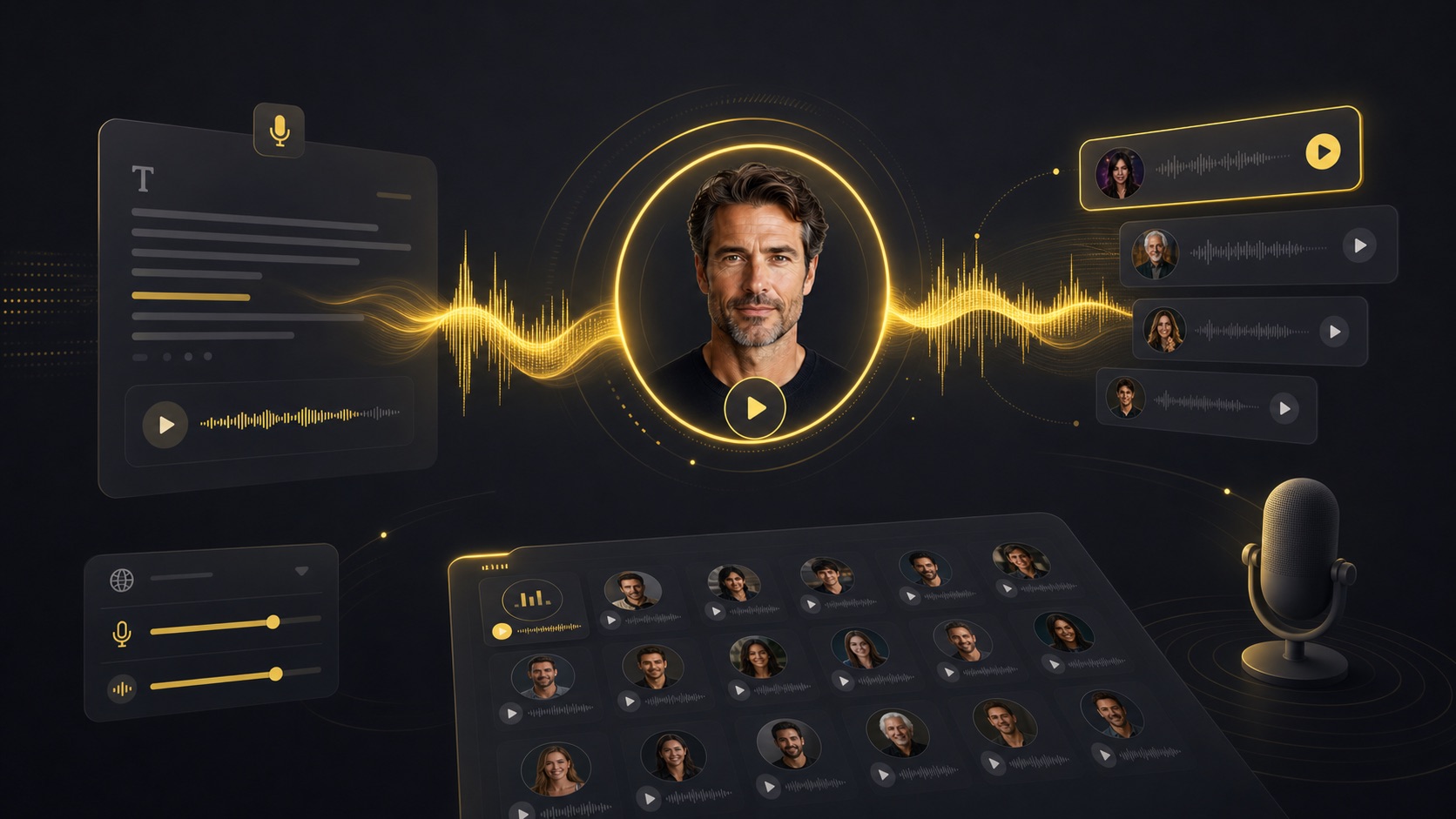
How to Use the AI Voice Generator
Banana Pro keeps voice creation simple: write your script, choose a voice, tune delivery, and download studio-ready audio.
Write or paste your script
Add narration, dialogue, ad copy, lesson text, or any script you want the AI Voice Generator to speak.
Choose a voice style
Pick from expressive voices such as husky, warm, bright, mysterious, energetic, calm, or professional inside the AI Voice Generator.
Tune delivery controls
Set stability and language options in the AI Voice Generator to shape how natural, consistent, or expressive the final voiceover feels.
Generate and download
Preview the generated audio, copy the source script, download the file, or keep it in your Banana Pro asset library.
Why Choose Banana Pro AI Voice Generator?
A good AI Voice Generator should sound natural, stay easy to control, and fit directly into a creator workflow. Banana Pro is built for exactly that.
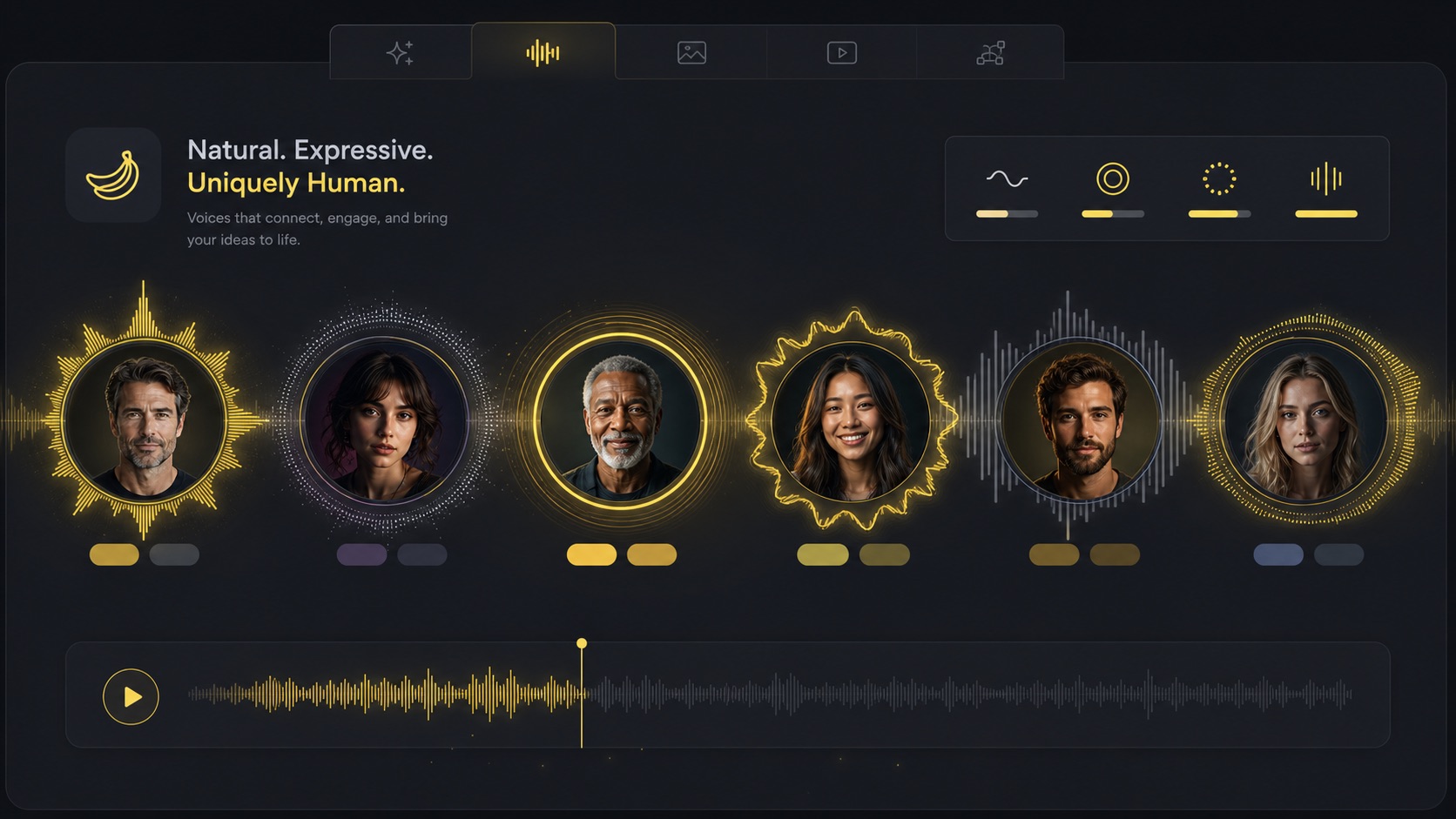
Natural voices with clear personality
Choose voices with practical style labels like husky, bold, warm, conversational, crisp, or calming. Sample playback helps you pick the right tone before spending credits.
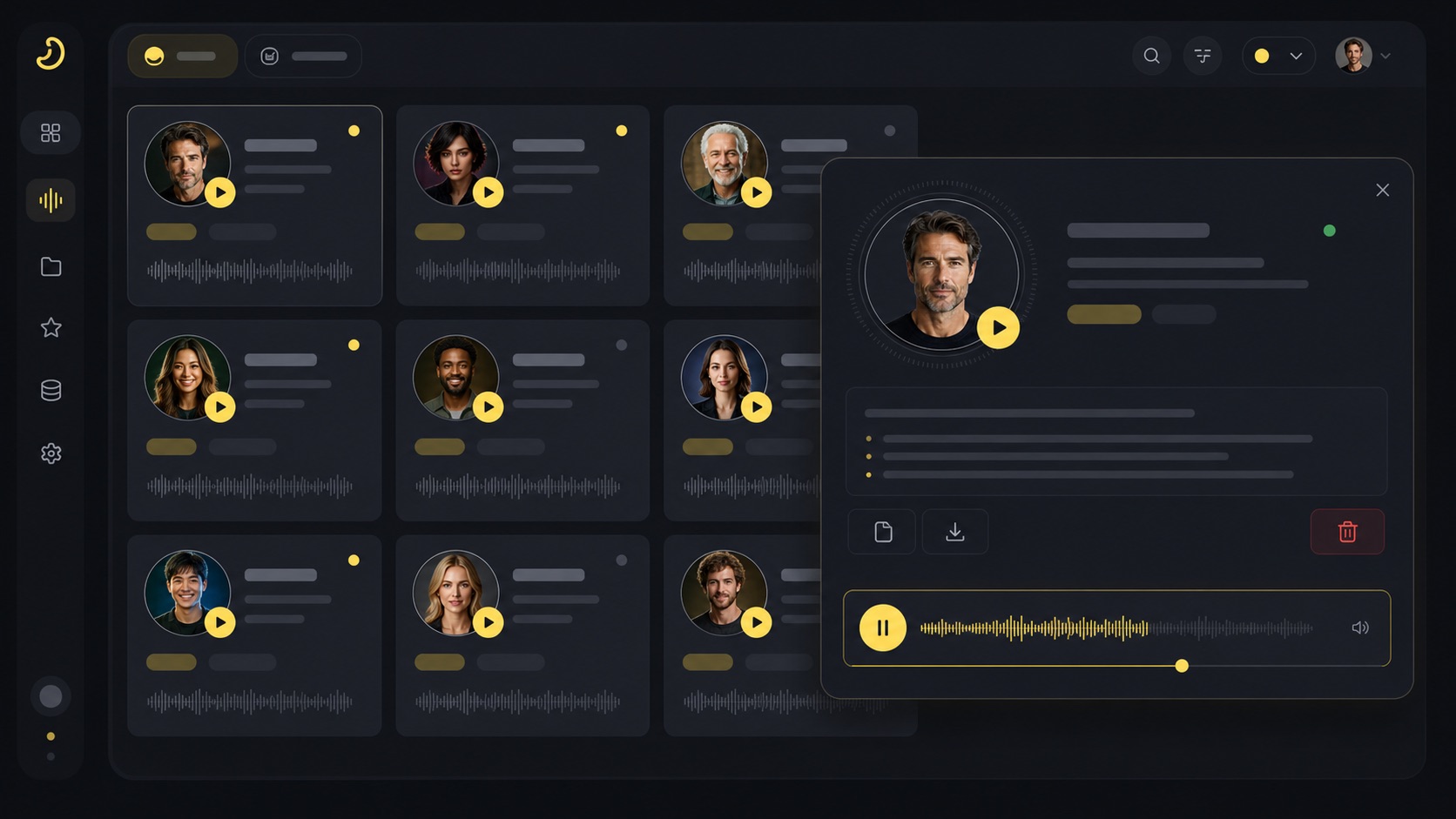
AI Voice Generator Features
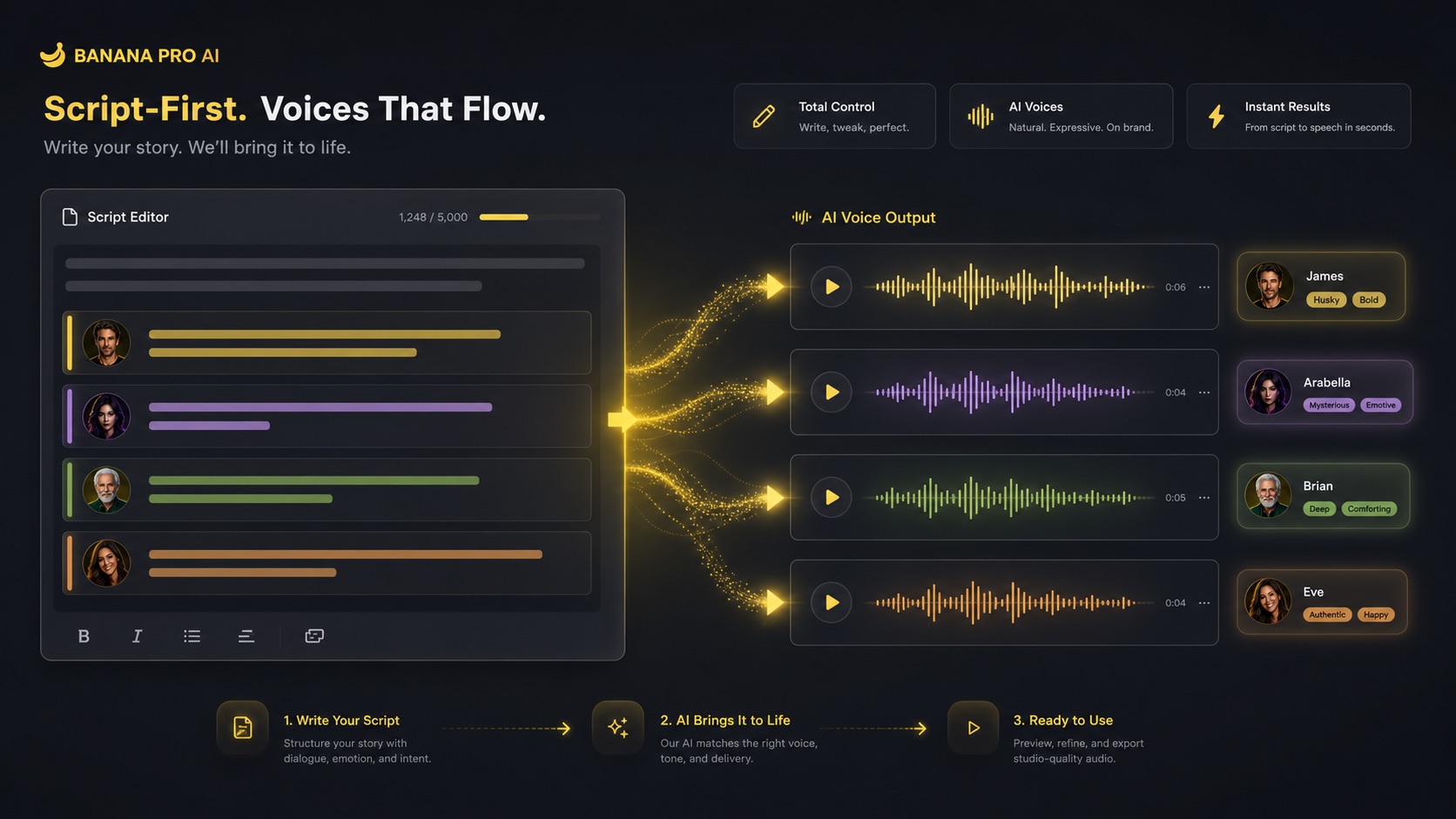
Banana Pro combines text-to-speech generation with voice selection, sample previews, playback UX, and asset management in one focused voice workspace.
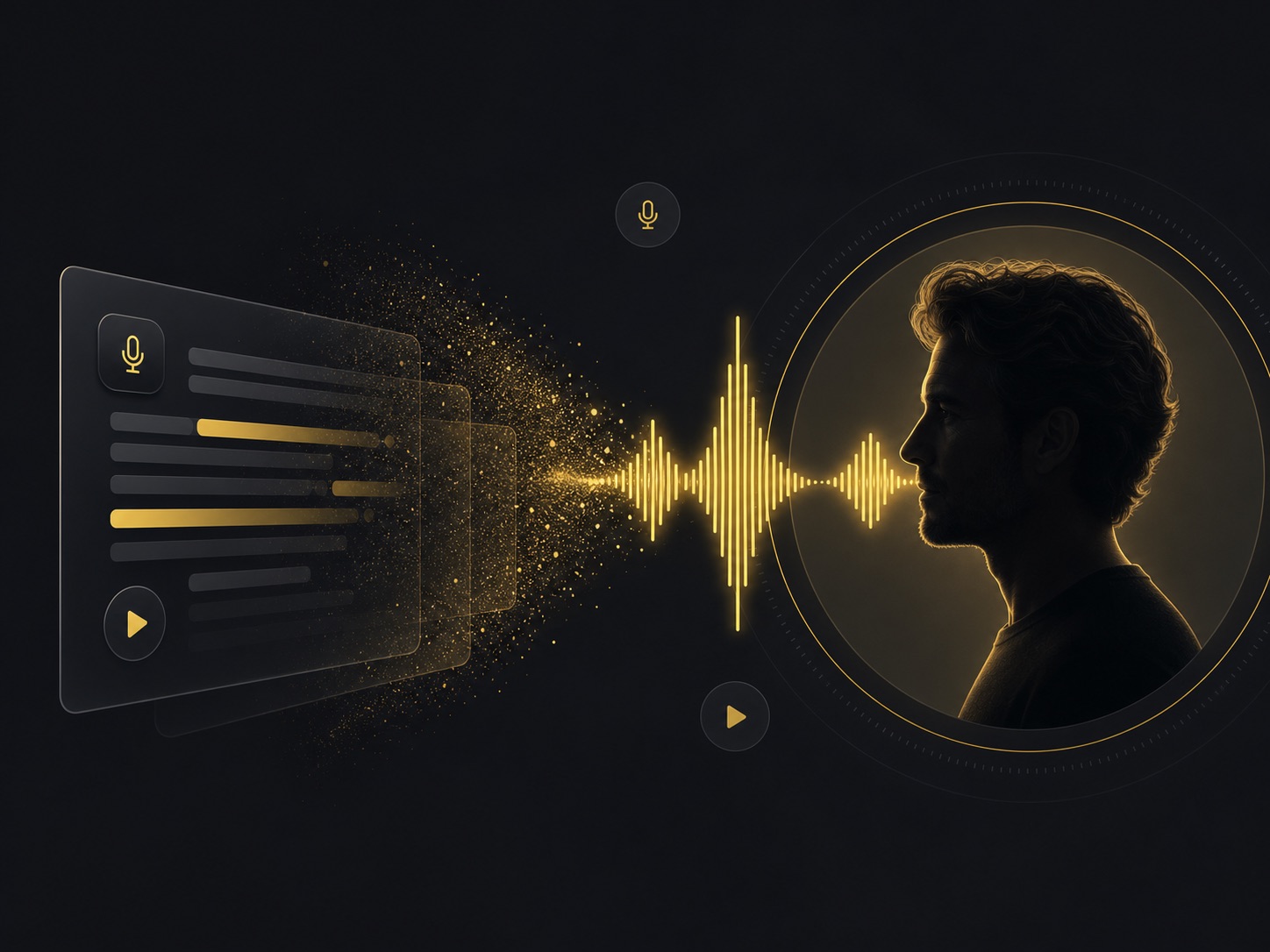
Expressive text-to-voice generation
The AI Voice Generator converts text into AI voice audio that feels natural enough for narration, storytelling, product demos, and creative production.
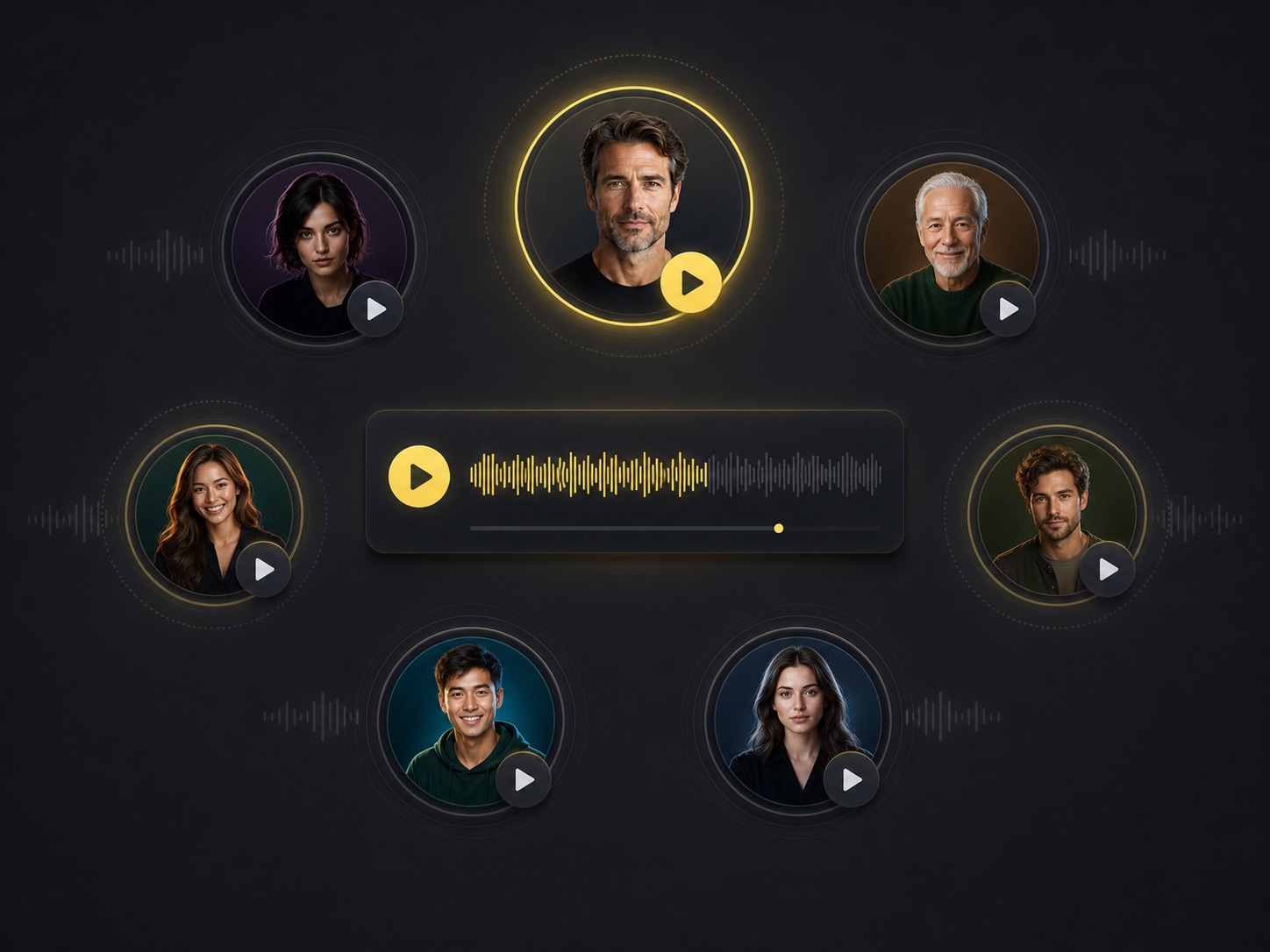
Voice sample previews
Listen to example voices before generating. The AI Voice Generator lets you compare tone, energy, texture, and clarity so every script starts with the right speaker.
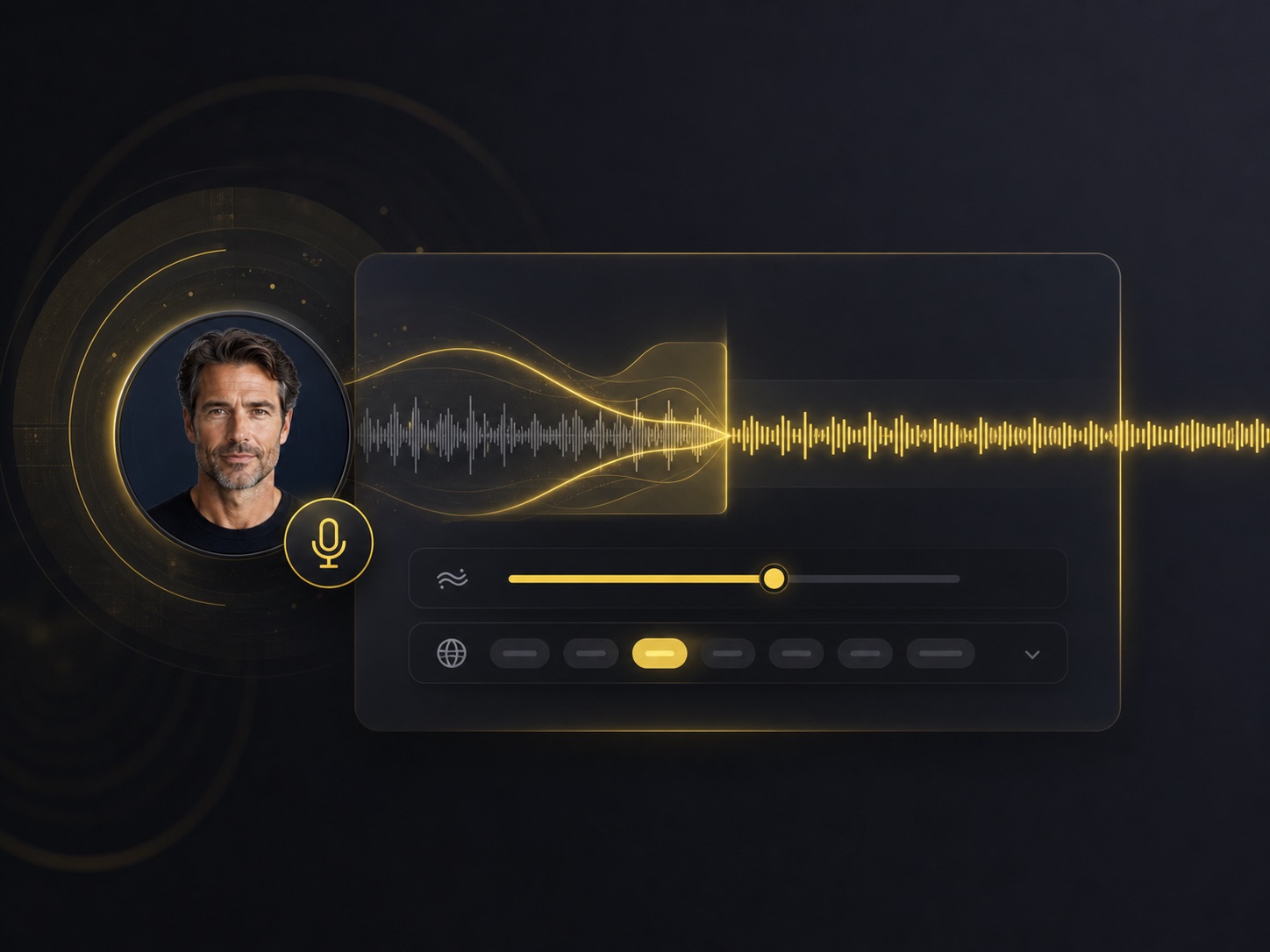
Stability and language controls
Use AI Voice Generator stability controls to balance expressiveness and consistency, and set language behavior for multilingual or auto-detected speech.
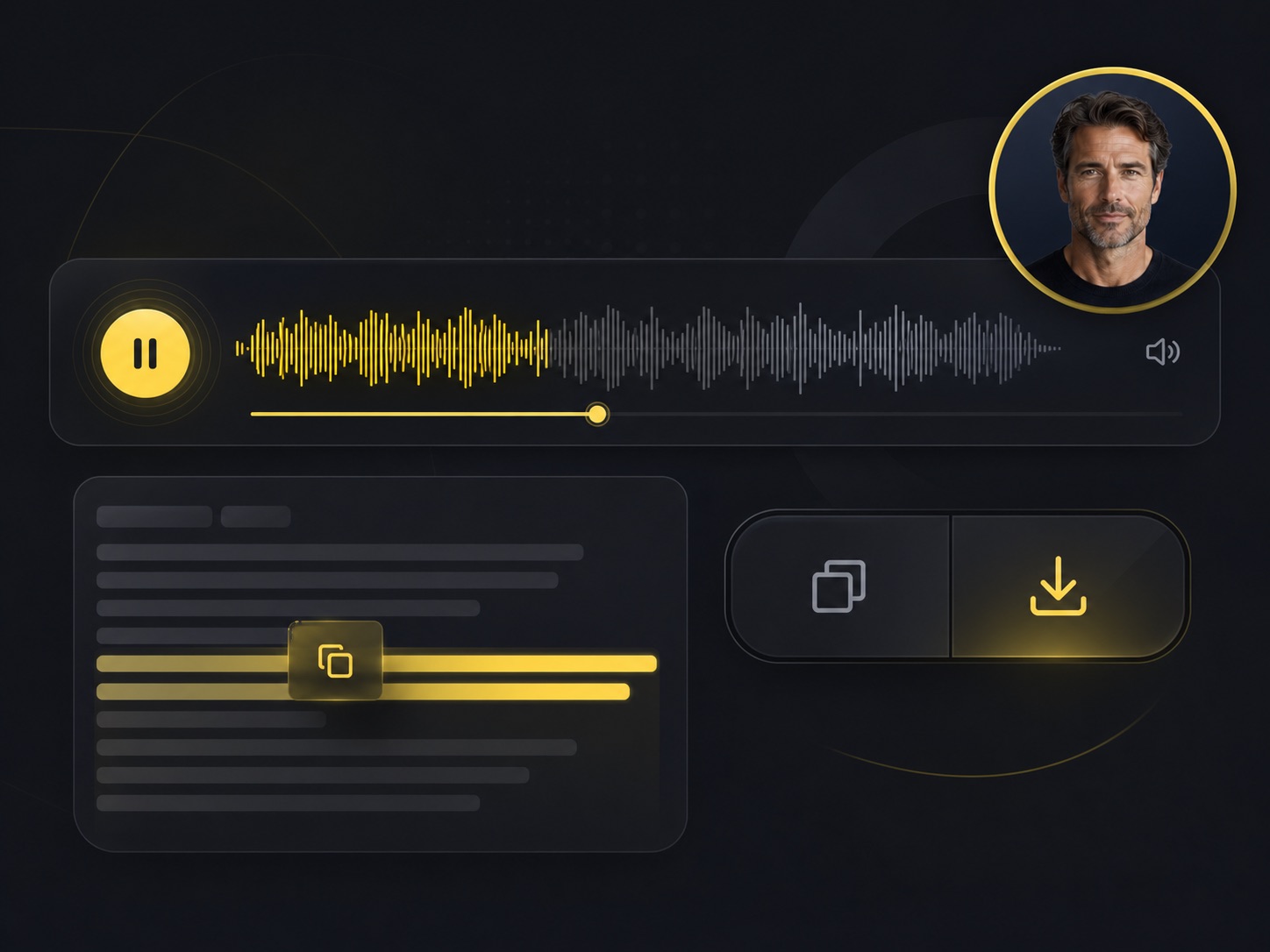
Playback, copy, and download tools
Review AI Voice Generator waveform playback, copy scripts, open a detailed voice modal, download audio, and delete old generations from the same interface.
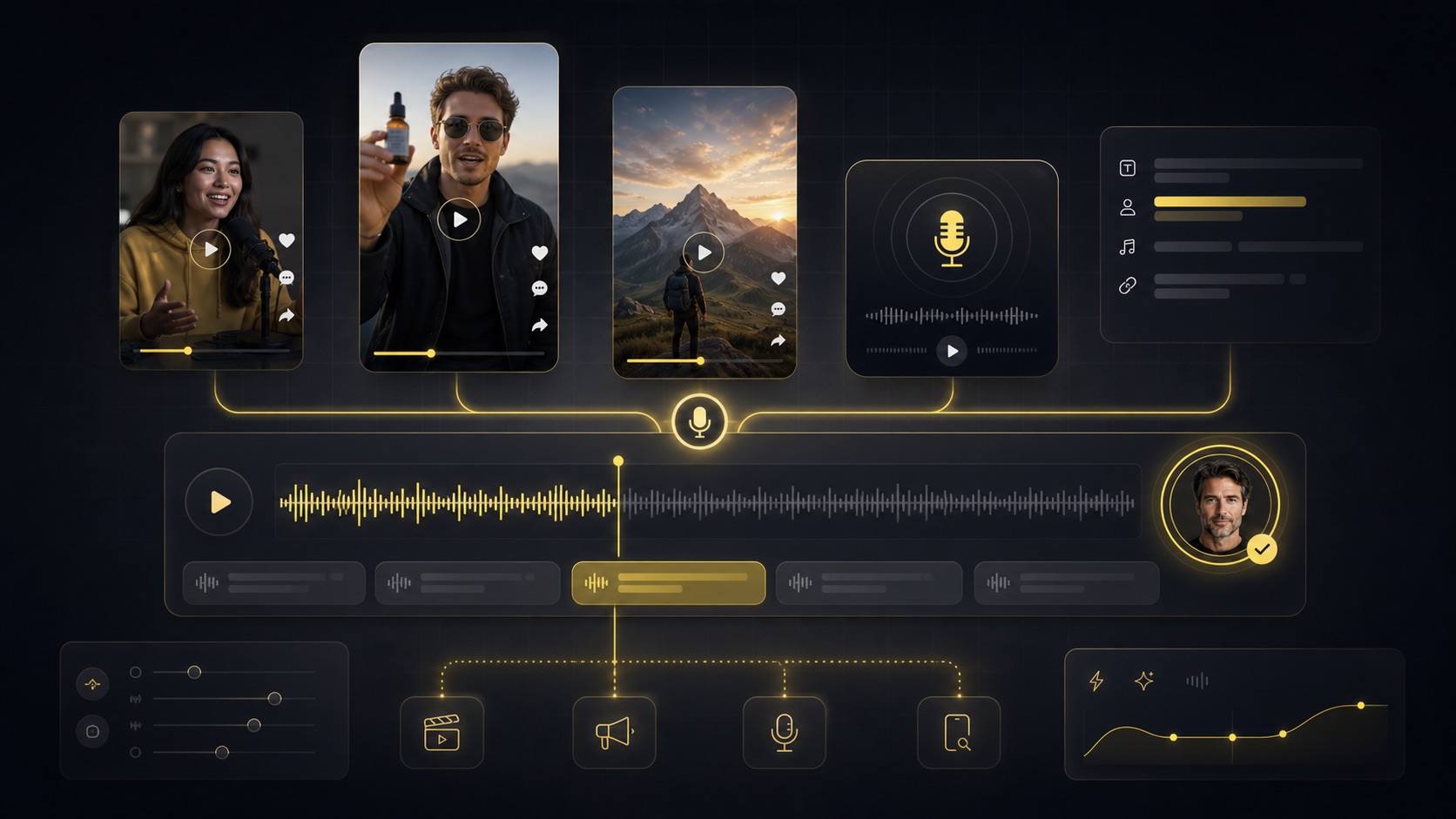
What Can You Create with an AI Voice Generator?
AI voice generation is useful anywhere a clear, polished voiceover can make content easier to understand, publish, or scale.
Marketing and ads
Use the AI Voice Generator to create punchy ad reads, product voiceovers, offer scripts, and social campaign audio with a voice that fits your brand tone.
Video narration
Create voiceovers with the AI Voice Generator for YouTube videos, reels, explainers, tutorials, and product walkthroughs without recording a microphone take.
Education and training
Turn lesson scripts, onboarding guides, and training modules into clear narration for learners and internal teams.
Podcasts and intros
Draft intros, outros, segment transitions, and short spoken clips with consistent audio styling.
Short-form social content
Create quick voiceovers for TikTok, Instagram, Shorts, and creator posts where speed and clarity matter.
Dialogue and character scenes
Generate multi-line dialogue samples with different voice personalities for prototypes, scripts, games, and creative tests.
AI Voice Generator FAQ
Answers to common questions about generating AI voice audio with Banana Pro.
An AI Voice Generator converts written text into spoken audio using artificial intelligence. Banana Pro lets you choose a voice, tune delivery, generate audio, and save it to your library.
Yes. The AI Voice Generator includes sample voice previews so you can compare voice tone, personality, and clarity before creating your own audio.
Stability adjusts how consistent or expressive the voice delivery feels. Lower values can feel more expressive, while higher values can sound steadier and more controlled.
Yes. The AI Voice Generator is designed for video narration, ads, explainers, tutorials, social clips, and other creator workflows.
Voice generation is billed by character count. Longer scripts use more voice credits, which keeps pricing tied to the actual amount of speech generated.
Generated voices are saved in your Banana Pro voice library, where you can play them, view details, copy the script, download audio, or delete older results.
Create Your First AI Voiceover Today
Use Banana Pro's AI Voice Generator to turn a script into natural narration, dialogue, or marketing audio in a few clicks.
