MidJourney vs Freepik 2026 Review: Which AI Tool Is Better for Creators?
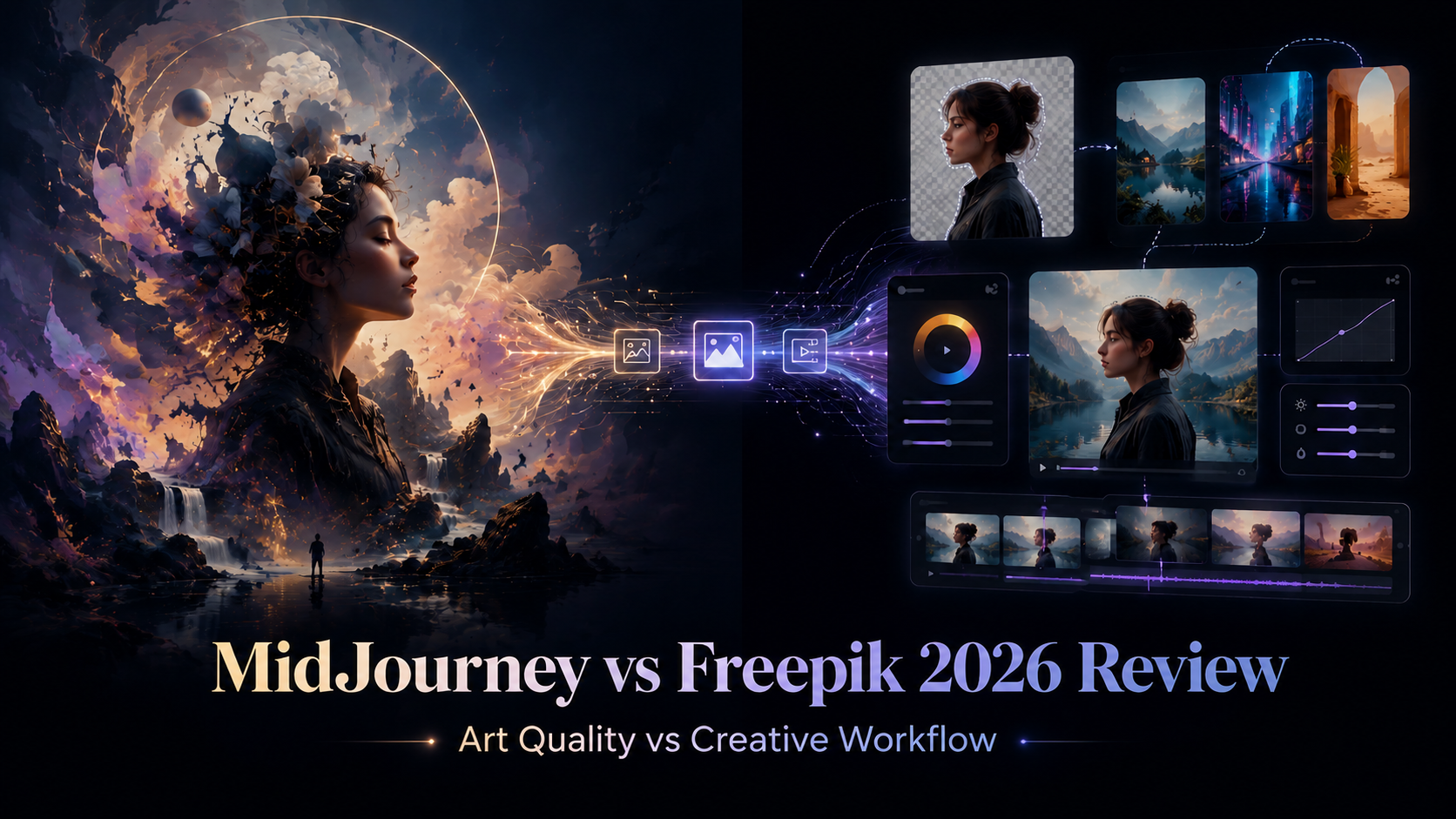
A practical comparison of MidJourney and Freepik based on real creative workflows, covering image quality, style control, Seedream video editing, background removal, pricing, and how both tools can work together for better AI content creation.
Quick Overview
If you are a digital artist, content creator, motion designer, or AI workflow builder evaluating creative tools in 2026, you have probably asked yourself:
MidJourney or Freepik — which one is actually worth paying for?
I used both tools side by side for more than six months, creating digital sculptures, illustration series, video concepts, social content, and AI-assisted visual workflows.
After extensive testing, my conclusion is simple:
Choosing only one is often the wrong question.
MidJourney and Freepik serve different purposes. MidJourney is built around high-quality artistic image generation. Freepik is closer to a flexible creative platform with multiple AI tools, background removal, video editing, and model access.
Here is a quick comparison before going deeper:
| Feature | MidJourney | Freepik |
|---|---|---|
| Artistic image quality | Excellent | Good |
| Style reference system | Best-in-class | Limited |
| Video generation | Limited resolution | More flexible |
| Background removal | Not available | Excellent |
| Model variety | Limited | Very wide |
| Stealth / privacy mode | Pro or Mega plan only | Included |
| Pricing | Expensive | Often discounted |
| Best for | Aesthetic art and visual series | Multi-purpose AI creative workflows |
MidJourney Deep Dive
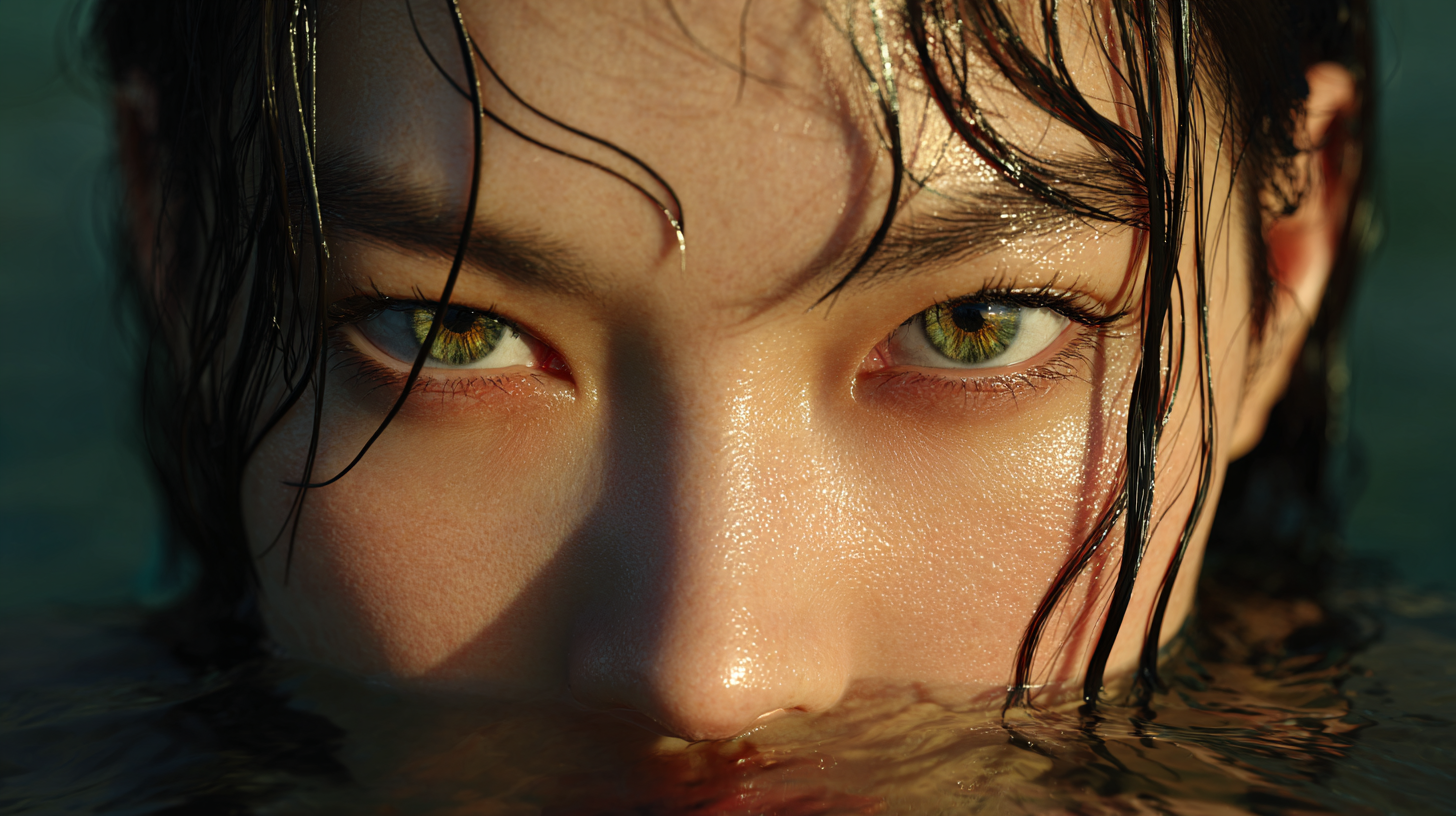
MidJourney is best for creators who care about artistic image quality, visual style, and aesthetic consistency. It is especially strong when you need images that feel polished, expressive, and visually distinctive rather than purely functional.
| Area | What MidJourney Is Good At | What to Know |
|---|---|---|
| Image quality | Concept art, character design, surreal visuals, fantasy scenes, illustration series | Best choice when the final image needs strong artistic impact |
| Style control | Style references, mood boards, personalization codes, character reference | Useful for keeping a consistent look across multiple images |
| Video output | Dreamy motion, abstract animation, mood-based clips, stylized movement | Better for aesthetic motion than professional video production |
| Commercial use | Client projects, brand visuals, creative campaigns | Stealth Mode is important for private work but requires higher-tier plans |
MidJourney’s biggest advantage is its ability to create a repeatable visual identity. If you are building a brand campaign, visual novel, character series, game concept, or social media art direction, its style reference system gives you more control than most AI image tools.
However, MidJourney is not a complete production workflow. Its video output can look beautiful, but resolution and motion control are still limited. For final video delivery, you may still need an upscaling or post-production tool.
Best takeaway: Use MidJourney when the most important goal is beautiful, consistent, and high-end AI-generated art.
Freepik Deep Dive
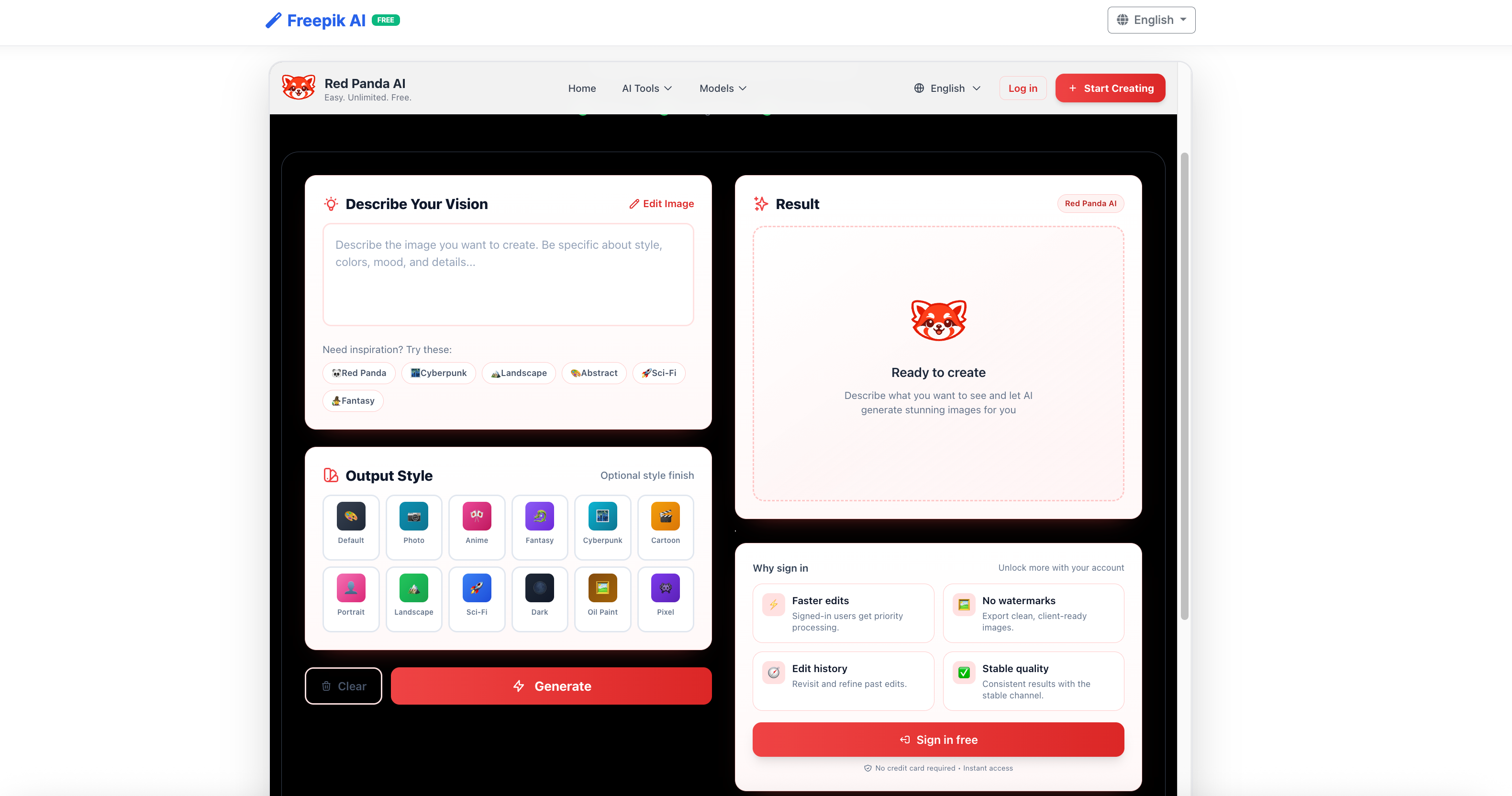
Freepik works better as a multi-purpose AI creative platform than a single image generator. Its value comes from combining image generation, background removal, video tools, design assets, and model variety in one place.
| Area | What Freepik Is Good At | What to Know |
|---|---|---|
| Background removal | Product images, character cutouts, thumbnails, e-commerce visuals | One of Freepik’s most practical everyday features |
| Seedream editing | Frame editing, background replacement, controlled scene transitions | More useful for editing specific video frames than generating full artistic clips |
| Image generation | Product mockups, marketing visuals, website graphics, social media images | Clean and commercial-looking, but less artistic than MidJourney |
| Workflow value | Design assets, AI tools, multi-model testing, fast production | Stronger choice when you need several tools in one workflow |
Freepik is especially useful for creators who need to move quickly from idea to usable asset. You can remove backgrounds, prepare thumbnails, create marketing visuals, test different models, and edit video frames without switching between too many tools.
Its image generation may not match MidJourney’s artistic quality, but it performs well for practical commercial content. If your work involves social media, product visuals, ads, thumbnails, or everyday design production, Freepik can be more useful than a pure image generator.
Best takeaway: Use Freepik when the most important goal is fast, flexible, and practical creative production.
Simple Comparison
| Tool | Best For | Main Strength | Main Limitation |
|---|---|---|---|
| MidJourney | Artistic image creation | Strong style and visual quality | Limited practical editing workflow |
| Freepik | Creative production workflow | Background removal, Seedream, and multi-tool access | Less artistic than MidJourney |
Simple rule: Use MidJourney for the art. Use Freepik for the workflow.
How to Use Both Together
The strongest workflow I found is not MidJourney versus Freepik.
It is MidJourney plus Freepik.
Here is the workflow I recommend:
Step 1: Generate the Base Image in MidJourney
Use MidJourney to create the core visual.
This is where you focus on:
- Art direction
- Character design
- Mood
- Lighting
- Style consistency
- High-quality composition
MidJourney is the best place to create the first strong visual foundation.
Step 2: Clean the Image in Freepik
After generating the image, bring it into Freepik for practical editing.
Use Freepik for:
- Background removal
- Subject isolation
- Simple image cleanup
- Preparing assets for video or design use
This turns the MidJourney image into a more usable production asset.
Step 3: Use Seedream for Frame Editing
Next, use Freepik Seedream to edit specific visual frames.
This is especially useful when you want to:
- Replace a background
- Create an environment transition
- Adjust a scene without changing the subject
- Build a more controlled video workflow
Seedream gives you more editing control than MidJourney video alone.
Step 4: Upscale the Video
If your output is video-based, use a dedicated upscaling tool such as Topaz Video AI.
This helps improve:
- Resolution
- Sharpness
- Professional delivery quality
- Final export readiness
MidJourney and Freepik can create strong creative material, but upscaling may still be needed for polished final output.
Step 5: Export and Publish
Finally, export your finished image or video for the target platform.
This workflow works well for:
- YouTube thumbnails
- TikTok videos
- Short-form ads
- Portfolio projects
- AI art series
- Product campaigns
- Social media visuals
- Creative client work
Pricing Breakdown
Note: Pricing can change. Always check the official MidJourney and Freepik websites for the latest plan details.
MidJourney Plans
| Plan | Approx. Monthly Price | Key Features |
|---|---|---|
| Basic | About $10/month | Limited monthly generations |
| Standard | About $30/month | More generation capacity and relaxed mode |
| Pro | About $60/month | Stealth Mode and more fast GPU time |
| Mega | About $120/month | Maximum GPU capacity and Stealth Mode |
The most important thing to know is that Stealth Mode requires a higher-tier plan.
For casual creators, this may not matter. For client work, it matters a lot.
Freepik Plans
| Plan | Approx. Price | Notes |
|---|---|---|
| Free | $0 | Limited access |
| Premium | About $24/month | More complete model and tool access |
| Annual | Lower effective monthly cost | Better for high-volume use |
Freepik can be more flexible from a pricing perspective because coupon codes and discounts are often available.
Who Should Buy What
Choosing between MidJourney and Freepik depends on what you create most often. MidJourney is better for visual quality and artistic consistency, while Freepik is better for practical editing, video workflow, and multi-tool production.
| Choose This | Best For | Why It Makes Sense |
|---|---|---|
| MidJourney | Artists, illustrators, concept designers, and visual storytellers | Best when you need high-end image quality, strong style control, character consistency, concept art, illustration series, or a distinctive creative identity |
| Freepik | Marketers, content creators, designers, and social media teams | Best when you need background removal, Seedream video editing, commercial visuals, fast editing tools, multiple AI models, and an easier all-in-one workflow |
| Both | Professional creators, agencies, and AI workflow builders | Best when you need artistic image generation plus practical editing, video assets, client-ready content, and a complete creative pipeline |
Simple buying advice: Choose MidJourney if your priority is beautiful AI art. Choose Freepik if your priority is fast creative production. Use both if you want the strongest end-to-end AI workflow.
FAQ
Is MidJourney better than Freepik for beginners?
Freepik is usually more beginner-friendly because it has a more intuitive interface and gives users access to multiple tools in one platform.
MidJourney has a steeper learning curve, especially if you want to master prompts, style references, character references, and consistent visual generation.
However, once you learn it, MidJourney usually produces stronger artistic results.
Can I use MidJourney images commercially?
Paid MidJourney users can generally use outputs commercially, but you should always review the latest MidJourney terms before using images in client or commercial projects.
For confidential work, Stealth Mode is strongly recommended because it helps prevent your work from appearing publicly.
What is Freepik Seedream?
Freepik Seedream is a video and frame-editing feature that lets users modify specific visual elements, such as backgrounds, while preserving the main subject.
It is different from MidJourney video because it focuses more on controlled editing and compositing rather than generating an entire video clip from a prompt.
Is Freepik better than MidJourney for video?
Freepik can be more flexible for video-related workflows because of Seedream and its wider toolset.
MidJourney video is visually attractive but more limited in resolution and motion control.
If you need video editing flexibility, Freepik is usually more practical. If you want an artistic moving image based on a MidJourney style, MidJourney can still be useful.
Do I really need both tools?
Not necessarily.
If you mainly create static artwork, MidJourney may be enough.
If you mainly need background removal, practical design assets, or video frame editing, Freepik may be enough.
If you create both high-quality AI art and video content, using both tools together gives you the strongest workflow.
Are there free alternatives to MidJourney in 2026?
Yes. Several open-source and freemium AI image models have improved a lot.
However, MidJourney still has a very strong advantage in aesthetic consistency, style control, and polished artistic output.
For serious creative work, many users still find MidJourney hard to replace.
How do I get discounts on Freepik?
Before subscribing, search for Freepik coupon codes.
Discounts are often available, and annual plans may also reduce the effective monthly cost. If you plan to use Freepik regularly, checking discounts first can save money.
Final Verdict
MidJourney is better for artistic image quality, while Freepik is better for practical creative production.
MidJourney helps you create polished, consistent, and visually distinctive images. Freepik helps you remove backgrounds, edit frames, test models, and prepare assets for real content workflows.
Best answer: Use MidJourney for the art and Freepik for the workflow. Together, they create a more complete AI creative pipeline.