
More AI Image Generators
Explore our collection of specialized AI image generators designed for different creative needs and styles

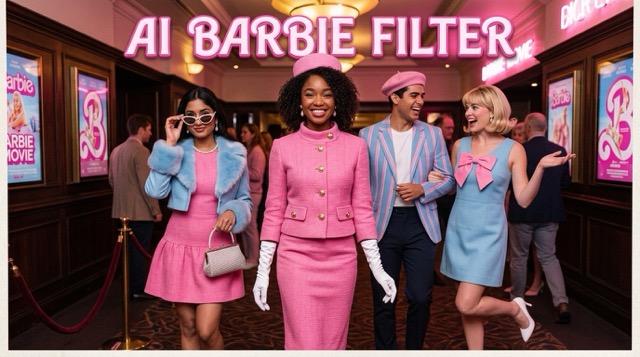
AI Barbie Filter for Pink Movie Doll Makeovers
Use BananaPro AI to upload a portrait, choose female or male, and create a glossy Barbie-inspired fashion makeover in one click.
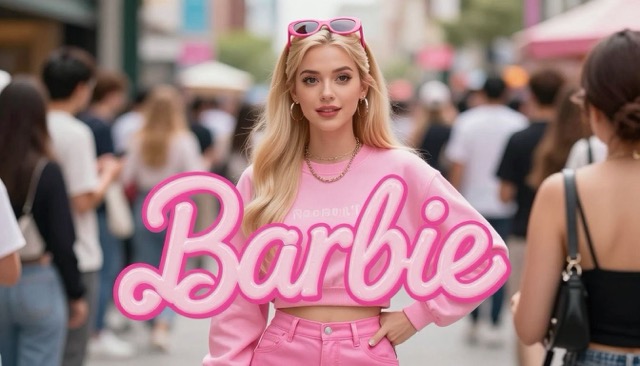
BananaPro AI AI Barbie Filter helps you turn any portrait into a bright pink fashion doll makeover with one simple image to image workflow. Upload a selfie, portrait, couple photo, family picture, creator headshot, or character image, then choose Female or Male to guide the final styling. The AI Barbie Filter creates glossy makeup, polished hair, pink wardrobe details, cinematic lighting, and playful dollcore energy. For creators following the AI Barbie Trend, this AI Barbie Filter makes it easy to test Barbie outfit ideas, social avatars, profile pictures, and fun fashion edits without manual retouching.
How to Use AI Barbie Filter
The AI Barbie Filter workflow is built for fast image to image creation. Upload a portrait, choose a gender style direction, and let BananaPro AI create an AI Barbie Trend makeover with stylish Barbie outfit ideas.

Upload Your Portrait
Start by uploading any clear portrait. The AI Barbie Filter reads the face, pose, hairstyle, clothing, and lighting, then prepares the image for an AI Barbie Trend makeover while keeping the person recognizable.

Choose Female or Male Style
Select Female for a glamorous pink doll look or Male for a confident beach inspired doll look. The AI Barbie Filter uses this choice to shape makeup, hair, accessories, wardrobe, and Barbie outfit ideas.

Generate and Download
Click generate and let BananaPro AI create the final AI Barbie Filter result. Preview your AI Barbie Trend image, try new Barbie outfit ideas, and download a polished photo for sharing.
Best AI Image Tools for Creative Projects
Explore creative tools for image, learn tips and tricks, and see how AI can be your assistant in turning concepts into finished projects.
Features of BananaPro AI Barbie Filter
BananaPro AI AI Barbie Filter gives users a simple way to create the AI Barbie Trend from portraits. It supports female and male styling, identity preservation, glossy pink lighting, and automatic Barbie outfit ideas.
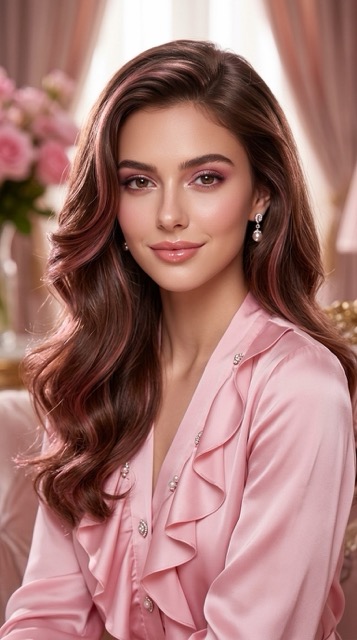
Female Barbie Style Makeover
- The AI Barbie Filter can turn a female portrait into a glamorous pink dollcore look with glossy hair, radiant makeup, bright eyes, polished skin, and fashionable accessories.
- This AI Barbie Filter is ideal for creators who want to join the AI Barbie Trend with a clean, cinematic, social ready result.
- BananaPro AI adds Barbie outfit ideas such as pastel dresses, pink jackets, playful accessories, stylish heels, and dreamy fashion details.
- Use the AI Barbie Filter to create profile photos, trend posts, birthday edits, cosplay references, creator visuals, and fun Barbie outfit ideas.
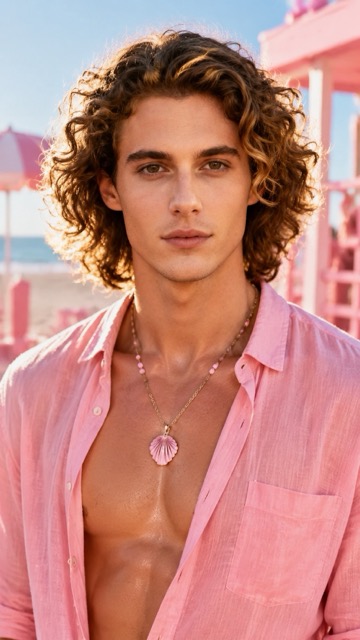
Male Ken Inspired Fashion Look
- The AI Barbie Filter also works for male portraits by creating a charming, confident, beach inspired fashion doll style.
- Choose Male and BananaPro AI can generate clean hair, sunlit skin, bright outfits, pastel shirts, resort fashion, and playful AI Barbie Trend energy.
- The AI Barbie Filter keeps the original face recognizable while adding polished styling and Barbie outfit ideas for men.
- It is useful for couples, friends, influencers, meme creators, and anyone who wants a fun male version of the AI Barbie Trend.
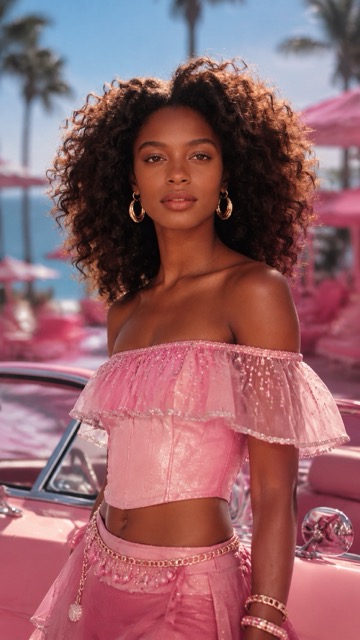
Image to Image Identity Preservation
- The AI Barbie Filter is designed for image to image editing, so users can upload a real portrait and keep the main identity, facial structure, age, pose, and expression.
- Instead of creating a random doll character, the AI Barbie Filter transforms your own photo into an AI Barbie Trend look.
- BananaPro AI balances realistic portrait quality with pink fantasy styling, glossy lighting, and Barbie outfit ideas.
- This makes the AI Barbie Filter practical for selfies, couple photos, pet humanized edits, creator portraits, and social media experiments.
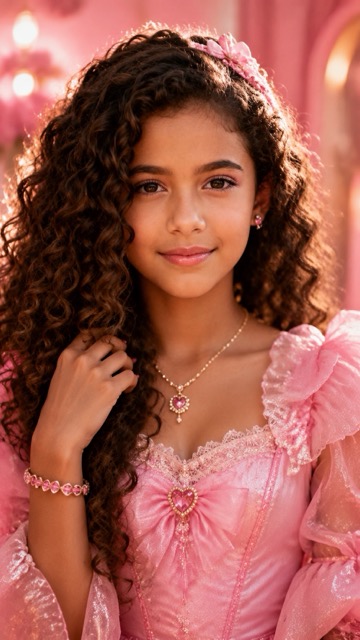
Viral Pink Aesthetic for Social Sharing
- The AI Barbie Filter is made for users who want bright, shareable, trend driven portraits with a pink movie doll aesthetic.
- Follow the AI Barbie Trend by creating playful fashion edits, social avatars, reaction posts, before and after images, and themed profile pictures.
- BananaPro AI helps generate Barbie outfit ideas automatically, from glam dresses to beachwear, from pink suits to fantasy accessories.
- With the AI Barbie Filter, creators can quickly test a viral look without makeup, styling, costumes, or photo editing skills.
Why Choose AI Barbie Filter
The AI Barbie Filter is fast, fun, and easy to use. BananaPro AI turns portrait uploads into AI Barbie Trend images with female or male styling and automatic Barbie outfit ideas.

Social Media Trend Photos
Use the AI Barbie Filter to create pink fashion portraits for TikTok, Instagram, X, Facebook, and profile updates. The AI Barbie Trend format makes Barbie outfit ideas feel instantly shareable.

Female Glam Portraits
The AI Barbie Filter can create polished female makeover images with soft makeup, glossy hair, pink styling, and elegant Barbie outfit ideas for personal photos and creator content.

Male Dollcore Edits
Choose Male and use the AI Barbie Filter to create a bright, confident, beach inspired look. It gives men a fun way to join the AI Barbie Trend with stylish Barbie outfit ideas.

Couple and Friend Makeovers
Turn couple photos or friend portraits into matching AI Barbie Trend images. The AI Barbie Filter can create coordinated pink looks and playful Barbie outfit ideas for group sharing.

Cosplay and Party Inspiration
Use the AI Barbie Filter to explore Barbie outfit ideas before parties, themed events, cosplay shoots, or birthday posts. BananaPro AI turns a simple photo into a visual styling reference.

Creator Avatar Design
Creators can use the AI Barbie Filter for profile images, channel icons, thumbnails, and campaign visuals. The AI Barbie Trend look helps content stand out with bold pink fashion energy.
What Users Say About AI Barbie Filter
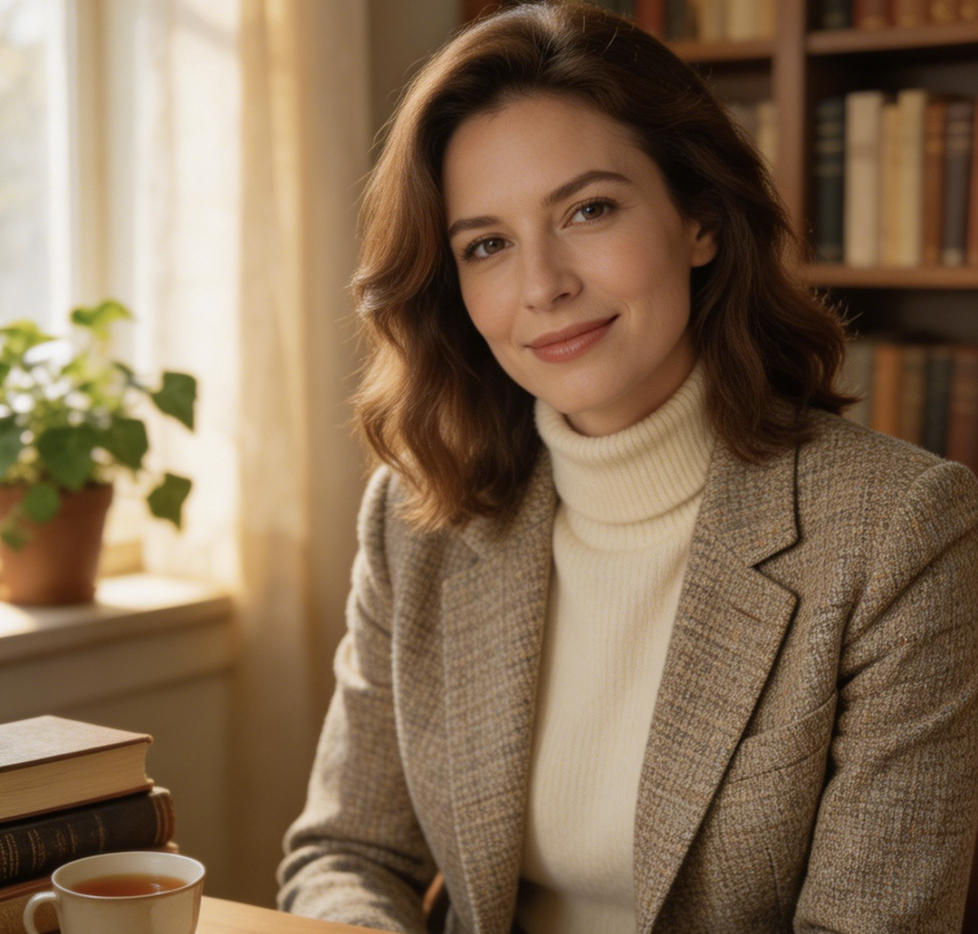
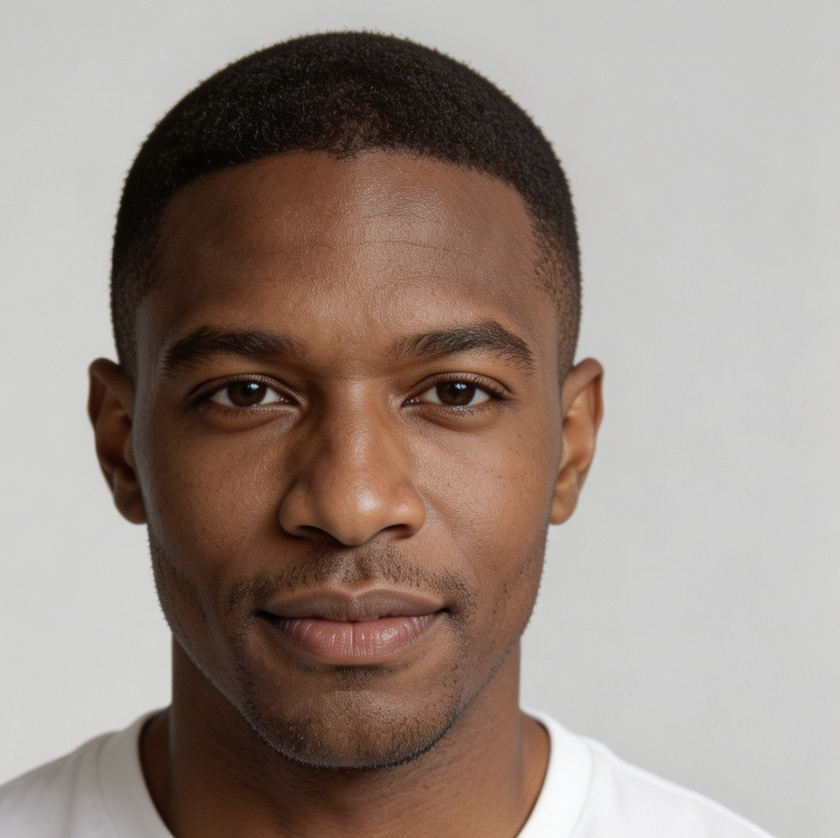
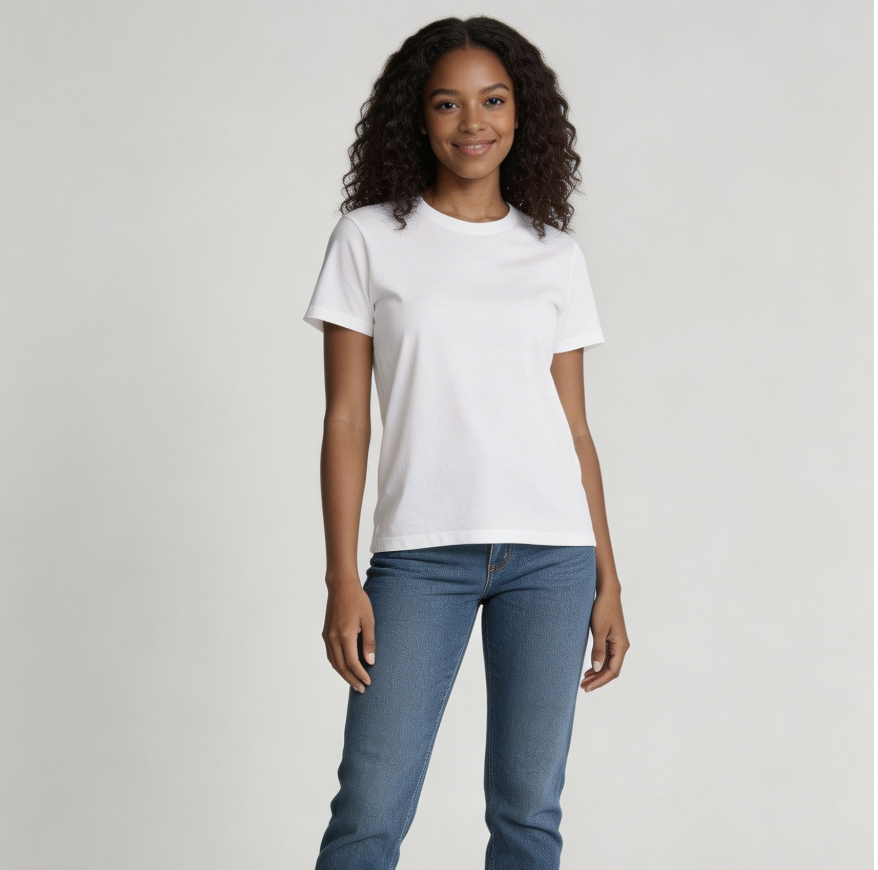
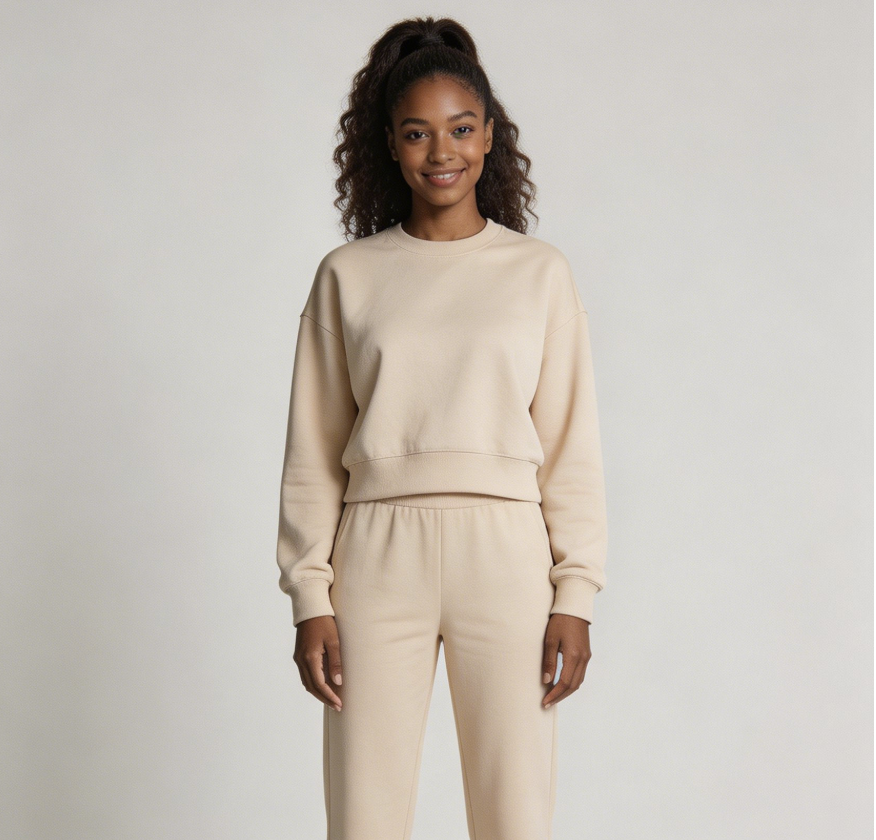
Users choose the AI Barbie Filter to create AI Barbie Trend portraits, test Barbie outfit ideas, build social posts, and turn ordinary photos into bright pink fashion makeovers.
I used the AI Barbie Filter for a creator profile update, and the result looked polished without feeling over edited. The AI Barbie Trend style was bright, fun, and full of Barbie outfit ideas.
The male option surprised me. The AI Barbie Filter gave my portrait a confident beach fashion look, and it made the AI Barbie Trend feel usable for men too.
I needed Barbie outfit ideas for a themed party, so I tried BananaPro AI first. The AI Barbie Filter helped me visualize makeup, hair, and clothing in seconds.
As a social editor, I care about speed. The AI Barbie Filter helped me create quick AI Barbie Trend visuals for testing hooks and pink fashion concepts.
The AI Barbie Filter kept my face recognizable while adding glossy makeup and a playful pink wardrobe. It gave me several Barbie outfit ideas for a photoshoot mood board.
I made a matching edit with my partner, and the AI Barbie Filter created a fun couple version of the AI Barbie Trend. The outfit styling looked clear and social ready.
Frequently Asked Questions About AI Barbie Filter
Learn how the AI Barbie Filter works, how to join the AI Barbie Trend, and how BananaPro AI creates pink fashion portraits with automatic Barbie outfit ideas.
AI Barbie Filter is an image to image tool on BananaPro AI that turns uploaded portraits into pink fashion doll style makeovers. The AI Barbie Filter lets users choose Female or Male, then creates a polished AI Barbie Trend image with glossy styling, cinematic lighting, and Barbie outfit ideas.
Upload a portrait, select Female or Male, choose your image size, and click generate. The AI Barbie Filter will create a new portrait with AI Barbie Trend styling while preserving the main facial identity. BananaPro AI also adds Barbie outfit ideas based on the chosen style direction.
Yes. The AI Barbie Filter supports male portraits. When you choose Male, BananaPro AI creates a confident fashion doll look with bright clothing, sunlit styling, and playful AI Barbie Trend energy. It can also create male Barbie outfit ideas for social posts.
Yes. The AI Barbie Filter is designed to keep the uploaded person recognizable. It may change makeup, hairstyle, wardrobe, colors, lighting, and accessories, but the goal is to preserve identity while creating an AI Barbie Trend makeover with Barbie outfit ideas.
You can use the AI Barbie Filter for selfies, portraits, couple photos, friend photos, creator avatars, themed party ideas, cosplay references, and social trend content. The AI Barbie Trend style works especially well when you want pink fashion energy and Barbie outfit ideas.
BananaPro AI makes the AI Barbie Filter simple, fast, and beginner friendly. You do not need editing skills, costume planning, or manual prompt writing. Upload a photo, choose Female or Male, and generate an AI Barbie Trend portrait with ready made Barbie outfit ideas.
Try AI Barbie Filter on BananaPro AI
Upload your portrait and use BananaPro AI AI Barbie Filter to create a glossy pink fashion makeover in seconds. Choose Female or Male, join the AI Barbie Trend, and explore fresh Barbie outfit ideas for your next social post.
