
More AI Image Generators
Explore our collection of specialized AI image generators designed for different creative needs and styles

AI Food Generator for Realistic Food Images
Create appetizing food visuals from text, and choose the right image size.
Use the practical AI Food Generator for turning written food ideas into polished images. Describe the dish, plating, background, lighting, and image size, then generate a visual that matches your creative direction.
How to Use AI Food Generator
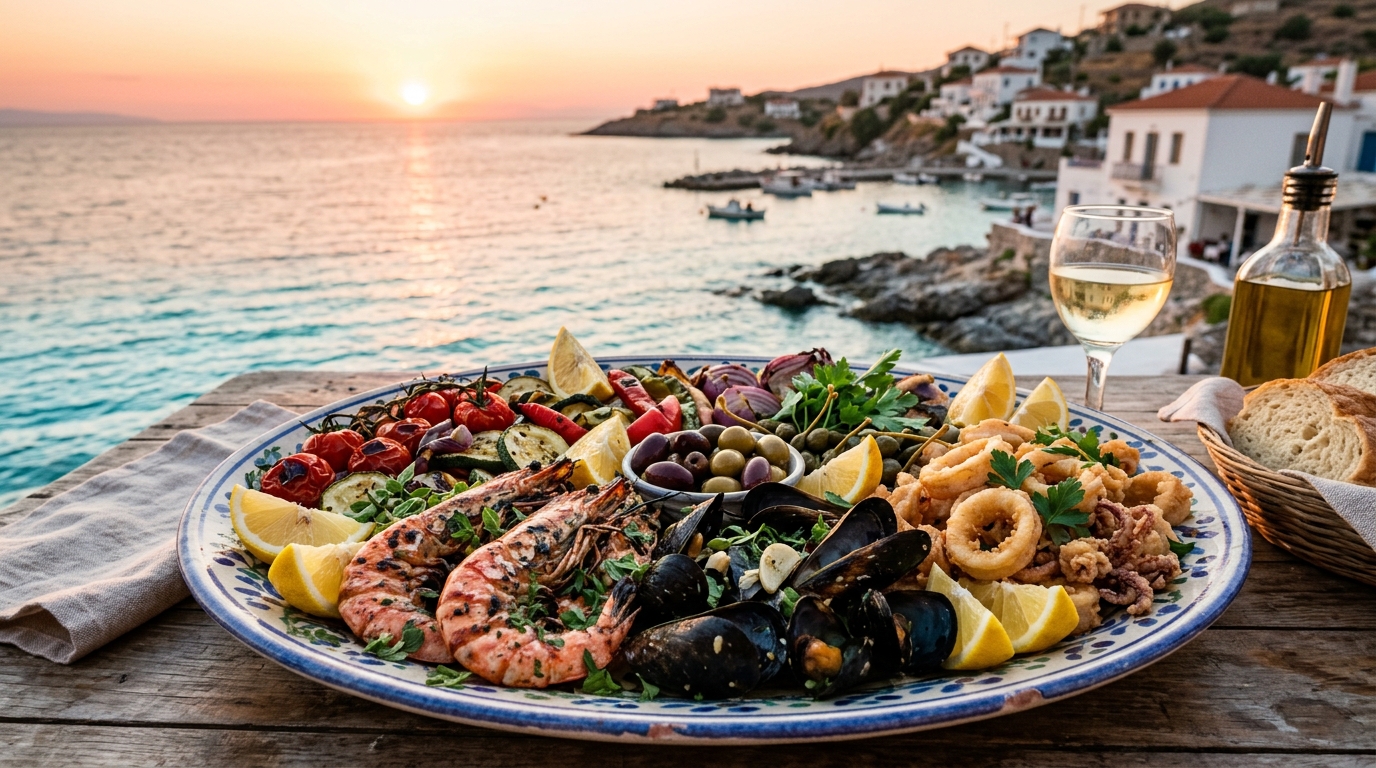
AI Food Generator follows a simple flow: write a food prompt, choose image size, generate, then refine the description when needed. It helps you move from an idea to a usable food visual without editing a photo from scratch.

Describe the Dish
Start the AI Food Generator with a clear text prompt. Mention the dish, ingredients, cuisine, serving style, mood, and background. A prompt such as rustic sourdough toast with avocado, soft morning light, and ceramic plate gives the model useful direction while still leaving room for natural composition. Keep the wording concrete, because AI Food Generator uses these details to decide what should appear in the frame.

Choose Image Size
Select the image size that fits your channel before generating. AI Food Generator can support square visuals for social posts, wider compositions for banners, and vertical formats for mobile-first pages. Matching size early helps keep the subject, plate, garnish, and negative space aligned with your layout. This gives the AI Food Generator a cleaner composition target and reduces cropping surprises in the final image.

Generate and Refine
Click generate and review the result with a designer’s eye. If the AI Food Generator creates the right dish but the scene needs adjustment, refine the prompt with more detail about lighting, angle, texture, props, or plating. Small changes often produce a more controlled final food image. AI Food Generator works best when each revision changes one visual variable instead of rewriting the whole idea.
Best AI Image Tools for Creative Projects
Explore creative tools for image, learn tips and tricks, and see how AI can be your assistant in turning concepts into finished projects.
Features of AI Food Generator
AI Food Generator supports practical image creation for food-related work: food photography concepts, recipe visuals, campaign drafts, and product mockups. Describe the dish, scene, and format you need.
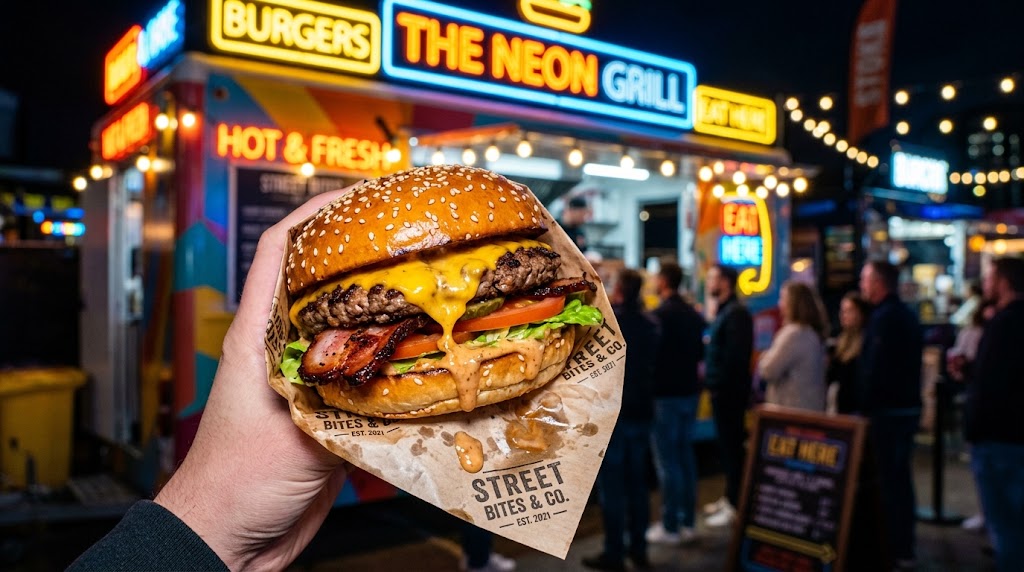
Realistic Menu and Restaurant Concepts
- AI Food Generator helps restaurants, cafes, and food marketers visualize dishes before a photo shoot.
- Use AI Food Photo Generator to test plating, lighting, table settings, and menu presentation ideas.
- Create realistic concepts for burgers, pastries, noodles, desserts, drinks, or seasonal specials.
- AI Food Image Generator is useful when you need quick visual drafts for internal review, landing pages, or menu planning.
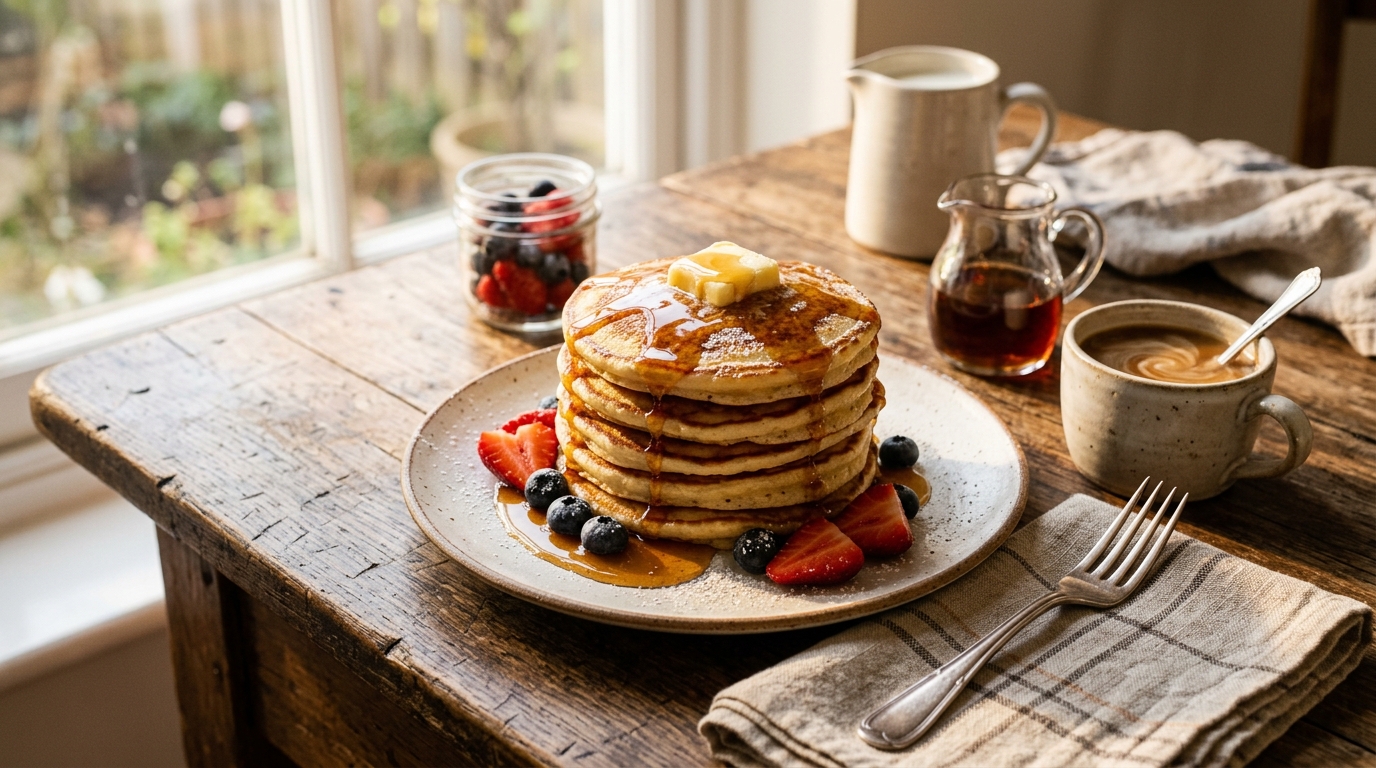
Recipe Blog and Editorial Food Images
- The AI Food Generator gives recipe writers a faster way to create supporting visuals for articles and guides.
- Describe the finished dish, cooking style, props, and viewing angle to match the story.
- Use the AI Food Photo Generator for warm kitchen scenes, overhead recipe layouts, or close-up ingredient textures.
- The AI Food Image Generator keeps content production moving when you need consistent visuals for multiple posts.
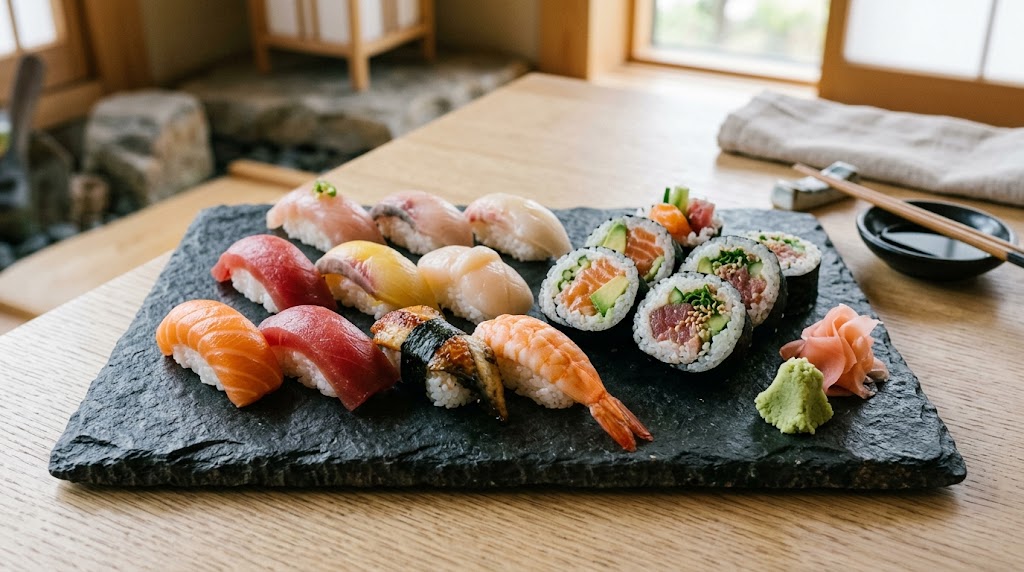
Food Advertising and Social Campaigns
- The AI Food Generator helps teams create scroll-ready visuals for ads, newsletters, and social media tests.
- Prompt for dramatic lighting, clean backgrounds, fresh garnish, or bold color contrast.
- Use the AI Food Photo Generator to explore several creative routes before choosing one direction.
- The AI Food Image Generator works especially well for concepting thumbnails, campaign drafts, and seasonal food promotions.
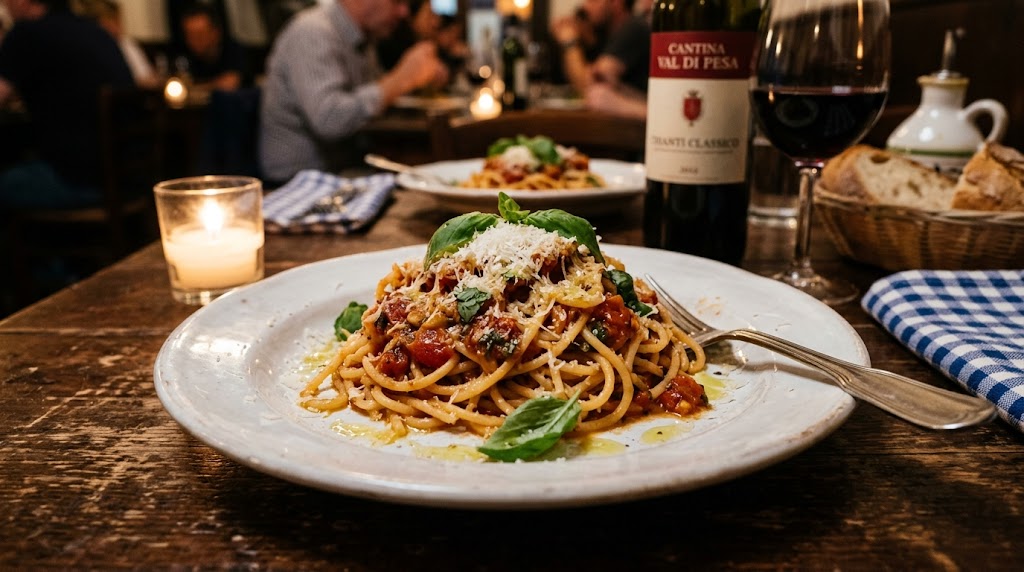
Packaging, Mockups, and Product Ideas
- The AI Food Generator supports early-stage product visualization for snacks, beverages, bakery items, and packaged meals.
- Describe the food, serving context, surface, props, and brand mood to shape the image.
- Use the AI Food Photo Generator for polished presentation concepts without booking a studio.
- The AI Food Image Generator can help founders and designers compare ideas before committing to photography or packaging production.
Why Choose AI Food Generator
AI Food Generator is designed for creators who need food visuals with speed, control, and clear creative intent. Create images for planning, publishing, advertising, mockups, or design review from a single prompt.

Create Food Images from Text
AI Food Generator starts with your written description, so you can create a food image even when no source photo exists. Describe cuisine, ingredients, plating, camera angle, and atmosphere. This is useful for testing ideas, building drafts, and visualizing dishes that are not ready for a real photo shoot. For better consistency, keep one AI Food Generator prompt format and change only the dish details between tests.

Control Visual Direction with Prompts
The AI Food Generator responds best to specific creative direction. Add words for natural window light, glossy sauce, steam, rustic wood table, modern studio background, or overhead flat lay. With stronger prompts, the tool can better reflect the taste, texture, and mood you want the final image to suggest. This makes the AI Food Generator useful for translating brand notes into images that feel more intentional and less random.

Choose Sizes for Different Channels
The AI Food Generator lets you choose image size before producing the result. This matters because a food image for a menu banner needs different framing from a square social post or vertical story. Selecting the format first helps the model leave room for copy, buttons, and layout requirements. With the AI Food Generator, each output begins closer to the space where it will actually appear.

Explore Multiple Dish Variations
The AI Food Generator is useful when you want to compare visual directions quickly. Generate a premium plated version, a casual homemade version, a bright social media version, or a minimalist product version. This helps teams discuss visual taste before spending time on sourcing, styling, or retouching. The AI Food Generator makes these comparisons easier to review because every version comes from a clear written brief.

Support Consistent Content Production
The AI Food Generator helps creators maintain a steadier publishing rhythm. Recipe sites, food blogs, and small brands often need many visuals across categories. By reusing prompt patterns for angle, lighting, and background, you can build a more consistent visual language across different dishes and campaigns. The AI Food Generator also helps teams document repeatable prompt recipes for future publishing work.

Reduce Dependence on Stock Visuals
The AI Food Generator gives you more control than searching through generic stock libraries. Instead of accepting an almost-right photo, describe the exact dish, garnish, plate, table, and mood you need. The AI Food Image Generator makes visual exploration more flexible for niche cuisines, unusual concepts, and specific layouts. The AI Food Generator can turn those specific requirements into images that feel closer to the intended campaign.
What Users Say About AI Food Generator
Creators use the AI Food Generator for menu planning, recipe publishing, product concepts, and campaign drafts. These experiences show how text-based food images support real creative decisions.
AI Food Generator helped me build recipe visuals for a full content calendar without relying on the same stock photos everyone else uses. I describe the dish, light, and plate style, then refine the prompt until it fits my article. It feels practical, especially when I need several images in one session. The AI Food Generator also makes it easier to keep my visual style consistent across different recipe categories.
I use the AI Food Generator for early menu concepts before we schedule real photography. It lets our team compare plating options and seasonal ideas quickly. The AI Food Photo Generator is especially helpful when we need a realistic direction to show the chef, designer, and marketing team in the same review. For our planning stage, the AI Food Generator saves discussion time and makes feedback much easier to collect.
For social campaigns, the AI Food Generator gives me a faster way to test different styles. I can create a clean studio image, a cozy kitchen scene, or a bold overhead shot from the same product idea. The AI Food Image Generator keeps our brainstorming visual instead of staying stuck in notes. The AI Food Generator gives us enough variety to compare mood, layout, and appetite appeal before production.
The AI Food Generator has become part of my packaging workflow. Before building a mockup, I generate a serving suggestion and use it to test whether the product story feels clear. It does not replace final brand photography, but it makes the early concept stage much faster and more concrete. The AI Food Image Generator also helps me communicate serving ideas when the packaging design is still rough.
As a bakery owner, I often need visuals for flavors we are still testing. The AI Food Generator lets me present cake ideas, toppings, and seasonal sets before we bake everything. It gives my team a shared reference and helps customers understand the style we are planning. The AI Food Generator gives us a clear moodboard before we spend money on ingredients or props.
I like that the AI Food Generator starts from language, because my briefs are usually written first. I can turn a client’s description into several image directions, then choose what feels closest to the brand. The AI Food Photo Generator is a useful bridge between strategy notes and visual production. The AI Food Generator is now one of my first steps when a food client has a vague idea.




FAQs About the AI Food Generator
Learn how the AI Food Generator works, what prompts create better food images, and how to use generated visuals responsibly.
AI Food Generator is a text-to-image tool that creates food visuals from written descriptions. You enter the dish, ingredients, style, background, and image size, then the model generates a food image based on that prompt. It is useful for planning menus, recipe pages, ads, social content, and visual concepts before final photography. AI Food Generator is best for creative production, concepting, and content support rather than claiming a dish was photographed.
AI Food Generator works best when your prompt gives clear details. Include the dish name, cuisine, main ingredients, plating style, lighting, camera angle, surface, and mood. For example, describe a glossy chocolate tart on a white ceramic plate with soft window light. Specific prompts usually create more controlled and useful results. You can also use the AI Food Generator to test short prompt variations and compare which wording improves the final image.
Yes. The AI Food Generator can be used to create menu concepts and restaurant-style visuals, especially for drafts, seasonal planning, and design review. For customer-facing menus, review the image carefully so it does not misrepresent a real dish. The best use is to support ideation, marketing drafts, and visual direction. The AI Food Generator can help teams align on expectations before they decide what should be photographed or produced.
AI Food Photo Generator is designed for realistic food photography style outputs. You can prompt for natural light, shallow depth of field, visible steam, crisp texture, or an overhead editorial layout. Results still depend on prompt quality, so adding concrete visual details usually leads to more appetizing and believable food images. The AI Food Generator can also create less formal styles, but realistic food photography needs the most precise visual instruction.
The AI Food Photo Generator can support blogs, recipe articles, social posts, ad drafts, packaging concepts, and presentation materials. It is especially useful when you need a custom food visual that does not exist in your photo library. Always check your usage rights, brand rules, and platform requirements before publishing final assets. The AI Food Generator is most valuable when the generated image supports your message without implying false product details.
No photography skills are required to use the AI Food Generator. The workflow is based on written direction rather than camera settings. However, basic food photography language can improve results. Words like overhead shot, macro close-up, soft backlight, rustic table, or studio background help the model understand the scene you want. The AI Food Generator can teach beginners the same visual vocabulary that designers and photographers use in briefs.
Yes. The AI Food Generator can create different styles by changing the prompt. You can ask for realistic photography, editorial recipe images, minimalist product shots, colorful social media visuals, or illustrated food concepts. You can also adjust cuisine, plating, props, lighting, and background to explore several creative directions quickly. The AI Food Photo Generator can also shift between cozy, premium, playful, rustic, editorial, or commercial food directions.
If the AI Food Generator output is not close enough, revise the prompt instead of starting from a vague idea again. Add missing details, remove confusing words, and specify what should be emphasized. You can guide the AI Food Generator with clearer lighting, angle, ingredient, serving, and background instructions. The AI Food Generator often improves when the revision says what to keep, what to remove, and what to make more visible.
Create Food Images from Text Today
Turn dish ideas into polished visuals with the AI Food Generator. Write a prompt, choose image size, and generate custom food images for menus, recipes, social posts, ads, and product concepts.
