
More AI Image Generators
Explore our collection of specialized AI image generators designed for different creative needs and styles
AI Gachiakuta Creator: Generate Gritty Manga-Inspired Characters from Prompts or Images
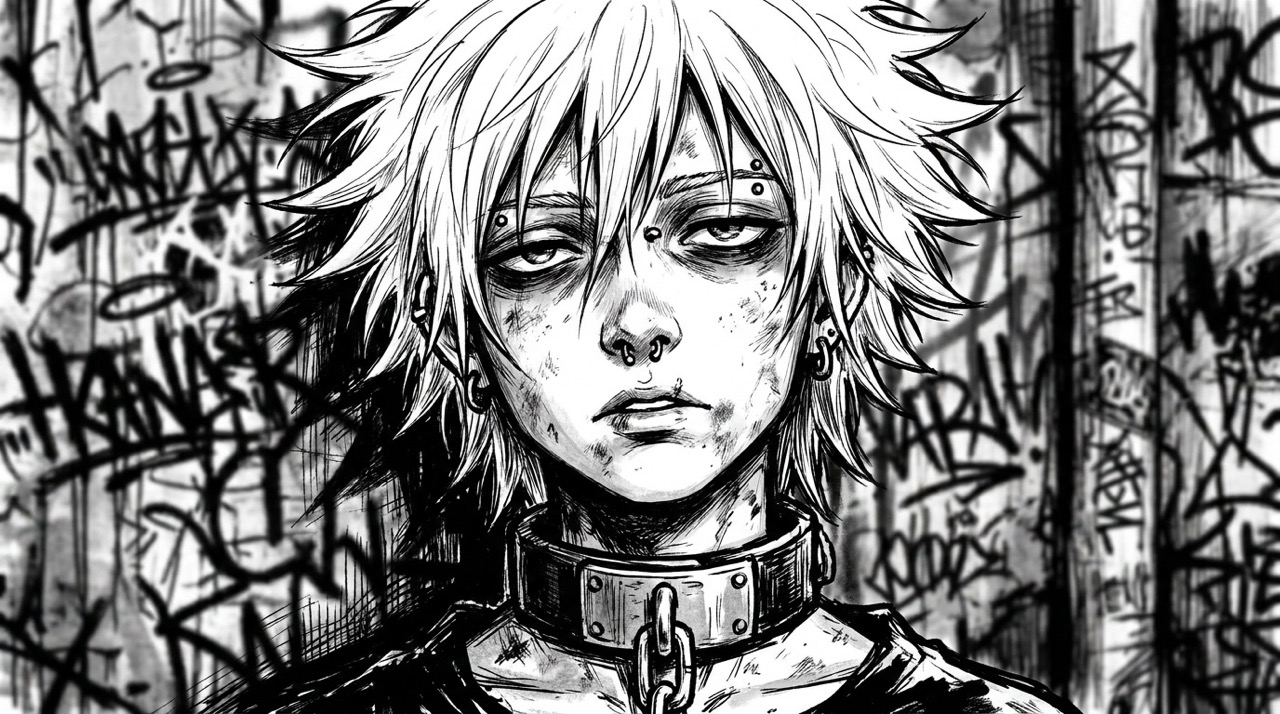
Create bold junkpunk characters, rough urban designs, and expressive manga-style visuals with AI Gachiakuta Creator. Use text-to-image for fresh ideas or image-to-image to transform an existing sketch, pose, or character draft into a sharper, dirtier, more detailed result.
AI Gachiakuta Creator turns prompts or reference images into original gritty character art with stronger silhouettes, layered outfits, and chaotic urban energy. AI Gachiakuta Creator helps creators move from vague ideas to clear visual concepts fast.
How to Use AI Gachiakuta Creator in 3 Steps
The process is simple whether you begin with a prompt or with an existing image. Follow these core steps to get a strong result from AI Gachiakuta Creator.

Write a Prompt or Choose Image to Image
Start by writing the image prompt in the text box if you want to generate from scratch. If you already have a base design, switch to Image to Image in AI Gachiakuta Creator and prepare your reference image before describing the changes you want.

Upload Reference Images and Set the Output
In Image to Image mode, upload your reference images, then enter an edit prompt that explains the outfit, mood, pose, or atmosphere you want. In both modes, choose the image size and select how many results you want AI Gachiakuta Creator to generate.

Click Generate Image and Review the Result
Press Generate Image and let AI Gachiakuta Creator build your final visual. Gachiakuta AI Generator then turns your text or reference-led instructions into a polished result with stronger junkpunk styling, sharper character direction, and faster concept iteration.
Best AI Image Tools for Creative Projects
Explore creative tools for image, learn tips and tricks, and see how AI can be your assistant in turning concepts into finished projects.

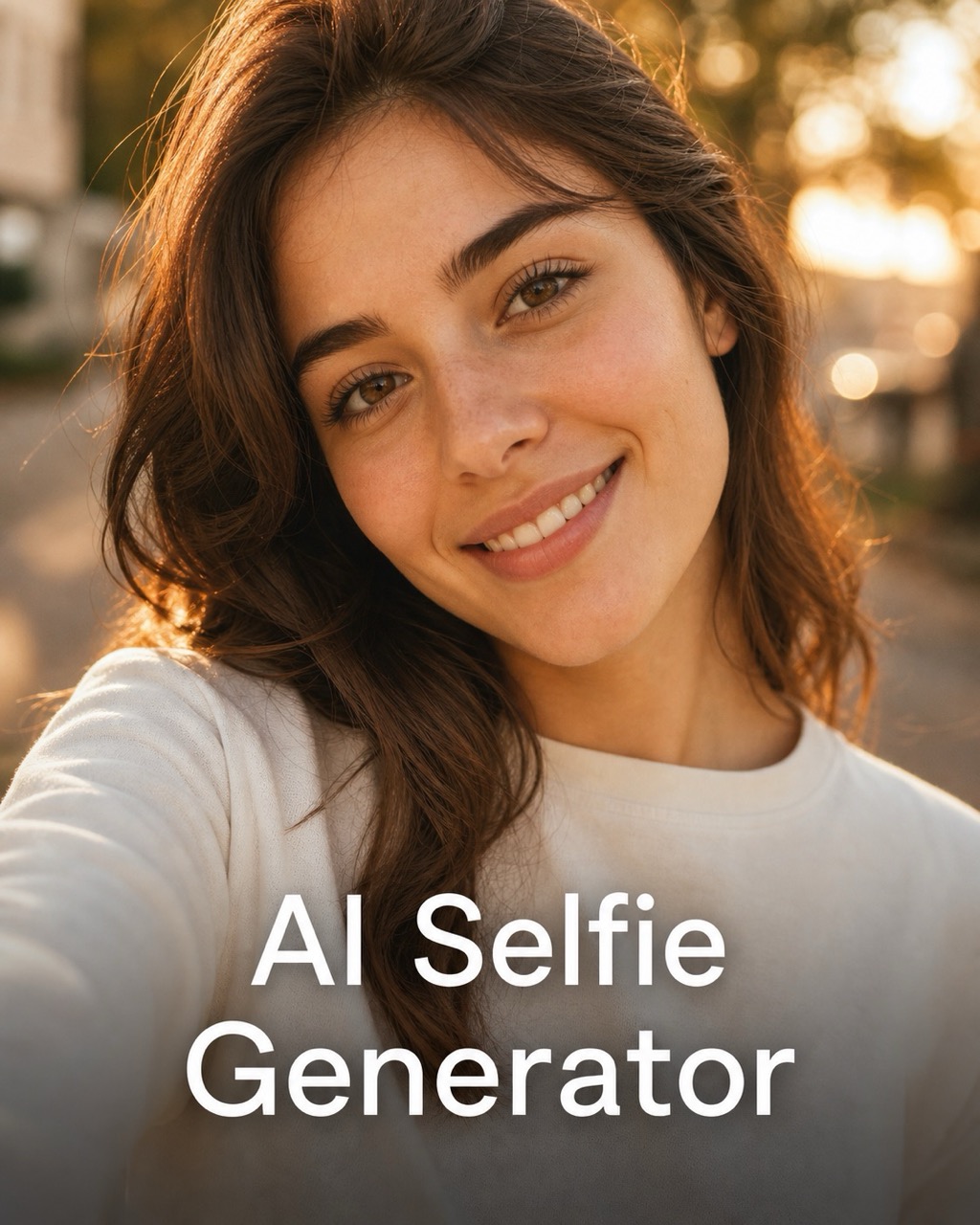
Why AI Gachiakuta Creator Stands Out
AI Gachiakuta Creator focuses on the actual creative value of this feature: stronger concept generation, faster visual testing, and a clearer gritty character direction from the start.
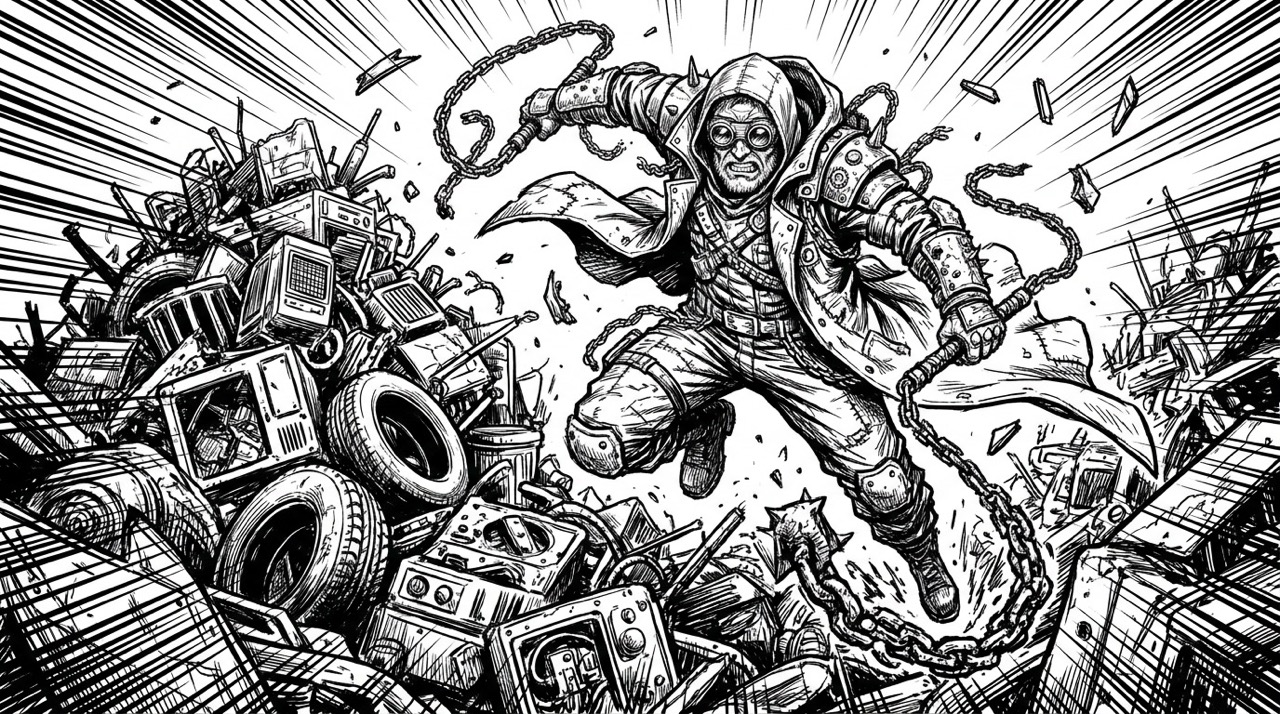
Turn Loose Ideas into Strong Character Concepts
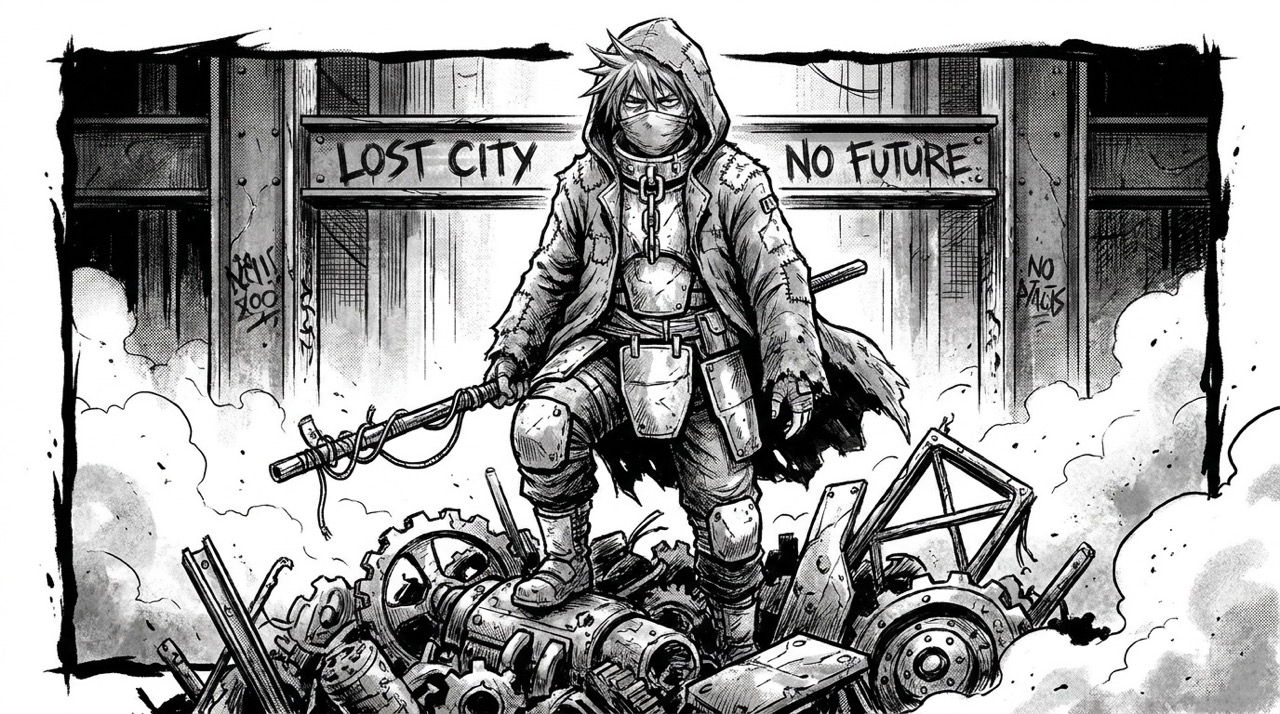
AI Gachiakuta Creator is ideal when your idea exists only as a mood, a few keywords, or a rough scenario. Instead of needing a polished sketch first, you can describe scraps, pipes, oversized layers, graffiti energy, torn fabric, metal props, and aggressive attitude. AI Gachiakuta Creator turns those words into a readable character concept with clearer silhouette logic and stronger presence. Gachiakuta AI Generator is especially useful for early ideation, because it helps you test several visual directions before spending time refining the final design.
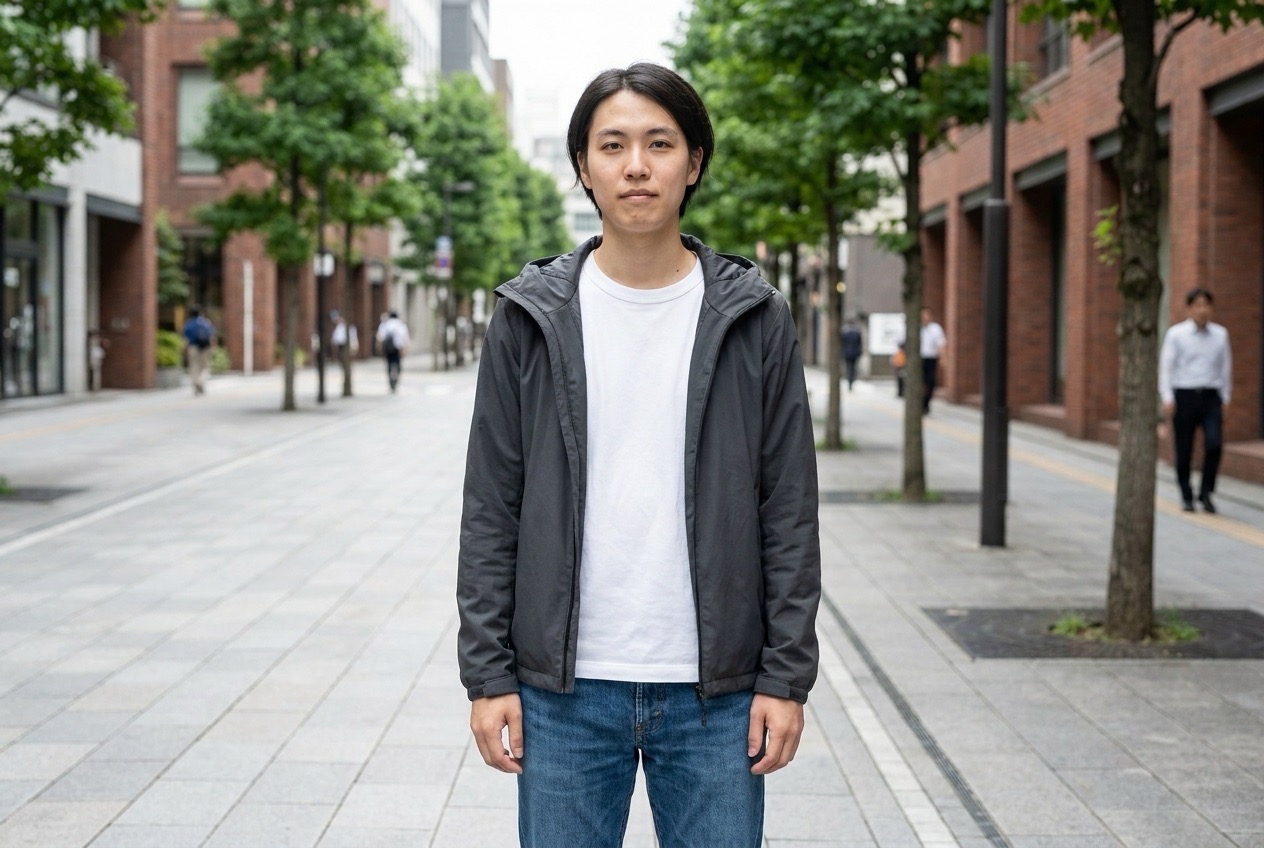
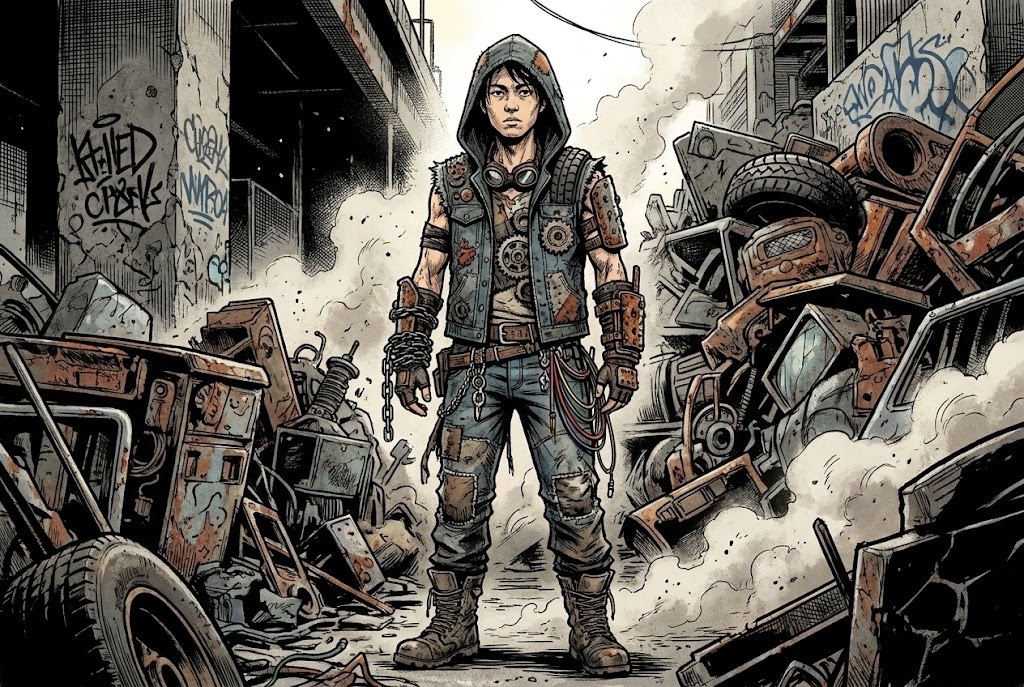
Upgrade Rough Sketches with Image-Guided Editing
When you already have a pose sketch, silhouette blockout, or unfinished character draft, AI Gachiakuta Creator helps you push it further without starting over. Upload the image, describe the changes, and use AI Gachiakuta Creator to intensify costume layering, sharpen anatomy, add damaged accessories, or deepen the gritty atmosphere. Gachiakuta AI Generator is valuable here because it preserves the base idea while making the overall result feel more deliberate, more dramatic, and more suitable for presentation, planning, or story development.
Build a Repeatable Junkpunk Art Direction
AI Gachiakuta Creator is useful not just for one-off images but for developing a repeatable style system across multiple characters. You can keep returning to the same visual language: distressed clothing, asymmetrical gear, heavy contrast, layered accessories, and chaotic city-world details. AI Gachiakuta Creator helps maintain that direction while exploring different roles, personalities, and factions. Gachiakuta AI Generator gives creators a practical way to unify cast design, mood references, promotional visuals, concept art, and pitch material without losing the raw edge that makes this visual direction stand out.
Who Uses AI Gachiakuta Creator?
From OC artists to story teams and content creators, AI Gachiakuta Creator is useful for anyone who needs bold junkpunk character visuals without rebuilding every idea manually.

Original Character Designers
AI Gachiakuta Creator helps original character designers move from loose ideas to stronger visual identities. Use AI Gachiakuta Creator to test outfits, expressions, prop language, and silhouette weight before choosing the final direction. Gachiakuta AI Generator is especially useful when you want several rough but consistent variations in a short time.

Manga and Comic Creators
Writers and comic creators use AI Gachiakuta Creator to shape cast concepts, rival groups, and worldbuilding visuals early in the process. AI Gachiakuta Creator helps define gritty social layers, junk-heavy environments, and character mood before full production work begins. Gachiakuta AI Generator supports faster visual planning for story-driven projects where a consistent junkpunk tone is important.

Content Creators and Editors
For blog covers, social graphics, mood references, and video thumbnails, AI Gachiakuta Creator provides a faster way to generate visuals with stronger attitude than generic anime outputs. AI Gachiakuta Creator helps create art that feels rougher, louder, and more memorable. Gachiakuta AI Generator can save creators time while keeping visual direction distinctive and easy to recognize.

Prompt Engineers and Style Testers
If you enjoy analyzing prompt behavior, AI Gachiakuta Creator gives you a focused visual target with clear traits you can control. Test different wording for pose, clothing layers, dirt, graffiti, metal textures, or framing. AI Gachiakuta Creator and Gachiakuta AI Generator both work well for comparing prompt precision, image-guided editing, and repeatable style outputs across multiple experiments.
What Users Say About AI Gachiakuta Creator
Creators use AI Gachiakuta Creator for faster ideation, cleaner visual direction, and stronger junkpunk-style results across prompts, edits, and concept development.
AI Gachiakuta Creator helped me turn scattered notes into a character that finally looked complete. I used AI Gachiakuta Creator to test three scavenger designs with different gear and attitudes, and every version had stronger shape language than my sketches. It made early concept work much easier and more enjoyable to iterate, because AI Gachiakuta Creator let me explore risky ideas without worrying about wasting hours redrawing the same pose again and again.
I usually start with rough drawings, so the image-to-image mode in AI Gachiakuta Creator was the real selling point for me. I uploaded a loose pose sheet, wrote a short edit prompt, and AI Gachiakuta Creator gave me better layering, harsher styling, and a more believable junkpunk mood. Gachiakuta AI Generator saved me hours I would normally spend cleaning and redrawing.
For campaign art and thumbnails, I need images with edge and personality, not generic polished anime looks. AI Gachiakuta Creator gives me stronger contrast, rougher fashion detail, and characters that feel built for a dirtier world. I keep using AI Gachiakuta Creator whenever I need quick visual hooks for content that still feels on-theme and recognizable.
As someone who studies prompt performance, I like how clearly AI Gachiakuta Creator reacts to wording changes. Small edits to props, grime, or clothing weight create meaningful differences. Gachiakuta AI Generator is useful for testing prompt structure, while AI Gachiakuta Creator is good for producing results that still feel visually coherent and aligned with the junkpunk style.

FAQs About AI Gachiakuta Creator
Get quick answers about how AI Gachiakuta Creator works, how to use Gachiakuta AI Generator effectively, and how to achieve stronger character-focused results.
AI Gachiakuta Creator generates original gritty manga-inspired character visuals from a text prompt or a reference image. Gachiakuta AI Generator is built for junkpunk-style design, character refinement, and visual experimentation.
Write a prompt in text-to-image mode, or switch to image-to-image, upload a reference image, describe the changes, and click Generate Image. AI Gachiakuta Creator follows the same simple workflow shown in the interface.
Clear prompts work best. Mention clothing layers, mood, pose, props, textures, and environment details so AI Gachiakuta Creator can build a stronger character direction.
Yes. AI Gachiakuta Creator works well with rough sketches, unfinished drafts, and pose references when you use image-to-image mode and keep your edit prompt focused.
Yes. Many creators use AI Gachiakuta Creator to develop original characters, alternate looks, and cast concepts for gritty urban stories and experimental worlds.
Focus your prompt, define the mood clearly, and mention silhouette, outfit materials, and junkpunk elements. Gachiakuta AI Generator usually performs better when the visual goal is specific and you keep the character idea consistent.
Create Original Junkpunk Character Art with AI Gachiakuta Creator
Use AI Gachiakuta Creator to turn prompts or reference images into gritty, expressive, manga-inspired character visuals with faster iteration and a clearer visual identity.
