
More AI Image Generators
Explore our collection of specialized AI image generators designed for different creative needs and styles

AI Hand Generator for Natural Hand AI Images
Create realistic hand poses, expressive gestures, and clean visual references.
Use AI Hand Generator to turn written ideas into polished hand visuals for design. Describe the hand, choose the image size, and let AI Hand Generator build a natural result with believable fingers, proportion, lighting, and context.
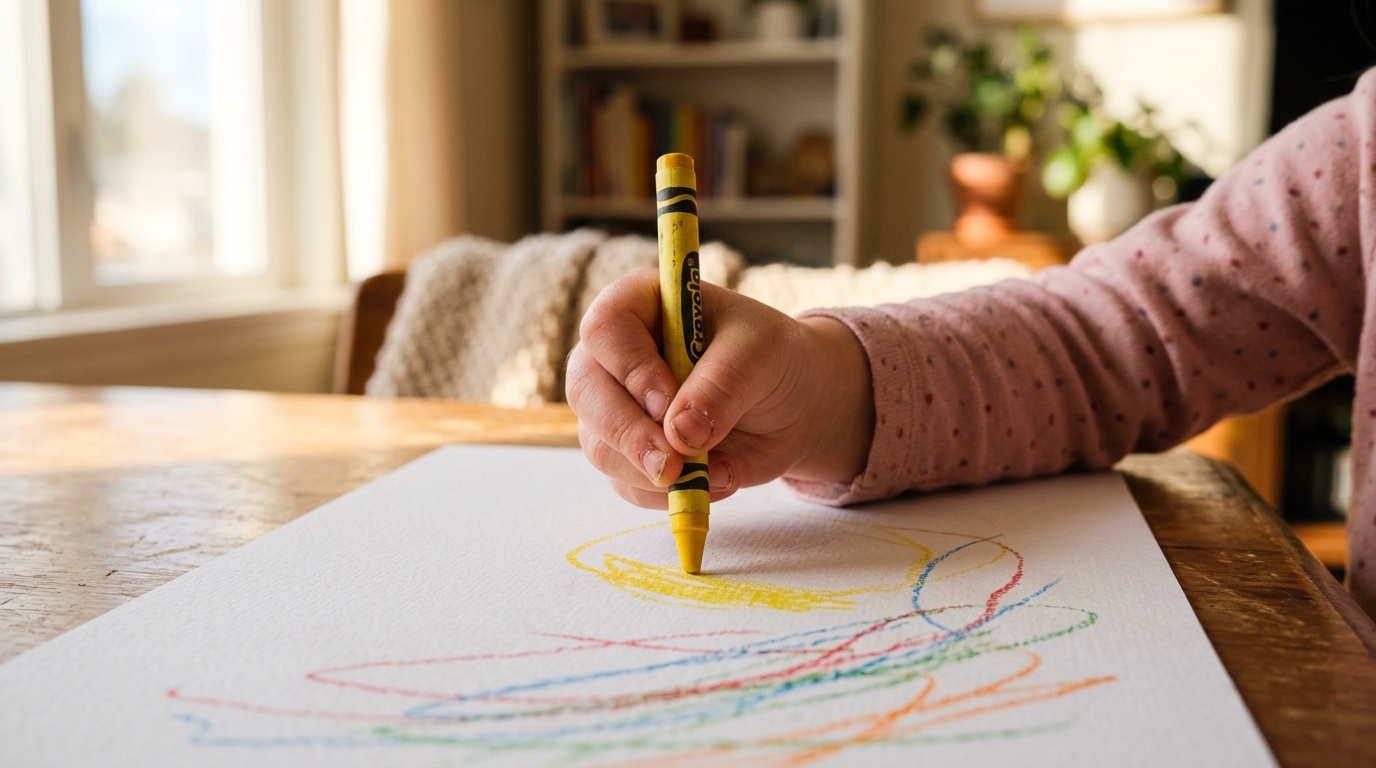
How to Use AI Hand Generator
AI Hand Generator is built for quick text-to-image creation. Instead of searching stock libraries or sketching complex hand anatomy manually, you describe the visual, select image size, and generate a tailored hand image.
Describe the Hand You Need
Start AI Hand Generator with a clear prompt that explains the gesture, hand side, camera angle, mood, and surrounding scene. You can write a simple request such as a relaxed open palm, a product grip, or a pointing gesture. AI Hand Generator reads your description and turns it into a focused visual direction before generation begins. Add details about palm direction, finger spacing, and whether the pose should feel calm, active, elegant, or practical.

Choose Image Size and Style Direction
Select the image size that fits your final use, whether you need a square reference, a portrait composition, or a wide layout. AI Hand Generator can follow prompts for realistic photography, clean illustration, concept art, or social visuals. The better the size and style match your purpose, the easier the output is to reuse. This step also helps you avoid awkward crops when the hand must sit near text or a product.

Generate, Review, and Refine
Click generate and review the hand shape, finger rhythm, wrist angle, lighting, and relationship to objects. AI Hand Generator is most useful when you iterate with specific notes, such as softer shadows, clearer fingertips, or a more natural grip. Refine the prompt until the hand feels suitable for your creative workflow. Small prompt changes often make the image more usable than a broad request.
Best AI Image Tools for Creative Projects
Explore creative tools for image, learn tips and tricks, and see how AI can be your assistant in turning concepts into finished projects.
Features of AI Hand Generator
AI Hand Generator focuses on practical hand creation: clear gestures, natural proportions, scene-aware lighting, and flexible image size options. Use it for references, mockups, creative drafts, and production-ready visual ideas.
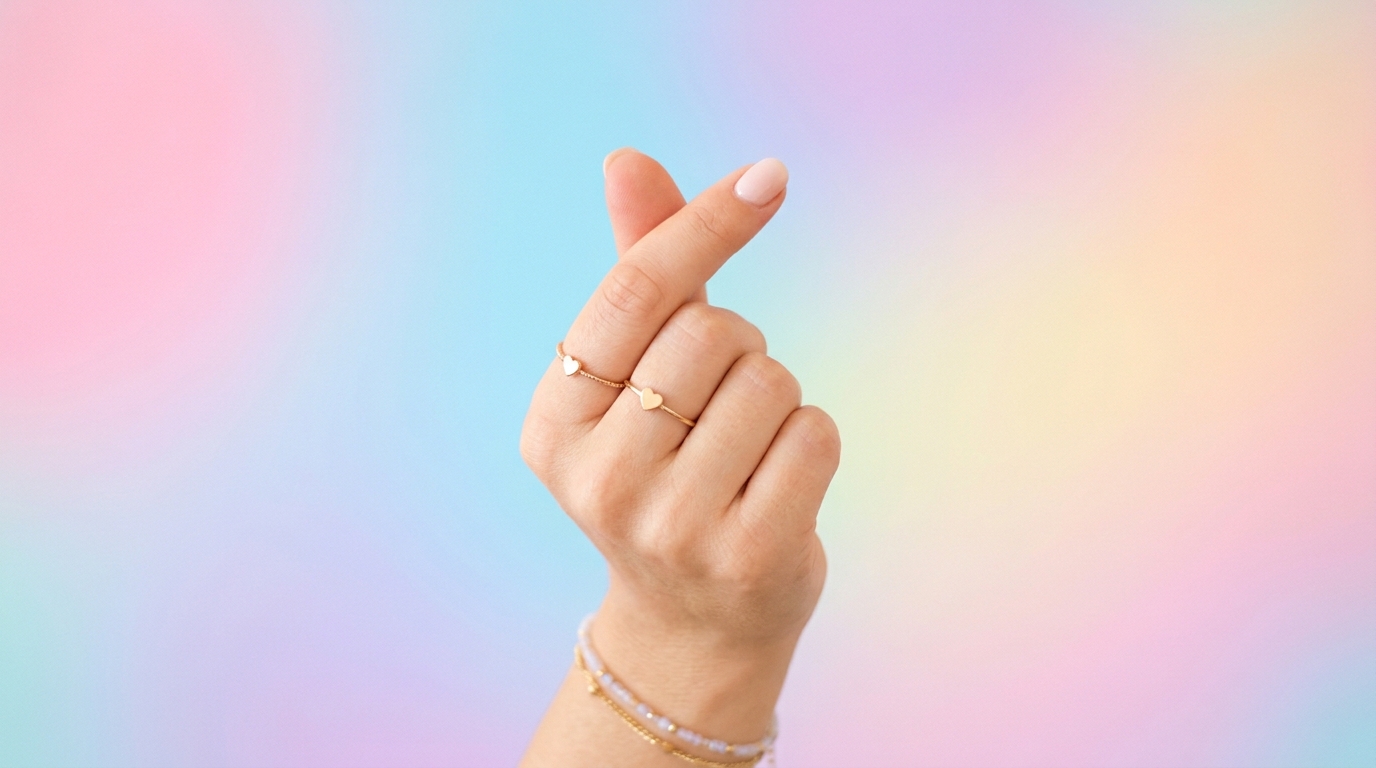
Realistic Hand Poses from Text
- AI Hand Generator creates realistic hand poses from plain language, so you can move from an idea to a usable image quickly.
- Use AI Hand Generator for open palms, pointing fingers, holding poses, relaxed wrists, or expressive gestures.
- AI Hand Generator works best with prompts that include pose, angle, lighting, and context.
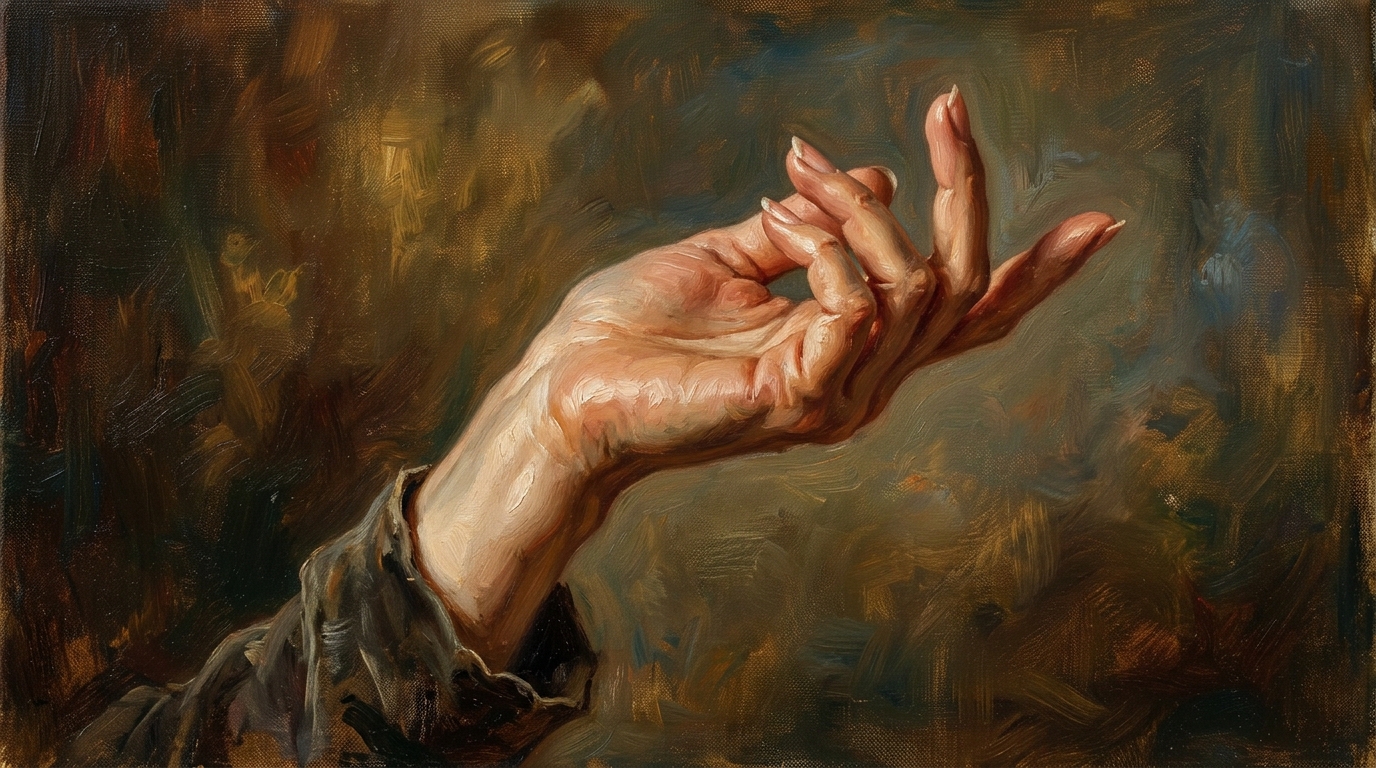
Better References for Artists and Designers
- AI Hand Generator gives artists a faster way to explore tricky finger positions before drawing final artwork.
- Use AI Hand Generator as an AI Hands Generator when you need reference options for comics, animation, character design, or pose studies.
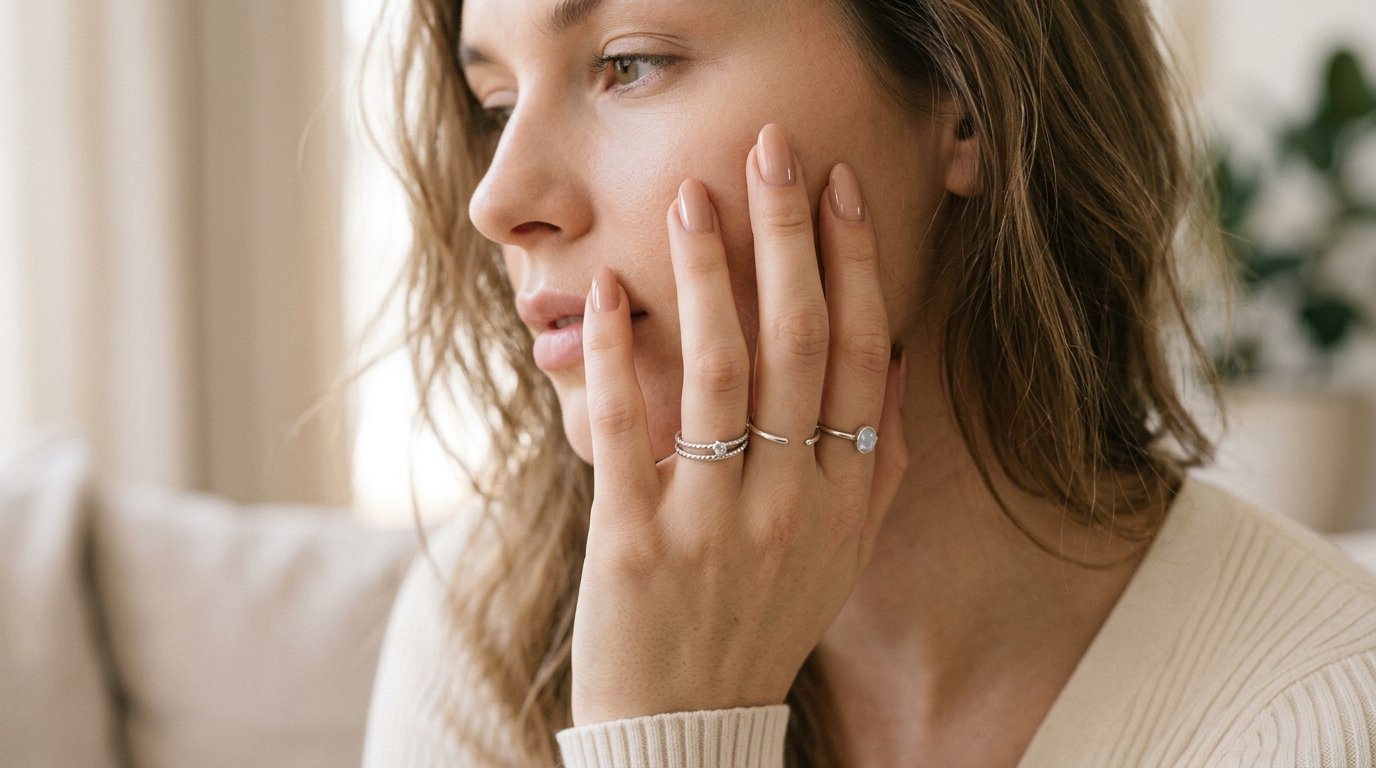
- It can create Hand AI Images with clear silhouettes, visible knuckles, and practical wrist angles.
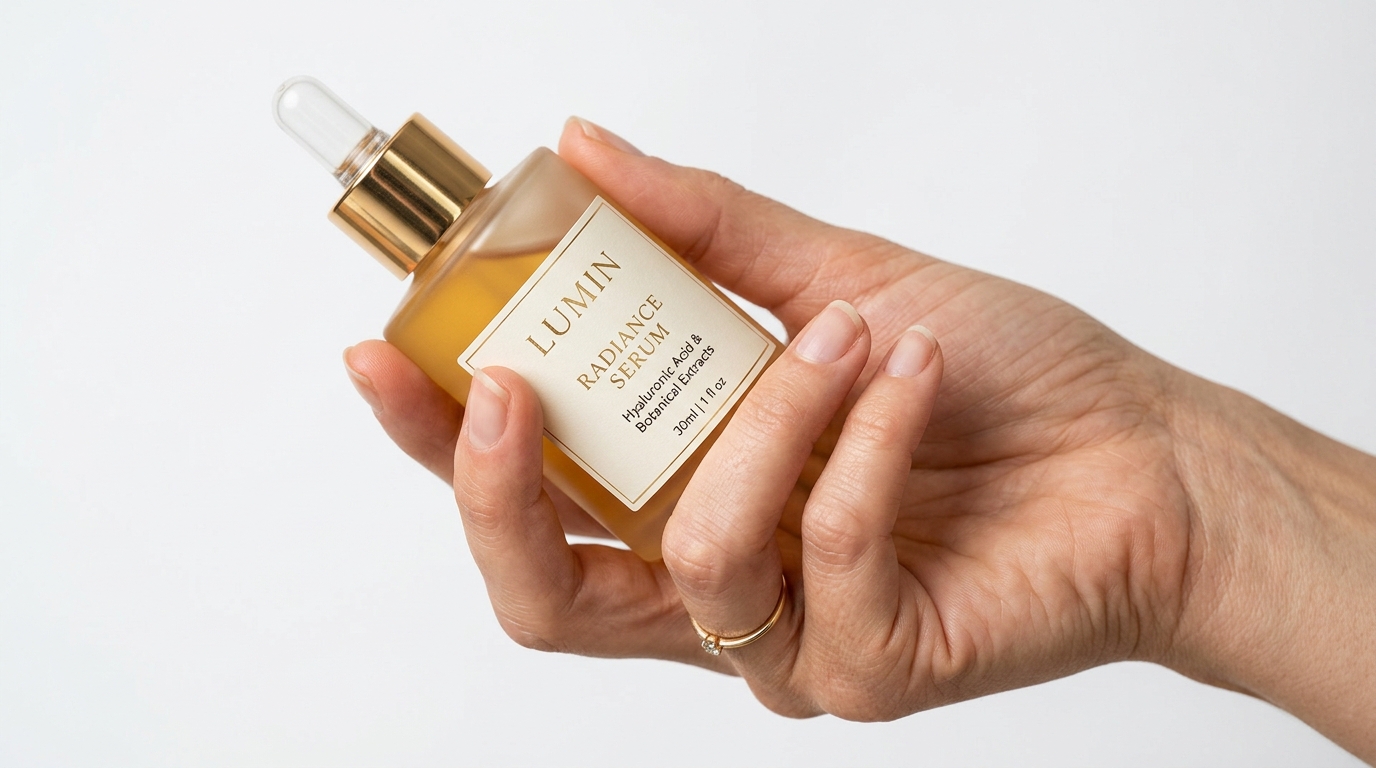
Product, Beauty, and Lifestyle Mockups
- AI Hand Generator is useful for product scenes where a hand holds, points to, or interacts with an object.
- Use AI Hand Generator to test beauty shots, jewelry layouts, phone mockups, packaging concepts, or app preview compositions.
- As an AI Hand Maker, it helps teams create hand-centered visuals before arranging a full shoot.
Gesture Images for Social and Marketing Content
- AI Hand Generator can produce hand gestures that make tutorials, thumbnails, banners, and ads feel more direct.
- Use AI Hand Generator for pointing, tapping, holding, framing, waving, or comparison gestures.
- For cleaner results, describe the background, hand distance, and crop clearly.
Why Choose AI Hand Generator
AI Hand Generator gives creators a focused way to generate hand visuals from text. It is practical for art references, commercial mockups, marketing materials, product explainers, and everyday creative testing.

Create Natural Gesture References
AI Hand Generator helps you build reference images for hand gestures that are hard to describe with stock photos alone. Generate a relaxed hand, tense grip, delicate pinch, open palm, or pointing pose. AI Hand Generator lets artists and designers test many directions before committing to a final sketch, storyboard frame, or polished design. It is also helpful when you want an AI Hands Generator style workflow without complex setup.

Speed Up Visual Exploration
Use AI Hand Generator when you need several visual options quickly and do not want to organize a photoshoot. Write one prompt, adjust the image size, and explore different angles or lighting setups. AI Hand Generator can support early concept work, campaign planning, pitch decks, and mood boards where speed matters. This is useful for teams that need visual proof before investing in production time.

Make Hands Fit the Scene
Generic hand images often feel disconnected from the composition. AI Hand Generator lets you describe the hand in relation to a surface, object, person, product, or camera angle. The result can feel more intentional because AI Hand Generator follows the scene context instead of forcing you to crop unrelated reference photos. Add surface texture, object placement, and distance cues when precision matters.

Support Product and UI Demonstrations
AI Hand Generator is useful for product managers, designers, and marketers who need hands interacting with phones, cards, packaging, tools, or interface mockups. The prompt can describe a tap, swipe, hold, or comparison gesture. AI Hand Generator helps create clear Hand AI Images for explaining how something is used. It also supports quick internal reviews before designers rebuild the scene manually.

Generate Style-Matched Variations
AI Hand Generator can follow different visual directions, from realistic editorial photography to soft illustration or clean concept references. That flexibility makes it easier to match a brand board, character sheet, or campaign look. With the right prompt, AI Hand Generator can act as an AI Hand Maker for multiple creative styles. You can reuse the same prompt structure to compare several visual directions.

Reduce Manual Anatomy Guesswork
Hands are difficult because small mistakes in finger length, spacing, and wrist structure are easy to notice. AI Hand Generator gives you a starting point for anatomy, silhouette, and gesture balance. Use AI Hand Generator as a practical AI Hands Generator, then review the output carefully before using it in final work. This makes it a useful AI Hands Generator for learning, testing, and previsualization.
What Creators Say About AI Hand Generator
Artists, designers, marketers, and educators use AI Hand Generator to create practical hand visuals from text prompts. These user stories show how the tool supports real creative decisions.
AI Hand Generator has become part of my concept sketch routine. I use it when a character needs a specific grip or delicate hand gesture and I do not want to spend half an hour searching references. The results still need artistic review, but the starting point is much stronger than a blank canvas. It helps me focus on storytelling and pose intent first.
For product mockups, AI Hand Generator is very helpful. I can describe a hand holding a phone, tapping a screen, or presenting a small package, then test different image sizes for ads and landing pages. It works best when I write exact prompts about angle, object scale, and lighting. That makes feedback from our design team much easier to collect.
I use AI Hand Generator before planning beauty and jewelry shoots. It lets our team preview hand placement, nail direction, and product interaction before we book talent. The tool is not a replacement for final photography, but it makes pre-production faster and gives everyone a clearer visual brief. It also helps us compare elegant, casual, and premium directions early on.
As a storyboard artist, I often need hand poses that show action clearly. AI Hand Generator helps me create quick references for pointing, grabbing, opening, and pressing motions. I especially like using it as an AI Hands Generator for difficult close-up frames where the wrist angle matters. The AI Hands Generator workflow gives me several usable angles in minutes quickly.
AI Hand Generator gives our social team more control over gesture visuals. Instead of relying on overused stock images, we create hands that point toward a headline, hold a card, or frame a product. With clear prompts, it produces Hand AI Images that are easier to adapt into campaign assets. It is especially helpful when a campaign needs fast visual testing.
I teach illustration basics, and AI Hand Generator is useful for discussing why hand poses work or fail. Students can generate examples, compare finger spacing, and notice silhouette problems more quickly. I treat it as an AI Hand Maker for study material, not as a shortcut around learning anatomy. The AI Hand Maker approach also gives students practical discussion material.

FAQs About AI Hand Generator
Learn how AI Hand Generator works, how to write stronger prompts, and how to use generated hand images responsibly in creative, marketing, design, and reference workflows.
AI Hand Generator is a text-to-image tool for creating hand visuals from written prompts. You describe the gesture, hand side, angle, style, lighting, and scene, then choose an image size before generating. AI Hand Generator can be used for references, mockups, storyboards, product scenes, social graphics, and other projects that need natural hand images. It is designed for people who need hands that fit a specific purpose, not random visuals.
AI Hand Generator works best when your prompt describes the hand action first. Mention whether the hand is open, closed, pointing, holding, pinching, tapping, or resting. Add details about left or right hand, camera view, object interaction, lighting, and background. AI Hand Generator uses those details to create a more focused image. For better control, keep one main action per prompt and avoid conflicting pose instructions.
Yes. AI Hand Generator can help create realistic-looking hands, but results depend on prompt clarity and the complexity of the gesture. Hands with overlapping fingers, extreme foreshortening, or unusual object grips may need more refinement. Review the output for finger count, knuckle structure, wrist angle, and shadow placement before using it in final work. Simple poses usually need fewer revisions, while detailed grip scenes may require several attempts.
Yes. Many creators use AI Hand Generator as an AI Hands Generator for drawing references, pose studies, comic panels, storyboards, and animation planning. It can help you explore gesture ideas quickly. For finished artwork, treat the generated image as a reference and apply your own anatomy knowledge, style choices, and corrections. The AI Hands Generator workflow is most valuable during exploration, practice, and visual planning.
Yes. AI Hand Generator can create hands interacting with products such as phones, packaging, cosmetics, tools, cards, books, or accessories. Describe the object size, grip type, distance from camera, and lighting direction. As an AI Hand Maker, it is especially useful for early mockups, ad concepts, and visual planning. The AI Hand Maker approach can save time before arranging photography or detailed design work.
AI Hand Generator supports different visual directions through prompt wording. You can ask for realistic photography, clean studio lighting, soft illustration, cinematic close-up, flat background, or concept art reference. The selected image size also affects composition. For consistent Hand AI Images, keep your style language stable across multiple prompts. This makes AI Hand Maker useful for testing several brand directions before choosing one.
If the result looks unnatural, refine the prompt instead of starting from a vague idea. Ask AI Hand Generator for a simpler gesture, clearer camera angle, visible fingertips, relaxed wrist, or softer lighting. Avoid combining too many actions in one prompt. Complex poses often improve when you separate the hand action from decorative style details. This approach gives the model a clearer visual task and reduces avoidable distortions.
AI Hand Generator is a creative generation tool, so you should review each output before commercial or public use. Check anatomy, brand fit, rights requirements, and whether the image matches your project standards. For client work, Hand AI Images are best used as drafts, references, mockups, or approved visual assets after careful review. Always follow your own platform, client, and licensing requirements before publishing.
Create Natural Hand Images Now
Turn a simple description into natural, useful hand visuals. Use AI Hand Generator to create gestures, references, mockups, and Hand AI Images for your next creative project.
