
More AI Image Generators
Explore our collection of specialized AI image generators designed for different creative needs and styles
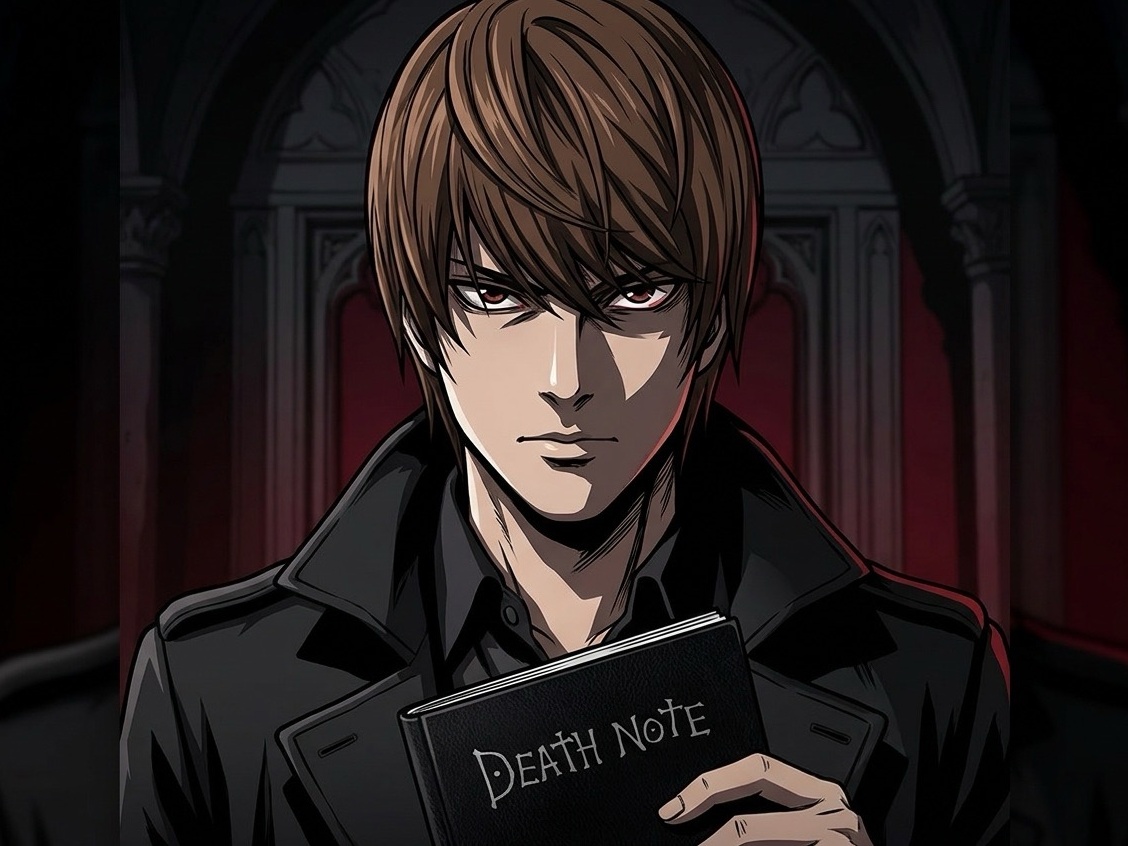
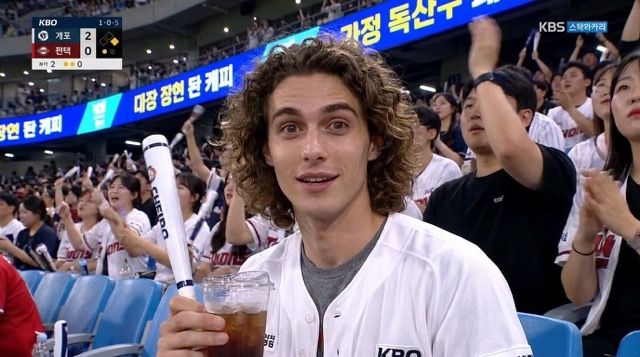
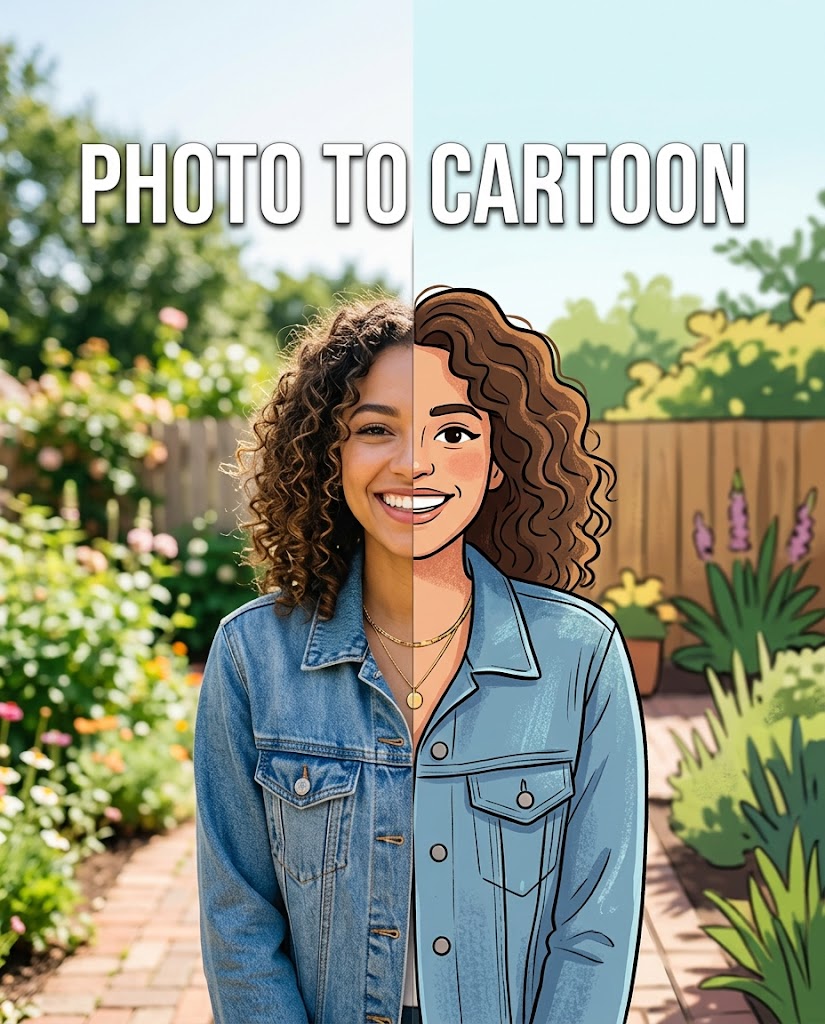
AI Photo to Anime Converter for Anime Art
Turn photos into anime style with Photo to Anime AI Converter.
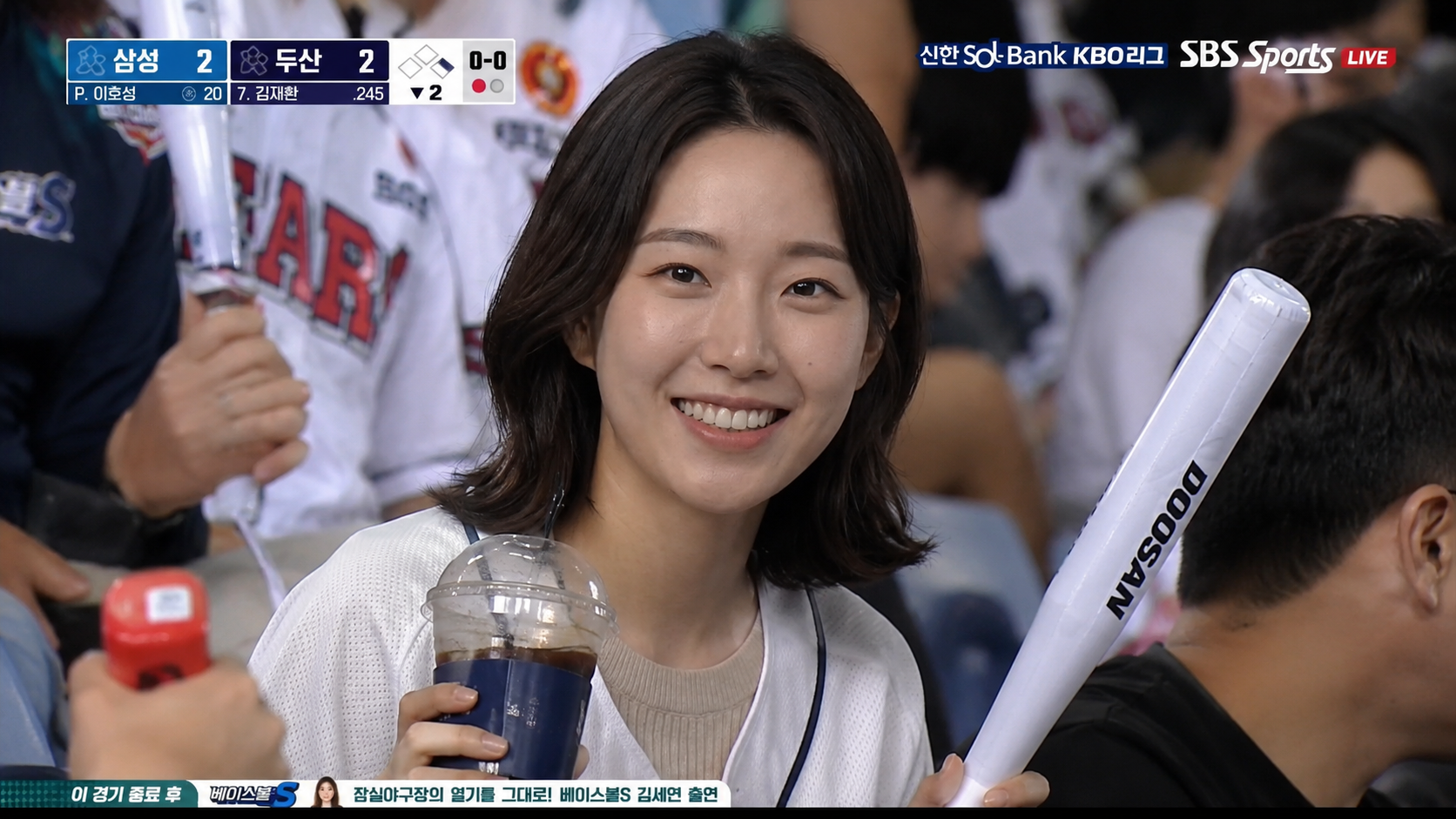
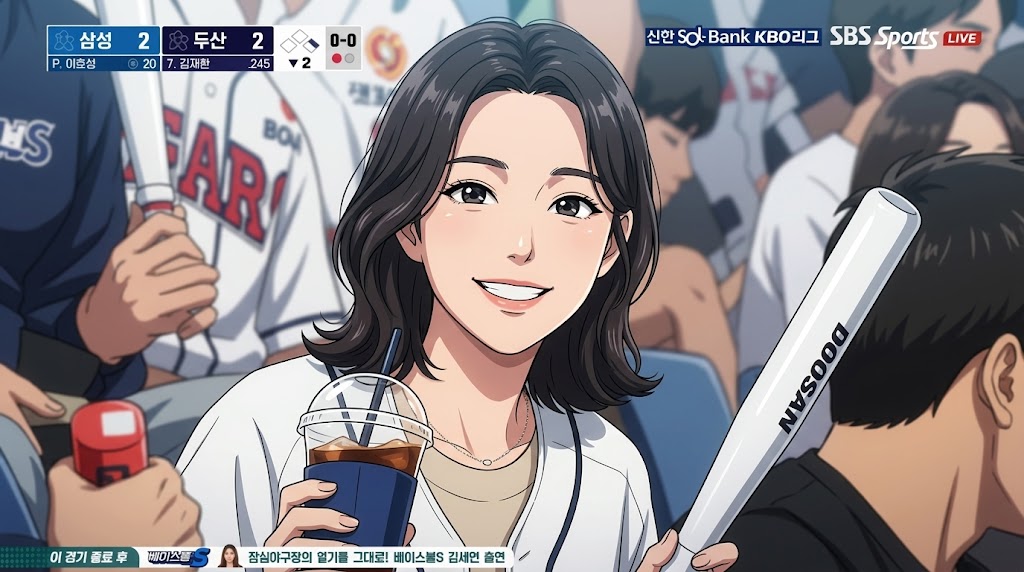
Create expressive anime versions of selfies, couple shots, pet photos, profile images, and creative references with AI Photo to Anime Converter. Upload a picture, choose the image size that fits your use case, and let the Photo to Anime workflow rebuild the look with clean line work
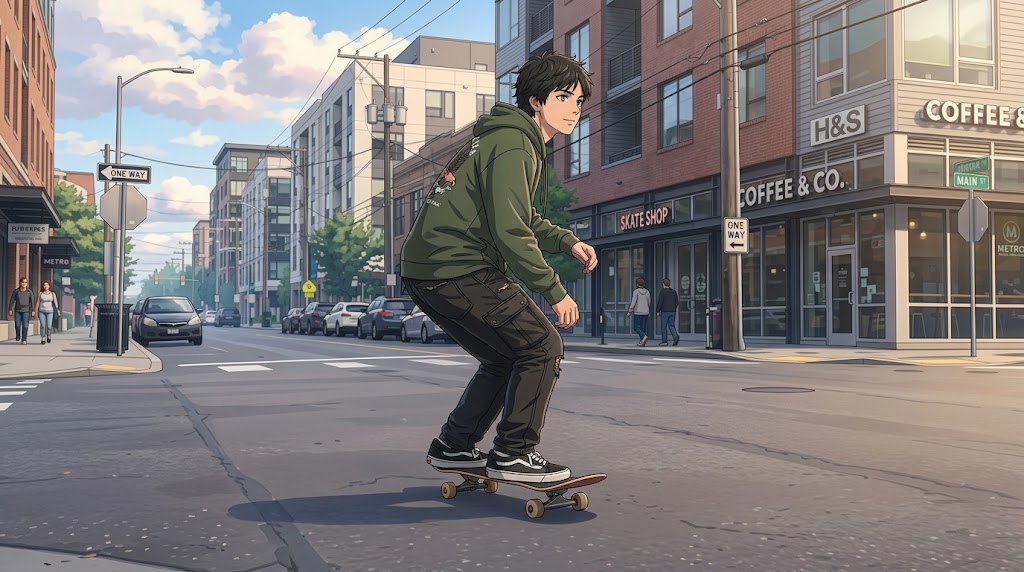
How to Use Photo to Anime Converter
Photo to Anime Converter keeps the creative process simple: upload an image, choose image size, and generate an anime-style result. Photo to Anime AI Converter is designed for users who want a clean anime look without learning manual illustration techniques.

Upload a Clear Photo
Start Photo to Anime by uploading a portrait, pet image, travel shot, or lifestyle photo with good lighting. The better the source image, the easier it is for the tool to preserve identity, posture, and key details. Front-facing images usually work best, but side angles can also create interesting anime compositions. Use a sharp original with the subject clearly visible.

Choose Your Image Size
Select the image size before generating so Photo to Anime fits your intended platform, from square avatars to vertical social posts. This step helps the AI Anime Filter frame the subject properly instead of cropping important details. A thoughtful size choice keeps faces, outfits, backgrounds, and composition balanced in the final anime-style result. It gives the final frame a more intentional layout.

Generate Your Anime Image
Click generate and let Photo to Anime Converter reinterpret the uploaded photo with anime-inspired styling. The process focuses on clean facial features, expressive eyes, softened lighting, and simplified background details. Once the result appears, review whether the mood, framing, and character feel match your idea before using it for profiles, posts, or creative drafts. This keeps the workflow quick while leaving room for selection.
Best AI Image Tools for Creative Projects
Explore creative tools for image, learn tips and tricks, and see how AI can be your assistant in turning concepts into finished projects.
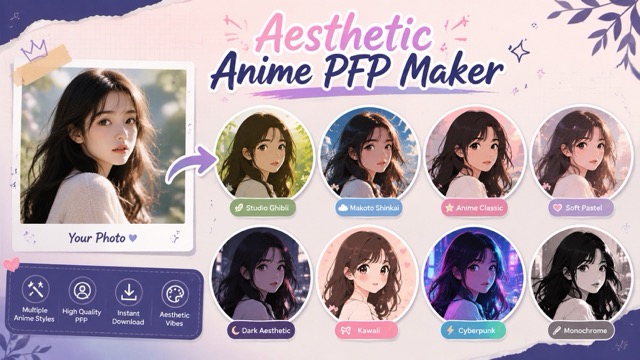
Photo to Anime Converter Features
AI Photo to Anime Converter is built around practical creative tasks: avatars, memories, social visuals, and concept references. Each Photo to Anime feature supports a fast upload, image size selection, and generate process that keeps the focus on the final anime-style image.
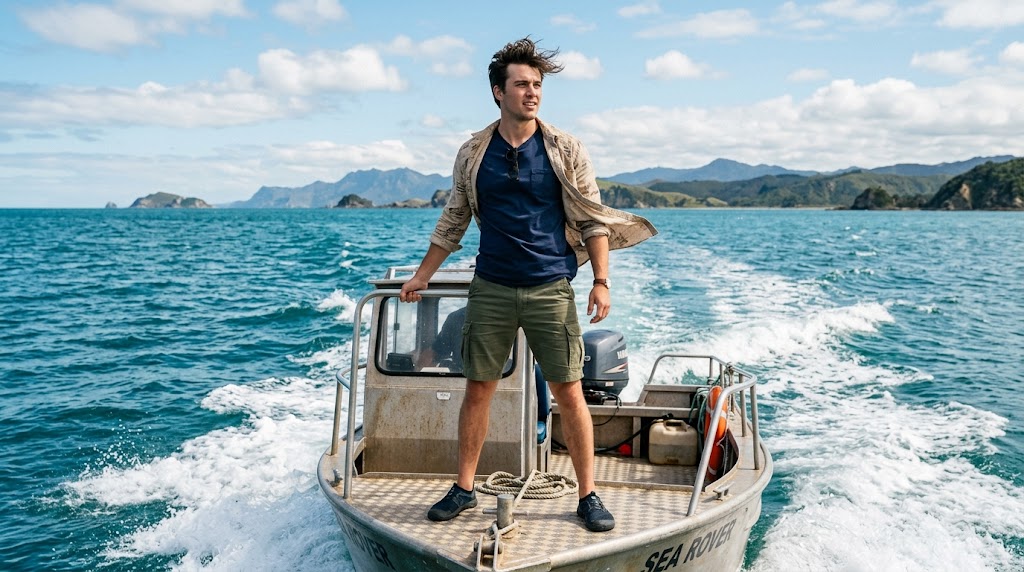
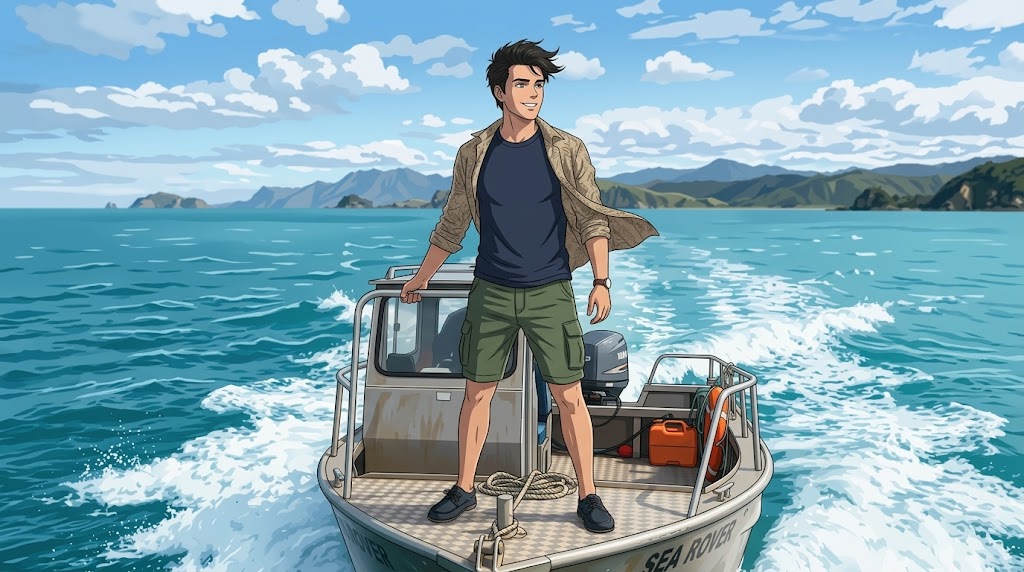
Anime Profile Pictures with Recognizable Details
- Photo to Anime Converter turns everyday portraits into anime profile images while keeping the face, hairstyle, and impression recognizable.
- The AI Photo to Anime Converter softens shadows, refines outlines, and builds a stylized character look for social platforms, gaming profiles, and community accounts.
- Use Photo to Anime AI Converter when you want a polished avatar that feels personal and ready to share.
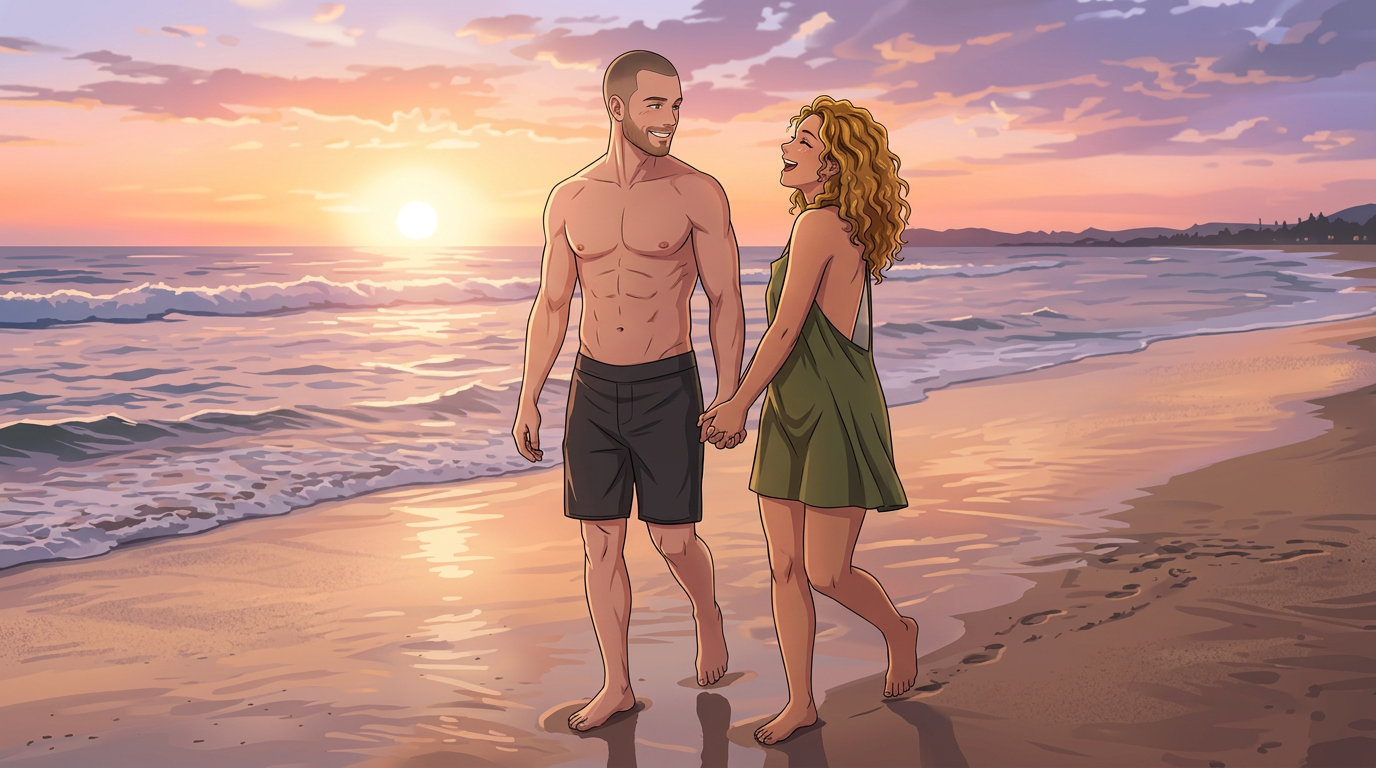
Pet and Couple Photos in Anime Style
- Photo to Anime Converter is not limited to solo selfies; it can also transform couple photos, friend groups, and pet portraits into charming anime-style scenes.
- With the AI Anime Filter, simple snapshots can become warm character art for gifts, wallpapers, posts, or story covers.
- Use Photo to Anime AI Converter to reimagine meaningful memories with a softer, illustrated atmosphere.
Anime Looks for Social Posts and Campaign Visuals
- Photo to Anime Converter gives creators a quick way to produce anime-style visuals for thumbnails, reels, banners, and themed social posts.
- Choose the image size based on your channel, then let the Photo to Anime AI Converter create a result that feels more designed than a raw filter.
- Use AI Photo to Anime Converter for seasonal campaigns, fan content, creator branding, and playful visual refreshes.
Creative Reference Images for Story and Character Ideas
- Photo to Anime Converter can help writers, designers, role-play communities, and hobby artists explore character directions from real photos.
- Upload a reference, choose the image size, and let the AI Photo to Anime Converter create an anime-inspired draft for mood, styling, and personality.
- Use Photo to Anime AI Converter when you need inspiration before moving into illustration, storyboarding, or design refinement.
Why Choose Photo to Anime Converter
Choose Photo to Anime when you want a focused tool for turning uploaded photos into anime-style images. The AI Photo to Anime Converter combines simple controls, image size selection, and an approachable AI Anime Filter for practical creative use.

Simple Workflow for Non Designers
Photo to Anime Converter removes the need for drawing skills, layer editing, or complex prompt writing. Upload your picture, select an image size, and generate a stylized anime result in a few steps. Photo to Anime AI Converter is especially useful for users who want attractive visual output but do not want to manage brushes, masks, color correction, or illustration software. It keeps the first attempt approachable while still giving you a finished image for review.

Flexible Image Size for Different Platforms
Photo to Anime Converter lets you choose image size before generation, which helps match the result to profile photos, vertical stories, square posts, or wallpaper-style visuals. This makes the AI Anime Filter easier to use across different channels. Instead of resizing after the fact, you can guide composition early and reduce awkward cropping around faces or important background elements. This planning step is useful when one photo needs to support multiple publishing formats.

Balanced Anime Styling Without Overediting
Photo to Anime Converter aims for a clean anime effect that still respects the source image. The result can simplify skin tones, enhance eyes, smooth lighting, and refine outlines without making every subject look identical. This balanced approach makes the AI Photo to Anime Converter suitable for personal portraits, branded creator images, pet pictures, and casual creative projects. It is practical for users who prefer tasteful stylization over an overly altered character look.

Fast Visual Testing for Content Ideas
Photo to Anime Converter is helpful when you want to test several visual directions before committing to one design. Try different source photos, adjust image size, and compare the mood of each anime-style output. The AI Anime Filter makes early creative exploration faster, especially for social posts, community avatars, video covers, and themed content experiments. You can evaluate several ideas quickly and keep only the version that fits your message.

Personalized Results from Your Own Photos
Photo to Anime Converter starts from your uploaded image, so the output feels more personal than a generic template. Hair shape, pose, outfit color, and facial direction can all influence the final anime-style image. The tool works best when you want a result connected to a real person, pet, or moment rather than a random character. This makes the result feel grounded in your material while still moving into anime style.

Useful for Gifts, Fandom, and Community Identity
Photo to Anime Converter can create friendly visuals for birthday cards, fandom profiles, chat icons, and community banners. The process is quick enough for casual use but polished enough for public sharing. With the AI Anime Filter, a simple photo can become a playful identity asset that fits gaming groups, creator pages, fan clubs, or personal collections. It also helps small teams create themed assets without starting a full design project.
What Users Say About Photo to Anime Converter
Creators, community managers, bloggers, and hobby users rely on Photo to Anime Converter for personal anime-style visuals. These stories show how the Photo to Anime AI Converter supports avatars, gifts, thumbnails, pet images, and creative references.
I used Photo to Anime Converter for a new creator avatar and liked that it still looked like me. The eyes and colors felt anime-inspired without becoming too exaggerated. The tool made it easy to test a square image size for my profile.
My gaming group wanted matching anime-style icons, and Photo to Anime Converter gave us a simple way to build them from our own photos. The AI Anime Filter kept each person distinct, so the set looked consistent but not copied.
I tried Photo to Anime Converter on a couple photo and the result felt warm, clean, and easy to share. AI Photo to Anime Converter handled the pose better than I expected, especially after I chose a vertical image size.
For early character ideas, Photo to Anime Converter is useful because I can start with a real reference image and quickly see a stylized direction. The AI Anime Filter helps me explore mood before spending time on detailed sketches.
I used Photo to Anime Converter for pet portraits and the results were surprisingly charming. It kept the posture and expression of my dog while making the image feel like a soft anime scene. The workflow was straightforward.
Photo to Anime Converter helped me prepare a themed thumbnail series without hiring an illustrator for every variation. Photo to Anime AI Converter gave me enough consistency across images, and choosing image size first made publishing easier.
FAQs About Photo to Anime Converter
Learn how Photo to Anime Converter works, what images to upload, how to choose image size, and how the AI Photo to Anime Converter applies an AI Anime Filter to create anime-style results.
Photo to Anime Converter is an online image tool that turns an uploaded photo into an anime-style image. You provide a portrait, pet image, couple photo, or other clear picture, choose the image size, and generate the result. The tool interprets facial features, pose, lighting, and composition through an anime visual style while keeping the process simple for non-designers. It is built for quick creative use rather than manual illustration.
The Photo to Anime AI Converter uses your uploaded image as the visual reference, then applies anime-style interpretation during generation. It can simplify textures, refine outlines, adjust color mood, and make facial features more expressive. Results depend on the source photo, so clear lighting, visible faces, and clean framing usually produce better anime-style images than blurry or heavily cropped inputs. Testing a second image can also help you compare different expressions.
Yes. AI Photo to Anime can be used for selfies, profile photos, pet portraits, couple pictures, travel shots, and creative references. Portraits usually create the strongest results because the anime style has more facial information to work with. Pet and group photos can also work well when the main subjects are clear, well lit, and not blocked by objects. Simple backgrounds often make the subject easier to interpret clearly.
Choose image size based on where you plan to use the result. Square sizes work well for avatars and profile pictures, vertical sizes fit stories and phone wallpapers, and wider options can support banners or thumbnails. Selecting the right size before using Photo to Anime Converter helps protect the composition and reduces awkward cropping around faces, outfits, or background details. This is useful when you want one version for a specific platform.
The AI Anime Filter is designed to create an anime-inspired look from your uploaded photo rather than simply placing a color preset over it. It can adjust line quality, facial emphasis, shading, and overall mood. Because the effect is generated from the image, different source photos can produce different anime results, making it useful for personal and creative projects. This helps the output feel connected to your image, not detached from it.
Photo to Anime Converter can preserve the general impression of a person, pet, or scene, but every generated image is a stylized interpretation. For best recognition, use a clear photo where the face, hairstyle, pose, and important details are visible. Extreme angles, dark lighting, sunglasses, or heavy blur may reduce how closely the anime result matches the original subject. A simple, direct portrait usually gives the model stronger visual guidance.
You can use Photo to Anime AI Converter for avatars, social media posts, thumbnails, fan edits, gift images, mood boards, and early character concepts. It is especially useful when you want an anime-style image quickly but do not want to draw from scratch. Always review the final result and follow your platform, brand, or project rules before publishing. For commercial use, check ownership, consent, and brand requirements first.
To get better results from the AI Photo to Anime Converter, start with a high-quality photo that has clear lighting and minimal motion blur. Make sure the subject is not too small in the frame, then choose an image size that matches your final use. Testing two or three source images can help you find the most natural anime-style result. Small changes in angle or lighting can noticeably change the output style.
Create Your Anime Style Image Today
Upload a favorite picture, choose image size, and use Photo to Anime Converter to generate a clean anime-style result. Try the AI Photo to Anime Converter today and turn everyday photos into expressive anime visuals.
