
More AI Image Generators
Explore our collection of specialized AI image generators designed for different creative needs and styles
Turn Photos into Cartoon Art with Photo to Cartoon
Use Photo to Cartoon to transform photos into polished cartoon-style images.
Create a fresh illustrated look from any image with Photo to Cartoon. Upload a picture, choose your preferred image size, and let the model reinterpret the scene with clean outlines, smooth color areas, and characterful details.
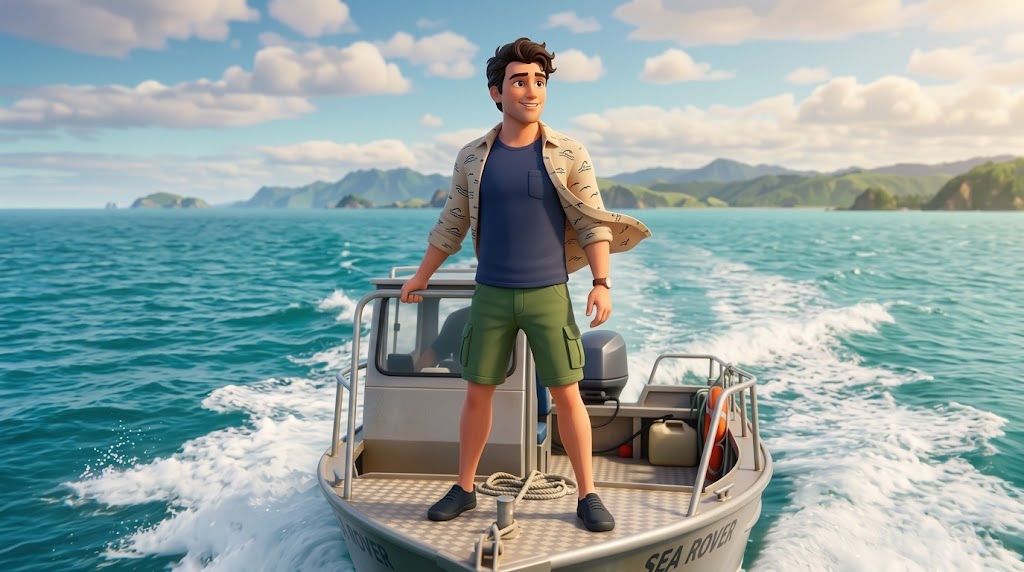
How to Use Photo to Cartoon
Photo to Cartoon keeps the process simple: upload an image, pick the image size, and generate a cartoon-style result. The workflow is built for users who want attractive visual edits without opening complex design software.

Upload Your Photo
Start Photo to Cartoon by uploading a clear portrait, pet photo, product shot, travel image, or casual snapshot. The better the lighting and subject visibility, the easier it is for Photo to Cartoon to preserve recognizable features while adding a lively cartoon finish.

Choose Image Size
Select the image size that fits your goal before generating. Photo to Cartoon can support square avatars, vertical social content, horizontal banners, or flexible creative layouts, so your cartoon result feels ready for the platform where you plan to use it.

Generate and Save
Click generate and let Photo to Cartoon convert your uploaded image into a stylized cartoon result. Preview the output, check whether the subject still feels natural, and save the finished image for sharing, posting, testing, or further design work.
Best AI Image Tools for Creative Projects
Explore creative tools for image, learn tips and tricks, and see how AI can be your assistant in turning concepts into finished projects.

Features of Photo to Cartoon
Photo to Cartoon is built for practical visual transformation, not just a novelty filter. It helps users create cartoon portraits, pet art, social media assets, and brand-friendly illustrations from images they already have.
Cartoon Portraits That Keep Personality
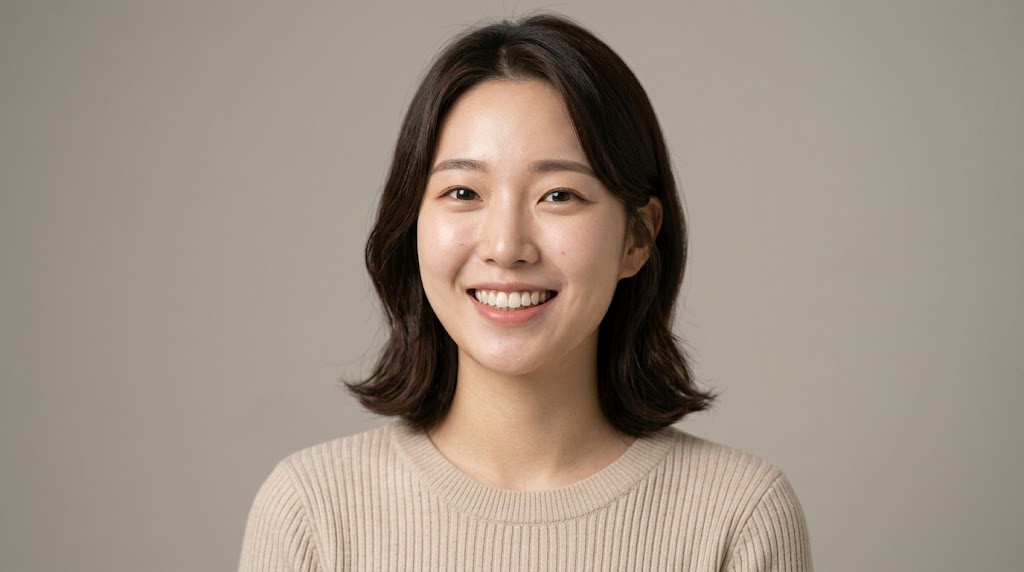
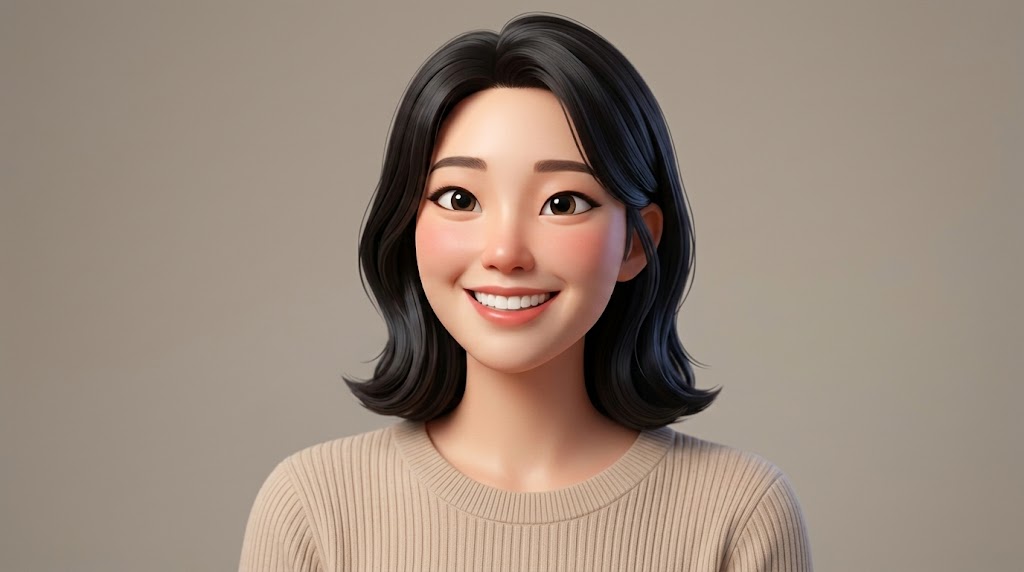
- Photo to Cartoon turns portraits into expressive cartoon images while keeping the person recognizable.
- Use Photo to Cartoon for profile pictures, creator avatars, friend edits, and personal branding visuals.
- For best results, upload a front-facing or slightly angled photo with visible eyes, hair shape, and balanced lighting.
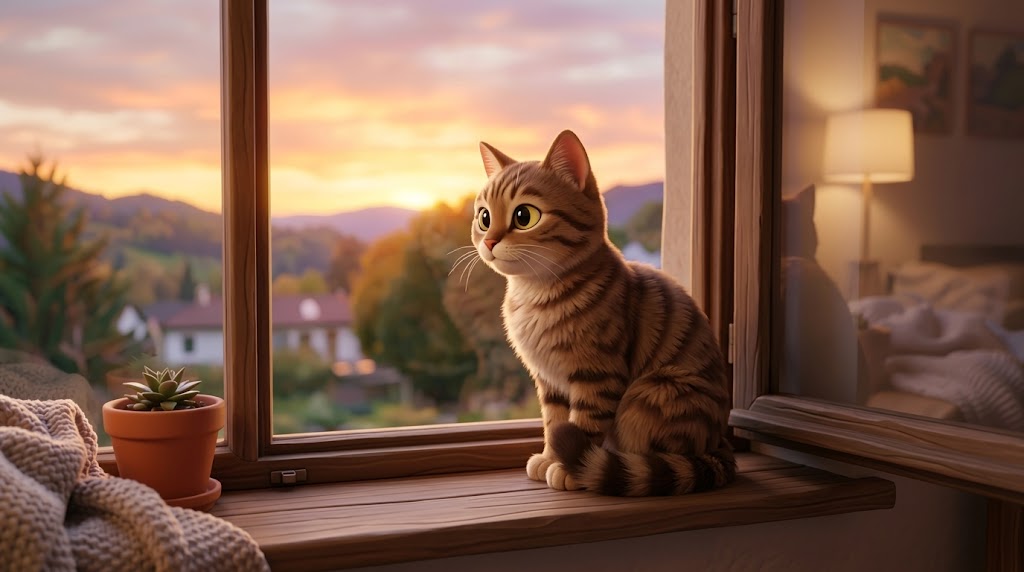
Cartoon Effects for Pets and Animals
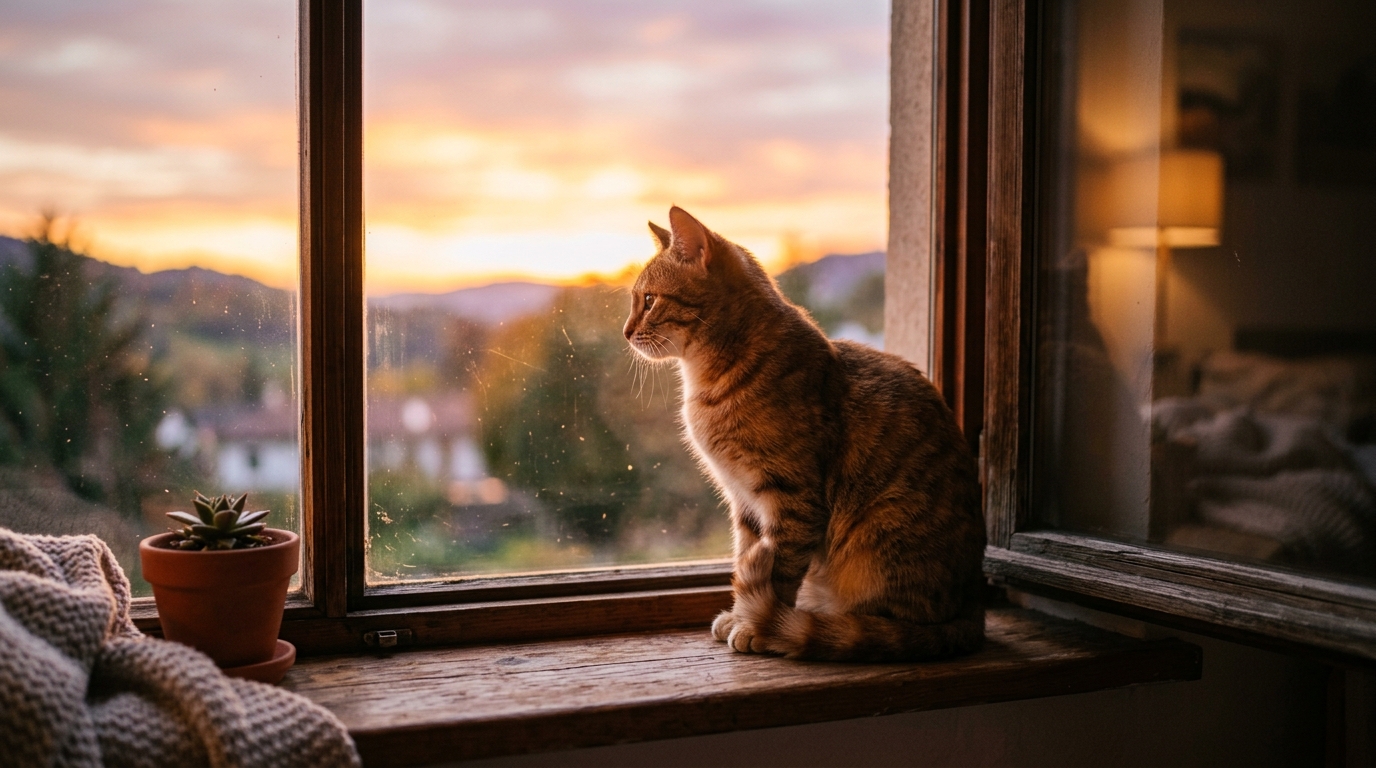
- Photo to Cartoon works well for pet photos because cartoon styling can emphasize eyes, fur shape, ears, and playful expressions.
- Photo to Cartoon keeps the pose and general appearance from the original image while giving the result a softer, more shareable cartoon look.
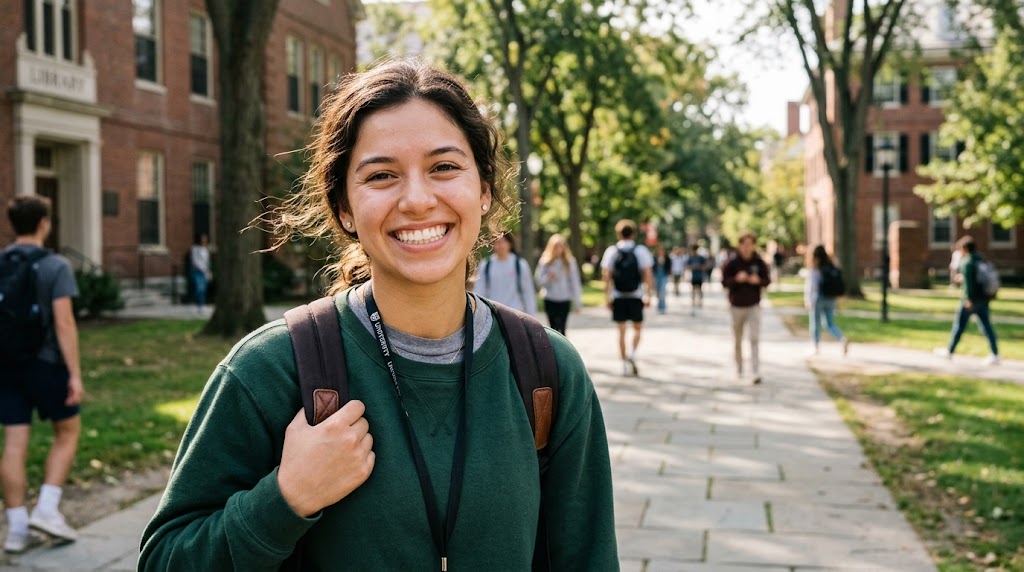
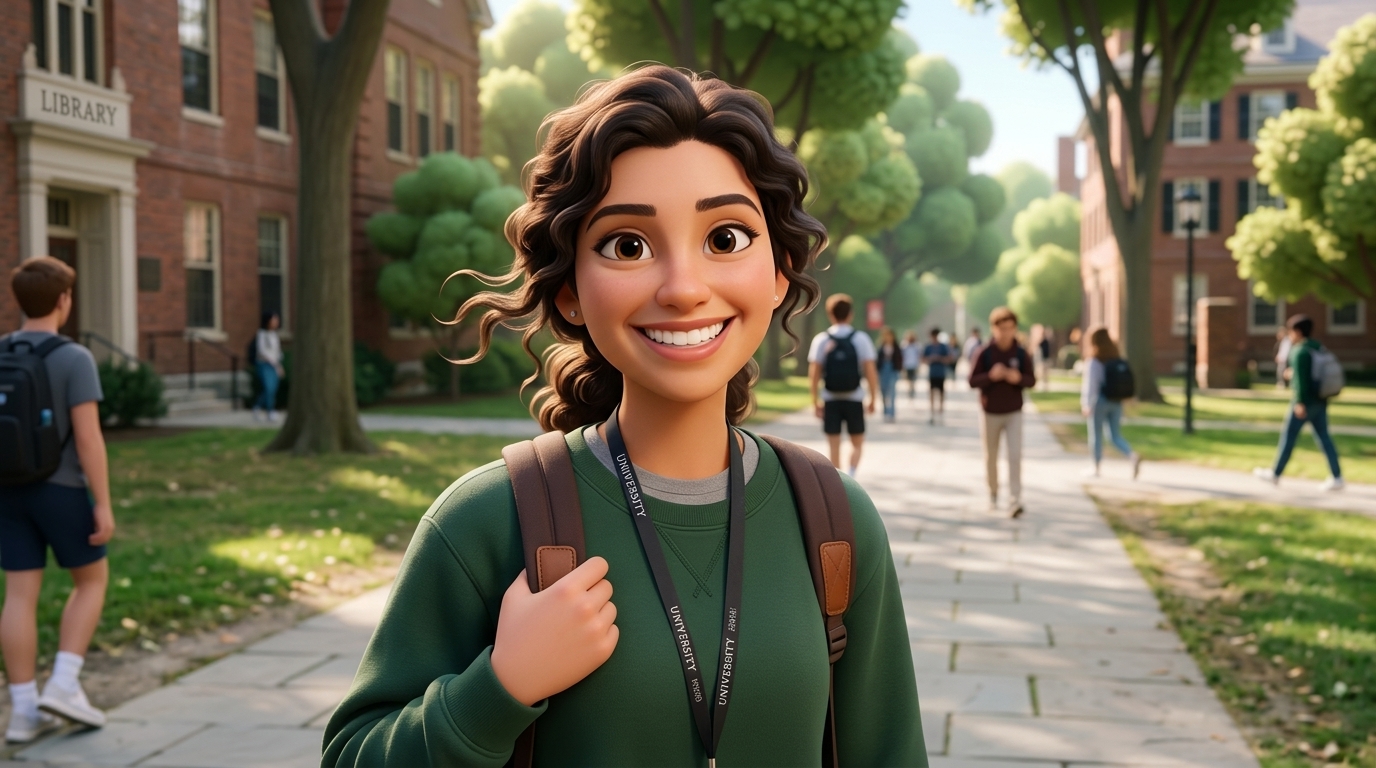
Social Media Visuals with a Distinct Look
- Photo to Cartoon helps creators make scroll-stopping visuals from everyday photos.
- The cartoon effect can make ordinary content feel more intentional while still based on your own image.
- Photo to Cartoon is especially useful when you need a quick visual variation without organizing a new shoot or drawing from scratch.
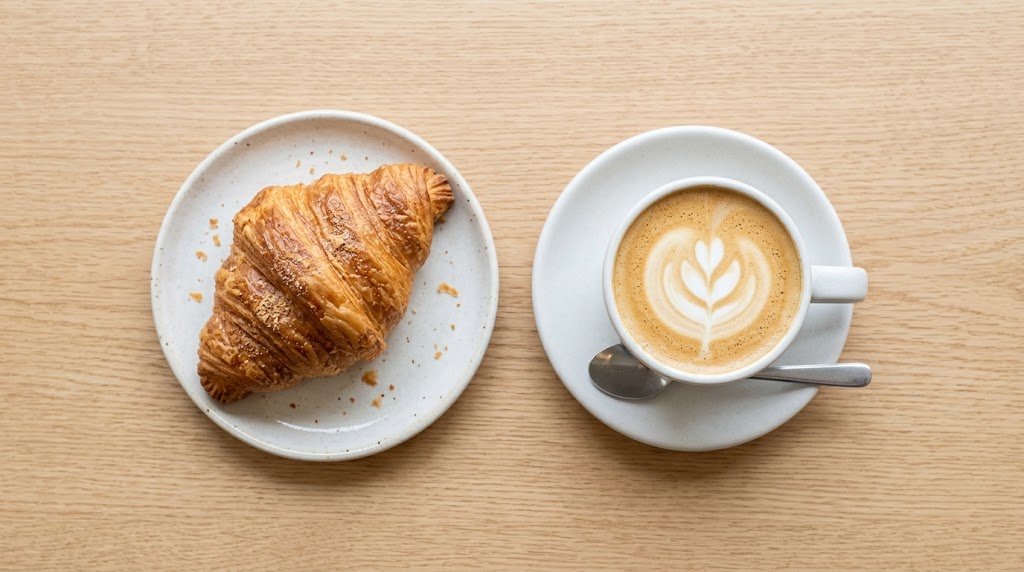
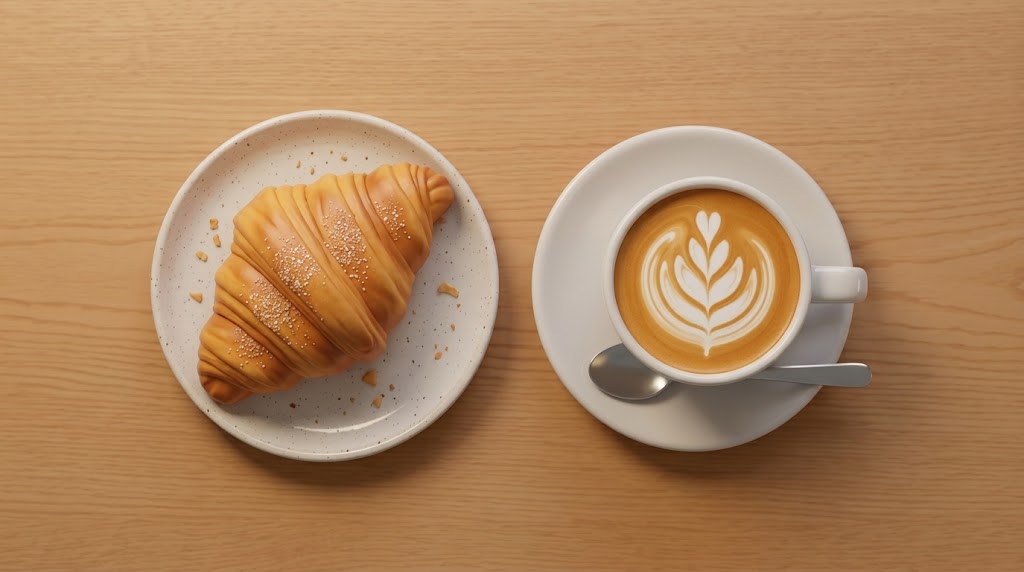
Creative Brand and Product Illustrations
- Photo to Cartoon can transform product shots, workspace photos, and brand scenes into friendly illustrated assets.
- Instead of using generic stock illustrations, teams can start from their own visual material.
- Photo to Cartoon gives marketers a fast way to test a more approachable, creative look before committing to full design production.
Why Choose Photo to Cartoon
Photo to Cartoon gives you a direct way to create cartoon-style images from real photos. It combines practical controls, approachable output, and a workflow that fits both casual edits and content production.

Clean Cartoon Styling
Photo to Cartoon focuses on clean lines, simplified shapes, smooth color zones, and a readable illustrated finish. The result feels more designed than a basic filter, while still respecting the structure of the source image. This makes Photo to Cartoon useful for portraits, pets, lifestyle shots, and visual ideas that need a clear cartoon identity.

Easy for Non Designers
You do not need illustration software or drawing experience to use Photo to Cartoon. The workflow is built around simple decisions: upload an image, choose an image size, and generate. Photo to Cartoon gives beginners a quick way to create playful visuals while still offering enough quality for creators, marketers, and small teams.
Flexible Image Sizes
Different channels need different dimensions, and Photo to Cartoon supports that practical need. Choose an image size that fits avatars, vertical posts, horizontal banners, or design experiments before generation. Photo to Cartoon helps reduce extra cropping work and makes the final cartoon image easier to use in real publishing workflows.
Great for Personal Avatars
A cartoon avatar can feel friendlier and more memorable than a standard selfie. Photo to Cartoon lets you create a stylized profile picture while keeping key identity cues such as face shape, hairstyle, expression, and overall mood. Use Photo to Cartoon for social profiles, community accounts, gaming identities, or creator pages.

Useful for Content Testing
Photo to Cartoon is helpful when you want to test a different creative direction without commissioning custom illustration. Turn an existing image into a cartoon version, compare engagement, and decide whether the style fits your brand. Photo to Cartoon gives content teams a fast way to explore visual variety with low setup effort.

Works Across Many Subjects
Use Photo to Cartoon on people, pets, product scenes, travel photos, couple pictures, group shots, and creative references. The model adapts the cartoon effect to different subjects while keeping the original image as the foundation. Photo to Cartoon is a flexible tool for everyday users who want more than one narrow cartoon use case.
What Users Say About Photo to Cartoon
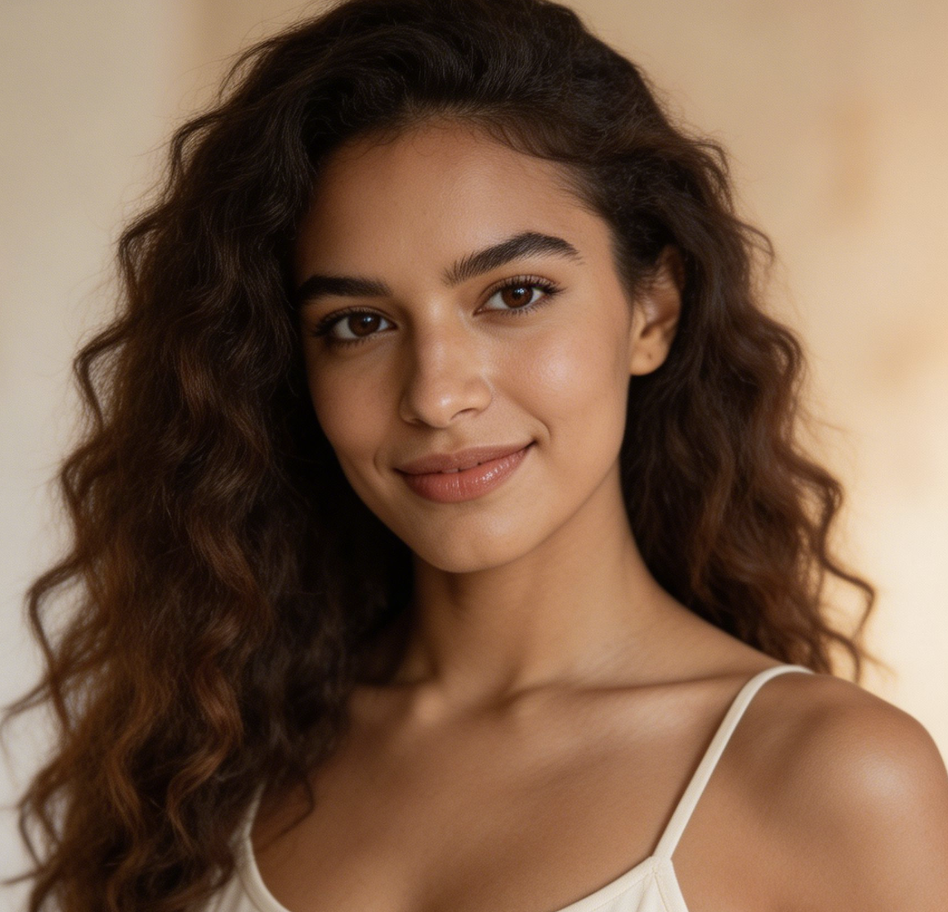
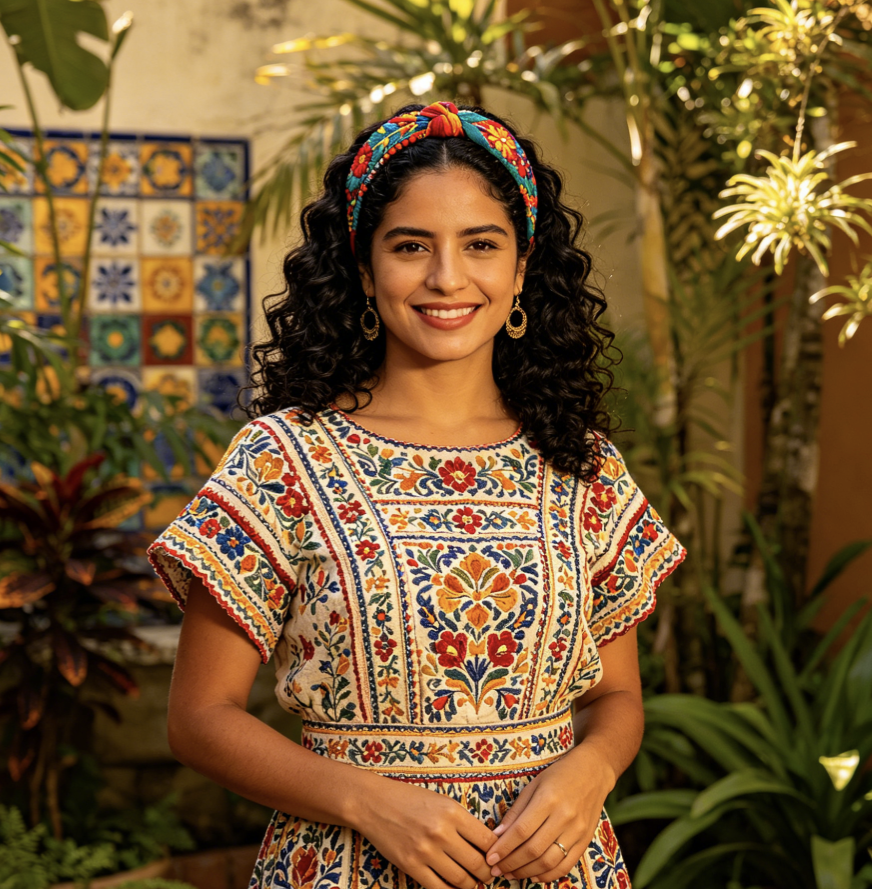
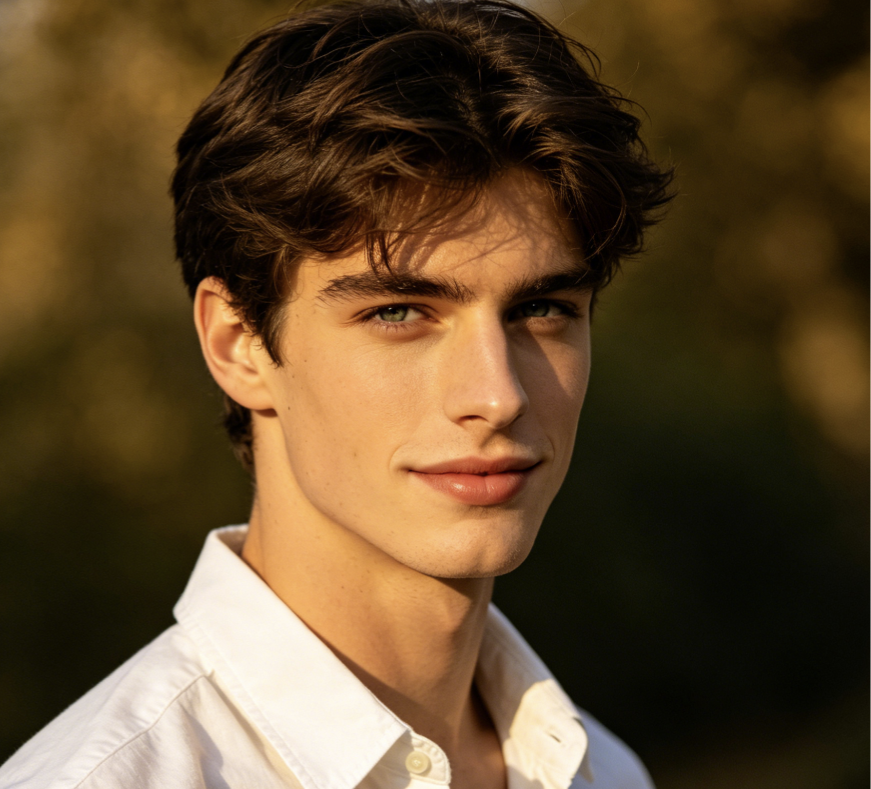
People use Photo to Cartoon for avatars, campaign tests, pet artwork, thumbnails, brand visuals, and casual creative edits. Here are six real-world style use cases from different types of users.
I used Photo to Cartoon for a new profile image, and the result felt polished without losing my actual expression. It gave my photo a friendly illustrated look that worked well across social platforms. I liked that Photo to Cartoon did not require design skills or a long editing process.
Our team needed quick visual variations for a campaign concept. Photo to Cartoon helped us turn normal product photos into approachable cartoon assets for early testing. The style was clear, easy to review, and useful before we invested in a full illustration direction.
I tried Photo to Cartoon on pet photos for a small gift project. The cartoon versions kept the animals recognizable and made their expressions feel even cuter. It was much faster than searching for an illustrator, especially because I only needed a few fun images.
Photo to Cartoon became part of my thumbnail workflow when I want a more playful look. I upload a portrait, choose the right image size, and generate a cartoon version that still feels connected to the original photo. It is practical, not overcomplicated.
As a designer, I use Photo to Cartoon for quick mood exploration. It helps clients understand whether an illustrated direction could fit their brand before we spend time on custom assets. The tool is especially useful when we need fast options for presentations.
I wanted cartoon images for a community event page but did not have a design budget. Photo to Cartoon gave our photos a consistent creative style and made the page feel more welcoming. The upload and generation flow was simple enough for our whole team.

FAQs About Photo to Cartoon
Learn how Photo to Cartoon works, which photos perform best, and how to prepare images for cleaner cartoon-style results.
Photo to Cartoon is an image transformation tool that turns uploaded photos into cartoon-style visuals. You provide the source image, choose an image size, and generate the result. The model interprets faces, objects, color areas, and outlines, then creates a stylized cartoon version based on the original. Photo to Cartoon is useful for avatars, social posts, pet art, thumbnails, and creative visual experiments.
Photo to Cartoon works best with clear photos where the main subject is easy to see. Portraits, pet photos, product shots, travel images, and lifestyle scenes are all good options. Avoid images that are extremely dark, heavily blurred, or crowded with too many tiny details. A clean source photo gives Photo to Cartoon more structure to preserve while applying the cartoon effect.
Yes. Photo to Cartoon can be used to create profile pictures, creator avatars, community icons, and personal branding images. A cartoon version can feel more approachable than a standard selfie while still keeping important identity cues. For best results, use a portrait with visible facial features, balanced lighting, and enough space around the head so the final crop remains flexible.
Yes. Photo to Cartoon can turn dog, cat, and other pet photos into charming cartoon-style images. The effect often highlights expressive eyes, ears, fur shapes, and playful poses. It is a good choice for pet portraits, gifts, stickers, social posts, or small brand visuals. Upload a photo where the animal is clear, well lit, and not hidden behind distracting objects.
Photo to Cartoon is designed for quick creative output, but the final result depends on the source image and chosen size. Many users use the images for social media, presentations, personal projects, thumbnails, and concept testing. For high-stakes commercial campaigns, review the output carefully, check brand consistency, and make any final adjustments needed for your publishing standards.
No manual drawing is required. Photo to Cartoon is built for users who want a cartoon look without using complex illustration tools. You upload an image, select the image size, and generate the cartoon version. Designers can still use the result as a starting point for further editing, but beginners can create usable visuals without learning layers, brushes, or vector workflows.
Photo to Cartoon is different from a simple filter because it reinterprets the image into a cartoon-style result rather than only changing color or contrast. It can simplify shapes, emphasize outlines, and create a more illustrated finish. The output still depends on your original photo, but the transformation is usually more noticeable than a basic preset or color overlay.
Start with a photo where the subject is clear, well lit, and not too small in the frame. Choose an image size based on where you will use the result, such as a square avatar or vertical post. Photo to Cartoon works better when faces, pets, products, or key objects are visible. Simple backgrounds also help the cartoon effect look cleaner.
Create Your Cartoon Image Today
Upload your favorite image and use Photo to Cartoon to turn it into a clean, expressive cartoon-style visual for avatars, posts, gifts, campaigns, and creative projects.
