
More AI Image Generators
Explore our collection of specialized AI image generators designed for different creative needs and styles
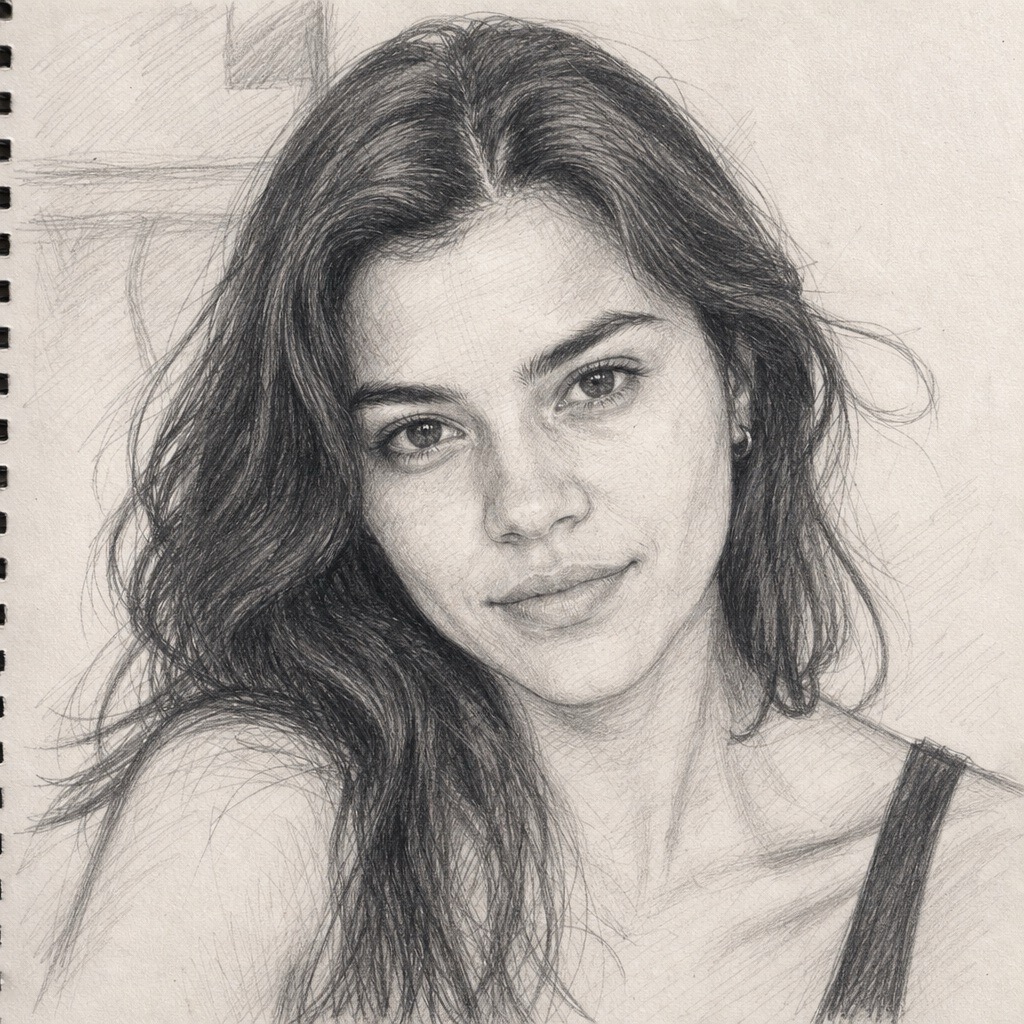
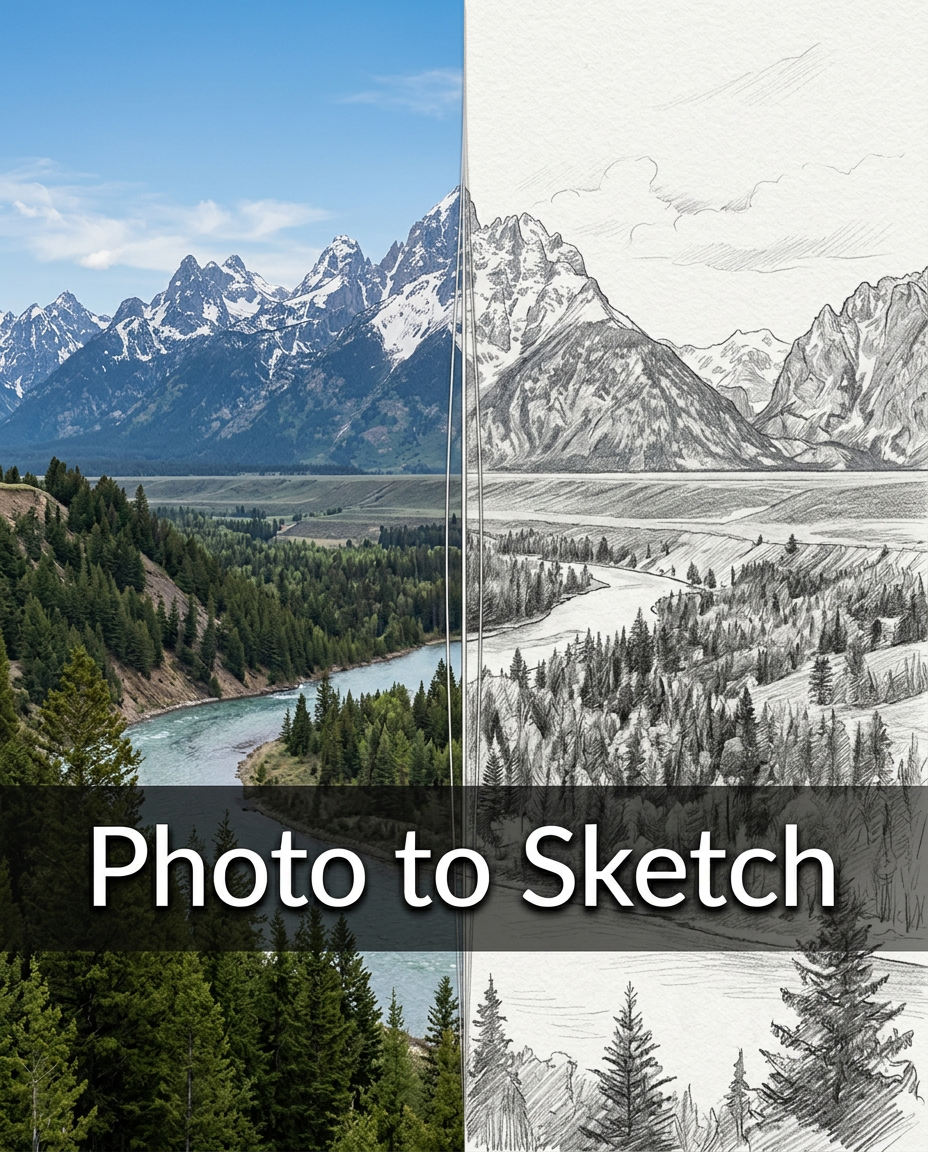


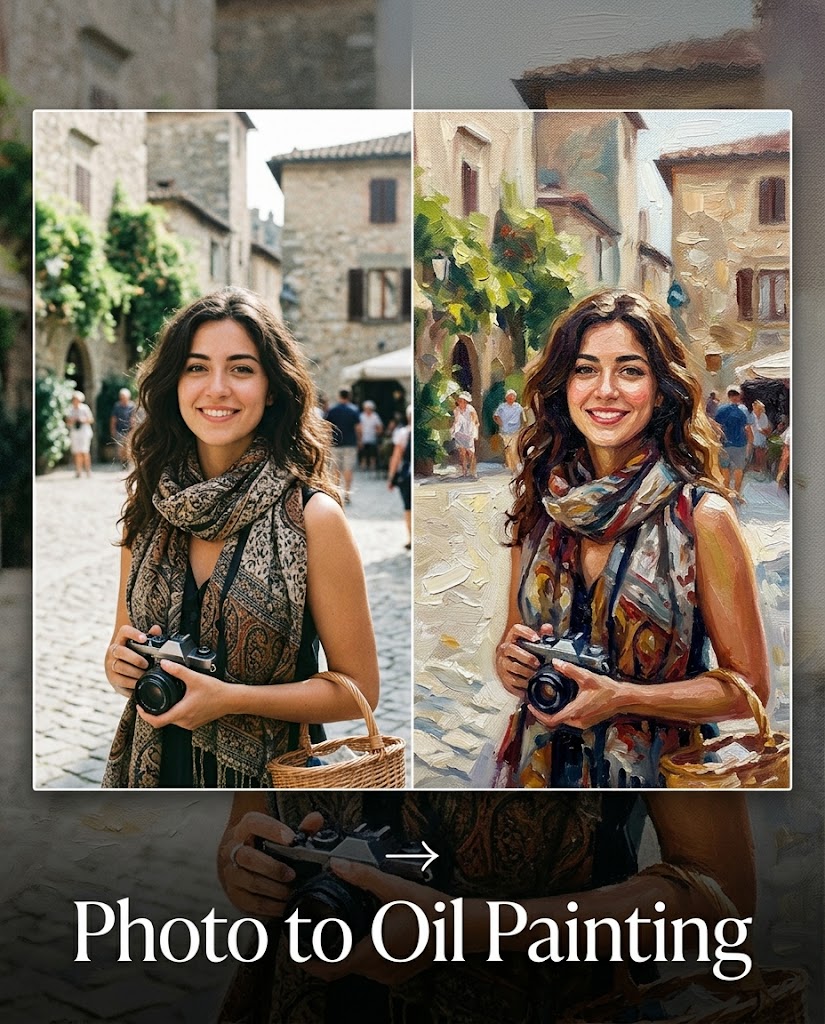

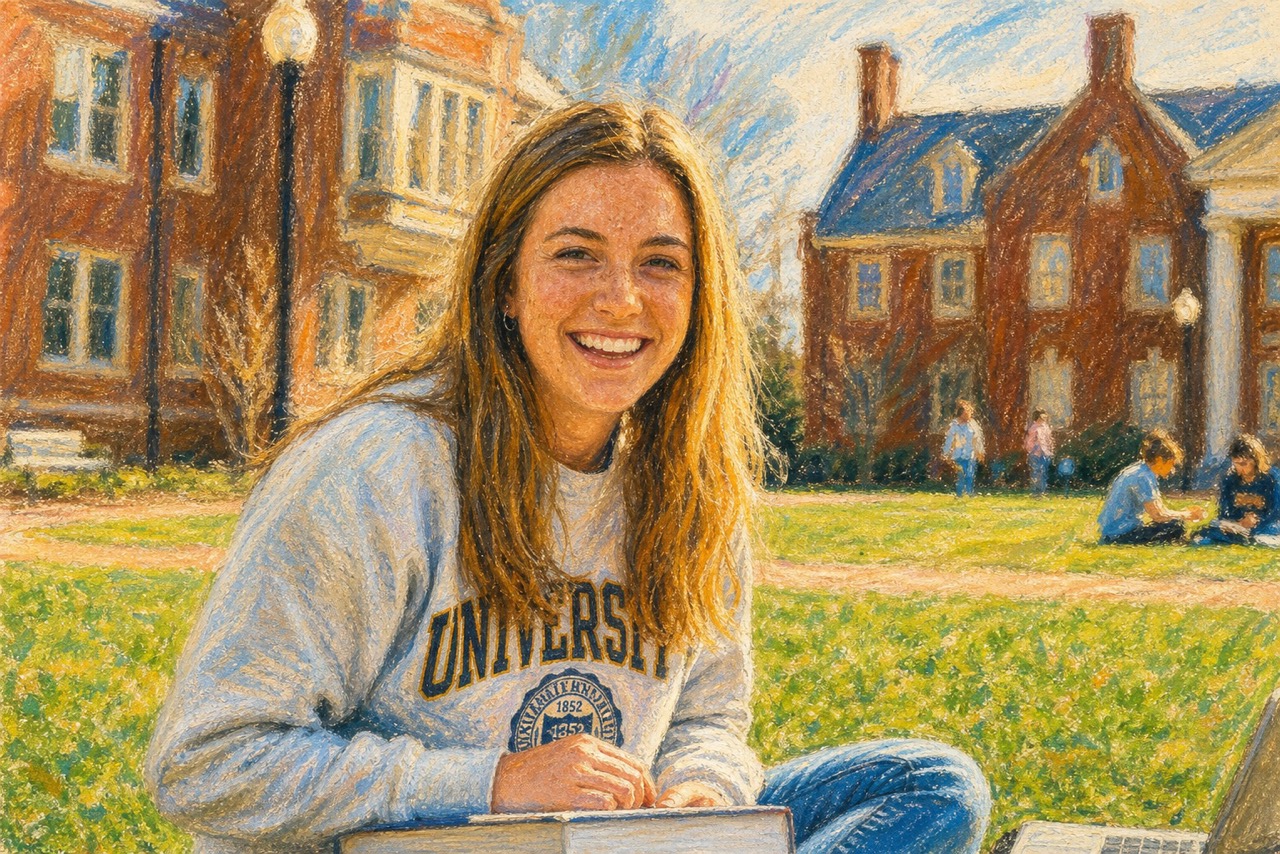
AI Oil Pastel Drawing Generator: Turn Photos into Handmade Pastel Art
Create AI Oil Pastel Drawing from any photo with creamy strokes, rich color, and textured paper charm. Upload a reference image, choose simple settings, and generate pastel-style artwork in seconds.
AI Oil Pastel Drawing transforms portraits, pets, landscapes, food, products, and memories into warm artwork. Oil Pastel AI Image Generator keeps subjects recognizable while adding expressive strokes, soft blending, waxy grain, and handmade texture. AI Oil Pastel Drawing is ideal for quick creative conversion.
How to Use AI Oil Pastel Drawing
AI Oil Pastel Drawing follows a simple flow: upload a reference image, choose basic output settings, and generate the final artwork. The process is designed for anyone who wants to Turn Photo into Oil Pastel without writing complex prompts or learning drawing techniques. AI Oil Pastel Drawing keeps the workflow focused on the real action users see on the page, while Oil Pastel AI Image Generator handles the style work in the background.

Upload Your Reference Image
Start AI Oil Pastel Drawing by uploading a clear reference photo. Drag and drop an image or click to select one from your device or asset library.

Choose Basic Output Settings
Select the aspect ratio that fits your goal, then choose the resolution and number of images you want. AI Oil Pastel Drawing works best when the reference image is easy to understand, so keep the main subject visible and avoid overly dark or crowded photos.

Click Generate Image
Click Generate Image and let AI Oil Pastel Drawing create a textured pastel result. The Oil Pastel AI Image Generator converts the uploaded photo into creamy color layers, visible pastel marks, and a soft handmade finish while preserving the core look of the original image.
Best AI Image Tools for Creative Projects
Explore creative tools for image, learn tips and tricks, and see how AI can be your assistant in turning concepts into finished projects.
Why Choose AI Oil Pastel Drawing
AI Oil Pastel Drawing is built around practical image transformation, not generic editing. The Oil Pastel AI Image Generator helps you make colorful, textured, emotionally rich artwork from photos while keeping the original subject clear and personal. AI Oil Pastel Drawing also helps compare different photo subjects before choosing the best image for a poster, keepsake, or social visual. Oil Pastel AI Image Generator supports consistent style exploration, and AI Oil Pastel Drawing keeps each experiment grounded in the uploaded photo.
Convert Real Photos into Warm Pastel Artwork
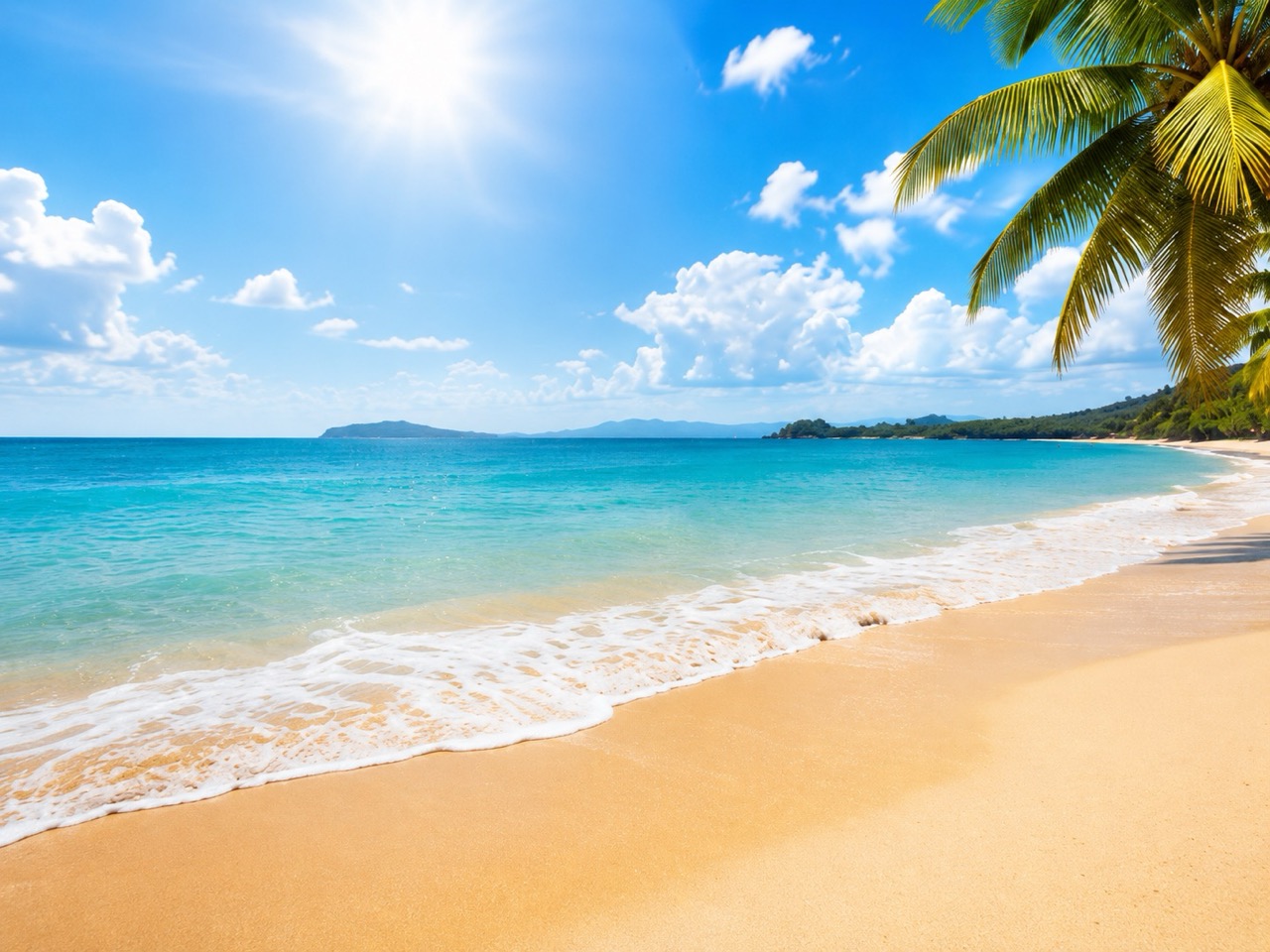
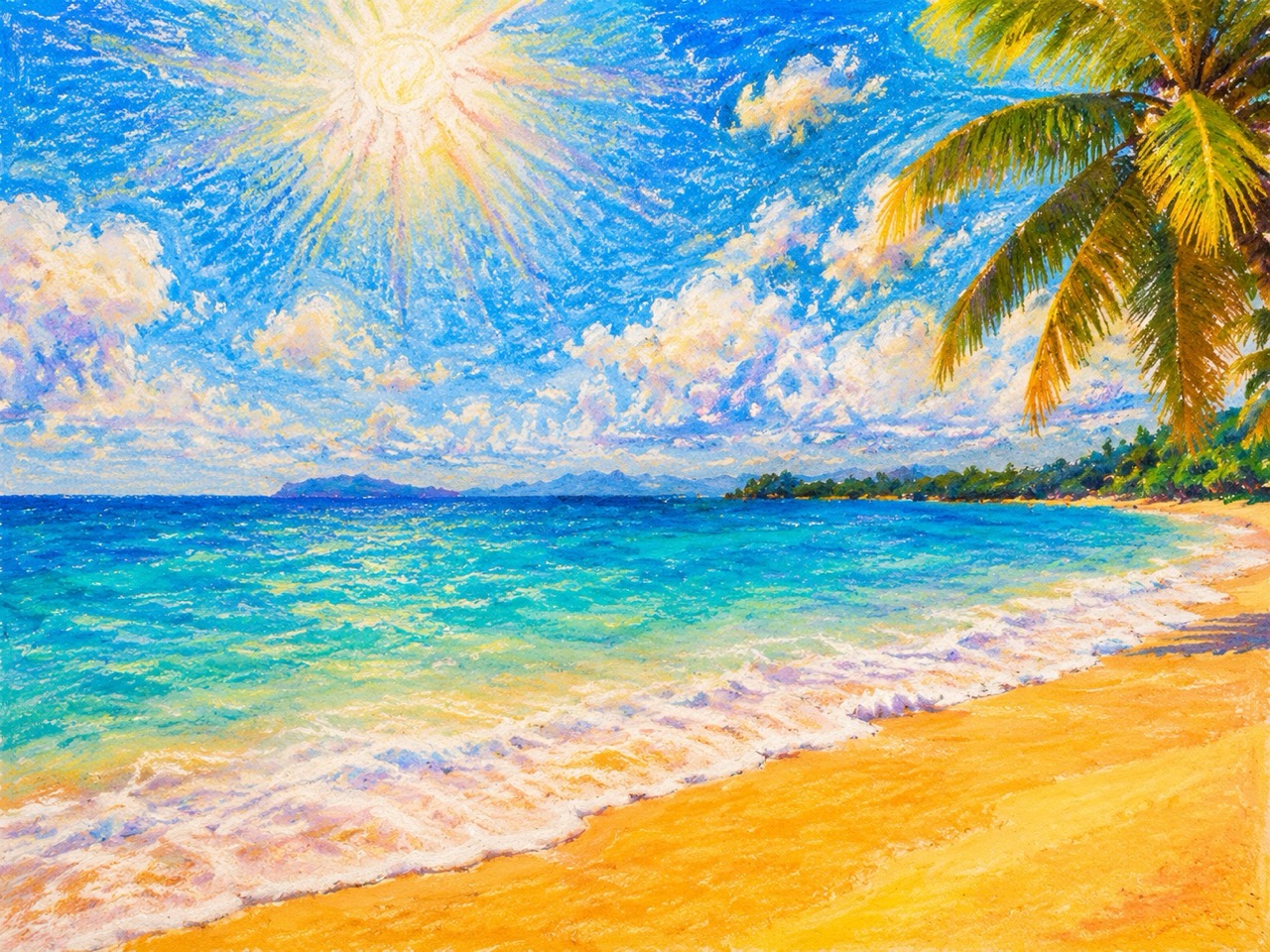
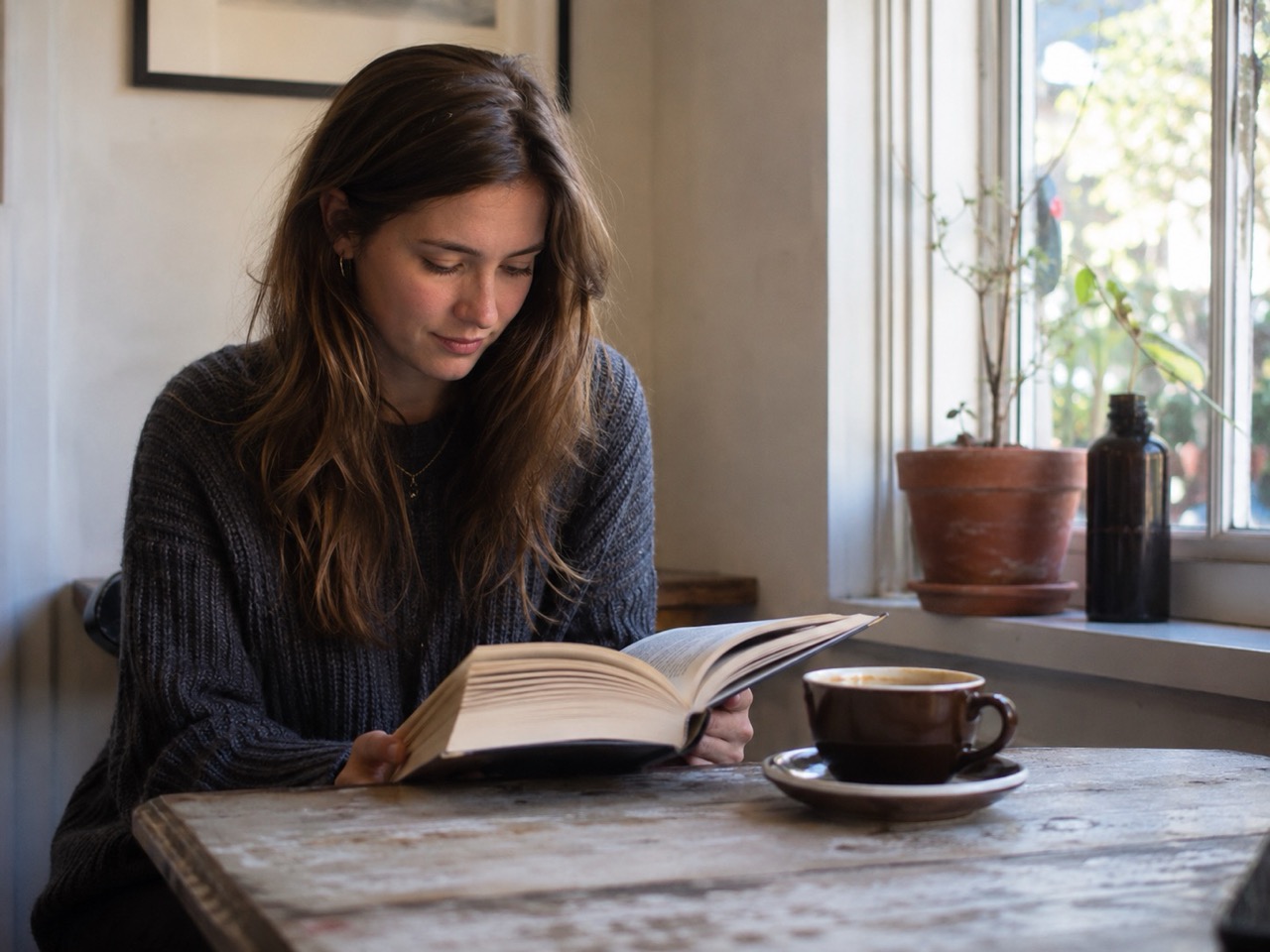
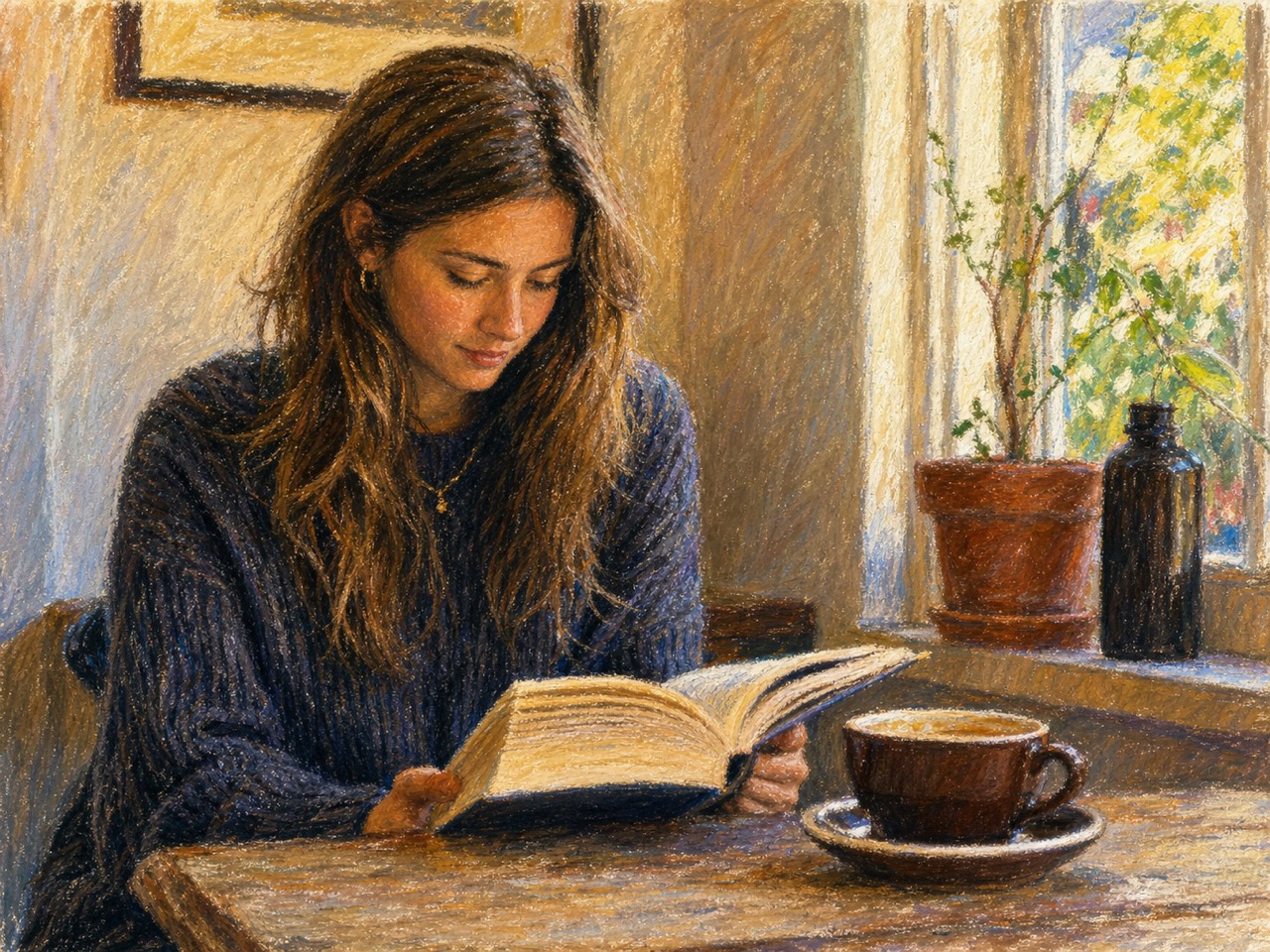
AI Oil Pastel Drawing is useful when a photo feels too ordinary but still contains a moment worth keeping. The Oil Pastel AI Image Generator turns everyday images into expressive art with creamy pigment, soft shading, and textured paper character. It can make travel photos feel nostalgic, family portraits feel handmade, and simple snapshots feel ready for a creative project. Use Turn Photo into Oil Pastel when you want emotion, warmth, and a crafted look without losing the subject that makes the image meaningful. AI Oil Pastel Drawing is also helpful for Free Oil Pastel Drawing experiments when you want to test several moods before saving a favorite. Oil Pastel AI Image Generator gives the piece a finished art direction rather than a simple color wash.
Keep the Subject Recognizable While Changing the Style
A strong style transfer should not erase identity. AI Oil Pastel Drawing keeps faces, pets, products, and landscapes recognizable while reimagining surfaces with pastel strokes. The Oil Pastel AI Image Generator protects key shapes, expressions, poses, and composition, then adds layered pigment and gentle imperfections. This makes AI Oil Pastel Drawing especially helpful for portraits, memorial images, pet keepsakes, and product visuals that need artistic charm without becoming unrecognizable or overly abstract. AI Oil Pastel Drawing supports personal images that need trust and familiarity. Oil Pastel AI Image Generator can keep the emotional value of a photo while giving it a fresh visual language.
Create a Handmade Look Without Manual Drawing Skills
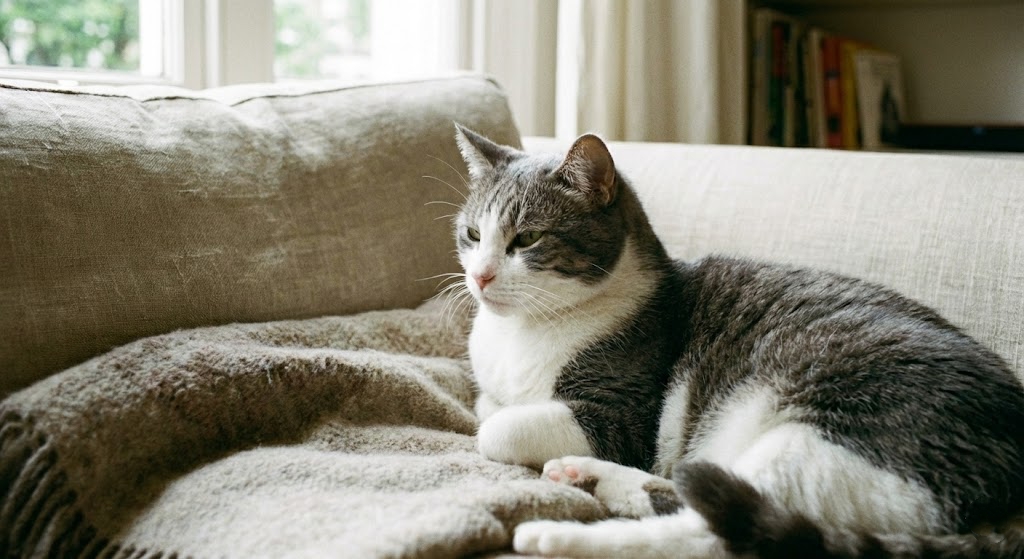
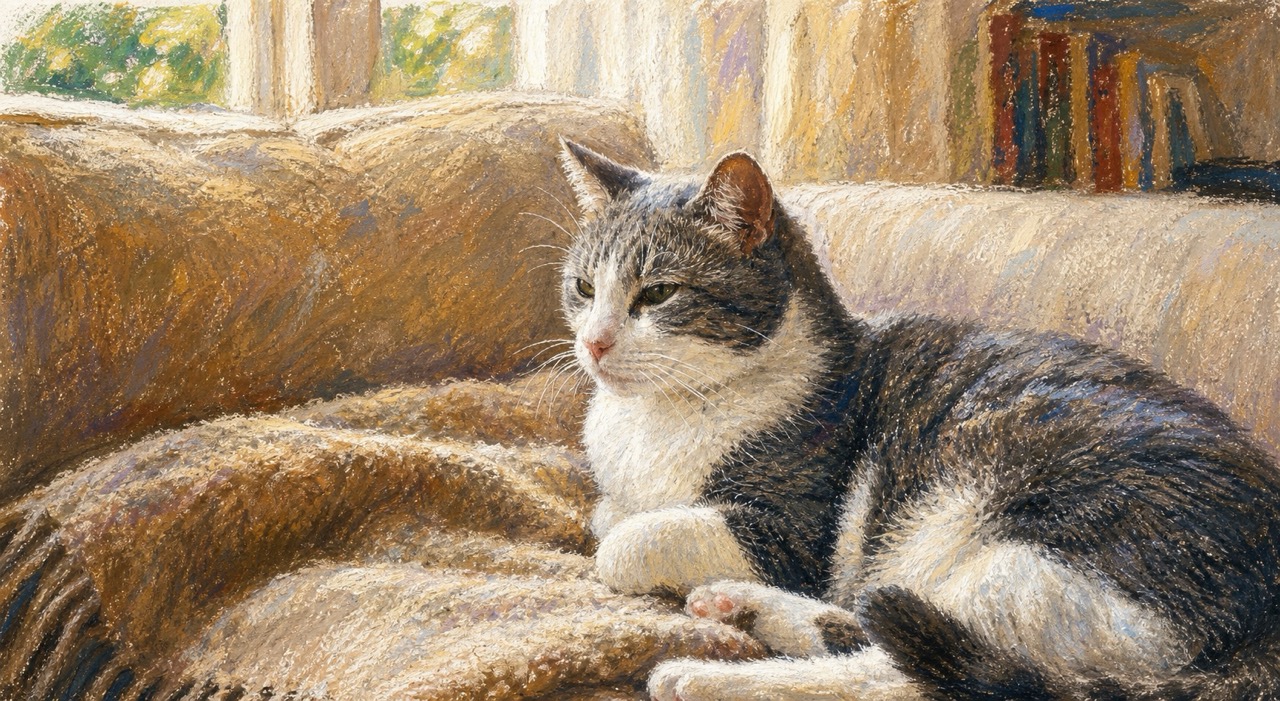
Oil pastel art is loved for its bold color, waxy texture, and expressive blending, but drawing by hand takes practice. AI Oil Pastel Drawing gives beginners, creators, shops, and social users a faster path to the same visual mood. The Oil Pastel AI Image Generator turns a photo into art that feels tactile and creative, making it ideal for posts, gifts, mood boards, profile images, greeting visuals, and design inspiration. Online Oil Pastel Drawing Maker removes the blank-page problem. AI Oil Pastel Drawing lets you explore the style without buying materials, scanning paper, or correcting uneven hand marks. Oil Pastel AI Image Generator makes the process accessible for people who simply want beautiful art from photos.
Best Ways to Use AI Oil Pastel Drawing
AI Oil Pastel Drawing works for personal memories, creative projects, social visuals, and visual planning. The Oil Pastel AI Image Generator is especially useful when your goal is to add warmth, texture, and handmade feeling to an existing photo. Use AI Oil Pastel Drawing whenever you want a photo to feel more tactile, expressive, and artful.

Portraits and Profile Images
AI Oil Pastel Drawing can turn selfies and portraits into soft artistic images with warm tones and visible pastel strokes. The Oil Pastel AI Image Generator is helpful for people who want a creative profile picture, a handmade-style avatar, or a thoughtful visual gift while keeping facial features and expression close to the original photo. AI Oil Pastel Drawing works well for profile images because the result feels artistic but still personal. Oil Pastel AI Image Generator adds a soft drawn quality without hiding the person.

Pet Keepsakes and Animal Art
Pet photos often carry emotion, and AI Oil Pastel Drawing makes them feel even more personal. The Oil Pastel AI Image Generator can transform dogs, cats, birds, and other animals into warm pastel artwork, preserving the pose and personality while adding soft fur texture, playful color, and a charming illustrated finish. AI Oil Pastel Drawing can make a favorite pet image feel like a custom illustration without needing a commissioned drawing. Oil Pastel AI Image Generator is also helpful for creating warm animal-themed gifts.

Travel, Landscape, and Memory Images
Use AI Oil Pastel Drawing for beaches, mountains, streets, sunsets, gardens, and vacation memories. The Oil Pastel AI Image Generator adds layered skies, softened edges, colorful ground texture, and painterly atmosphere. It is a simple way to make ordinary scenery look like a personal travel sketch or framed pastel artwork. AI Oil Pastel Drawing is also useful for turning older vacation pictures into softer, more emotional memory art. Oil Pastel AI Image Generator makes skies, paths, trees, and water feel more painterly.

Creative Content and Visual Concepts
Creators can use AI Oil Pastel Drawing for thumbnails, mood boards, campaign ideas, story visuals, and concept references. Online Oil Pastel Drawing Maker helps teams explore an art direction quickly. It can also support Free Oil Pastel Drawing ideas when you need fast inspiration before designing a final creative piece. AI Oil Pastel Drawing can help shape visual concepts before a designer builds a larger campaign.
What Users Say About AI Oil Pastel Drawing
People use AI Oil Pastel Drawing for portraits, pets, landscapes, creative planning, and meaningful image gifts. Oil Pastel AI Image Generator makes photo-to-art creation easy while keeping the original subject clear. AI Oil Pastel Drawing is especially valued when users want art that looks intentional, not like a flat overlay.
I used AI Oil Pastel Drawing on a simple family photo, and it suddenly felt like a keepsake. The colors were soft but still lively, and the faces stayed recognizable. Oil Pastel AI Image Generator gave the image a handmade mood without making it look messy or fake. AI Oil Pastel Drawing felt quick, but the final image still had depth and charm.
My dog photo looked nice before, but AI Oil Pastel Drawing made it feel special. The fur texture became gentle and colorful, and the eyes still looked like my dog. I would use Oil Pastel AI Image Generator again for gifts and pet portraits. AI Oil Pastel Drawing made the photo feel like something I would print and frame.
I needed a visual style for a travel post and tried AI Oil Pastel Drawing on a sunset photo. The result had rich pastel strokes and a warm paper texture. Online Oil Pastel Drawing Maker helped me create a polished image much faster than editing by hand. AI Oil Pastel Drawing also gave me a consistent look across multiple travel images.
I wanted to Turn Photo into Oil Pastel for a campaign mood board. AI Oil Pastel Drawing gave me several directions quickly, and the Oil Pastel AI Image Generator kept the product shape clear. It was useful for testing a handmade visual style before committing. AI Oil Pastel Drawing helped me explain the direction to my team clearly.

AI Oil Pastel Drawing FAQ
Find quick answers about AI Oil Pastel Drawing, photo upload tips, style quality, and how Oil Pastel AI Image Generator turns images into textured pastel artwork. AI Oil Pastel Drawing is simple enough for first-time users and flexible enough for repeat creative projects.
AI Oil Pastel Drawing transforms an uploaded photo into oil pastel style artwork. It adds creamy strokes, textured paper grain, soft blending, and expressive color while keeping the main subject recognizable. Oil Pastel AI Image Generator focuses on maintaining a believable subject while using the art style. AI Oil Pastel Drawing works from the uploaded reference image.
Upload a clear reference image, choose basic output settings, and click Generate Image. Oil Pastel AI Image Generator then creates a pastel-style version based on your photo. AI Oil Pastel Drawing does not require manual prompt writing for basic use. AI Oil Pastel Drawing keeps the process simple.
Clear portraits, pets, landscapes, products, food, and travel photos work well. AI Oil Pastel Drawing performs best when the main subject is visible and the image has enough light. Oil Pastel AI Image Generator can also handle simple backgrounds and close-up subjects.
Yes. AI Oil Pastel Drawing is designed to preserve the main subject, pose, composition, and important details while changing the surface style into oil pastel art. Oil Pastel AI Image Generator balances style change with subject preservation. AI Oil Pastel Drawing is built for this balance.
Yes. The output can include visible strokes, waxy grain, layered pigment, and soft blending so the artwork feels closer to handmade oil pastel drawing than a basic filter. AI Oil Pastel Drawing aims for a tactile, expressive finish with natural color blending.
You can use AI Oil Pastel Drawing for creative visuals, gifts, social posts, mood boards, profile images, and personal art projects. Check your usage rights before commercial use. Oil Pastel AI Image Generator is useful for both personal and creative planning needs.
Start Creating AI Oil Pastel Drawing Today
Upload a favorite photo and let Oil Pastel AI Image Generator create warm, colorful, textured art in seconds.
