
More AI Image Generators
Explore our collection of specialized AI image generators designed for different creative needs and styles
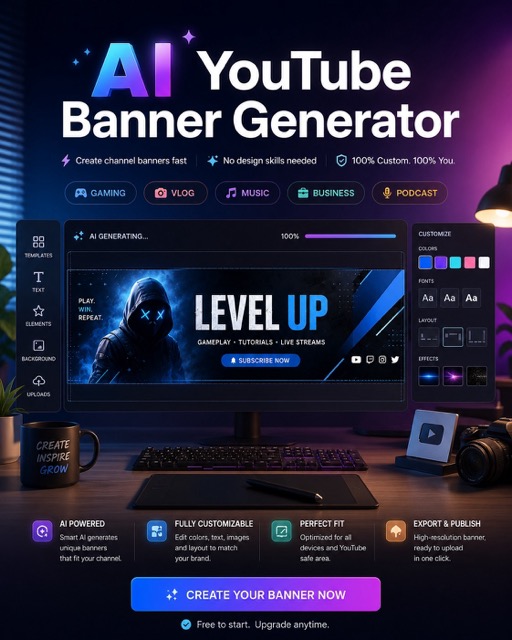
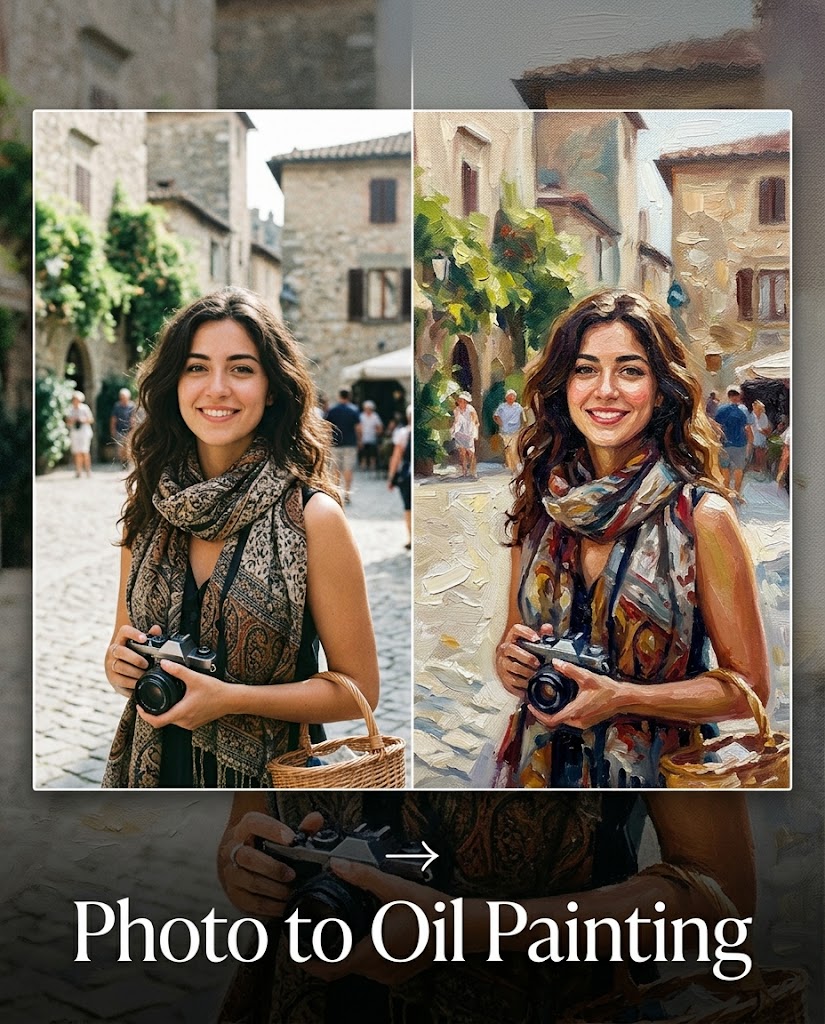
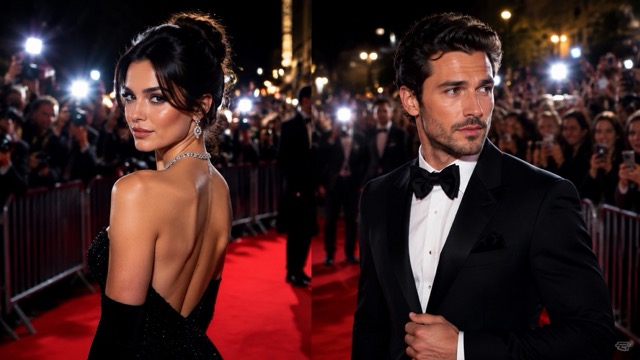
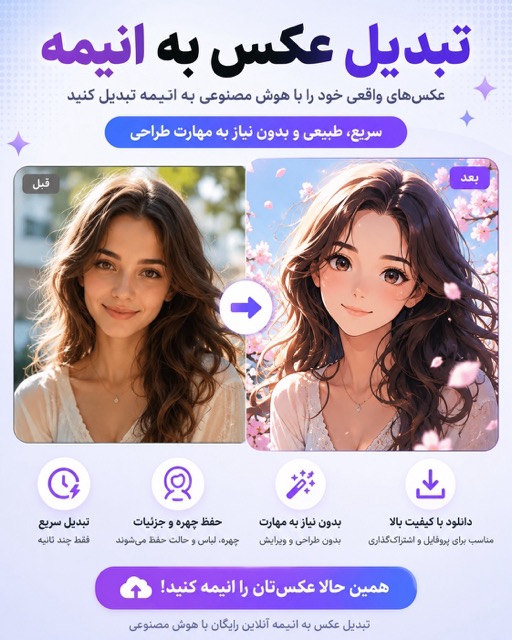


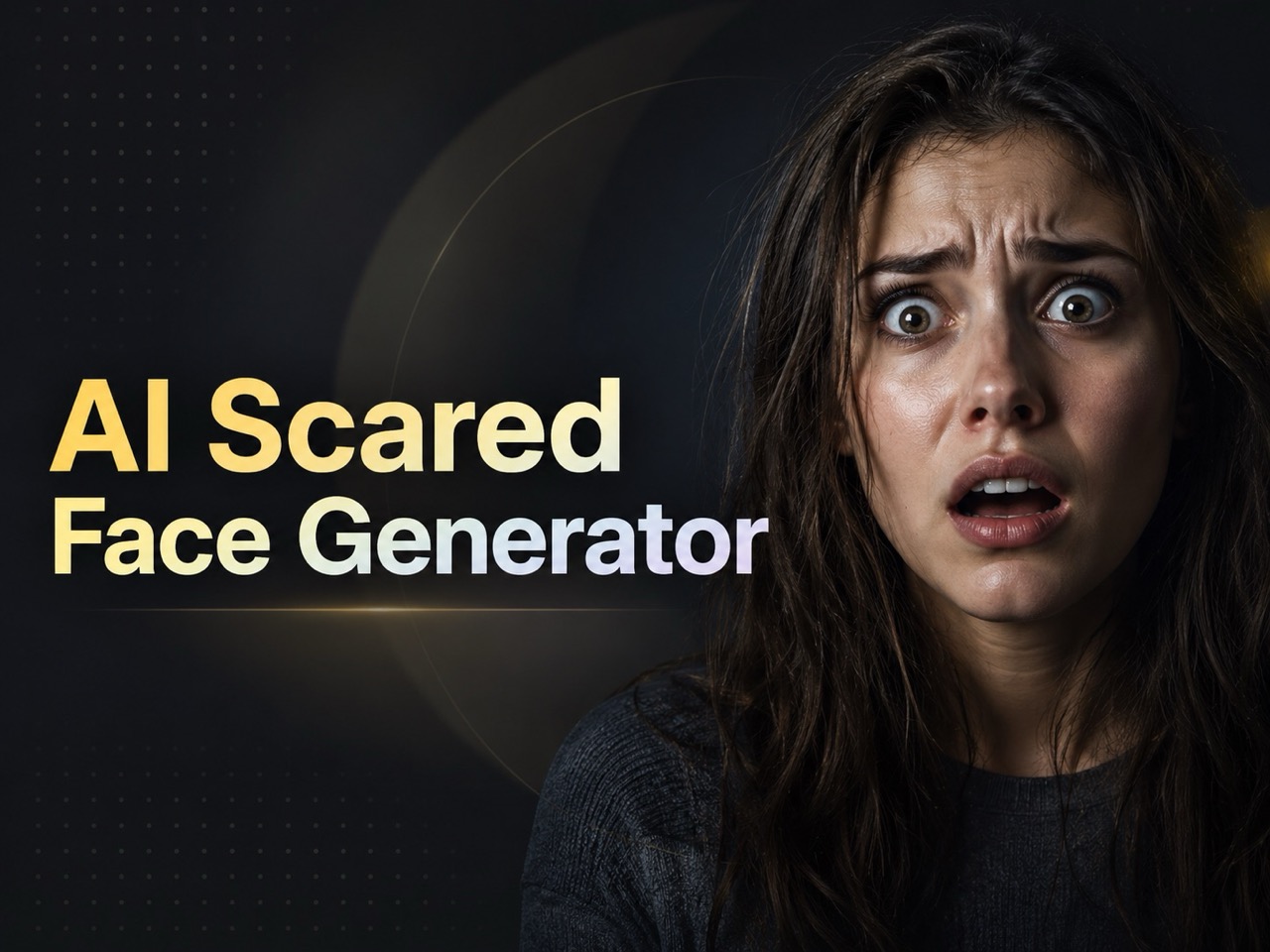
AI Thumbnail Maker: Create Click-Worthy Thumbnails from Photos
Use AI Thumbnail Maker to turn any uploaded photo and prompt into a bold, polished thumbnail for videos, blogs, ads, and social posts.
AI Thumbnail Maker helps creators upload a photo, describe the idea, and generate a professional thumbnail with strong composition, readable text, expressive focus, and a style that matches the content. AI Thumbnail Maker keeps the workflow simple for fast publishing.
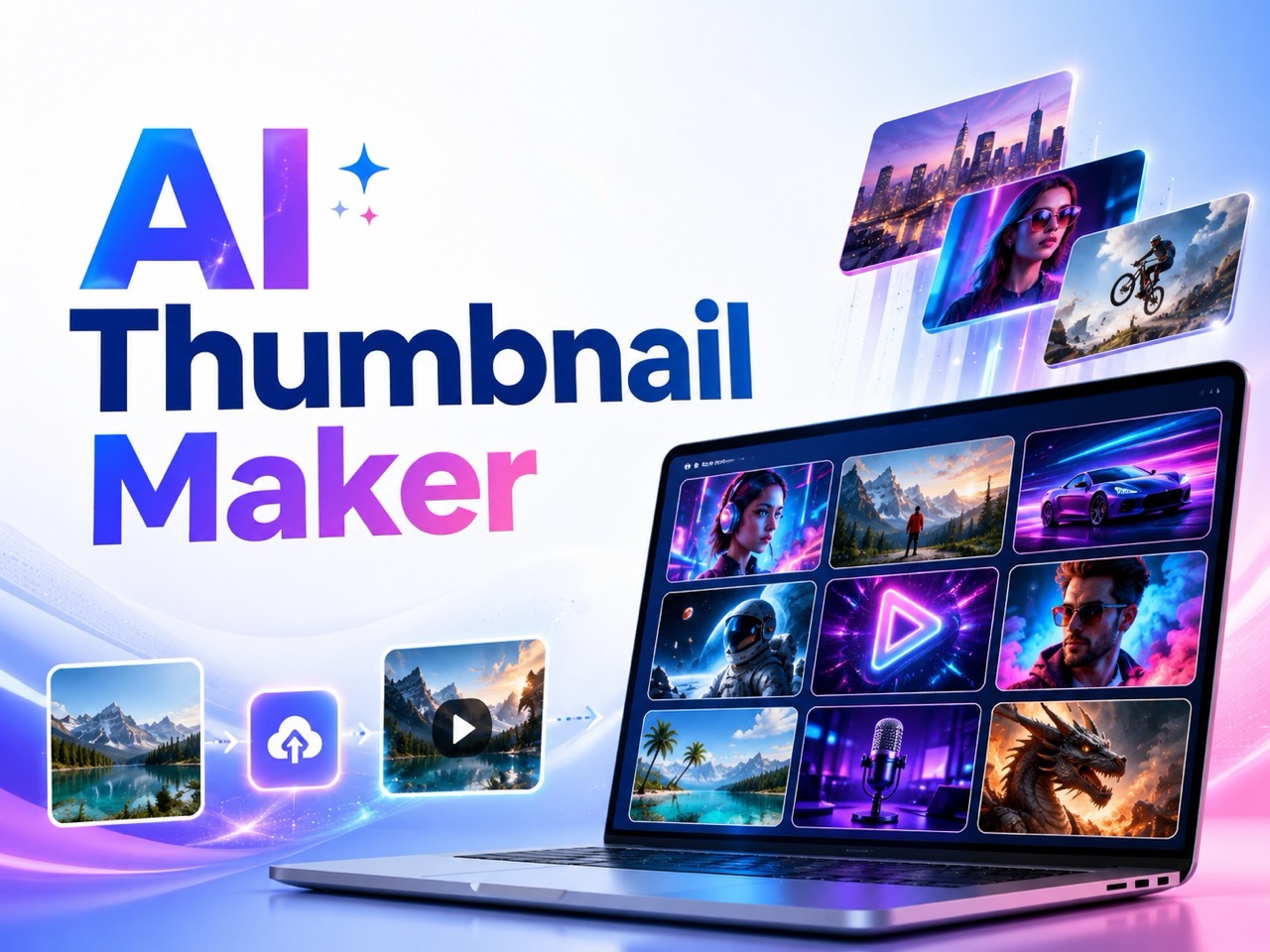
How to Use AI Thumbnail Maker in 3 Simple Steps
AI Thumbnail Maker is built around a practical creator workflow: upload your photo, describe the thumbnail you want, click generate, and receive a ready visual concept without complex editing. AI Thumbnail Generator guidance makes the process useful for beginners and repeat creators. The result is a direct path from idea to visual, so users do not need to browse layouts, rebuild layers, or guess how a cover should be structured.

Upload a Photo and Enter Your Prompt
Start AI Thumbnail Maker by uploading the photo you want to feature. Then enter a clear prompt with your topic, title text, mood, platform, colors, or audience. For example, ask for a dramatic gaming thumbnail, a clean tutorial cover, or a futuristic tech style. AI Thumbnail Generator support turns that instruction into an image direction.

Click Generate
After your photo and prompt are ready, click Generate. AI Thumbnail Maker reads the uploaded image, understands your instruction, keeps the key subject recognizable, and creates a stronger visual layout designed for attention and clarity. AI Thumbnail Generator processing connects the photo with the prompt so the result feels custom.

Get Your Finished Thumbnail
AI Thumbnail Maker returns a finished thumbnail that you can review and use for your content. If needed, refine your prompt to adjust headline text, background style, emotion, color direction, or overall creative angle. AI Thumbnail Generator output is easy to improve with clearer prompts.
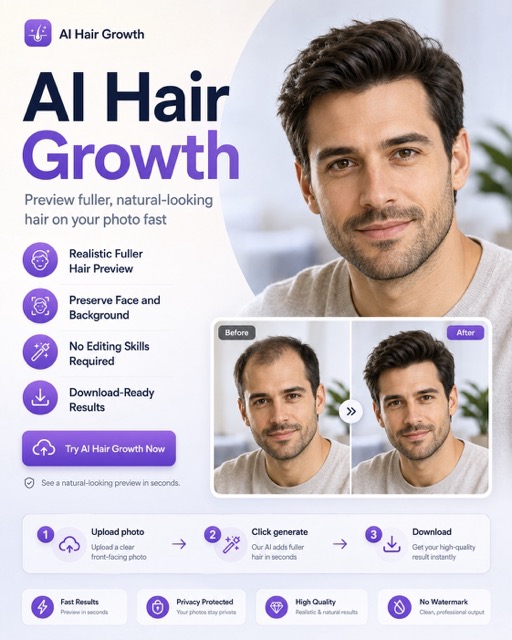
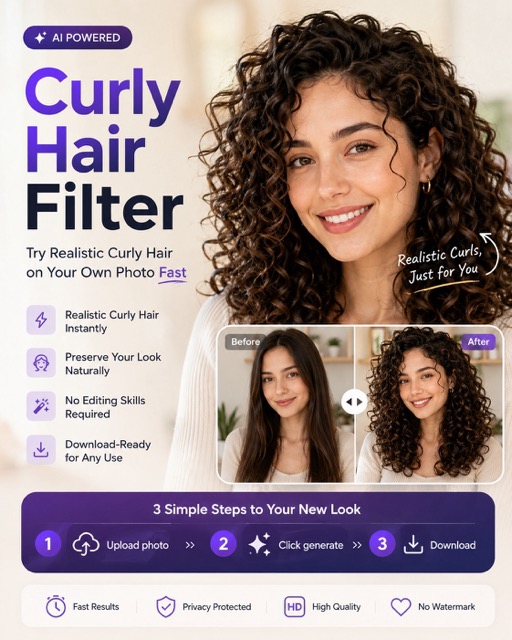
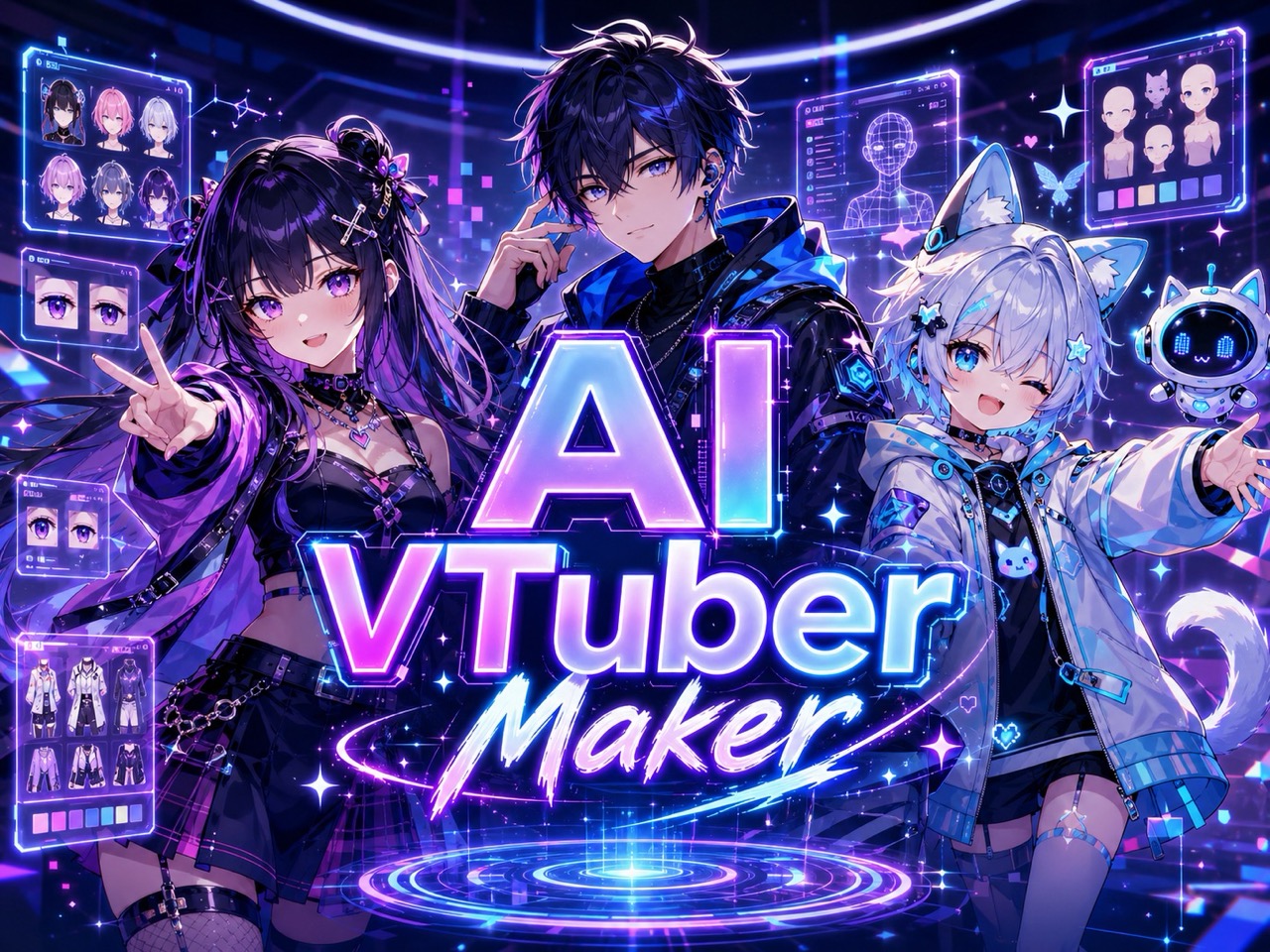
Best AI Image Tools for Creative Projects
Explore creative tools for image, learn tips and tricks, and see how AI can be your assistant in turning concepts into finished projects.
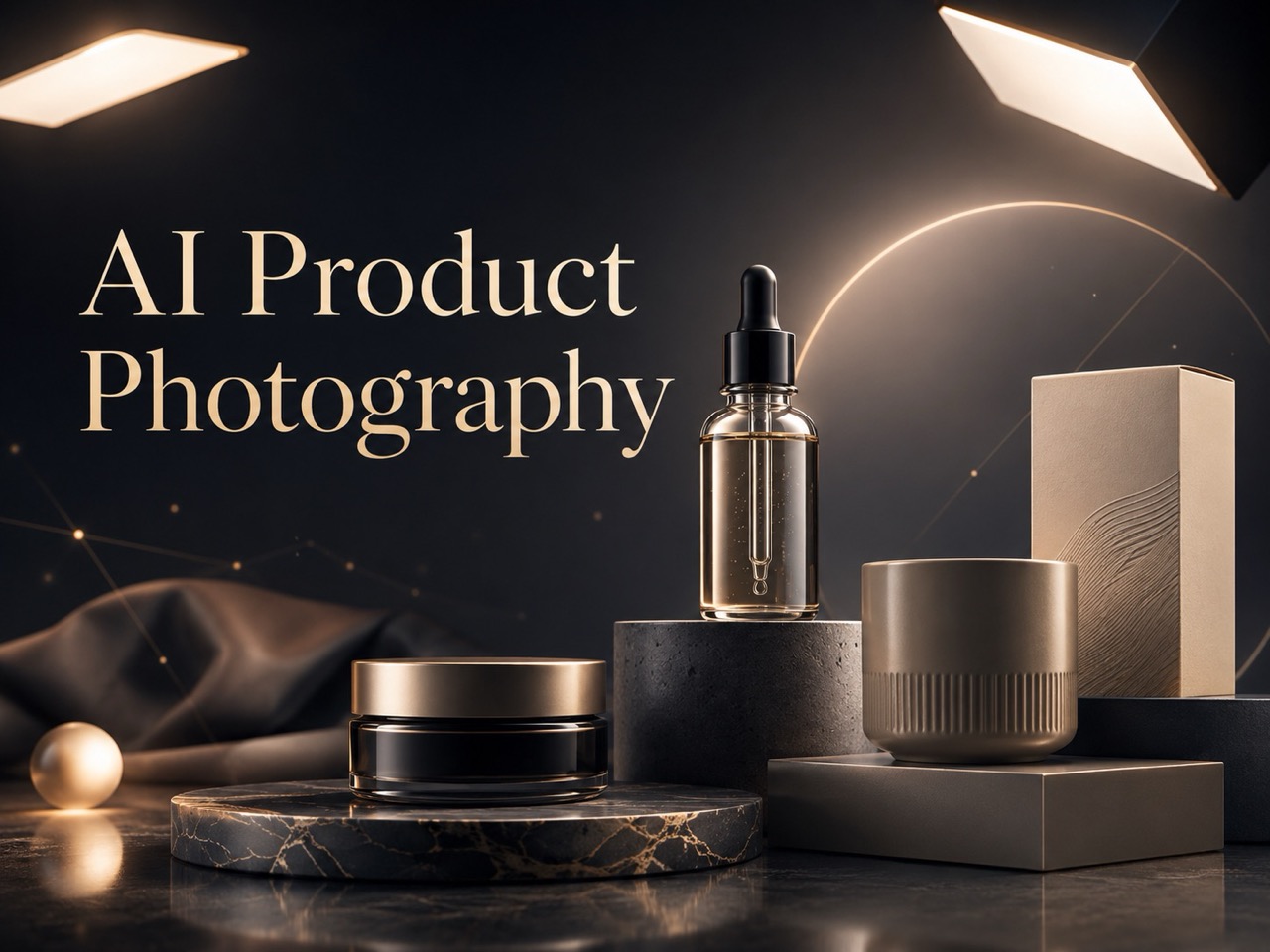
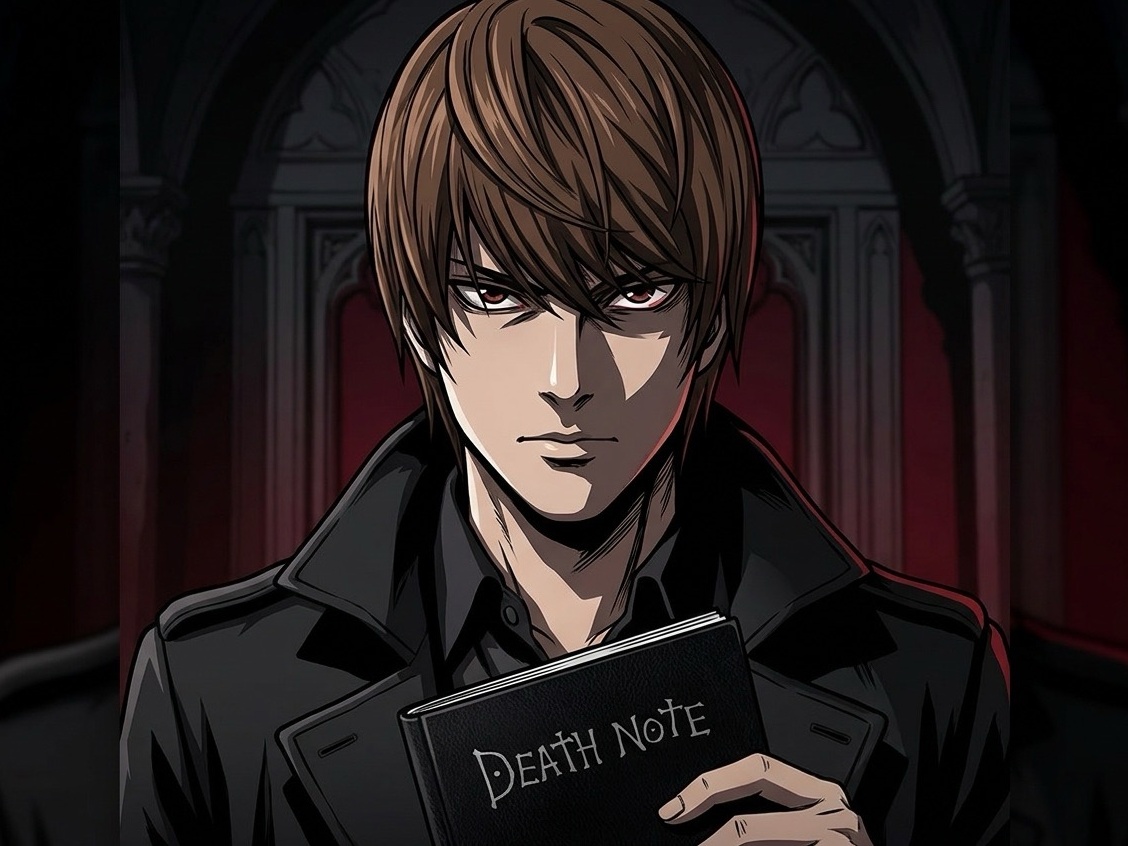
Practical Advantages of AI Thumbnail Maker
AI Thumbnail Maker focuses on real thumbnail needs: better focus, clearer messages, photo-based personalization, prompt control, and visuals that help people understand your content faster. AI Thumbnail Generator features support this by translating plain instructions into strong visual choices. AI Thumbnail Maker is not just about decoration; it helps turn visual material into a clear reason to click.

Turn Ordinary Photos into Strong Thumbnail Concepts
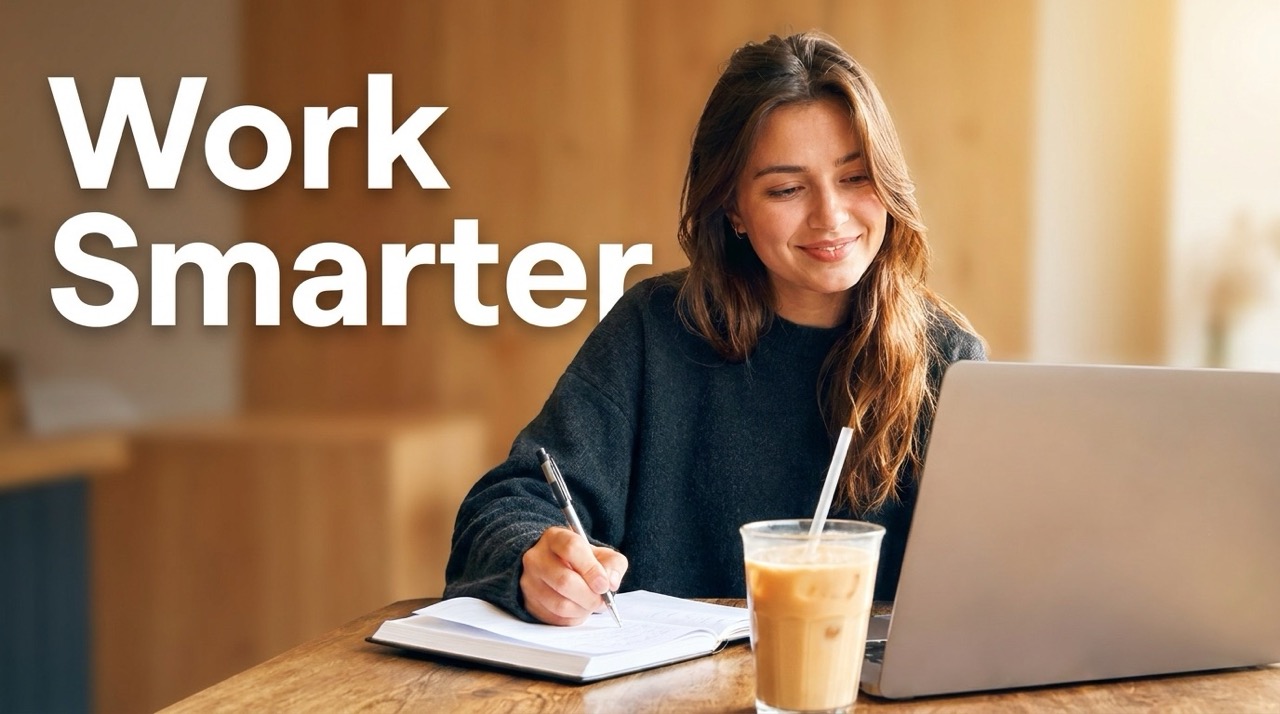
AI Thumbnail Maker is useful when you already have a face, product, screenshot, or scene but the image does not yet feel clickable. Instead of starting from a blank canvas, AI Thumbnail Maker transforms your photo into a focused thumbnail concept. It can simplify a busy background, make the subject stand out, improve visual contrast, and shape the image around the message of your content. This helps creators avoid random screenshots and build covers that feel intentional. AI Thumbnail Maker from Photo also supports a more personal result because the uploaded image stays at the center of the design. AI Thumbnail Generator capability adds the creative framing around that real visual.
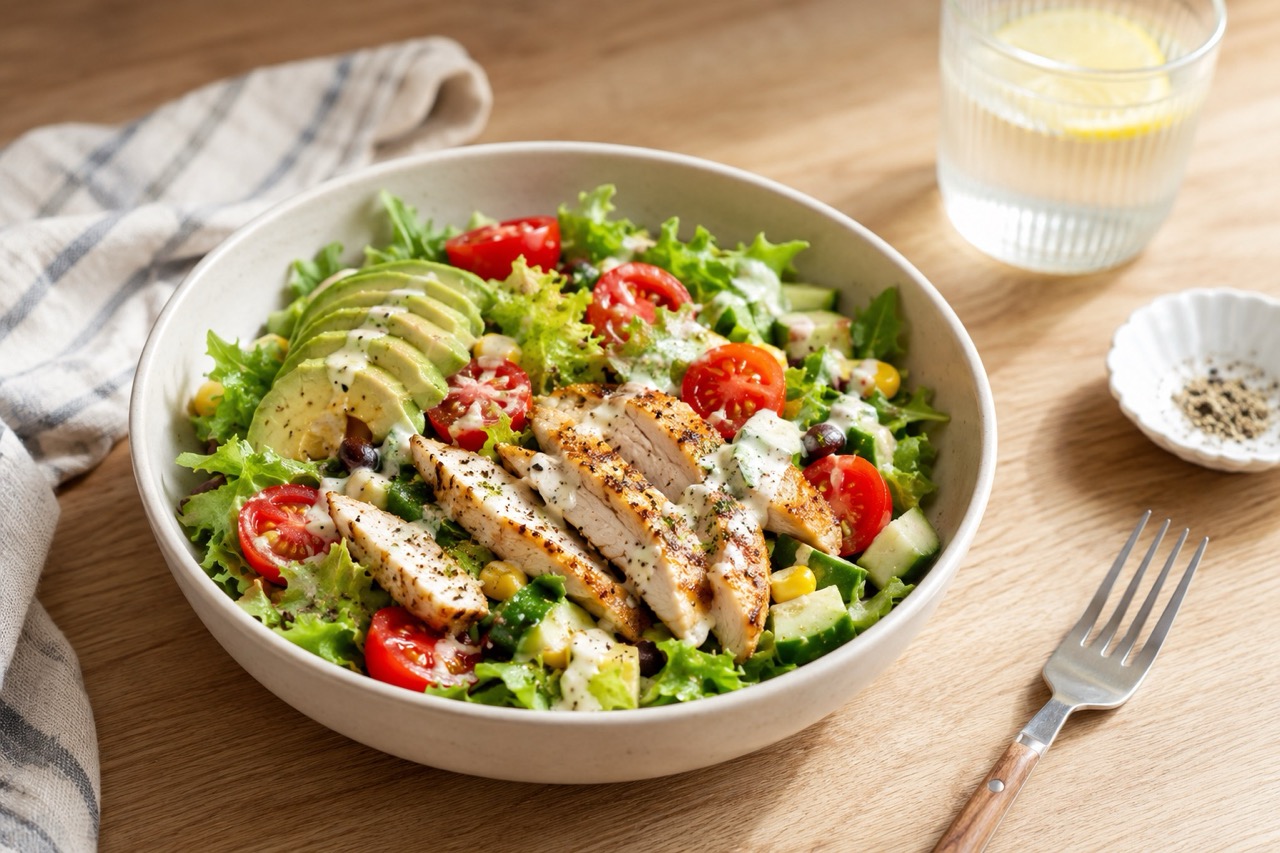
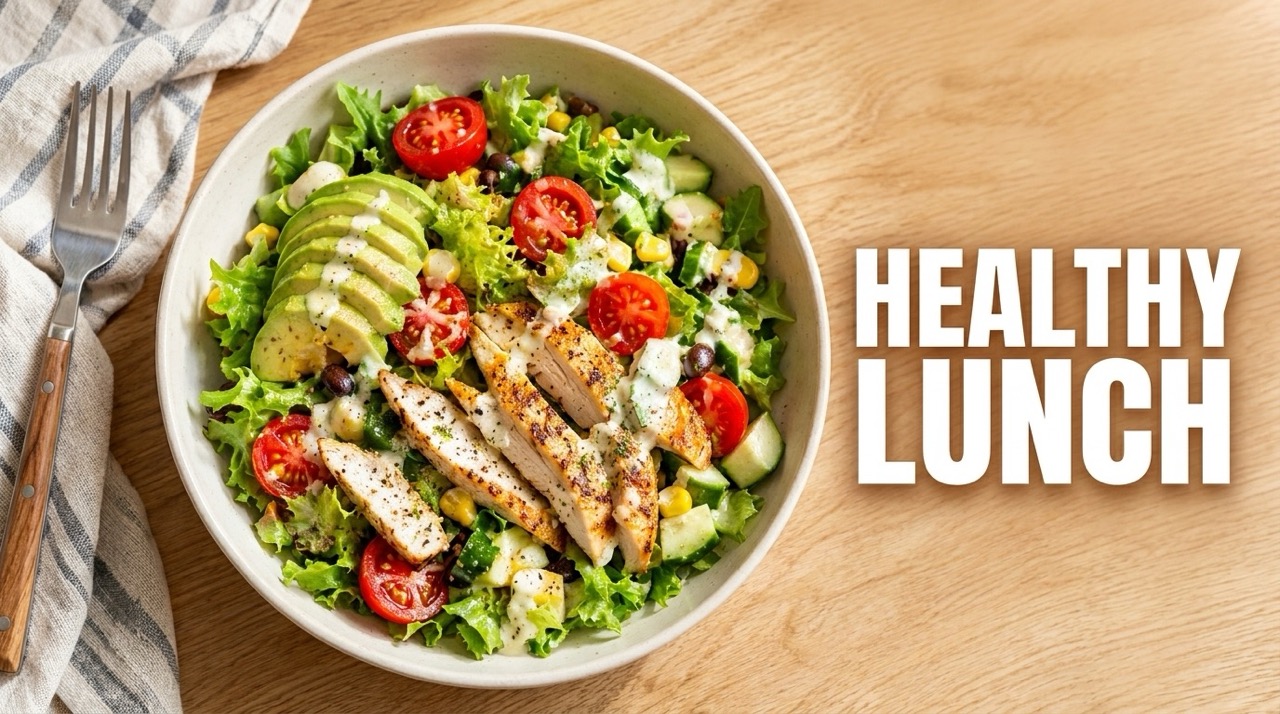
Control the Result with Natural Prompts
AI Thumbnail Maker gives users creative direction through simple language. You can request a shocked reaction, a clean business tutorial style, bold yellow headline text, a darker mystery mood, or a bright educational layout. The prompt turns the workflow into a guided collaboration instead of a fixed template picker. AI Thumbnail Generator support is valuable here because it can interpret visual intent, not just place text over an image. With AI Thumbnail Maker, users can describe the story behind the thumbnail and get a design that matches the video or article promise. AI Thumbnail Maker also helps teams keep repeated content ideas visually fresh.

Create Thumbnails That Communicate Faster
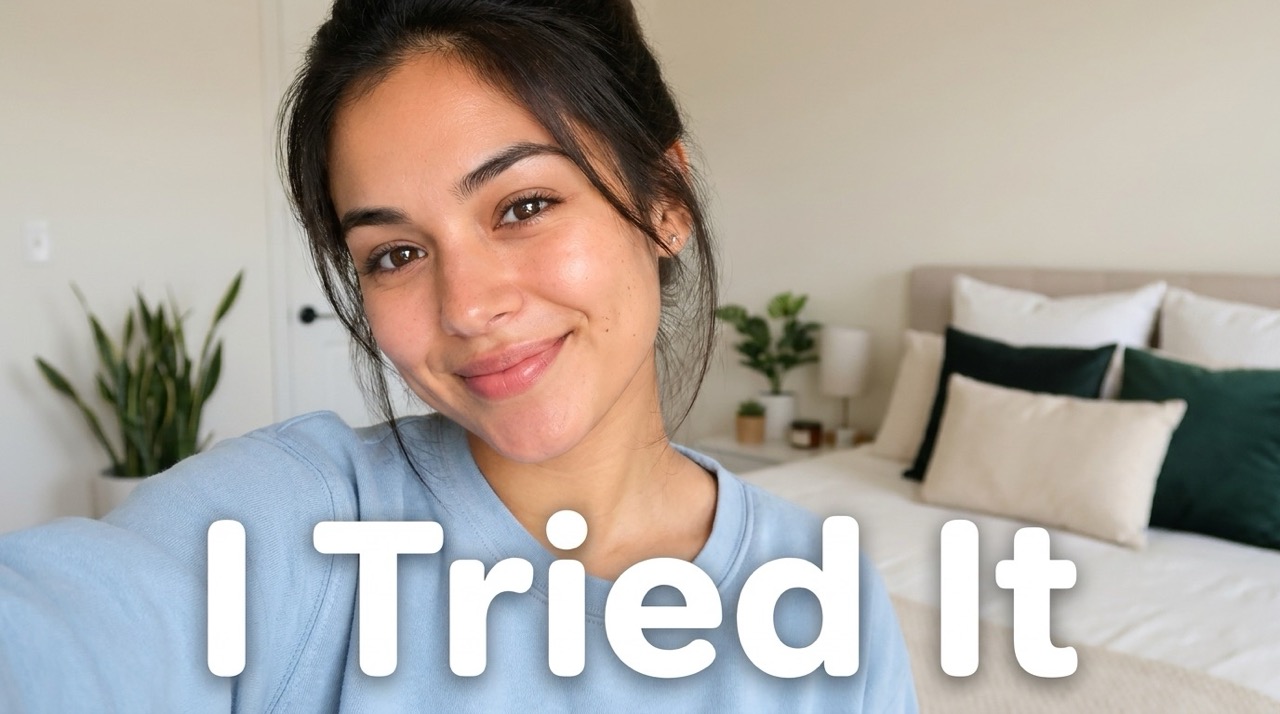
A thumbnail has only a moment to explain why someone should click. AI Thumbnail Maker helps by strengthening the main subject, reducing unnecessary visual noise, and arranging the idea around quick recognition. For YouTube videos, tutorials, reaction content, product demos, podcasts, blogs, and ads, the goal is not decoration; the goal is instant understanding. AI Thumbnail Maker can make a topic feel sharper, more emotional, and easier to scan on crowded feeds. When paired with AI Thumbnail Generator capability, it supports both visual appeal and content clarity. AI Thumbnail Maker helps the cover say what the content is about before a viewer reads the full title.
Who Can Use AI Thumbnail Maker?
AI Thumbnail Maker supports creators, educators, marketers, and social media teams who need fast, clear, photo-based thumbnails for content that competes in busy feeds. AI Thumbnail Generator assistance keeps the process simple while still allowing creative direction. AI Thumbnail Maker helps each group move from rough image to publishable thumbnail idea faster.

YouTube Creators
AI YouTube Thumbnail Maker is ideal for creators who need a cover that matches the video promise. Upload a face, product, or scene, then ask AI Thumbnail Maker for emotion, contrast, text, or niche style. It helps turn raw visuals into thumbnail ideas that feel made for the title. AI Thumbnail Generator workflow also makes it easier to test a new angle before publishing. AI Thumbnail Maker also helps when a video title changes and the visual message needs to change with it. Creators can quickly shift from a serious educational look to a dramatic reaction style, depending on the video hook.

Educators and Tutorial Makers
For lessons, explainers, and how-to content, AI Thumbnail Maker can make the topic obvious at a glance. Use the prompt to request clean labels, simple backgrounds, and a trustworthy visual tone. A good Video Thumbnail Maker helps viewers understand the value before they click. AI Thumbnail Maker is useful for course previews, step-by-step lessons, and knowledge channels that need clarity. AI Thumbnail Generator support helps translate abstract lessons into more concrete visual signals. This is valuable for topics that are difficult to photograph, because the prompt can guide icons, backgrounds, contrast, and headline emphasis.

Marketers and Product Teams
AI Thumbnail Maker helps marketers turn product photos, feature screenshots, and campaign visuals into persuasive covers. It can emphasize the benefit, frame the product clearly, and support ad, landing, or social media content with a more attention-ready image. AI Thumbnail Generator control is helpful when each campaign needs a different mood or message. AI Thumbnail Maker can make a launch image, demo cover, or comparison visual feel more focused. Teams can reuse existing assets while still producing covers that feel tailored to each audience segment.

Bloggers and Social Creators
A Free AI Thumbnail Maker is useful for creators who publish frequently and need strong visuals without building every cover manually. AI Thumbnail Maker can transform portraits, topic images, or lifestyle photos into blog headers, social previews, and promotional covers. AI Thumbnail Maker from Photo is especially useful when visual consistency matters across a content calendar. AI Thumbnail Maker reduces repetitive design work while still letting each prompt define a unique angle. It is helpful for weekly publishing, seasonal posts, listicles, guides, newsletters, and promotional snippets.
What Creators Say About AI Thumbnail Maker
Users choose AI Thumbnail Maker because it turns existing photos and simple prompts into clearer, more clickable thumbnail concepts for different content formats. AI Thumbnail Generator support makes the experience flexible for many content goals. AI Thumbnail Maker is especially helpful when creators want a thumbnail that starts from a real image instead of a generic template.
I used AI Thumbnail Maker for a tutorial video because my original screenshot looked flat. I uploaded my face and wrote a short prompt for bold text and a clean tech background. The result felt much more intentional and saved me a long editing session. AI Thumbnail Generator made it easy to turn a vague idea into something visual. I liked that the final image still looked like my channel, not a generic graphic.
AI Thumbnail Generator tools can feel random, but this workflow made sense. I uploaded a product photo, described the benefit I wanted to show, and AI Thumbnail Maker created a clearer image that looked ready for a campaign preview. AI Thumbnail Maker gave me a quick way to match the image with the offer. It helped me communicate the value before writing extra ad copy.
My videos need strong emotion in the thumbnail. AI Thumbnail Maker helped me keep my face recognizable while changing the background and making the headline easier to read. It is now part of my publishing routine. AI Thumbnail Generator support helped me try a brighter version without rebuilding the thumbnail. The prompt made it simple to request a different mood.
I needed covers for several blog posts, and AI Thumbnail Maker from Photo was the easiest workflow. I used my existing images, added prompts for style, and got consistent visuals without overthinking layout. AI Thumbnail Maker made the process feel simple, even when I needed several variations. That made my workflow faster during a busy publishing week.

FAQs About AI Thumbnail Maker
Find quick answers about prompts, uploads, YouTube use, image choices, and how AI Thumbnail Maker creates stronger thumbnail results. AI Thumbnail Generator support gives users flexible control through text instructions.
Upload a photo, enter a prompt with your idea, then click generate. AI Thumbnail Maker creates a finished thumbnail based on your image and instruction.
Yes. AI Thumbnail Maker can work with an uploaded image alone, but a prompt gives better control over text, style, mood, and audience. AI Thumbnail Generator can still create a general design direction.
AI Thumbnail Generator helps create new thumbnail visuals from your input. AI Thumbnail Maker focuses on the full thumbnail workflow: upload, prompt, generate, and refine. AI Thumbnail Maker is more about the complete creator workflow.
Yes. AI YouTube Thumbnail Maker can create bold covers for videos, Shorts concepts, tutorials, reactions, reviews, and educational channels.
Clear photos with a visible subject work best. AI Thumbnail Maker can use portraits, product photos, screenshots, lifestyle images, or topic-related visuals.
Use a specific prompt. Mention the title text, audience, platform, colors, mood, and style you want AI Thumbnail Generator to follow.
Start Creating with AI Thumbnail Maker
Upload your photo, describe your idea, and let AI Thumbnail Maker generate a clear, eye-catching thumbnail for your next video, blog, ad, or social post. AI Thumbnail Generator support makes each result easier to direct. AI Thumbnail Maker helps make the first visual impression stronger.
