
More AI Image Generators
Explore our collection of specialized AI image generators designed for different creative needs and styles
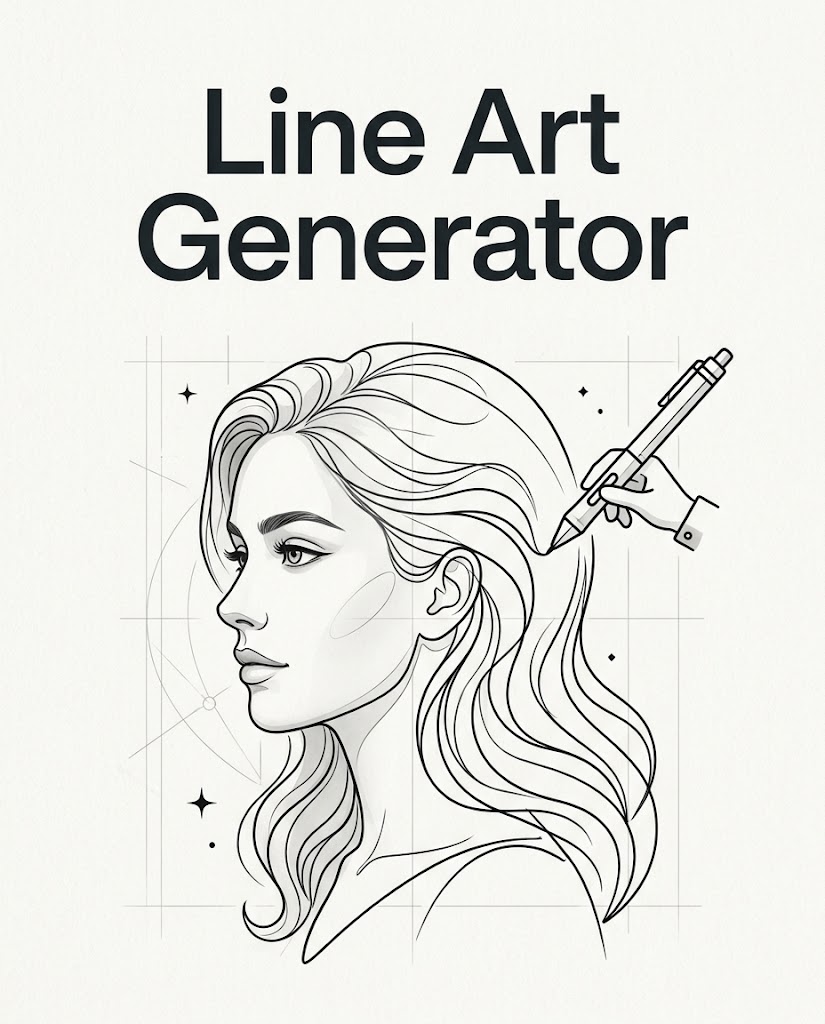
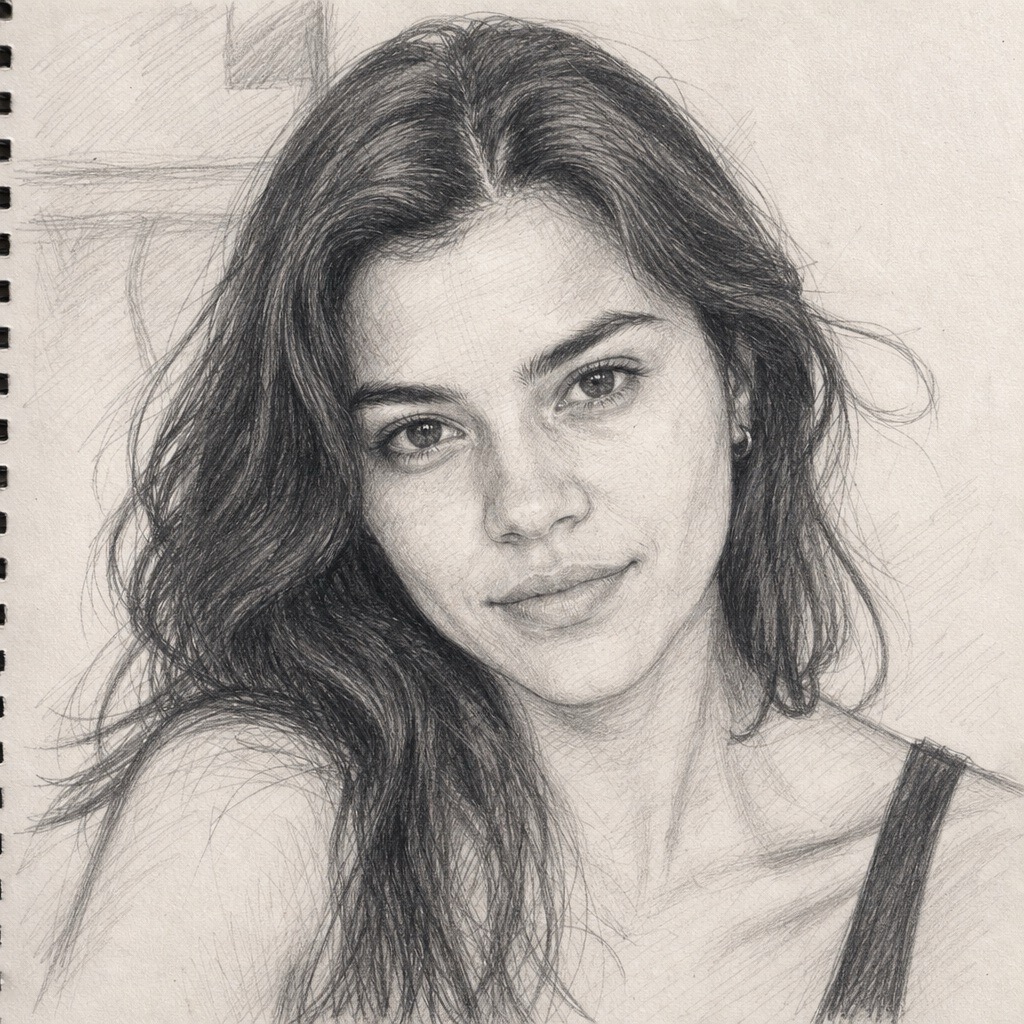
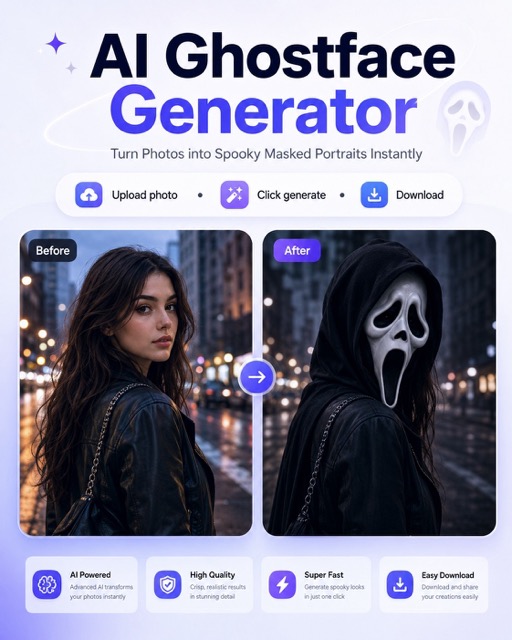


Turn Photos into Sketch Art with Photo to Sketch
Convert images into clean sketch artwork.
Photo to Sketch gives everyday images a hand drawn look without requiring drawing skills or editing software. Photo to Sketch Converter is designed for creators who need a fast image to sketch workflow.
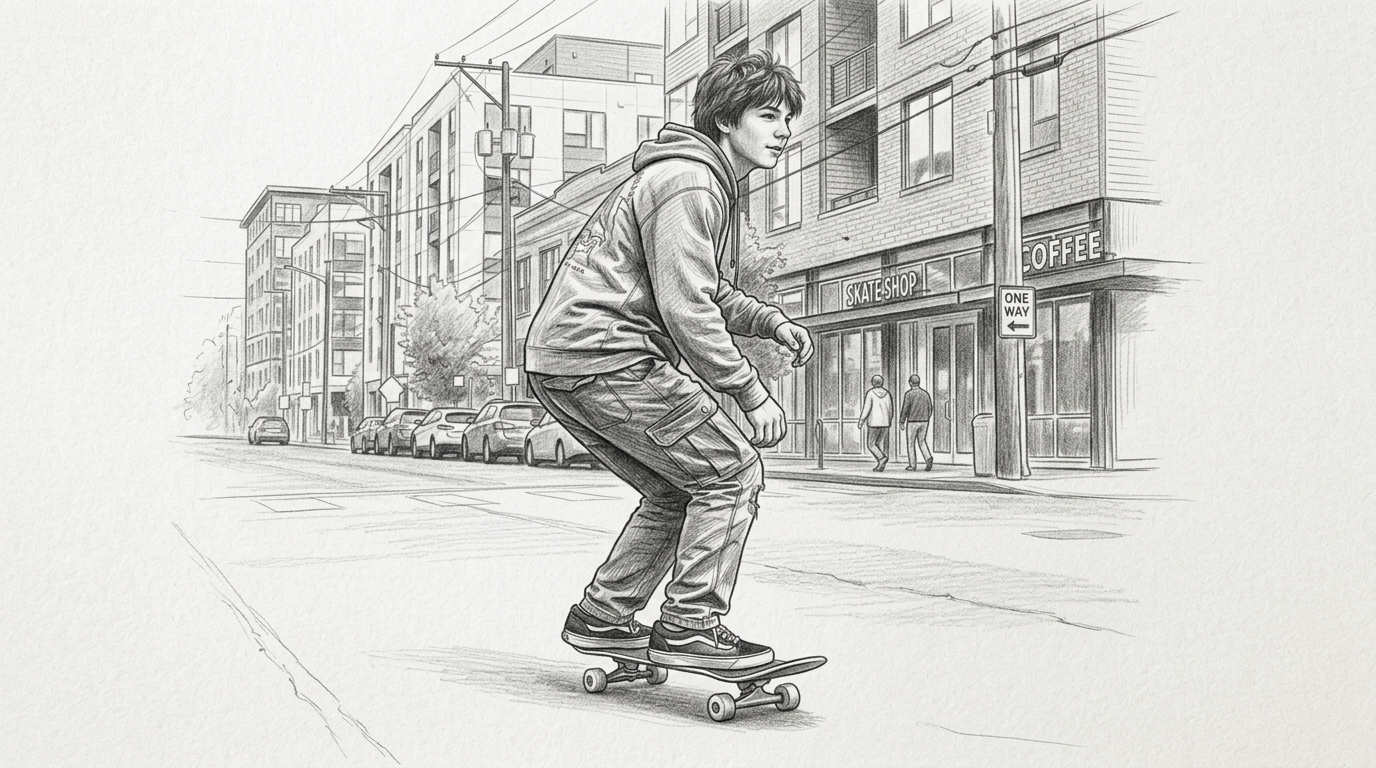
How to Use Photo to Sketch
The Photo to Sketch process is simple enough for quick edits and reliable enough for repeated creative work. You only need one image, one size choice, and one generation step.

Upload Your Photo
Choose a clear portrait, pet photo, object shot, or landscape from your device. Photo to Sketch works best when the main subject is visible and not hidden by heavy blur or extreme shadows. A higher quality upload gives the model more structure to read, which helps the final sketch feel intentional instead of flat.

Select Image Size
Pick the image size that matches your intended use before generating. A square format is useful for profile images, while vertical and horizontal sizes work well for posters, covers, wallpapers, and social layouts. This Image to Sketch step helps you create a result that is ready for the final placement.

Generate and Download
Click generate and let Banana Pro AI transform the uploaded image into a sketch style result. Photo to Sketch simplifies tones, strengthens important contours, and keeps the subject recognizable. Review the output, download it, and use it for personal projects, design drafts, mood boards, or creative sharing.
Best AI Image Tools for Creative Projects
Explore creative tools for image, learn tips and tricks, and see how AI can be your assistant in turning concepts into finished projects.
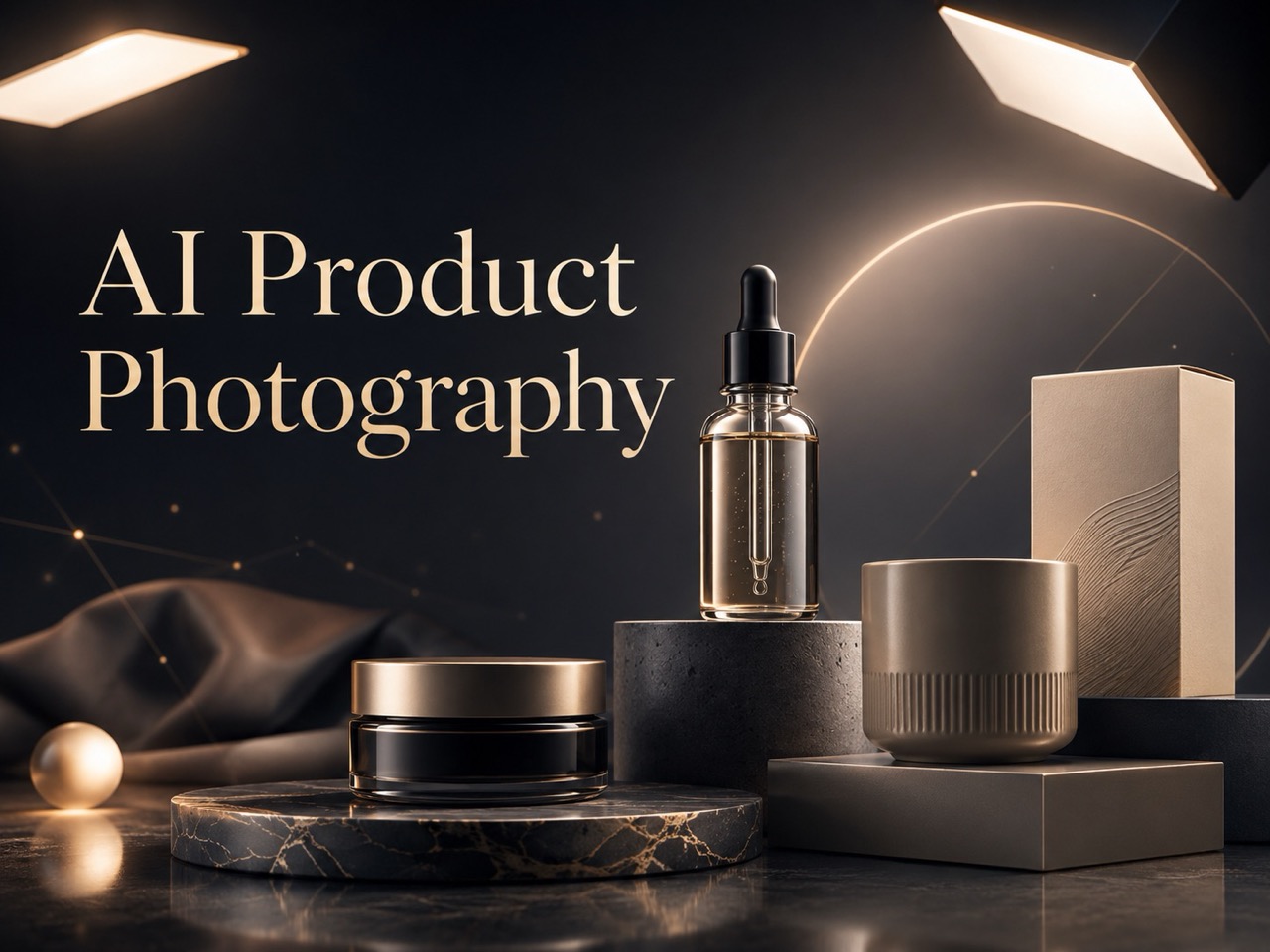
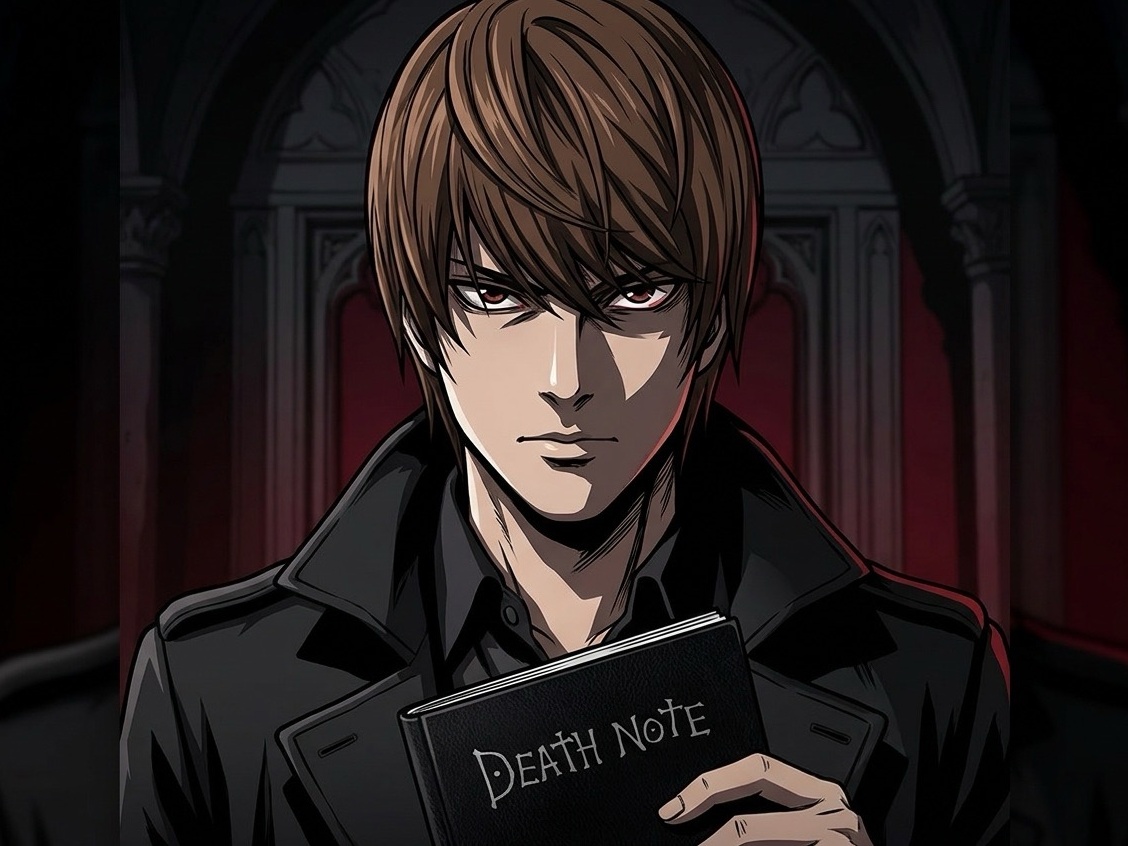
Photo to Sketch Features
Photo to Sketch is built around practical creative needs, not complicated controls. From clean portraits to object references, each feature helps you move from image to sketch art with less manual editing.
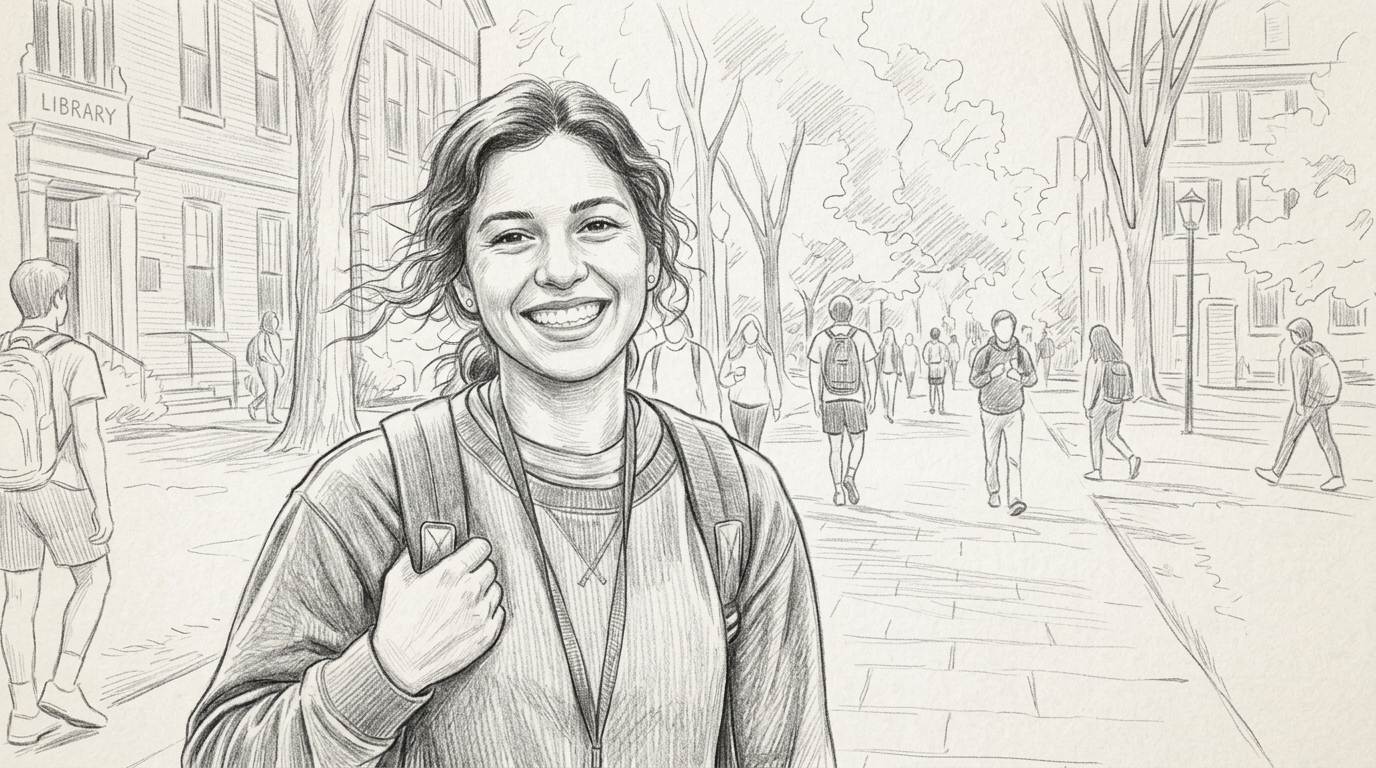
Portrait Sketches with Recognizable Detail
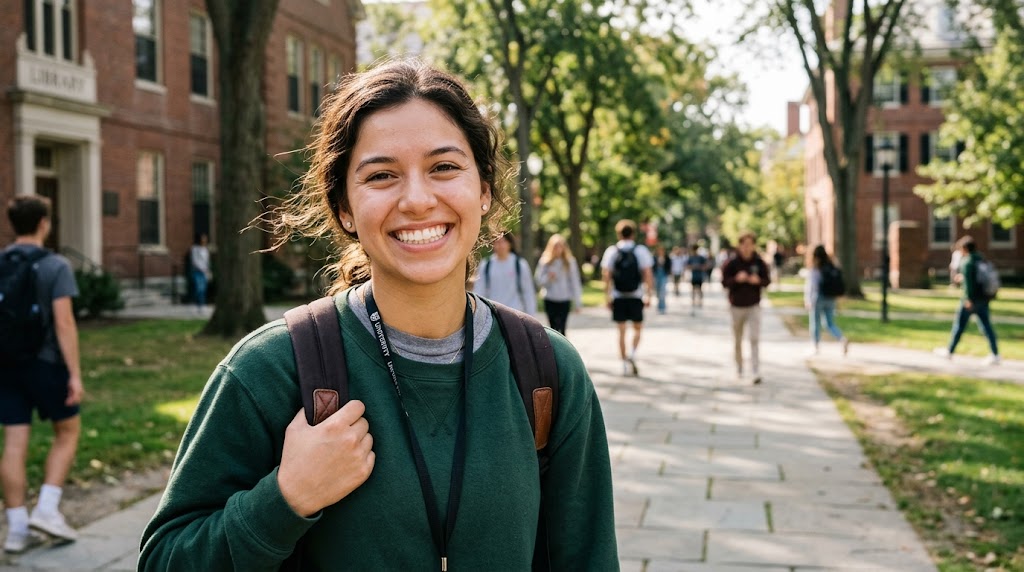
Portraits need more than a generic filter. Photo to Sketch focuses on the features that make a face recognizable, including eyes, hair shape, jawline, and lighting direction. The result keeps the person clear while simplifying skin texture into natural pencil shading. Use Photo to Sketch for profile art, memory gifts, editorial visuals, or personal creative studies when you want personality without heavy retouching.
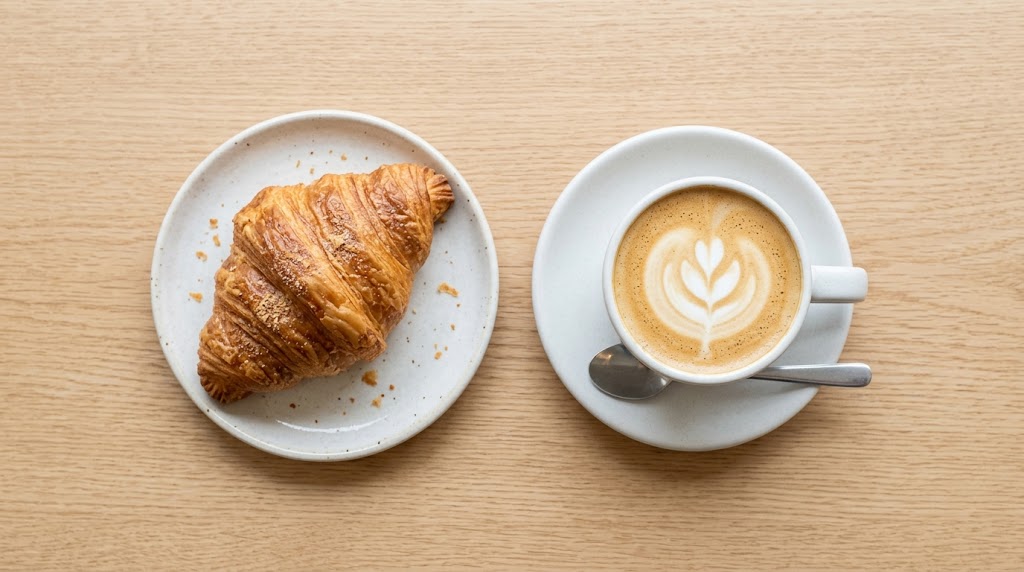
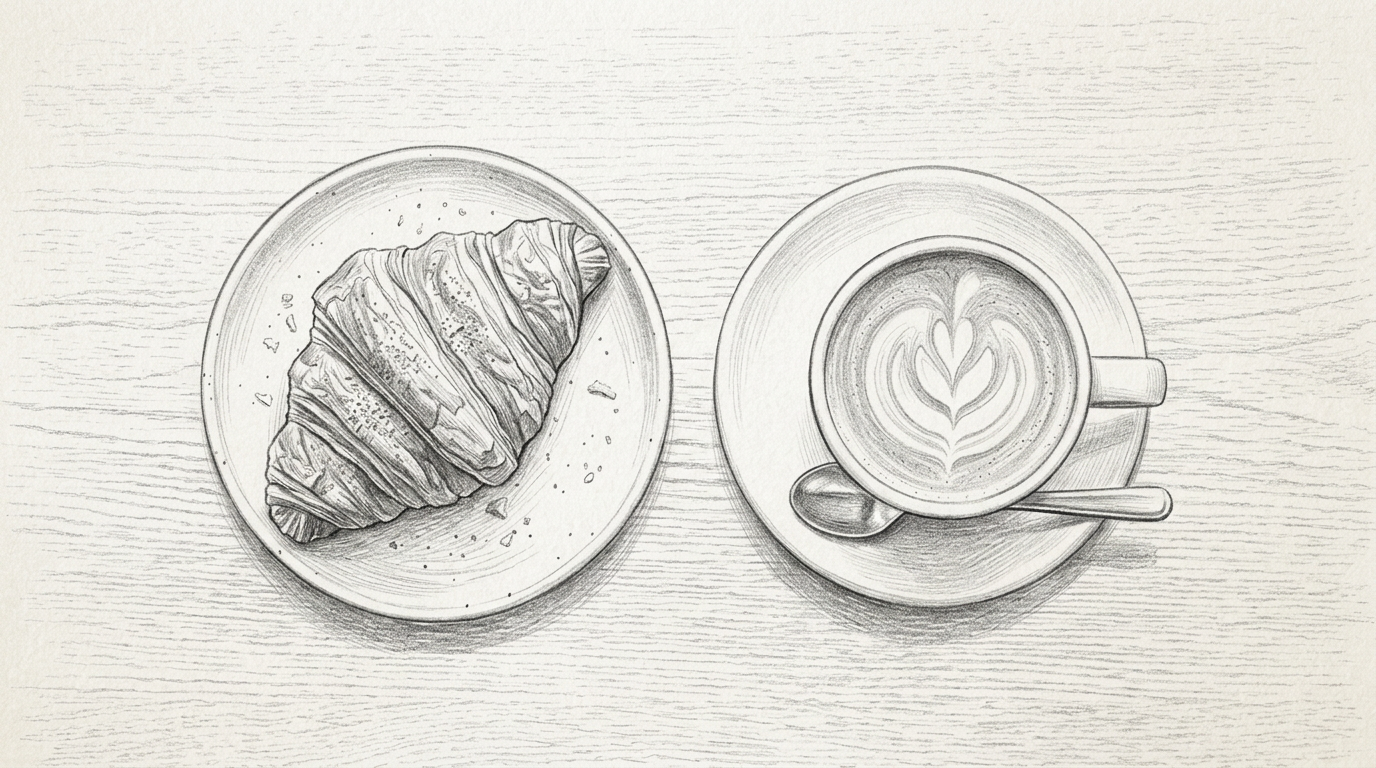
Clean Object and Product Sketch Output
Photo to Sketch also works well for products, accessories, packaging, furniture, and handmade items. It can turn product photos into simplified sketch references that highlight silhouettes, edges, and surface form. Designers can use the output for concept notes, presentation drafts, listing visuals, or style boards where a photographic look feels too direct. Photo to Sketch keeps the object readable. This makes Photo to Sketch practical for both early design thinking and lightweight marketing assets.
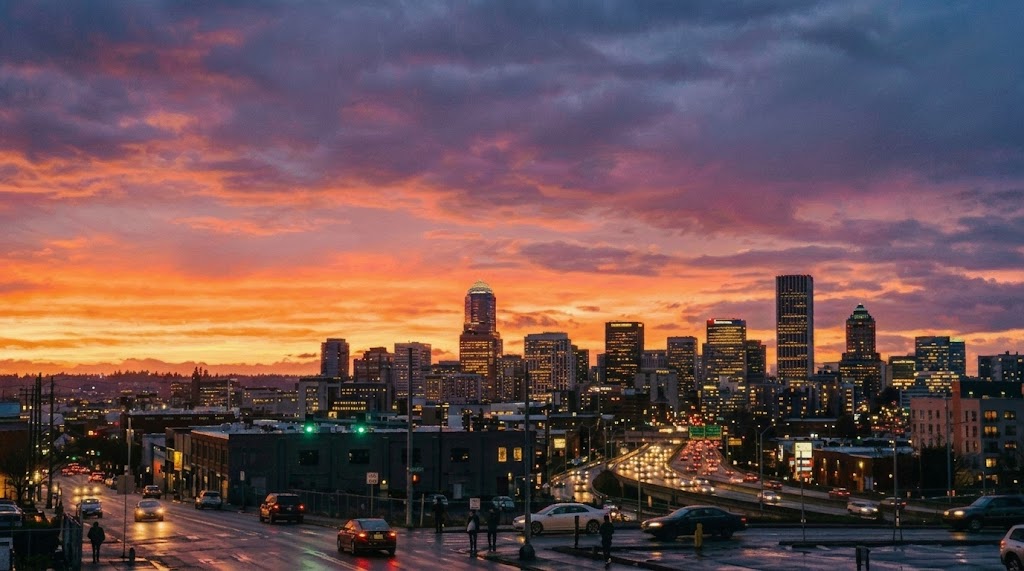
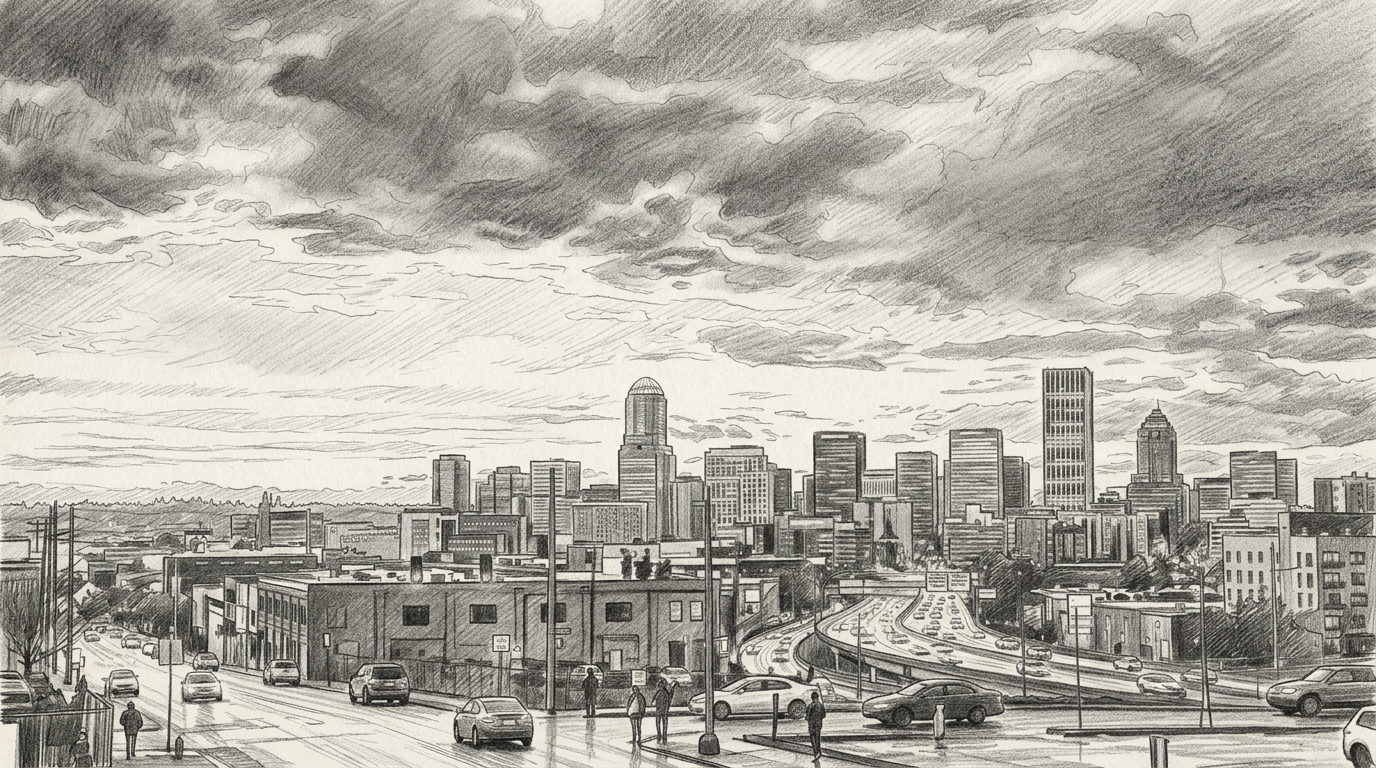
Landscape and Travel Photo Interpretation
Travel and landscape images often include complex backgrounds, skies, buildings, trees, and people. Photo to Sketch reduces visual noise while preserving the main composition, so the final artwork still feels connected to the original scene. It is useful for journal pages, trip recaps, printable keepsakes, and location based creative posts. Photo to Sketch helps scenes feel calm and intentional. The Photo to Sketch style can also make travel collections feel visually consistent.
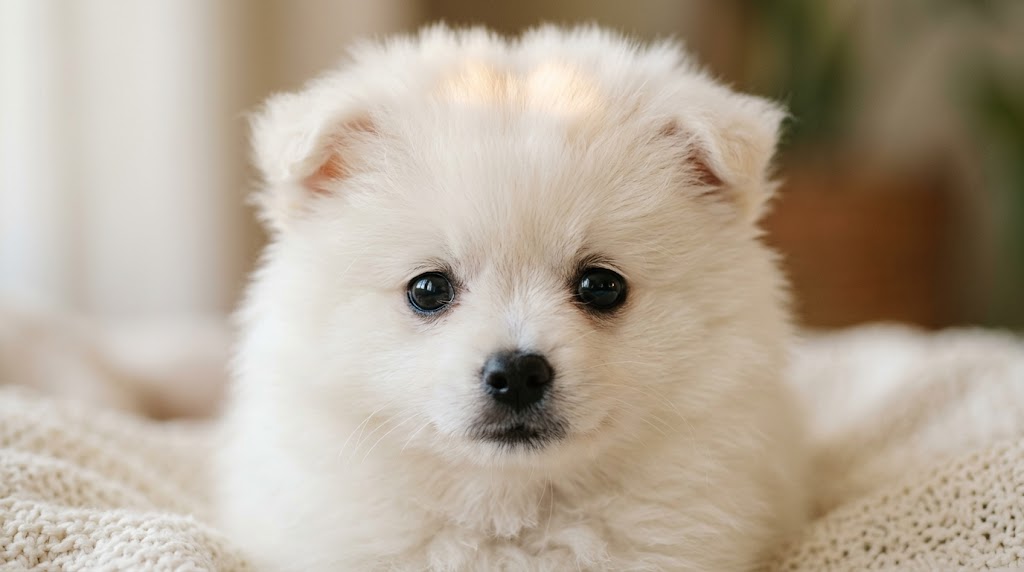
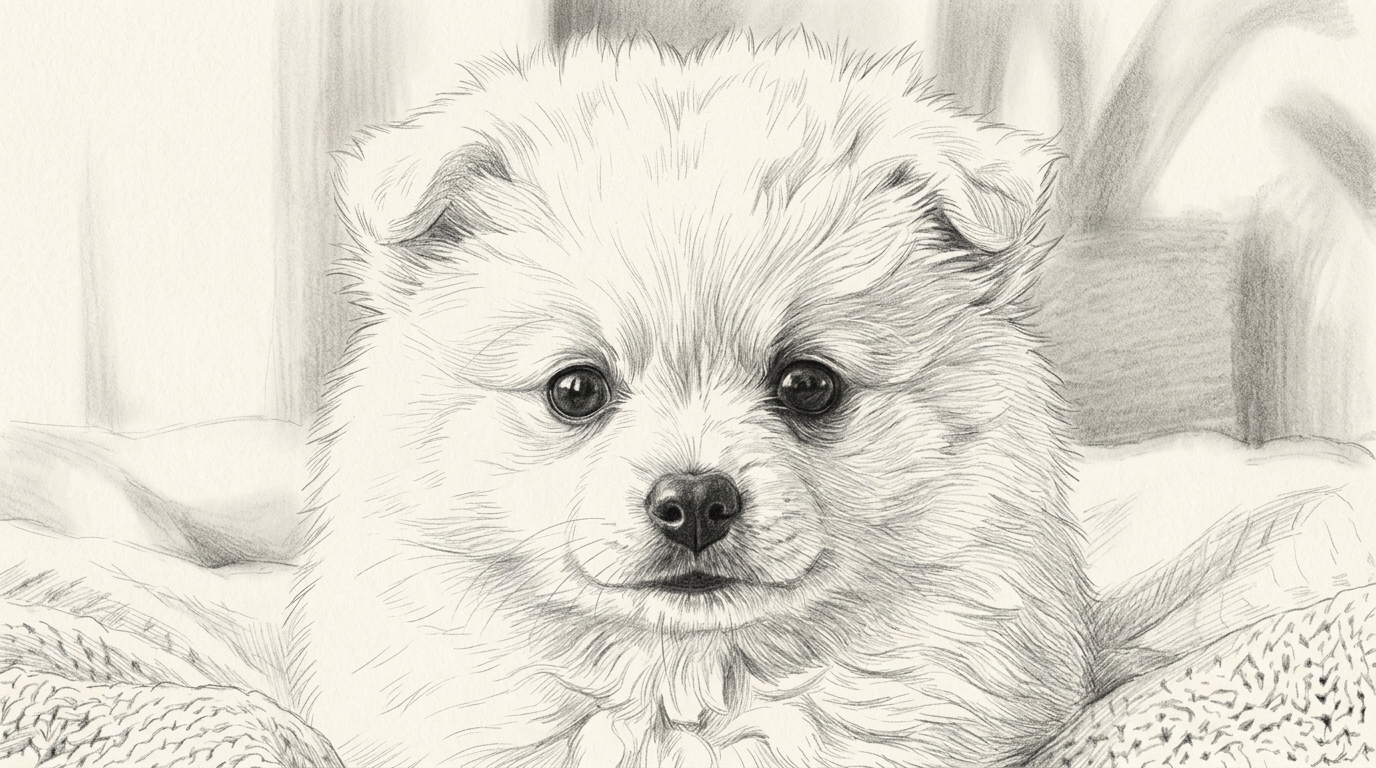
Flexible Image Size for Different Layouts
A sketch result should fit where you plan to use it. Photo to Sketch lets you choose image size before generation, helping you prepare square profile pictures, vertical story images, horizontal banners, or balanced design references. The Image to Sketch Converter workflow saves time because the composition is planned before the style is applied, so Photo to Sketch outputs need less cropping.
Why Choose Photo to Sketch Converter
Photo to Sketch keeps focused on speed, clarity, and useful output. It is made for users who want sketch style images without learning complex image editing tools.

Fast Creative Drafts from Any Photo
When you need visual ideas quickly, Photo to Sketch turns a regular image into a usable creative draft in moments. You can test how a portrait, product, room, or scene looks in pencil style before spending time on manual drawing. This makes Photo to Sketch helpful for brainstorming, client references, early design exploration, and quick content tests. Photo to Sketch keeps the process light.

Natural Sketch Texture without Overediting
Many filters push contrast too far and make images look harsh. Photo to Sketch aims for a cleaner result, balancing visible pencil texture with readable subject detail. It removes unnecessary color information, organizes shading, and keeps edges controlled. The final Image to Sketch output feels polished enough for social, personal, and design use while still looking naturally drawn. It avoids the stiff look of many automatic effects.
Useful for Avatars and Profile Images
A sketch avatar can feel more personal than a standard photo while still showing identity. Photo to Sketch helps you create profile visuals for social accounts, creator pages, team bios, and community platforms. Choose a square image size, upload a clear face photo, and generate a result that feels simple, expressive, and recognizable without looking like a template. Photo to Sketch works especially well with simple backgrounds.

Support for Pets, Gifts, and Keepsakes
Photo to Sketch is especially useful for images with emotional value, including pets, family moments, couple photos, and travel memories. Instead of using a basic black and white filter, you get a sketch style interpretation that can become a card, framed print, digital gift, or scrapbook detail with a more crafted feeling and a personal tone. The result feels suitable for sharing or printing.

Clear Structure for Design References
Designers often need to strip an image down to shape, proportion, and outline. Photo to Sketch makes that easier by turning visual references into cleaner drawing style material. Use it for mood boards, packaging studies, character references, interiors, or product silhouettes where the Image to Sketch result helps reduce distraction and highlight the visual structure. Photo to Sketch can become part of a broader creative workflow.

Simple Workflow for Non Designers
You do not need drawing practice, layer tools, or complicated brush settings to use Photo to Sketch. The workflow is direct: upload, select size, generate, and download. That makes it approachable for students, marketers, sellers, hobbyists, and anyone who wants a tasteful sketch effect without learning professional software first or adjusting many technical settings. Photo to Sketch keeps the experience friendly for first time users.
What Users Say About Photo to Sketch
Creators, sellers, students, and hobbyists use Photo to Sketch when they need a clear pencil style result without a long editing process.
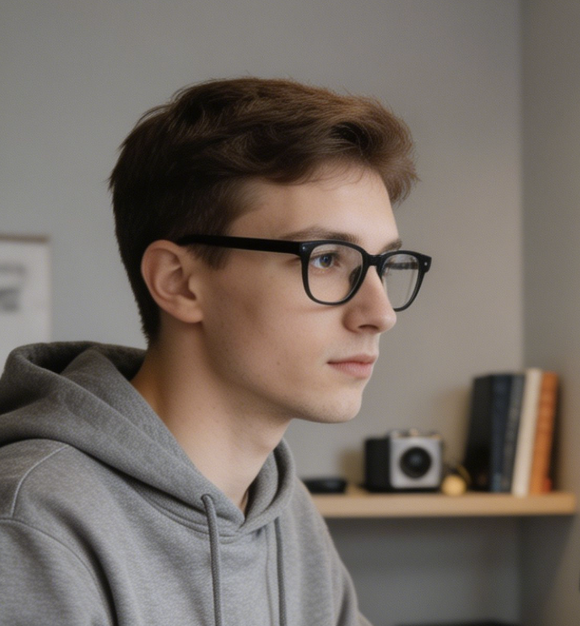
Photo to Sketch gives my portrait clients a softer creative option without making them look unrecognizable. I use it for preview gifts, social posts, and simple print ideas when a normal photo feels too familiar.
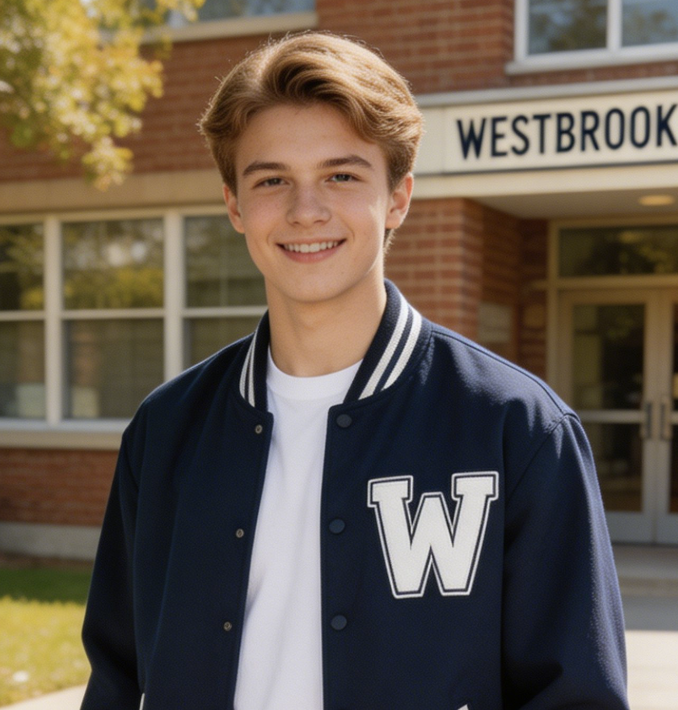
I use Image to Sketch for product concept posts and packaging mood boards. It helps me show form and outline clearly, especially when I want a less commercial look than the original product photo.
Photo to Sketch is useful in class because students can compare the photo with the simplified structure. It helps them understand edges, shadows, and proportions before they start drawing by hand.
The image size option matters a lot for my workflow. I can prepare Photo to Sketch outputs for square posts, vertical stories, and banner layouts without rebuilding the composition afterward.
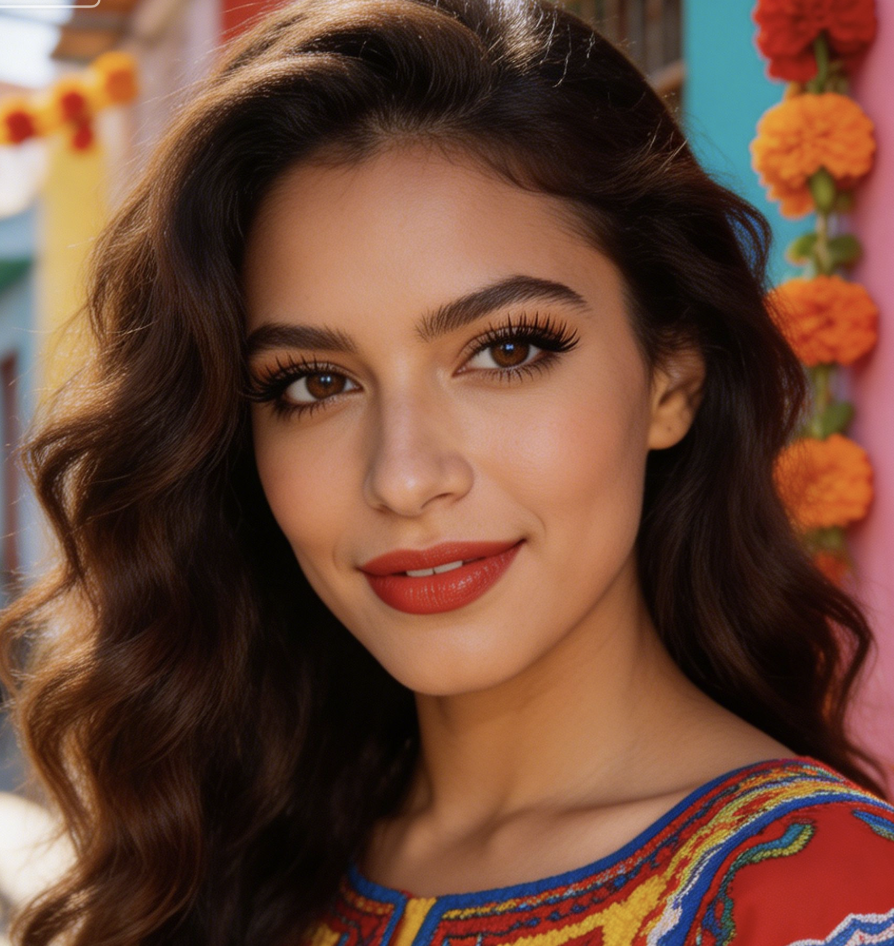
I turned several city photos into sketch style covers for my travel notes. Photo to Sketch kept the architecture readable and gave the pages a consistent visual mood without heavy manual editing.
For early campaign boards, Image to Sketch is a practical way to reduce visual noise. The result still communicates the subject, but it feels more flexible for discussion than polished photography.


FAQs About Photo to Sketch Converter
Have questions before using Photo to Sketch? These answers explain how the tool works, what images perform best, and how to use the output effectively.
Photo to Sketch is an online tool that converts an uploaded photo into a sketch style image. Instead of asking you to draw manually, Banana Pro AI analyzes the subject, outlines, contrast, and lighting, then creates a pencil inspired result. You can use Photo to Sketch for portraits, pets, products, landscapes, profile pictures, gifts, and design references. The process is built for fast creative use.
The Image to Sketch workflow starts with your uploaded image and selected image size. The model reads the visible structure of the photo, separates important edges from background noise, and rebuilds the scene as sketch style artwork. This approach helps Photo to Sketch keep the subject recognizable while changing the visual mood into a cleaner drawing inspired result. You can review the output before using it elsewhere.
Photo to Sketch usually works best with clear images, visible subjects, and balanced lighting. Portraits, pets, product photos, buildings, and travel scenes can all work well if the subject is not too small or heavily blurred. Strong facial angles, messy backgrounds, or deep shadows may still convert, but a cleaner input often produces a more readable sketch. Photo to Sketch rewards clean composition and visible detail.
Yes. Banana Pro AI lets you choose image size before running Photo to Sketch, so the output can match your intended layout. Square sizes are useful for avatars and profile pictures, vertical sizes fit stories and posters, and horizontal sizes work for headers or presentation visuals. Planning the size first reduces cropping work after generation. This makes Photo to Sketch easier to use across channels.
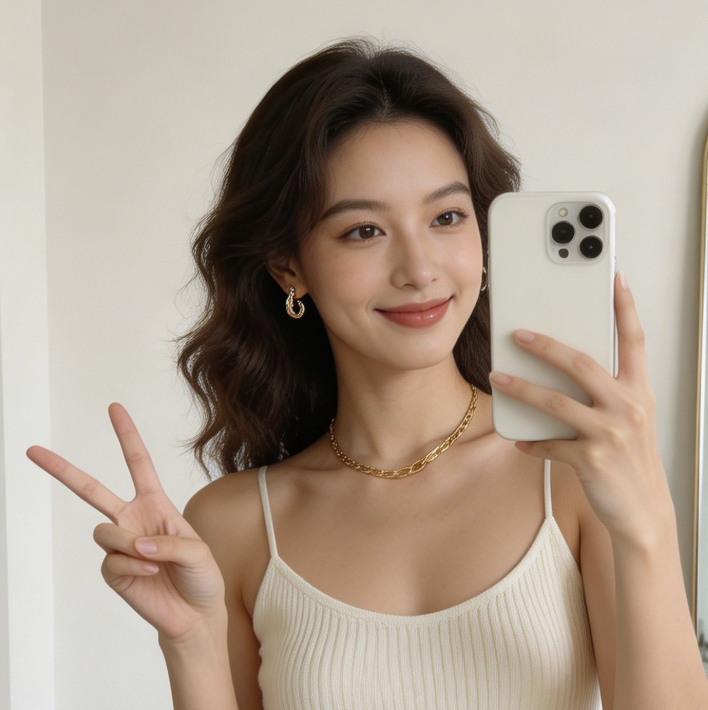
Yes, Photo to Sketch is a strong option for profile pictures when you want something more personal than an icon but less direct than a standard photo. Use a clear portrait with good lighting, select a square image size, and generate a sketch that keeps your face recognizable while giving the image a creative hand drawn look. Photo to Sketch can also help create a consistent personal style.
Yes. Photo to Sketch can simplify product photos, furniture shots, packaging ideas, and reference images into clearer outlines and shading. This helps designers, sellers, and marketers focus on shape rather than color or background detail. The result can support concept boards, early client discussions, product planning, or visual notes without replacing final professional design work. It is a practical Image to Sketch option for planning visuals.
A black and white filter mainly removes color, while Photo to Sketch changes how the image is interpreted. It emphasizes outlines, simplifies tonal areas, and creates a drawing style effect rather than a plain grayscale photo. That difference matters when you want the image to feel like sketch art, not just a desaturated version of the original. Photo to Sketch gives the result more artistic structure.
Yes. You can use Photo to Sketch results for social posts, profile visuals, mood boards, classroom material, personal gifts, blog covers, and creative drafts. For commercial projects, make sure you have the right to use the original uploaded image and any people, brands, or artwork shown in it before publishing the final sketch. Photo to Sketch is flexible, but usage rights still matter.
Create Your Photo to Sketch Artwork Today
Upload a favorite image, choose the right size, and turn it into a clean sketch style result with Banana Pro AI Photo to Sketch.
