
More AI Image Generators
Explore our collection of specialized AI image generators designed for different creative needs and styles
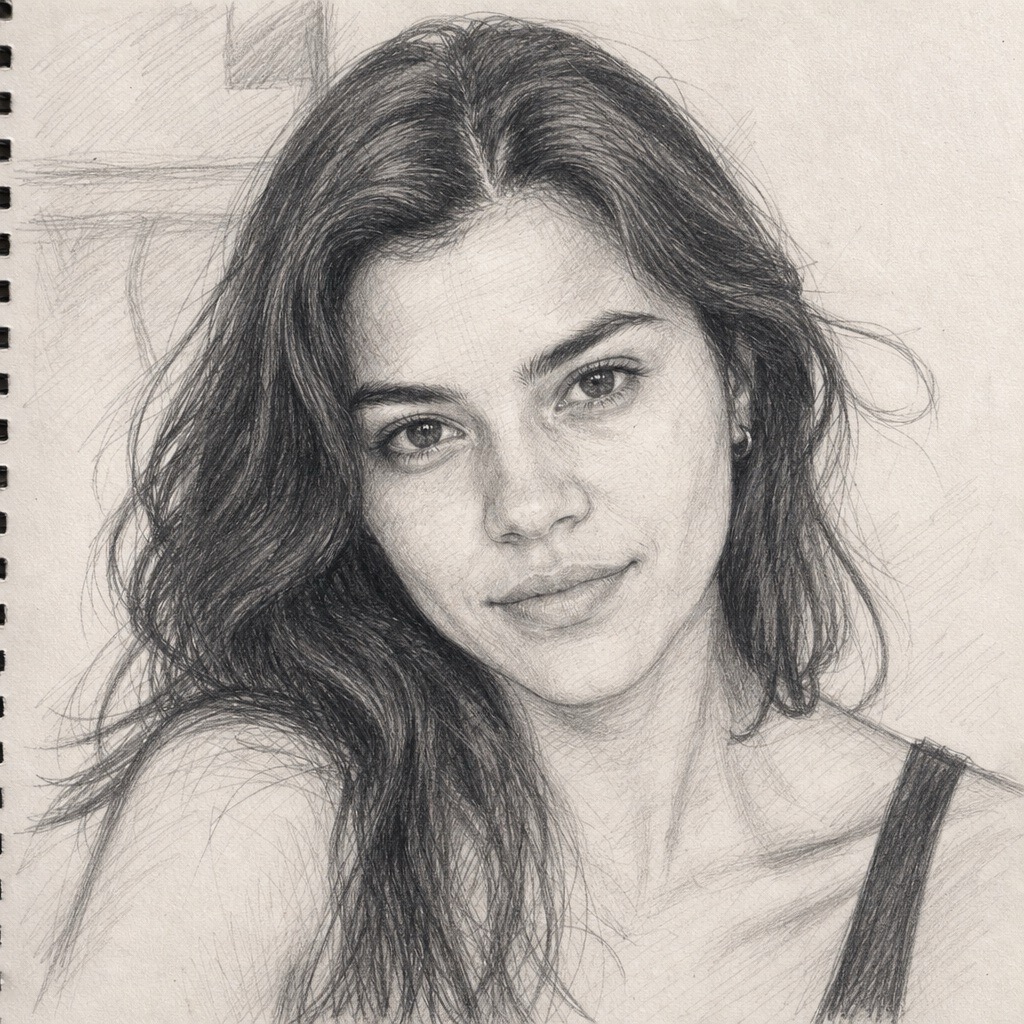
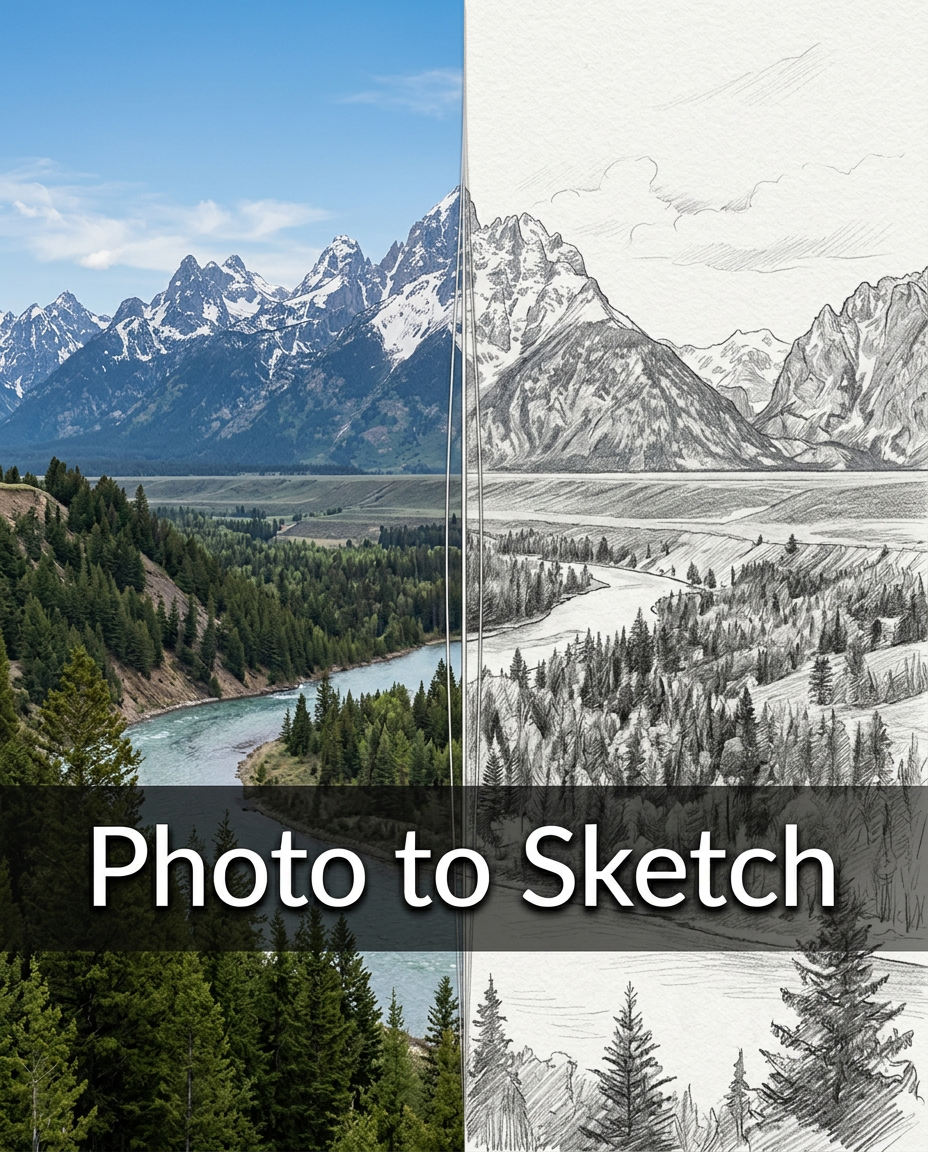



Line Art Generator for Clean Line Drawings
Turn photos into refined black-and-white line art.
Line Art Generator is simple for everyday creators and production teams. The Line Art Generator keeps the workflow focused: upload, preview, refine your use case, and save a clean visual that is easy to reuse.
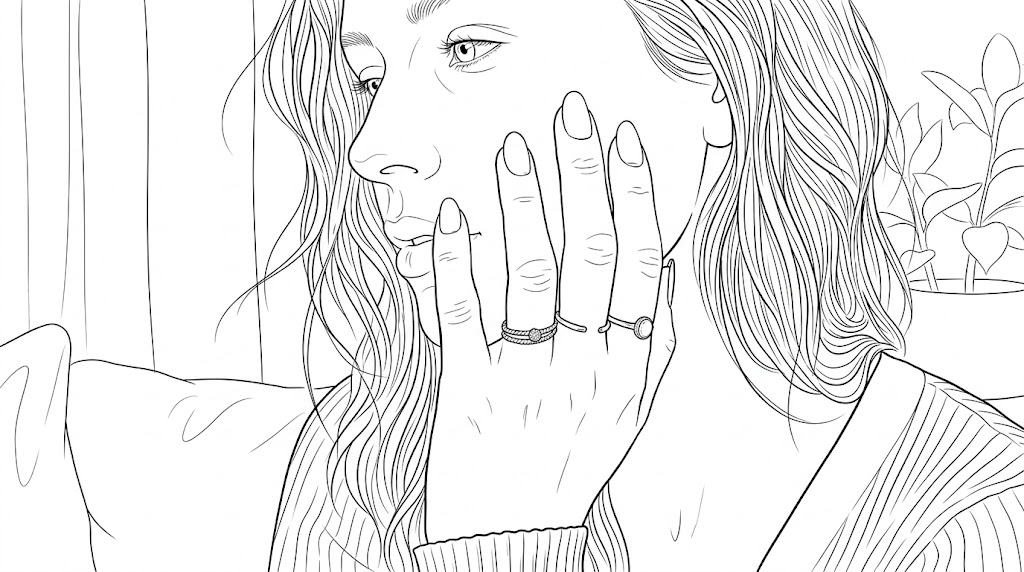
How to Use Line Art Generator
Line Art Generator is designed around a clear three-step workflow. Upload an image, choose the image size, and generate a clean line art version without learning complex editing software. Line Art Generator keeps each step practical.

Upload Your Photo
Start the Line Art Generator by uploading a clear photo from your device. Portraits, pets, products, buildings, objects, and lifestyle images all work well when the subject is visible. For the best Photo to Line Art result, use an image with good lighting and a simple background so edges, contours, and facial details can be interpreted more cleanly, with cleaner outlines.

Choose Image Size
Before generation, select the image size that matches where the final artwork will appear. The Line Art Generator supports different ratios for profile visuals, social posts, and design references. Choosing the right size early helps your Image to Line Art output feel balanced, with the subject centered and enough space around important outlines. The Line Art Generator makes sizing part of the creative setup.

Generate and Download
Click generate and let the Line Art Generator convert the uploaded image into a drawing-style visual. Review the result for outline clarity, facial structure, object shape, and overall composition. When the Photo to Line Drawing output looks right, download it for coloring pages, mood boards, product drafts, study notes, craft templates, or visual content. The Line Art Generator keeps exporting simple.
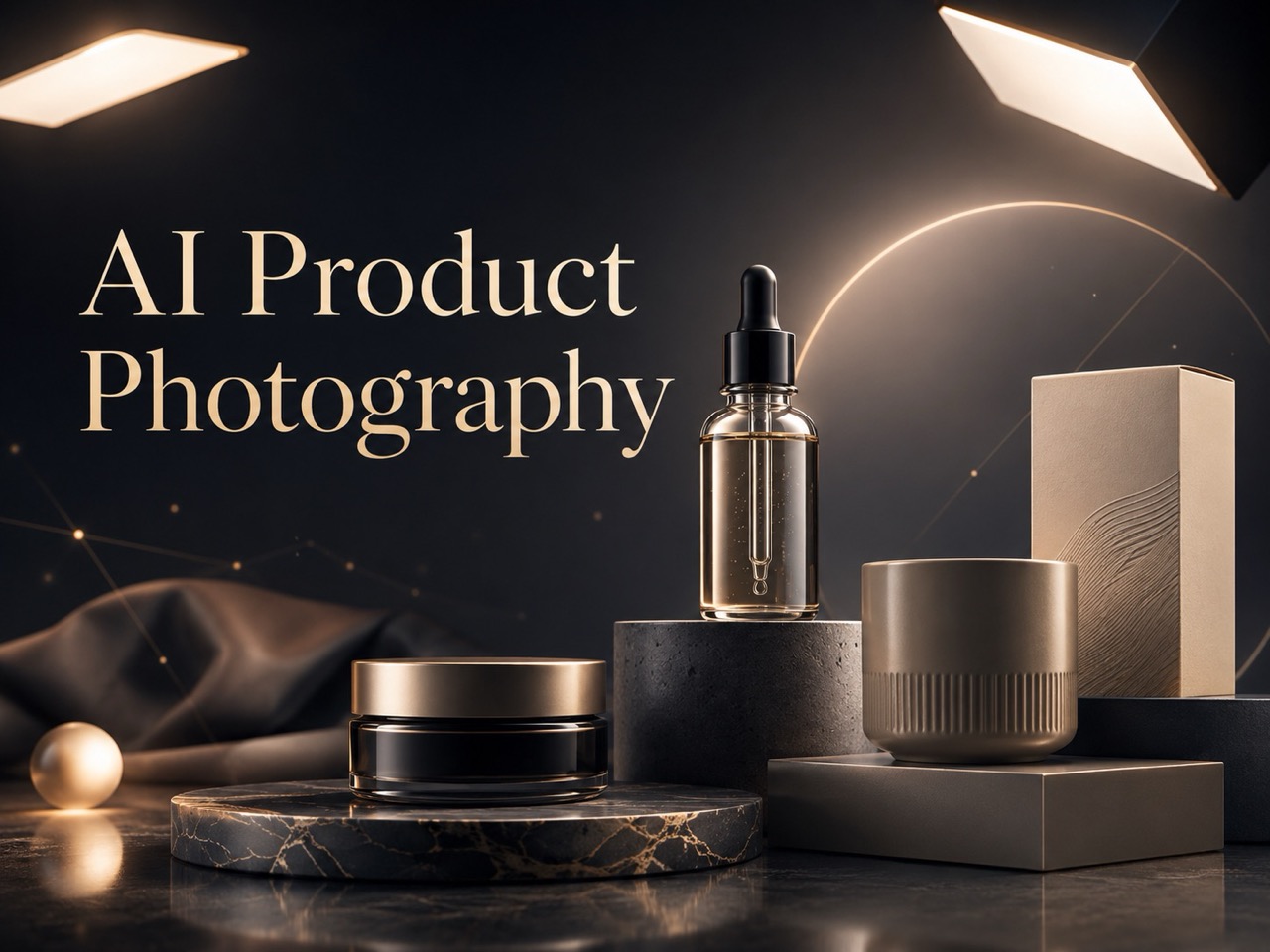
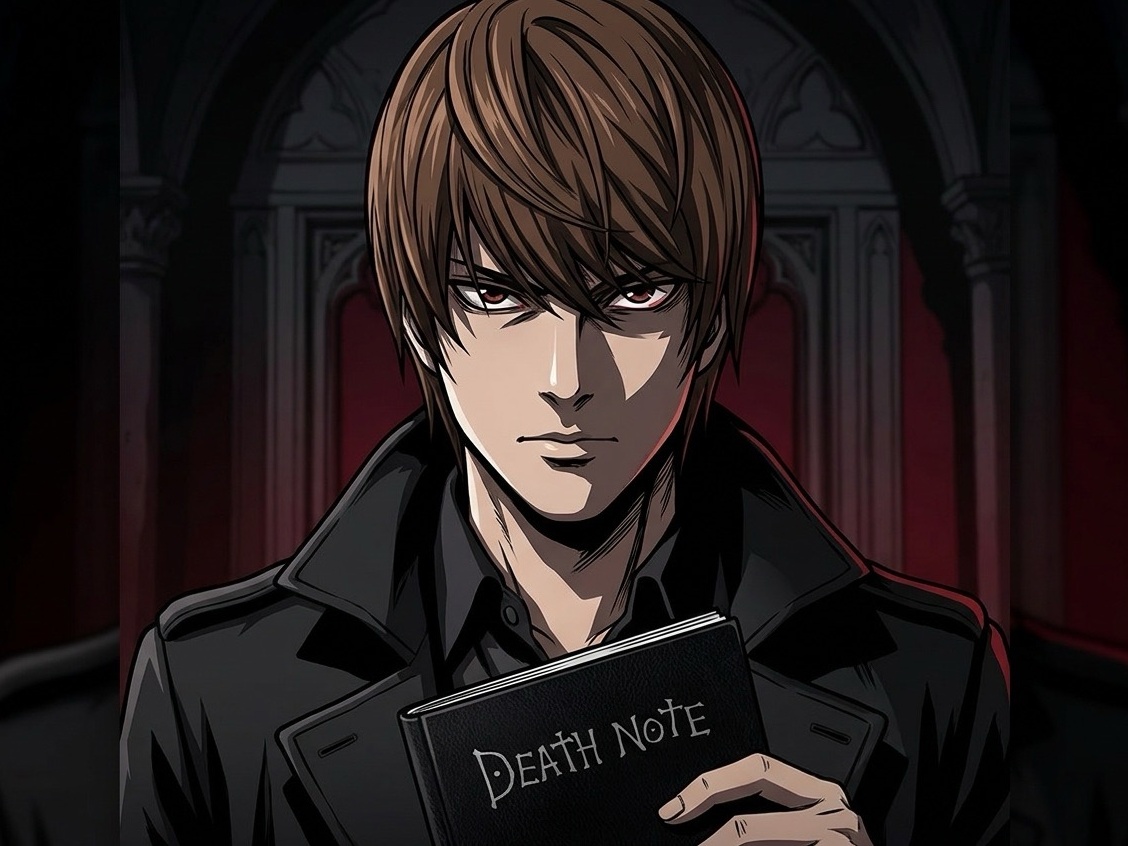
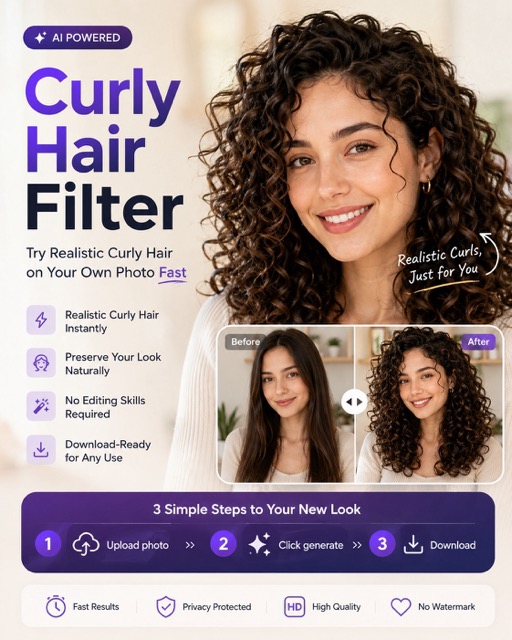
Best AI Image Tools for Creative Projects
Explore creative tools for image, learn tips and tricks, and see how AI can be your assistant in turning concepts into finished projects.

Features of Line Art Generator
Line Art Generator supports practical creative work, not just a quick visual effect. Use it for portraits, products, scenes, worksheets, references, and reusable design materials. Line Art Generator fits both personal and professional projects.

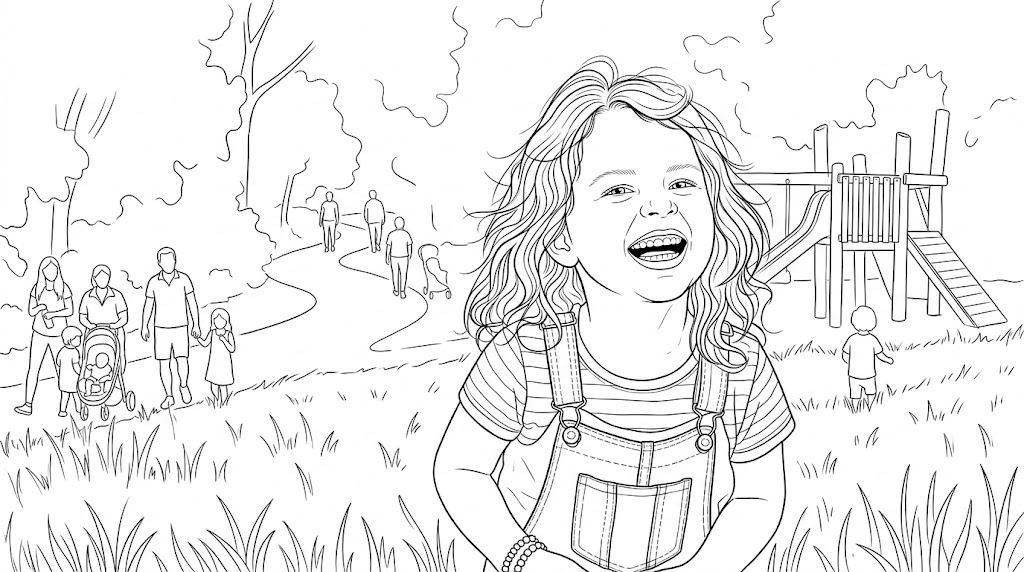
Portraits with Clear Facial Structure
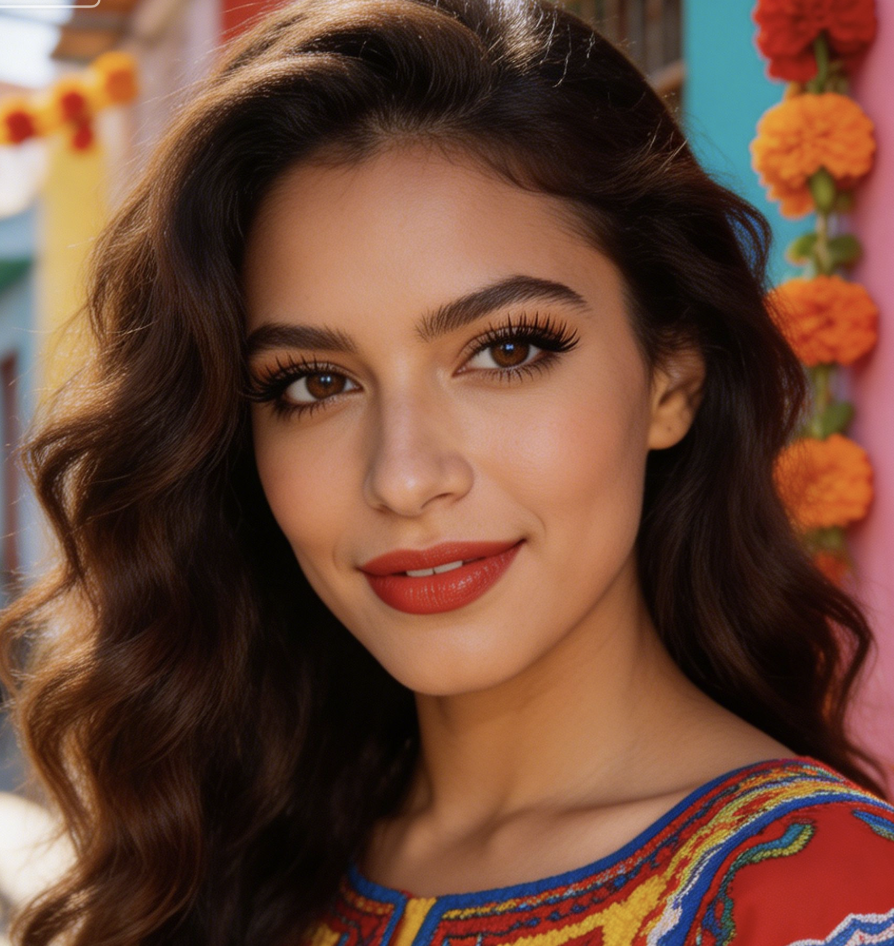
- The Line Art Generator turns portrait photos into clean outlines while keeping the face readable and natural.
- Use Photo to Line Art for profile concepts, avatar drafts, tattoo references, and personalized coloring pages.
- For best results, upload a front-facing or three-quarter portrait with balanced lighting.

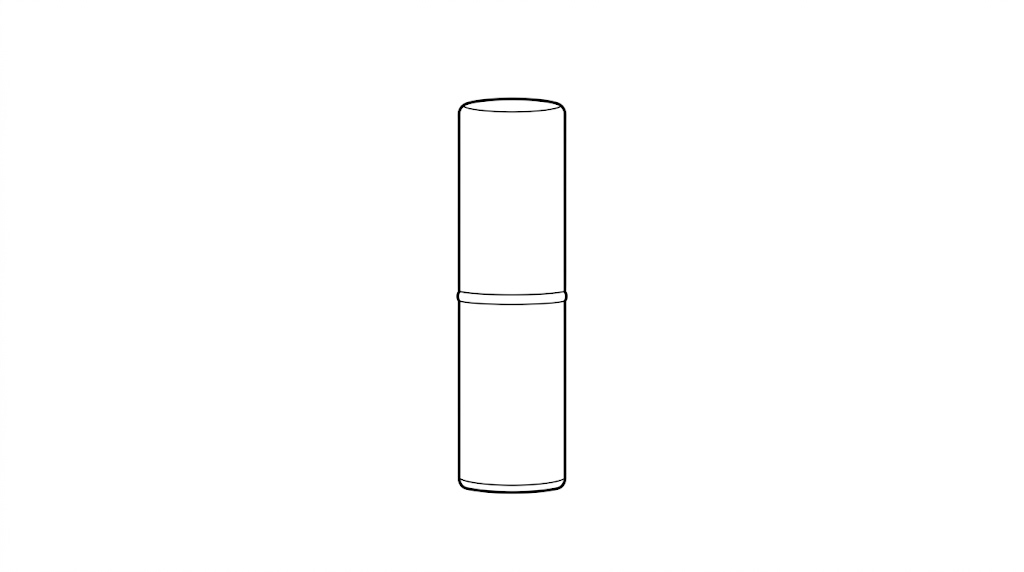
Objects, Products, and Craft Templates
- Use the Line Art Generator to convert product photos, handmade items, tools, packaging, or decor into neat drawing assets.
- Image to Line Art is useful when you need a simplified reference for manuals, listings, stickers, classroom materials, or craft planning.
- The output focuses on recognizable contours instead of heavy texture, so the subject remains easy to print, annotate, color, or reuse.
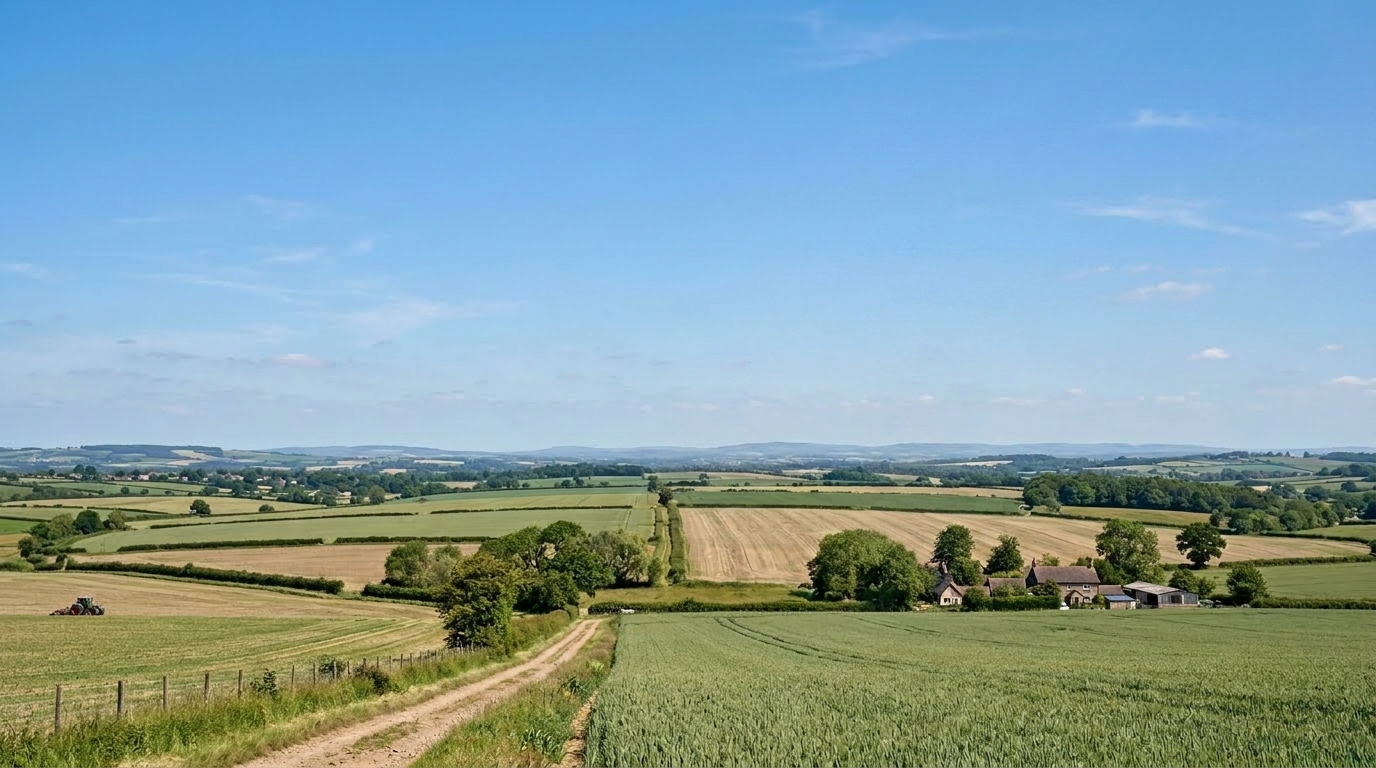
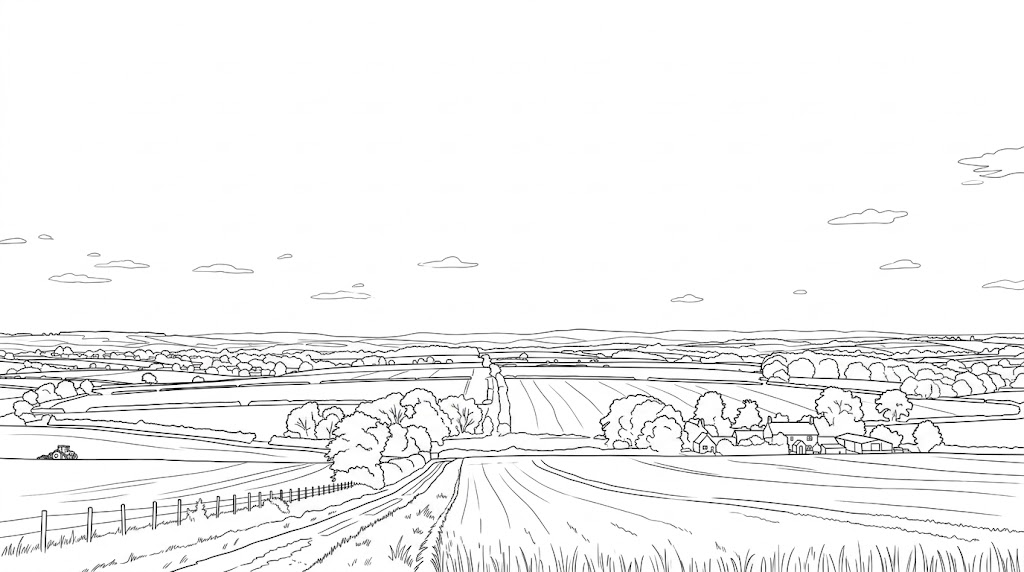
Architecture, Interiors, and Scene Drafts
- The Line Art Generator helps turn rooms, storefronts, street views, and building photos into structured outlines.
- Designers can use Photo to Line Drawing outputs as fast references for composition, layout discussion, perspective study, or client notes.
- Instead of redrawing from scratch, you can upload a scene, select the proper ratio, and create a cleaner visual base for planning.
- The Line Art Generator supports early-stage visual thinking.
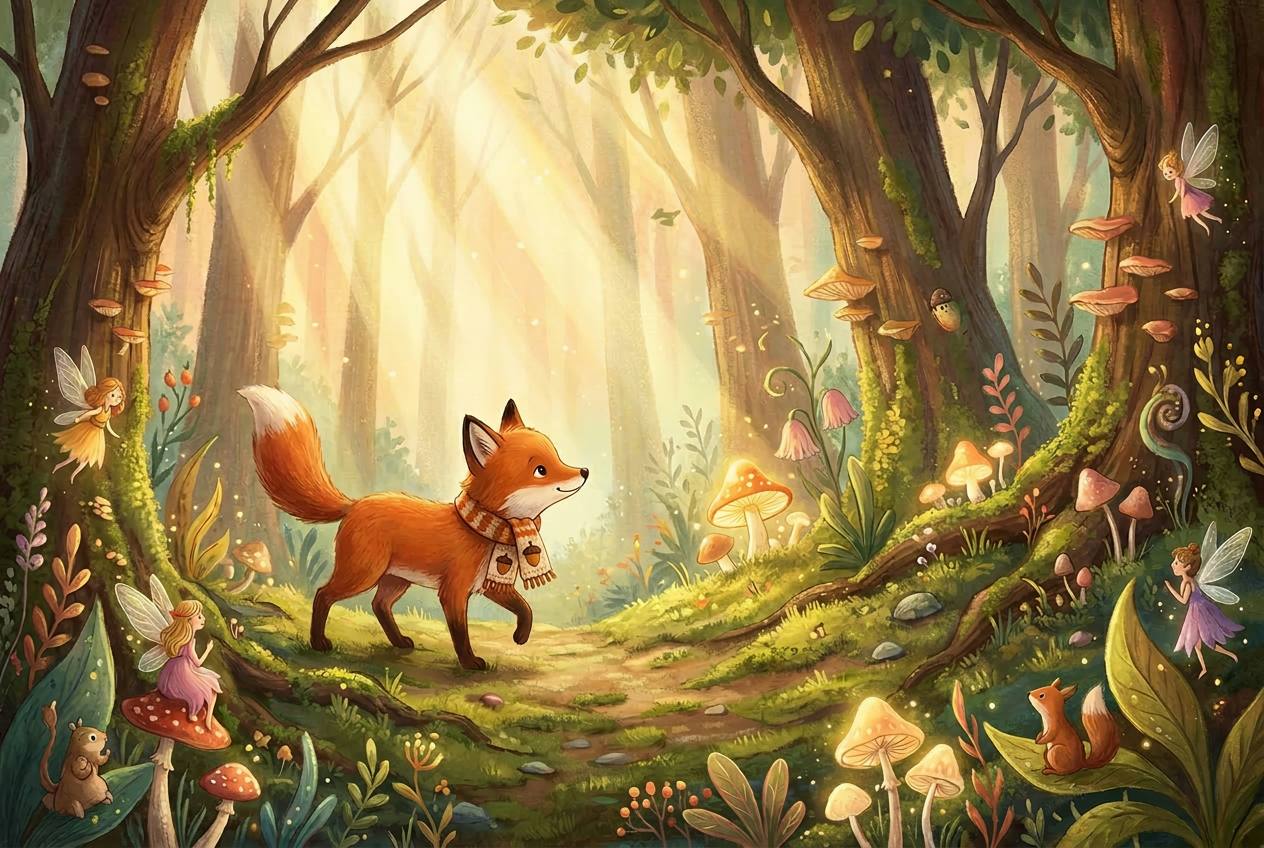
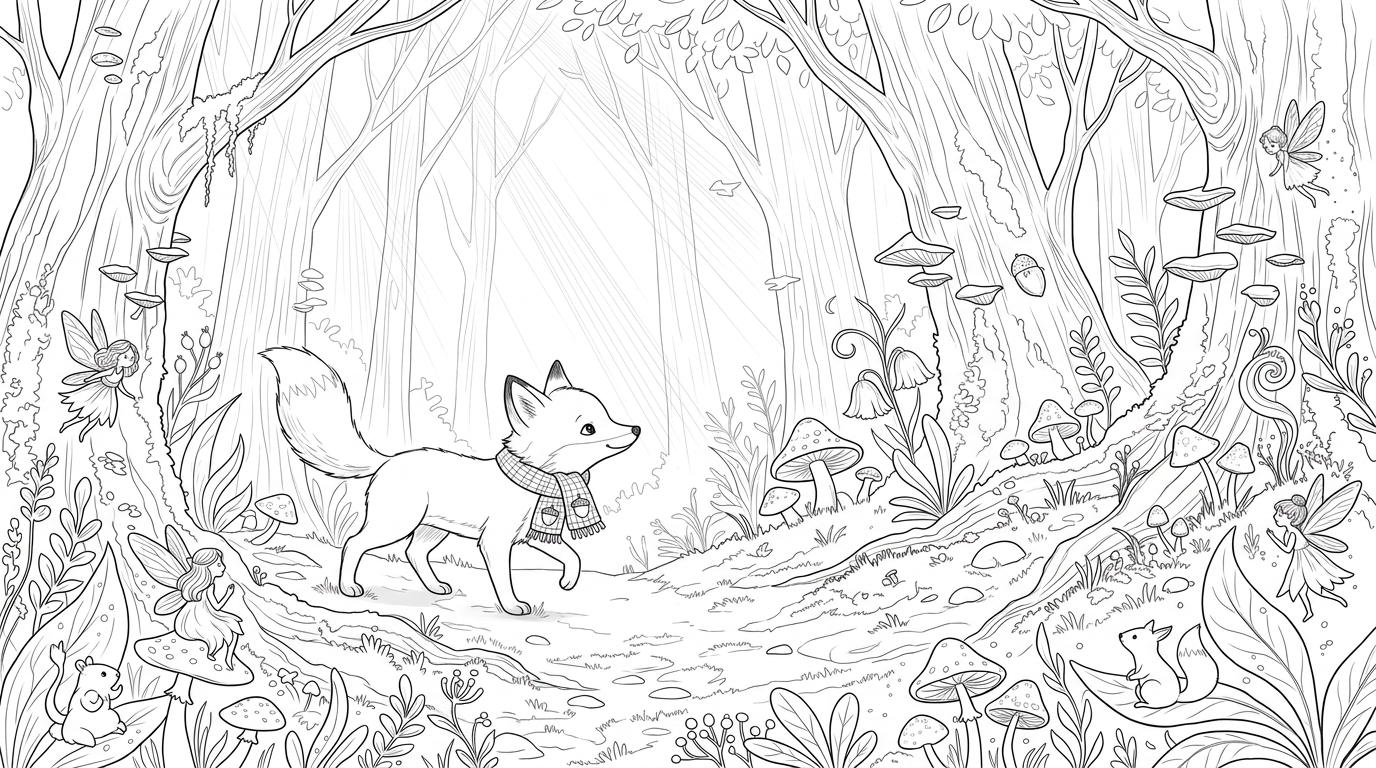
Coloring Pages and Educational Worksheets
- Teachers, parents, and content creators can use the Line Art Generator to make printable activities from familiar photos.
- Turn pets, toys, landmarks, classroom objects, or seasonal images into simple line drawings that invite coloring and discussion.
- The Line Art Filter style keeps the result approachable, while the Line Art Converter workflow saves time compared with tracing each subject manually.
- The Line Art Generator makes classroom preparation easier.
Why Choose Line Art Generator
Line Art Generator gives you a clean way to transform photos into line-based visuals for real use cases.
Fast Photo to Line Art Conversion
The Line Art Generator removes the slowest part of manual tracing by creating a clean first draft from your uploaded photo. It is useful when you need Photo to Line Art output quickly for a presentation, school activity, design note, or social post. You can still choose the final use, but the basic outline work is handled in one focused workflow.

Balanced Detail for Readable Outlines
Good line art should not keep every pixel from the original photo. The Line Art Generator simplifies unnecessary texture while preserving the shapes that make the subject recognizable. This balance is helpful for Image to Line Art tasks involving faces, pets, objects, and interiors, where too many lines can make the final drawing harder to read. The Line Art Generator favors clarity over noise.

Flexible Sizes for Multiple Channels
Choose an image size before running the Line Art Generator so the output fits your intended format. Square layouts work well for avatars, vertical ratios suit posters and mobile content, and wider formats help with scenes or banners. This small step makes Photo to Line Drawing results easier to publish, print, crop, or share without extra editing. The Line Art Generator keeps layout choices visible.

Useful for Artists and Non-Designers
The Line Art Generator serves both trained artists and people who simply need a drawing-style version of a photo. Artists can use it as a reference base, while marketers, teachers, sellers, and hobbyists can create usable visuals without illustration skills. The Line Art Generator also works as a practical Image to Line Drawing assistant for everyday visual tasks with fewer setup steps.

Clean Style for Printing and Coloring
When an output is meant for paper, clarity matters. The Line Art Generator helps create black-and-white artwork that is easier to print, color, label, or include in worksheets. A clean Line Art Filter look can reduce visual clutter, making the result more useful for coloring pages, craft projects, meeting notes, and simple instructional materials. The Line Art Generator supports print-friendly simplicity.
Simple Workflow for Repeat Projects
Content teams often need consistent visuals across many pages or campaigns. The Line Art Generator keeps the process repeatable: upload the source image, select the preferred size, generate the artwork, and download the result. A straightforward Line Art Converter workflow helps teams produce related assets without building a complicated illustration pipeline. The Line Art Generator is easy to repeat across each campaign.
What Users Say About Line Art Generator
Creators, educators, sellers, and planners use the Line Art Generator when they need clean drawing-style images without a long manual editing process.
I use the Line Art Generator when clients send portrait photos but need a cleaner concept sketch first. It gives me a useful base without replacing my own judgment. The outlines are clear enough for discussion, and the chosen image size helps me prepare mockups faster.
Our store needed simple drawings for product explainers, but hiring illustration work for every item was not realistic. The Line Art Generator helped us turn product photos into neat visuals for manuals and listing images. It made the Image to Line Art process much easier.
I create printable activities for children, and the Line Art Generator saves a lot of preparation time. I upload familiar classroom photos, choose the right ratio, and make simple coloring sheets. The Photo to Line Drawing results are clean enough for everyday worksheets.
As a planner, I often need quick scene outlines before a full design pass. The Line Art Generator is helpful for turning storefront and interior photos into structured references. It gives our team something visual to mark up during early conversations.
The Line Art Generator is now part of my content workflow. I use it for thumbnails, newsletter graphics, and visual notes when a full photo feels too busy. The Line Art Filter result keeps the idea clear while still feeling personal.
I wanted a simple way to turn family pet photos into coloring pages. The Line Art Generator gave me results that were easy to print and fun to color. It handled the fur shape better than the basic filters I tried before.





FAQs About Line Art Generator
Find practical answers about photo quality, image size, coloring pages, references, product use, and how to get clearer results from the Line Art Generator. The Line Art Generator works best with clear source images.
The Line Art Generator is an online tool that turns an uploaded photo into a clean line-based drawing. You add an image, choose the image size, and generate a black-and-white artwork style result. It is useful for Photo to Line Art projects such as coloring pages, portrait references, product outlines, educational worksheets, craft templates, and simple design drafts. The Line Art Generator keeps the process direct for new users.
Line Art Generator works well with photos that have a clear subject, visible edges, and balanced lighting. Portraits, pets, products, furniture, buildings, toys, and simple landscapes are strong choices. For better Image to Line Art results, avoid extremely dark images, heavy motion blur, or backgrounds that blend into the subject, because unclear edges can reduce outline readability. The Line Art Generator depends on visible subject structure.
Yes. Line Art Generator is especially helpful for printable coloring pages because it simplifies photos into outlines that are easier to fill in. You can turn family photos, pets, classroom objects, travel images, or seasonal pictures into activities. Review the final Photo to Line Drawing output before printing to make sure small details are not too dense. The Line Art Generator is suitable for repeated printable projects.
A basic edge filter usually detects contrast and produces every visible edge, which can look noisy. The Line Art Generator aims to create a more organized drawing-style interpretation of the photo. It can reduce unnecessary texture, keep important contours, and produce a cleaner Image to Line Drawing result for creative use, rather than simply showing raw detected edges. The Line Art Generator is built for clearer visual organization.
Yes. Artists can use the Line Art Generator as a starting reference for composition, proportions, and major contours. It is not a substitute for personal style or final illustration work, but it can reduce setup time. Many users start with Photo to Line Art output, then redraw, adjust, color, or combine it with their own creative process. The Line Art Generator gives them a faster starting point.
Yes. Choosing an image size before generation helps the Line Art Generator create an output that better matches your intended use. A square image may suit profile art, a vertical format may suit posters or printable pages, and a wide ratio may suit scenes. The right size reduces extra cropping after your Image to Line Art result is created. The Line Art Generator treats size as part of the setup.
Line Art Generator is useful for product visuals when you need simplified outlines for manuals, stickers, listings, packaging concepts, or instruction cards. Upload a product photo with a plain background and clear shape for better results. The Line Art Converter style can make the item easier to understand, especially when a full photo includes distracting shadows or textures. The Line Art Generator helps simplify visual communication.
If the result looks too crowded, try a source photo with stronger lighting, fewer background details, or a closer crop around the subject. The Line Art Generator depends on visible structure, so cleaner inputs usually create cleaner outputs. You can also choose a more suitable image size before generating to give the main subject enough room in the composition. The Line Art Generator responds best to uncluttered inputs.
Create Clean Line Art from Your Photo
Upload an image, choose your preferred size, and use the Line Art Generator to turn photos into clean drawing-style visuals for coloring, design, education, products, and creative planning. The Line Art Generator helps you start from a real photo and finish with a usable outline.
