
More AI Image Generators
Explore our collection of specialized AI image generators designed for different creative needs and styles


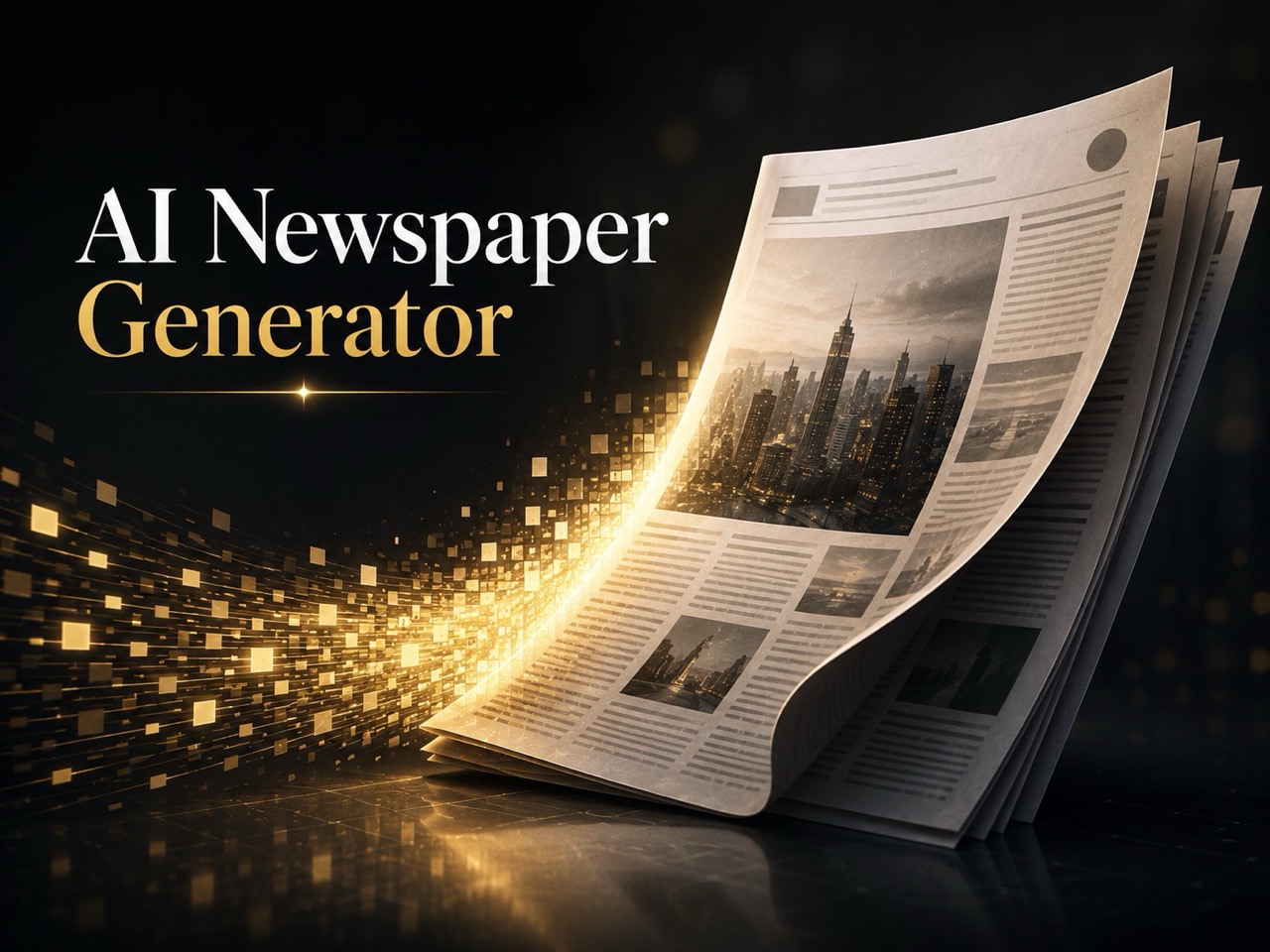
















Turn Any Portrait into a Sad Expression with Sad Face Filter
Upload a photo and turn a portrait into a believable sad expression.
Sad Face Filter helps change a portrait from neutral, cheerful, or casual to visibly sad without making the image feel unnatural. It is useful for mood based edits, creative storytelling, social content, and quick visual experimentation.
How to Use Sad Face Filter
Sad Face Filter is designed to be easy to use. The process is simple: upload, choose image size, generate, and save. That makes it useful for casual users that want a quick facial expression change.

Upload a Clear Portrait
Upload a portrait with a clearly visible face. Front facing photos and lightly angled shots usually work best because the eyes, brows, and mouth are easier to read. A clean image helps Sad Face Filter create a more natural emotional change, making it suitable for profile pictures.

Choose Image Size
Pick the image size that fits your platform or project, then run Sad Face Filter. The model adjusts key facial cues such as the eyes, eyebrows, and mouth to create a sadder expression while keeping the subject recognizable. The workflow is simple and useful for fast mood edits without manual retouching.

Preview Your Result
Review the output and download the version that best fits your use case. Sad Face Filter is practical for thumbnails, memes, storytelling visuals, reaction images, and mood boards. Instead of taking a new photo, users can create a more emotional variation from an image they already have.
Best AI Image Tools for Creative Projects
Explore creative tools for image, learn tips and tricks, and see how AI can be your assistant in turning concepts into finished projects.











Features of Sad Face Filter
A useful Sad Face Filter should do more than make a face look unhappy. It should preserve identity, keep the image usable, and create emotional changes that feel natural in real visual contexts.
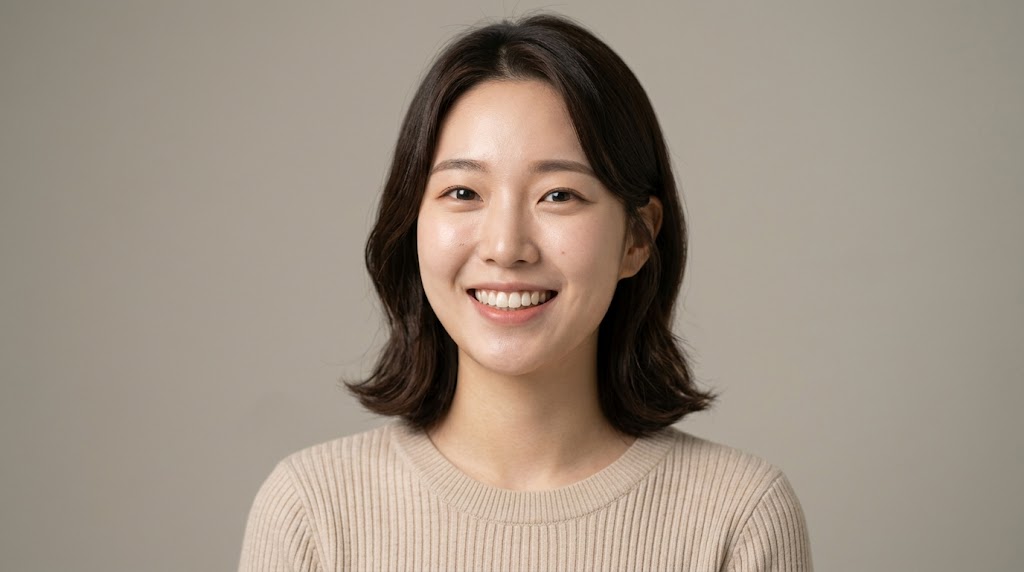
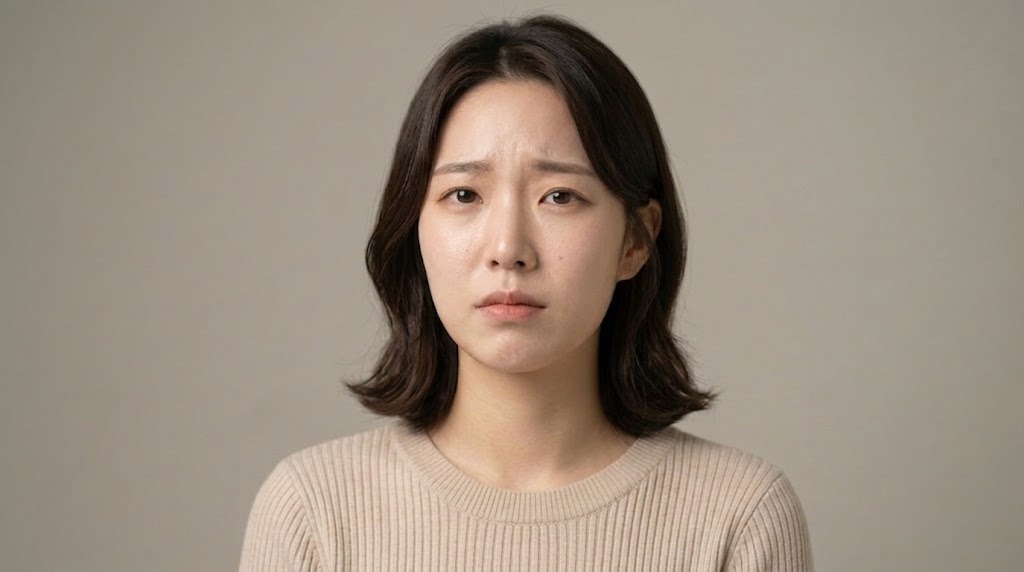
Natural Facial Emotion Editing
Sad Face Filter is built to create sadness that feels readable and believable. Instead of pushing the face into an exaggerated look, it focuses on subtle expression changes in the eyebrows, eyelids, and mouth. This helps the result still look like the same person while giving the portrait a noticeably sadder emotional tone.
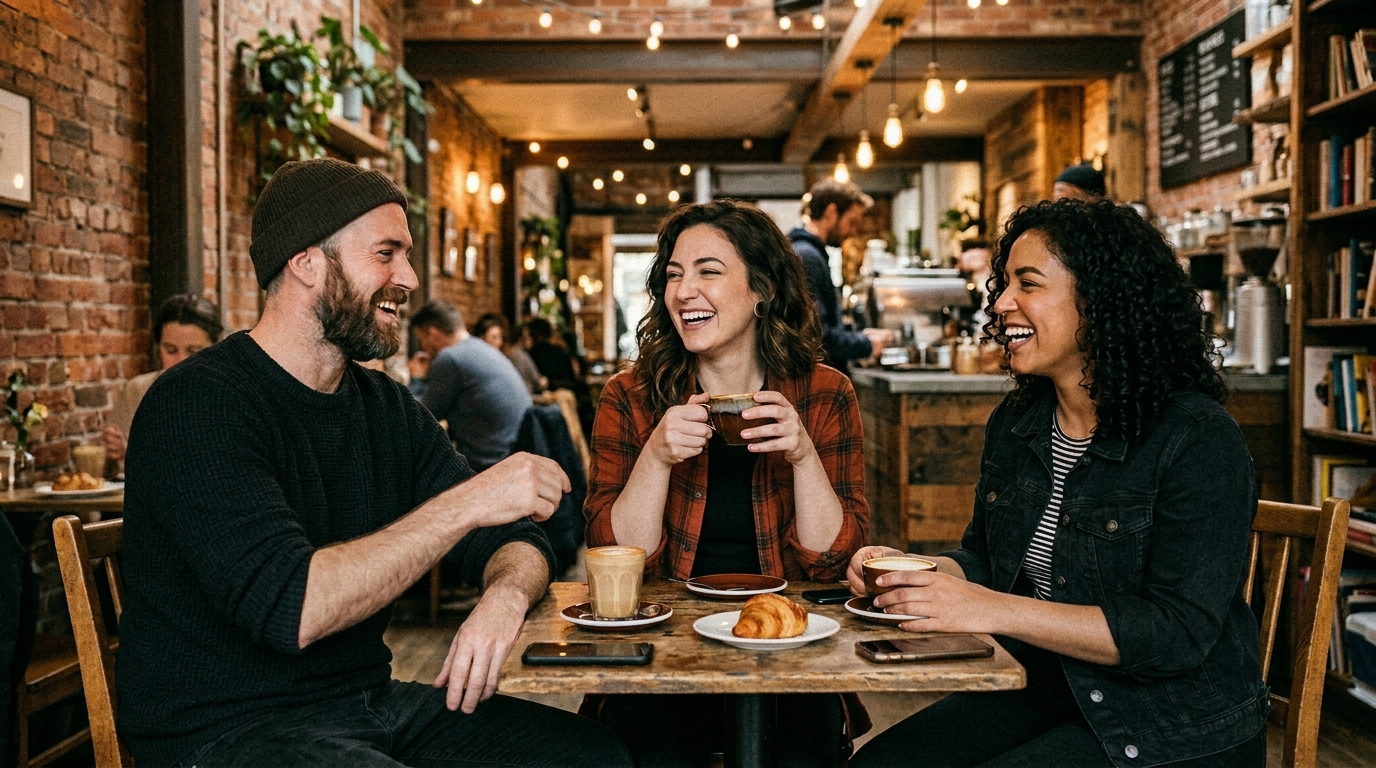
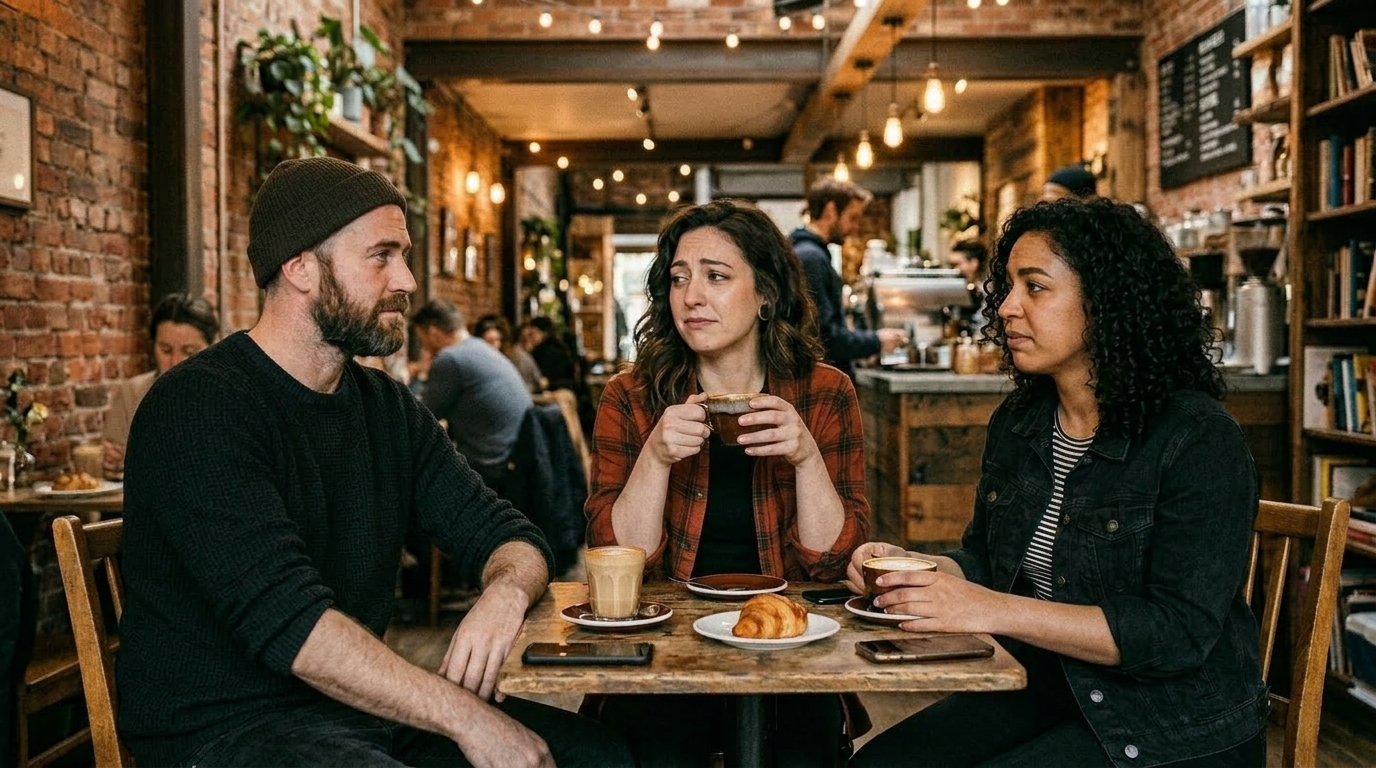
Fast Mood Change
Creators often need different emotional versions of the same image for content testing, visual storytelling, or campaign direction. Sad Face Filter makes that easier by turning one portrait into a sad variation that can support social posts, short form covers, reaction visuals, and mood based creative concepts.
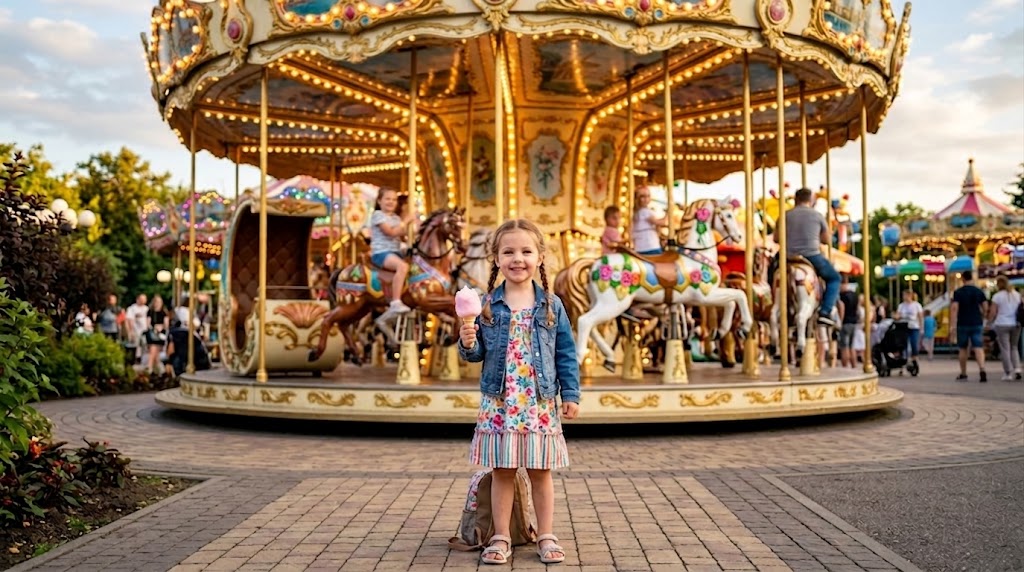
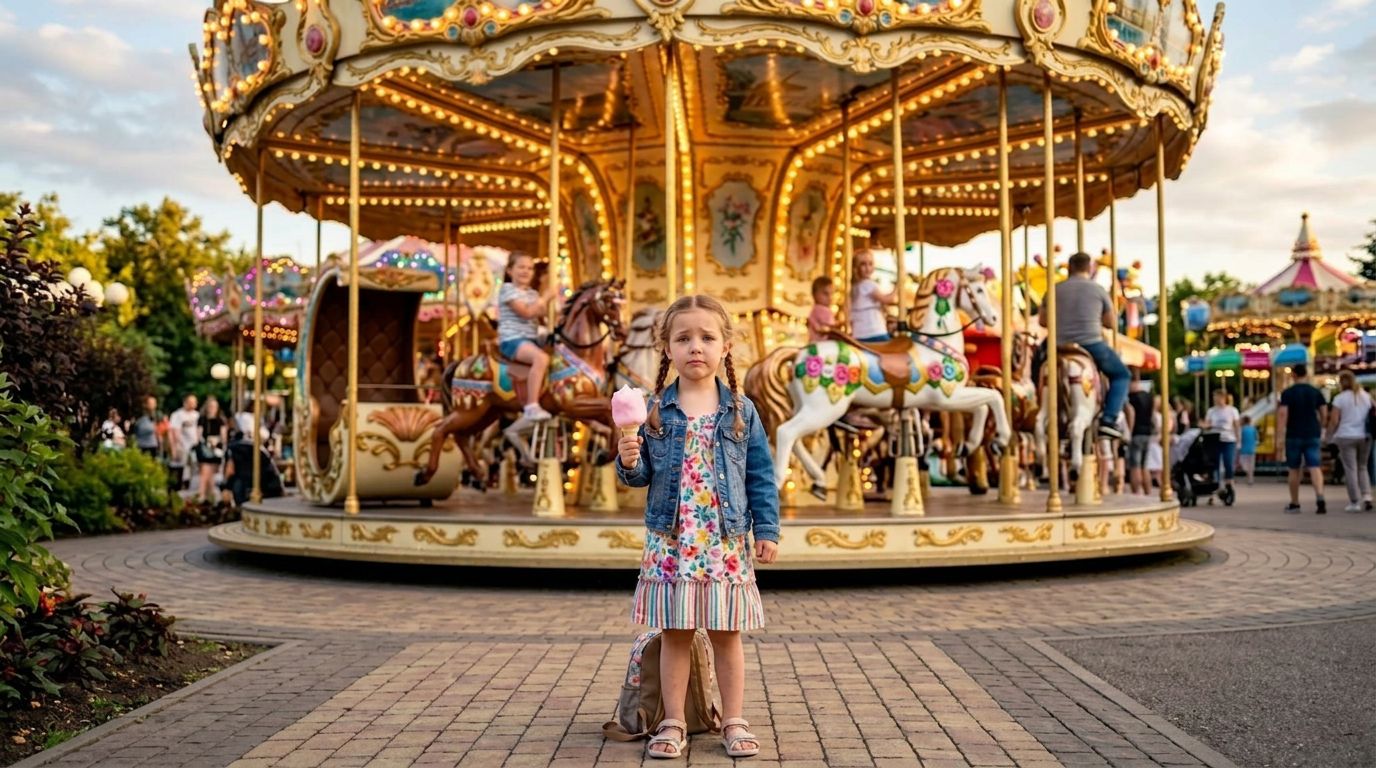
Useful for Character and Story Concepts
When a character needs to look disappointed, reflective, or heartbroken, Sad Face Filter helps visualize that shift quickly. Writers, designers, and indie creators can use it to explore emotional direction before final artwork or production. It is especially useful in concept work where one face may need several moods.

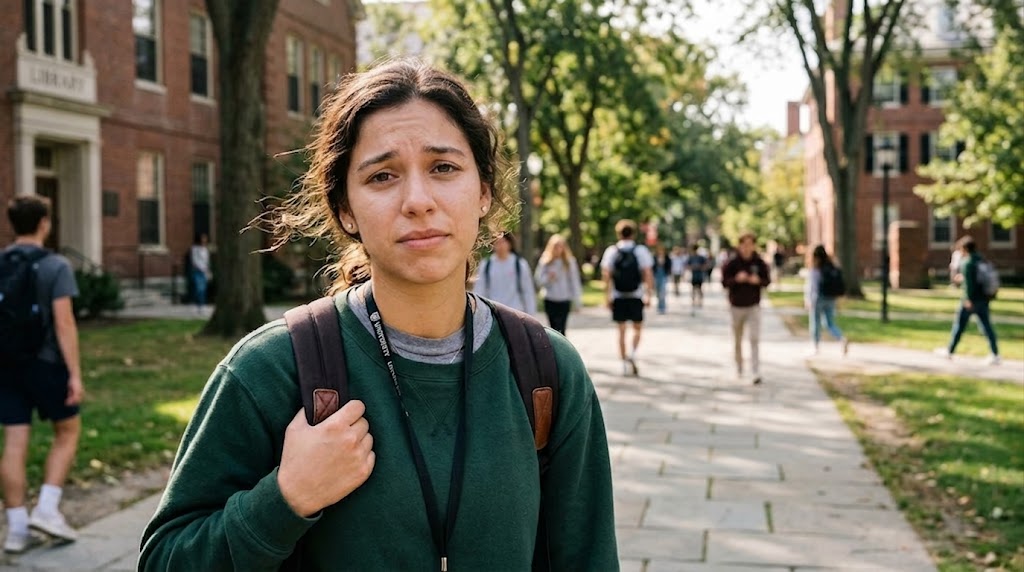
Simple Online Workflow
Sad Face Filter removes much of the friction from expression editing. Users do not need to manually reshape facial features or learn advanced portrait retouching. Upload the image, choose the right size, and let the tool handle the emotional conversion. That makes it practical for fast experiments and everyday editing needs.
Why Choose Sad Face Filter
People usually want three things from Sad Face Filter: believable emotion, fast generation, and an easy workflow. Our tool is designed for practical use, so it works for both casual edits and structured creative tasks.

Create Emotional Social Posts
Sad Face Filter can help creators build a stronger emotional hook for social content. A sad expression changes the feeling of a post immediately and works well for reflective captions, breakup themes, dramatic edits, or contrast based before and after storytelling.

Make Memes and Reaction Images
Reaction images work best when the emotion is obvious at a glance. Sad Face Filter helps turn ordinary portraits into useful assets for meme pages, chats, and community posts. It gives users a fast way to create sad reaction visuals with a clearer emotional read.

Test Ad and Thumbnail Variations
Marketing teams and solo creators often test emotional direction because facial expression can affect how an image performs. Sad Face Filter can create mood based variants for thumbnails, social ads, and landing visuals where a sadder look may support the message better than a smile.

Support Storyboarding
During early concept work, teams often need to decide what a scene should feel like. Sad Face Filter turns a normal portrait into a sad visual reference that can support mood boards, scene planning, or narrative presentations. It helps communicate tone quickly and clearly.

Explore Character Mood
Designers, writers, and hobby creators can use Sad Face Filter to explore how a character should appear in an emotional scene. A different facial expression can completely change the reading of an image, from quiet loneliness to visible disappointment, without requiring a full redraw.

Have Fun with Sad Face Filter
Not every use case needs to be serious. Sad Face Filter can also be used for playful edits, dramatic profile pictures, themed posts, and funny group chat content. It gives everyday portraits a new emotional angle with very little setup, which makes experimentation easy and accessible.
What Users Say About Sad Face Filter
Users choose Sad Face Filter for different reasons, but the core expectation is the same: they want expression changes that are quick, believable, and usable. These testimonials show how the Sad Face Filter fits real workflows.
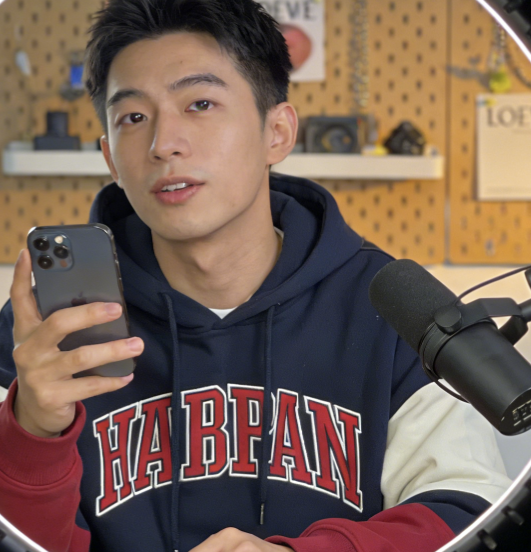
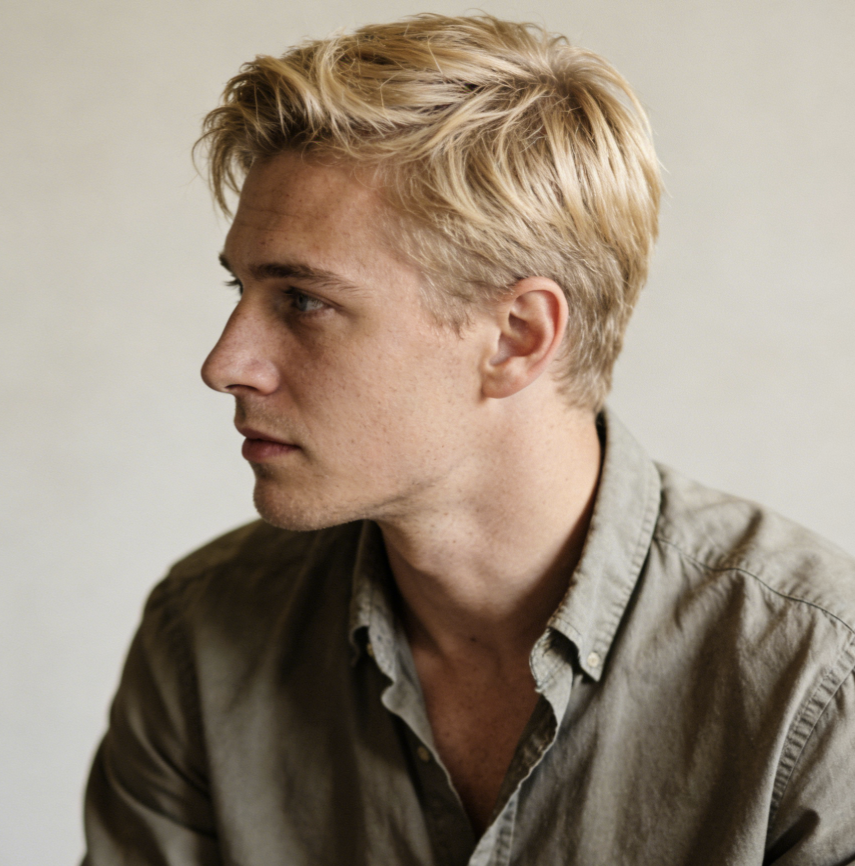
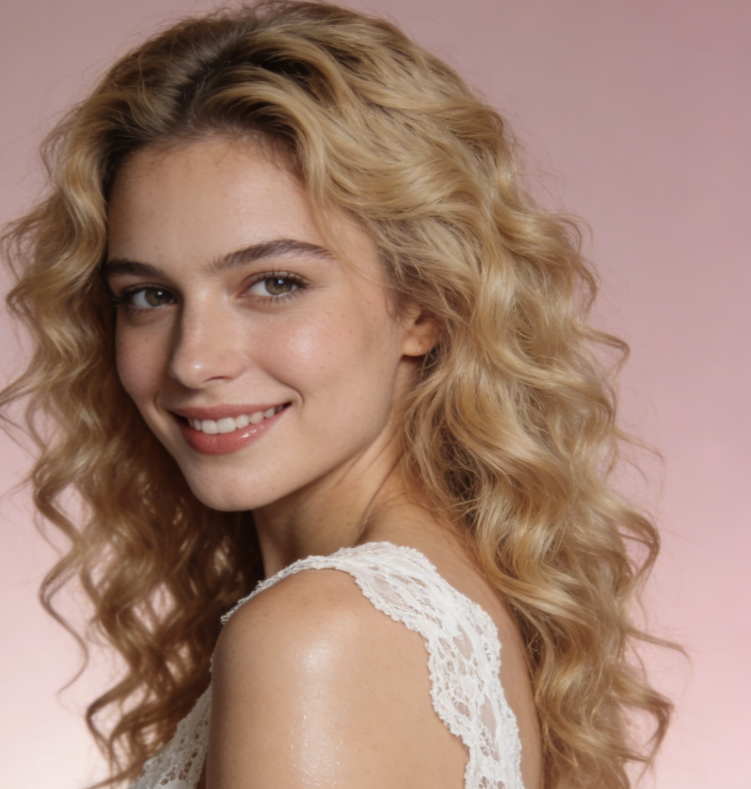
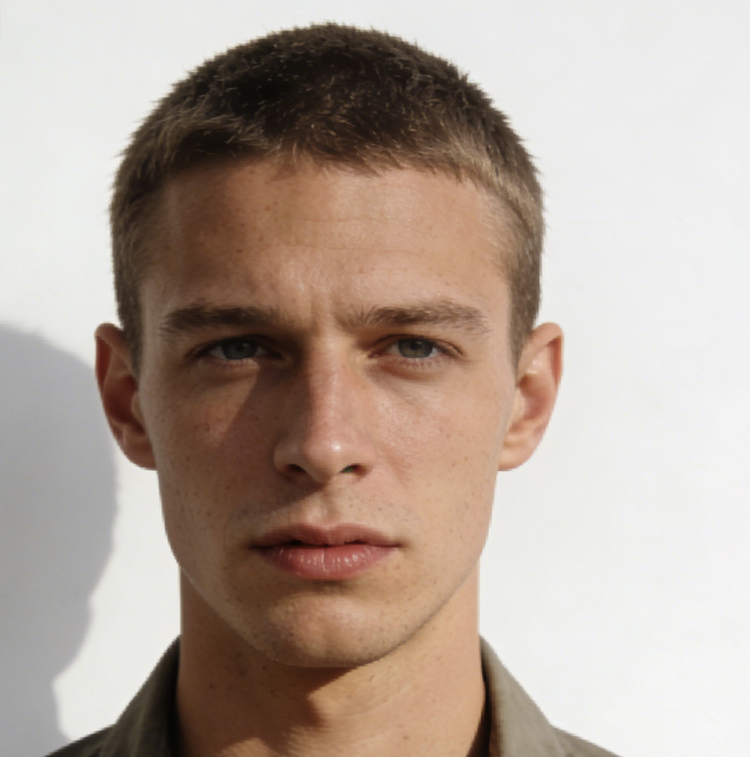
I run social content for a small lifestyle brand, and Sad Face Filter gave us a useful way to test mood based visuals. We used it on portrait posts where a serious tone worked better than a cheerful one. It helped us create emotional variations without arranging another shoot.
I first tried Sad Face Filter for humor, but the results were more usable than I expected. The faces still looked like the same people, just noticeably sadder. That made it good for reaction images, meme content, and dramatic edits that needed a clear emotional shift.
As a freelance designer, I often need quick emotional references before final artwork is approved. Sad Face Filter helped me show clients how a portrait could feel more vulnerable or reflective without spending extra time on manual edits. It became useful in early concept presentations.
I tried several expression tools before this one, and Sad Face Filter gave me the most balanced results. The edits were obvious, but they did not look overdone. For thumbnails and narrative visuals, that matters because the image still needs to look clean and usable.
I write visual fiction and often test how the same character reads under different emotions. Sad Face Filter was helpful because it let me compare emotional directions quickly before committing to a final scene. That saved time and made character review easier during planning.
Our team used Sad Face Filter for ad creative testing when a campaign needed a more serious emotional cue. It was much faster than reshooting portraits and worked well for internal exploration. The tool helped us compare which facial mood best matched the message.
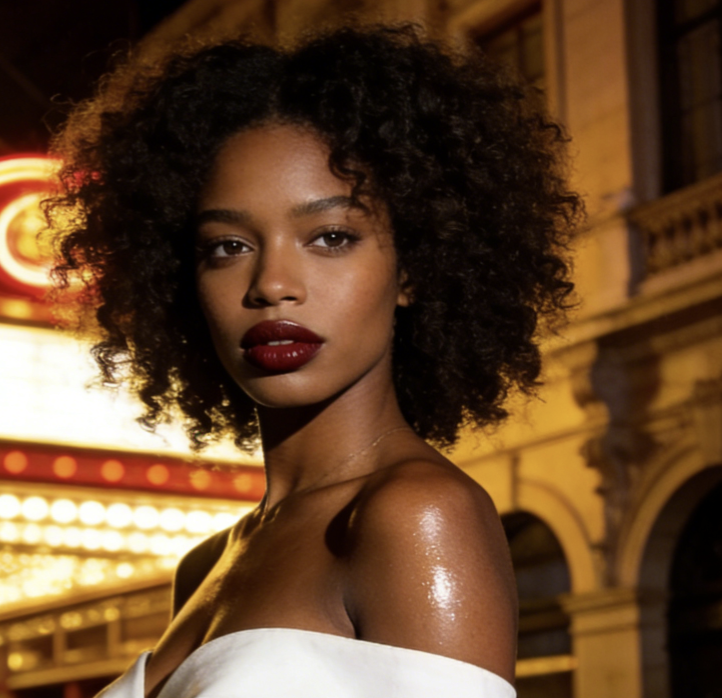

FAQs About Sad Face Filter
These are the questions users ask most often before trying Sad Face Filter. The answers below explain how the Sad Face Filter fits both casual use and more structured creative workflows.
Sad Face Filter is an online image editing tool that changes facial expression so a portrait appears sadder, more subdued, or emotionally heavier. Instead of relying on manual retouching, it uses a model to reinterpret cues such as the eyebrows, eyes, and mouth. The goal is to create a new emotional version of the same face, which makes it useful for social content, storytelling, design concepts, memes, and general mood based portrait edits.
For the best result, start with a clear image where the face is easy to see. Portraits with decent lighting, visible eyes, and a relatively unobstructed mouth usually work better than blurry or heavily covered faces. Front facing images and slight angles are often easier for Sad Face Filter to process naturally. It also helps to choose an image size that matches where you plan to use the output so the final portrait feels more polished and practical.
Yes, Sad Face Filter works well on selfies, profile photos, and casual portraits as long as the face is visible enough for the model to read expression details. Everyday images are often a good fit because they already have natural proportions and accessible facial features. If the image is extremely blurred, covered by hair, or cropped too tightly, the result may be less consistent, but standard portrait photos usually translate well in normal use.
A good Sad Face Filter should preserve identity while changing emotional tone, and that is one of the main reasons people use it. The goal is to make the same person look sad, not to replace the face with a different one. It mainly changes expression related details such as the brows, eyelids, and mouth. Results can vary by source image, but in many cases the portrait remains recognizable while carrying a clearly sadder mood.
Sad Face Filter is useful for social posts, reaction images, meme creation, storyboard planning, design exploration, and ad testing. Some users try it for fun, while others use it to explore emotional direction in professional or semi professional creative work. It is especially practical when one portrait needs multiple moods. That flexibility makes it relevant for both casual experimentation and more structured content workflows where emotional tone affects how the image is interpreted.
For many everyday use cases, Sad Face Filter is much faster than editing expressions manually. Traditional editing can take time, especially when adjusting eyebrows, mouth corners, and facial tension in a believable way. This tool shortens that process into a simple workflow, which is useful for quick iterations or non specialists. Manual editing may still be better for highly detailed retouching, but the filter is usually more efficient for fast content production and concept testing.
Yes, Sad Face Filter is a practical option for memes, reaction images, and other shareable visual formats because the emotion reads quickly. That makes it useful for dramatic captions, ironic edits, self aware humor, and chat content where facial expression carries much of the message. Many users like that they can repurpose photos they already have instead of searching for a separate reaction image online, which makes the workflow faster and more personal.
Sad Face Filter can be very helpful during storytelling and character development because emotional direction often changes how viewers interpret a face. A sad version of the same portrait may suggest regret, loss, loneliness, or quiet reflection depending on context. That makes the tool useful for writers, designers, illustrators, and marketers building emotionally driven visuals. It offers a fast way to test whether a different facial mood supports the intended scene or message.
No, Sad Face Filter is intended for users who want emotional portrait edits without learning advanced software. The typical process is simple: upload the image, choose image size, run the tool, and review the result. Because the facial transformation is handled automatically, users do not need professional retouching knowledge to get a usable output. This makes it appealing to creators, marketers, hobby users, and teams that need quick visual variation without a complex editing process.
Taking a new photo can work, but it is not always practical when you need quick emotional variation or want to test several creative directions from one source image. Sad Face Filter lets users start with a portrait they already have and generate a sadder version much faster. That can be useful for creators, marketers, and casual users alike. It is especially valuable when a reshoot would take more time, money, or coordination than the project actually needs.
Create a More Emotional Portrait with Sad Face Filter
If you need a faster way to turn a portrait into a mood driven visual, Sad Face Filter gives you a simple workflow with flexible creative value. Upload your photo, choose image size, and generate a sadder expression for memes, storytelling, campaigns, or character concepts.
