
More AI Image Generators
Explore our collection of specialized AI image generators designed for different creative needs and styles




















Add Shadow to Image with AI Shadow Generator
Let AI Shadow Generator place realistic shadows that match the object, light direction, and scene mood.
AI Shadow Generator helps place soft, hard, grounded, or studio-style shadows around objects while keeping the original subject, colors, and composition consistent.
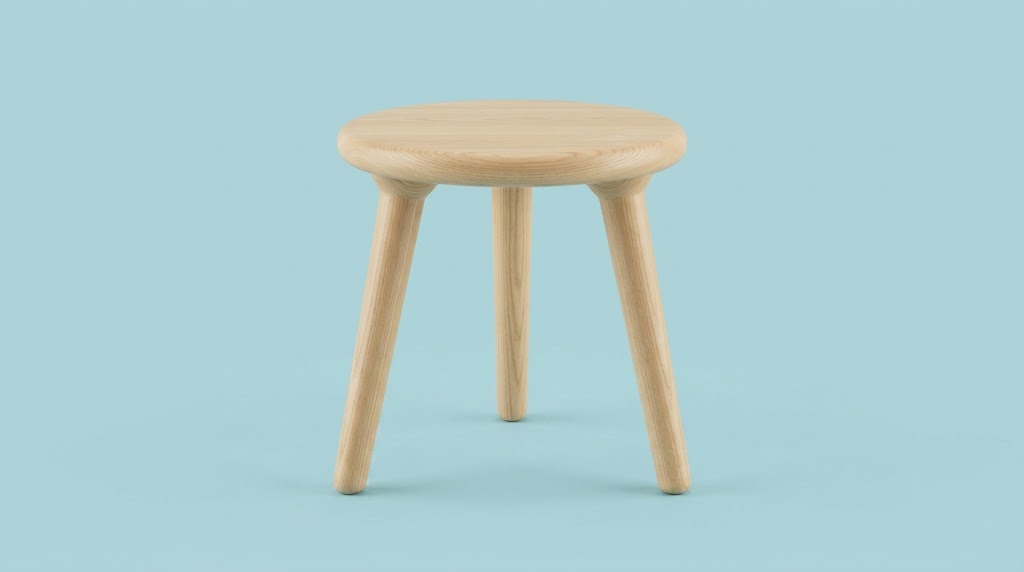
How to Use AI Shadow Generator
Upload, choose the image size, and let AI Shadow Generator handle the shadow work. There is no need to manually paint, blur, transform, and mask shadows.

Upload Your Image
Start by uploading the image you want to improve. The AI Shadow Generator works well for products, cutout objects, design elements, packaging visuals, and many clean commercial images where added depth helps the subject look more grounded and polished.

Choose Image Size and Generate
Select the image size that fits your layout, then run AI Shadow Generator. The model analyzes object edges, shape, direction, and visual balance to add shadow to image areas naturally, without making the result look heavy, muddy, or obviously edited.

Preview and Download
Review the result, compare the new depth, and download the finished file. With AI Shadow Generator, you can quickly test multiple looks, refine product presentation, and create more convincing images for shops, ads, landing pages, and portfolios.
Best AI Image Tools for Creative Projects
Explore creative tools for image, learn tips and tricks, and see how AI can be your assistant in turning concepts into finished projects.


Features of AI Shadow Generator
AI Shadow Generator is built for practical image editing. Shadow Maker helps you add depth, improve object grounding, and make images feel more visually coherent in business, creative, and product scenarios.
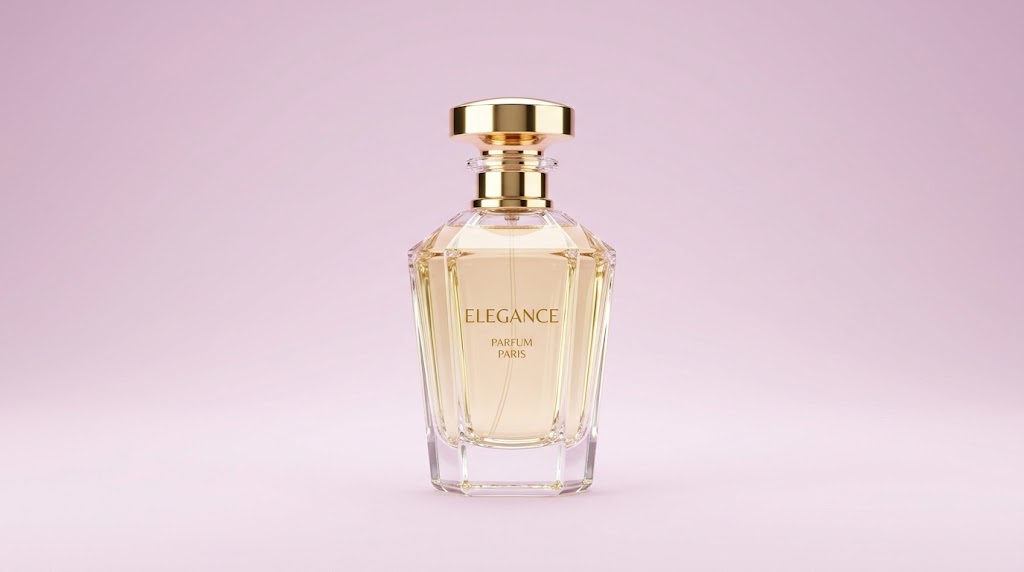
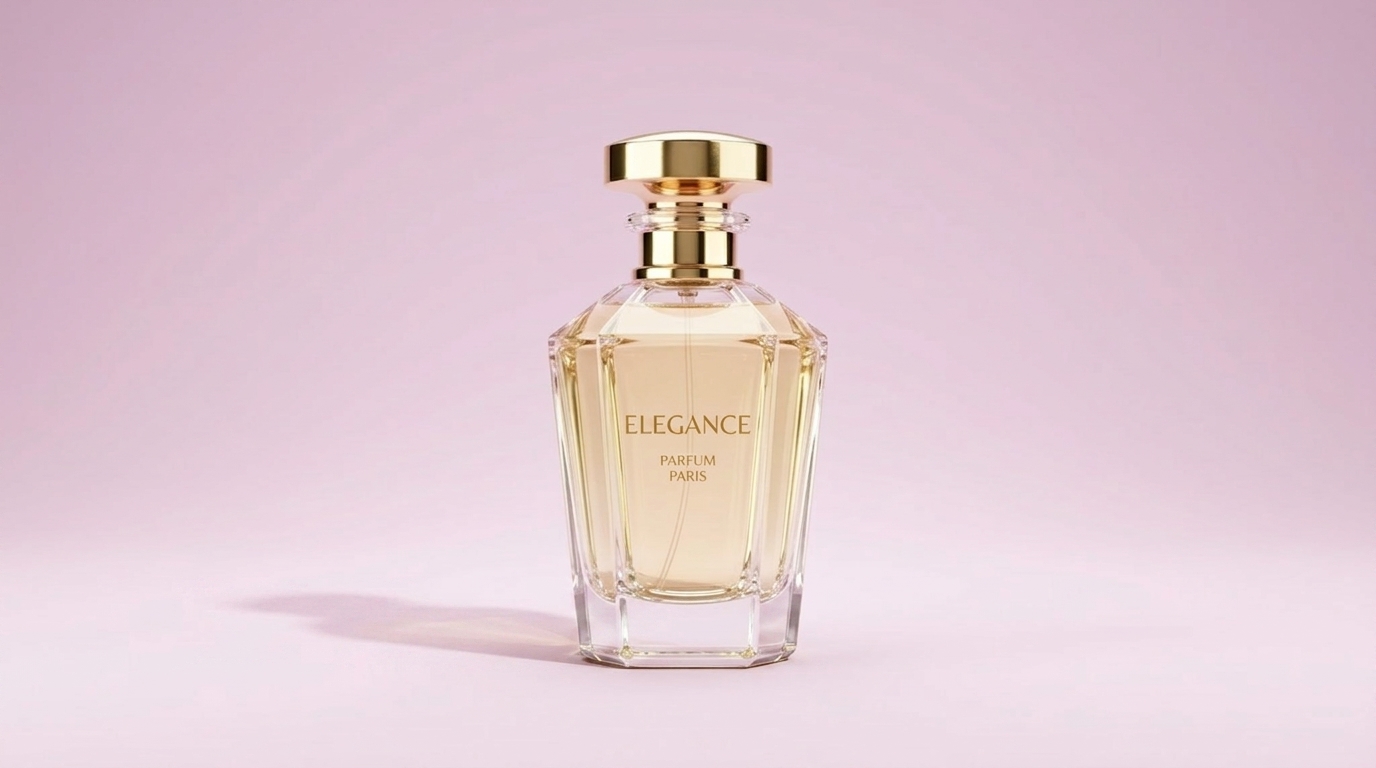
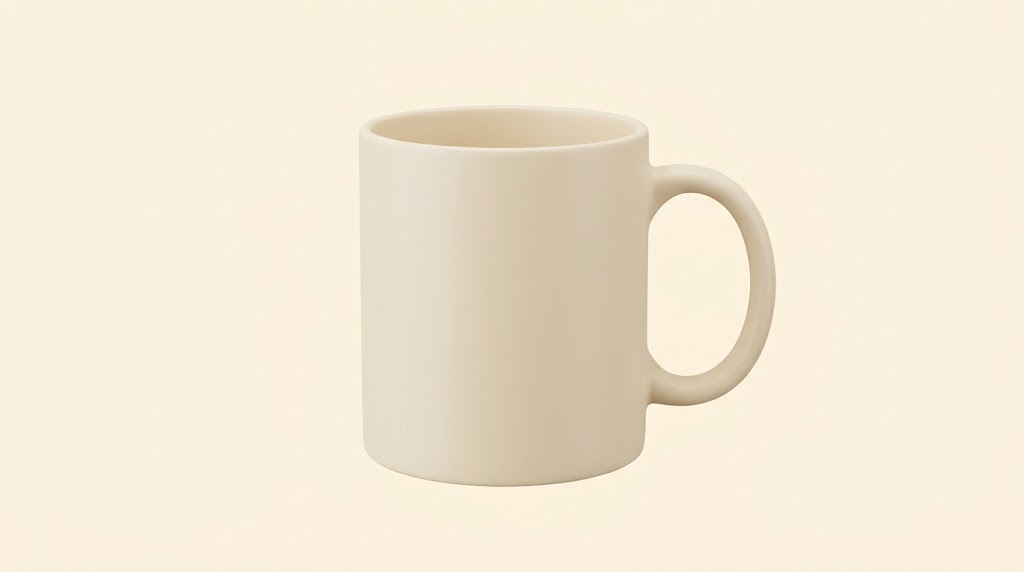
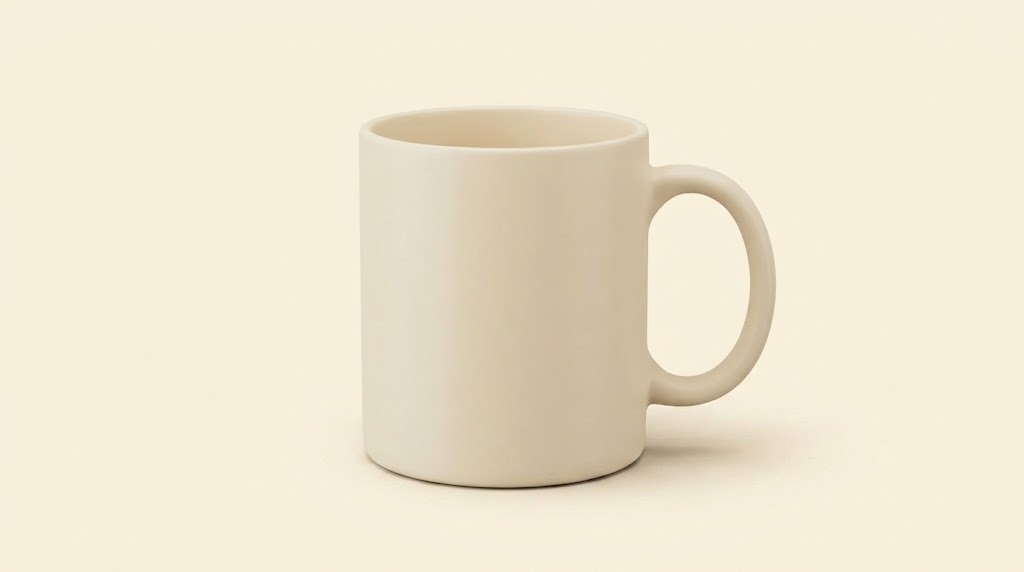
Create Product Shadows for Cleaner E-commerce Images
- AI Shadow Generator helps products look less flat on plain backgrounds.
- When sellers need more realistic catalog images, AI Shadow Generator reduces the cutout look.
- Teams that need to add shadow to image assets quickly can use AI Shadow Generator to keep product pages cleaner and more consistent.
Add Depth to Mockups, Posters, and Marketing Graphics
- AI Shadow Generator makes these assets feel spatial instead of flat.
- A reliable shadow maker is useful when you want stronger visual hierarchy without rebuilding the design from scratch.
- AI Shadow Generator helps marketing images feel more finished while preserving the original layout and tone.
Make Social and Content Visuals Feel More Polished
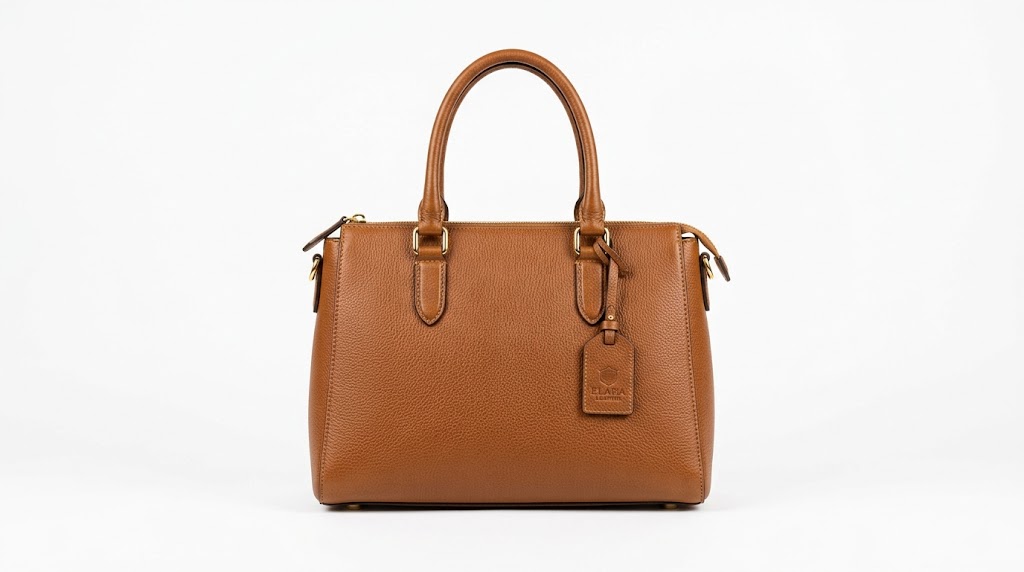
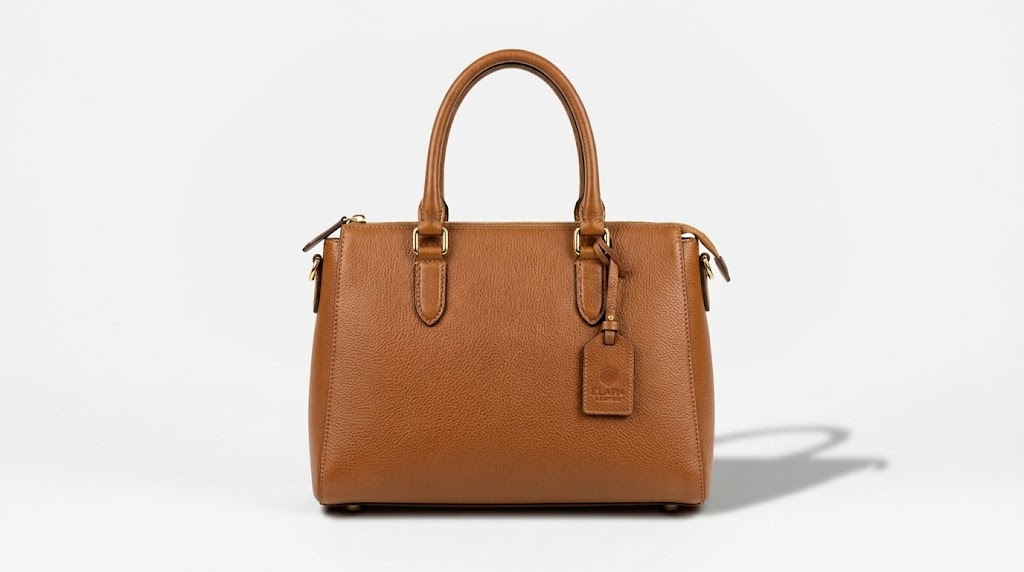
- AI Shadow Generator can add subtle shadow around objects so key elements stand out more clearly.
- Instead of manually editing every asset, AI Shadow Generator gives creators a quicker way to add shadow to image compositions and keep outputs aligned across channels.
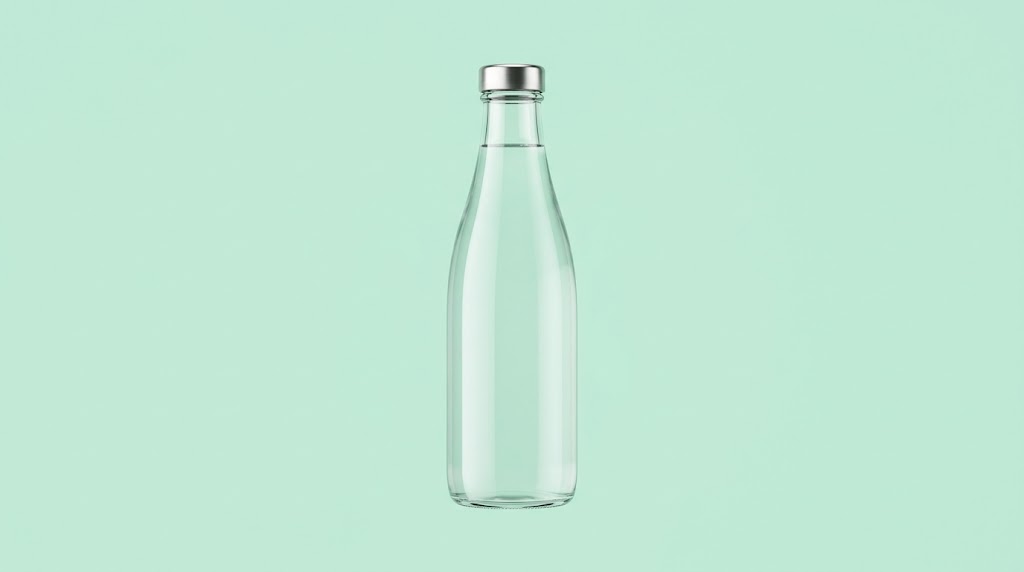
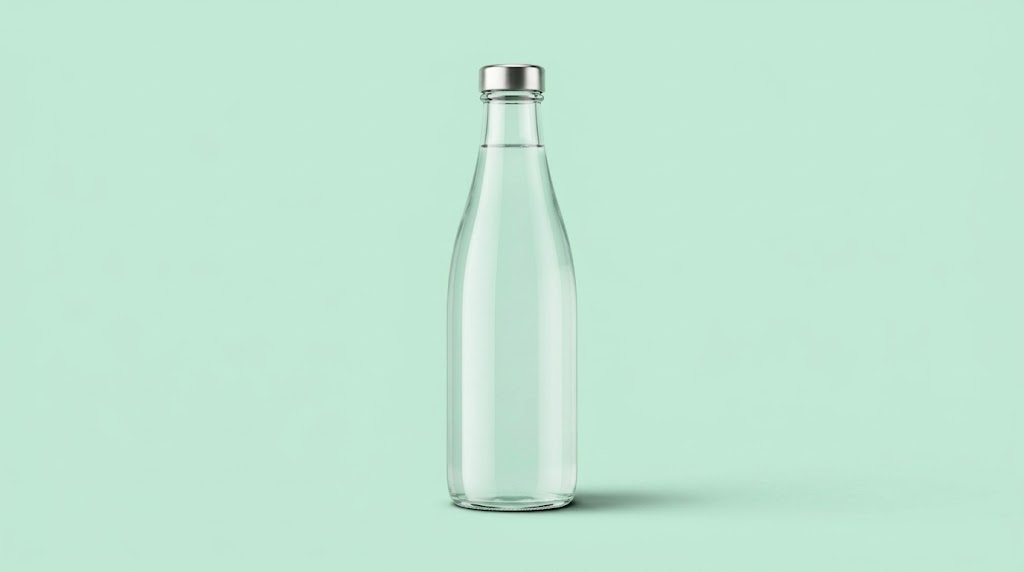
Support Faster Editing for Repetitive Visual Tasks
- Repeating the same shadow workflow across many images takes time.
- AI Shadow Generator helps teams move faster on product batches, landing page assets, and presentation graphics.
- Because AI Shadow Generator focuses on matching object structure, the output usually feels more natural than generic drag-and-drop effects.
Why Choose AI Shadow Generator
AI Shadow Generator focuses on making images look more grounded and dimensional with minimal effort.

Realistic Shadows Matched to Object Shape
AI Shadow Generator studies the visible form of the object before placing the new shadow. A convincing result needs the right spread, edge softness, and contact points so the image feels believable rather than pasted together.

Useful for White Background Product Photos
Many catalog and store images lose depth after background cleanup. AI Shadow Generator restores subtle grounding, which is useful when you want a neat product page without a flat floating-object look.

Faster Than Manual Shadow Compositing
Traditional shadow editing often means duplicating layers, transforming shapes, adjusting blur, changing opacity, and masking edges. AI Shadow Generator shortens that process when you need to add shadow to image files quickly across a batch. It helps add shadow to image files quickly.

Cleaner Results for Marketing and Presentation Assets
A subtle shadow can make a product card, package, or object render look more complete. AI Shadow Generator improves separation between the object and the background without introducing distracting effects.

Balanced Output Without Overediting the Scene
A good shadow maker should not overpower the object. AI Shadow Generator is useful when you want depth but still need the original image to remain clean, readable, and commercially usable.

Simple Workflow for Teams and Solo Creators
Whether you edit a few social graphics or maintain a full product catalog, AI Shadow Generator fits into a practical workflow. It helps creators save time and gives teams a repeatable shadow maker for recurring edits.
What Users Say About AI Shadow Generator
People use AI Shadow Generator when they want a practical way to create depth in product photos, graphics, and commercial images.
I manage product uploads for a home decor shop, and flat cutout images were always a problem. AI Shadow Generator gave our lamps and vases a much more natural presence. The difference is subtle, but it makes the catalog feel far more professional.
For landing page graphics, I often need quick depth without opening a full design workflow. AI Shadow Generator is useful because it handles the basic visual grounding in seconds and saves me from repeating the same layer edits over and over.
I used it on packaging mockups and simple promo cards. The output looked cleaner than standard drop-shadow presets, especially on soft shapes. AI Shadow Generator helped the objects sit in the frame more naturally, which is what I cared about most.
My client presentations often include product visuals that need a more finished look. AI Shadow Generator is now part of that workflow. It is faster than manual edits, and the shadows usually look grounded instead of obviously synthetic.
I create daily content for social ads and marketplace banners. A good shadow maker matters more than people think because it helps products stand out without changing the whole image. This AI Shadow Generator made repetitive asset cleanup much easier for me.
We test many product images every week, so speed is important. AI Shadow Generator helped us add shadow to image sets quickly while keeping the results visually consistent. That alone removed a lot of small editing friction from the workflow, and it works well as a shadow maker for repeated catalog tasks.




FAQs About AI Shadow Generator
These answers cover the practical questions people ask before using AI Shadow Generator. They focus on commercial use, design convenience, image quality, and when a shadow maker is most useful.
An AI Shadow Generator is a tool that adds a believable shadow to an object in a photo after you upload the image and choose the output size. Instead of relying on a generic preset, it analyzes the subject shape and tries to place a shadow that feels visually consistent with the object. People use AI Shadow Generator to make product photos, mockups, and commercial graphics feel less flat. It is useful when you want cleaner depth without spending time on manual retouching, masking, blurring, and layer adjustments.
AI Shadow Generator is useful when speed, repeatability, and convenience matter more than custom hand-built compositing. If you are editing many product images, store assets, ad visuals, or design mockups, manual shadow work becomes repetitive. AI Shadow Generator reduces those steps and gives you a fast starting point or final result for everyday use. Manual editing may still make sense for highly complex scenes, but for common commercial images, AI Shadow Generator usually covers the practical need well and helps standardize visual output across a batch.
Yes, that is one of the most common uses. When an object sits on a white or very clean background, it can look detached after background editing or cutout processing. AI Shadow Generator restores contact and depth by placing a subtle or directional shadow under or behind the object. That makes the result feel less like a floating cutout. If your goal is to add shadow to image files for product listings, presentations, or ads, this workflow is often especially effective and practical.
Results depend on the object shape, source image quality, and how simple or complex the scene is. AI Shadow Generator works best on clear subjects, product photos, isolated objects, and straightforward compositions where the shadow relationship is easier to infer. Very crowded scenes or unclear lighting can be harder. Even then, AI Shadow Generator is still useful as a fast option for testing a cleaner look. In most practical use cases, the goal is a believable and visually balanced improvement rather than perfection in every pixel.
Yes. Sellers often need images that feel neat, polished, and commercially ready, especially when products are shown on plain backgrounds. AI Shadow Generator helps items look more grounded, which improves catalog presentation and listing quality. A subtle shadow often makes products easier to read visually because it separates the subject from the background without making the image feel overly edited. For teams handling many assets, AI Shadow Generator also reduces manual work, which is valuable when consistency matters across an entire storefront or product collection.
A basic design effect usually applies the same style regardless of object shape, contact points, or visual weight. AI Shadow Generator aims for something more context-aware. It tries to create a shadow that fits the subject rather than placing a uniform effect behind it. That matters because a believable shadow depends on spread, softness, and how the object appears to sit in the scene. A simple preset can work for rough layouts, but AI Shadow Generator is better when you want the final image to feel cleaner and less obviously processed.
AI Shadow Generator is useful for e-commerce teams, designers, content marketers, social media managers, freelance creatives, and anyone who edits object-based visuals regularly. Some use it for product photos on white backgrounds, while others use it for mockups, packaging images, banner graphics, or presentation slides. AI Shadow Generator is practical because it solves a repeated editing need without requiring detailed Photoshop work every time. If your workflow regularly includes isolated objects or commercial visuals that need more depth, a dedicated shadow maker can save time and improve consistency.
No. The main advantage of AI Shadow Generator is that it simplifies a task that usually requires several manual design steps. You upload the image, choose the image size, and let the tool generate the result. That makes it approachable for people who are not trained retouchers but still need cleaner visuals for work. It is also useful for experienced designers because it speeds up repetitive production tasks. In both cases, AI Shadow Generator helps reduce effort while still aiming for a polished result that fits common commercial image needs.
Yes. Many teams do not need shadow editing as a standalone task. They need it as one step inside a broader workflow that may include background cleanup, resizing, layout creation, catalog preparation, or ad production. AI Shadow Generator fits well into that process because it improves one specific visual detail quickly. When used after object cleanup or before final export, it can help the image feel more complete. For businesses producing recurring creative assets, AI Shadow Generator can reduce friction and support a more repeatable process.
Shadows help objects feel anchored in space. Without them, even a well-cut image can look flat or visually disconnected from the background. A good shadow creates separation, adds depth, and supports how the eye reads shape and position. That is why even a subtle change can make the whole image feel more polished. AI Shadow Generator is useful because it applies that principle quickly to common commercial visuals. When you add shadow to image assets thoughtfully, the result often looks more complete, professional, and easier to use across design and sales channels.
Add Natural Depth in Seconds
Use AI Shadow Generator to make objects look more grounded and polished. Upload your image, choose the right size, and use this shadow maker to add shadow to image assets for product photos, mockups, and design work.
