
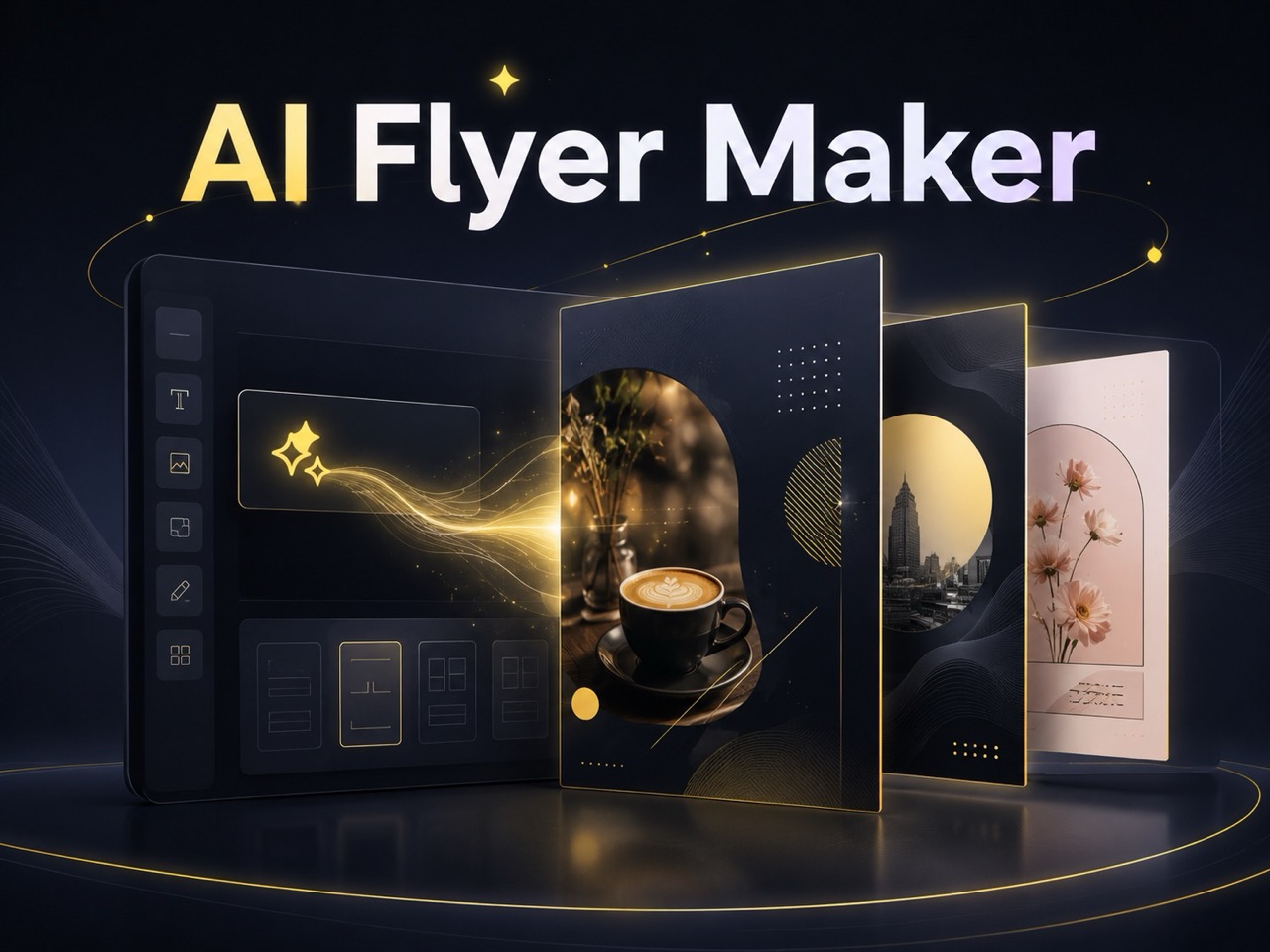
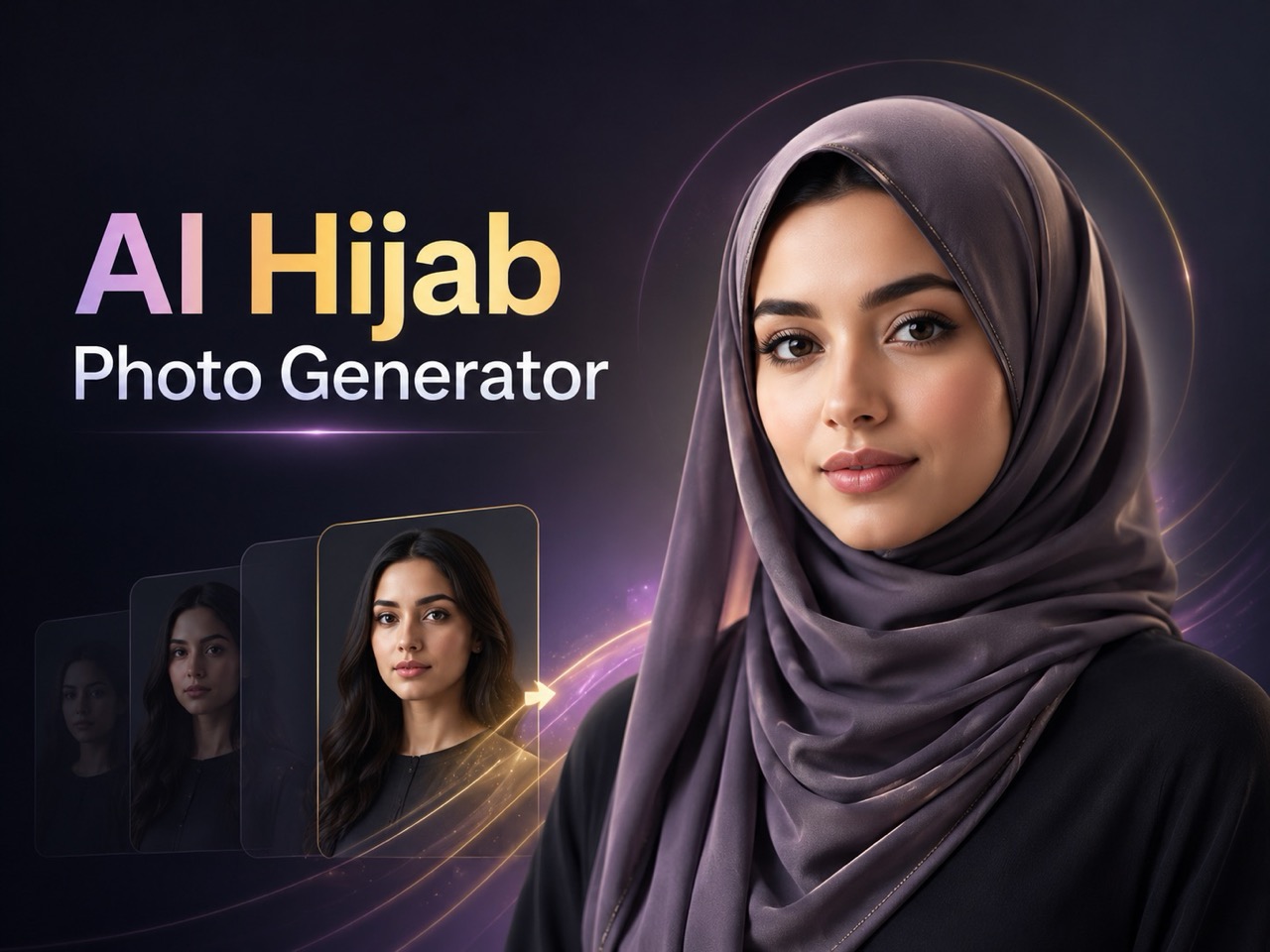
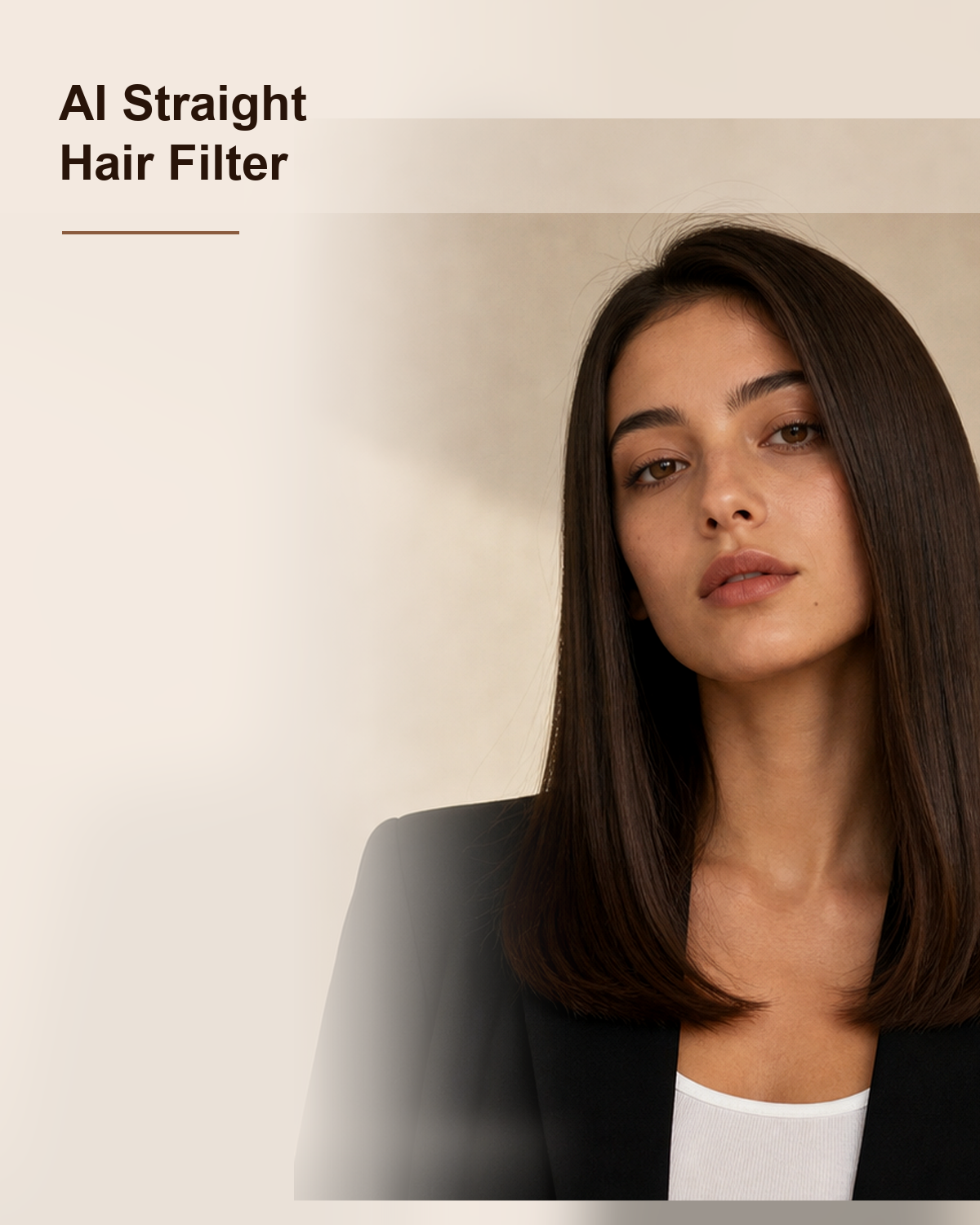
More AI Image Generators
Explore our collection of specialized AI image generators designed for different creative needs and styles


















Add Fish Eye Filter to Photos with Fisheye Effect
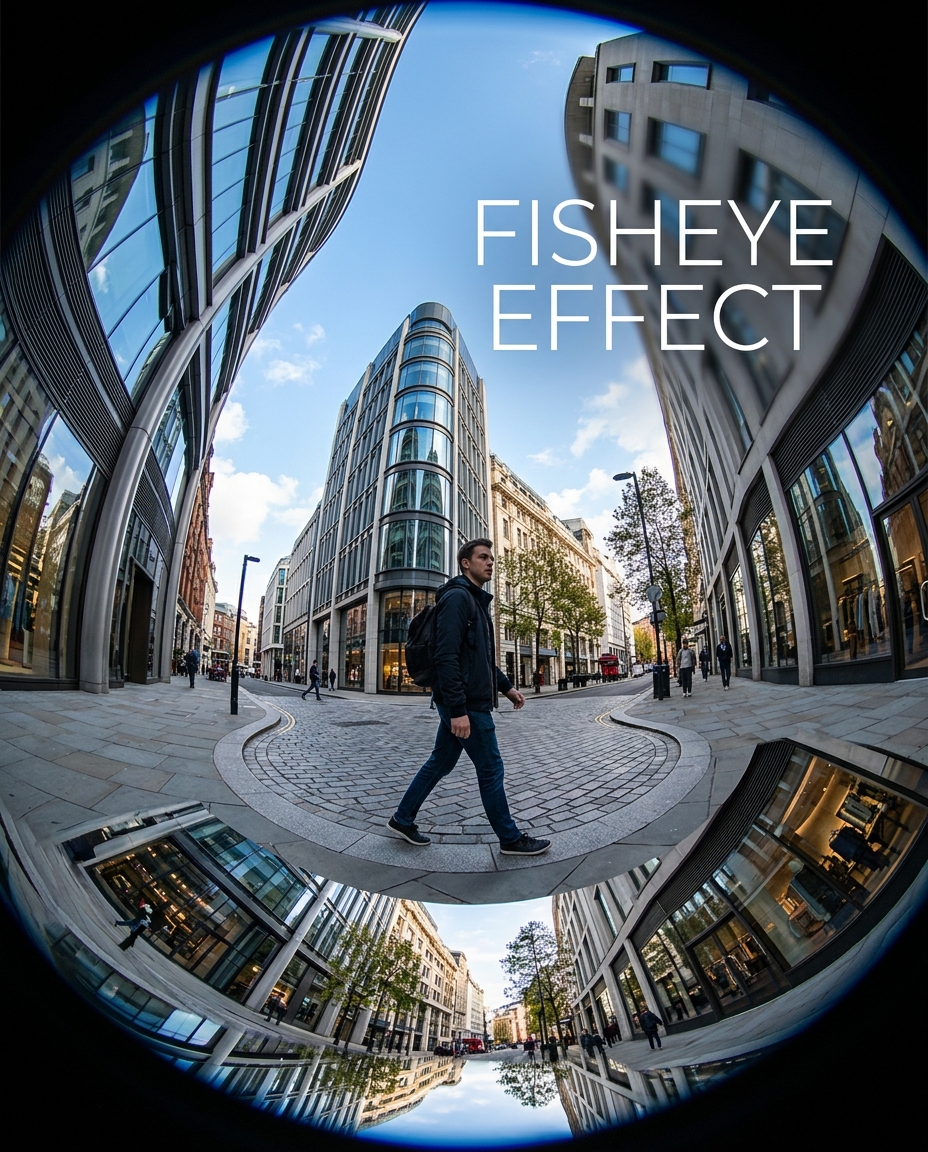
Turn ordinary photos into playful wide-angle visuals with Fisheye Effect.
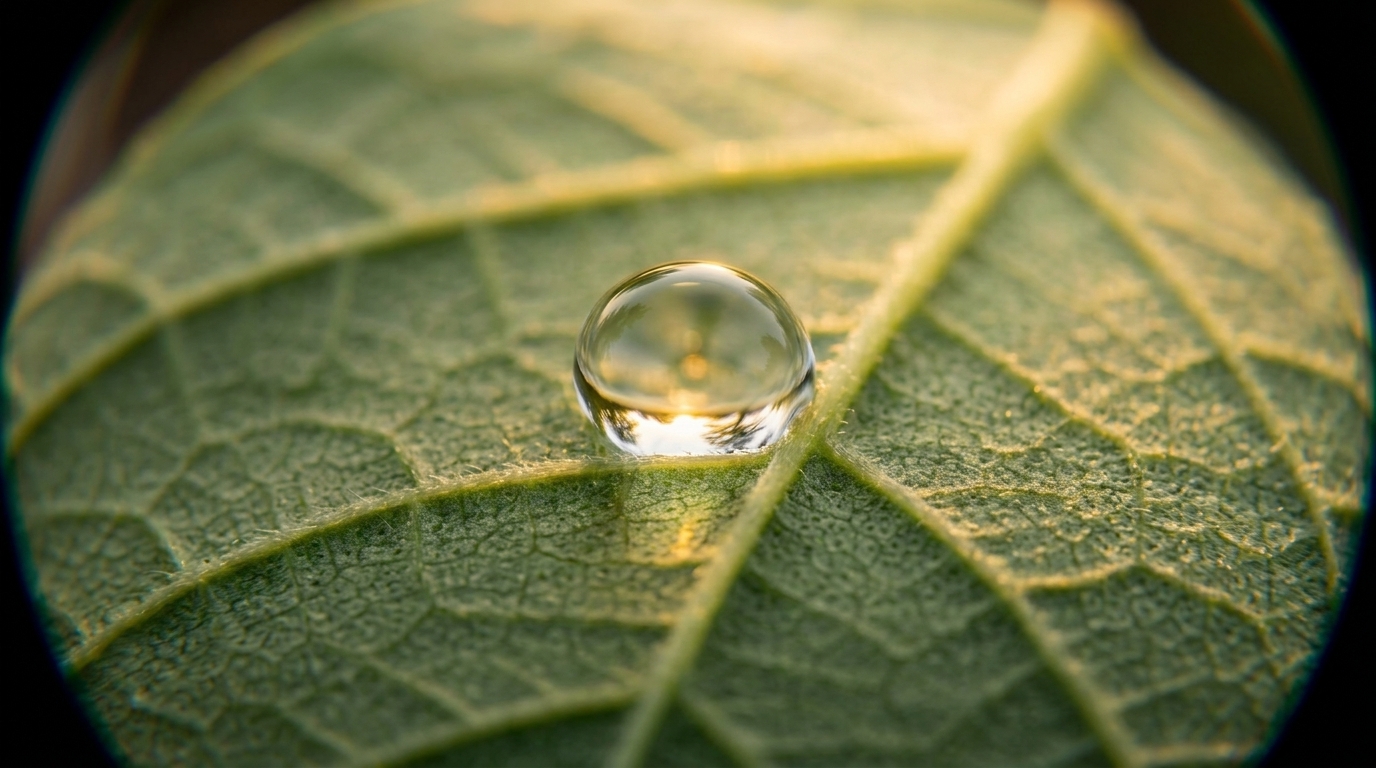
Add a striking Fisheye Effect without manual editing. The Fish eye effect makes it easy to reshape perspective, exaggerate depth, and create the rounded energy associated with a classic fisheye lens.
How to Use Fisheye Effect Tool
Applying a Fisheye Effect should feel simple even if you have never edited a photo before. Our workflow is fast and visual, so you can test different intensities and download the version that best fits your style, format, or campaign goal.

Upload Your Photo
Start by uploading a portrait, pet photo, travel shot, product image, or lifestyle picture. A strong Fisheye Effect usually works best when the subject is clearly visible and placed near the middle of the frame. Because the Fish Eye Effect expands central areas and curves the edges, even a simple composition can become more dynamic, playful, and visually memorable after processing.

Choose Image Size and Generate
Select the image size that matches where you plan to use the result, then click generate. Our tool applies a Fisheye Effect that reshapes spatial perspective while keeping the image recognizable. This step lets you quickly test whether a light Fish Eye Effect feels natural or whether a stronger Fisheye Filter delivers the bold distortion you want.

Preview and Download
Review the processed image and see how the Fisheye Effect changes scale, depth, and edge curvature. If the result fits your idea, download it and use it for social media, mood boards, or marketing assets. The preview makes it easy to compare one Fish Eye Effect treatment against another before you save the final version.
Best AI Image Tools for Creative Projects
Explore creative tools for image, learn tips and tricks, and see how AI can be your assistant in turning concepts into finished projects.











What You Can Create with Fisheye Effect
A good Fisheye Effect changes how viewers feel distance, motion, and focus inside the image. These four use cases show how the style can turn familiar pictures into fresh visual assets without requiring advanced retouching skills or a real specialty lens.

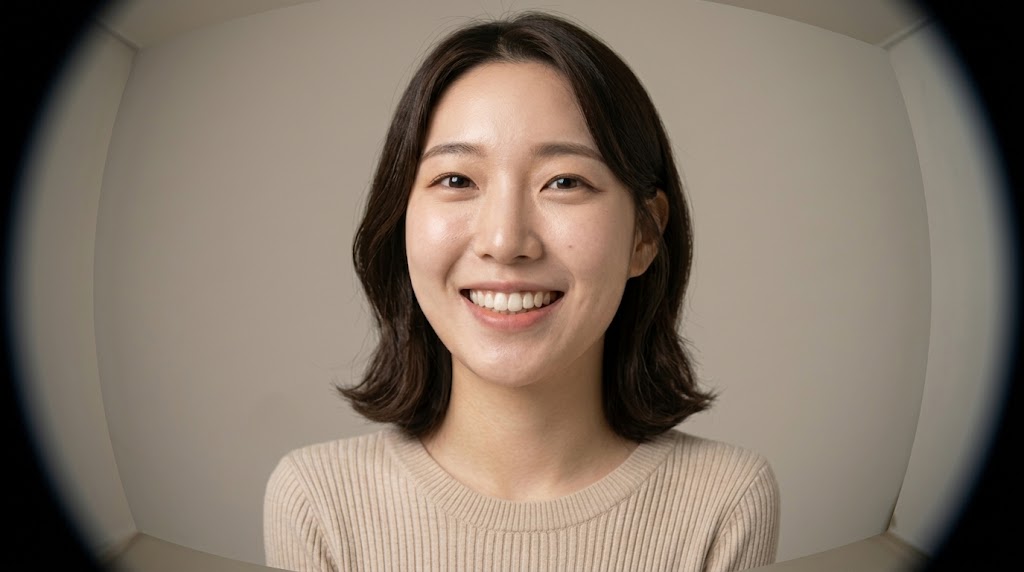
Portraits with Fisheye Effect Perspective
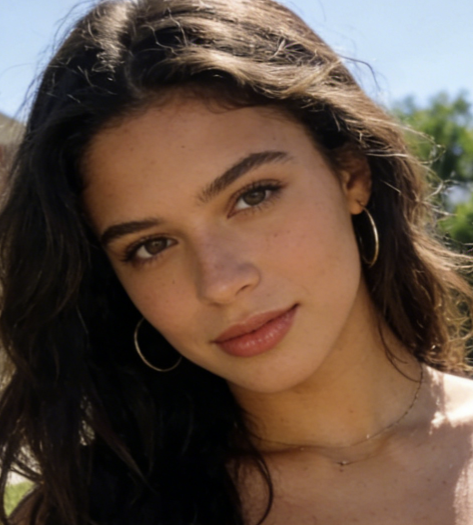
Portraits gain personality when a Fisheye Effect pushes the face closer to the viewer and curves the surrounding space. This style works well for selfies, editorials, friend photos, and creator branding because it feels casual and eye catching. A balanced result makes the subject pop, while a stronger version adds humor, attitude, and unmistakable visual exaggeration.
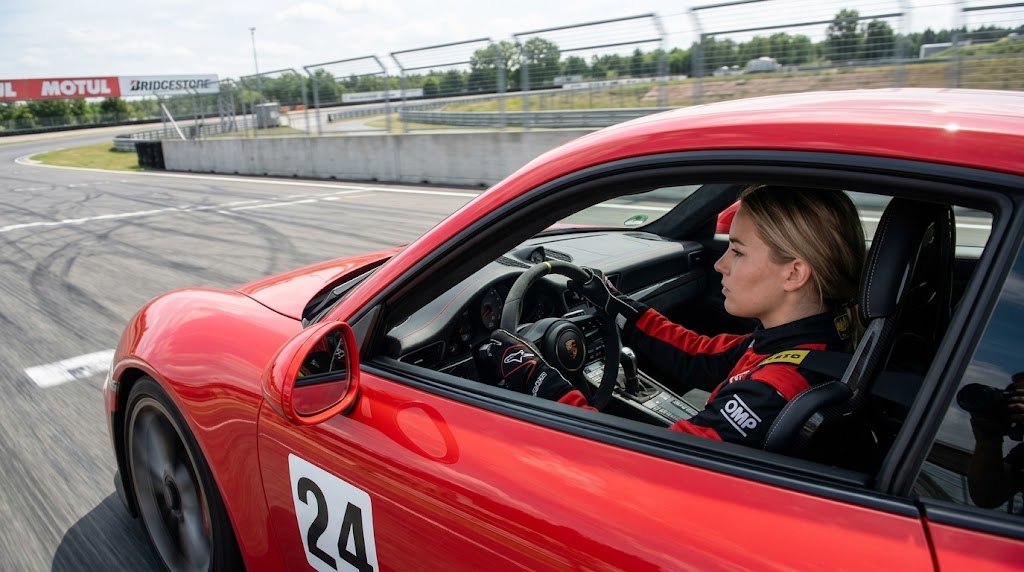
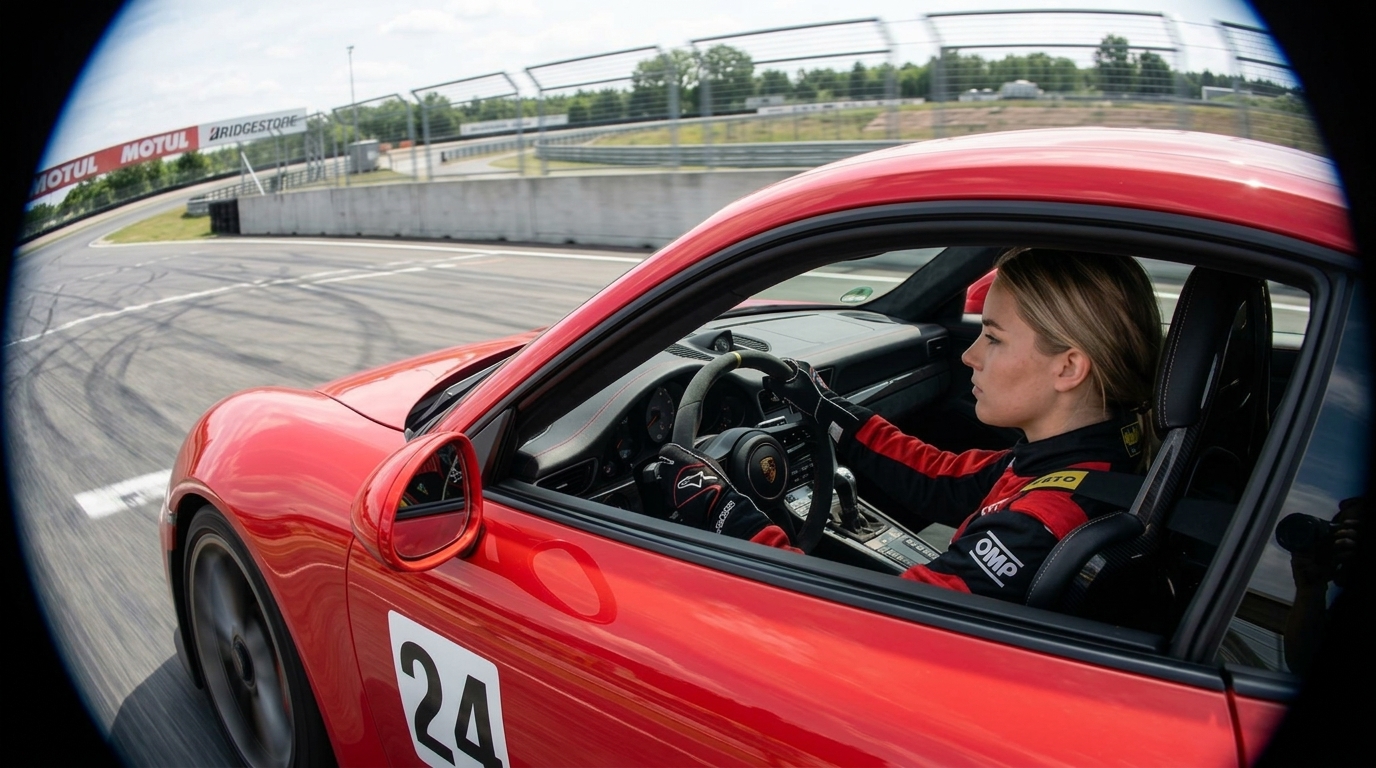
Travel Photos with Fisheye Effect Energy
A Fisheye Effect can make city streets, landmarks, interiors, and landscapes feel more immersive by widening perceived space and bending lines around the frame. That stretch helps ordinary travel photos look less flat and more experiential. Use it when you want viewers to feel pulled into the scene, especially for skate, street, travel, and youth culture content.
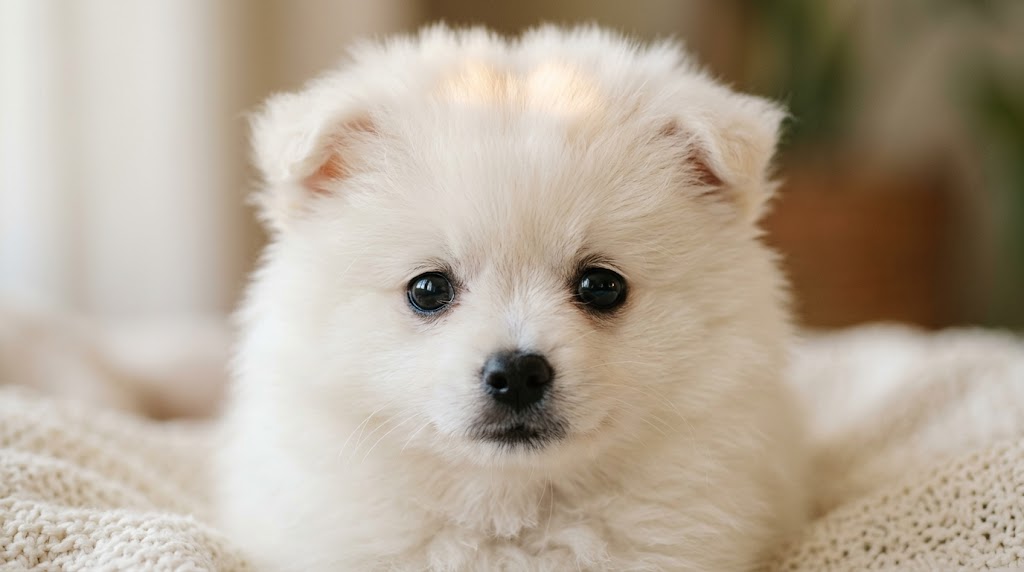
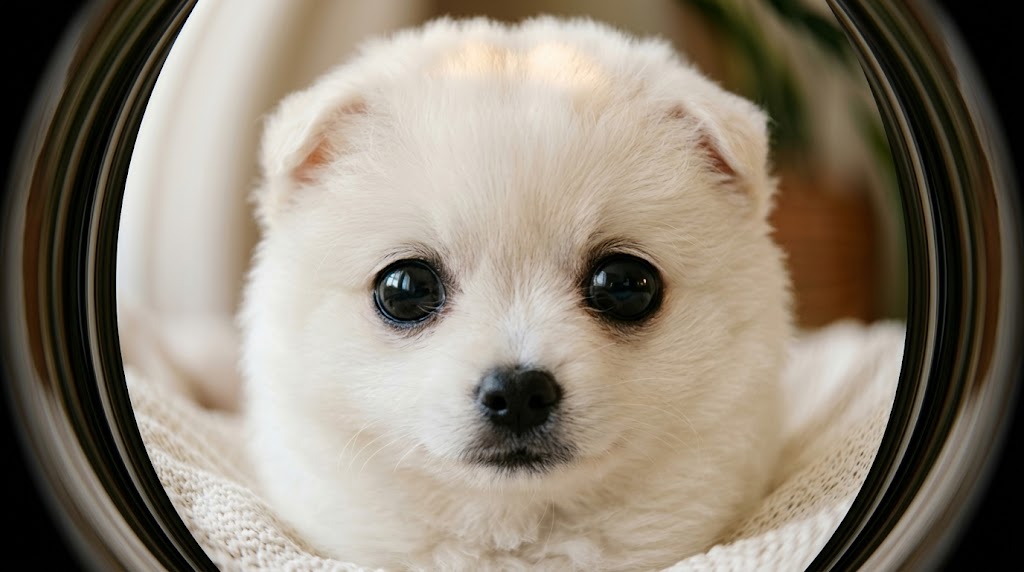
Pet Photos with Fisheye Effect Humor
Pet pictures are a natural match for Fisheye Effect because noses, paws, and expressions become larger and more playful near the center. The result feels lively without needing props or elaborate staging. A softer look keeps the image cute and natural, while a more exaggerated version can turn a simple pet snapshot into highly shareable content.
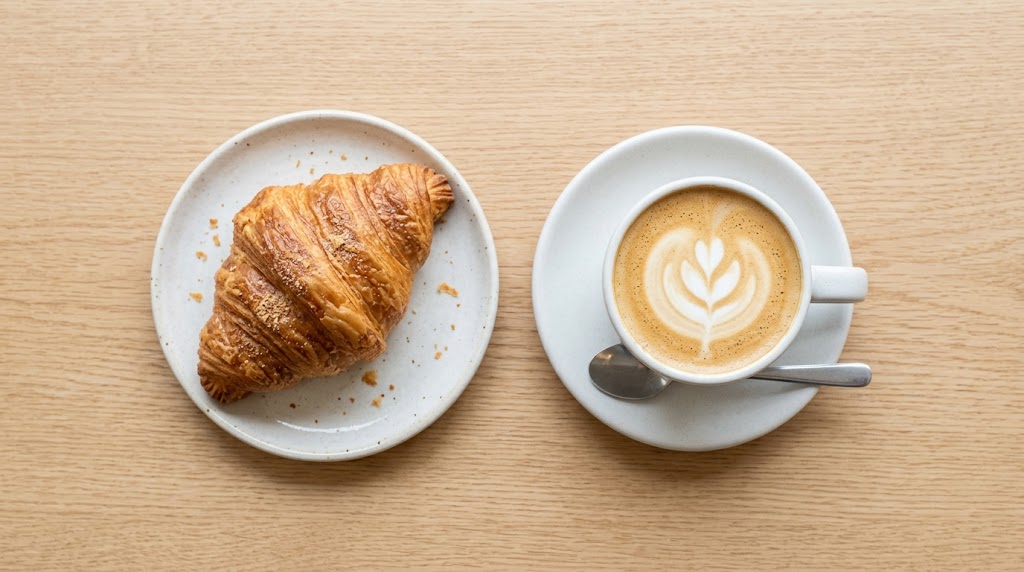
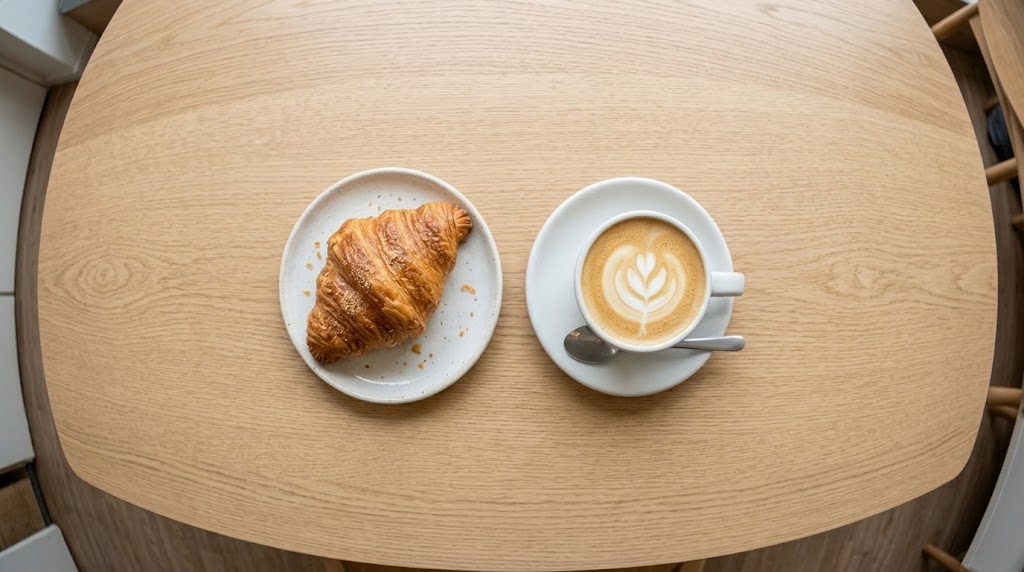
Creative Content with Fisheye Effect
Brands and creators can use Fisheye Effect to make launches, posters, album art, and campaign graphics feel more contemporary. Curved edges draw attention toward the middle of the frame, helping key objects stand out. When standard content feels predictable, this look introduces shape, tension, and a distinctive identity that is easy to notice.
Why Choose Fisheye Effect
The best Fisheye Effect should be quick to use, flexible across image types, and reliable for both playful experiments and repeatable content work. These advantages explain why creators and casual users choose Fish Eye Effect when they want distortion.

Fast Fisheye Effect Styling
Traditional fisheye styling often requires manual distortion tools and repeated trial and error. Our Fisheye Effect removes that friction by giving you a direct way to generate the look quickly. Instead of wrestling with complex edits, you can focus on choosing the image, judging the composition, and deciding how bold the result should feel.

Fisheye Effect Across Many Scenes
A useful Fisheye Effect should not be limited to one image category. This tool adapts well to selfies, pet closeups, street scenes, interiors, food photos, and creative product shots. That flexibility matters when you want a consistent visual language across different campaigns.

Fisheye Effect for Social Visuals
On crowded feeds, images need shape and tension to stand out quickly. A Fisheye Effect does that by changing how space is read at first glance. Curved borders, enlarged subjects, and exaggerated depth make the image feel active before anyone reads the caption. It is especially helpful for posts, thumbnails, and covers that need more immediate visual pull.

Repeatable Fisheye Effect Workflow
Creative workflows move faster when the process is repeatable. With Banana Pro AI, you can upload a new image, choose another size, and generate a fresh Fisheye Effect without rebuilding the look from scratch. That makes the tool practical for teams and solo creators who want to test multiple directions and keep only the strongest version.

Fisheye Effect for Strong Identity
Many photo effects are easy to miss, but a Fisheye Effect changes the structure of the frame in a way viewers immediately recognize. That makes it useful for trend content, music visuals, playful editorials, and campaign art that needs a clear point of view. The result can feel nostalgic, modern, distorted, or all three at once.

Beginner Friendly Fisheye Effect
You do not need advanced editing experience to get value from this Fisheye Effect workflow. The interface is simple for casual users, yet the result is interesting enough for designers, marketers, and content teams who need variety in output. It feels accessible on the first try while still producing images people want to publish.
What Users Say About Fisheye Effect
People use Fisheye Effect for humor, stronger brand visuals, or simply to make photos feel less ordinary. These testimonials show how the style fits into real creative routines across social content, design work, and personal image making.
I use Fisheye Effect when my content needs more attitude without changing the subject completely. It gives selfies and outfit shots a wider, cooler feel, and the curved frame helps my posts stand out in a crowded feed. I like that I can start with a softer result, then push the Fisheye Effect further when I want something more playful.
What I like about this Fisheye Effect tool is that it captures the energy people associate with wide lens street photography, but I can test it on existing images in seconds. Alleyways, signs, and crowded sidewalks suddenly feel immersive. For quick experiments or mood boards, it is much faster than rebuilding the look manually inside editing software.
Pet photos respond incredibly well to Fisheye Effect, especially when the dog or cat is close to the camera. The noses look funny, the eyes stay expressive, and the whole picture feels warmer and more social. I have tried similar tools elsewhere, but this one gives me a cleaner result that still feels lively enough for reels, covers, and posts.
A strong Fisheye Effect gives artwork instant character. I often use it when a cover image looks too safe or centered in a predictable way. The curve around the edges pulls everything into a more stylized space, which works well for youth, indie, and pop visuals. When I need quick concept directions, this is one of the easiest ways to change the mood fast.
I started using Fisheye Effect on travel photos that felt flat after basic color editing. It made hotel interiors, café counters, and city corners feel much more immersive. The tool is easy to use, and I like being able to test the look on different image ratios before deciding which version works best for a post or header.
For campaign assets, Fisheye Effect is useful because it changes composition in a way audiences immediately notice. We use it for youth-oriented promotions, launches, and experimental brand visuals that need more edge. A bold Fisheye Effect is especially good when a square or vertical asset needs more depth and movement.



FAQs About Fisheye Effect
Before using a Fisheye Effect, people often want to know how it behaves on different image types, whether it works for social content, and what kind of result to expect. These answers cover the essentials, including Fish Eye Effect basics and Fisheye Filter tips.
A Fisheye Effect is a photo style that mimics the exaggerated perspective of a fisheye lens. It enlarges the center, curves lines near the edges, and makes the frame feel wider and more immersive. People use Fish Eye Effect to add humor, motion, or a stylized point of view to portraits, pets, travel scenes, street photos, and product images.
A Fish Eye Effect usually works best on images with a clear subject near the middle of the frame. Selfies, pet closeups, skate shots, street scenes, interiors, and travel photos often respond especially well because the distortion adds energy without making the picture unreadable. Fisheye Effect is most effective when there is enough space around the subject for the edges to bend naturally. Simpler compositions often produce a cleaner, more intentional result.
Yes. A Fisheye Filter is useful for social media because it creates a strong visual hook at first glance. Curved edges, enlarged faces, and exaggerated depth help posts feel more dynamic in fast-scrolling feeds. Many creators use Fisheye Effect for story covers, mood boards, campaign graphics, and playful selfies. It works well for trend-driven content because the look is bold and immediately noticeable.
Not at all. While selfies are popular, Fisheye Effect also works well on pet photos, interiors, food shots, objects, street photography, and creative brand visuals. The style changes perceived space, not just faces. It can make a hallway feel longer, a city corner more immersive, or a product arrangement more graphic. That flexibility makes Fish Eye Effect useful far beyond portrait editing.
A standard wide-angle image makes the scene feel broader, but a Fish Eye Effect pushes perspective much further. Instead of simply widening the view, it noticeably curves lines, exaggerates depth, and creates a rounded visual structure that becomes part of the style. A normal wide-angle look can feel realistic, while Fisheye Effect feels more expressive and obvious. That is why creators use it when they want a deliberate aesthetic rather than natural camera correction.
That depends on the source image and the direction you want. Some people use Fisheye Filter for mild curvature that adds energy while keeping the image fairly natural. Others prefer stronger distortion because exaggeration is the point of the look. Photos with a centered subject usually handle Fisheye Effect more gracefully, while off-center compositions can feel more dramatic. The preview step helps you judge whether the result feels balanced, playful, or intentionally extreme.
Yes. Fisheye Effect is useful in marketing because it creates a more distinctive frame than ordinary photo treatments. Curved edges guide attention inward, and the altered perspective can make a product, face, or focal object feel more prominent. Designers use a Fish Eye Effect for posters, music art, launch graphics, youth campaigns, and social assets that need stronger personality. It is practical when a brand wants a more experimental look without a new custom shoot.
No. The workflow is straightforward, so beginners can use Fisheye Effect without learning advanced distortion tools. You upload an image, choose the size, generate the effect, and preview the result. That simplicity matters because the creative decision is more important than technical editing knowledge. Experienced creators can still use the tool for rapid ideation, but casual users can get a publishable Fisheye Filter style on the first try.
For the strongest result, start with an image that has a clear subject and enough space around it for the frame to bend visually. Faces, pets, objects, and architectural scenes often work well when the focal point sits near the center. Think about what you want the effect to emphasize: humor, closeness, energy, or tension. If the original image already has strong perspective lines, the effect can make that structure feel even more dramatic and engaging.
Manual distortion can work, but it often takes longer and requires more experimentation to achieve a balanced result. Banana Pro AI gives you a faster path to a polished Fisheye Effect by simplifying the workflow into upload, size selection, generation, and download. That speed matters when you want to test several images, compare directions, or build content at scale. The tool is useful for people who want a reliable Fish Eye Effect without spending extra time in complex editing software.
Try Fisheye Effect on Your Photo Now
Upload an image, pick the right size, and create a bold Fish Eye Effect in seconds. Whether you want playful personal photos or cleaner content production, Banana Pro AI makes the process fast, accessible, and visually impactful with a clear Fish Eye Effect and a polished Fisheye Filter style.
