
More AI Image Generators
Explore our collection of specialized AI image generators designed for different creative needs and styles
























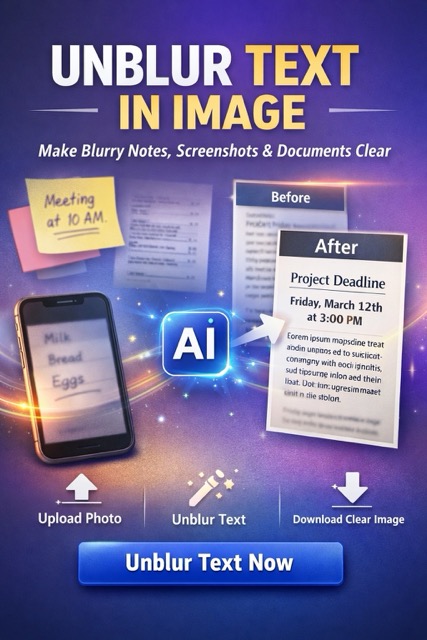
Blurry Notes Fix with Unblur Text in Image
Turn soft screenshots, notes, and document captures into readable text fast.
Use Unblur Text in Image to clean up blurry notes from class, work, meetings, receipts, labels, and phone shots. Whether the text came from a rushed screenshot or a soft document photo, this page helps you make the content readable, keep the layout natural, and download a clearer file for study, sharing, and records.
How to Use Unblur Text in Image
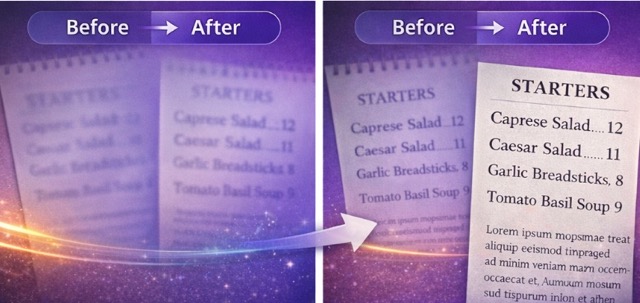
The workflow stays simple: Upload photo - Click generate - Download. Use Unblur Text in Image when blurry notes or text photos are hard to read and you want a fast result without manual editing.

Upload photo
Upload a phone photo, screenshot, whiteboard snap, or scanned page. If blurry notes were saved in low light, from a distance, or after compression, this is the fastest way to start.

Click generate
Click generate and let Unblur Text in Image detect text areas, improve edge clarity, and sharpen the text without rebuilding the whole picture. This helps when blurry notes contain headings, lists, dates, or small details you need to read now.

Download
Download the cleaner result for school, work, records, or sharing. Once the file becomes clearer, you can save it, send it to teammates, or keep blurry notes ready for later review.
Best AI Image Tools for Creative Projects
Explore creative tools for image, learn tips and tricks, and see how AI can be your assistant in turning concepts into finished projects.









Features of Unblur Text in Image for Text Clarity
This page is built for people who do not need a generic editor. They need a direct way to rescue blurry notes, screenshots, and document photos. Unblur Text in Image keeps the page focused on readable text, faster recovery, and files you can actually use after download. It is also useful when the source file has uneven focus, light compression, small printed details, mixed handwriting and typed text, or several short lines that need to stay easy to review across phones, tablets, laptops, classroom folders, shared workspaces, and saved personal archives.
Make Notes Readable Fast
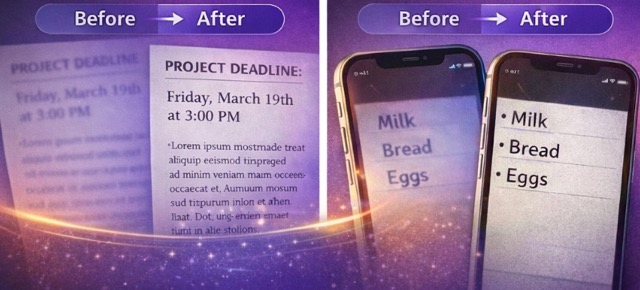
- Fast recovery for blurry notes: Fix lecture notes, meeting notes, homework images, travel details, or product labels.
- Useful for daily reading: When the text hides names, dates, prices, or instructions, faster clarity matters.
- Good for screenshots and photos: You can repair images saved from chat apps, gallery photos, or scans.
- Built for action: The goal is to help you read the information now, not spend time learning an editor.
- More practical than manual cleanup: A focused tool saves time when blurry notes only need sharper text and clearer structure.
Keep Notes Natural After Cleanup
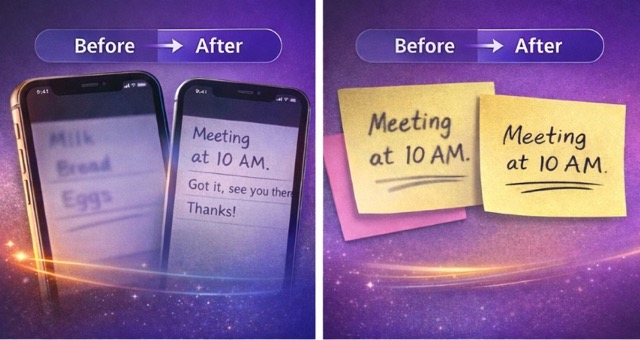
- Preserve structure: Unblur Text in Image helps the page stay in the same reading order with headings, bullets, and spacing easier to follow.
- Useful for reference: When the result still looks like the original page, it is easier to trust.
- Better for screenshots and scans: Notes often include boxes, timestamps, or labels around the text, and that context still matters.
- Helpful for mixed files: If the text sits beside icons or page elements, the tool aims to improve readable areas without making the file feel redesigned.
- Good for long-term records: Cleaner blurry notes are easier to save, revisit, and share.
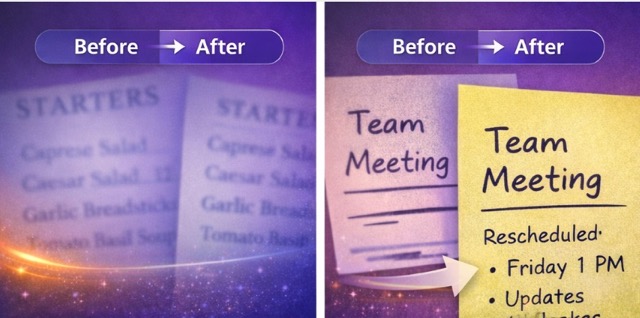
No Editing Skills Needed for Text Cleanup
- Simple workflow: Upload, process, and download.
- Made for non-design users: Students, teachers, office workers, and researchers often need blurry notes fixed without advanced tools.
- Works for repeat tasks: If you handle text photos often, the quick flow makes repeated cleanup easier.
- Useful under pressure: A meeting or class image can be fixed before the details are forgotten.
- Less effort, clearer output: Unblur Text in Image gives you a direct path from blurry notes to usable files.
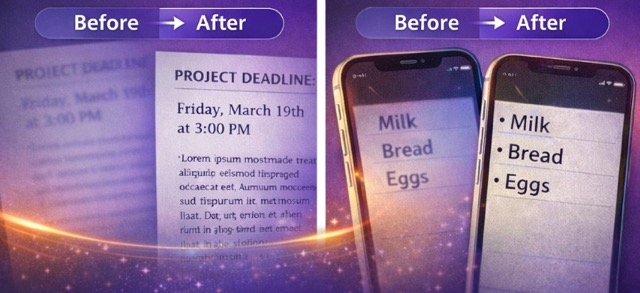
Download Clear Notes for Work, Study, and Sharing
- Ready for practical use: After cleanup, blurry notes become easier to read, store, print, or share.
- Good for school and office tasks: Send notes to classmates, coworkers, or clients with less confusion.
- Better for archives: If a file contains schedules, lists, or reminders, a clearer copy is easier to keep.
- Useful for screenshots and paper captures: The result works across phone shots, scans, and shared screenshots.
- Made for real use cases: The value is simple: turn blurry notes into clearer information you can act on.
Why People Use This blurry notes Tool for Text Images
People search for help with blurry notes because the information matters. A date, deadline, label, instruction, or class point can disappear when the text is soft or compressed. Unblur Text in Image is useful because it turns those files into more readable images without adding extra steps.

Useful for Class Notes and Meeting Notes
Blurry notes are common after quick phone shots, rushed screenshots, and shared images from chat groups. This tool helps when lecture notes, study notes, and meeting notes need to become readable before you miss something important.

Helpful for Workflows That Depend on Text
Many people store notes, receipts, labels, and schedules as images. Fixing blurry notes before saving or forwarding them reduces confusion and keeps the information easier to use later.

Better Than Manual Retouching for Small Jobs
Most users do not want to open a heavy editor just to sharpen blurry notes. A focused tool is faster when one image only needs cleaner text, better edge definition, and easier reading.

Built Around Readability, Not Hype
The point is not to create a flashy effect. The point is to make blurry notes, screenshots, and text-heavy images usable again. That is why the page stays centered on readable output.
What Users Say About This blurry notes Tool
These comments reflect everyday situations where blurry notes, screenshots, and quick document photos need a fast cleanup. Users like the page because the text becomes easier to read and easier to save.
I use it for blurry notes from class photos and shared screenshots. When the text is too soft to read, I can clean it up fast and keep a usable copy.
Customers send me blurry notes and product screenshots all the time. This page helps me turn them into something readable without asking for another photo.
I save prep lists as phone shots, and blurry notes used to slow me down. Now I can fix them quickly and share the clearer result with my team.
For shoots and planning, I keep screenshots and blurry notes on my phone. Unblur Text in Image makes them much easier to review later.
I needed help with worksheets and blurry notes from the whiteboard. This tool helped me keep them readable enough for class review.





FAQ About Unblur Text in Image
Quick answers for people who want to fix blurry notes, screenshots, and document photos without wasting time.
Blurry notes means notes captured in a screenshot, photo, or scan where the text looks soft, fuzzy, or hard to read.
Upload the file, click generate, and download the clearer result. Unblur Text in Image gives you a fast way to improve blurry notes online.
Yes. It works well for blurry notes in screenshots, phone photos, scanned pages, whiteboard captures, labels, and other text-heavy images.
Yes. If handwritten blurry notes are still visible in the image, the tool can improve readability and make the writing easier to review.
Yes. Cleaner blurry notes are easier to save, share, review, and use in school, office, and personal record workflows.
Yes. After processing, you can download the clearer image and keep your blurry notes ready for reading, sharing, or storage.
Fix Notes and Download Clearer Files Now
Use Unblur Text in Image to fix blurry notes fast, make text easier to read, and save clearer files for study, work, and sharing.
