
More AI Image Generators
Explore our collection of specialized AI image generators designed for different creative needs and styles
























Add Glitch Filter to Photo with AI Glitch Effect
Turn clean visuals into bold cyber-inspired art with layered RGB shifts, scan lines, digital tearing, and controlled signal noise.
AI Glitch Effect tool helps you add striking digital distortion without complicated editing. Upload a portrait, product shot, poster, or social image, then let AI Glitch Effect transform it with broken signal textures, color separation, and retro screen energy.
How to Use AI Glitch Effect
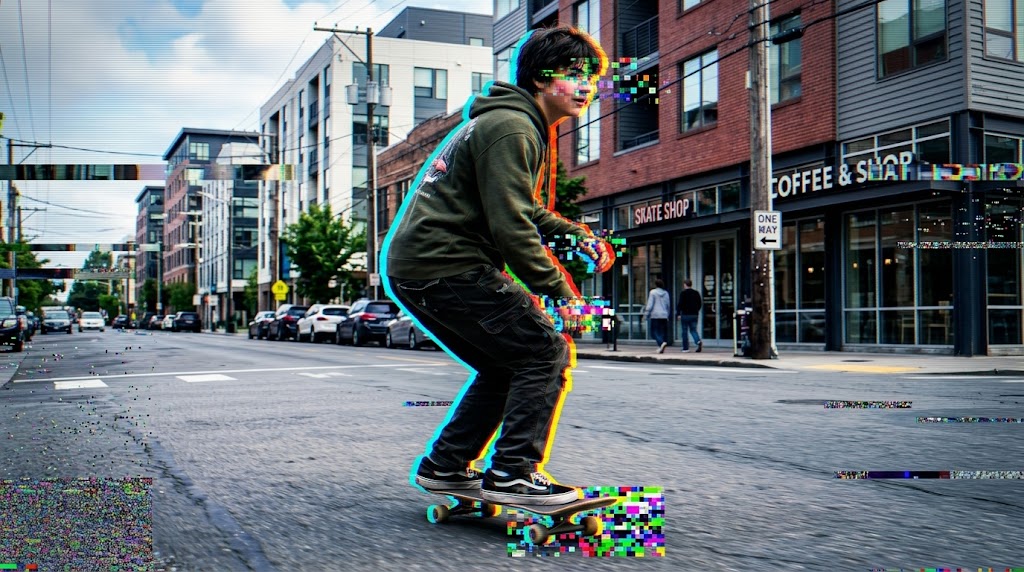
Upload your image, choose the output size, and let AI Glitch Effect create a stylized digital error look in moments. The workflow feels light, quick, and practical for everyday content production, making this AI Glitch Filter a useful option when you want bold visual impact.

Upload Your Photo
Drag in your image or select a file from your device. AI Glitch Effect works well for portraits, street photography, fashion photos, album covers, and creative brand visuals.

Choose Size and Generate
Pick the image ratio that fits your use case, then start the process. AI Glitch Effect analyzes the photo structure and applies controlled glitch styling while keeping the overall subject recognizable.

Preview and Download
Review the final result, compare the mood change, and save your image. With AI Glitch Effect, you get a faster creative loop than manual editing layers and effect stacking.
Best AI Image Tools for Creative Projects
Explore creative tools for image, learn tips and tricks, and see how AI can be your assistant in turning concepts into finished projects.









Features of AI Glitch Effect
Whether you are testing an AI Glitch Filter for campaign graphics or using a lightweight glitch filter editor for daily content, AI Glitch Effect gives you a practical way to create consistent, high-impact visuals.
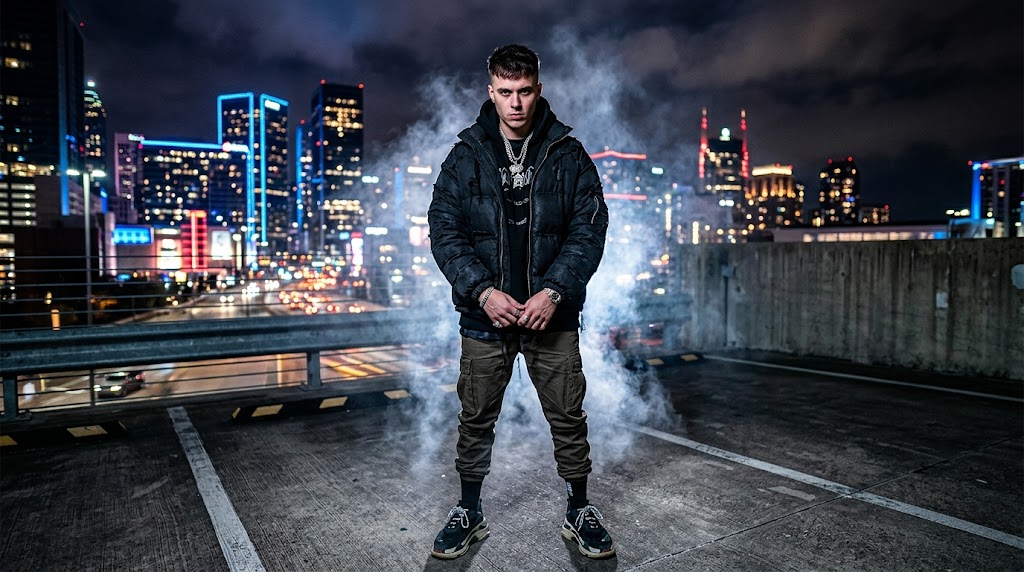
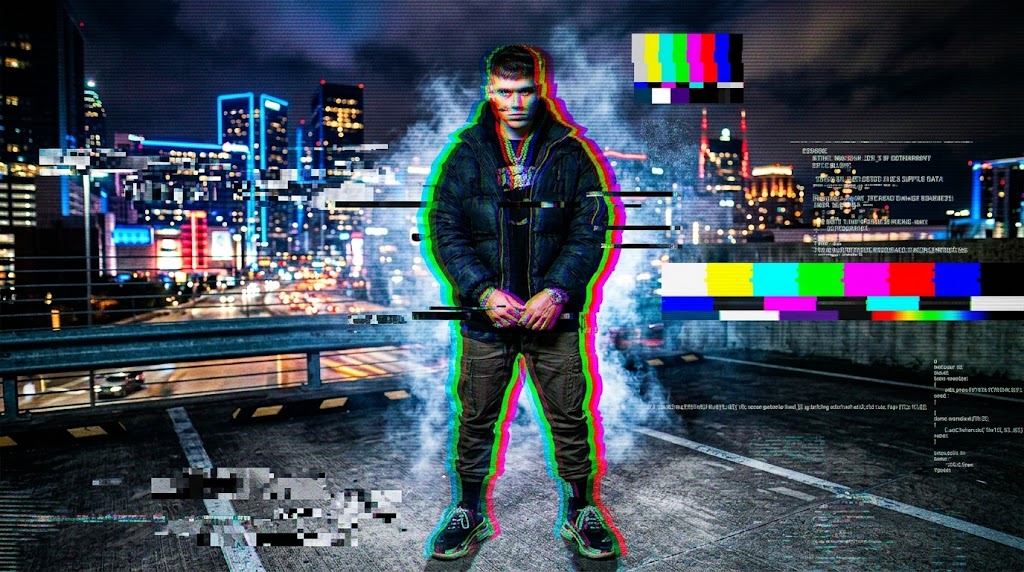
Portraits with Cyberpunk Edge
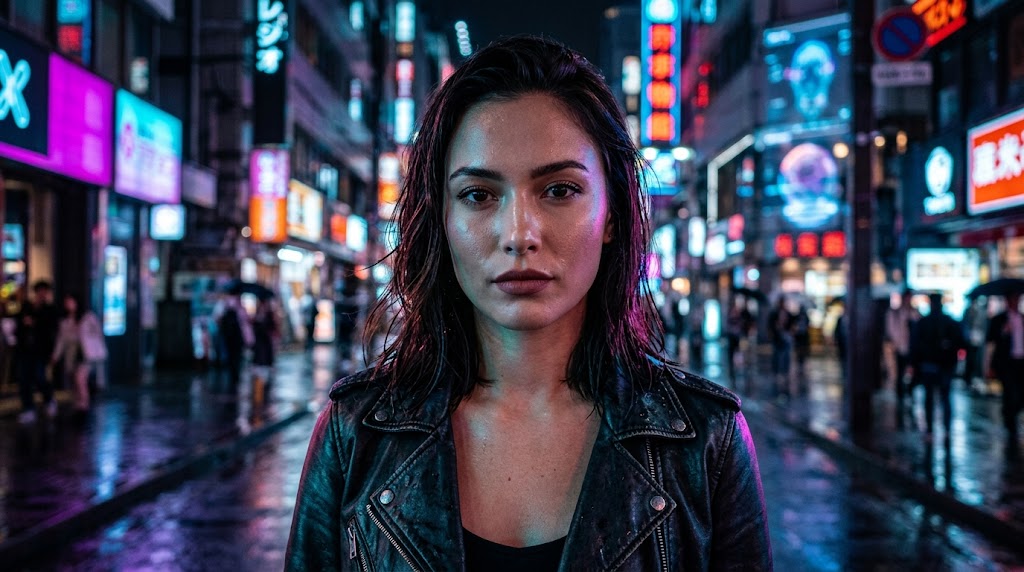
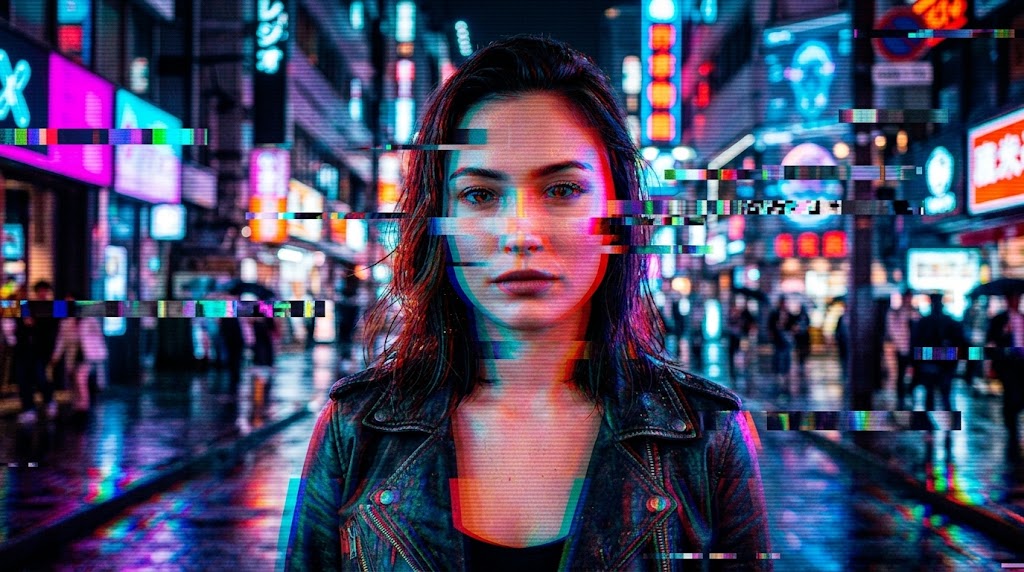
- AI Glitch Effect gives portraits a dramatic screen-broken mood with RGB splits, offset lines, and digital flicker.
- It keeps the face, pose, and overall composition readable while adding strong visual tension.
- This makes AI Glitch Effect useful for profile pictures, creator branding, fashion campaigns, and poster-style artwork.
- If you want an expressive AI Glitch Filter that looks sharper than a random preset, this approach creates images that feel modern, stylized, and intentionally designed.
Album Covers and Music Art
- Music visuals often need energy, noise, and a sense of disruption, which is where AI Glitch Effect performs especially well.
- It can turn a plain photo into art that feels closer to electronic, synth, rap, or experimental cover design.
- Designers use AI Glitch Effect to create distorted edges, signal interference, and fractured color channels without building every layer manually.
- For fast experimentation inside a glitch filter editor, it offers a direct route from clean image to release-ready concept.
Social Media Posts That Stop the Scroll
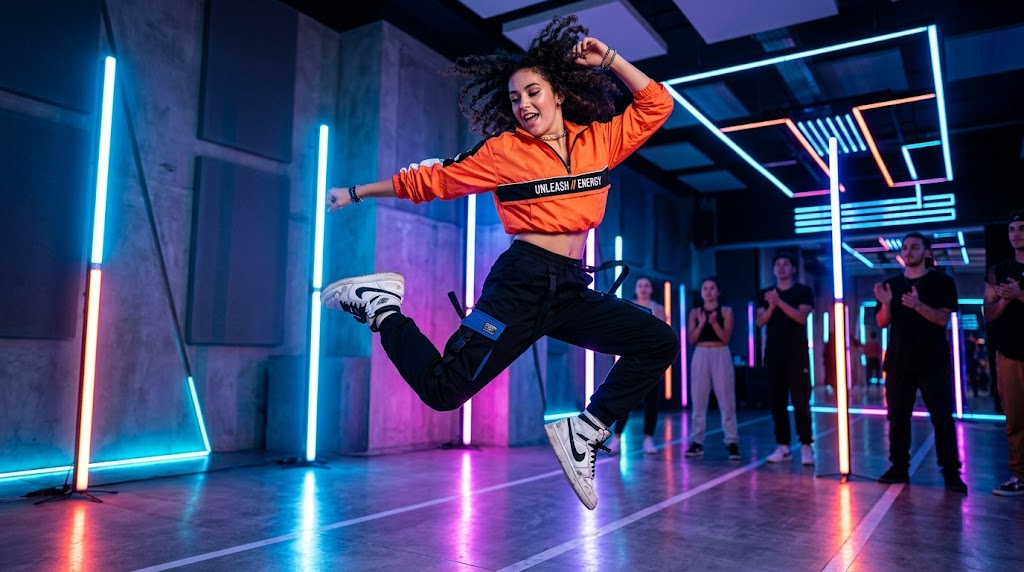
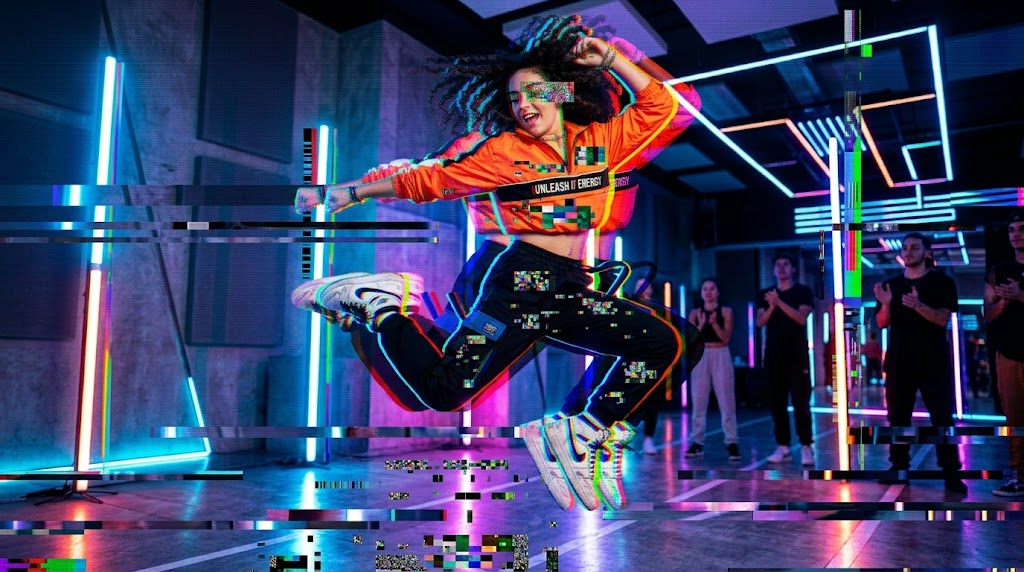
- Attention on social platforms is short, so a stronger visual language matters. AI Glitch Effect helps turn ordinary content into something with instant contrast and motion-like tension.
- Use AI Glitch Effect for launch teasers, event graphics, creator announcements, or trend-driven visual posts.
- The result feels more dynamic than a standard filter because the distortion carries structure and rhythm.
- That makes this AI Glitch Filter useful for teams that need quicker output without sacrificing style.
Creative Product and Brand Imagery
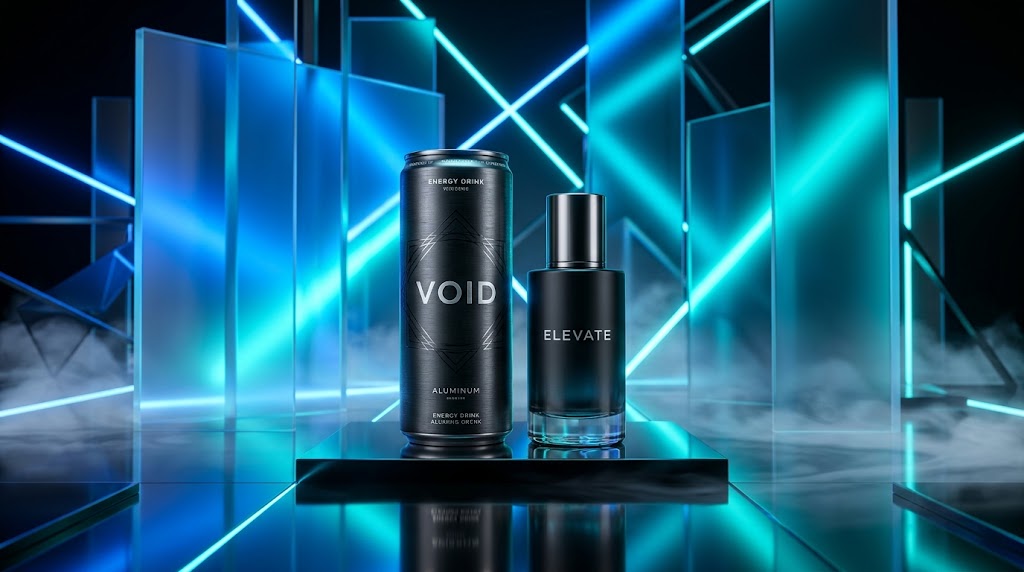
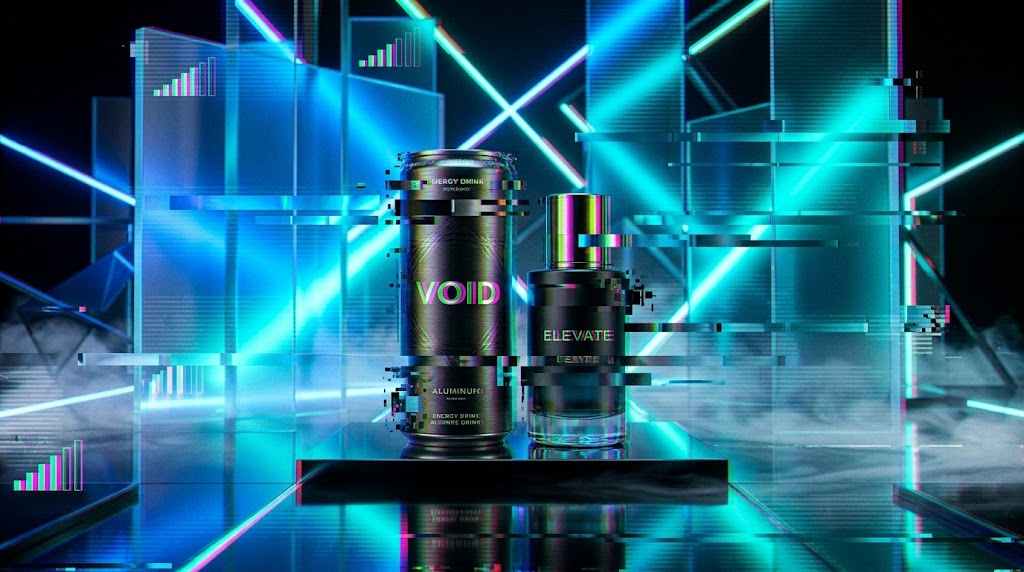
- Brands often need campaign visuals that look less generic and more directional. AI Glitch Effect adds digital disruption that works well for tech products, gaming merchandise, streetwear, and limited releases.
- Instead of flattening the image, AI Glitch Effect introduces tension through warped lines, screen noise, and fragmented color detail.
- A flexible glitch filter editor is valuable here because it supports faster iteration for landing pages, ad creatives, and promotional banners.
- The overall result feels bold, current, and easier to remember.
Why Choose AI Glitch Effect
AI Glitch Effect is designed for speed, clarity, and stronger visual storytelling. It helps you create a recognizable digital distortion style without long editing sessions, which makes AI Glitch Effect useful for solo creators, marketers, and design teams alike.

Strong Digital Aesthetic Without Manual Layer Work
AI Glitch Effect helps you reach a broken-screen, signal-loss look without building color channels, scan lines, or displacement layers by hand. For creators who want fast styling, AI Glitch Effect removes friction while still producing visuals that feel deliberate rather than random.

Useful for Posters, Thumbnails, and Promo Art
From event posters to YouTube thumbnails, AI Glitch Effect creates visuals that feel louder and more immediate. An AI Glitch Filter works especially well when you need a quick mood shift that makes text overlays, headlines, and subject framing feel more energetic.

Balanced Distortion That Keeps the Subject Clear
One reason people use AI Glitch Effect is that it can add noise and disruption without losing the main subject entirely. This balance matters for portraits, products, and branded assets where the image still needs to communicate clearly after the effect is applied.

Fast Iteration for Content Teams
A fast glitch filter editor is valuable when designers and marketers need several visual directions for the same campaign. AI Glitch Effect supports quicker experimentation, making it easier to generate multiple looks for ads, social posts, headers, and landing page graphics.

Works Across Multiple Creative Styles
AI Glitch Effect fits more than one mood. It can feel retro, cyberpunk, futuristic, underground, or editorial depending on the source image. That flexibility makes AI Glitch Effect useful for creators who want one tool that adapts to different visual identities.

Beginner Friendly but Still Visually Competitive
You do not need advanced design software knowledge to get strong results. AI Glitch Effect gives newer users access to a polished distortion style, while experienced creators can still use it as a fast AI Glitch Filter for concept exploration and production support.
What Users Say About AI Glitch Effect
Users choose AI Glitch Effect because it does more than add surface noise. It helps them create visuals with stronger mood, faster turnaround, and clearer creative direction.
I tested AI Glitch Effect for a musician press kit and the result looked much more editorial than I expected. It gave the portraits energy without making them unreadable. I usually build distortion effects manually, but this saved a lot of time while still giving me something I could actually use.
Our team needed fast launch graphics for a gaming campaign, and AI Glitch Effect turned clean product images into visuals that felt sharper and more current. The style looked intentional, not messy. For quick iterations, it worked better than bouncing between several tools and presets.
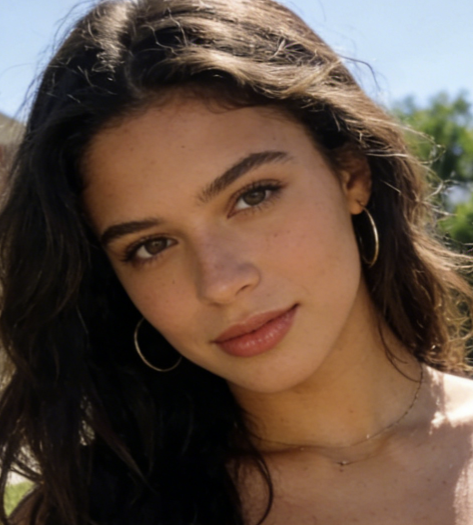
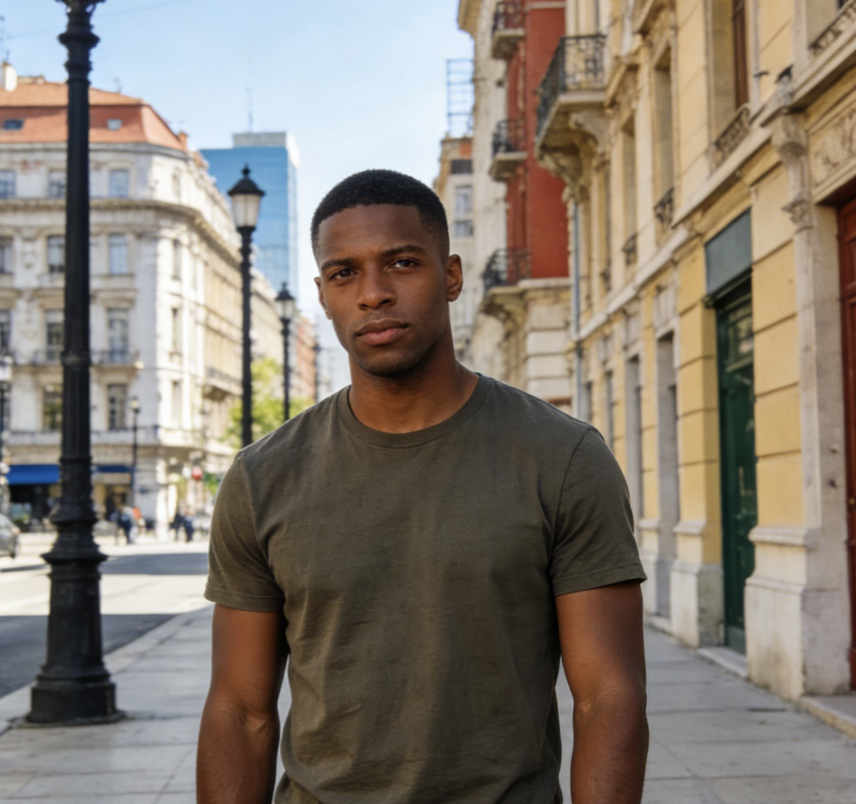
I used AI Glitch Effect on a series of street portraits for social media. The digital tearing and color shift made the images stand out immediately, but the faces still felt clear enough to connect with. That balance is what made the tool useful for my actual workflow.
As someone who designs cover art for small artists, I need effects that feel bold but not cheap. AI Glitch Effect gave me a faster starting point for electronic and hip-hop visuals. I still refine details afterward, but it cuts a big chunk of the concept stage.
I tried this AI Glitch Filter for a product teaser and was surprised by how quickly it changed the mood of the image. Instead of looking like a novelty effect, it gave the campaign a stronger visual identity. That helped us move from idea to publishable creative much faster.
I like using a glitch filter editor for thumbnails because it creates immediate tension and contrast. This one felt easy to use and produced more convincing distortion than simple mobile filters. AI Glitch Effect has become part of my regular batch for creator graphics.

FAQs About AI Glitch Effect
These answers explain how AI Glitch Effect fits into real creative workflows. From social graphics to poster design, AI Glitch Effect helps users create a sharper digital style with less manual effort.
AI Glitch Effect is a photo styling tool that adds digital distortion aesthetics to an uploaded image. Instead of asking you to build manual layers, it applies effects such as RGB offset, signal noise, scan lines, tearing, and fragmented color shifts in a faster workflow. AI Glitch Effect is useful when you want a stylized broken-screen or cyber-inspired look without advanced editing knowledge. It works well for portraits, artwork, promotional graphics, and social visuals that need more edge and visual movement.
AI Glitch Effect works especially well on portraits, street photography, fashion images, concert shots, posters, and product photos with strong contrast. Clean compositions often produce clearer, more dramatic results because the distortion has a defined structure to interact with. That said, AI Glitch Effect can also work on casual selfies or brand visuals when you want a stronger digital mood. If you are testing creative concepts quickly, an AI Glitch Filter can help reveal which photos have the most styling potential.
In most cases, AI Glitch Effect is intended to stylize the image rather than erase the subject entirely. The result usually keeps the main person, object, or framing recognizable while adding distortion around edges, colors, and screen-like detail. This balance matters for marketing graphics, social posts, and cover art where the photo still needs to communicate clearly. A good glitch filter editor should create disruption with purpose, and AI Glitch Effect is designed to preserve that practical readability.
Yes. AI Glitch Effect is especially useful for social content because it adds immediate visual tension that can help an image stand out in crowded feeds. Creators often use AI Glitch Effect for announcements, teaser posts, creator portraits, event graphics, and thumbnail-style images. The effect feels more dynamic than a standard color filter because it introduces digital error patterns and movement cues. If you need a quick AI Glitch Filter for scroll-stopping visuals, it is a strong fit for that workflow.
Absolutely. AI Glitch Effect works well for posters, album artwork, campaign visuals, and experimental branding because the style carries a distinct mood. It can make visuals feel futuristic, underground, energetic, or tech-driven depending on the source photo. Many designers use an AI Glitch Filter when they want faster ideation for launch graphics or promo assets. As a lightweight glitch filter editor, it is useful when you need to test multiple visual directions without spending extra time building each one manually.
A basic photo filter usually shifts color, contrast, or overall tone. AI Glitch Effect goes further by introducing structured digital distortion, including channel misalignment, scan-line texture, signal interruption, and warped details that suggest motion or technical failure. That creates a more directional visual language than a simple preset. AI Glitch Effect is often chosen when the goal is not just enhancement but transformation into a stronger style. For users comparing tools, that is where a focused glitch filter editor becomes more valuable.
No. One of the advantages of AI Glitch Effect is that it gives beginners access to a design style that usually takes more editing skill to build. You upload an image, choose the size, and generate the result without learning layer masks, blending modes, or distortion maps. At the same time, AI Glitch Effect is still useful for experienced creators who want a quick starting point. An AI Glitch Filter can save time during concept development, especially when deadlines are tight.
Yes, many users apply AI Glitch Effect to promotional graphics, product launches, music artwork, ad creatives, and branded social assets. The style is especially effective when a campaign needs more energy or a sharper digital identity. AI Glitch Effect can help transform otherwise ordinary photography into something that feels more campaign-ready. Teams also value having a fast glitch filter editor when they need several creative variations for testing. It supports quicker production without relying entirely on manual post-processing.
An AI Glitch Filter is the better choice when speed matters, when you need several visual options quickly, or when you do not want to spend time building distortion effects from scratch. Manual editing still makes sense for highly specific art direction, but AI Glitch Effect is excellent for fast production, early concept testing, and everyday creative content. For many users, the right process is hybrid: start with AI Glitch Effect, evaluate the mood, then make selective refinements afterward if the project needs more control.
A more complicated tool can offer deeper manual control, but that also means more time, more steps, and more technical overhead. This glitch filter editor is useful because it reduces that friction and helps you get to a compelling visual direction faster. AI Glitch Effect is built for people who want strong results without a long setup process. Whether you are creating cover art, campaign graphics, or social visuals, AI Glitch Effect gives you a practical balance between ease of use and creative impact.
Turn Any Photo into Distorted Digital Art
Upload your image, choose the right size, and let AI Glitch Effect create a bold visual style in seconds. If you need a fast AI Glitch Filter or a streamlined glitch filter editor, this is a practical place to start.
