
More AI Image Generators
Explore our collection of specialized AI image generators designed for different creative needs and styles























Add Retro Effect to Photos with 90s Filter
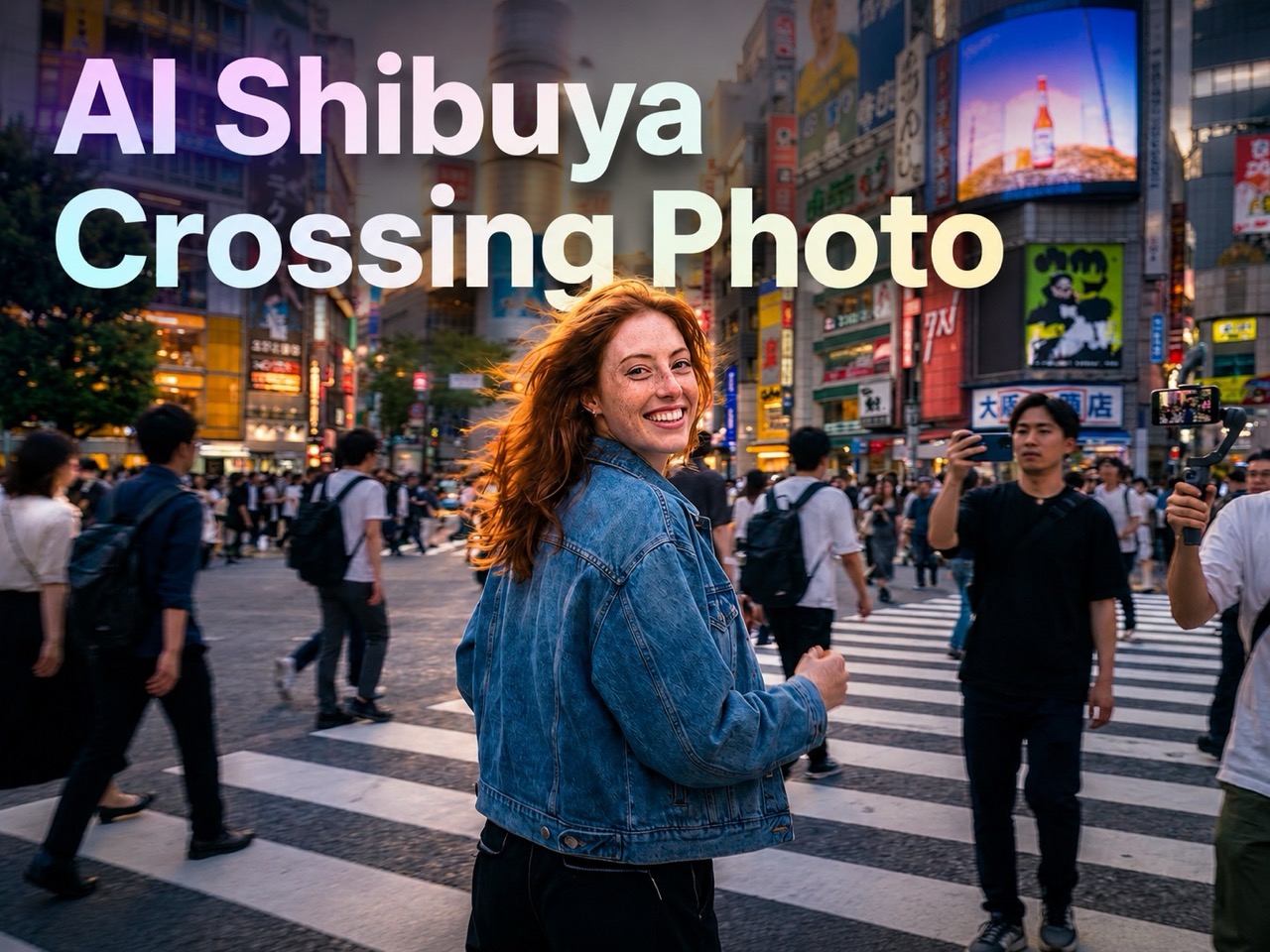
Apply a realistic 90s Filter that adds vintage effect and old-camera mood.
Our 90s Filter helps modern images feel like they came from a family album, music magazine, or disposable camera roll. The 90s effect adds warm tones, subtle fading, soft flash character, and authentic analog atmosphere without changing the main composition.
How to Use the 90s Filter
The workflow is simple, fast, and beginner friendly. Upload a photo, choose the image size, let the model apply the 90s filter, and save the result. You do not need editing experience to create a nostalgic image with convincing texture, tone, and atmosphere.

Upload Your Photo
Start by uploading any image you want to transform with a 90s Filter. Portraits, mirror selfies, party shots, beach photos, and casual street images all work especially well. Choose a clear photo with visible lighting and facial details, then set your preferred image size. This gives the 90s Filter a strong base for adding retro color response, gentle grain, and believable old-camera atmosphere.

Generate the Retro Look
After upload, the system applies the 90s Filter automatically and reinterprets the image with a nostalgic visual language. You get softened contrast, slight color aging, subtle flash energy, and a film-inspired texture that feels natural rather than exaggerated. The 90s photo filter effect is designed to keep the subject recognizable while making the entire image feel moodier, warmer, and more editorial.

Preview and Download
Review the final result and download your retro image when it feels right. A good 90s Filter should make the photo look intentionally styled, not damaged or overprocessed. That is why the output keeps skin, clothing, and background structure clear while adding vintage character. In a few clicks, you can create a polished throwback image ready for posting, sharing, or creative design use with 90s Filter.
Best AI Image Tools for Creative Projects
Explore creative tools for image, learn tips and tricks, and see how AI can be your assistant in turning concepts into finished projects.




What Makes 90s Filter Useful
A good retro effect should do more than add random grain or orange tint. This 90s Filter is built to create believable mood, preserve image clarity, and make everyday photos feel more atmospheric.

Give Portraits an Authentic Disposable Camera Mood
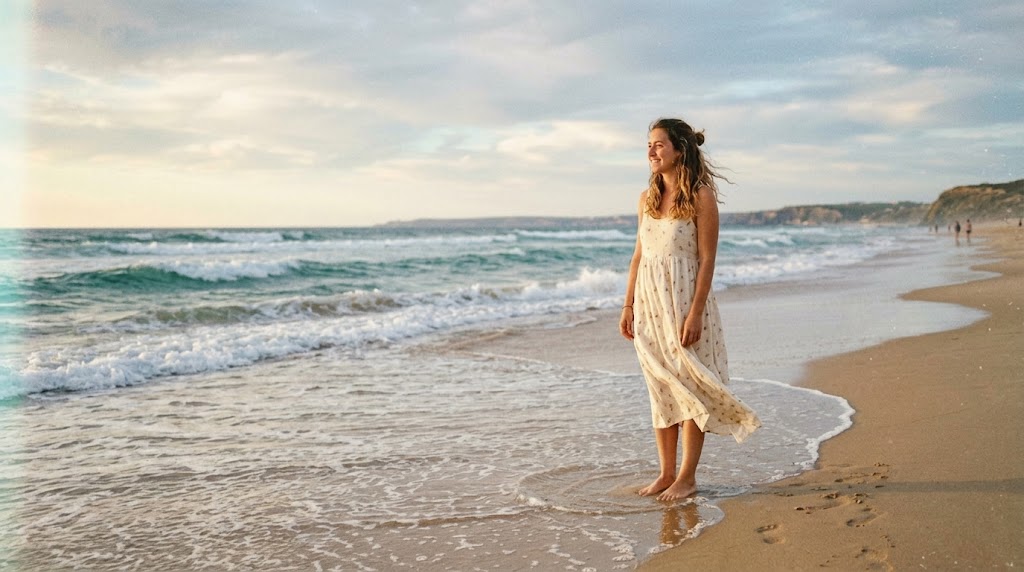
A strong 90s Filter can make an ordinary portrait feel instantly more emotional and memorable. This 90s effect adds soft grain, warm fade, slightly muted contrast, and the casual charm associated with old snapshots. The goal of 90s Filter is not to hide your face, but to place it inside a convincing retro mood. For selfies, close-up portraits, and lifestyle images, the 90s Photo Filter creates a timeless, familiar, and relaxed visual style.
Turn Street and Fashion Photos into Retro Editorials
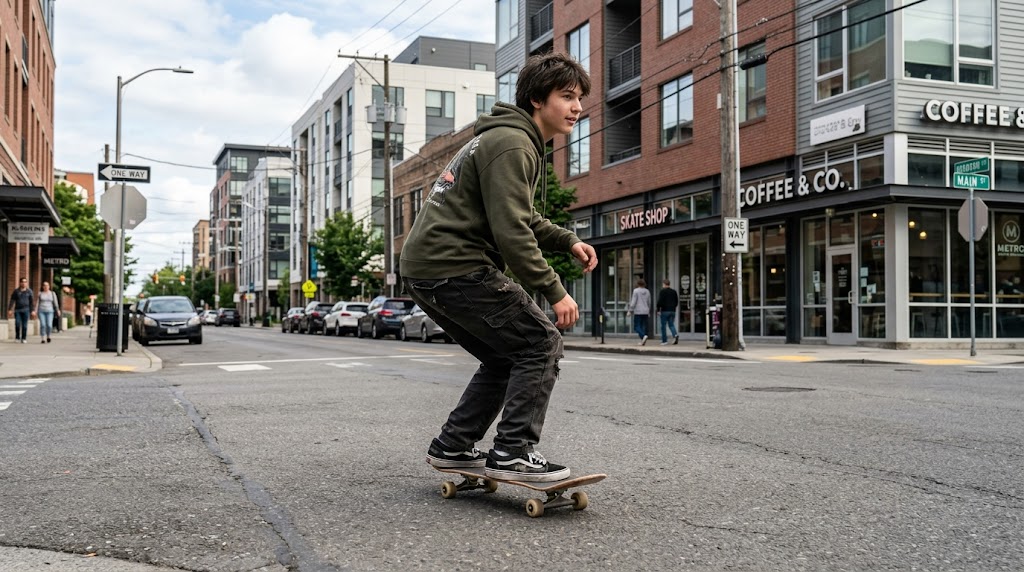
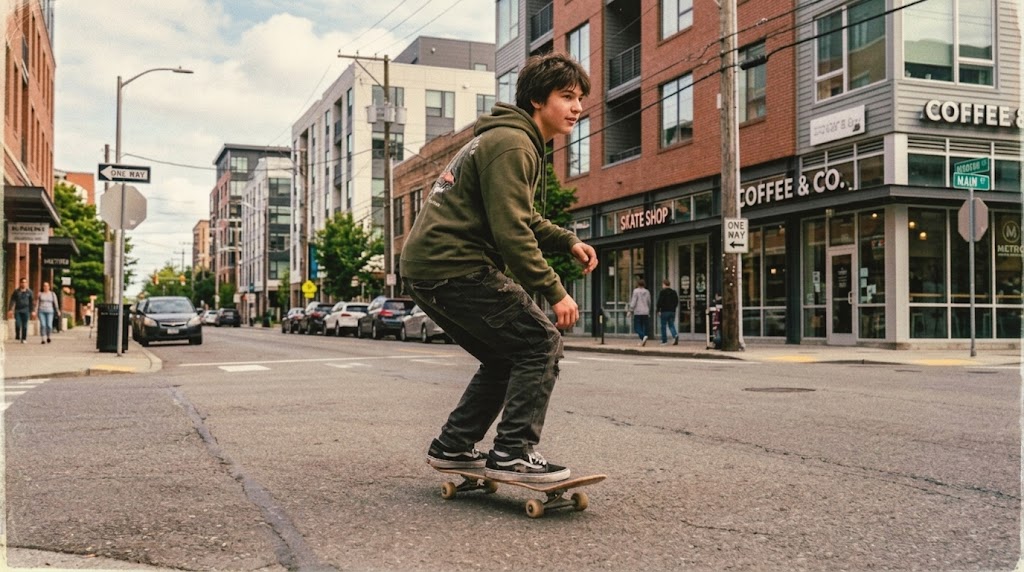
Streetwear, denim looks, leather jackets, sneakers, and urban backgrounds respond especially well to a 90s Filter. The treatment adds nostalgic depth without losing the attitude of the original image. Highlights feel softer, colors feel slightly aged, and the frame gains the kind of analog personality often seen in old magazines and album art. This makes the 90s effect useful for creators who want stylish visuals with a more lived-in character.


Add Warm Throwback Energy to Couple and Friend Photos
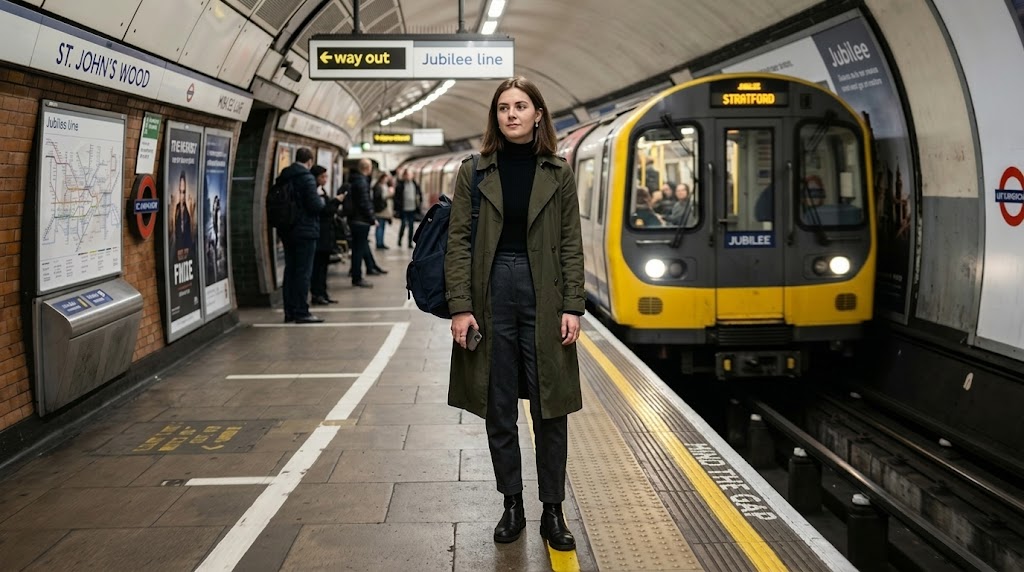
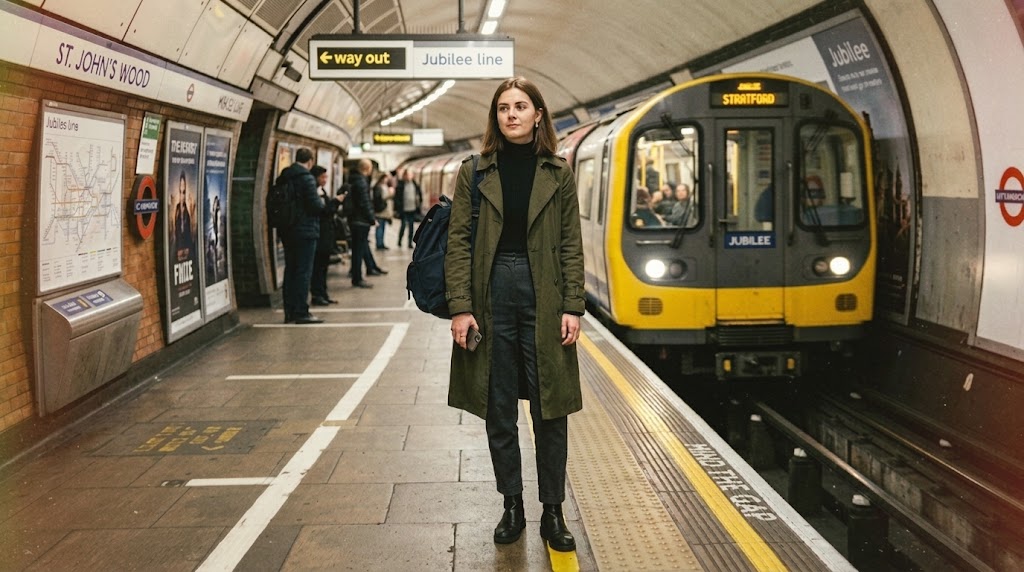
Group photos often look even better with a 90s filter because the 90s effect enhances feeling as much as appearance. Slight film grain, softened tones, and nostalgic color balance make moments feel older, warmer, and more personal. Whether it is a birthday, road trip, date night, or casual hangout, the 90s Photo Filter helps present the image like a memory that was already meaningful when it was captured.
Create Retro Content for Social Media and Creative Projects
The 90s filter is useful beyond personal photos. It also works well for moodboards, posters, blog headers, artist visuals, campaign concepts, and aesthetic social posts. Instead of building the look manually, you can use one clean process to achieve film-like atmosphere quickly. The result feels more intentional than a generic vintage preset, which makes the 90s effect a practical option for fast but polished visual production.
Why People Choose This 90s Filter
Users usually want two things from a retro filter tool: believable style and a smooth workflow. This 90s Filter delivers both. It creates a clear nostalgic identity while keeping the image usable, attractive, and easy to produce for personal memories, creative content, or brand visuals.

Retro Tone That Still Feels Natural
Many vintage effects push colors too far and make images look artificial. This 90s filter aims for a more grounded result by balancing warmth, fade, and texture with the original lighting of your photo. That means the final image keeps its subject, setting, and emotional focus while gaining an unmistakable retro identity that feels believable instead of forced.

Fast Results for Casual Users and Creators
Not every user wants a complex editing workflow. With this 90s Filter, you can reach a polished nostalgic look in a few quick steps. That makes it helpful for both casual users editing weekend photos and creators preparing content on a deadline. You get the atmosphere of a handcrafted retro image without spending time on manual color grading or texture layering.

Works Well on Portraits, Selfies, and Lifestyle Photos
The 90s filter is especially effective on images where mood matters as much as detail. Portraits, mirror selfies, couple shots, bedroom photos, café scenes, and outdoor lifestyle images often gain a stronger emotional pull after the 90s effect is applied. The treatment softens the frame just enough to suggest memory and age while preserving the scene so it still feels personal and visually clean.

Designed for a Familiar 90s Photo Aesthetic
A memorable 90s Filter usually draws from a few recognizable visual signals: soft flash, film grain, slight fade, warm highlights, and low-key analog softness. This 90s Filter brings those cues together in a balanced way. The result feels close to the old point-and-shoot camera aesthetic many users remember, which makes the 90s Photo Filter appealing for both nostalgia and trend-driven visual storytelling.

Useful for Personal and Commercial Visuals
Whether you are refreshing personal photos or building visuals for a campaign, the 90s Filter gives you a flexible retro style. 90s Filter can support creative direction for posters, music cover ideas, brand moodboards, lookbooks, and social storytelling. Because the 90s effect keeps the image readable and balanced, it fits both expressive personal use and more polished design-focused workflows.

Simple Online Experience with No Learning Curve
Some people love vintage visuals but do not want to learn editing software just to get them. This 90s Filter removes that barrier. Upload a photo, choose the image size, and let the model handle the style transformation. The process is approachable from the first use, which makes the 90s Filter a reliable option for anyone who wants better aesthetic results with less effort.
What Users Say About the 90s Filter
People use the 90s Filter for very different reasons, but the goal is usually the same: make a photo feel warmer, older, and more expressive without losing the subject.
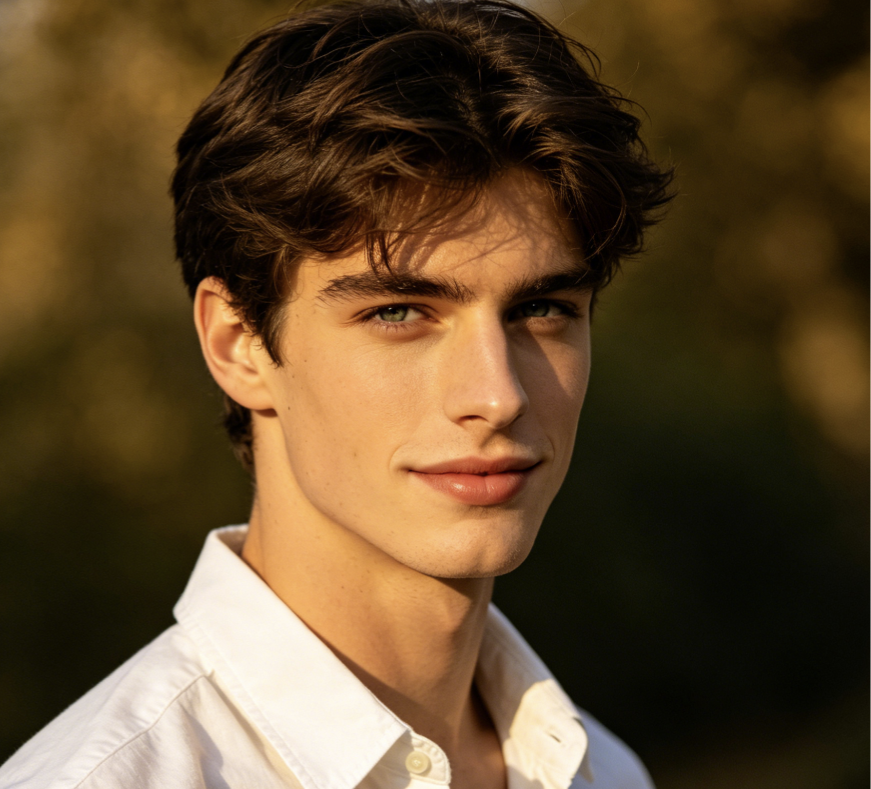
I wanted my selfies to look nostalgic without becoming muddy or overedited, and this 90s Filter gave me exactly that. The photos feel softer, warmer, and much more memorable, almost like they came from an old family camera. I also liked that the faces still looked natural. 90s Filter is the first retro tool I have used that feels stylish instead of gimmicky.
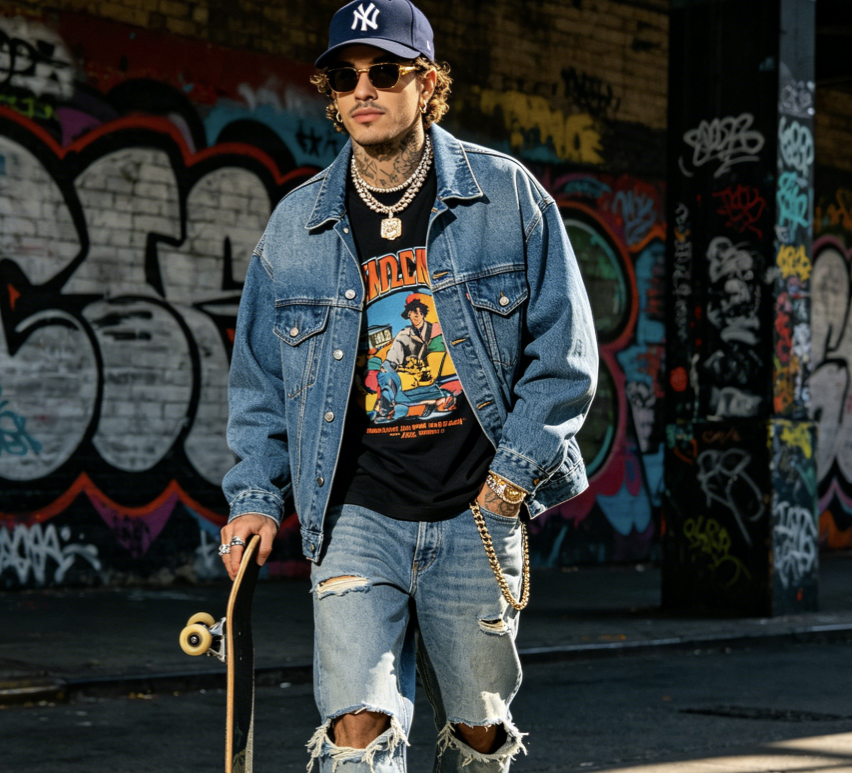
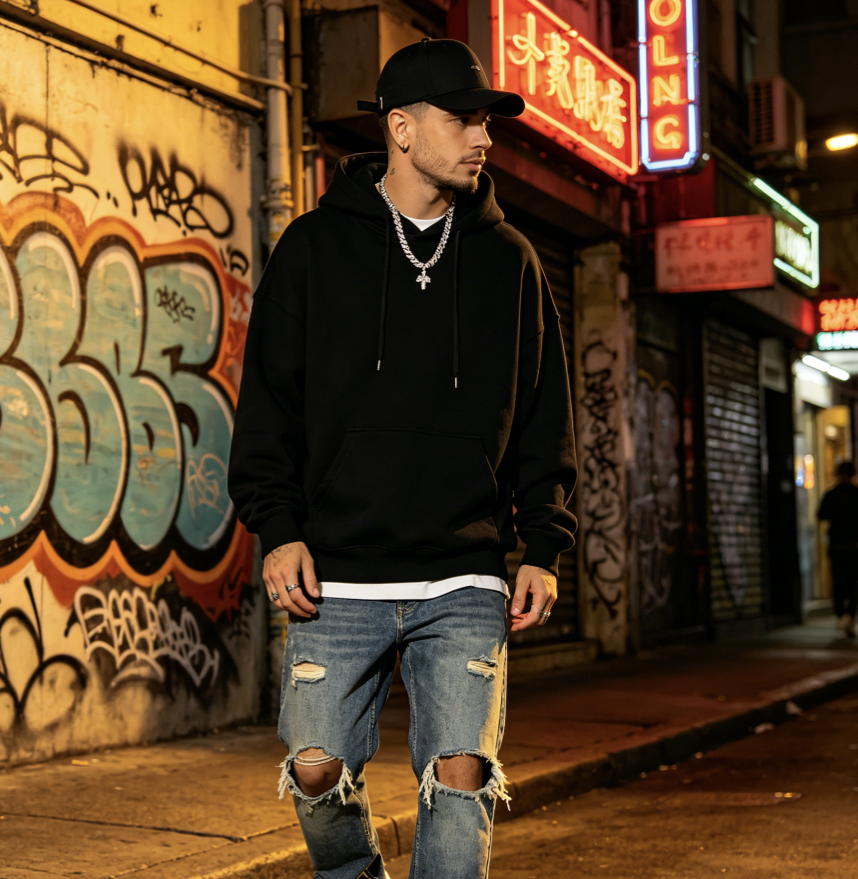
As someone who shoots a lot of streetwear content, I care about mood and texture. This 90s Filter adds a subtle analog edge that works well with denim, sneakers, and city backgrounds. 90s filter gives my images a more editorial tone without making them look fake. I now use the 90s Photo Filter whenever I want a throwback aesthetic for reels and posts.
I used the 90s Filter on old vacation photos with friends, and the results felt unexpectedly emotional. The images looked like real memories from another time instead of ordinary phone pictures. The grain and color fade were balanced, and the backgrounds still stayed clear. 90s filter made the whole album feel more connected, as if the photos belonged to one visual story.
I often need quick visual treatments for pitch decks and concept boards. This 90s Filter saves time because it creates a recognizable retro atmosphere without manual editing. I can take a clean source photo and get something with more personality in minutes. For moodboards, artist references, and campaign directions, 90s filter has become one of the easiest tools in my workflow.
Most vintage filters I tried were either too yellow or too harsh. This 90s Filter felt more restrained and much more useful. It added the right amount of film texture and warmth while keeping skin tones pleasant. I used 90s filter for a birthday photo set, and everyone said the pictures felt like real throwback prints. That balance is hard to get right.
I wanted cover art with an old-camera atmosphere but did not want to build the entire look from scratch. This 90s Filter gave my portrait a worn, emotional character that matched the music much better than a clean digital image. 90s filter kept the composition intact and changed the mood in the right direction. That made the final image feel more intentional.

FAQs About the 90s Filter
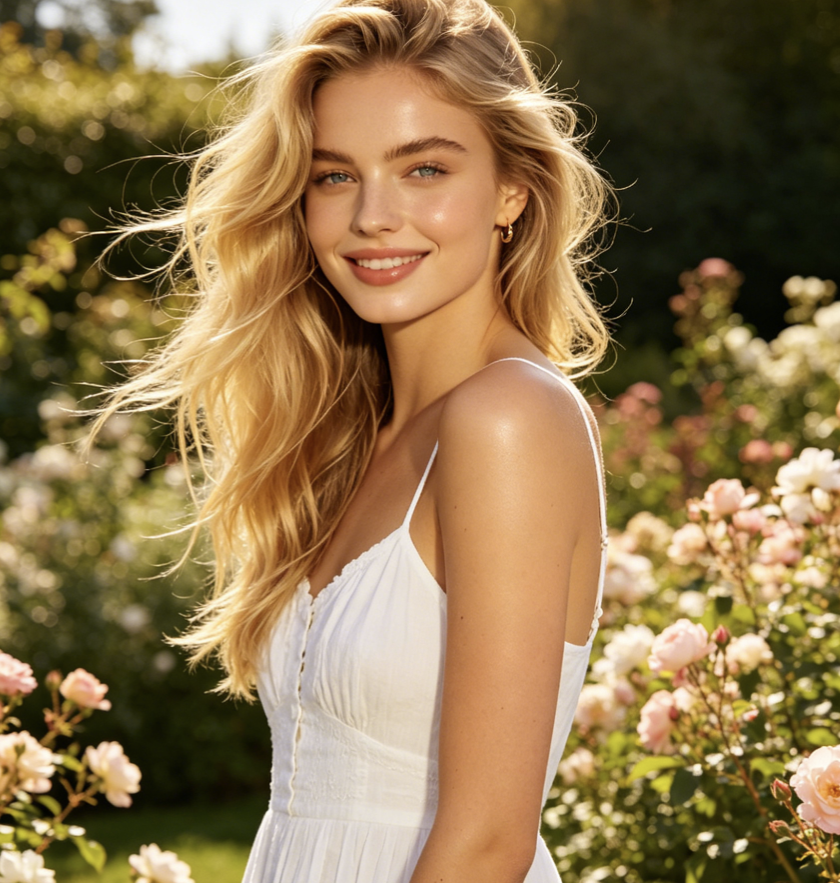
These answers cover what the 90s Filter does, where it works best, and why the look remains popular for modern content. If you want a nostalgic image style that feels easy to use but still visually credible, these FAQs will help clarify what to expect.
A 90s Filter is a retro image effect designed to make a modern photo feel like it was captured in the 1990s. It usually adds a mix of film grain, softened contrast, slightly aged color, warm highlights, and old-camera atmosphere. The purpose is not simply to make the image look old, but to create a familiar visual mood associated with disposable cameras, printed snapshots, and vintage lifestyle photography. A well-made 90s Filter should feel nostalgic, balanced, and visually intentional.
A 90s Photo Filter works best when you want a specific nostalgic identity rather than a broad vintage style. General vintage presets may lean too sepia, too faded, or too cinematic. A 90s Filter usually focuses on the analog feeling many people connect with late film photography, casual flash shots, and everyday printed photos. It is a better choice for selfies, friend groups, fashion content, and memory-driven images where you want warmth, personality, and a clear throwback mood.
The 90s Filter works especially well on portraits, lifestyle photos, streetwear images, travel shots, party pictures, and casual friend or couple photos. It tends to be most effective when the original image already has a clear subject and decent lighting. Photos with personality, expression, or emotional context usually benefit the most because the retro look strengthens the sense of memory. You can also use the 90s Filter on creative projects such as posters, cover concepts, and social visuals that need a nostalgic aesthetic.
The main purpose of the 90s Filter is to restyle the tone and atmosphere of the image, not to replace the subject. A good result should preserve facial identity, clothing, composition, and scene structure while shifting the overall visual feel toward a retro look. You may notice softer texture, warmer fade, and grain across the frame, but the core content should remain recognizable. That balance is what makes the 90s filter more useful than heavy-handed effects that hide important details.
Yes. A 90s Filter is a strong fit for social media because it gives ordinary images a clearer mood and stronger visual identity. Many creators use retro aesthetics to make posts feel less generic and more personal. This 90s effect works well for profile updates, carousel posts, mood edits, outfit photos, memory recaps, and campaign visuals. Because the 90s Photo Filter adds atmosphere without requiring advanced editing skills, it is practical for fast content production as well as more curated feeds.
The appeal of the 90s Filter comes from both style and emotion. Visually, it offers grain, softness, and old-camera color response that stand out from the very clean look of phone photography. Emotionally, it suggests memory, familiarity, and a more relaxed era of image-making. That combination makes the 90s Filter attractive to people who want photos to feel more personal or expressive. It also fits current trends in fashion, music visuals, social storytelling, and nostalgia-driven creative direction.
It can. While many people use the 90s Filter for personal photos, it is also helpful for designers, musicians, marketers, and visual creators who need quick retro direction. It can support moodboards, campaign references, lookbooks, blog graphics, and cover-art exploration. The advantage is speed: instead of building analog texture manually, you can reach a usable throwback mood much faster. As long as the result stays balanced and readable, the 90s Filter can serve both casual and professional visual goals.
A 90s Filter usually feels more grounded and everyday than an 80s or Y2K look. An 80s effect often leans into neon tones, VHS energy, and stronger stylization. Y2K visuals may feel glossier, flashier, and more digital. By contrast, a 90s Photo Filter is often about subtle analog warmth, film grain, flash softness, and printed-photo realism. It tends to look less theatrical and more familiar, which is why it works especially well for portraits, lifestyle images, and memory-based storytelling.
A high-quality 90s Filter should not ruin the usability of your image. The best results add atmosphere while preserving enough clarity for faces, clothing, and background context to stay readable. Some softness and grain are part of the look, but the image should still feel deliberate rather than damaged. If a retro edit becomes too dark, too flat, or too blurry, it usually means the effect is overdone. The ideal 90s Filter creates mood without making the photo harder to understand.
No. One reason people like the 90s Filter is that it creates a recognizable aesthetic without asking users to understand manual color grading, texture overlays, or film emulation. You can start with an ordinary photo, choose the image size, and let the model handle the transformation. That makes it approachable for beginners, but still useful for experienced creators who need fast results. In practice, the 90s Filter is valuable because it lowers effort while still producing a polished nostalgic mood.
Try the 90s Filter on Your Photo
Upload a photo, choose your image size, and create a polished retro result with our 90s Filter. It is a simple way to give modern images more warmth, texture, memory, and character.
