
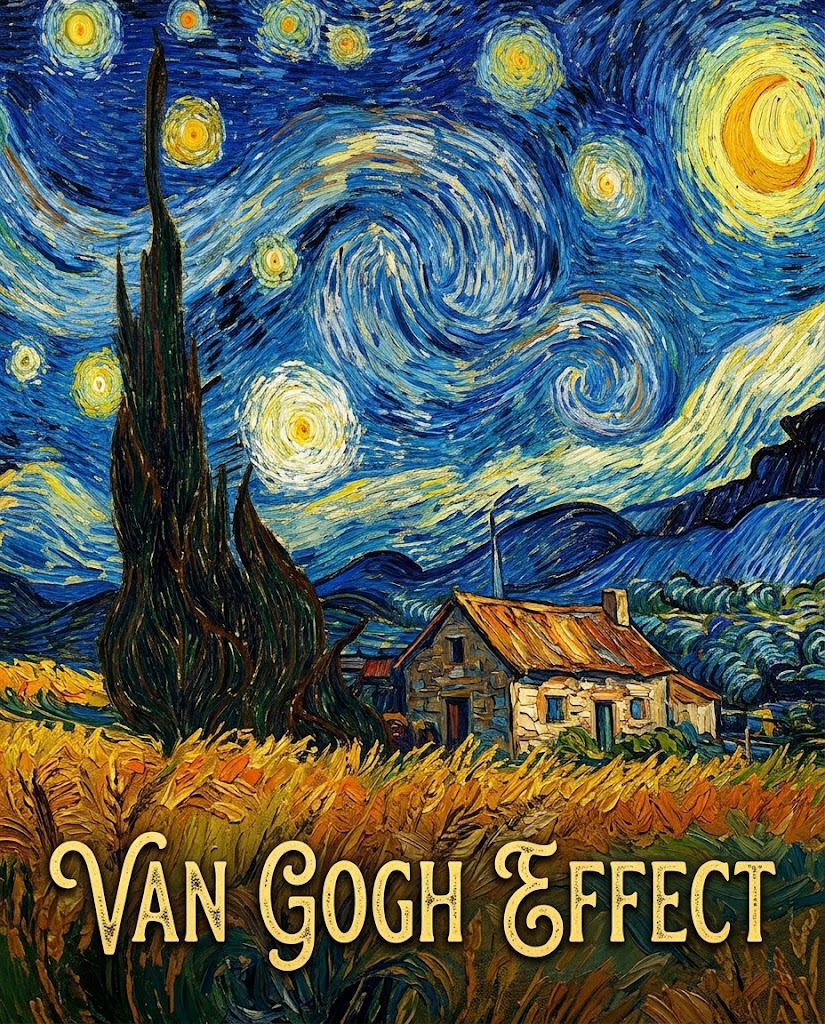
More AI Image Generators
Explore our collection of specialized AI image generators designed for different creative needs and styles


Turn Photos into Van Gogh Style with Van Gogh Effect
Convert image into Van Gogh artwork with rich brush texture and post impressionist mood.
Create artwork with our Van Gogh Effect tool in a simple upload to generate workflow. The Van Gogh Effect transforms ordinary images into textured, expressive visuals inspired by classic oil painting.
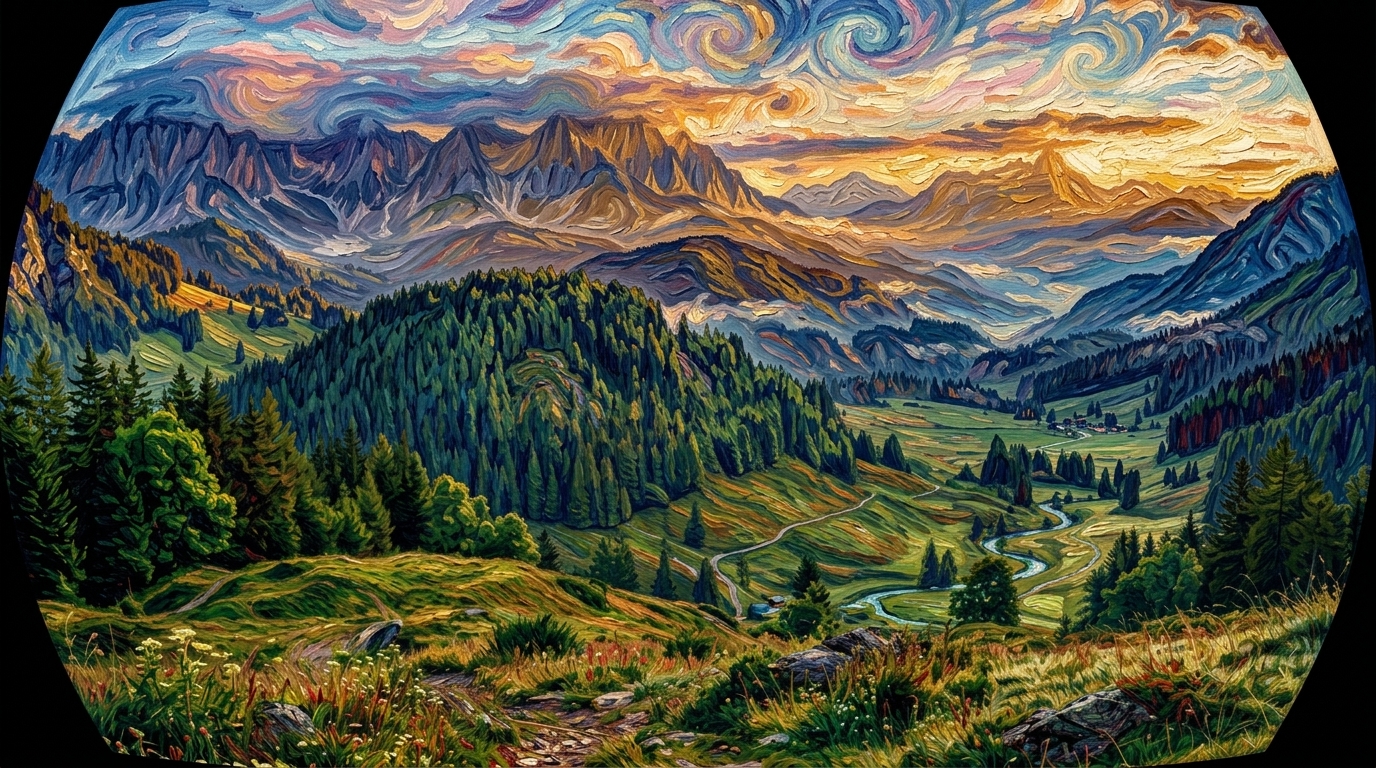
How to Use the Van Gogh Effect
Using the Van Gogh Effect is straightforward even if you have never edited an image before. The process is fast, clean, and easy to repeat, making the Van Gogh Effect practical for both casual experiments and polished visual projects.

Upload Your Photo
Start by adding a clear image to the editor. Our Van Gogh Effect works well with portraits, pets, buildings, landscapes, and lifestyle photos. Choose the image size that fits your project, and the tool prepares the composition for a balanced artistic result.

Choose Ratio and Generate
Select your preferred output ratio, then run the Van Gogh Effect with one click. The model analyzes shapes, light, edges, and color relationships, then adds painterly texture, directional strokes, and vivid tonal interpretation inspired by a classic oil painting workflow.

Download and Share
Preview your result, make another variation if needed, and save the final artwork. This output is useful for social posts, profile images, posters, creative gifts, and branding visuals. Once processed, your artwork is ready to publish, print, or send.
Best AI Image Tools for Creative Projects
Explore creative tools for image, learn tips and tricks, and see how AI can be your assistant in turning concepts into finished projects.


What You Can Create with Van Gogh Effect
The Van Gogh Effect works across portraits, landscapes, pet photos, and promotional graphics. Rather than using a flat overlay, it reinterprets the image through brush driven texture and stronger color rhythm.
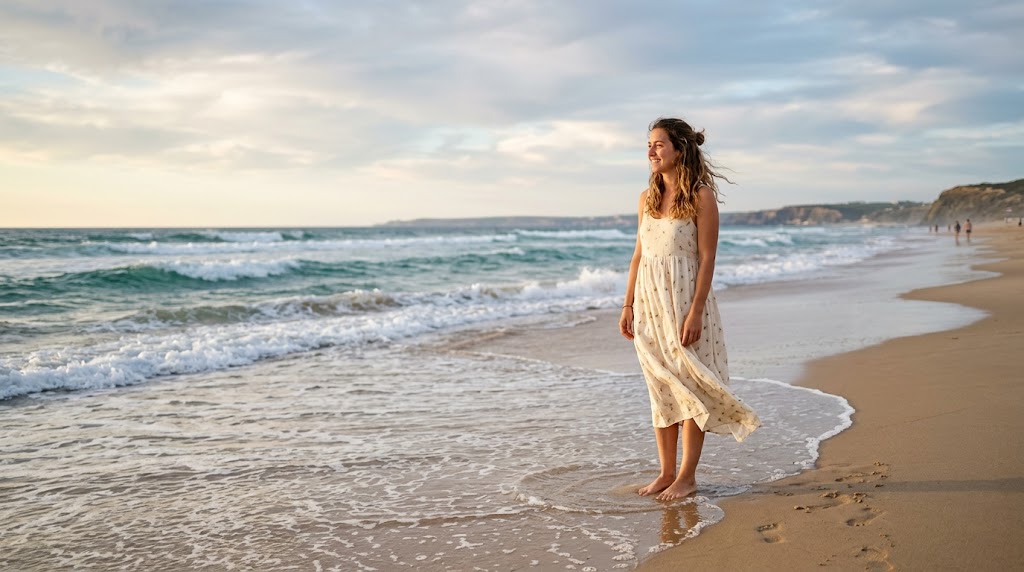
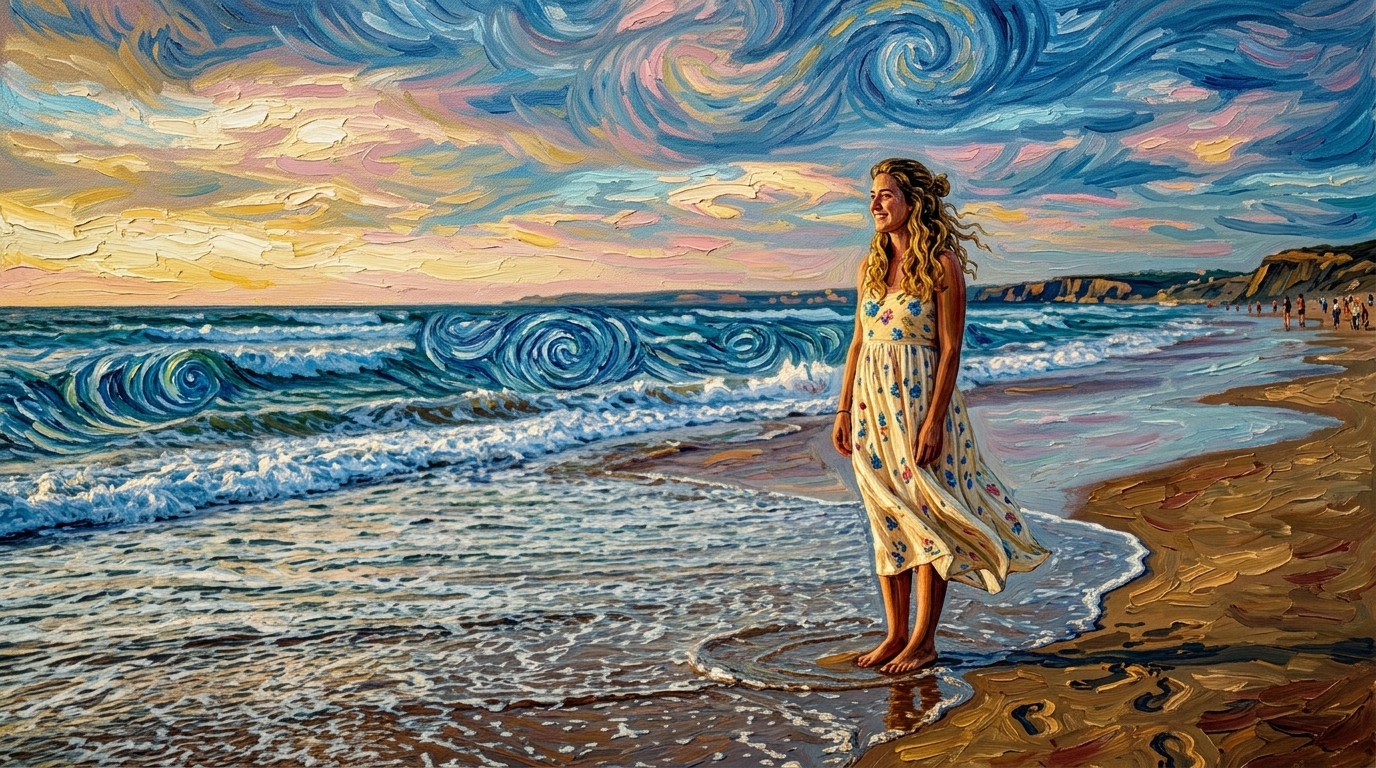
Expressive Portrait Brushwork
- The Van Gogh Effect turns portraits into vivid artwork with visible texture, energetic strokes, and strong emotional presence.
- Facial structure remains recognizable while the Van Gogh Effect introduces layered color movement and an expressive painted surface.
- If you want a recognizable face with a classic art mood, the Van Gogh Style direction works especially well here, and many users return to this Van Gogh Style look for profile and gift images.


Landscapes Reimagined with Color Energy
- Scenic photos gain dramatic atmosphere through the Van Gogh Effect, especially when skies, trees, fields, or streets already contain strong shapes.
- The Van Gogh Effect amplifies motion and rhythm so ordinary travel pictures feel more memorable.
- For destination shots and nature scenes, many users prefer this Van Gogh Filter approach because it creates standout shareable visuals, and the Van Gogh Filter look works well for postcards, reels, and cover images.


Pet Photos with Artistic Warmth
- A pet image becomes more charming with the Van Gogh Effect, which adds texture and painterly motion without losing the subject’s character.
- Fur patterns, eye focus, and pose stay readable while the Van Gogh Effect adds warmth and visual interest.
- When users want a softer art result instead of a novelty edit, Van Gogh Style usually feels like the right fit, especially for pet portraits where Van Gogh Style can add warmth without feeling exaggerated.

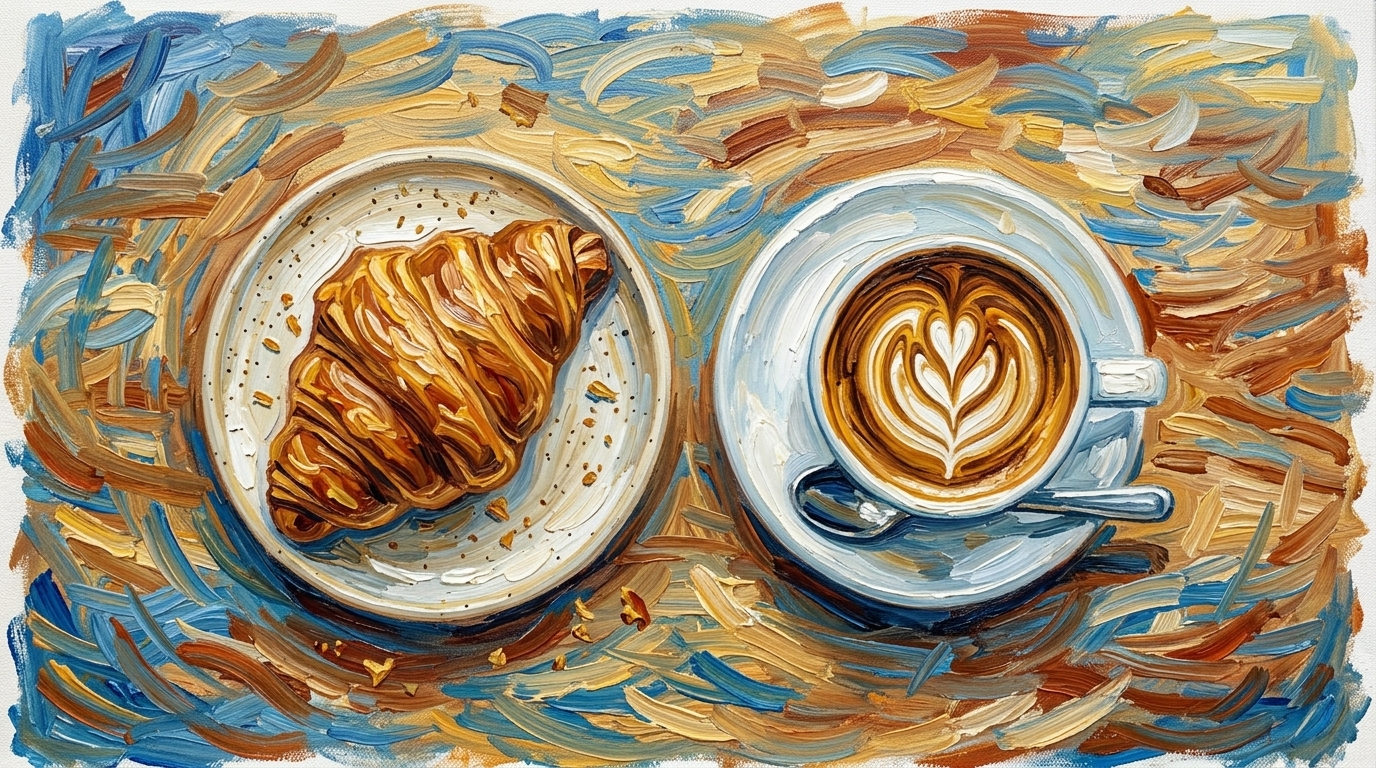
Creative Assets for Social Media
- The Van Gogh Effect helps creators produce more distinctive assets for covers, posters, thumbnails, and campaign visuals.
- Because the Van Gogh Effect adds recognizable painterly texture, even simple source photos can look more editorial and intentional.
- For fast content production, a Van Gogh Filter can make static imagery feel more crafted and attention worthy, especially when a Van Gogh Filter treatment is used to unify a campaign mood.
Why Choose Van Gogh Effect
A useful art transformation tool should do more than make a photo look different. It should preserve the core subject, add visual character, and fit real workflows. Van Gogh Effect is built for that balance.

Painterly Results Without Manual Illustration
The Van Gogh Effect gives users an art inspired result without the time required for hand painting or advanced digital drawing. You upload one image, choose the format, and let the Van Gogh Effect handle the stylistic transformation in a repeatable way.
Strong Visual Identity for Everyday Photos
Many photos are ordinary. The Van Gogh Effect helps those images stand out by adding texture, movement, and a more deliberate artistic tone. This makes the Van Gogh Effect useful for creators who want recognizable style from familiar source material.

Works Across Portrait, Travel, and Pet Images
A good art tool should not be limited to one category. The Van Gogh Effect adapts well to faces, buildings, indoor scenes, flowers, animals, and outdoor views. That range makes the Van Gogh Effect practical for users who create varied content. This flexibility also makes Van Gogh Style easier to reuse across projects.

Fast Iteration for Content Teams and Creators
When you need options quickly, the Van Gogh Effect is easier than building multiple painted references from scratch. Teams can test different source photos and ratios, compare outputs, and keep the strongest composition. A Van Gogh Filter workflow is especially useful when deadlines are short.

Useful for Gifts, Prints, and Profile Images
People often use the Van Gogh Effect to make a favorite memory feel giftable or display ready. A casual phone photo can become wall art, a custom card, or a profile picture. The Van Gogh Effect adds enough character to make the result feel intentional.

Balanced Between Art Style and Subject Recognition
Some stylization tools push too far and make the image unreadable. The Van Gogh Effect is more useful when it preserves the key subject while still introducing painterly change. For many users, that balance is why Van Gogh Style remains appealing for repeat use.
What Users Say About Van Gogh Effect
These users tried the Van Gogh Effect for portraits, branding, pets, and travel images, and their feedback points to the same advantage: it creates expressive artwork while keeping the source photo recognizable.
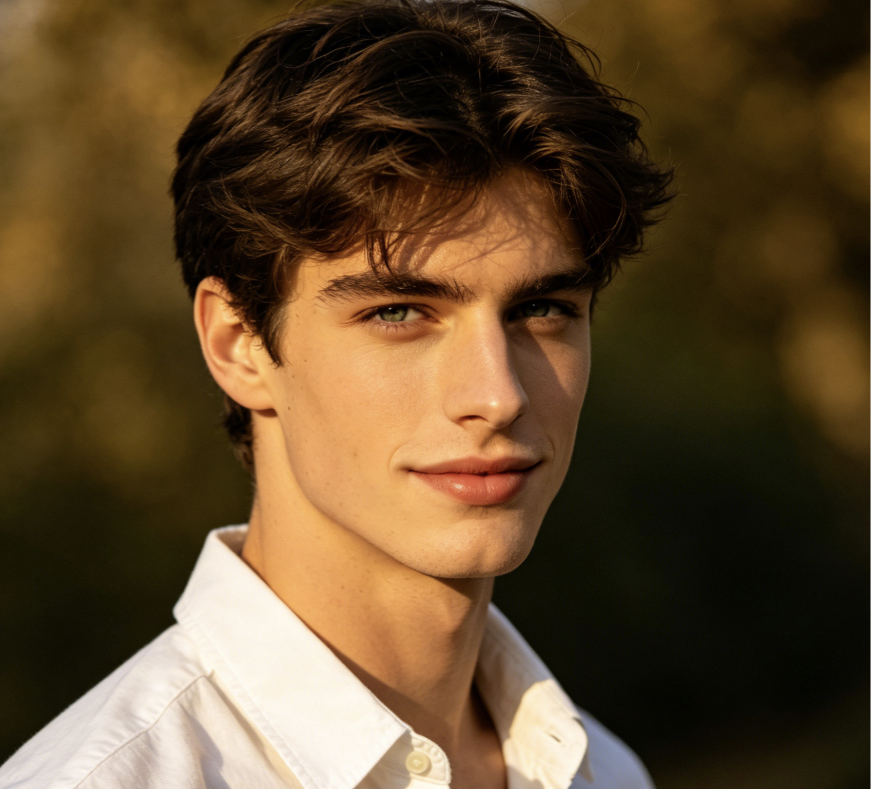
I used the Van Gogh Effect on a portrait of my mother and the result felt surprisingly thoughtful. The face still looked like her, but the brush texture gave the image more emotion. I tried several tools that felt gimmicky. This one produced a Van Gogh Effect image I would actually print.
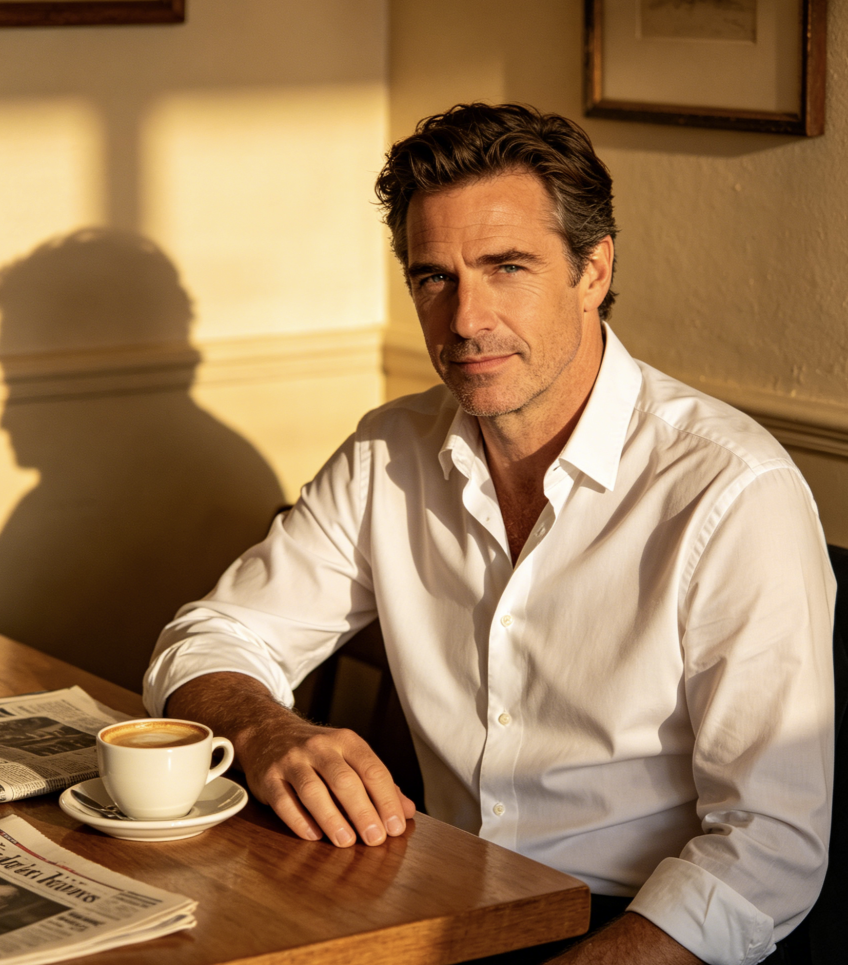
Our team needed a visual for a campaign mockup, and the Van Gogh Effect gave us a quick way to test an art driven direction. The output looked more editorial than expected. For fast concept work, the Van Gogh Effect helps turn simple photos into something with a clear visual point of view.
I wanted a better profile image that did not look over edited. The Van Gogh Effect kept my features recognizable while adding texture and color movement. It felt more refined than a cartoon filter. I also liked that the Van Gogh Filter result was easy to save and reuse across platforms.
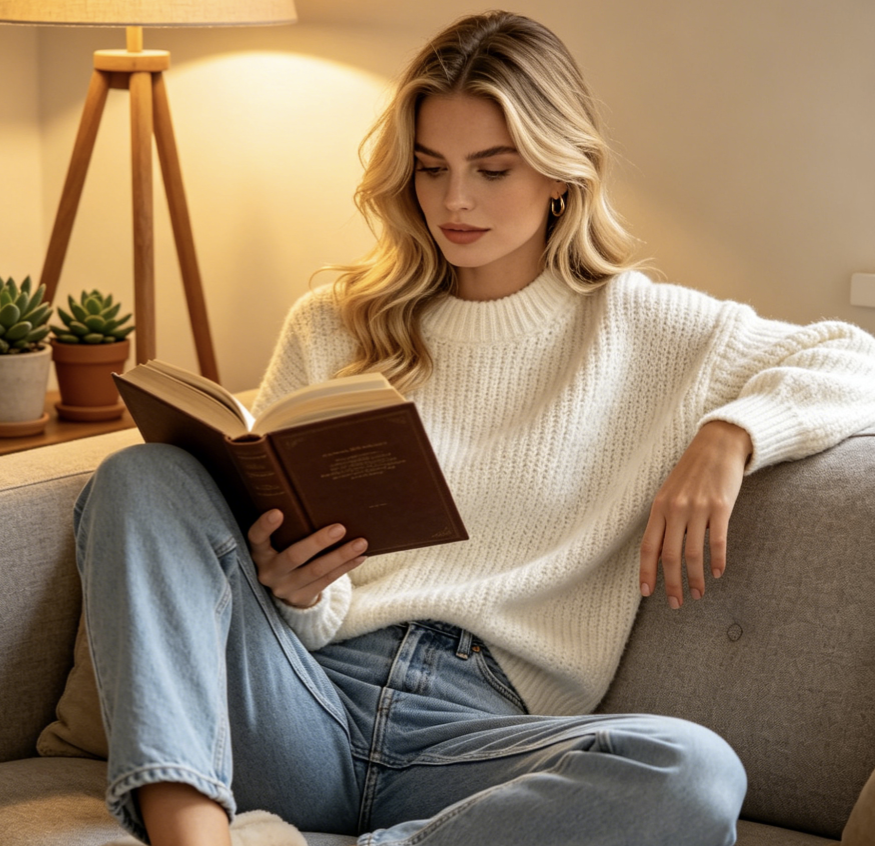
I run a small print shop and tested the Van Gogh Effect on customer photos for custom gifts. People responded well because the images felt artistic without becoming unrecognizable. The Van Gogh Effect worked especially well for couple portraits and pet prints, which makes it commercially useful for us.
Travel photos often sit on my phone unused, so I tried the Van Gogh Effect on a street scene from Paris. It added motion and atmosphere that the original image lacked. The final artwork felt like a real keepsake. I can see why Van Gogh Style is popular for travel memories, and why Van Gogh Style keeps showing up in gift ideas.
I uploaded a photo of my dog mostly out of curiosity, but the Van Gogh Effect result was genuinely good. The pose and expression stayed clear, yet the colors and brushwork made it feel like a framed illustration. Among similar tools, this Van Gogh Filter approach felt the most usable.



FAQs About Van Gogh Effect
Before using the Van Gogh Effect, most people want to know what kinds of images work best, how recognizable the subject remains, and where the final artwork can be used.
The Van Gogh Effect is an image stylization workflow that transforms a regular photo into artwork inspired by painterly texture, directional brushwork, and bold color movement. Instead of simply tinting the image, the Van Gogh Effect reinterprets surfaces, edges, and light so the final result feels closer to a painted composition than a standard photo edit.
In most cases, yes. A good Van Gogh Effect keeps the main subject recognizable while changing the overall surface and mood of the image. Faces, pets, buildings, and key scene elements usually remain readable. That balance is important because it allows the Van Gogh Effect to feel artistic without making the original photo unusable.
Portraits, pets, landscapes, flowers, travel scenes, and street photography often respond well to the Van Gogh Effect. Images with clear shapes, visible light contrast, and a strong subject usually produce the most convincing result. A Van Gogh Style transformation can also work on product or editorial photos when you want a more artistic campaign image.
Yes. Many users apply the Van Gogh Effect to profile photos, post covers, thumbnails, and visual assets for social platforms. Because the result has stronger texture and more color energy, it often stands out better than an untreated image. A Van Gogh Filter can be useful when you want artwork that feels distinctive but still readable at smaller sizes.
The Van Gogh Effect is best understood as an inspired visual transformation rather than a literal reproduction of any single painting. It aims to create a post impressionist mood through expressive texture, movement, and color relationships. That makes the Van Gogh Effect suitable for creative use while still allowing different source images to produce varied outputs.
A basic filter usually changes color or contrast in a fairly uniform way. The Van Gogh Effect goes further by restyling the structure of the image through brush like texture and painterly interpretation. That is why many users see it as more than a standard preset. A Van Gogh Filter label is familiar, but the underlying transformation is more substantial.
Not always. If the source image is extremely dark, blurry, heavily compressed, or lacks a clear subject, the Van Gogh Effect may produce a less satisfying result. Strong lighting, defined shapes, and a readable focal point usually help. Like any Van Gogh Style transformation, good input makes a noticeable difference to the final image.
For many users, yes. It produces a visually rich result without painting skills, layer editing, or long setup time. That makes it practical for creators, marketers, and casual users alike. If you want painterly artwork quickly, this tool offers an efficient way to get there.
Users often choose portraits, pet photos, travel memories, flowers, architecture, and mood driven street scenes for the Van Gogh Effect. These subjects respond well to painterly movement and color reinterpretation. A Van Gogh Filter can also be effective for posters and creative branding pieces when the goal is to make a photo feel more expressive.
Create Your Van Gogh Effect Image Today
Upload a photo, choose your image size, and turn it into expressive artwork with the Van Gogh Effect. Whether you want a portrait, pet image, landscape, or social visual, the Van Gogh Effect offers a fast way to create painterly imagery with strong character and shareable style.
