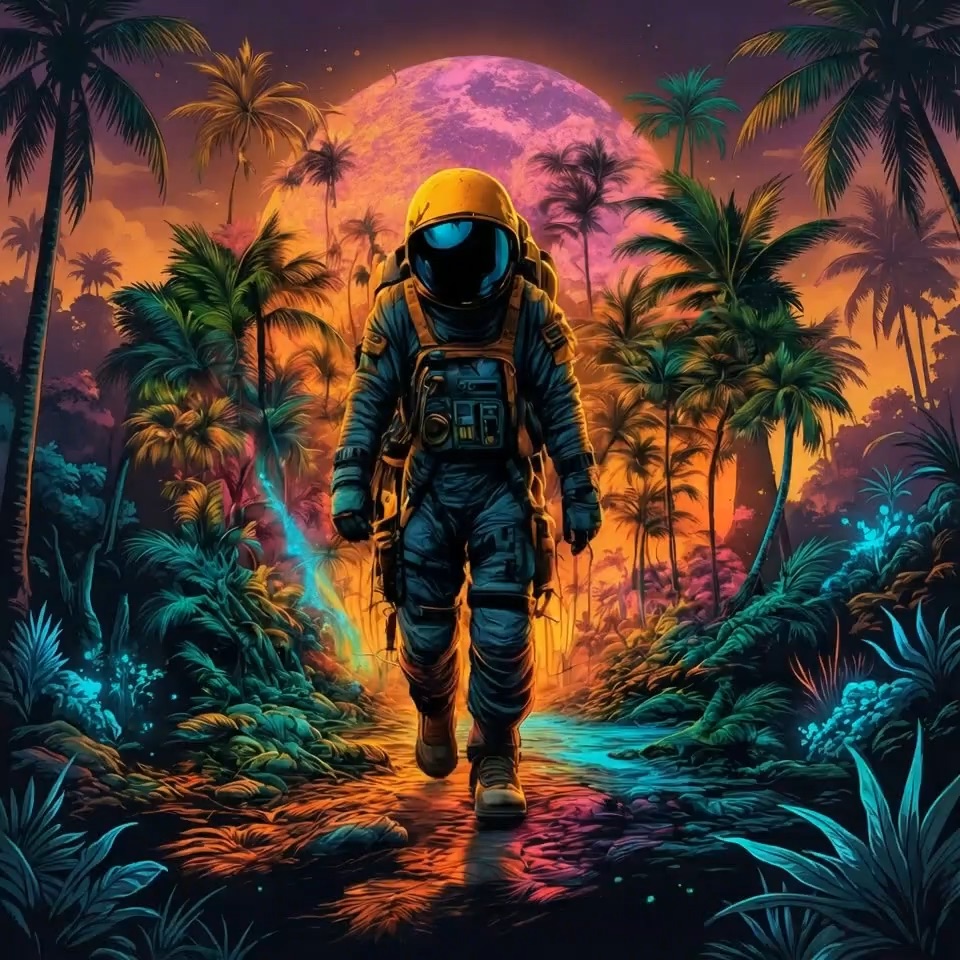
More AI Image Generators
Explore our collection of specialized AI image generators designed for different creative needs and styles



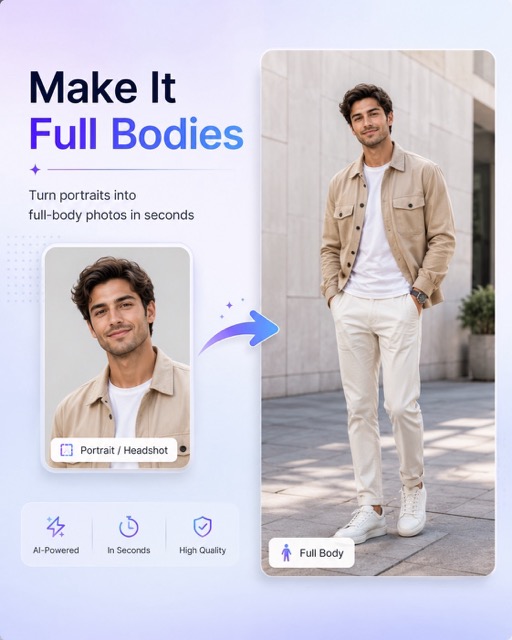
AI HDR Effect for AI HDR Photo Enhancement
Let AI HDR Effect add stronger depth, richer light, and cleaner contrast.
AI HDR Effect helps turn flat, underexposed, or washed-out pictures into polished visuals with clearer tonal separation. Instead of pushing every color to an extreme, AI HDR Effect balances shadows, highlights, midtones, and local contrast so the image feels more dimensional.
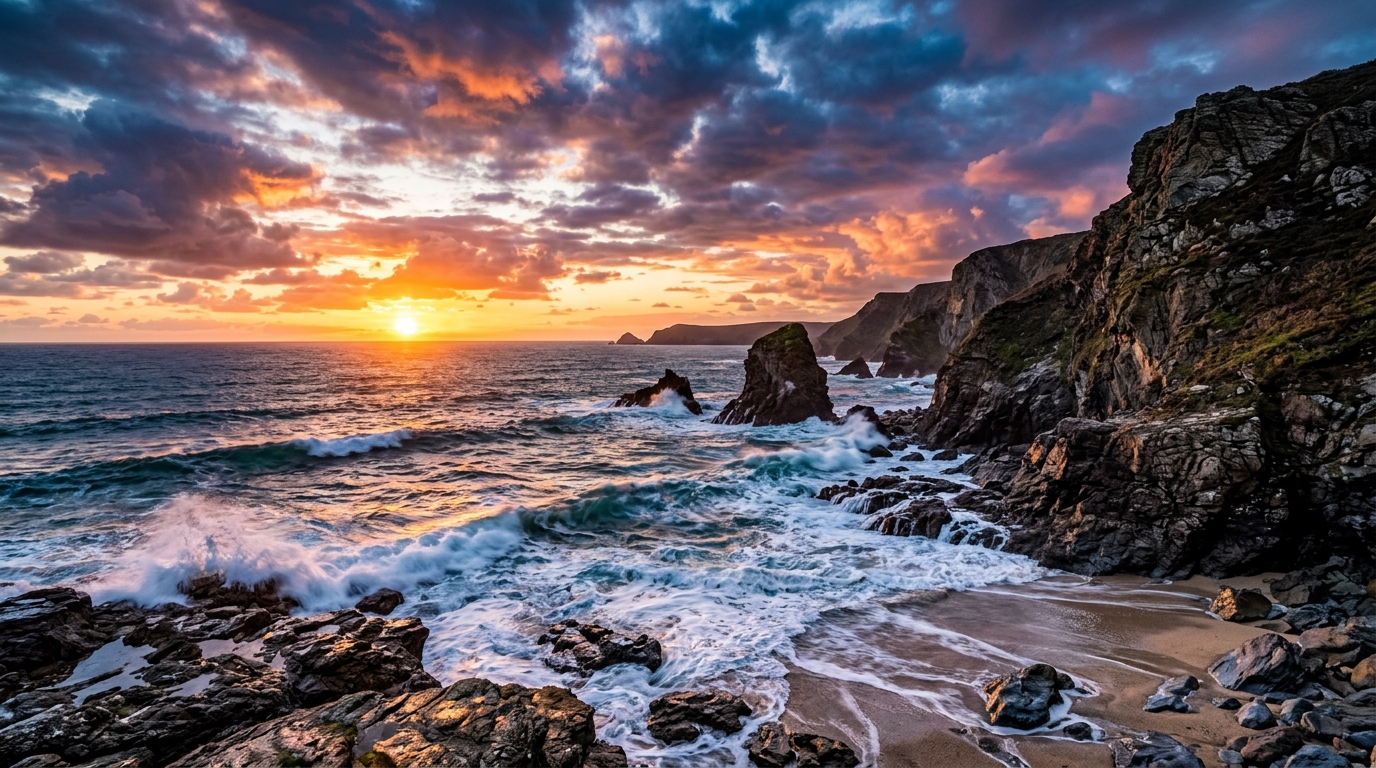
How to Use AI HDR Effect
AI HDR Effect is designed for a direct workflow: upload, choose image size, generate, and download. You do not need exposure bracketing, masking, or advanced photo editing experience to create an HDR-inspired result.

Upload Your Photo
Start AI HDR Effect by uploading the photo you want to improve. The tool works best with images that have dull lighting, weak contrast, hidden shadow detail, or bright areas that need smoother balance. You can use a phone photo, product shot, travel image, interior photo, or social post draft. AI HDR Effect prepares the picture for enhancement while keeping the workflow simple and browser based.

Choose Image Size
After upload, select the image size that fits your final use. AI HDR Effect can help you prepare square, portrait, or landscape compositions for web pages, posts, ads, thumbnails, and creative previews. Choosing the right size before generation keeps the result practical for publishing. The HDR Photo Filter then focuses on tone, light, and contrast instead of forcing you through complex manual editing panels.

Generate and Download
Click generate and let AI HDR Effect apply a balanced HDR-style finish. The process enhances local contrast, reveals depth, and improves visual clarity while avoiding the harsh, over-processed look common in manual presets. Review the result, compare it with the original, and download your finished AI HDR Photo for marketing, design, social media, personal archives, or quick content production today.
Best AI Image Tools for Creative Projects
Explore creative tools for image, learn tips and tricks, and see how AI can be your assistant in turning concepts into finished projects.
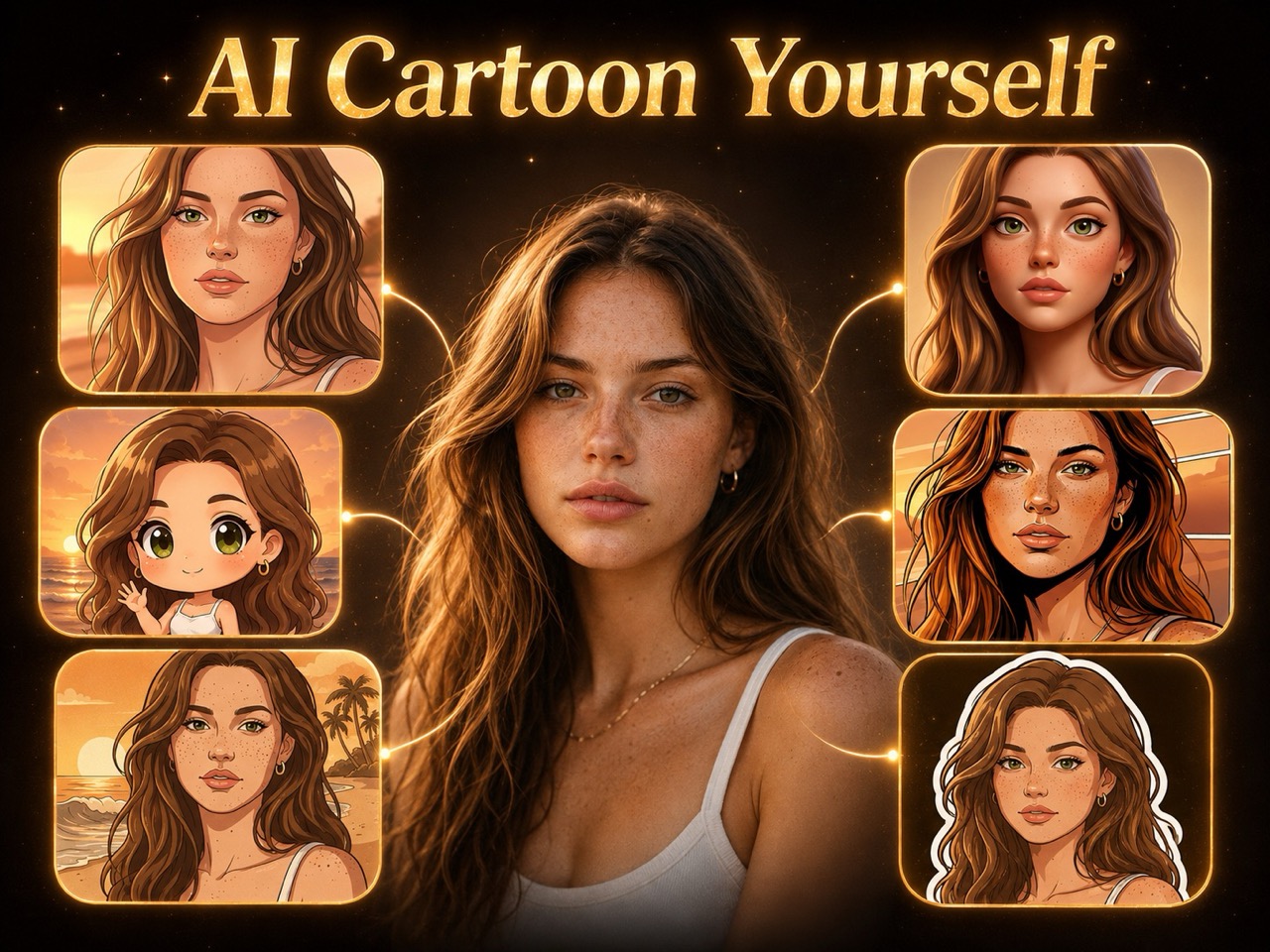
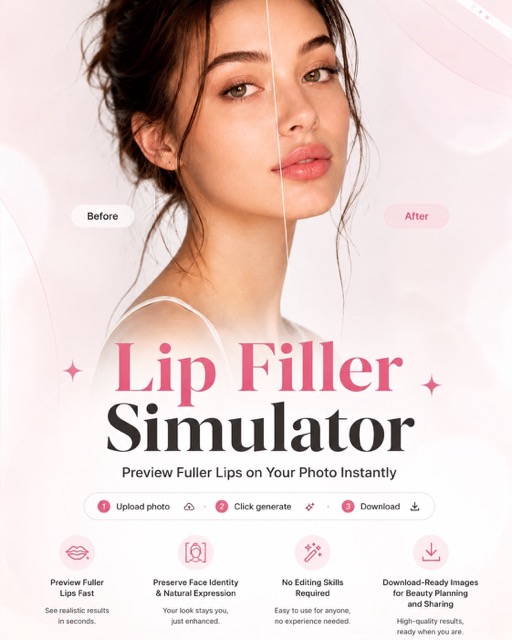
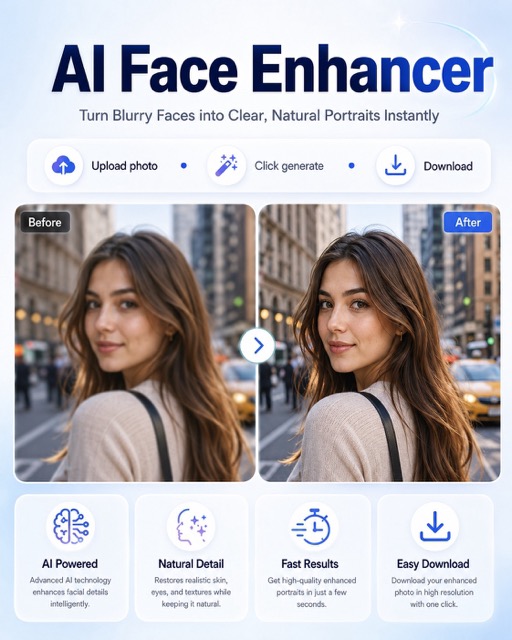
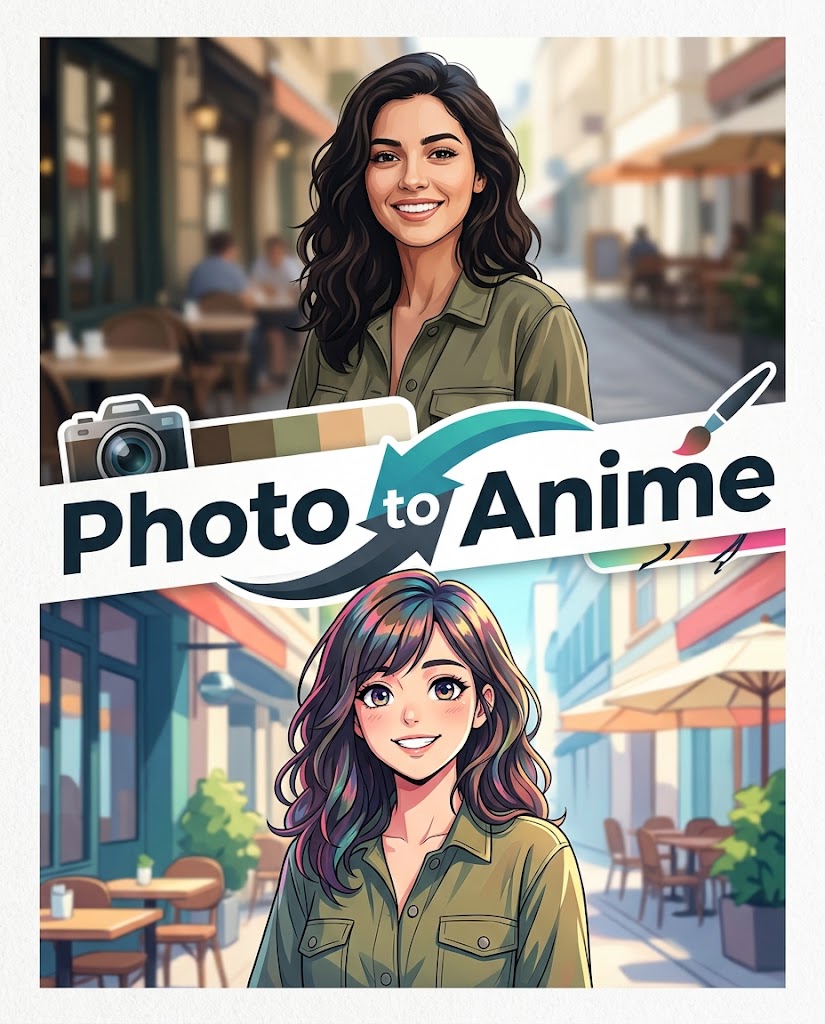

Features of AI HDR Effect
AI HDR Effect focuses on practical photo enhancement: richer contrast, improved tonal balance, better detail visibility, and a natural HDR look. It is built for creators who want refined images without spending time on complex editing controls.
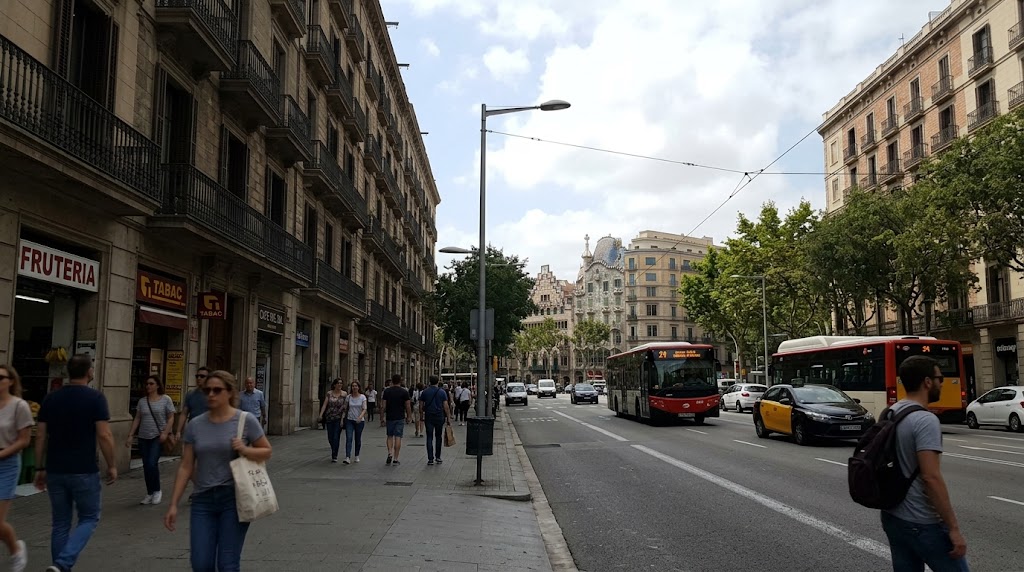
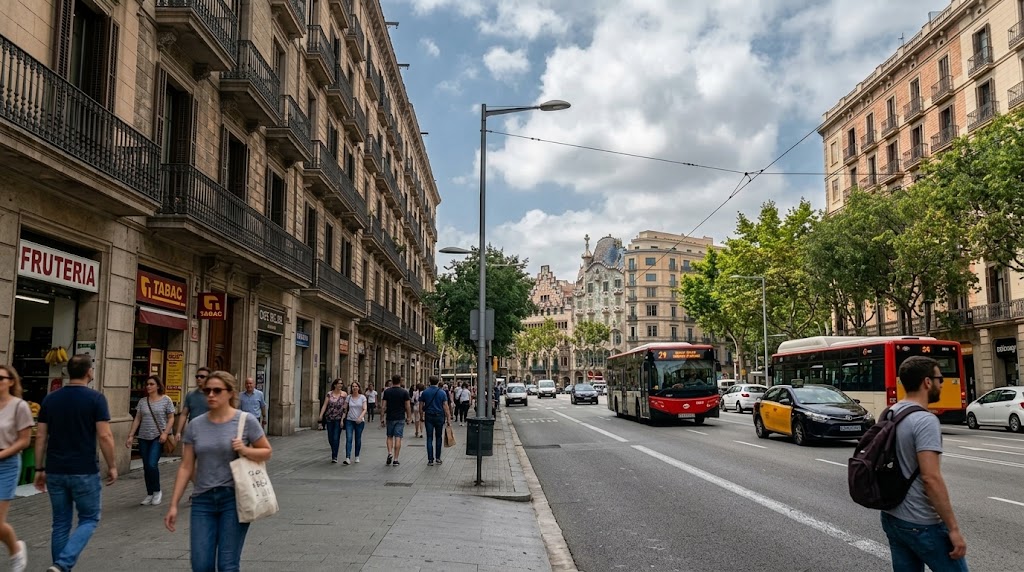
Balanced Dynamic Range for Real Scenes
AI HDR Effect improves the relationship between dark and bright areas, which is useful when a camera captures a scene flatter than it looked in person. It can make skies, buildings, interiors, faces, and foreground objects feel more readable without turning the picture artificial. This HDR Photo Filter is especially helpful for travel photos, street scenes, real estate previews, and outdoor images with mixed lighting.
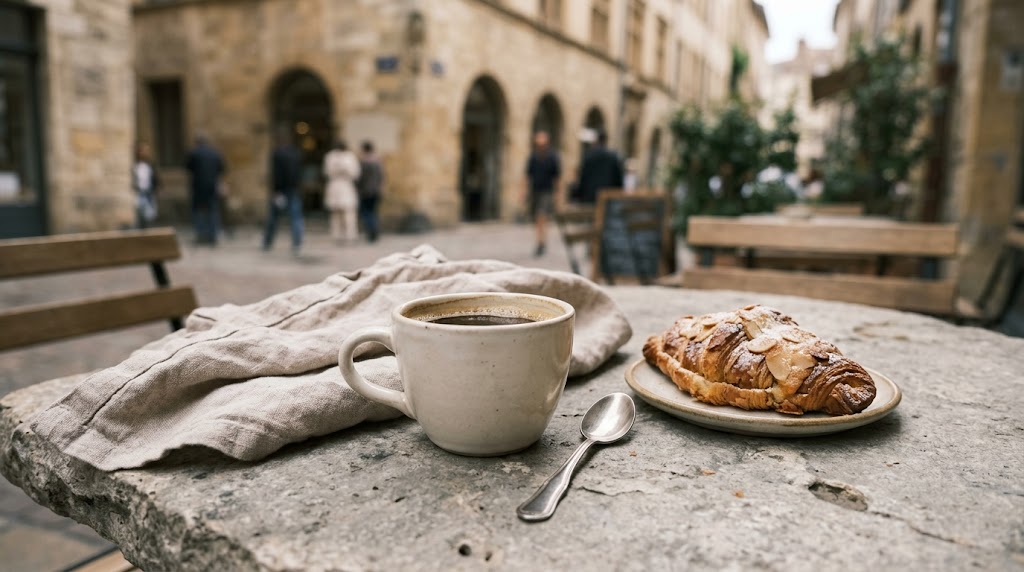
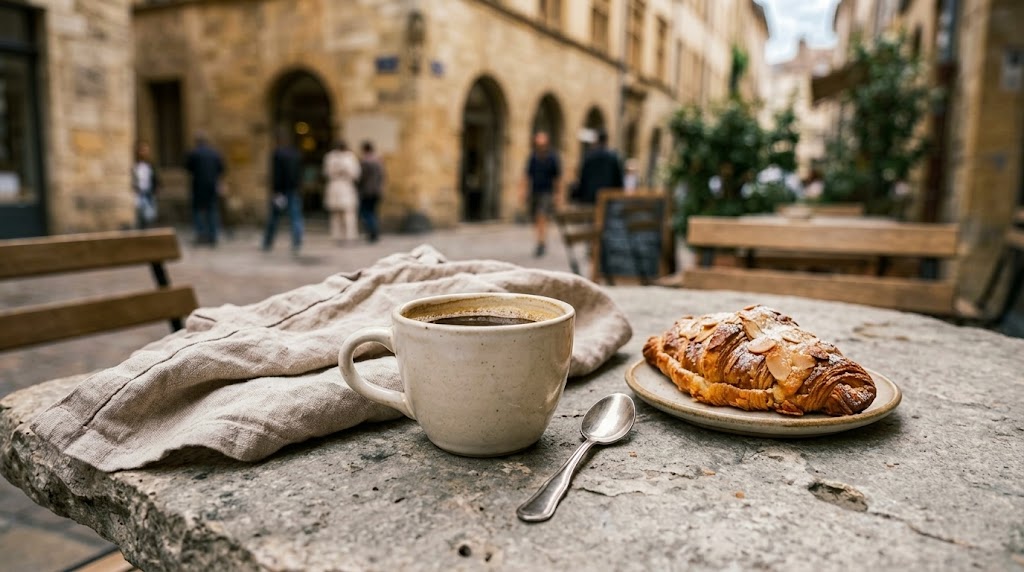
Local Contrast That Adds Depth
AI HDR Effect strengthens micro-contrast so textures, edges, and surfaces appear more defined. Instead of simply increasing global contrast, AI HDR Effect works toward a layered look where the subject, background, and fine details remain separate. The result can make stone, fabric, food, architecture, vehicles, and product materials stand out. For creators, this AI HDR Photo workflow saves time compared with manual curve adjustments.
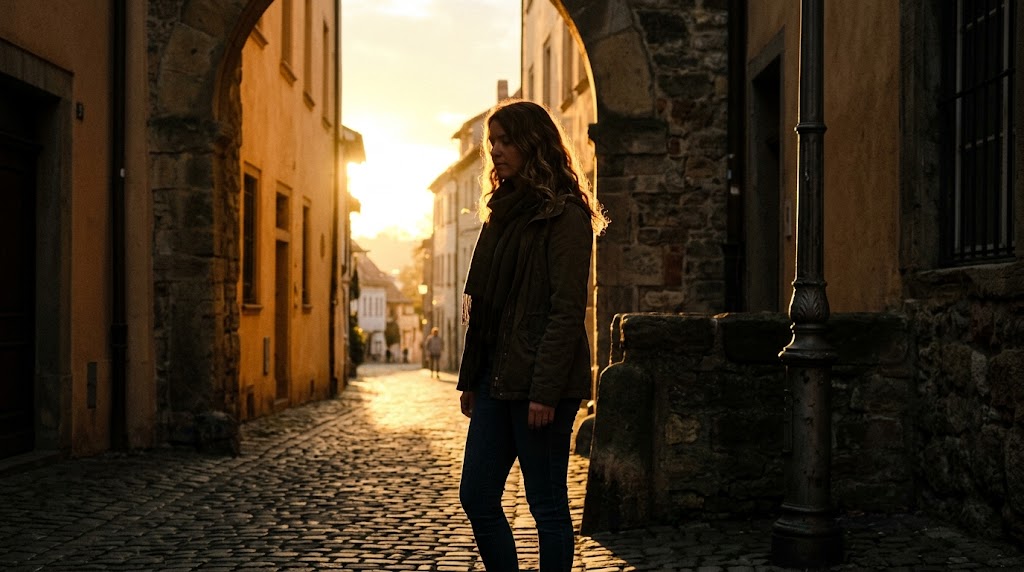
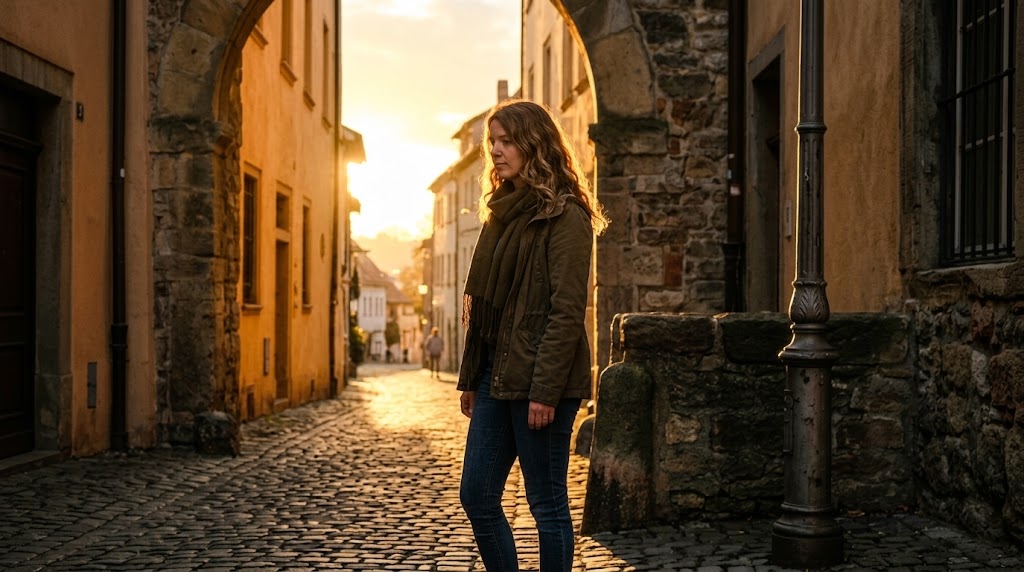
Shadow Detail Recovery Without Flatness
AI HDR Effect can reveal information in darker parts of a photo while preserving a believable sense of light. This matters for backlit portraits, evening streets, indoor scenes, product corners, and landscape shadows. A typical HDR Photo Filter may lift everything until the image looks gray, but AI HDR Effect aims for clearer detail with controlled contrast. The photo keeps mood while gaining visibility.
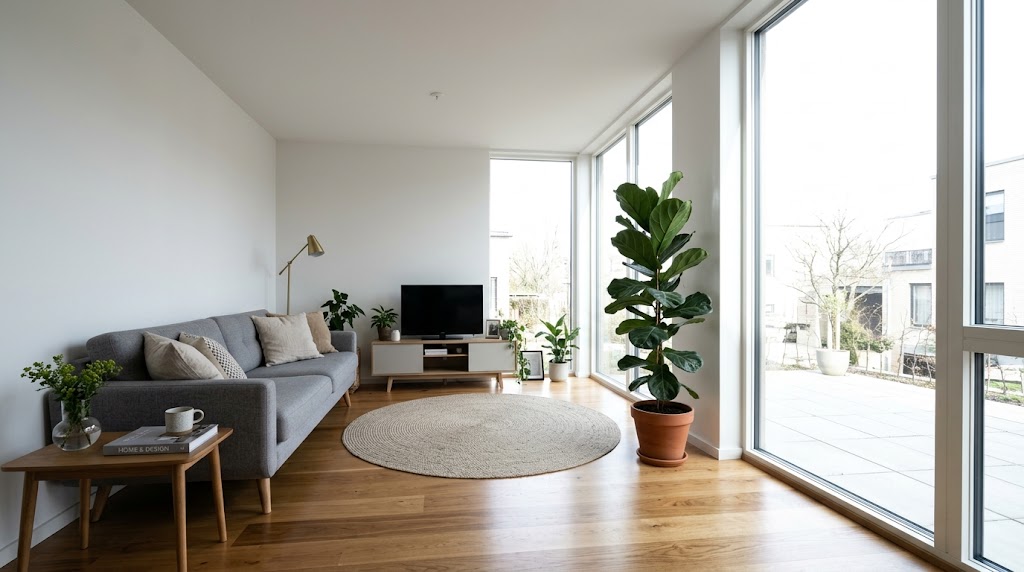
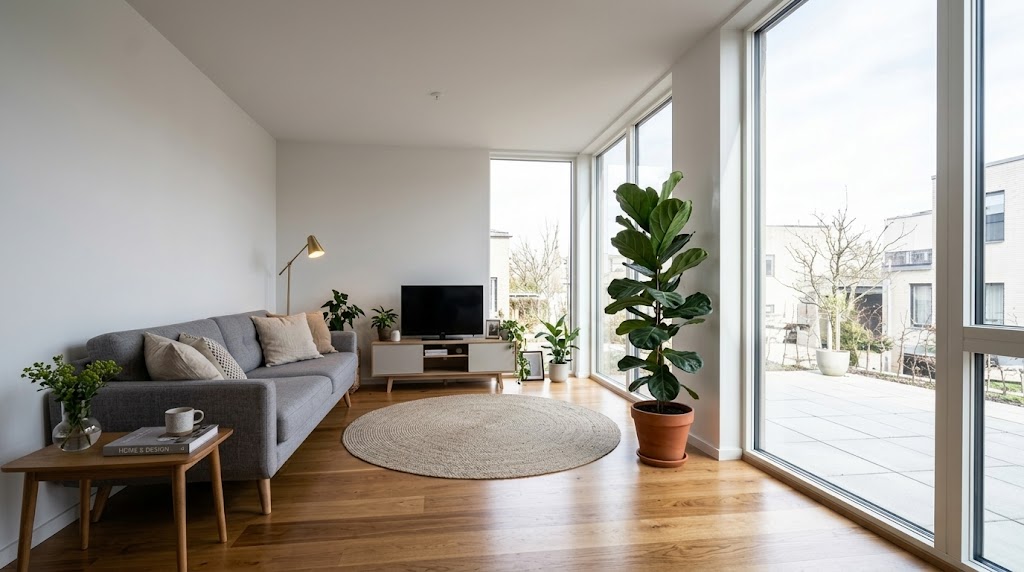
Highlight Control for Cleaner Bright Areas
AI HDR Effect helps manage bright zones such as windows, skies, reflections, studio lights, and white surfaces. The goal is not to recover impossible detail from every blown area, but to make brightness feel smoother and less distracting. When paired with balanced shadows, AI HDR Effect creates a more finished AI HDR Photo suitable for landing pages, creator portfolios, thumbnails, product listings, and campaign visuals.
Why Choose AI HDR Effect
AI HDR Effect is built for everyday creators, marketers, sellers, designers, and teams who need better image depth quickly. It keeps the process simple while focusing on the visual qualities that make HDR-style photos feel finished.
Travel and Landscape Photos
AI HDR Effect is useful when travel photos look less impressive than the moment felt. Mountains, beaches, city skylines, forests, and night streets often contain both strong light and deep shadow. AI HDR Effect helps create better separation across the scene, making clouds, textures, roads, and buildings more visible. Use the AI HDR Photo result for albums, blogs, trip reports, or social posts.

Product and E-commerce Images
AI HDR Effect can give product photos a cleaner, more dimensional finish without requiring a studio reshoot. It can emphasize material texture, edge definition, and surface reflection while keeping the product recognizable. Sellers can use this HDR Photo Filter for catalog images, marketplace previews, promotional banners, and comparison graphics. AI HDR Effect works especially well when original lighting is acceptable but lacks polish.

Portraits with Stronger Presence
AI HDR Effect can add depth to portraits by improving contrast between the face, clothing, and background. It is not a beauty retouching tool; it focuses on light balance, detail, and overall tone. For profile photos, creator portraits, team pages, and editorial images, AI HDR Effect helps the subject feel clearer. The AI HDR Photo output can look polished without changing identity.

Food, Cafe, and Lifestyle Content
AI HDR Effect helps food and lifestyle images look more textured and appetizing when the original photo feels flat. It can bring out table surfaces, ingredient detail, packaging, room lighting, and background atmosphere. Bloggers, cafes, local brands, and social creators can use AI HDR Effect as a fast HDR Photo Filter before publishing. The result keeps the scene natural while adding stronger visual impact.

Real Estate and Interior Previews
AI HDR Effect is helpful for rooms, storefronts, rental listings, and interior references where windows and darker corners compete for attention. The tool can make surfaces, furniture, wall colors, and lighting zones easier to read. AI HDR Effect does not replace professional property photography, but it can improve quick previews. Use the AI HDR Photo result for drafts, listings, mood boards, and client updates.

Marketing Visuals and Creative Tests
AI HDR Effect supports fast visual testing for ads, landing pages, blog covers, posters, and thumbnails. Designers can upload a draft image, choose the image size, and generate a stronger version before deciding whether further editing is needed. This AI HDR Photo process is useful when teams need quick options with clearer depth. AI HDR Effect helps improve presentation quality without slowing production.
What Users Say About AI HDR Effect
Creators use AI HDR Effect to improve everyday photos, product images, travel scenes, portraits, interiors, and marketing visuals. These stories show how a simple HDR Photo Filter can support faster, more consistent visual production.
AI HDR Effect gave my travel photos the depth I wanted without making the colors look fake. I used the HDR Photo Filter on cloudy city shots, and the buildings, streets, and sky all became clearer.
I used AI HDR Effect for product images that looked dull after a quick phone shoot. The AI HDR Photo result made the texture and highlights cleaner, so our listing images felt much more professional.
As a designer, I like tools that improve an image without creating a strange preset look. AI HDR Effect helped me prepare campaign concepts quickly, and the results were easy to place into layouts.
AI HDR Effect is now part of my editing checklist for real estate previews. It helps balance bright windows and darker room corners, so clients can understand the space before we schedule final photography.
I use AI HDR Effect on cafe photos before posting them online. The HDR Photo Filter brings out wood, glass, and food details without making everything too sharp or saturated.
For thumbnails and blog headers, AI HDR Effect gives me a stronger first draft. I can upload, choose a size, and get an AI HDR Photo that already feels closer to publish-ready.




FAQs About AI HDR Effect
Learn how AI HDR Effect works, what kinds of images benefit from HDR-style enhancement, and how to use the tool for practical creative, marketing, social, product, and personal photo workflows.
AI HDR Effect is an online image enhancement tool that adds an HDR-inspired finish to uploaded photos. It focuses on tonal range, shadow visibility, highlight control, and local contrast rather than simply increasing saturation. After you upload a photo and choose an image size, AI HDR Effect generates a refined version that can feel clearer, deeper, and more balanced for publishing.
A standard HDR Photo Filter often applies the same contrast and saturation rules across the whole image. AI HDR Effect is designed to produce a more controlled result by considering the relationship between shadows, highlights, midtones, and visible detail. It aims to make the image stronger while avoiding the heavy, crunchy, over-edited look associated with many one-click HDR presets online.
AI HDR Effect works well on photos that are flat, slightly underexposed, hazy, or lacking depth. Travel scenes, buildings, interiors, food photos, product images, portraits, lifestyle posts, and marketing visuals are strong candidates. If a photo is extremely blurry, heavily compressed, or completely blown out, AI HDR Effect may still improve tone, but it cannot restore detail that is not visually present.
AI HDR Effect is built to enhance the existing photo, not replace the subject or create a completely new scene. The result usually keeps the original composition, identity, and main objects while improving contrast, light balance, and perceived detail. This makes AI HDR Photo generation practical for creators who want a finished look without changing the meaning of the image.
Yes. AI HDR Effect can be useful for product photos when the original image is clear but lacks depth, texture, or polished lighting. The tool may help edges, material surfaces, and reflections read better in marketplace or catalog layouts. For best results, start with a clean image, simple background, and correct crop before applying the HDR Photo Filter carefully online.
AI HDR Effect is a good option for social posts, blog covers, thumbnails, landing page visuals, and ad concepts. It helps images feel more dimensional and easier to read at smaller sizes. Because the workflow includes image size selection, you can prepare a result that fits the format you need. The AI HDR Photo can then be used in your normal content pipeline.
No advanced editing skills are required. AI HDR Effect is made for a simple upload-and-generate workflow, so you do not need to adjust tone curves, masks, exposure brackets, or detailed color panels. You choose the image size, generate the result, and download it. This makes AI HDR Effect practical for non-designers, content teams, and creators who need faster visual improvement.
AI HDR Effect can create a natural-looking result when the source photo has usable detail and reasonable lighting. The goal is to improve contrast, clarity, and tonal balance without making the picture feel artificial. However, every image is different, so review the output before publishing. For important brand visuals, you can use the AI HDR Photo as a strong draft for final selection.
Create a Balanced HDR Look with AI HDR Effect
Upload your photo, choose the image size, and let AI HDR Effect create a sharper, deeper, more balanced AI HDR Photo in seconds. Use AI HDR Effect when your image needs clearer contrast, better light, and a refined HDR-style finish.