More AI Image Generators
Explore our collection of specialized AI image generators designed for different creative needs and styles
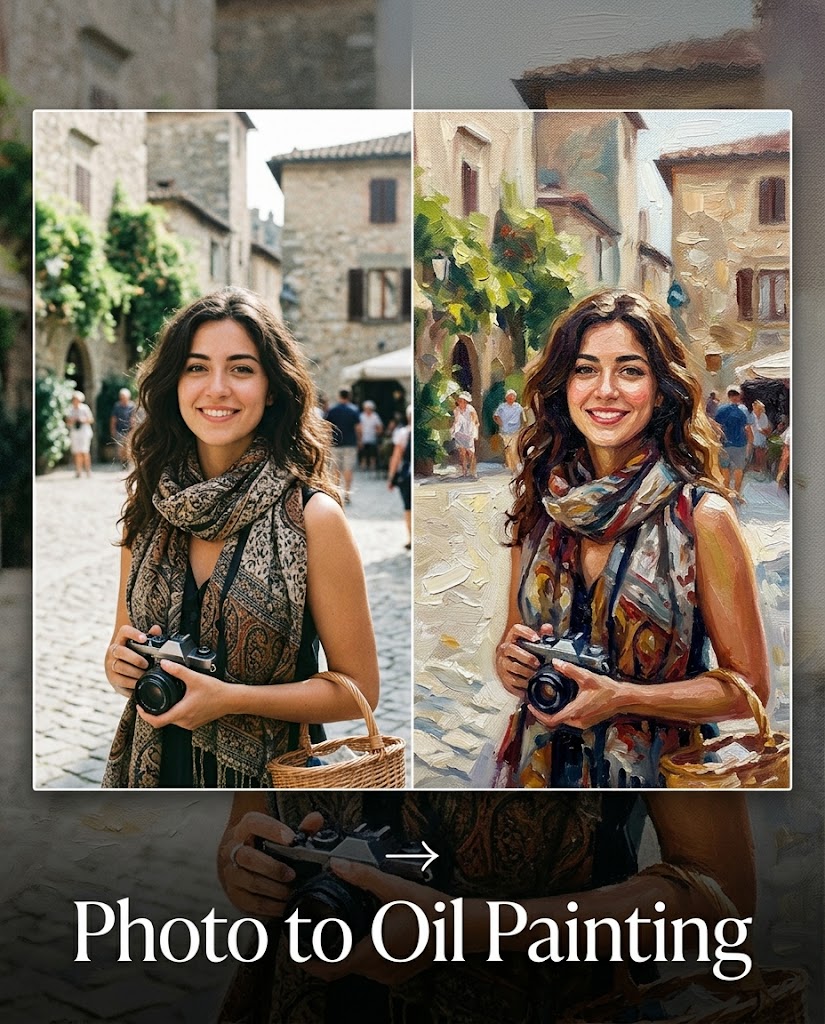
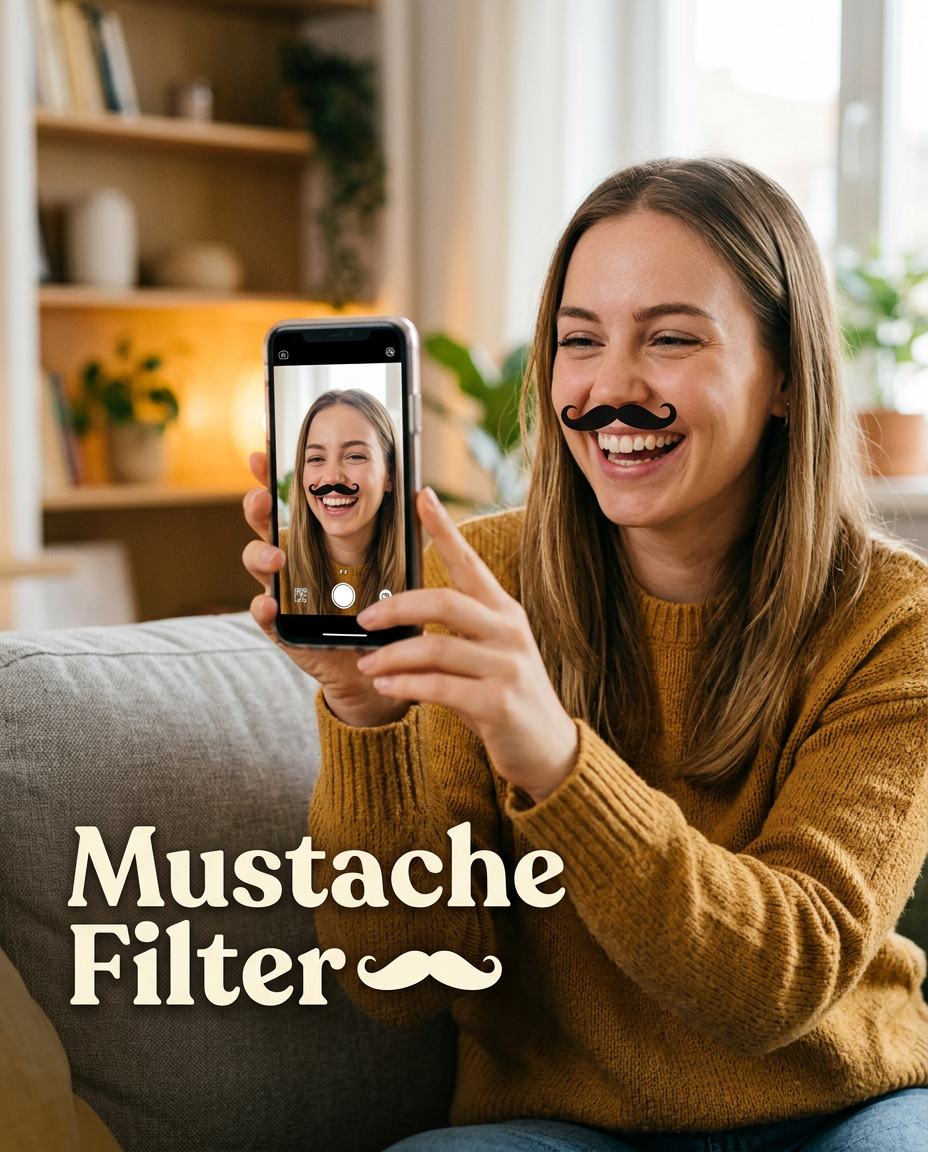
Add Mustache To Photo with Mustache Filter
Upload any portrait and instantly apply realistic mustache styles.
Mustache Filter helps you experiment with facial hair styles in seconds without editing skills or complicated software. Whether you want a modern beard styling, profile photo edits, or character inspiration, this Mustache Filter creates natural results.
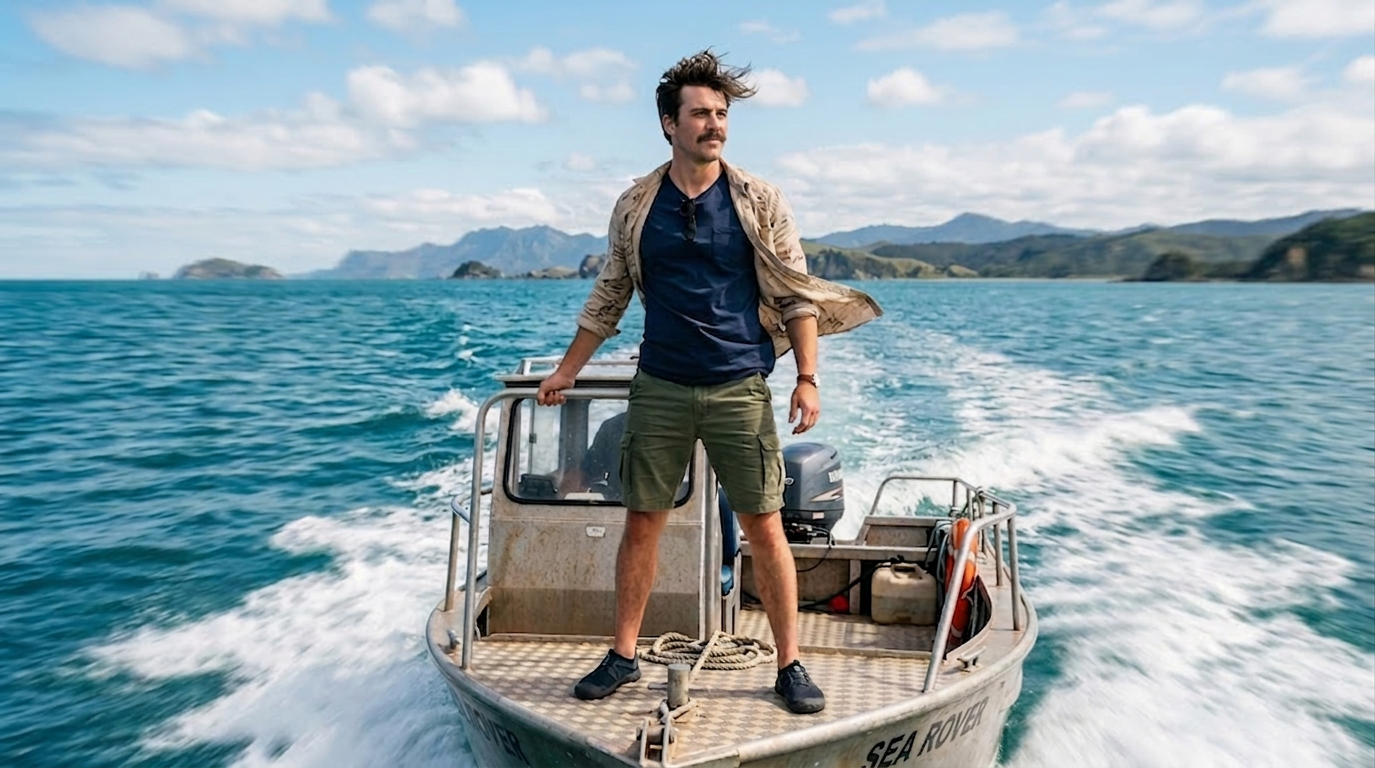
How to Use Mustache Filter
Using the Mustache Filter takes only a few clicks. The workflow is designed for casual users, creators, meme makers, and photographers who want fast and realistic facial hair transformations without manual retouching.

Upload Your Portrait
Upload a clear selfie, portrait, or group photo to start using the Mustache Filter. The tool supports common formats including JPG and PNG. Front facing images usually create the most accurate Mustache Filter results because the facial landmarks are easier for the model to analyze.

Choose Image Size
Select your preferred image ratio and resolution before running the Mustache Filter. You can create square images for profile photos, vertical images for TikTok and Instagram, or landscape compositions for thumbnails and creative edits. The Mustache Filter automatically adapts the mustache placement to the image framing.

Generate and Download
Click generate and let the Mustache Filter apply realistic facial hair in seconds. Preview the transformation immediately and download the final image for social media, entertainment, branding concepts, or personal experiments. The Mustache Filter keeps skin texture and lighting consistent for a believable appearance.
Best AI Image Tools for Creative Projects
Explore creative tools for image, learn tips and tricks, and see how AI can be your assistant in turning concepts into finished projects.
Features of Mustache Filter
Mustache Filter combines realistic rendering technology with fast image generation. Explore how the tool helps creators, photographers, meme pages, and casual users produce believable facial hair edits with minimal effort.
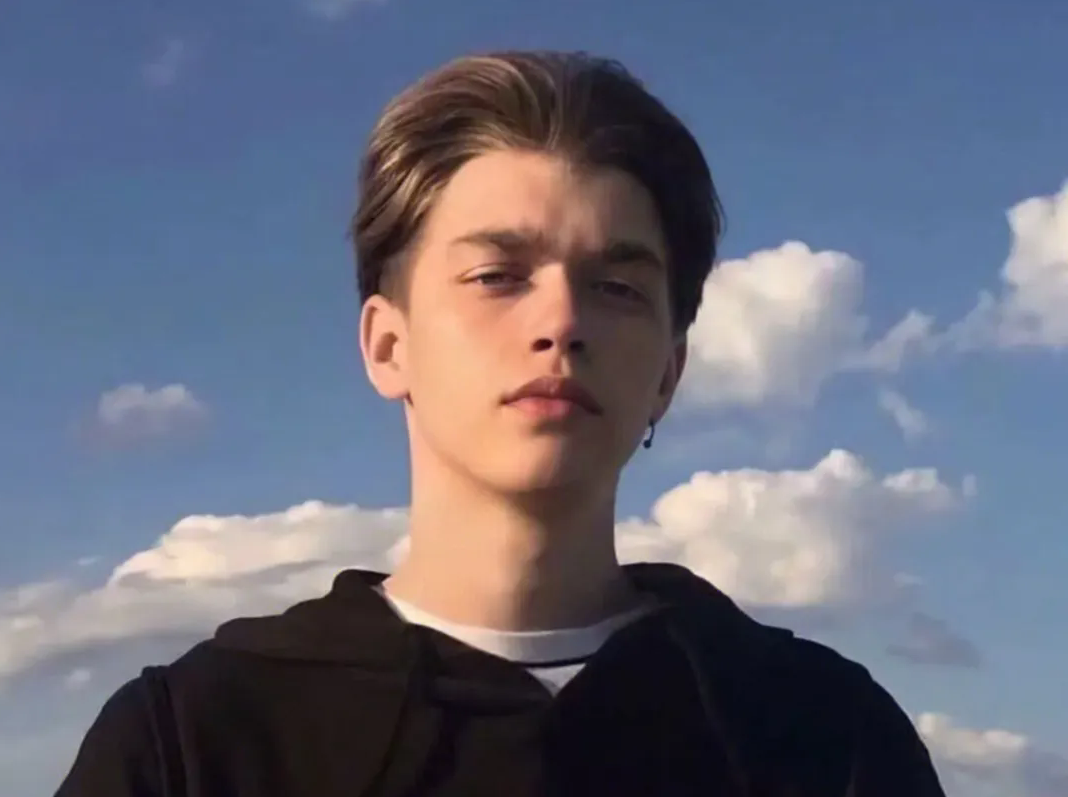
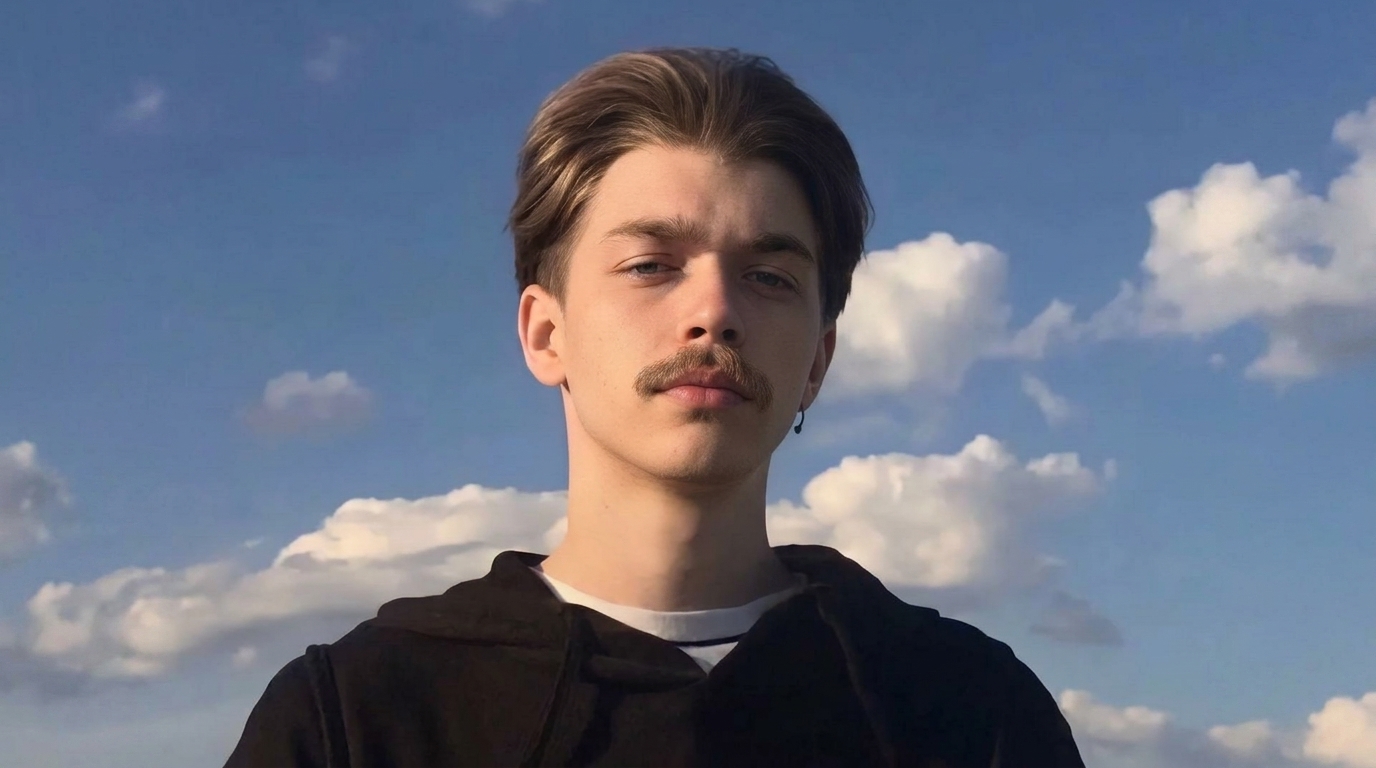
Natural Mustache Blending
- The Mustache Filter intelligently studies facial structure before placing facial hair.
- Shadows, hair density, skin tone, and lighting are adjusted automatically to create realistic results.
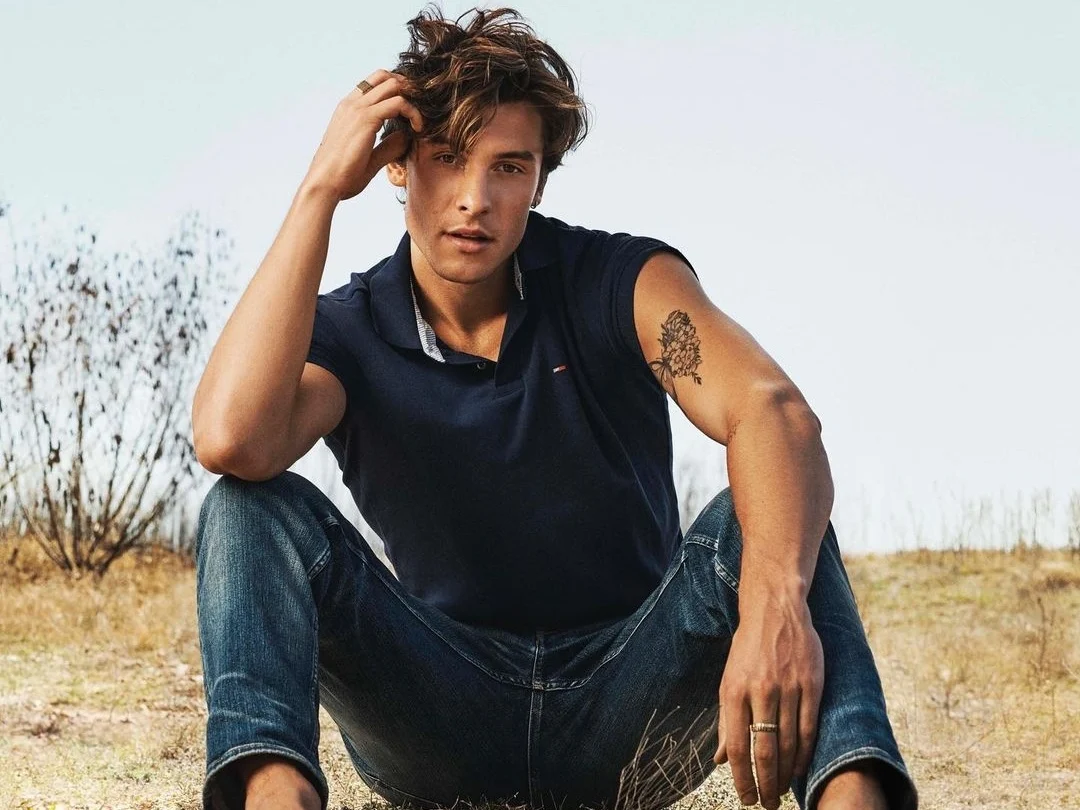
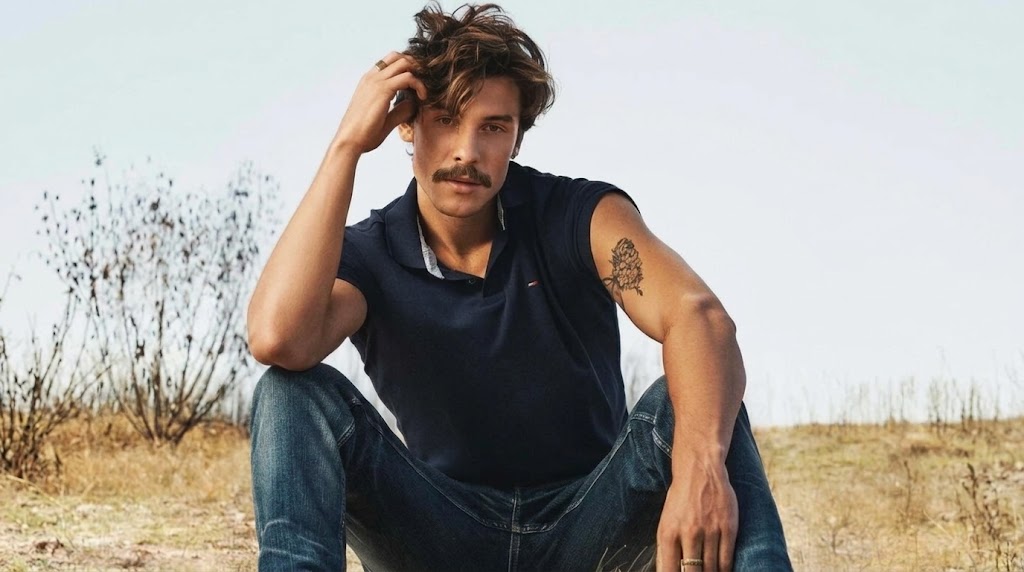
- Unlike simple sticker overlays, this Mustache Filter blends the mustache directly into the portrait so it feels naturally photographed.
- Whether you want a subtle classic look or dramatic styling, the Mustache Filter keeps facial details balanced and believable.
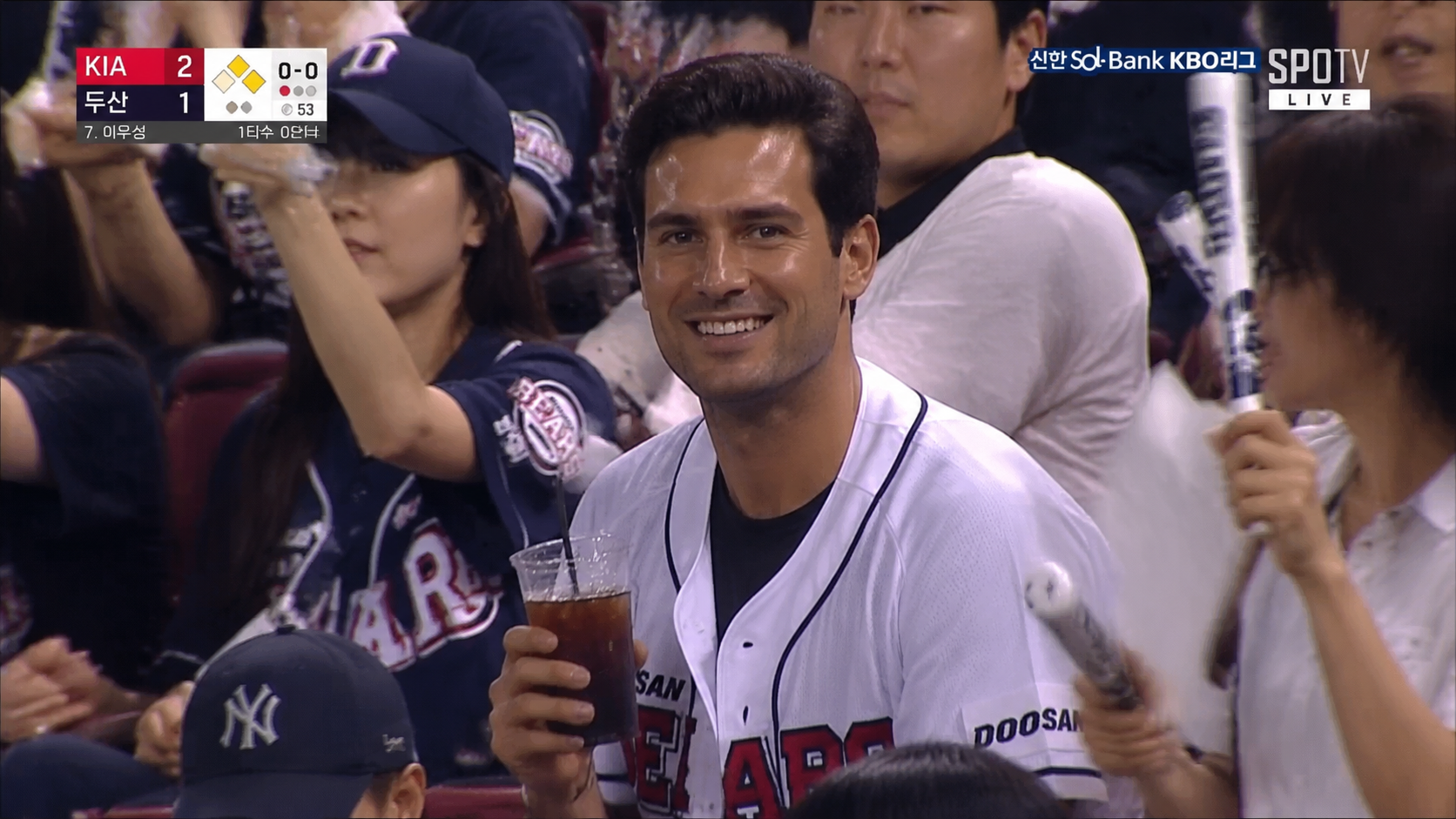
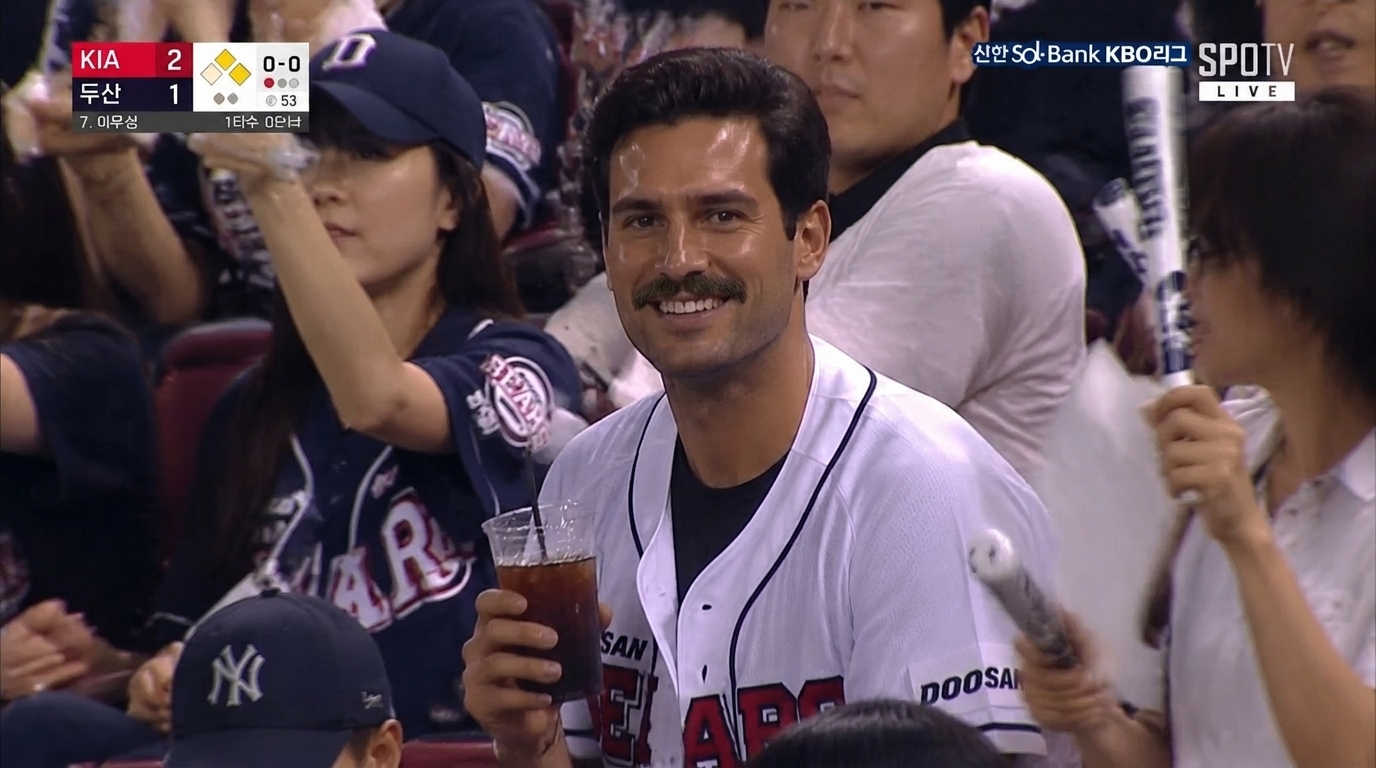
Fun Social Media Transformations
- Content creators use the Mustache Filter to make humorous profile photos, reaction memes, and character edits.
- AI Mustache Generator is perfect for TikTok trends, Instagram stories, YouTube thumbnails, and playful friend edits.
- Add Mustache to Photo workflows become much faster because the Mustache Filter automates placement and texture generation.
- You can test multiple looks quickly without learning professional editing software.
Vintage and Character Styling
- The Mustache Filter is useful for cosplay planning, theater concepts, retro portraits, and historical inspired designs.
- Try classic gentleman mustaches, dramatic curled styles, or cinematic facial hair inspired by different eras.
- This AI Mustache Generator helps artists and creators visualize character appearances instantly.
- The Mustache Filter keeps proportions realistic even on detailed close up portraits.
High Resolution Facial Hair Rendering
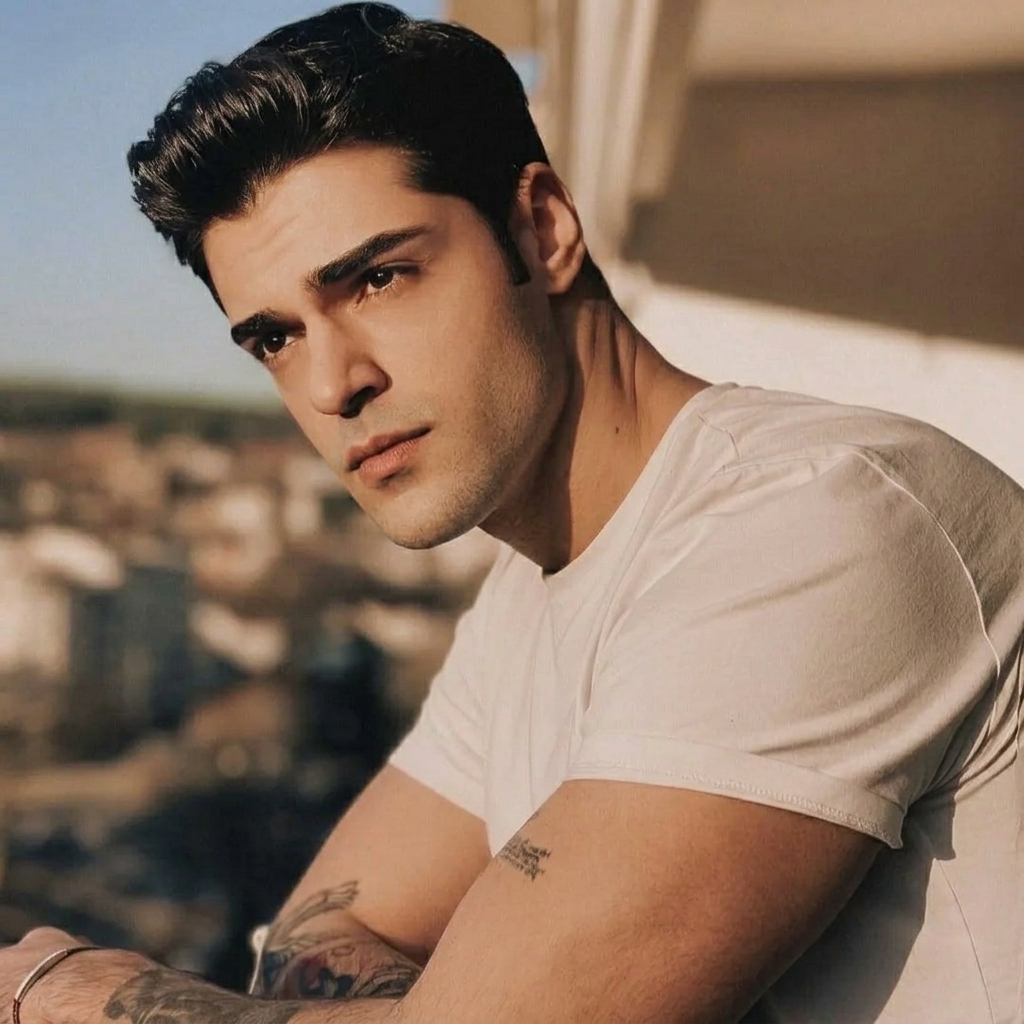
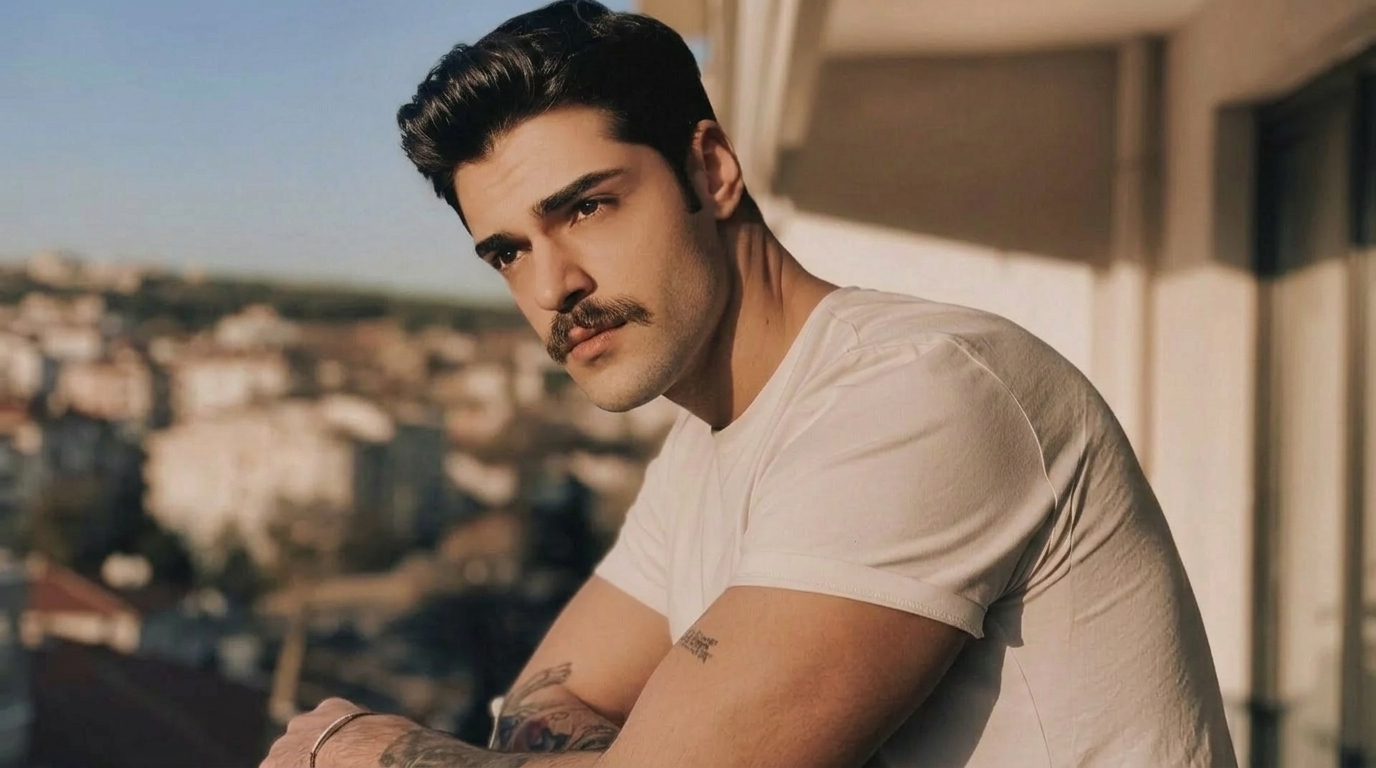
- The Mustache Filter creates detailed hair strands and clean edges suitable for modern content creation.
- Portrait photographers and designers can use the Mustache Filter for creative mockups and visual concepts.
- The AI Mustache Generator preserves image sharpness while avoiding blurry overlays or distorted textures.
- Every generated result is optimized for sharing, downloading, and editing across different platforms.
Why Choose Mustache Filter
Our Mustache Filter focuses on realism, speed, and accessibility. Whether you are creating entertainment content or testing new facial hair styles, the platform makes the editing process simple and reliable.
Fast AI Facial Hair Generation
The Mustache Filter generates realistic results within seconds so you can experiment with multiple looks quickly. Instead of manually painting facial hair in editing software, the AI Mustache Generator automates the entire transformation while maintaining natural image quality.
No Editing Experience Needed
Anyone can use the Mustache Filter without Photoshop knowledge or complicated masking tools. Upload a portrait, select the image size, and let the Mustache Filter handle placement, blending, and texture creation automatically.

Realistic Hair Texture
The Mustache Filter creates detailed facial hair with believable thickness, shading, and alignment. The system analyzes facial lighting and contours to avoid fake looking overlays. This Mustache AI workflow helps images feel naturally photographed.

Perfect for Social Media
Creators use the Mustache Filter for profile photos, reaction memes, challenge videos, and entertainment content. The tool supports multiple aspect ratios so your Add Mustache to Photo projects look optimized across TikTok, Instagram, X, and YouTube.

Works with Different Portrait Styles
The Mustache Filter works with selfies, studio portraits, group photos, and character inspired edits. Whether the image is casual or professional, the AI Mustache Generator adapts the facial hair placement for a balanced final composition.

Instant Download and Sharing
Once the Mustache Filter finishes processing, you can instantly download and share the image online. The workflow is optimized for fast content creation so creators can produce multiple Mustache Filter variations without delays.
What Users Say About Mustache Filter
Creators, designers, and casual users rely on the Mustache Filter for realistic facial hair transformations. Here are some experiences from people using the tool for entertainment, branding, and social content.
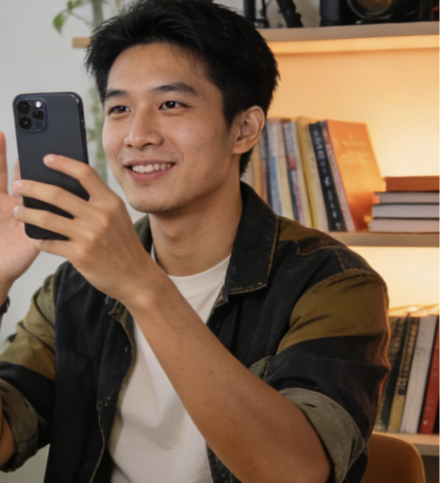
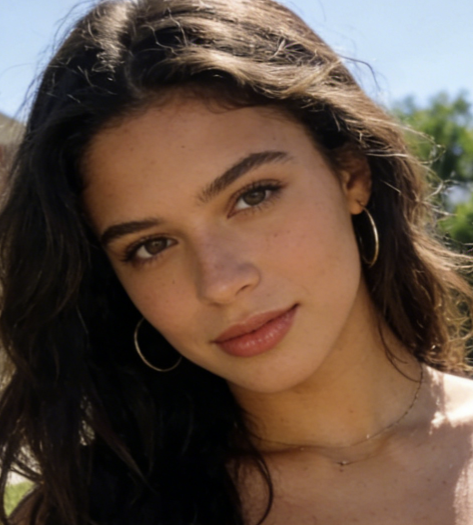
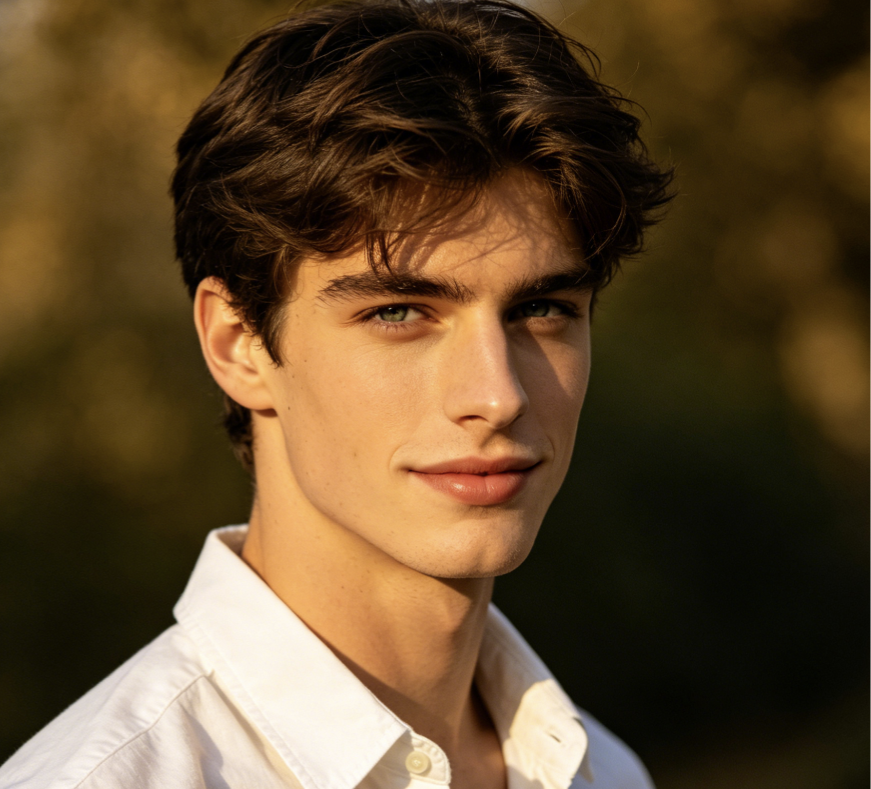
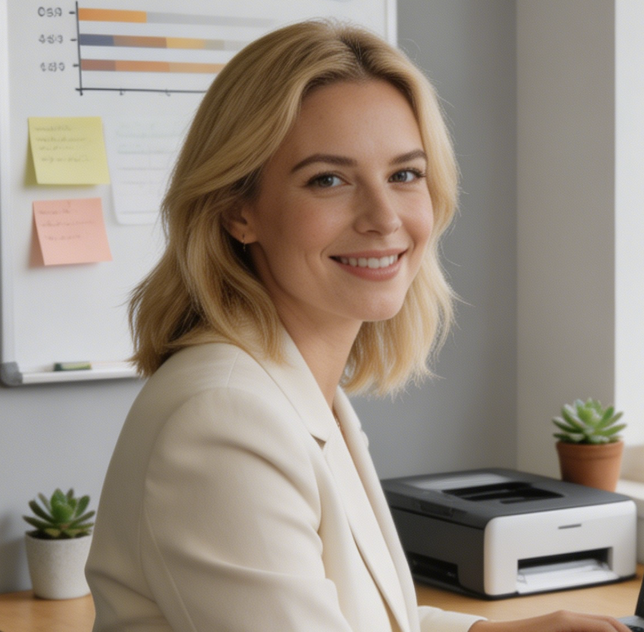
I used the Mustache Filter for a comedy video series and the results looked surprisingly natural. The mustache matched lighting and facial angles perfectly. People thought I actually grew facial hair overnight.
This is the easiest Add Mustache to Photo tool I have tested. I upload portraits for client mood boards and the Mustache Filter gives realistic concepts in seconds without manual editing.
The Mustache Filter helped me preview different facial hair styles before actually growing one. The realistic rendering made it easier to decide which style suited my face shape best.
I love how fast the AI Mustache Generator works. We used it during a livestream and viewers kept sending photos for instant transformations. The engagement was incredible.
Most facial hair apps look fake, but this Mustache AI tool actually blends the hair naturally into the portrait. The shadows and texture are much better than simple sticker filters.
The Mustache Filter became part of our meme content workflow because it is fast, reliable, and easy for beginners. We can create funny edits for social campaigns within minutes.
FAQs About Mustache Filter
Find answers about image quality, realism, supported portraits, and how the Mustache Filter works. These common questions explain how to get the best facial hair transformation results.
A Mustache Filter is an AI powered image tool that automatically adds realistic facial hair to portraits and selfies. Instead of placing a flat sticker on the image, the Mustache Filter studies facial structure, lighting, and skin tone to generate believable mustache styles. Users can upload a photo, select an image size, and instantly preview facial hair transformations suitable for entertainment, creative projects, social media, or style experimentation.
The Add Mustache to Photo workflow is simple and beginner friendly. Upload your image, choose the desired aspect ratio, and let the Mustache Filter analyze the face automatically. The system identifies facial landmarks such as the nose, lips, jawline, and lighting direction before generating realistic facial hair. The final image keeps natural proportions and blends the mustache into the portrait without obvious editing artifacts.
Yes. The Mustache Filter is designed to create believable facial hair textures instead of cartoon overlays. The model adjusts hair density, shadows, and placement based on the uploaded portrait. This allows the AI Mustache Generator to produce natural results suitable for profile photos, memes, creative concepts, and character styling. Clear front facing portraits usually generate the best realism because facial details are easier to detect accurately.
No editing experience is required to use Mustache AI tools. The platform automates the difficult parts of portrait editing including blending, masking, and texture rendering. Users simply upload a portrait and generate results within seconds. The Mustache Filter was created for beginners, creators, marketers, and casual users who want professional looking facial hair transformations without learning advanced editing software.
The Mustache Filter works best with clear portraits where the face is visible and well lit. Selfies, profile photos, studio portraits, and social media images usually produce the highest quality transformations. While the AI Mustache Generator can work with angled faces, front facing photos often deliver more accurate placement and symmetry. High resolution images also help the Mustache Filter preserve natural facial detail.
Absolutely. Many creators use the Mustache Filter for TikTok trends, YouTube thumbnails, memes, livestream reactions, and Instagram edits. The tool supports different image sizes so your content looks optimized across multiple platforms. Because the Mustache Filter generates realistic facial hair quickly, creators can test different styles and publish engaging visual content without spending hours editing manually.
The AI Mustache Generator offers an easy way to test facial hair transformations online without complicated setup. Users can upload portraits, experiment with image ratios, and preview realistic mustache effects directly in the browser. The Mustache Filter is designed to provide a smooth experience for casual entertainment, creative exploration, and content production while keeping the workflow fast and accessible.
Manual facial hair editing usually requires advanced masking, blending, and retouching skills. The Mustache Filter automates those steps using AI based facial analysis and realistic texture rendering. Instead of spending significant time adjusting layers manually, users can generate polished results within seconds. This makes the Mustache Filter ideal for creators, marketers, designers, and casual users who want efficient and believable portrait transformations.
Try the Most Realistic Mustache Filter Today
Upload your portrait and let the Mustache Filter create realistic facial hair transformations instantly. Whether you want funny edits, creative character styling, or natural mustache previews, our AI Mustache Generator makes the process fast, simple, and visually convincing.