More AI Image Generators
Explore our collection of specialized AI image generators designed for different creative needs and styles
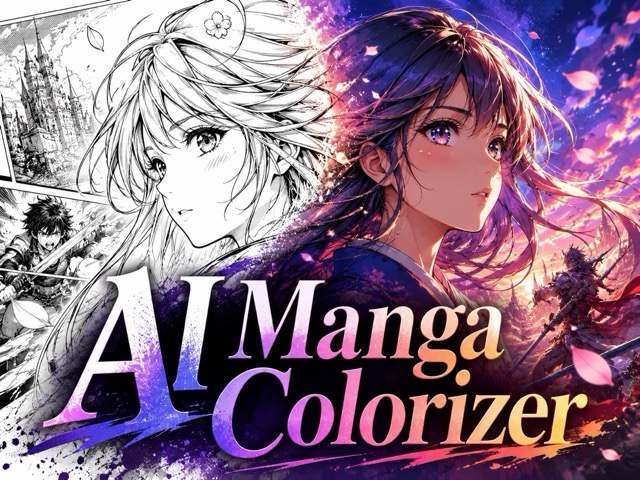
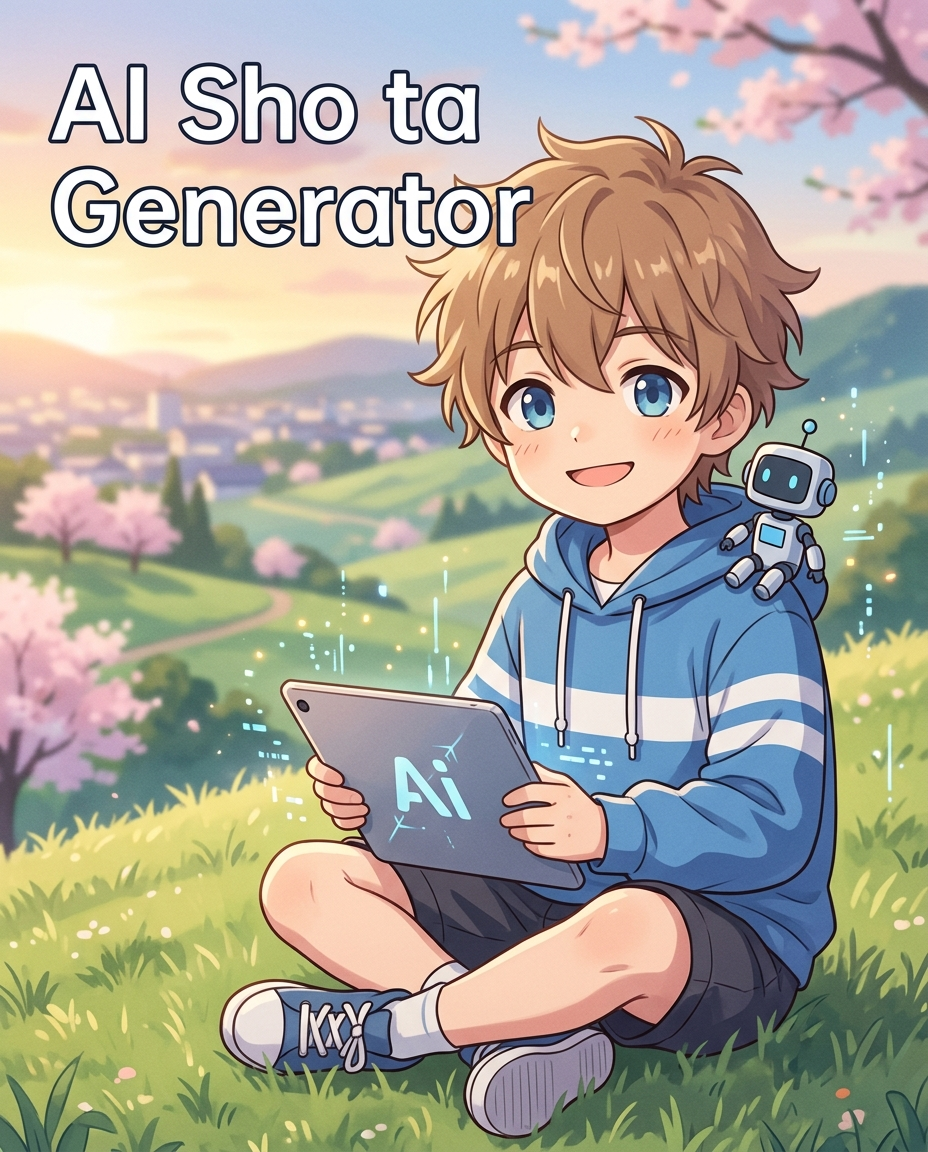
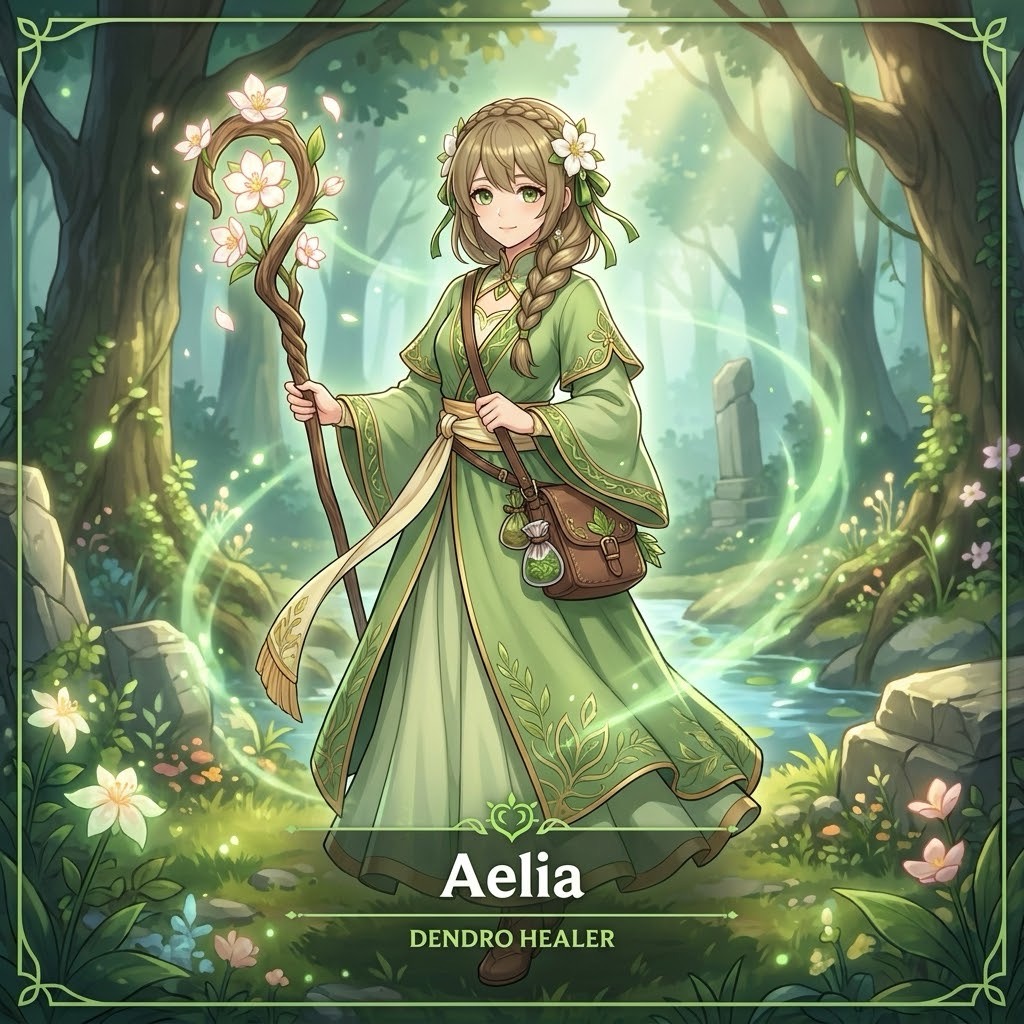
AI Manga Generator: Create Manga Art from Text or Photos
Turn prompts or uploaded images into expressive manga-style characters, scenes, and single-panel comic art. AI Manga Generator helps you create sharp line art, dramatic moods, and anime-inspired visuals in seconds.
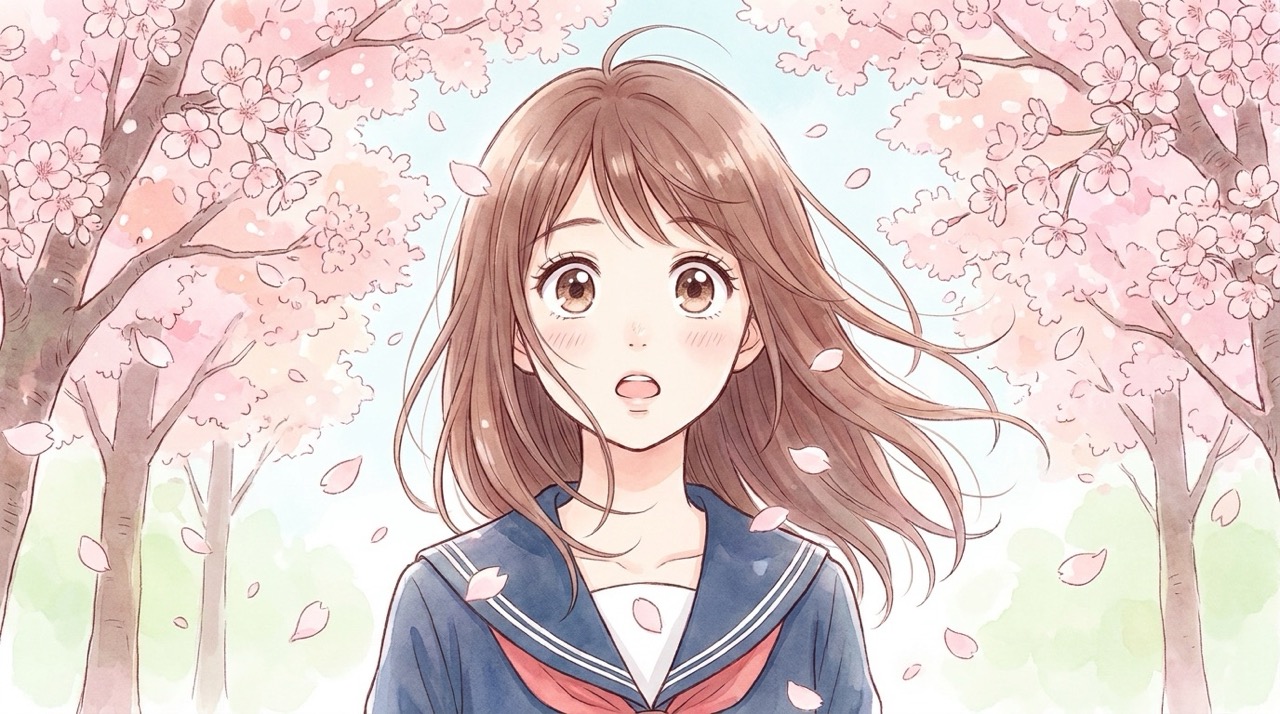
AI Manga Generator turns your idea or reference photo into manga-style artwork with clean lines, expressive faces, cinematic framing, and prompt-aware details for characters, scenes, portraits, and single-panel comics. AI Manga Generator is ideal for users who want original manga art fast, while a manga maker path keeps each idea easy to guide, revise, and reuse.
How to Use AI Manga Generator
AI Manga Generator follows a simple creative flow: write a prompt or upload a photo, generate with AI, then preview the manga-style result. The process is built for fast text-to-image and image-to-image creation. AI Manga Generator keeps the path simple for beginners, and the manga maker experience stays focused on the image you want.

Enter a Prompt or Upload a Photo
Start AI Manga Generator in Text to Image mode by describing the character, scene, pose, mood, and manga style you want. Switch to Image to Image when you want to upload a reference photo and turn it into manga art. AI Manga Generator can follow short ideas or detailed art direction, so the creative flow workflow starts wherever your concept begins.
Click Generate with AI
After your prompt or reference image is ready, click Generate with AI. AI Manga Generator reads your input and prepares a manga-focused result, from a portrait to a dramatic manga panel. AI Manga Generator uses the prompt or uploaded image as creative direction, while the creative flow result stays centered on your subject.
Preview Your Manga Image
Review the generated image, refine your prompt if needed, and create another version. AI Manga Generator makes it simple to test different expressions, camera angles, outfits, backgrounds, and panel moods. AI Manga Generator makes iteration practical, so the creative flow process feels like exploring visual options rather than starting over.
Best AI Image Tools for Creative Projects
Explore creative tools for image, learn tips and tricks, and see how AI can be your assistant in turning concepts into finished projects.
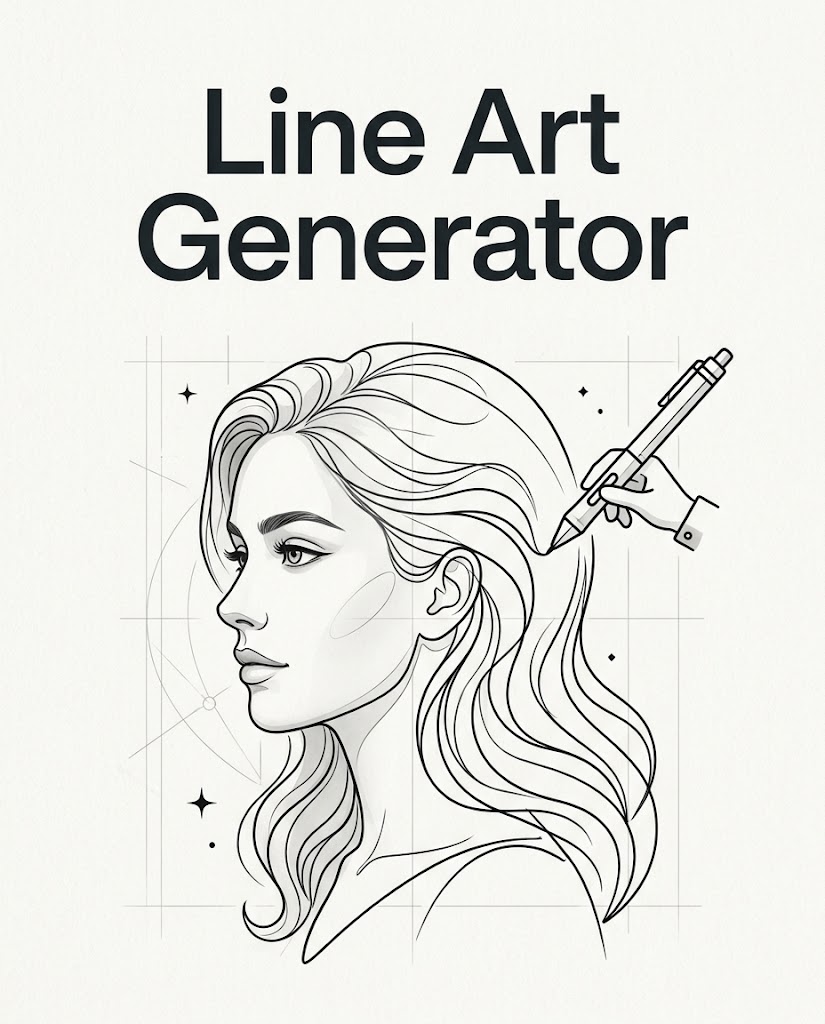
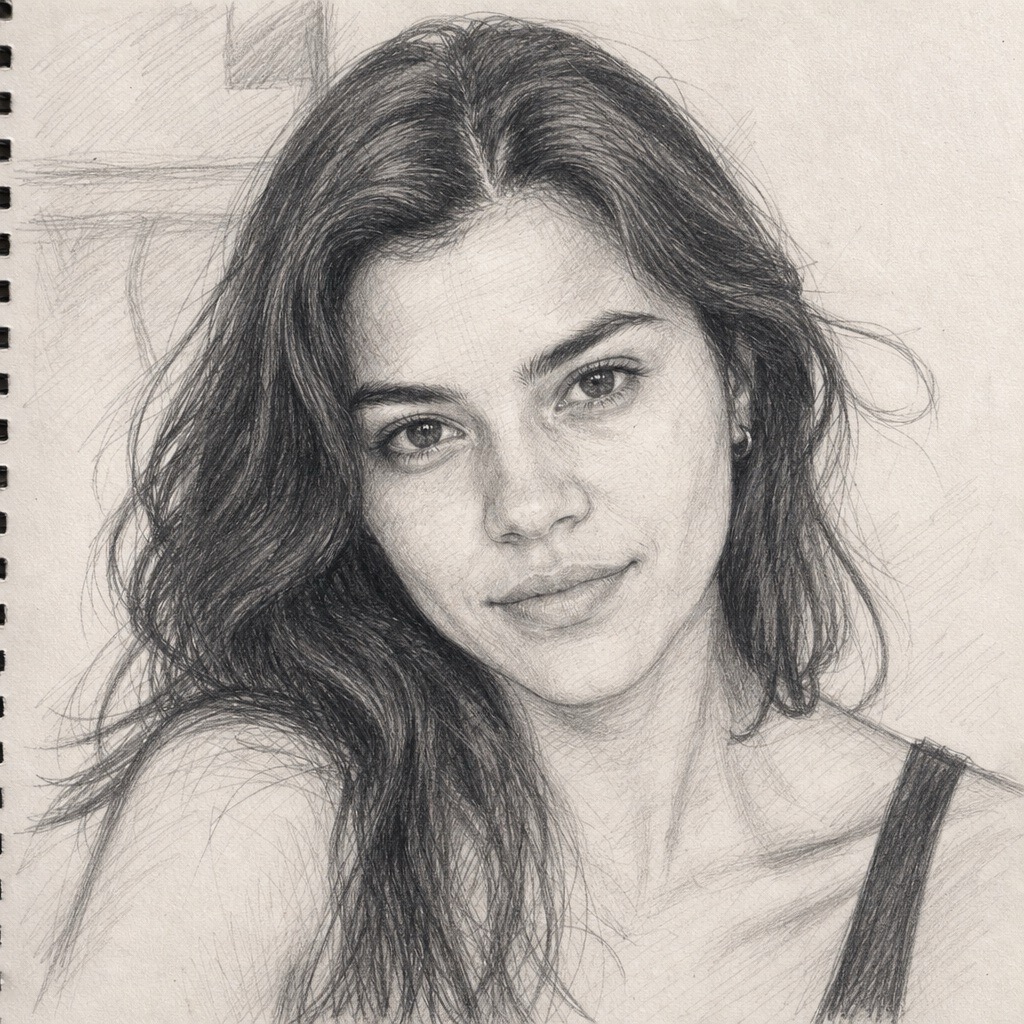
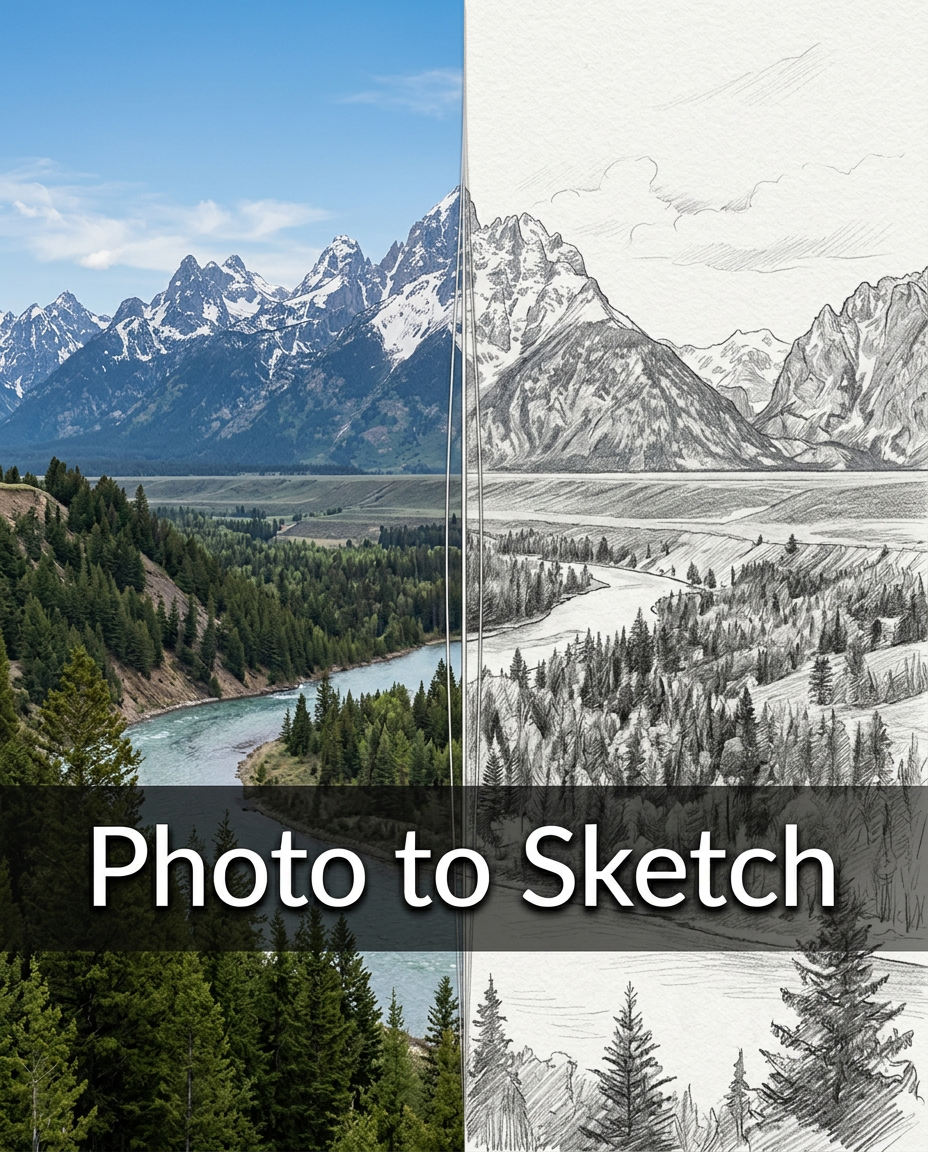
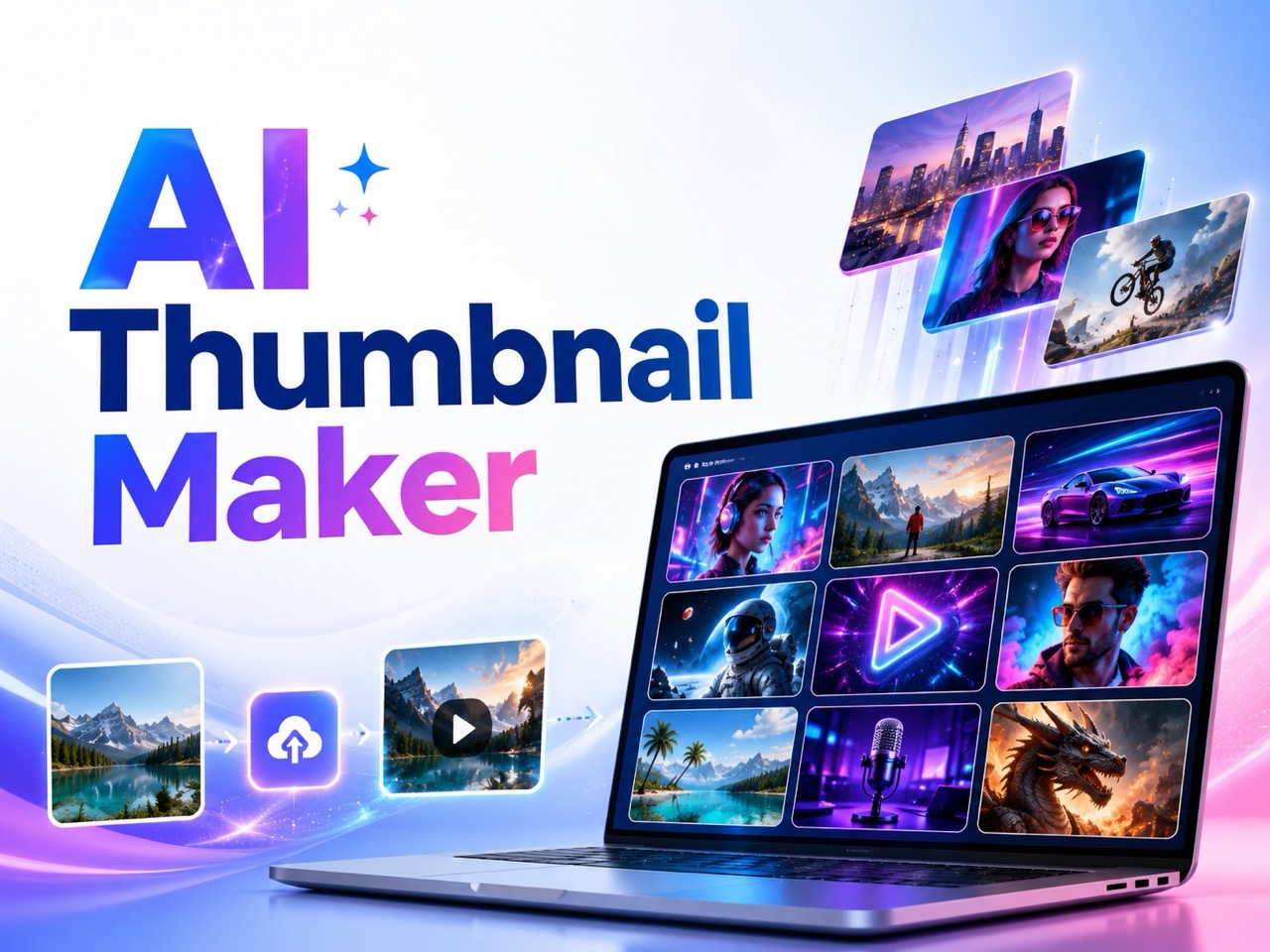
What Makes AI Manga Generator Useful
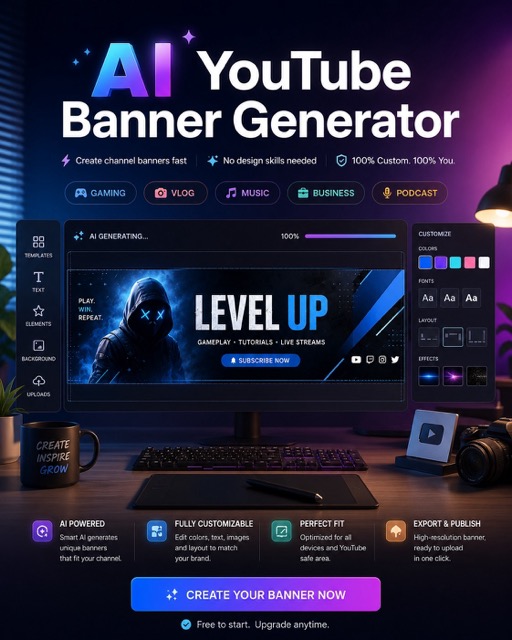
AI Manga Generator is built around real creative needs: prompt-based manga art, photo-to-manga transformation, and focused single-panel storytelling. It helps users explore ideas visually before committing to a full comic workflow. AI Manga Generator also helps users create manga online free for early drafts, personal projects, and visual experiments.
Turn Simple Ideas into Manga Scenes
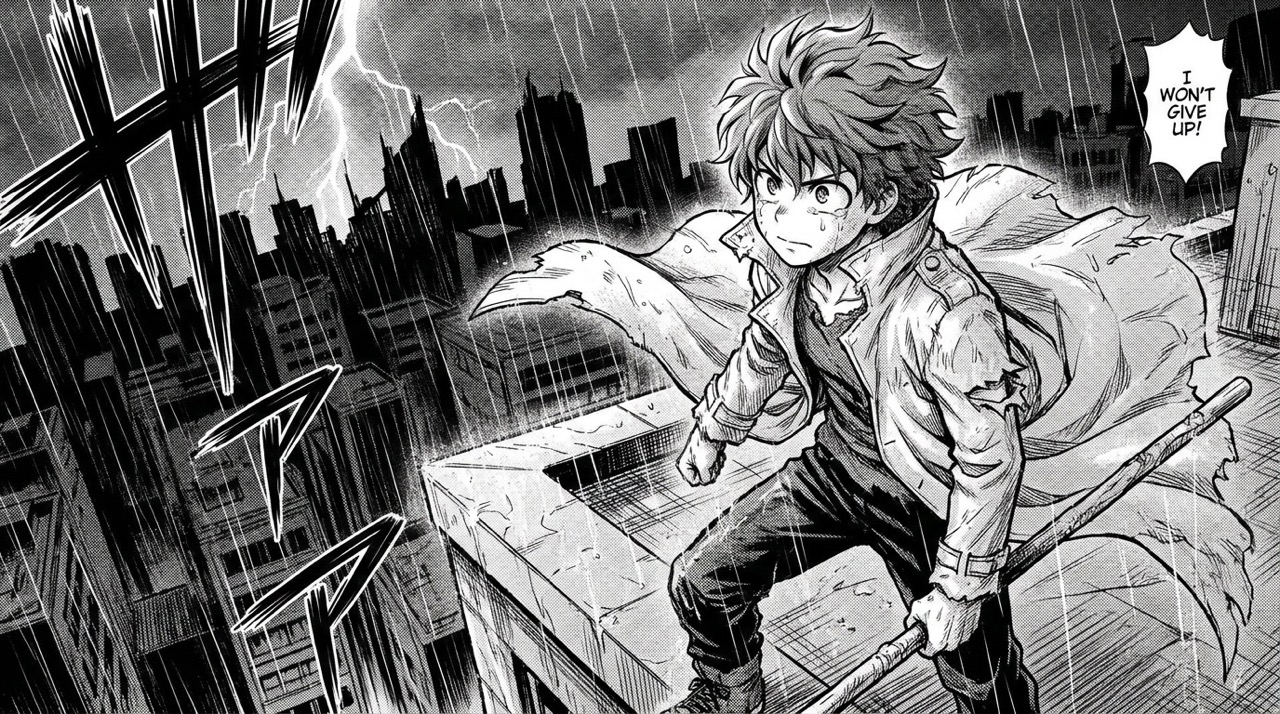
AI Manga Generator helps users move from a short idea to a polished manga scene without drawing skills. Type a character, location, emotion, and action, then let the tool shape the visual language around your words. It can add manga-style framing, expressive eyes, clean ink lines, motion cues, and atmospheric backgrounds while keeping the subject clear. This makes it useful for writers, roleplay creators, and visual storytellers who want to create comics with AI before investing time in final art.
Transform Photos into Manga-Style Portraits
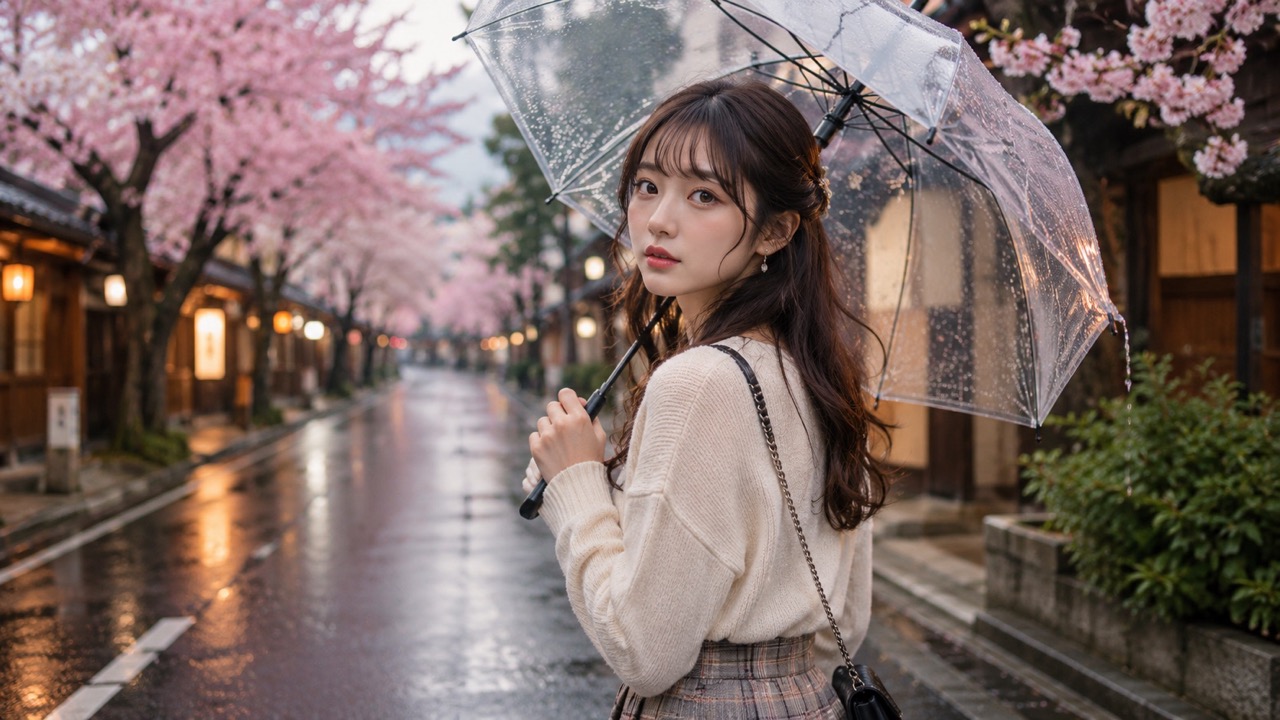
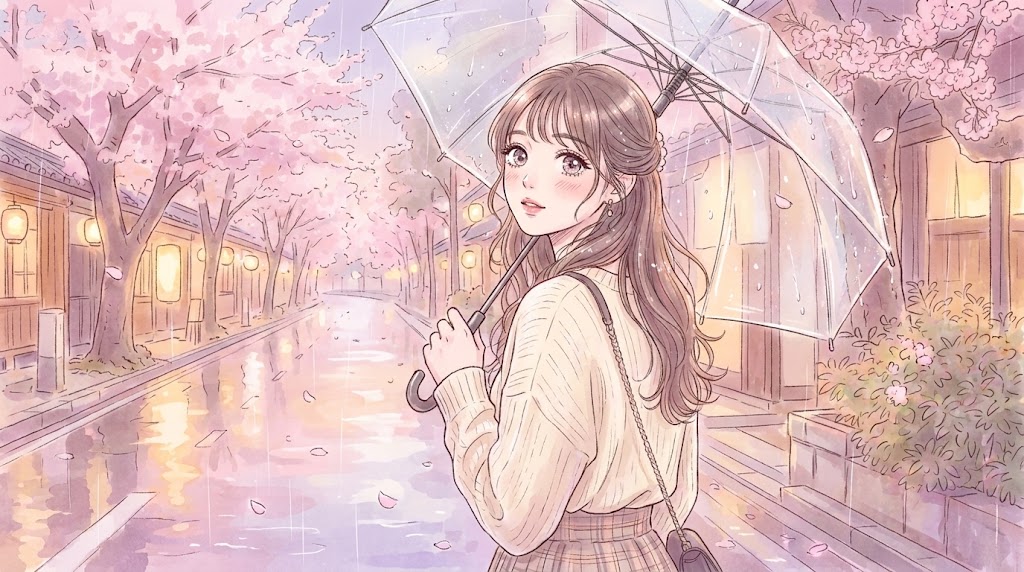
AI Manga Generator also works when users bring a reference image. Upload a portrait, pet photo, cosplay shot, product image, or scene reference, and image-to-image mode can reinterpret it as manga-style artwork. The goal is not to paste a filter on top, but to rebuild the subject with stylized line work, anime-inspired proportions, expressive shading, and a cleaner story mood. This gives creators a practical way to make avatars, profile images, character references, or personal art.
Create Single-Panel Manga Moments
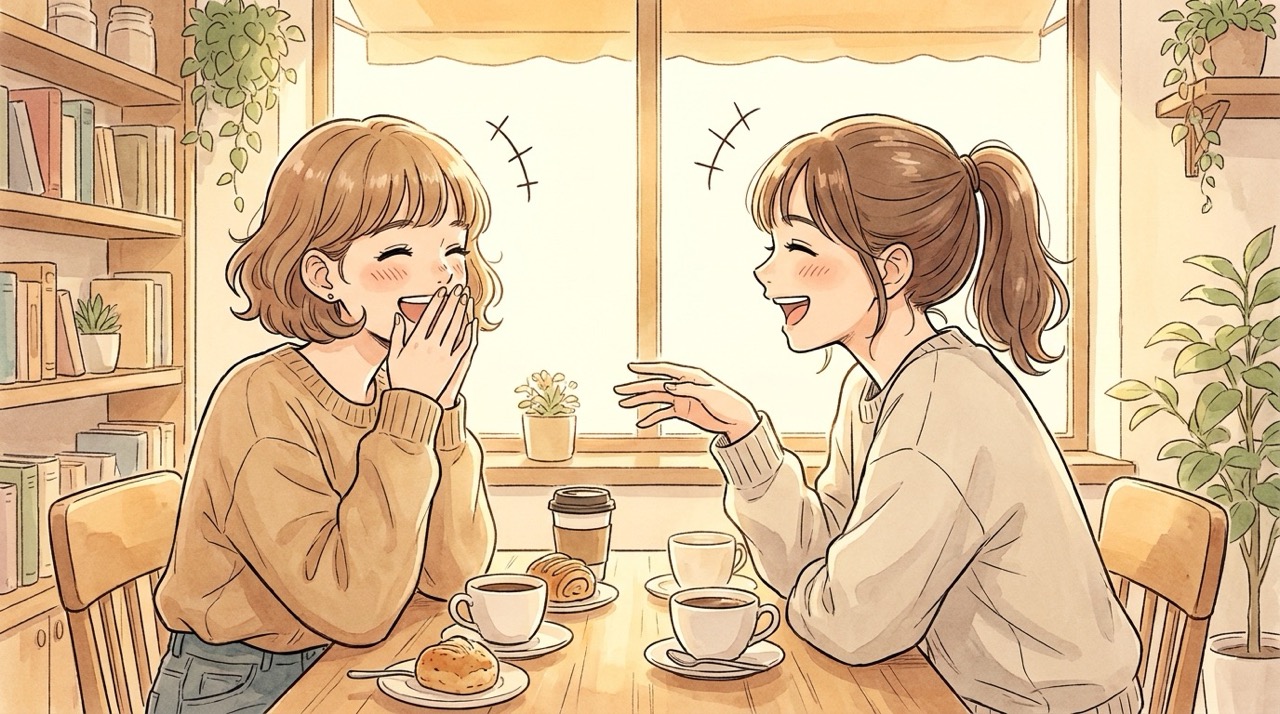
AI Manga Generator is well suited for single-panel manga art, the safest and clearest way to create a focused comic moment. Ask for a close-up reaction, battle stance, rainy street scene, magical reveal, or quiet emotional frame. The result can look like a manga panel with dramatic composition, speed lines, bold facial expressions, and strong visual storytelling. This is useful for creators who want to create manga online free for mood boards, story previews, thumbnails, and character introductions.
Who Can Use AI Manga Generator?
AI Manga Generator serves creators who need manga-style visuals without starting from a blank canvas. It supports storytelling, fan creativity, concept design, and social content through prompt and image-based generation. AI Manga Generator lets each user create comics with AI at the planning stage, even without a finished script or art team.
Writers and Story Creators
AI Manga Generator helps writers see scenes before they become scripts or chapters. A novelist can describe a tense rooftop meeting, a fantasy duel, or a romantic confession and quickly turn it into visual direction. The manga maker workflow is useful for building mood boards, character references, cover concepts, and story beats. Writers can create comics with AI as an early planning method, then refine the strongest frames into a full project.

Anime Fans and Avatar Creators
AI Manga Generator gives anime fans a way to turn personal photos, original characters, pets, and outfits into manga-inspired visuals. Upload a reference image or write a prompt for a new persona, then generate a polished portrait or scene. The manga maker can be used for profile pictures, social posts, cosplay ideas, roleplay characters, and personalized gifts. It is especially helpful when users want a custom look instead of a generic template.

Comic Concept Designers
AI Manga Generator supports early-stage comic design by turning rough concepts into visual samples. A creator can test a hero outfit, antagonist expression, school hallway setting, futuristic city, or magical creature before deciding what belongs in the story. The manga maker helps compare moods and compositions quickly, making it easier to choose a direction. It can also create manga online free for pitch boards, concept decks, and visual experiments.
Social Media and Thumbnail Creators
AI Manga Generator can help creators make attention-grabbing visuals for posts, thumbnails, banners, and reaction images. A strong manga face, action pose, or dramatic background can make an idea easier to notice. Instead of using plain stock images, creators can build original manga-style scenes from prompts or photos. The manga maker is useful for fast visual hooks, themed campaigns, anime edits, and storytelling posts that need a bold illustrated identity.
What Users Say About AI Manga Generator
Creators use AI Manga Generator for characters, portraits, scene concepts, and social visuals. These user stories show how a prompt or reference photo can become manga-style art. AI Manga Generator helps different creators move from rough ideas to shareable images.
I used AI Manga Generator to visualize a heroine from my fantasy story. My prompt was only a few lines, but the result gave me a clear outfit, mood, and expression. The manga maker helped me decide how the character should feel before I started writing the next chapter. It felt quick and easy to guide.
I uploaded a cosplay photo and used AI Manga Generator to turn it into a clean anime-style portrait. It kept the pose and outfit recognizable while making the image feel illustrated. I like that the manga maker works with both photos and prompts. It felt quick and easy to guide.
For my web story, I needed quick scene ideas. AI Manga Generator helped me create a rainy street panel, a school rooftop shot, and a dramatic close-up. The manga maker made it easier to compare visual directions without hiring an artist for every draft. It felt quick and easy to guide.
I wanted to create manga online free for a social post, and AI Manga Generator gave me a bold single-panel look. The action lines and expression made the image feel energetic. The manga maker is now part of how I test thumbnails. It felt quick and easy to guide.

FAQs About AI Manga Generator
Find quick answers about prompts, photo uploads, manga panel creation, style choices, and practical ways to use AI Manga Generator for creative work. AI Manga Generator is designed for clear creative control without complex setup.
AI Manga Generator creates manga-style visuals from text prompts or uploaded reference images. It can generate characters, portraits, scenes, and single-panel manga moments. AI Manga Generator focuses on visual manga output, not long text generation.
Yes. AI Manga Generator supports image-to-image creation, so you can upload a reference photo and turn it into manga-style art while keeping the main subject recognizable. AI Manga Generator works best with clear, well-lit references.
A good prompt includes the subject, pose, setting, mood, clothing, and style. AI Manga Generator responds best when the scene is specific and visually clear. AI Manga Generator can also follow mood words like dramatic, cute, dark, romantic, or cinematic.
AI Manga Generator is best for single-panel manga art, character scenes, and concept images. Full multi-panel pages with readable dialogue may need extra editing. AI Manga Generator is stronger when each generation focuses on one clear moment.
Yes. You can ask for black-and-white manga, colored anime, chibi, webtoon, shonen action, shojo romance, or cinematic manga style. AI Manga Generator can follow those style words in the prompt.
Yes. AI Manga Generator can help you create comics with AI for drafts, concept art, thumbnails, and visual planning before final production. AI Manga Generator is useful for planning, but final publication may need human review.
Start Creating with AI Manga Generator
Use AI Manga Generator to turn your prompt or uploaded photo into expressive manga-style art. Build characters, scenes, portraits, and single-panel ideas with a flexible manga maker made for fast visual creativity.