
More AI Image Generators
Explore our collection of specialized AI image generators designed for different creative needs and styles




















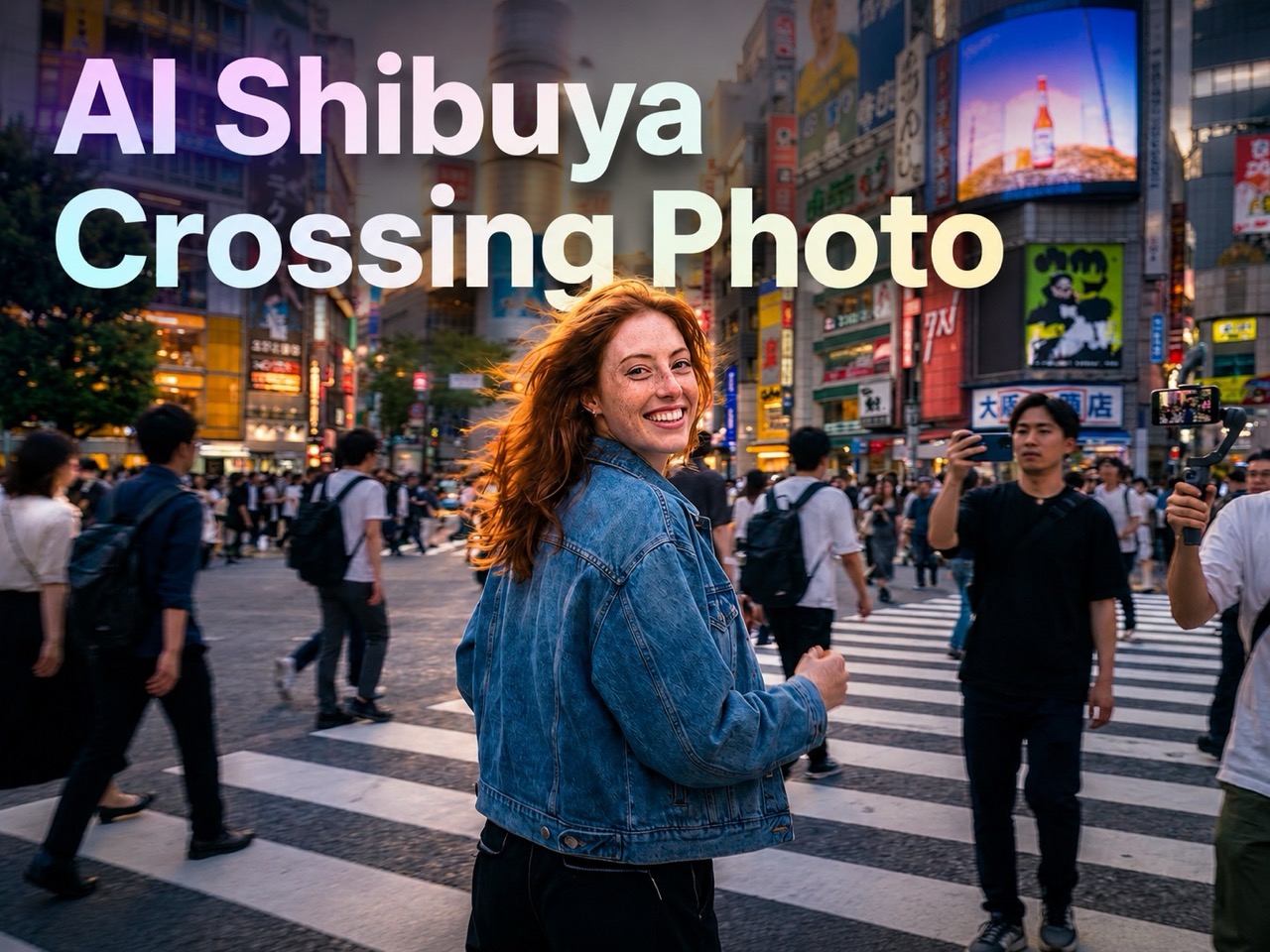


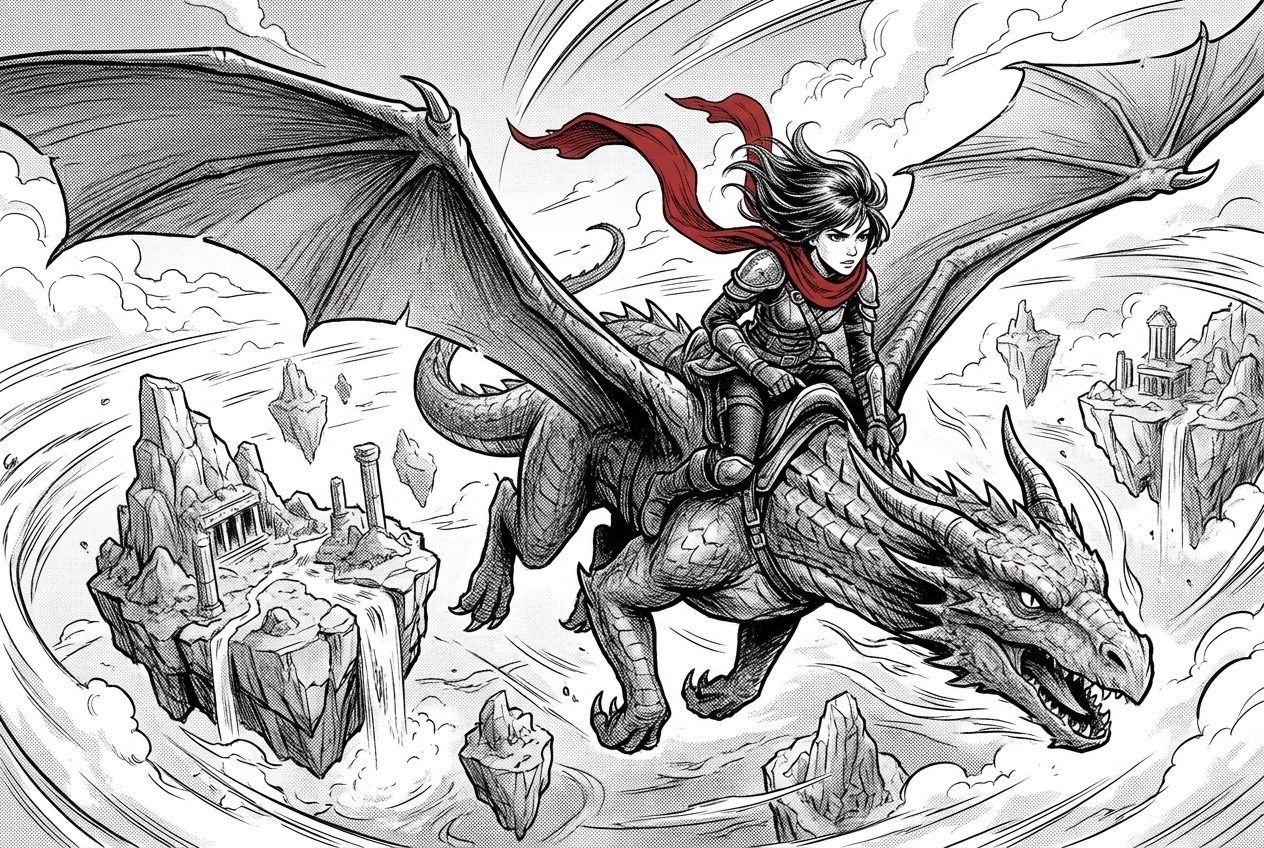
AI Comic Generator: Create Comics from Text or Images
Turn prompts or uploaded images into comic panels, manga scenes, webtoon moments, and story-ready visuals in seconds. Built for fast creative workflows.
AI Comic Generator helps you create comics online from a prompt, an uploaded reference image, or both. Describe characters, action, mood, layout, and dialogue, then generate a polished comic image without drawing skills. AI Comic Maker supports text-to-image and image-to-image workflows for quick storytelling, concept art, social posts, lessons, and creative experiments. AI Comic Generator also helps beginners understand how a short idea can become a visual story, while AI Comic Maker keeps the workflow direct enough for fast experiments and repeat generations.
How to Use AI Comic Generator in 3 Steps
AI Comic Generator follows a simple creative flow: type a prompt or upload an image with a prompt, click Generate Image, and receive a comic-style result. AI Comic Maker keeps the process focused on storytelling, not complex editing. AI Comic Generator is also flexible enough for single scenes, comic strips, and image edits.

Enter a Prompt or Upload an Image
Start with Text to Image by typing your comic idea, or choose Image to Image and upload a photo, sketch, character, or reference. Add a clear prompt so AI Comic Generator understands the story, style, subject, and changes you want. AI Comic Maker works best when you mention characters, scene, action, mood, and any exact text for bubbles.

Click Generate Image
Review your prompt, reference image, and basic settings, then click Generate Image. AI Comic Generator interprets your instructions, keeps important visual cues from the upload, and builds a comic result that matches your chosen direction. AI Comic Maker turns the request into panels, manga-style art, webtoon visuals, or a single dramatic comic scene. AI Comic Generator can follow instructions such as make it manga, add a noir mood, preserve the face, or create a funny three-panel moment.

Preview and Save Your Comic
After generation, preview the finished comic image. Use AI Comic Generator again with a refined prompt if you want different expressions, stronger action, cleaner composition, or another style.
Best AI Image Tools for Creative Projects
Explore creative tools for image, learn tips and tricks, and see how AI can be your assistant in turning concepts into finished projects.

What Makes AI Comic Generator Useful?
AI Comic Generator supports creators who need fast visual storytelling, flexible references, and prompt-based control. AI Comic Maker helps turn rough ideas, photos, and sketches into comic-ready images without requiring illustration experience. AI Comic Generator is useful when a project needs visual direction before final artwork.
Turn Prompts into Comic Scenes
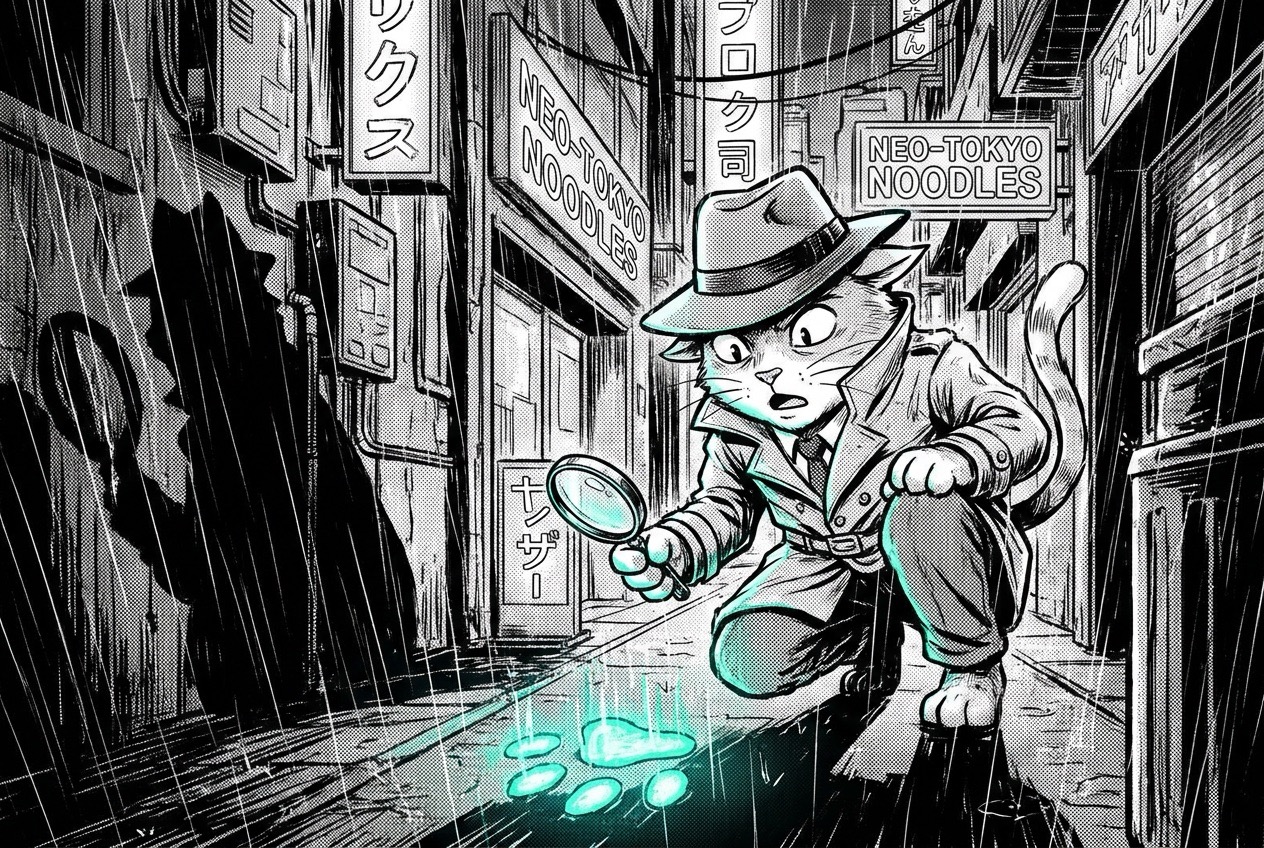
AI Comic Generator turns plain ideas into expressive comic visuals. Write a character, setting, action, genre, and tone, and the result can become a superhero splash page, a cozy slice-of-life panel, a fantasy quest moment, or a funny strip concept. AI Comic Maker helps writers and creators move from blank page to visual draft quickly. Use Free AI Comic Generator for brainstorming, story testing, and fast visual exploration before developing a longer comic. AI Comic Generator can also help compare different tones, such as cute, dramatic, vintage, action-heavy, or cinematic. The tool also helps turn notes into visuals quickly.

Transform Images into Comic Art
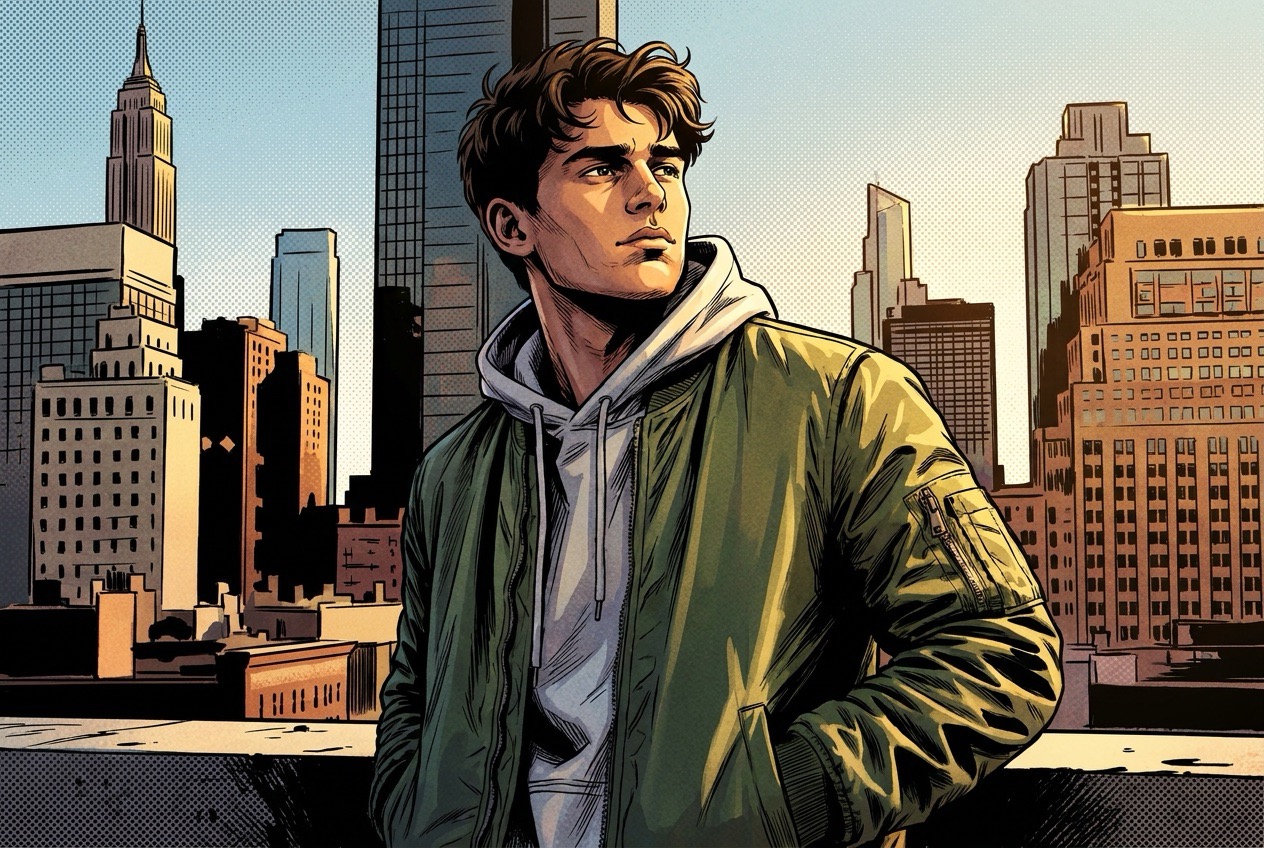
AI Comic Generator can use an uploaded image as a visual reference, then reshape it into a comic look guided by your prompt. Turn a portrait into a manga hero, convert a sketch into a polished panel, or restyle a scene as a graphic novel frame. AI Comic Maker is useful because the prompt controls what changes while the image preserves identity, pose, outfit, composition, or mood. This image-to-comic workflow gives users more predictable creative control. AI Comic Generator makes this helpful for portraits, pets, product mascots, classroom sketches, and story references.
Build Better Visual Stories
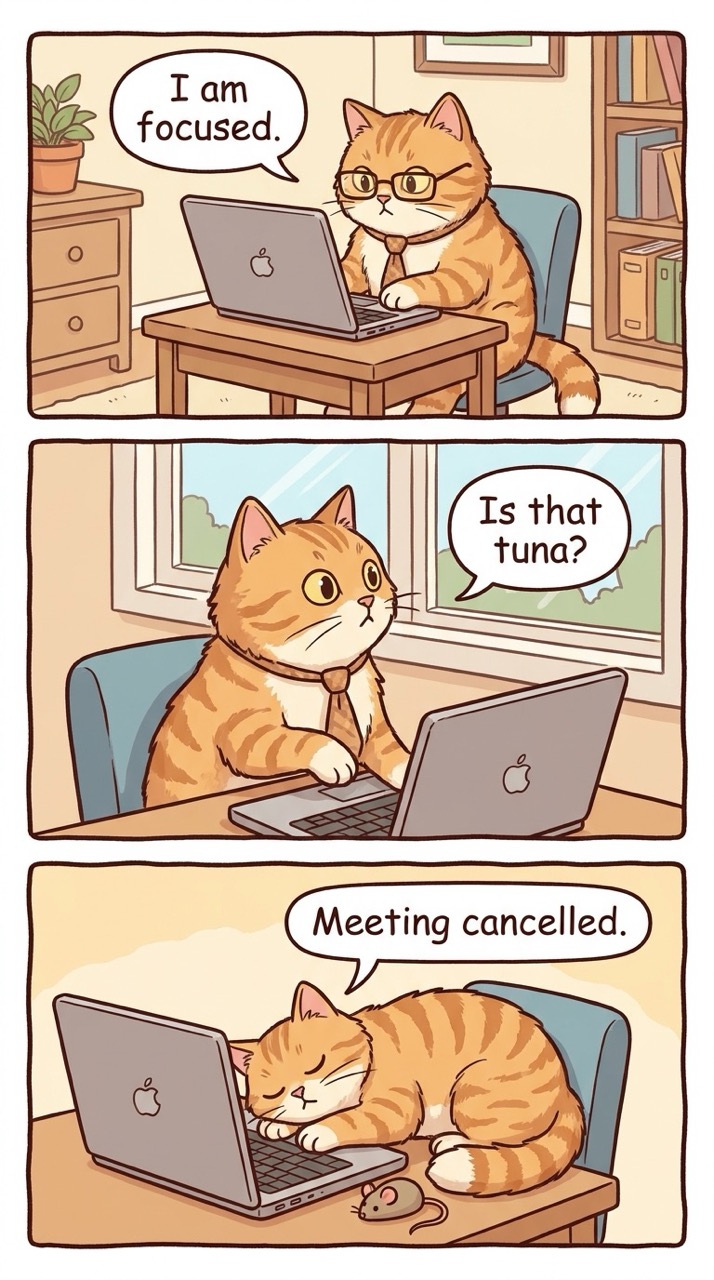
AI Comic Generator is designed for storytelling, not just style filters. Describe a conflict, emotion, camera angle, or key moment, and AI Comic Maker can create a scene that feels like part of a larger narrative. Add exact dialogue only when you want bubbles or captions, and keep the prompt focused for cleaner results. Use Create Comics with AI to test plots, compare genres, or visualize characters before committing to a finished project. AI Comic Generator can support early storyboarding by giving each idea a visual anchor before detailed writing begins.
Who Can Use AI Comic Generator?
AI Comic Generator fits many creative workflows, from entertainment and education to marketing and character design. AI Comic Maker is especially helpful when you need visual ideas quickly and want to create comics online with flexible inputs. AI Comic Generator can also support repeat prompt testing when a creator wants several possible directions.

Writers and Storytellers
Writers use AI Comic Generator to visualize scenes before drafting full pages. A short prompt can reveal character energy, setting mood, and possible panel composition. AI Comic Maker helps test whether a story moment feels dramatic, funny, romantic, mysterious, or cinematic. It is especially helpful for outlining webtoons, short strips, and graphic novel concepts. AI Comic Generator gives authors a visual checkpoint before they spend time on finished pages.

Social Media Creators
Creators use AI Comic Generator to produce shareable comic-style posts, reaction images, mini stories, and themed visuals. AI Comic Maker can turn daily jokes, product stories, personal moments, or trending ideas into scroll-friendly artwork. With create comics online workflows, content can move from concept to finished visual faster than traditional design. AI Comic Generator is especially useful when a creator needs several visual concepts for a campaign or trend.

Educators and Explainers
Teachers and educators use AI Comic Generator to make lessons more visual. A historical scene, science process, safety reminder, or language dialogue can become a comic panel that students understand quickly. AI Comic Maker helps simplify complex ideas through character actions, captions, and visual sequence, making learning feel more engaging and memorable. AI Comic Generator can make abstract topics feel concrete by showing people, choices, and outcomes. The tool is helpful for short visual explanations.

Game and Character Designers
Designers use AI Comic Generator to explore characters, costumes, poses, worlds, and dramatic moments. Uploading a rough sketch or reference image gives AI Comic Maker a starting point, while the prompt defines personality, genre, and scene. This helps teams test visual directions for heroes, villains, side characters, and storyboards before production. AI Comic Generator helps designers compare designs without redrawing the same idea again and again.
What Users Say About AI Comic Generator
Creators use AI Comic Generator for fast ideas, reference-based transformations, and story visuals. These users show how AI Comic Maker supports writing, design, education, and social content. AI Comic Generator gives each workflow a faster path from idea to image.
I used AI Comic Generator to turn a short fantasy prompt into a dramatic panel for my webtoon outline. AI Comic Maker gave me a strong mood, clear character pose, and useful setting idea. It helped me move past a creative block and plan the next chapter with confidence. AI Comic Generator felt like a visual brainstorming partner.
I uploaded a rough character sketch and described the scene I wanted. AI Comic Generator kept the main design while making the art feel like a polished comic panel. AI Comic Maker is now part of my early concept process because it makes visual testing fast. AI Comic Generator helped me compare versions before choosing one.
I needed a fun visual for a social post, so I tried Free Online Comic Generator and wrote a simple prompt. AI Comic Generator produced a playful comic-style image that matched my idea. AI Comic Maker was easy to use, and I liked that I could refine the prompt for a better version. AI Comic Generator made the post feel more original.
My students respond better to visual lessons, so I used AI Comic Generator to create a short classroom comic about teamwork. AI Comic Maker made the topic easier to explain and more engaging. The result gave me a clear image I could use as a discussion starter. AI Comic Generator made the lesson feel more like a story.



FAQs About AI Comic Generator
Learn how AI Comic Generator handles prompts, uploads, styles, and text. AI Comic Maker is simple to use, but clear instructions always produce better comic results. AI Comic Generator rewards precise prompts and simple creative goals.
Use AI Comic Generator by entering a prompt or uploading an image with a prompt. Then click Generate Image and preview the result. AI Comic Maker works best when your prompt includes subject, style, action, mood, and any exact dialogue. AI Comic Generator can be reused with refined wording if the first result is not exact.
AI Comic Generator supports both text-to-image and image-to-image creation. You can start from a written idea, or upload a photo, sketch, or reference image and guide AI Comic Maker with a prompt. AI Comic Generator can also combine both inputs when you want reference-based control.
Yes. AI Comic Generator can create manga-inspired scenes, webtoon visuals, American comic looks, cartoon panels, graphic novel frames, and other styles when described clearly in the prompt. AI Comic Generator follows the style words you provide.
For AI Comic Generator, include the character, setting, action, emotion, comic style, and camera view. For image edits, tell AI Comic Maker what to preserve and what to change. AI Comic Maker can respond better when the instruction is specific and concise.
AI Comic Generator can add text when you provide exact dialogue or captions. To avoid unwanted words, tell AI Comic Maker not to include speech bubbles or lettering. AI Comic Generator should receive the text exactly as you want it displayed.
AI Comic Generator can help create comic-style visuals for posts, lessons, concepts, and story drafts. Review each result and make sure your use follows any rules that apply to your project. AI Comic Maker is best treated as a creative assistant for usable visual drafts.
Create Your First Comic with AI Comic Generator and AI Comic Maker
Use AI Comic Generator to turn a prompt or uploaded image into a comic-style result. AI Comic Maker helps you create comics online for stories, posts, lessons, and visual ideas. AI Comic Generator is a practical starting point for anyone who wants to Create Comics with AI quickly. The workflow stays simple from prompt to result.
